
- CTR is YouTube's #1 signal for video promotion - higher CTR means exponentially more impressions
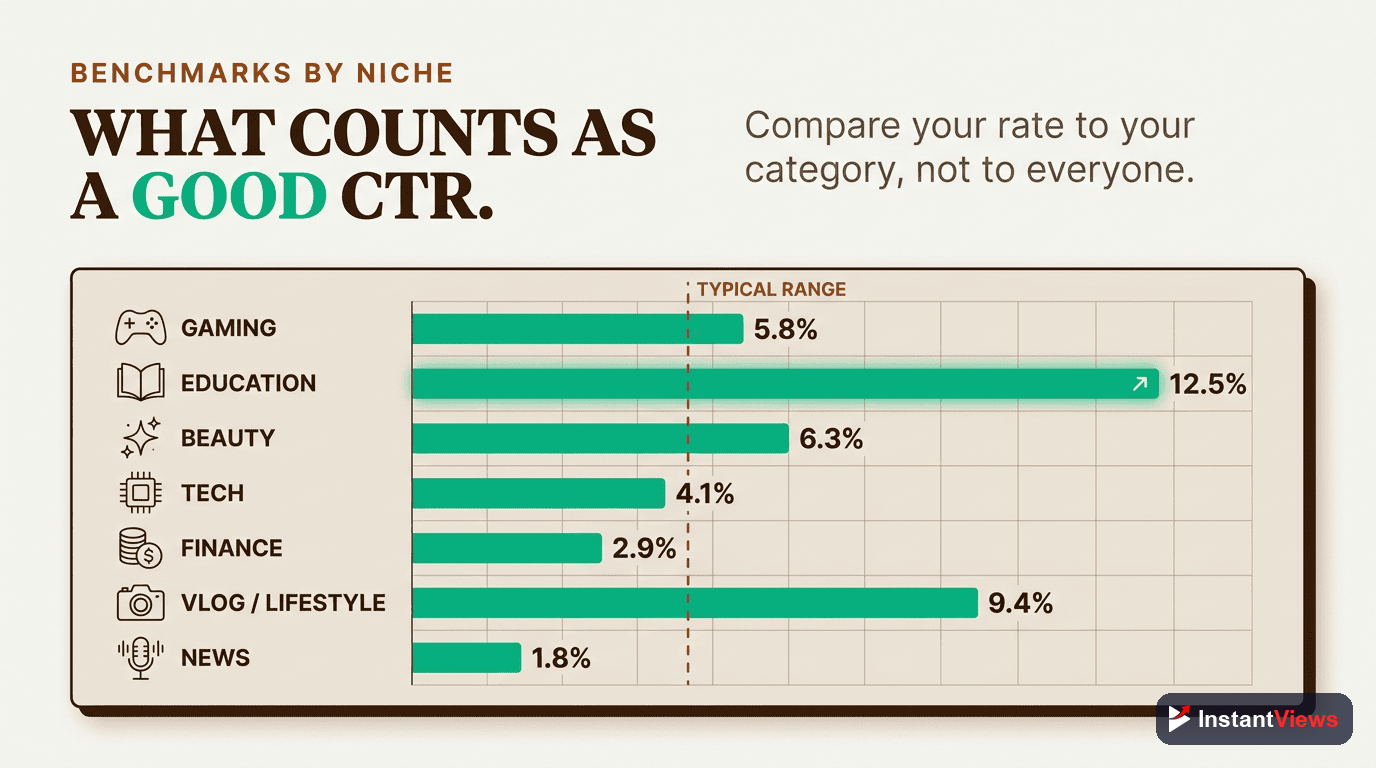
- Average CTR varies by niche: Gaming (3-5%), Education (5-8%), Entertainment (6-12%)
- Thumbnail and title must work together as a curiosity unit, not duplicate information
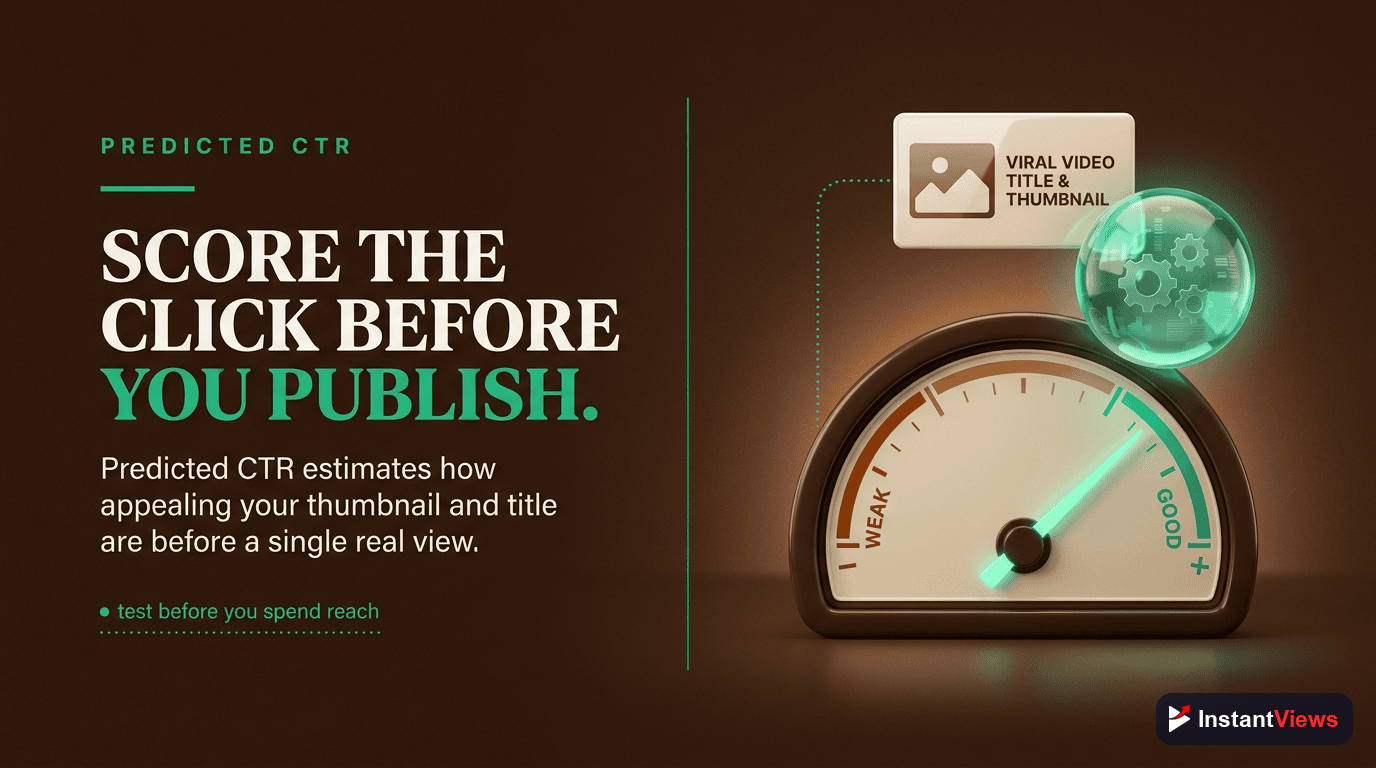
- Predicted CTR analysis lets you optimize before uploading, saving weeks of testing
- InstantViews Video Analyzer predicts your CTR using AI trained on millions of YouTube videos
Your video's Click-Through Rate (CTR) is the single most important metric determining whether YouTube shows your content to 100 people or 100,000 people.
Think of CTR as the algorithm's first filter. Before YouTube cares about watch time, retention, or engagement, it needs to know: will people actually click?
In this comprehensive guide, you'll learn the science behind YouTube CTR optimization, from thumbnail psychology to predicted CTR analysis, and how to use the InstantViews Video Analyzer to predict and maximize your click-through rate before uploading.
What is CTR and Why It Matters
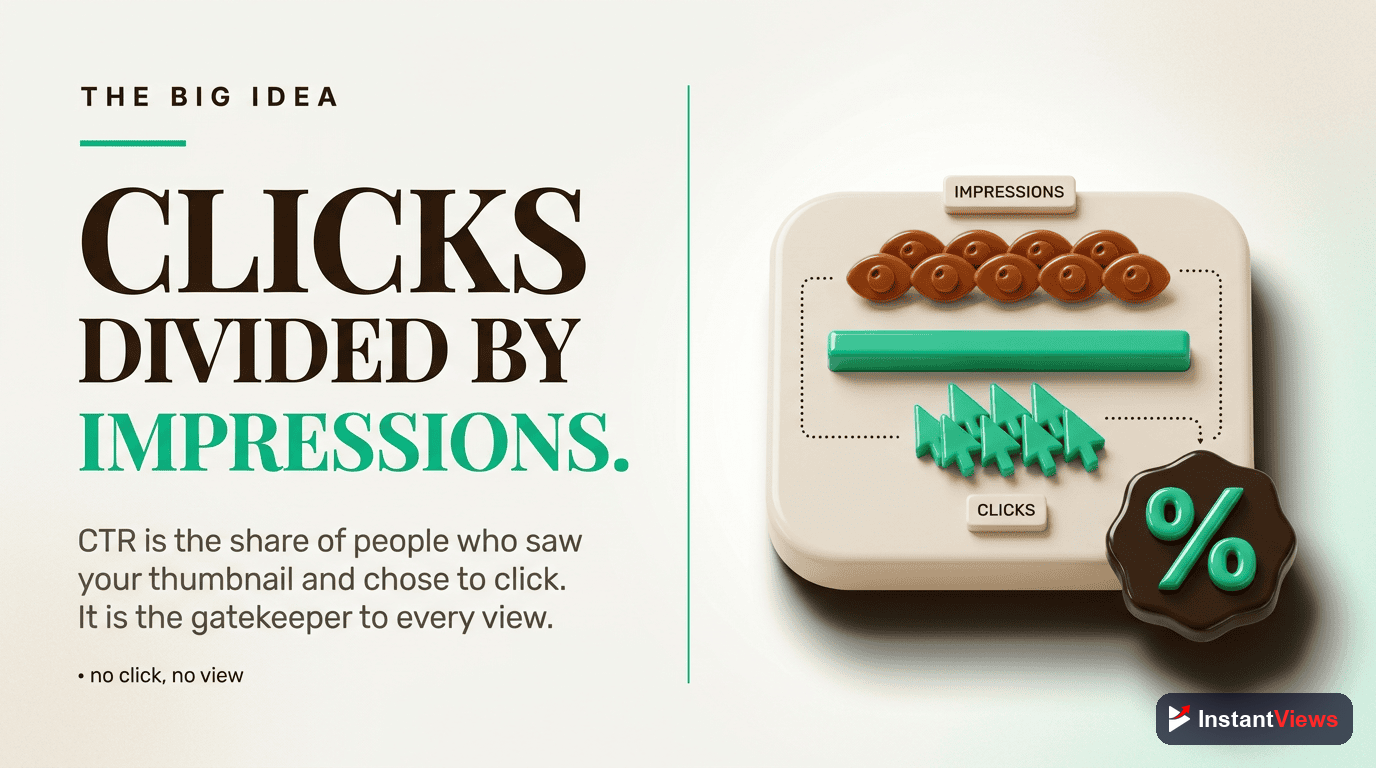
Click-Through Rate (CTR) is the percentage of people who click on your video after seeing it in their feed, search results, or recommended videos.
The formula is simple:
CTR = (Clicks / Impressions) × 100
If YouTube shows your video to 1,000 people and 50 click, your CTR is 5%.
Why CTR is Critical for YouTube Success
CTR directly controls how aggressively YouTube promotes your video:
- Initial Test Phase - YouTube shows new videos to a small audience (typically 100-500 people). If CTR is high, it expands to thousands. If CTR is low, the video dies.
- Exponential Growth - A video with 10% CTR gets 3-5x more impressions than one with 4% CTR, even with identical content quality.
- Long-Term Reach - High CTR videos continue getting recommended weeks or months after upload, while low CTR videos fade in days.
- Channel Authority - Consistent high CTR builds channel-wide trust with the algorithm, improving future video performance.
Average CTR Benchmarks by Niche
CTR varies significantly by content type, audience size, and traffic source. Here's what you should expect:
| Niche | Average CTR | Good CTR | Excellent CTR |
|---|---|---|---|
| Gaming | 3-5% | 6-8% | 10%+ |
| Educational/Tutorial | 5-8% | 8-12% | 15%+ |
| Entertainment/Vlog | 6-12% | 12-18% | 20%+ |
| Tech Reviews | 4-7% | 7-10% | 12%+ |
| Finance/Business | 5-8% | 8-12% | 15%+ |
| Cooking/Food | 4-6% | 6-10% | 12%+ |
| Fitness/Health | 5-7% | 7-11% | 14%+ |
| News/Commentary | 7-10% | 10-15% | 18%+ |
CTR by Traffic Source
Different traffic sources have different CTR expectations:
| Traffic Source | Typical CTR Range | Why It Differs |
|---|---|---|
| Browse Features (Homepage) | 3-6% | Casual browsing, low intent, high competition |
| Suggested Videos | 4-8% | Topic interest established, medium intent |
| YouTube Search | 8-15% | Active searching, high intent, specific need |
| Notifications | 15-30% | Loyal subscribers, very high intent |
| External (Social Media) | 10-25% | Pre-qualified traffic from targeted promotion |
| Playlists | 20-40% | Sequential viewing, autoplay advantage |
New channels (under 1,000 subscribers) typically see 20-30% lower CTR than established channels with the same content quality. This is normal - build authority through consistency and optimization over time.
How to Improve Thumbnails for CTR
Your thumbnail is the visual advertisement for your video. Here's how to optimize it for maximum clicks:
Visual Clarity and Contrast
70% of YouTube views happen on mobile devices where thumbnails are tiny (320x180px). Your thumbnail must communicate value in under 1 second.
- Single focal point - Face, object, or text (never all three competing)
- High contrast - 70%+ difference between subject and background
- Minimal text - Maximum 3-5 words in 40pt+ font
- Empty space - Guides the eye to what matters
- Mobile test - Always preview at 320x180px before finalizing
Bad: Cluttered background, tiny text, multiple competing elements
Good: Clean background, large face with emotion, 3 words max
Emotional Triggers
Faces with clear emotions outperform abstract designs by 300%. Emotion creates curiosity and human connection.
- Close-up faces - 60-80% of frame with exaggerated expressions
- Direct eye contact - Creates psychological connection
- Clear emotion - Surprise, excitement, concern, shock (avoid neutral)
- Pointing/gesturing - Directs viewer attention to text or objects
- Color psychology - Red (urgency), blue (trust), yellow (optimism)
Visual Differentiation
Your thumbnail must stand out in a feed of 20+ similar videos. Being different beats being "better" designed.
- Research competitors - Search your keyword, analyze top 10, do the opposite visually
- Uncommon colors - Use color schemes your competitors avoid
- Avoid cliches - Red arrows, shocked faces, and "clickbait blue" are overused
- Unconventional layouts - Vertical text, off-center subjects, unique framing
- Signature style - Develop a recognizable visual brand
For more detailed thumbnail optimization strategies, check out our YouTube Thumbnail Best Practices guide.

Title Optimization for Clicks
Your title and thumbnail must work together as a single unit. The thumbnail grabs attention, the title creates curiosity and provides context.
The Curiosity Gap Formula
Great titles create an information gap between what viewers know and what they want to know. This gap compels clicks.
- Start strong - First 40 characters matter most (mobile truncation)
- Use numbers - "7 Ways" beats "Ways" (specificity = credibility)
- Ask questions - "Why Your Videos Get No Views" (problem awareness)
- Power words - Secret, proven, ultimate, complete, simple, fast
- Incomplete information - Tease the solution without revealing it
Weak: "YouTube Growth Tips"
Strong: "7 YouTube Secrets That Got Me 100K Subs in 6 Months"
Weak: "How to Edit Videos"
Strong: "I Spent $10K Learning Editing - Here's What Actually Matters"
Keyword Integration Without Stuffing
Balance curiosity with searchability. Titles need keywords for YouTube search and suggested videos, but must remain natural and compelling.
- Primary keyword first - Include main keyword in first 5 words
- Natural language - Write for humans, not robots
- Add year - "YouTube SEO (2026)" signals freshness
- Niche terminology - Use phrases your audience actually searches
- Autocomplete research - Type keywords in YouTube search, note suggestions
Title-Thumbnail Synergy
Your title and thumbnail should complement each other, not duplicate information. Together they create a complete curiosity unit.
- Question-Answer Split: Thumbnail asks visually (confused face + "?"), title hints at answer
- Before-After Tease: Thumbnail shows transformation, title explains how
- Mystery Element: Thumbnail hints at something shocking, title elaborates on why it matters
- Emotion-Reason Split: Thumbnail shows emotion, title provides logical context
Learn more about title optimization strategies that convert impressions into clicks in our complete guide.
Predict Your CTR Before Uploading
Stop guessing. Get AI-powered CTR predictions, thumbnail analysis, and title optimization suggestions before you publish.
Try Video Analyzer Free →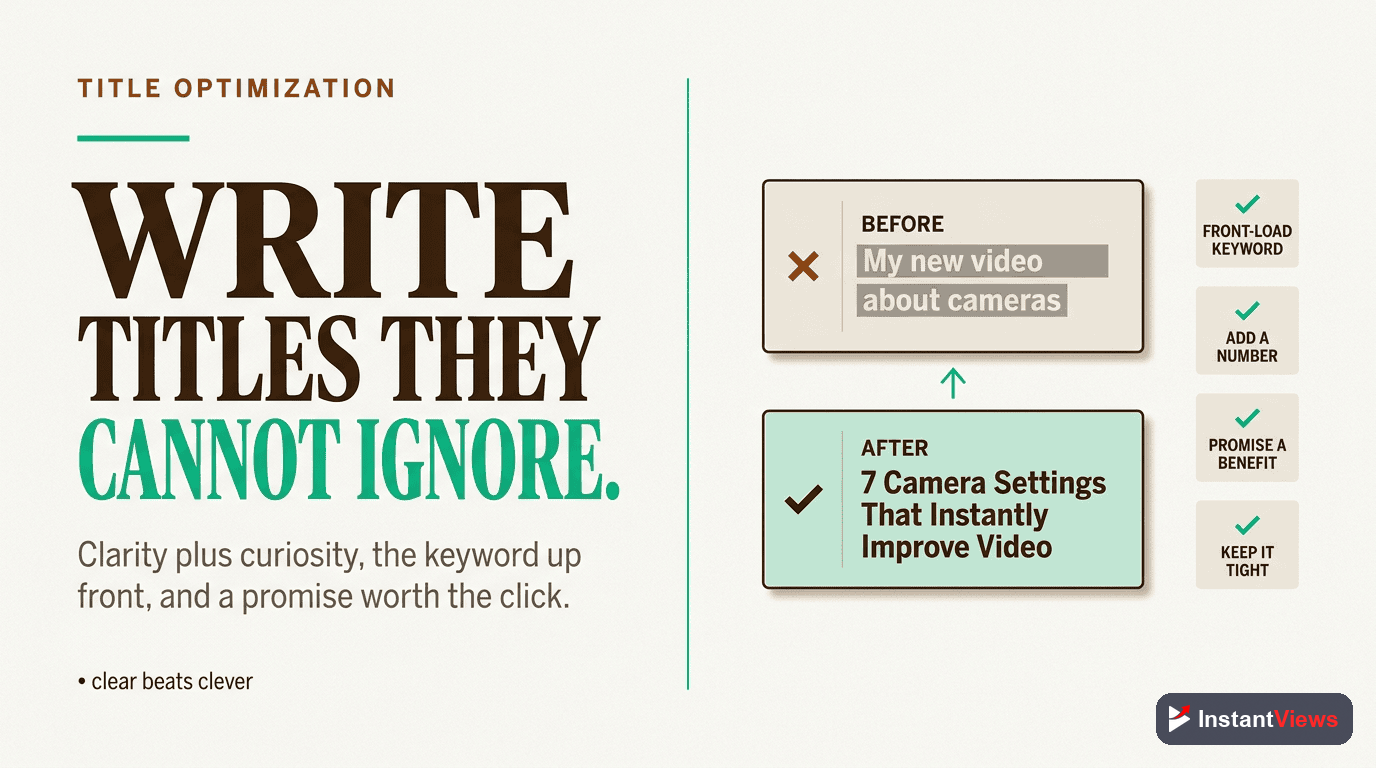
Predicted CTR Analysis Explained
Predicted CTR is YouTube's estimate of how well your video will perform based on early performance signals and historical data.
Here's how YouTube predicts CTR internally:
YouTube's CTR Prediction Process
- Initial Test Audience - Shows your video to 100-500 people (subscribers + topic-interested viewers)
- Performance Measurement - Tracks CTR, watch time, engagement in first 1-2 hours
- Pattern Matching - Compares your results to millions of similar videos
- Prediction Calculation - Estimates long-term CTR based on early signals
- Scaled Distribution - If prediction is good, expands to larger audience exponentially
Factors That Influence Predicted CTR
- Thumbnail visual quality - Clarity, contrast, emotional impact
- Title optimization - Curiosity gaps, keyword relevance, length
- Channel authority - Historical CTR performance on previous videos
- Topic competitiveness - How many similar videos exist
- Viewer behavior - How your audience typically interacts with content
- Seasonal trends - Time of year, current events, trending topics
YouTube makes 80% of its promotion decision within the first 48 hours. If your predicted CTR is low, the algorithm gives up quickly. This is why pre-upload optimization is critical - you only get one chance at a strong first impression.
How InstantViews Video Analyzer Predicts CTR
The InstantViews Video Analyzer uses advanced AI trained on millions of YouTube videos to predict your CTR before you upload, allowing you to optimize and test variations without wasting time on live experiments.
How It Works
Upload Your Thumbnail and Title
The analyzer examines your proposed thumbnail image and title text, extracting hundreds of visual and linguistic features.
AI Visual Analysis
Computer vision algorithms analyze:
- Facial expressions and emotion intensity
- Color contrast and visual hierarchy
- Text readability and positioning
- Composition balance and focal points
- Mobile visibility and clarity
Title & Metadata Analysis
Natural language processing evaluates:
- Curiosity gap strength
- Keyword optimization and search relevance
- Emotional triggers and power words
- Length and mobile truncation
- Title-thumbnail alignment
Pattern Matching & Prediction
The AI compares your content against its database of millions of videos with known CTR performance, identifying patterns and predicting your likely CTR range.
Actionable Recommendations
You receive:
- Predicted CTR percentage and range
- Specific thumbnail improvements (color, composition, text)
- Title optimization suggestions
- Comparison to top-performing videos in your niche
- A/B test recommendations for maximum impact
Why Predicted CTR Matters
Traditional CTR optimization requires uploading, waiting 48 hours, analyzing results, and repeating. This process takes weeks and wastes your best upload opportunities.
Predicted CTR analysis lets you:
- Test unlimited variations before uploading (no wasted impressions)
- Compare thumbnail options side-by-side with predicted performance
- Optimize for search vs. browse traffic with different strategies
- Learn what works in your niche based on proven patterns
- Make data-driven decisions instead of guessing
"I used to upload, hope for the best, and struggle with 3% CTR. Now I test 5 thumbnails in the Video Analyzer, choose the 10%+ prediction, and consistently hit 8-12% CTR. It's like having a crystal ball." - Sarah K., Educational Channel (250K subs)
Start Optimizing Your CTR Today
Get instant CTR predictions, thumbnail scoring, and title optimization for your next video. No credit card required.
Analyze Your Video Free →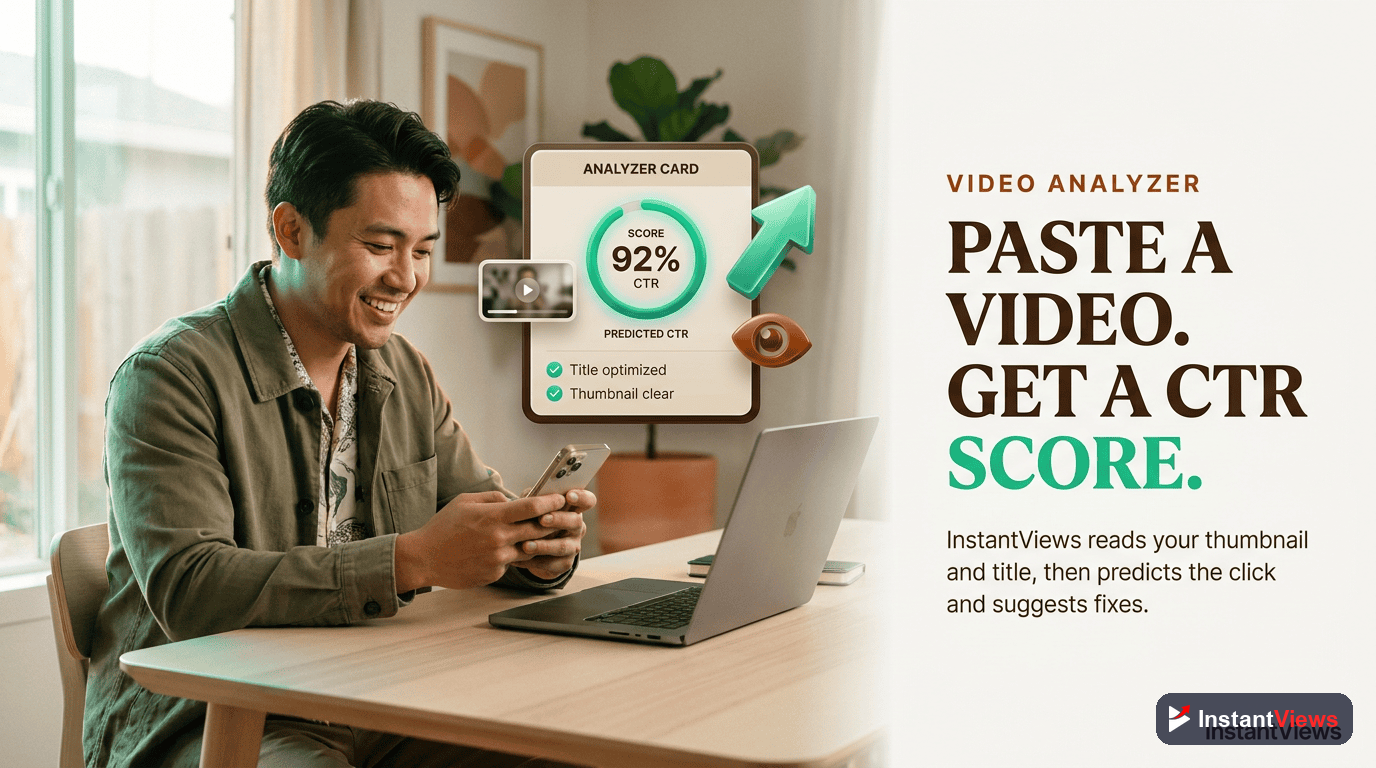
Related YouTube Optimization Resources
Continue your YouTube optimization journey with these in-depth guides:
Video Analytics & Performance
- Click Potential Score Explained - Understand click potential scoring and how YouTube predicts your video's performance
- YouTube Analytics Deep Dive - Master every metric that matters
- How to Improve YouTube Audience Retention - Optimize watch time alongside CTR
Thumbnail & Title Optimization
- YouTube Thumbnail Best Practices - Complete thumbnail design guide
- YouTube Titles That Get Clicks - Title formulas that work
- CTR Optimization Checklist - Step-by-step optimization process
Content Strategy
- 9 YouTube Hooks That Keep Viewers Watching - Maximize retention after the click
- Pre-Upload SEO Checklist - Optimize before publishing
- A/B Testing YouTube Videos - Scientific approach to optimization
YouTube SEO
- YouTube Algorithm Explained - How CTR fits into the bigger picture
- Video Metadata Optimization - Optimize titles, descriptions, and tags
- YouTube SEO vs Google SEO - Key differences in optimization strategy
Frequently Asked Questions
CTR benchmarks vary by niche and traffic source. Generally: 2-4% is below average, 4-6% is average, 6-10% is good, and 10%+ is excellent. Gaming channels average 3-5%, educational content 5-8%, and entertainment 6-12%. Search traffic typically has higher CTR (8-15%) than browse features (3-6%). New channels often see lower CTR until they build an audience.
YouTube uses machine learning to predict CTR based on title-thumbnail performance in early impressions, historical channel performance, topic competitiveness, viewer behavior patterns, and how similar videos performed. The algorithm shows your video to a small test audience (typically subscribers and topic-interested viewers) and measures initial CTR to predict long-term performance before scaling impressions.
CTR naturally declines as YouTube expands your audience beyond core subscribers to broader, less-targeted viewers. Initial CTR from notifications (15-30%) is much higher than browse features (3-6%). This is normal. Focus on maintaining 4%+ average CTR long-term rather than chasing early spikes. If CTR drops below 2%, consider updating your thumbnail or title.
Both matter equally. High CTR with low retention (clickbait) hurts your channel long-term. High retention with low CTR limits reach. Aim for balance: 6%+ CTR with 50%+ average view duration. The InstantViews Video Analyzer predicts both metrics and helps you optimize the title-thumbnail-content alignment to maximize overall performance.
Test thumbnails within the first 48 hours if CTR is below 4% after 1,000 impressions. For older videos, update thumbnails if CTR is consistently below your channel average and the video has 10,000+ impressions. Give each thumbnail variation at least 1,000 impressions before changing. Avoid changing more than once per week to allow meaningful data collection.
Yes. The Video Analyzer uses AI trained on millions of YouTube videos to analyze your title, thumbnail, and metadata before you upload. It predicts CTR based on visual clarity, emotional triggers, curiosity gaps, keyword optimization, and how similar content performed. This lets you test multiple variations and choose the highest-predicted CTR option before publishing, saving weeks of trial and error.