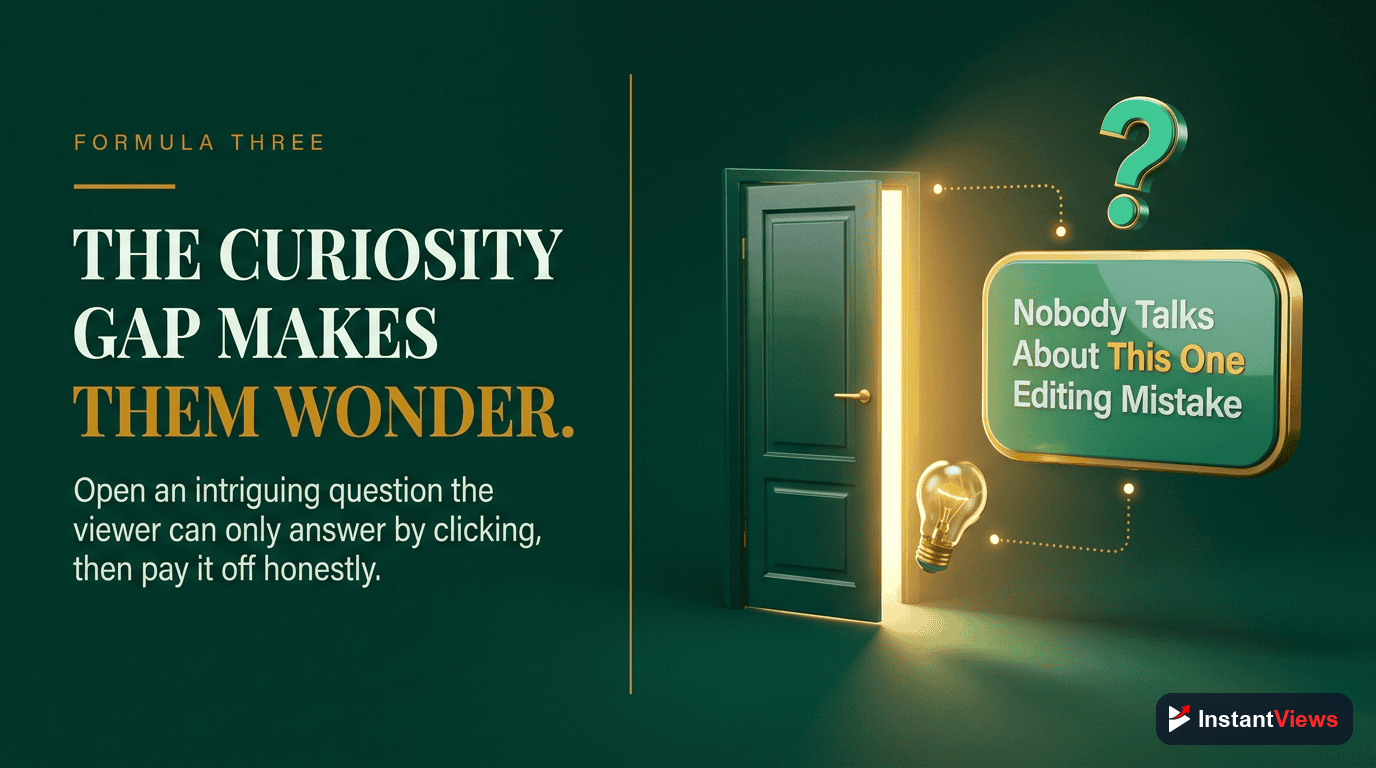
- Front-load your hook in the first 40 characters for maximum visibility across all devices
- Titles with numbers and specificity get 36% higher CTR than generic titles
- The sweet spot is 50-60 characters - long enough to be descriptive, short enough to display fully
- Create curiosity gaps without being clickbait by hinting at value while staying truthful
- Test your titles before publishing with the InstantViews Video Analyzer tool
Your thumbnail gets the eye, but your title gets the click. Even the most stunning thumbnail can't save a weak title - and YouTube data proves it.
The difference between a 2% CTR and a 12% CTR often comes down to 7-10 words. Those words determine whether your video gets 1,000 views or 100,000 views.
This guide reveals the proven title formulas that top YouTube creators use to consistently achieve 8%+ click-through rates, complete with templates you can copy today.
Character Limits & Best Practices
Before diving into formulas, you need to understand YouTube's character limits and how titles display across devices:
| Platform | Characters Displayed | Recommendation |
|---|---|---|
| Desktop | ~70 characters | Full title visible |
| Mobile | 40-50 characters | Front-load your hook |
| Search Results | ~60 characters | Include main keyword early |
| Suggested Videos | 45-55 characters | Most important area |
The Golden Rule: Put your most compelling hook in the first 40 characters. Over 70% of YouTube views come from mobile, where only the beginning of your title is visible.
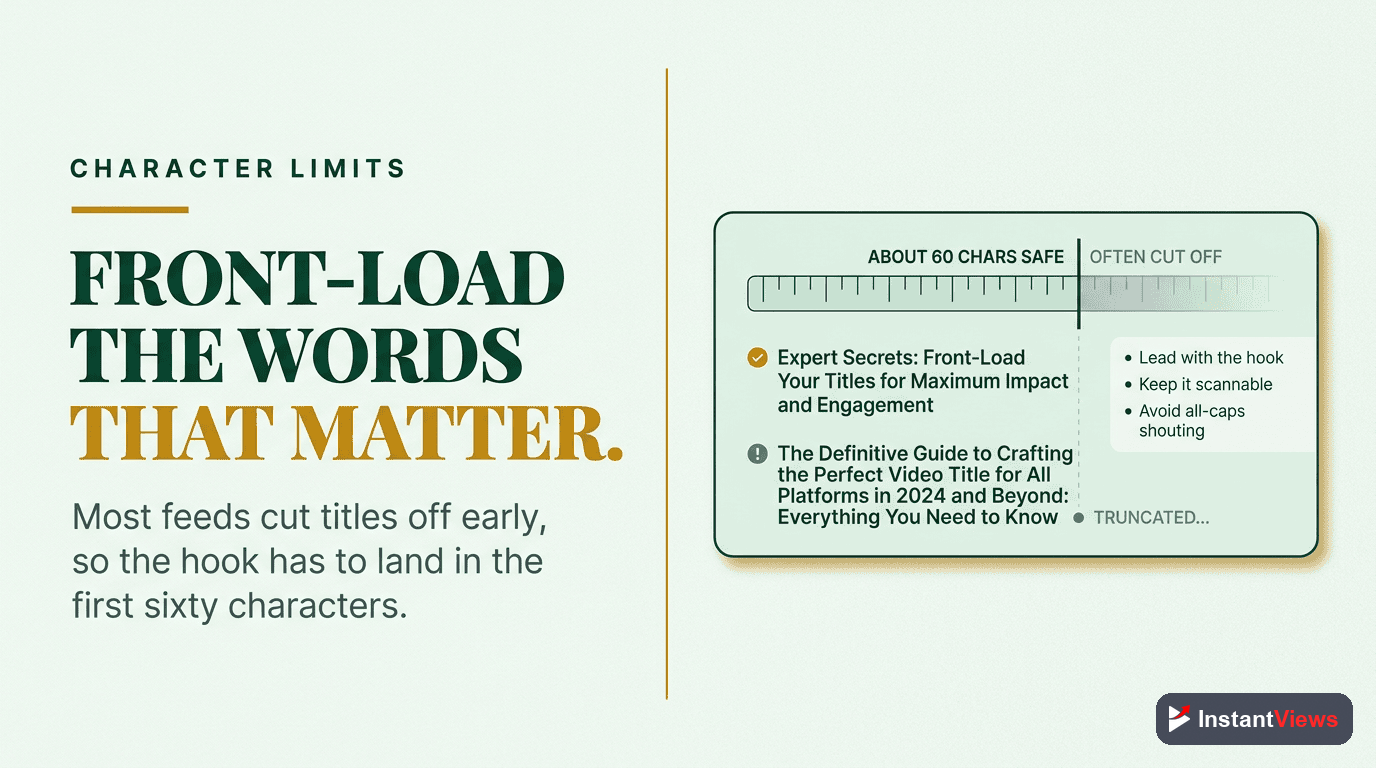
Formula #1: The Number Formula
The Number Formula
Why it works: Numbers provide specificity and structure. Your brain processes numbers faster than words, and odd numbers (7, 5, 9) feel more authentic than round numbers (10, 20).
Data: Titles with numbers get 36% higher CTR on average than titles without numbers.
Best practices:
- Use odd numbers (3, 5, 7) for better authenticity
- Add timeframes for urgency (in 30 days, in 2026)
- Specify the benefit clearly
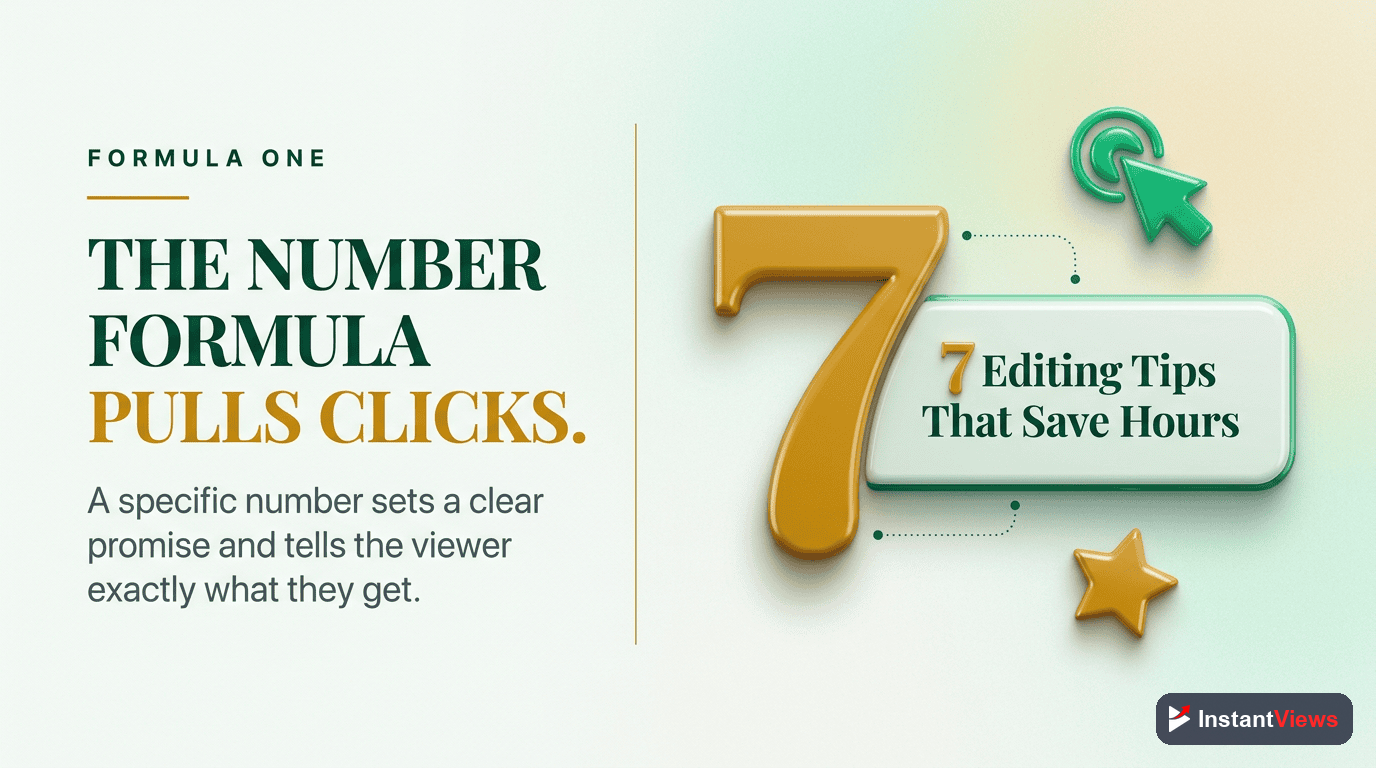
Formula #2: The How-To Formula
The How-To Formula
Why it works: "How to" immediately signals value. Adding "without [obstacle]" addresses the main objection stopping viewers from trying.
Psychology: People search YouTube to learn. "How to" titles directly answer search intent and get prioritized in search results.
Best practices:
- Address a specific, achievable outcome
- Include the main pain point or obstacle
- Add specificity (timeframes, numbers, or methods)
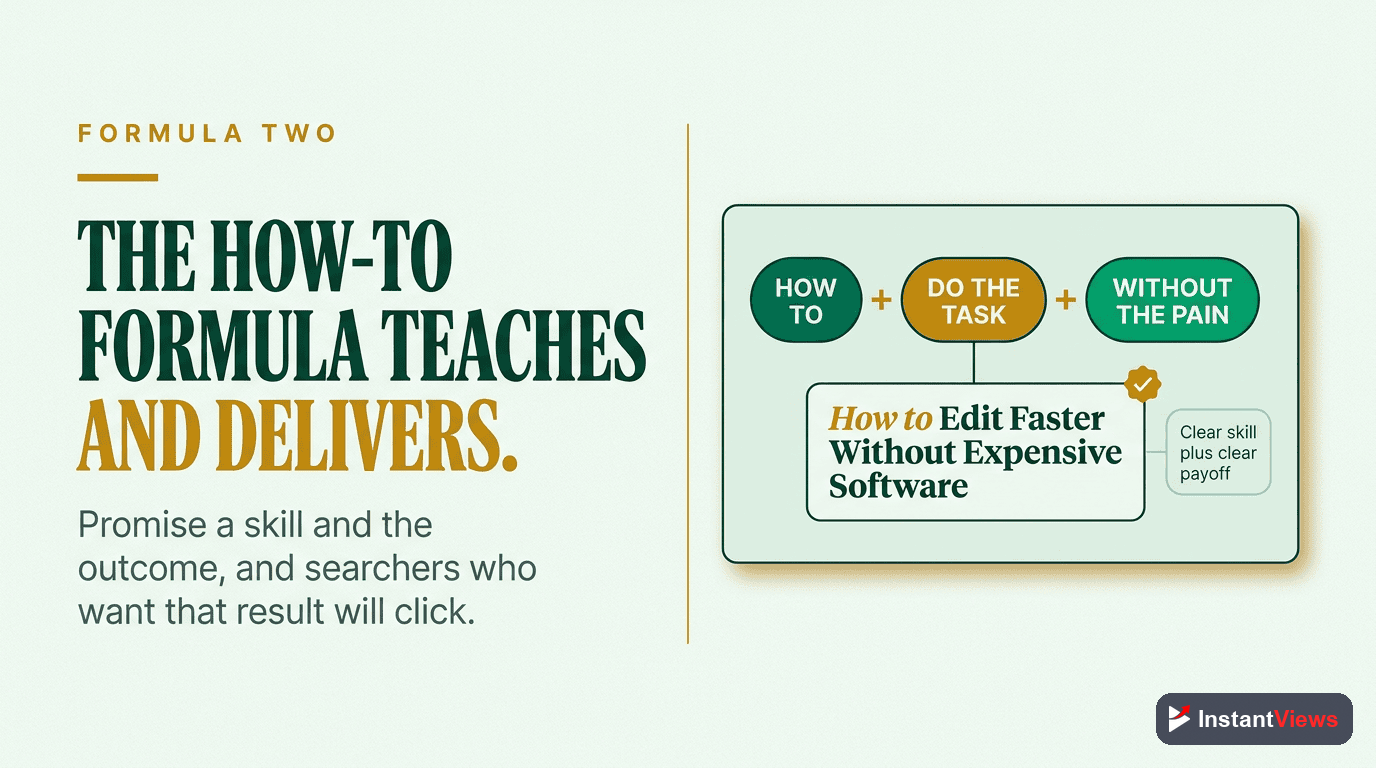
Formula #3: The Curiosity Gap
The Curiosity Gap
Why it works: Curiosity gaps create knowledge gaps that viewers feel compelled to fill. You hint at valuable information without revealing it.
The science: George Loewenstein's Information Gap Theory shows that when we perceive a gap between what we know and what we want to know, we feel compelled to close it.
The line between curiosity and clickbait is delivery. If your video delivers on the promise, it's compelling. If it doesn't, it's clickbait - and YouTube will punish your retention rate.
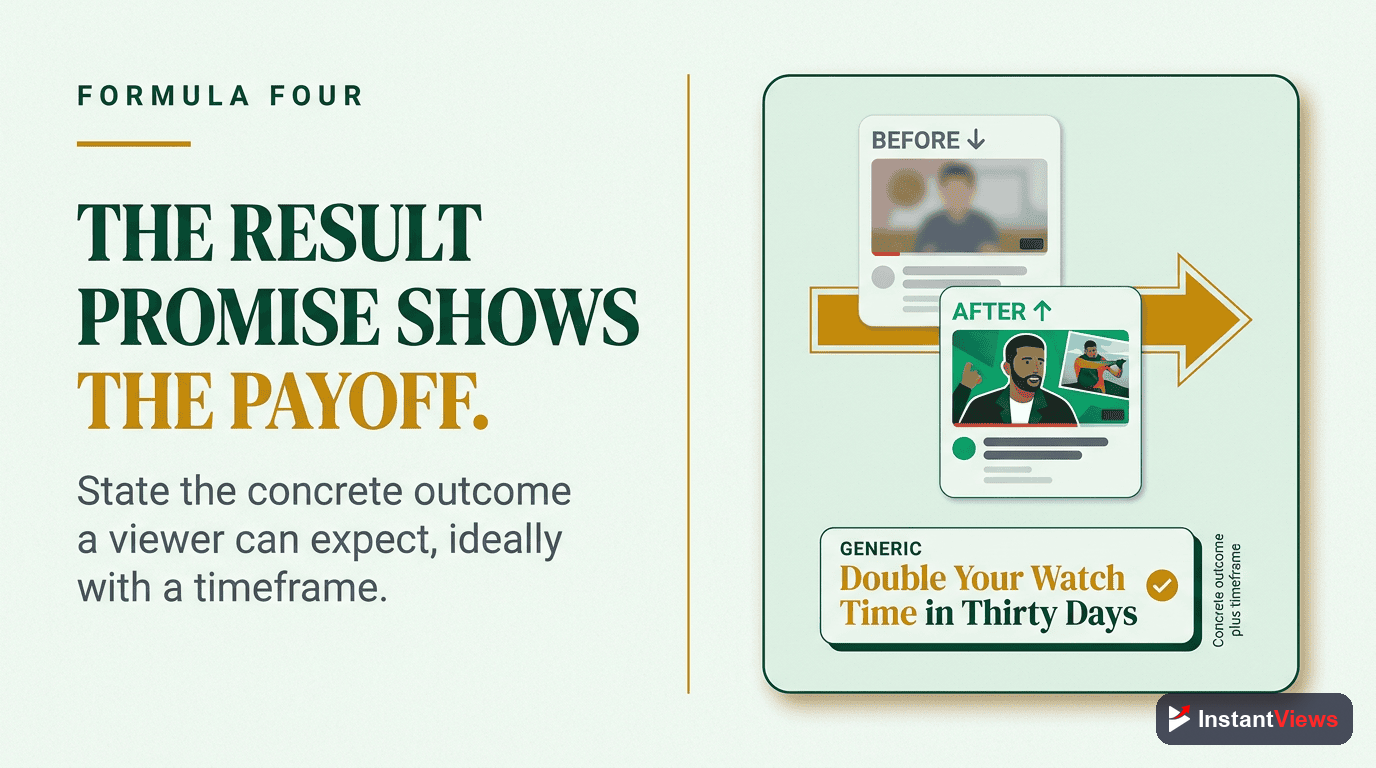
Formula #4: The Result Promise
The Result Promise
Why it works: Specific results with timeframes create believability. Adding proof in parentheses builds trust and prevents the "too good to be true" reaction.
Best practices:
- Use real, specific numbers from your experience
- Short timeframes create urgency (days, weeks, not years)
- Add proof indicators: "my strategy," "breakdown," "case study"
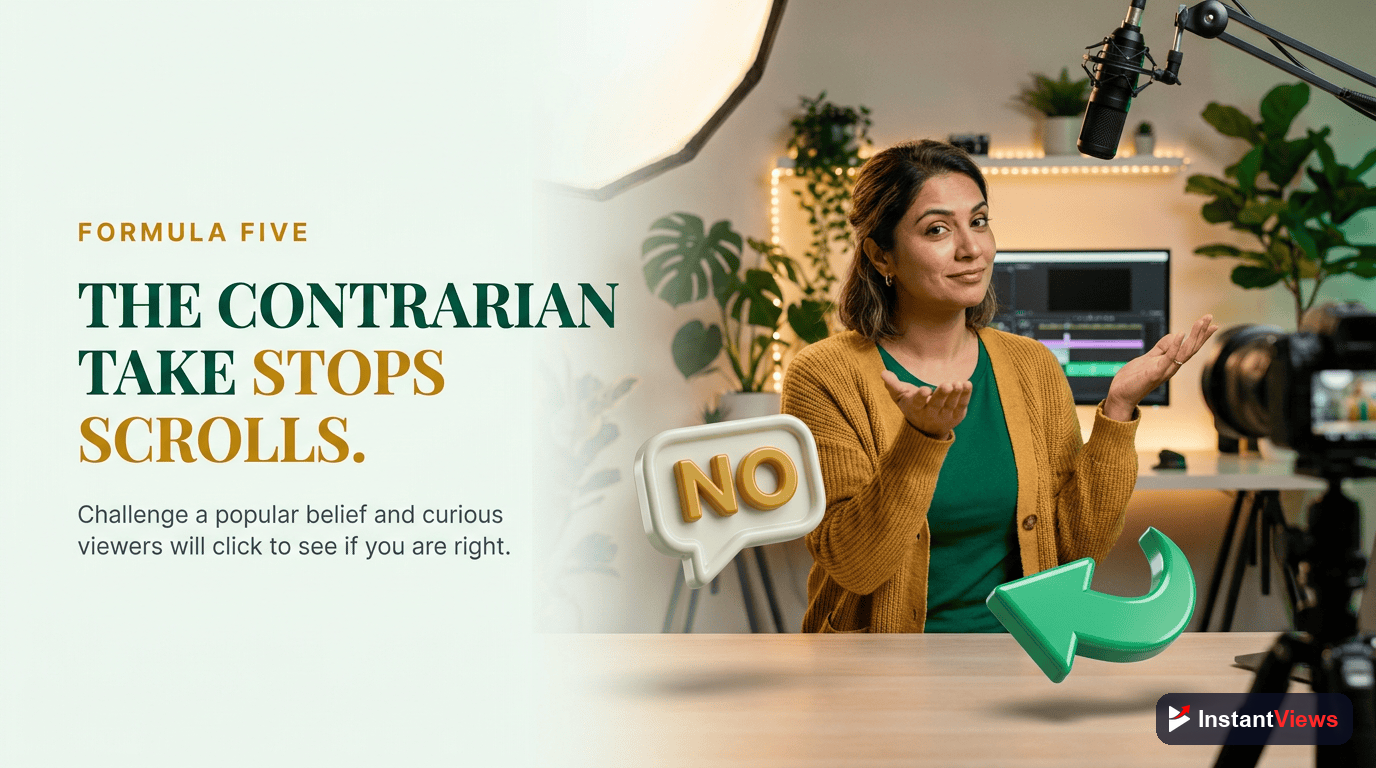
Formula #5: The Contrarian Take
The Contrarian Take
Why it works: Challenging common wisdom triggers both curiosity and emotional response. People click to either confirm their beliefs or argue against yours.
Psychological trigger: Contrarian titles activate the brain's "that can't be right" response, creating cognitive dissonance that viewers want to resolve.
Formula #6: The Beginner-Friendly
The Beginner-Friendly
Why it works: "Beginners" removes intimidation. Everyone searches for beginner content when learning something new. Adding the year signals current, relevant information.
Search volume: Beginner-focused queries represent 40% of all YouTube searches in educational niches.
Score Your Title Before Publishing
Get instant CTR predictions and optimization suggestions with our AI-powered Video Analyzer.
Analyze Your Video →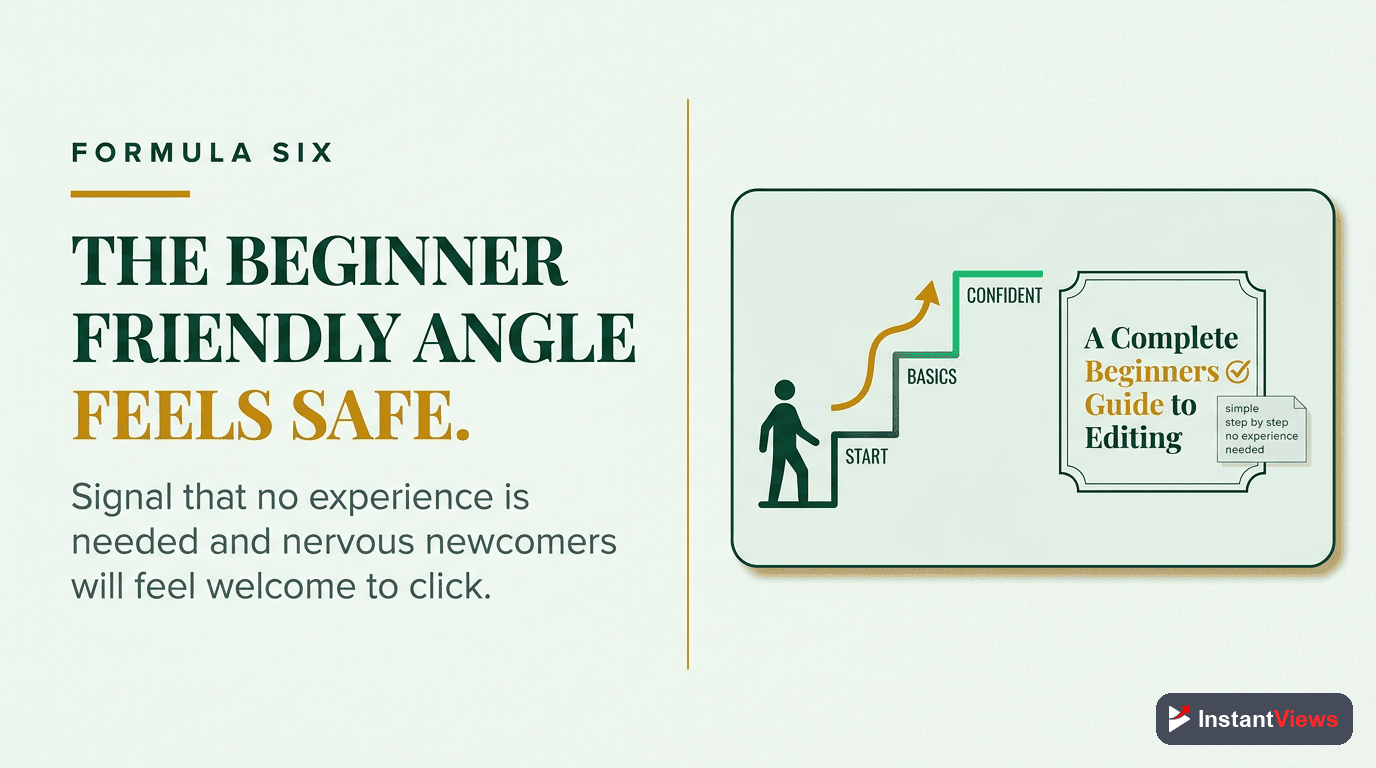
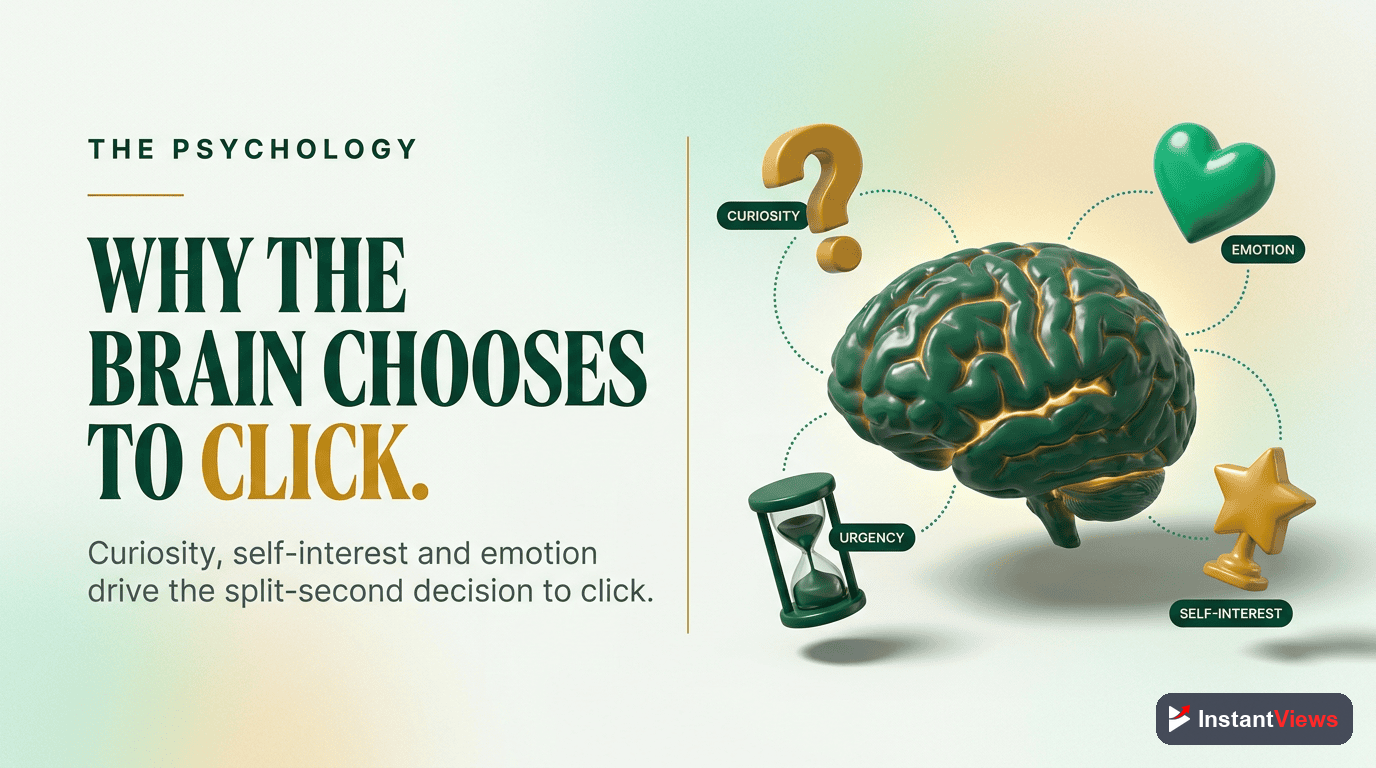
The Psychology Behind Clicks
Great titles tap into psychological triggers that compel action. Here are the most powerful:
1. Specificity
"Grow Your Channel" is weak. "Grow from 0 to 10,000 Subscribers in 60 Days" is powerful. Specific numbers feel real and achievable.
2. Curiosity
Hint at valuable information without revealing it. "This Changed Everything" works because viewers need to know what changed everything.
3. Fear of Missing Out (FOMO)
Timeframes create urgency: "in 2026," "before it's too late," "while this still works." FOMO is one of the strongest motivators.
4. Social Proof
"How I..." or "Why We..." uses personal experience as proof. "1M Creators Use This" leverages mass adoption as validation.
5. Simplicity
"Simple," "Easy," "Step-by-Step" reduce perceived effort. People want results without complexity.
"The best title tells viewers exactly what they'll get while making them desperately curious about how they'll get it." - YouTube Creator with 5M+ subscribers
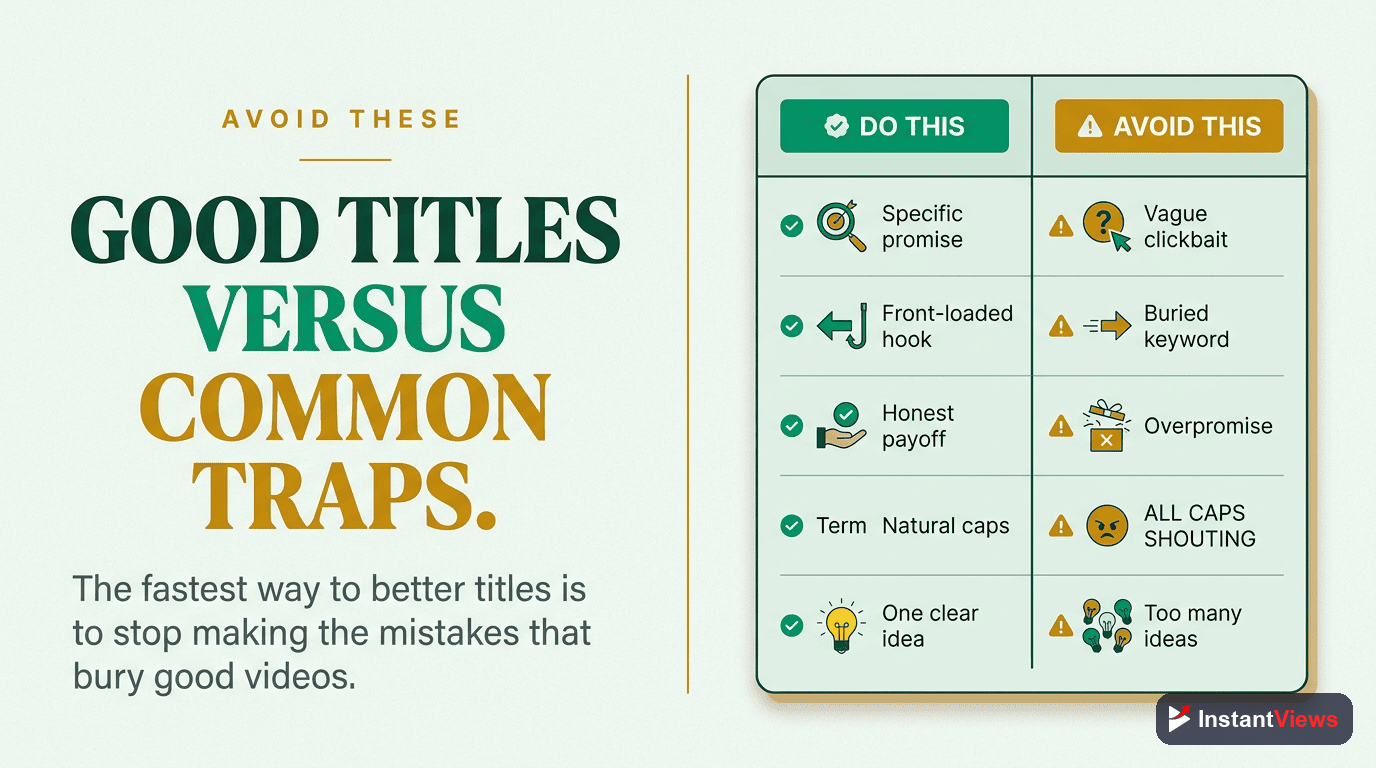
Common Mistakes to Avoid
- Burying the hook - If your best words are at position 50, mobile users will never see them
- Being too clever - Metaphors and wordplay confuse viewers. Clear beats clever every time
- Over-promising - "Millionaire in 30 Days" might get clicks, but terrible retention kills the algorithm push
- Ignoring keywords - Titles need to be clickable AND searchable. Include your main keyword naturally
- Using generic words - "Amazing," "Incredible," "Must-See" have been overused into meaninglessness
- All caps abuse - ONE OR TWO WORDS is acceptable. FULL CAPS TITLES feel spammy
Title Optimization Checklist
Before publishing, verify your title passes these tests:
- ✓ Hook in first 40 characters - Mobile visibility check
- ✓ Main keyword included naturally - SEO + clarity
- ✓ Specific numbers or timeframes - Credibility boost
- ✓ Creates curiosity without clickbait - Sustainable CTR
- ✓ 50-60 characters total - Optimal length
- ✓ Promises value you actually deliver - Retention protection
Frequently Asked Questions
The ideal YouTube title is 50-60 characters. YouTube displays up to 70 characters on desktop but only 40-50 on mobile. Front-load your most important keywords and hooks in the first 40 characters to ensure they're visible everywhere.
Use sparingly. One or two strategically placed CAPITALIZED WORDS can draw attention, but full ALL CAPS titles feel spammy. Emojis can increase CTR by 5-10% when relevant, but overuse decreases perceived quality. Test what works for your audience.
Very important, but not as critical as clickability. YouTube's algorithm prioritizes CTR and watch time over exact keyword matches. Include your main keyword naturally, but prioritize writing a title that makes people want to click.
Yes, and you should optimize underperforming titles. However, wait at least 48 hours to gather data. Changing titles too frequently can confuse the algorithm. If a video has low CTR after a week, test a new title using our Video Analyzer.
A compelling title delivers on its promise; clickbait doesn't. "I Made $10,000 in 30 Days (Here's How)" is compelling if you show the method. "You Won't Believe What Happened Next!" is clickbait. Be specific, truthful, and deliver what you promise.
Yes, but do it strategically. YouTube doesn't have native A/B testing, but you can test titles before publishing using the InstantViews Video Analyzer, or change titles on underperforming videos after 7 days to see if CTR improves.