- Click Potential Score predicts how likely viewers are to click your video before you publish
- Scores above 70/100 indicate good click potential; 80+ is excellent
- The score analyzes thumbnails, titles, emotional triggers, and niche benchmarks
- You can test and improve your score before publishing to maximize CTR
- Higher Click Potential correlates directly with more impressions and views
Your video could be the best content on YouTube, but if nobody clicks on it, nobody will ever know. Click Potential Score is the metric that predicts whether viewers will actually click your video when they see it.
Think of it as a pre-flight check for your video. Before you publish, you get a data-driven prediction of how your title and thumbnail will perform. Videos with high Click Potential Scores consistently get 2-5x more views than identical content with poor scores.
This guide explains exactly what Click Potential Score measures, how it's calculated, and the proven strategies to improve it.
What is Click Potential Score?
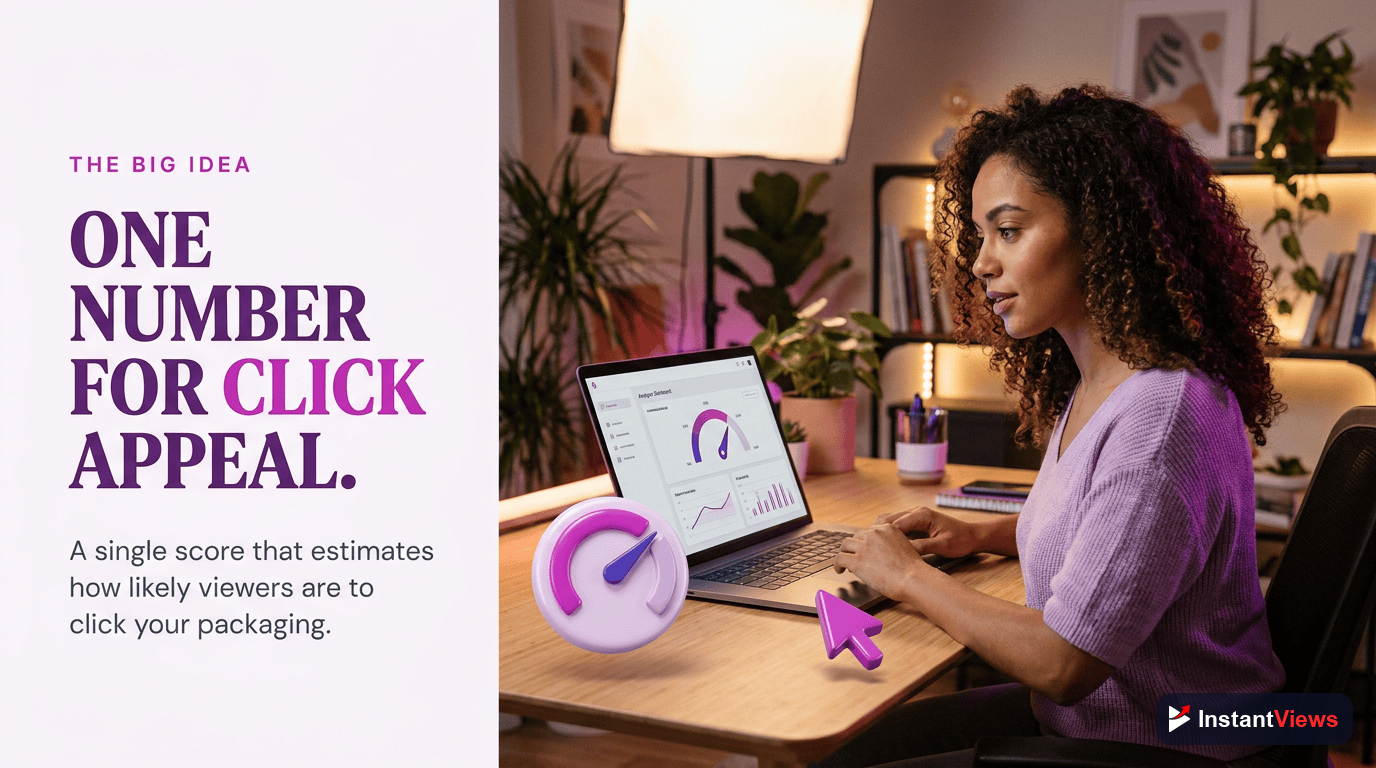
Click Potential Score is a predictive metric (0-100) that estimates how likely viewers are to click your video based on your thumbnail and title combination. It's calculated before you publish, giving you the chance to optimize.
The score analyzes:
- Thumbnail quality - Contrast, clarity, facial expressions, text readability
- Title effectiveness - Curiosity gaps, power words, length, clarity
- Emotional triggers - How well you activate curiosity, urgency, or desire
- Pattern matching - Comparison to successful videos in your niche
- Niche benchmarks - Performance expectations for your specific category
Why Click Potential Matters
YouTube's algorithm starts by showing your video to a small test audience. If that audience clicks at a high rate, YouTube expands distribution. If they don't click, your video dies in obscurity - regardless of quality.
Here's what the data shows:
- Videos with 8%+ CTR get 10x more impressions than those with 2% CTR
- Thumbnails with high contrast get 47% more clicks
- Titles with numbers increase CTR by 36%
- Videos scoring 80+ Click Potential average 11.2% CTR
- Videos scoring below 50 average just 3.1% CTR
"The thumbnail and title are responsible for 90% of a video's success. Get those wrong and nothing else matters." - Paddy Galloway, YouTube Strategy Expert

How Click Potential is Calculated
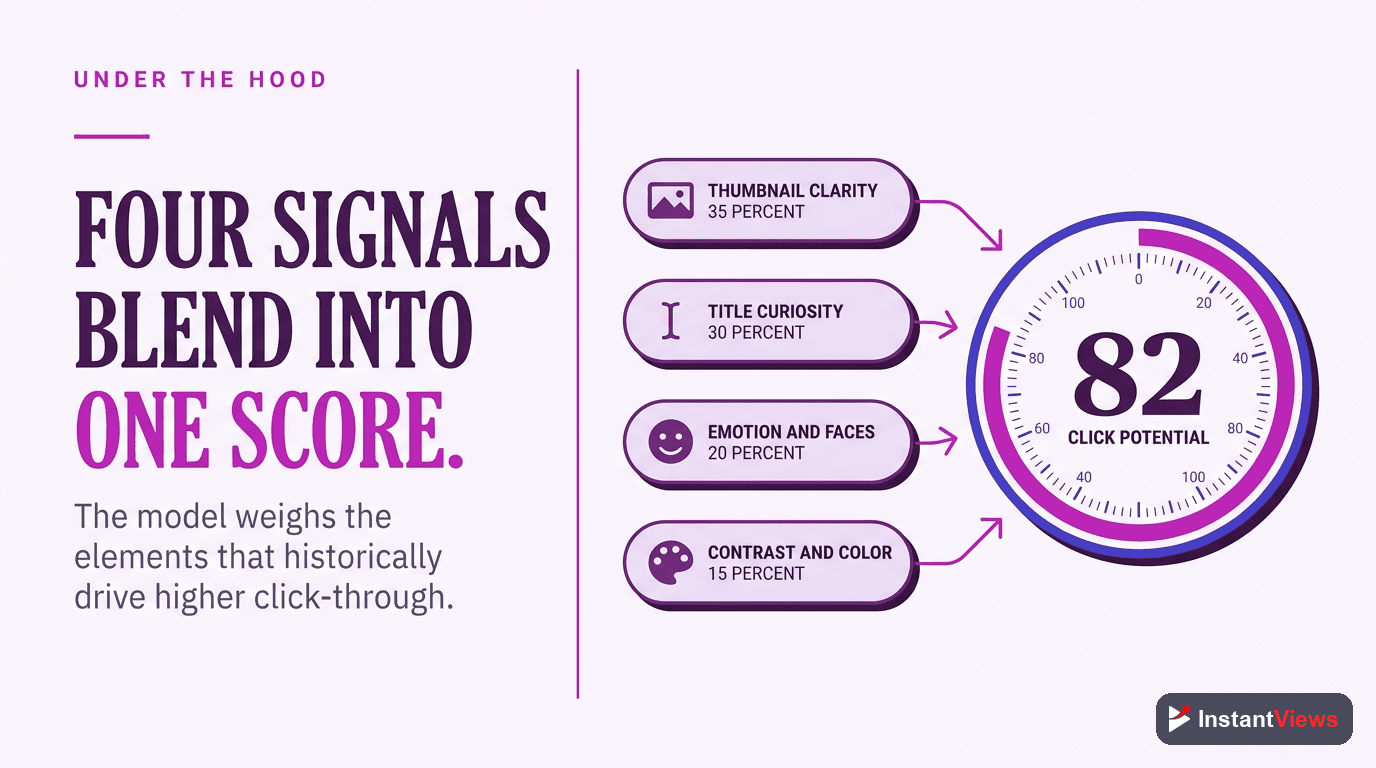
Click Potential Score uses AI to analyze multiple factors and compare them against hundreds of thousands of successful videos. Here's the breakdown:
| Factor | Weight | What It Measures |
|---|---|---|
| Thumbnail Visual Impact | 35% | Contrast, color psychology, visual hierarchy, clarity |
| Title Effectiveness | 30% | Curiosity gap, power words, length optimization, clarity vs mystery |
| Emotional Triggers | 20% | Faces, expressions, urgency cues, FOMO elements |
| Niche Benchmarks | 10% | Performance relative to top videos in your category |
| Pattern Recognition | 5% | Similarity to proven high-CTR formats |
Thumbnail Analysis Deep Dive
The AI specifically looks for:
- Contrast ratio - High contrast (70%+ difference between elements) performs best
- Facial presence - Thumbnails with clear, expressive faces get 38% more clicks
- Text readability - 3-5 words maximum, readable on mobile screens
- Color psychology - Reds, yellows, and high-saturation colors attract attention
- Negative space - Clean backgrounds make focal points pop
Title Analysis Deep Dive
The AI evaluates:
- Curiosity gap - Does the title create unanswered questions?
- Specificity - Numbers and specific claims outperform vague promises
- Power words - Words like "secret," "proven," "shocking" increase CTR
- Length optimization - 50-70 characters perform best (mobile display limit)
- Benefit clarity - Viewers should instantly know what they'll gain
Understanding Score Ranges
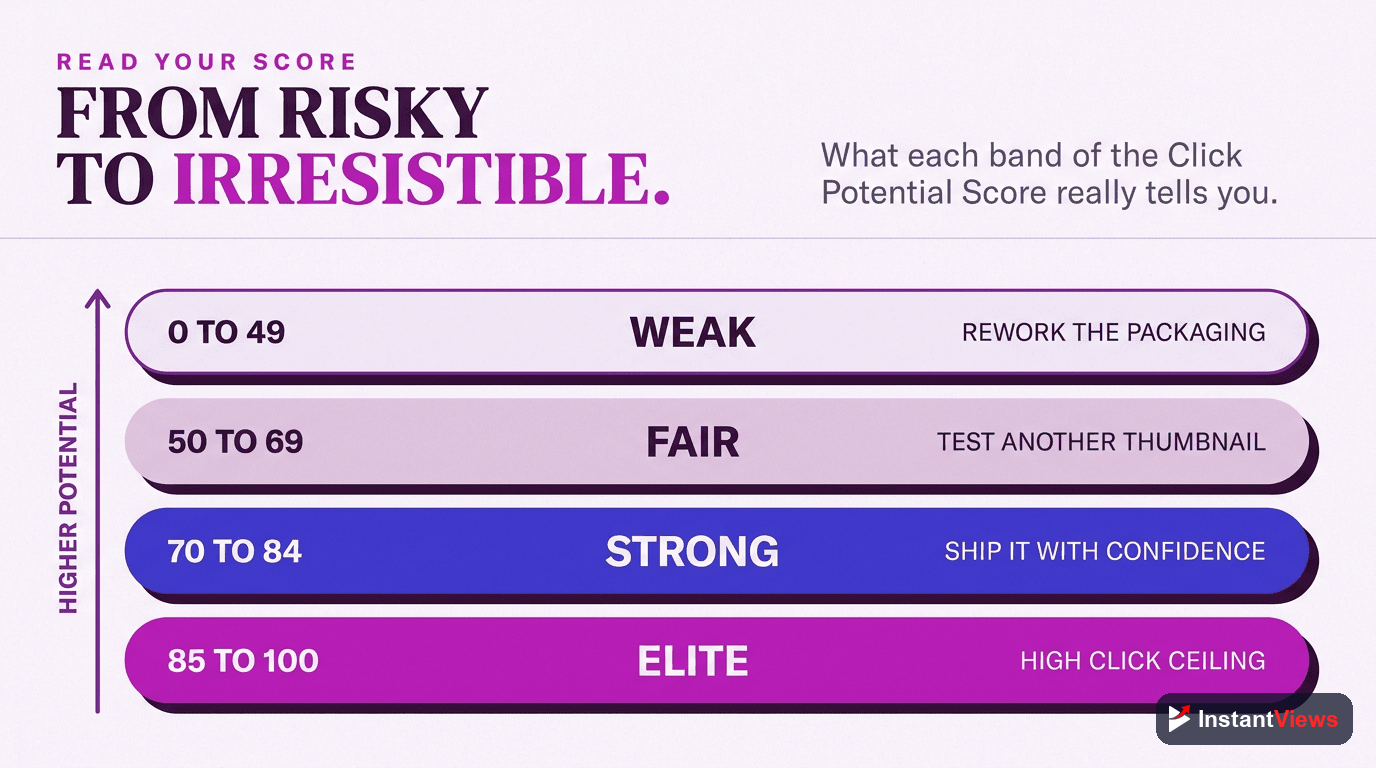
Here's what different Click Potential Scores mean:
Exceptional Click Potential
Outstanding thumbnail and title combination. These videos typically achieve 12-18% CTR.
Your packaging is optimized at the highest level. Expect strong initial performance and algorithm promotion. Be careful not to over-promise - retention must match the strong click potential.
Excellent Click Potential
Strong packaging with broad appeal. Typical CTR range: 9-12%.
Your video is well-positioned for success. Minor tweaks could push you to exceptional, but this score already indicates high performance potential.
Good Click Potential
Solid packaging that will perform well. Expected CTR: 6-9%.
Safe to publish, but there's room for improvement. Consider testing alternative thumbnails or title variations to push into the excellent range.
Average Click Potential
Needs improvement to compete effectively. Likely CTR: 3-6%.
Your video may struggle to get initial traction. Optimize thumbnail contrast, add emotional elements, and strengthen title curiosity before publishing.
Low Click Potential
Significant optimization needed. Expected CTR below 3%.
Do not publish yet. Redesign your thumbnail and rewrite your title. Study high-performing videos in your niche and analyze what makes them clickable.
Improve Score: Thumbnail Optimization
Your thumbnail accounts for 35% of your Click Potential Score. Here's how to maximize it:
1. Maximize Contrast
High contrast is the #1 predictor of thumbnail performance:
- Use bright backgrounds with dark subjects (or vice versa)
- Avoid mid-tones - go bold with saturation and brightness
- Test in grayscale - if it's not clear in black and white, it won't pop in color
- Target: 70%+ contrast difference between main elements
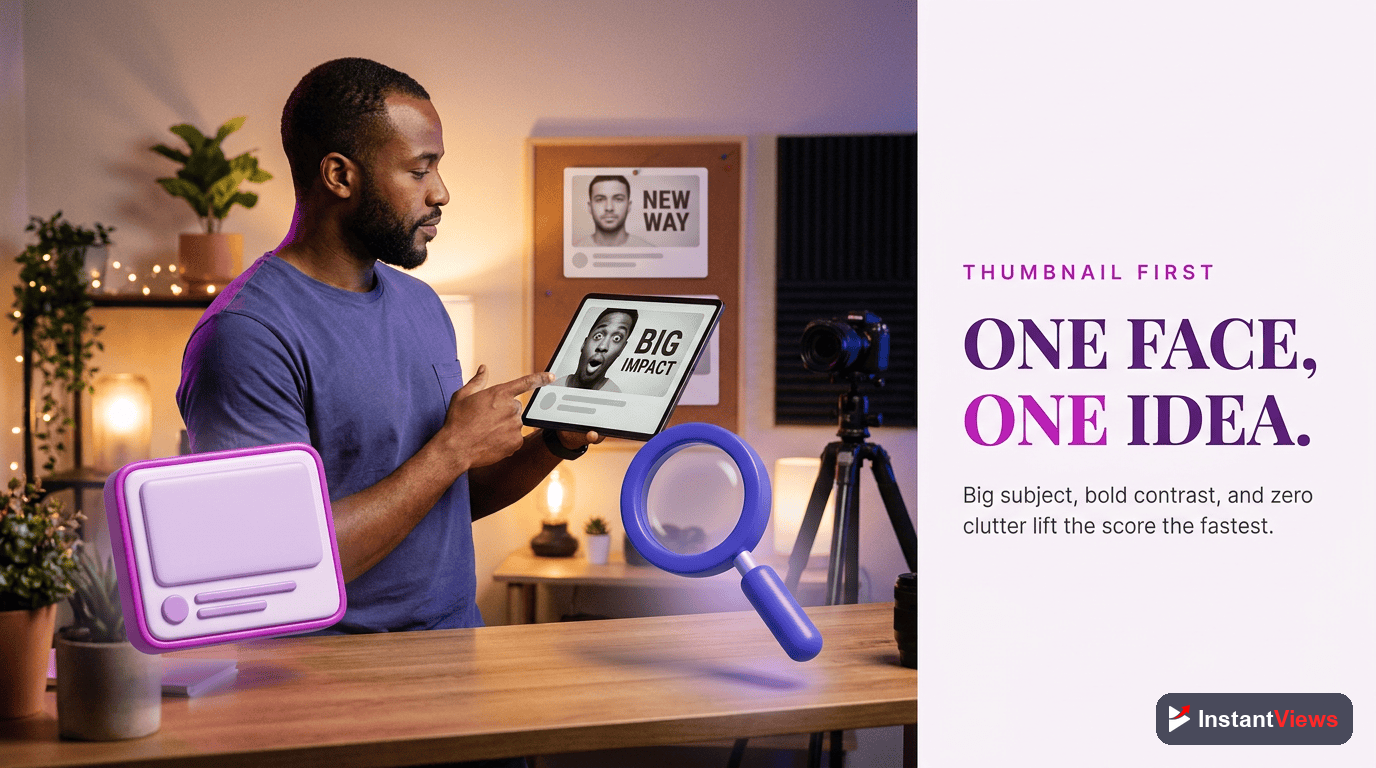
2. Add Expressive Faces
Faces with clear emotions increase clicks by 38%:
- Show surprise, shock, joy, or curiosity
- Make eye contact with the camera
- Ensure faces are large enough to see expressions on mobile
- Close-ups outperform wide shots
3. Use Minimal, Bold Text
- Maximum 3-5 words
- Font size should be readable at thumbnail size (320px wide)
- High contrast text (white with black outline works best)
- Complement the title, don't repeat it
4. Apply Color Psychology
- Red: Urgency, excitement, attention (highest CTR boost)
- Yellow: Optimism, curiosity, energy
- Blue: Trust, authority (good for educational content)
- Green: Growth, success (money/business niches)
Improve Score: Title Optimization
Your title contributes 30% to your Click Potential Score. Master these strategies:
1. Create a Curiosity Gap
The most effective titles make viewers think "I need to know this":
- Before: "How to Get More YouTube Views"
- After: "This 30-Second Change Tripled My YouTube Views"
Notice how the improved version creates questions: What change? How did it work? Can I do it too?
2. Use Numbers and Specificity
Specific claims beat vague promises:
- Weak: "Improve Your Thumbnails"
- Strong: "7 Thumbnail Tricks That Increased My CTR by 247%"
Numbers provide:
- Concrete expectations
- Perceived credibility
- Easy-to-scan formatting
- 36% CTR boost on average
3. Front-Load Power Words
Put high-impact words at the beginning:
- Proven, Secret, Shocking, Ultimate, Hidden, Exposed, Truth, Mistake
Examples:
- "The Secret Formula Top YouTubers Use to..."
- "Exposed: Why Your Videos Aren't Getting Views"
- "The Proven Method That Grew My Channel 10x"
4. Optimize Length
Mobile displays cut off after ~50 characters. Follow this formula:
- Characters 1-50: Your core hook (visible on all devices)
- Characters 51-70: Supporting detail (visible on desktop)
- Above 70: Cuts off, loses impact
5. Balance Clarity and Mystery
Viewers need to know what they're clicking AND have a reason to click:
- Too clear: "How to Make a Thumbnail in Photoshop" (no curiosity)
- Too mysterious: "You Won't Believe What I Discovered" (no clarity)
- Balanced: "The Thumbnail Formula That Gets 10% CTR (Step-by-Step)"
Check Your Click Potential Score
Get an instant Click Potential Score for your video before you publish. Optimize your thumbnail and title for maximum CTR.
Analyze Your Video →
Testing and Optimization Strategy
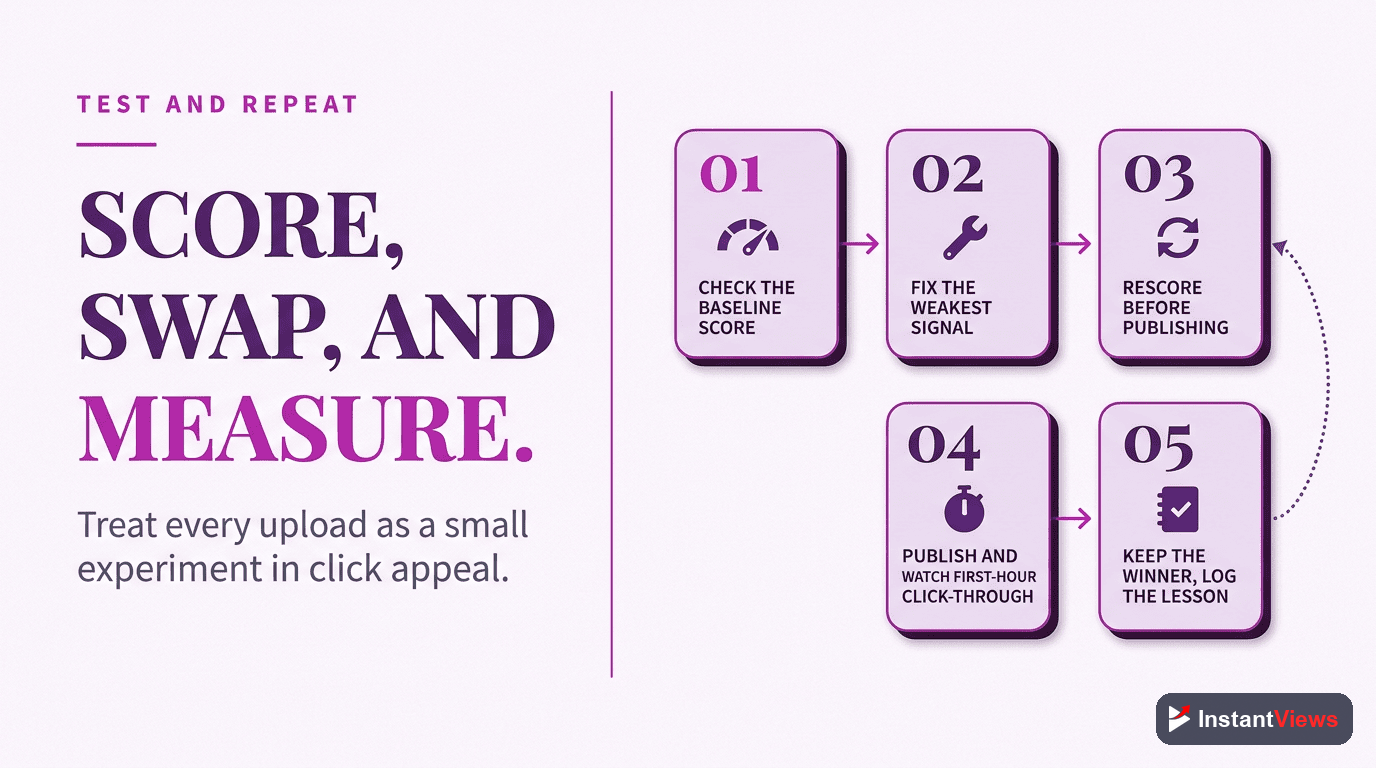
Here's the systematic approach to maximize your Click Potential Score:
Step 1: Create Multiple Versions
Before settling on a final thumbnail and title:
- Design 3-5 thumbnail variations
- Write 5-10 title options
- Test different combinations
- Analyze Click Potential Score for each
Step 2: A/B Test Your Top Performers
Once you've identified your highest-scoring options:
- Publish with your best-scoring combination
- Monitor CTR for the first 24-48 hours
- If CTR is below 5%, swap to your second-best option
- Track which version performs better
Step 3: Learn From Your Data
After 10-20 videos, patterns will emerge:
- Which thumbnail styles score highest for your niche?
- Which title formulas generate the best CTR?
- What Click Potential Score predicts 8%+ CTR for your channel?
Common Mistakes to Avoid
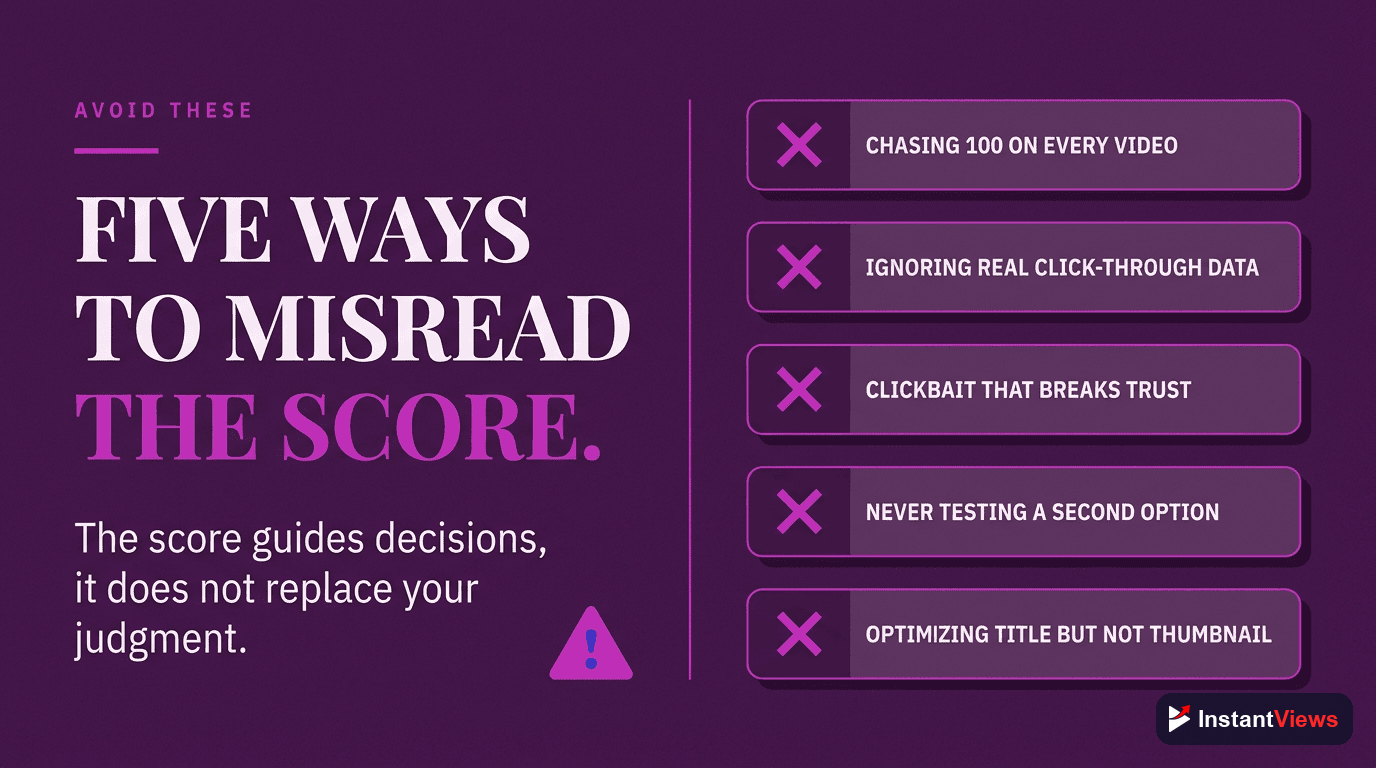
1. Chasing Perfect Scores
Scores of 95-100 often indicate clickbait that hurts retention. Aim for 75-85 - high enough to get clicks, honest enough to retain viewers.
2. Ignoring Niche Context
A meditation video doesn't need the same click potential as gaming content. Know your niche benchmarks:
- Gaming, Entertainment: 8-12% CTR is good
- How-To, Education: 6-10% CTR is good
- Finance, Business: 5-8% CTR is good
3. Copying Without Understanding
Don't blindly copy high-scoring thumbnails from other niches. What works for tech reviews won't work for cooking channels. Study patterns in your specific category.
4. Publishing Without Testing
Never publish with a Click Potential Score below 60 without testing alternatives first. Five minutes of optimization can mean thousands of extra views.
High Click Potential without good content = high clicks but poor retention. YouTube will stop promoting videos that get clicks but don't keep viewers. Always balance click potential with actual value delivery.
How to Use Click Potential Score in Your Workflow
- Create content - Focus on making great video first
- Design packaging - Create 3-5 thumbnail and title combos
- Check scores - Run each through the Video Analyzer
- Choose best option - Pick the highest scorer that's authentic to content
- Publish and monitor - Track actual CTR vs predicted score
- Optimize if needed - Swap thumbnail/title if CTR underperforms within 48 hours
"I never publish without checking Click Potential Score first. It's saved me from so many underperforming videos." - Creator with 500K+ subscribers
Frequently Asked Questions
A Click Potential Score above 70/100 is considered good. Scores 80+ indicate excellent click potential, while scores below 50 suggest your title or thumbnail needs improvement. Top performing videos typically score 85-95.
Click Potential Score analyzes multiple factors: title clarity and curiosity, thumbnail contrast and visual hierarchy, emotional triggers, pattern matching with high-performing videos, and niche-specific benchmarks. It uses AI to predict how likely viewers are to click.
Yes! You can update your thumbnail and title after publishing. If your CTR is underperforming after 24-48 hours, test a new thumbnail with a higher Click Potential Score. Many creators A/B test thumbnails to optimize performance.
No. Click Potential Score predicts likelihood of clicks, but success also depends on audience retention, content quality, and algorithm factors. However, high click potential significantly increases your chances of getting impressions and views.
Click Potential Score is a predictive metric (before publishing) while CTR is actual performance (after publishing). Think of Click Potential as a forecast and CTR as the real weather. Use Click Potential to optimize before uploading.
Not necessarily. A score of 75-85 is often ideal - it indicates strong click potential without being overly clickbaity. Extremely high scores (95+) may indicate sensationalism that could hurt retention if the content doesn't deliver.