
- YouTube chapters can increase search visibility by 35-40% through Google Key Moments
- Chapter titles are indexed as searchable keywords by both YouTube and Google
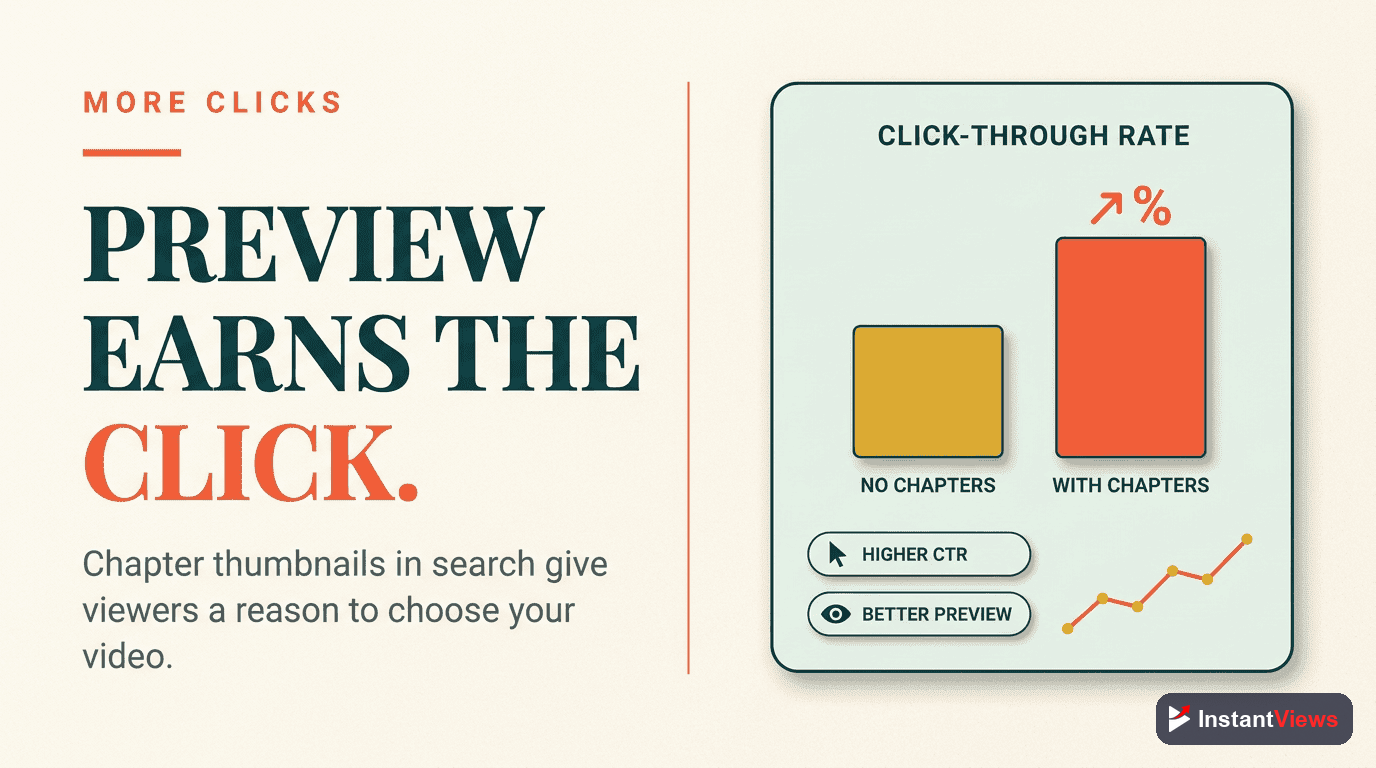
- Videos with chapters show 23% higher click-through rates in search results
- Properly optimized chapters help videos rank for multiple long-tail keywords
- SEO benefits compound over time as engagement metrics improve rankings
YouTube chapters aren't just a user experience feature—they're one of the most underutilized SEO tools available to creators. While most people add timestamps for viewer convenience, the search engine optimization benefits are where the real growth happens.
Here's what most creators miss: Every chapter title you write becomes indexed searchable content. Google displays chapters as "Key Moments" in search results. And the improved engagement signals from chapters feed directly into YouTube's algorithm.
In this comprehensive guide, we'll break down exactly how YouTube chapters affect your video SEO, what the data shows, and how to optimize your chapters for maximum search visibility.
How Chapters Affect YouTube SEO
YouTube chapters influence your video's search performance through multiple mechanisms. Understanding these connections helps you optimize chapters for maximum SEO impact.
When you add chapters to your videos, several SEO mechanisms activate:
1. Keyword Indexing
YouTube and Google both index chapter titles as searchable content. Each chapter title becomes a potential keyword target, effectively multiplying your video's keyword reach.
2. Enhanced Search Snippets
Google's "Key Moments" feature displays chapter-based snippets directly in search results. This gives your video multiple entry points instead of a single listing.
3. Engagement Signal Improvements
Chapters improve watch time, session duration, and user satisfaction—all metrics that influence YouTube's recommendation algorithm.
4. Reduced Bounce Rates
Viewers can jump directly to relevant sections, reducing "rage quits" from users who can't find what they're looking for.
Optimize Your Chapters for SEO
Our free AI tool generates SEO-optimized chapter timestamps with keyword-rich titles. Boost your search visibility instantly.
Try Free Timestamp Generator →
Google Key Moments Explained
Google Key Moments is one of the most powerful SEO benefits of YouTube chapters. Here's how it works and why it matters. For a complete breakdown, read our guide on Key Moments explained with implementation examples.
What Are Key Moments?
Key Moments are timestamped links that appear in Google search results, allowing users to jump directly to specific sections of your video from the search page.
How they appear:
- Under your video in Google search results
- As clickable timestamps with thumbnail previews
- In video carousels and featured snippets
- On Google's video search tab
Requirements for Key Moments:
- Video must have properly formatted chapters (starting at 0:00)
- Minimum 3 chapters recommended
- Chapter titles must be descriptive (not "Part 1, Part 2")
- Video must be indexed by Google

Keyword Optimization for Chapters
Your chapter titles are indexable content. Here's how to optimize them for maximum search visibility. For comprehensive SEO strategies, check out our Key Moments SEO guide that covers advanced optimization techniques.
Research Chapter Keywords
Front-Load Important Keywords
Use Action Words
Keep Titles Concise
Chapter Title SEO Examples
| Generic Title | SEO-Optimized Title |
|---|---|
| 0:00 Introduction | 0:00 YouTube SEO Guide Overview |
| 2:30 Part 1 | 2:30 Keyword Research for Videos |
| 5:15 Tips | 5:15 5 Tips to Rank #1 on YouTube |
| 8:00 Mistakes | 8:00 Common SEO Mistakes to Avoid |
Don't sacrifice clarity for keywords. "Best iPhone 15 Pro Max Camera Settings Tutorial Guide 2026" looks spammy. Balance SEO with user experience.

Impact on Click-Through Rates
Chapters significantly affect how users interact with your video in search results. Here's the data:
Videos with Key Moments in Google search results see 23% higher average CTR compared to videos without chapters. The visual variety of multiple thumbnails captures attention.
Why Chapters Boost CTR
- Visual differentiation: Multiple entry points stand out in search results
- Specific answers: Users see exactly which section answers their query
- Trust signals: Structured content signals quality and professionalism
- Time efficiency: Viewers know they can jump to relevant sections
Chapter Signals to the Algorithm
YouTube's recommendation algorithm interprets chapters as quality signals. Here's how chapters influence algorithmic promotion:
Algorithm Signal Chain
Chapters create a cascade of positive signals that compound over time:
Direct signals:
- Increased average watch time (viewers find content faster)
- Higher session duration (viewers watch more sections)
- Lower abandonment rate (navigation reduces frustration)
- More return viewers (bookmarking via chapters)
Indirect signals:
- More comments (viewers engage with specific topics)
- Higher like ratio (satisfied viewers = more likes)
- Increased shares (specific sections are more shareable)
- More subscriber conversions (quality perception improves)
The compound effect: Improved engagement → Better algorithmic ranking → More impressions → More views → More engagement signals. This virtuous cycle makes chapters one of the highest-ROI optimizations.

SEO Best Practices for Chapters
Follow these best practices to maximize the SEO benefits of your YouTube chapters:
1. Optimal Chapter Count
Different video lengths benefit from different chapter counts:
| Video Length | Recommended Chapters | Reasoning |
|---|---|---|
| 5-10 minutes | 3-5 chapters | Enough for Key Moments without overwhelming |
| 10-20 minutes | 5-8 chapters | Balanced navigation and keyword targeting |
| 20-45 minutes | 8-12 chapters | Comprehensive coverage for long-form content |
| 45+ minutes | 10-15 chapters | Maximum keyword opportunities |
2. Strategic Keyword Placement
Distribute keywords strategically across your chapters:
- First chapter: Include your primary target keyword
- Middle chapters: Target related long-tail keywords
- Final chapter: Include action-oriented keywords (CTA-style)
3. Natural Language Over Keyword Stuffing
Google's algorithms are sophisticated. Write for humans first:
- Use natural phrasing that viewers would search for
- Avoid repetitive keywords across chapter titles
- Test titles by imagining clicking them from search results
Generate SEO-Optimized Chapters
Our AI tool creates keyword-rich chapter titles designed for search visibility. Free for all creators.
Try Free Timestamp Generator →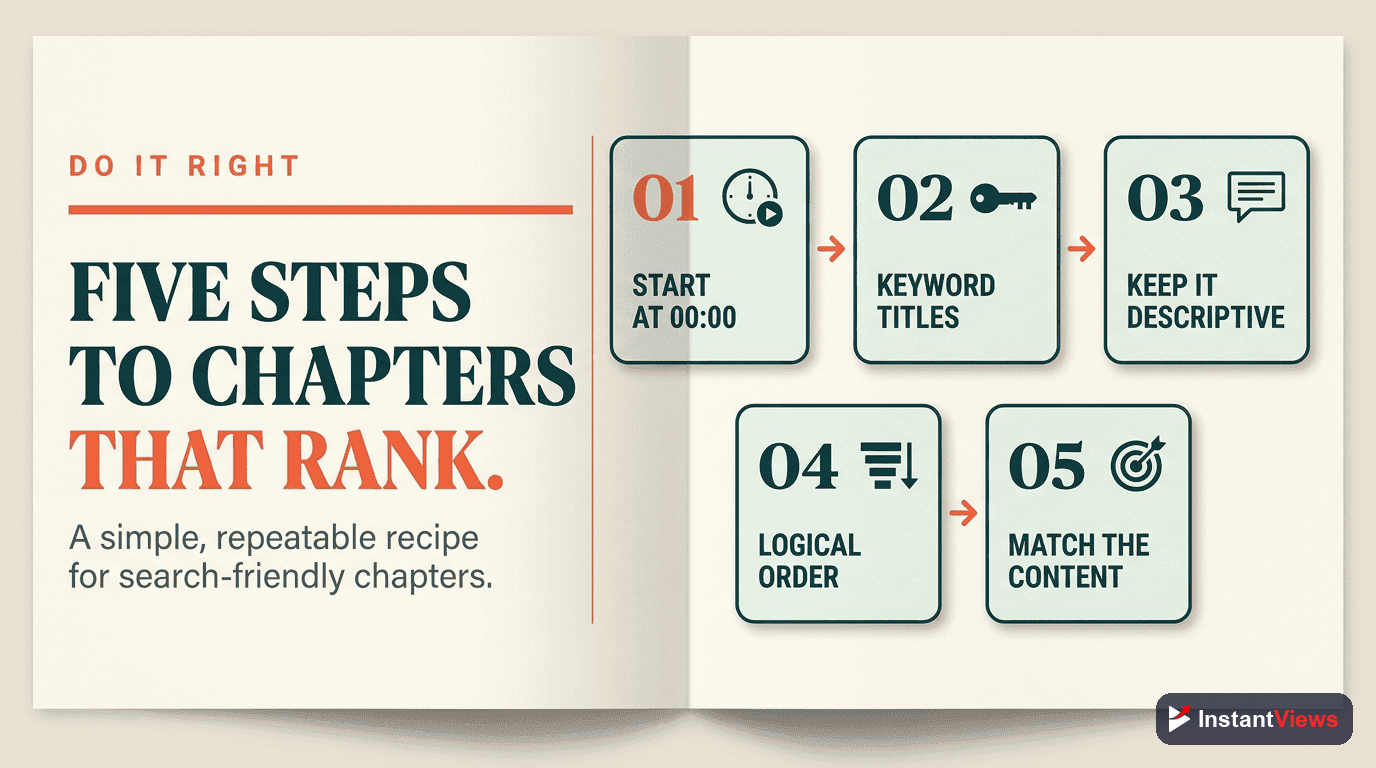
Common SEO Mistakes to Avoid
These chapter mistakes can hurt your SEO instead of helping it:
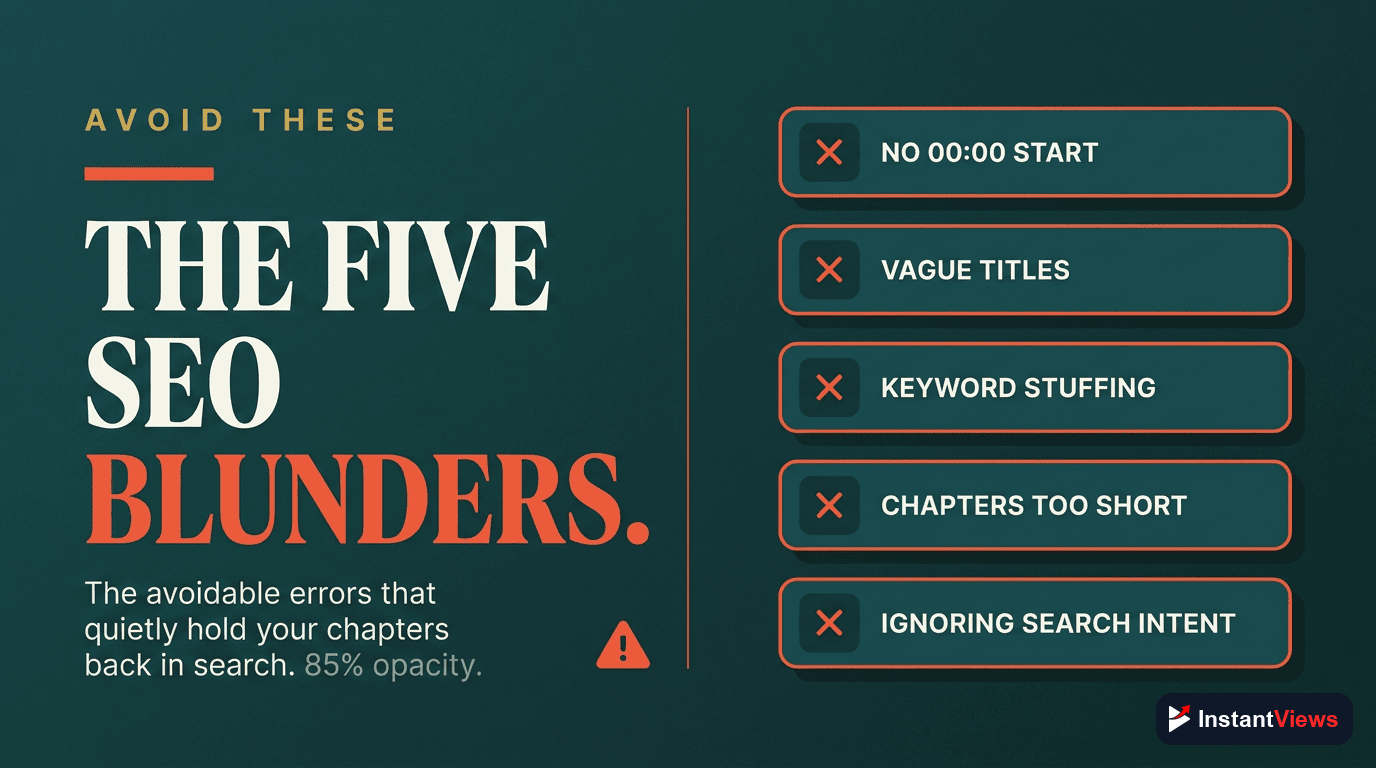
- Generic chapter titles — "Part 1, Part 2, Part 3" provide zero keyword value
- Missing the 0:00 timestamp — Chapters won't display at all without this
- Keyword stuffing — Looks spammy and triggers algorithm penalties
- Inconsistent formatting — Confuses both viewers and search algorithms
- Too many chapters — Dilutes keyword focus and overwhelms users
- Ignoring search intent — Titles should match what users actually search for
- Forgetting to update old videos — Your backlog is missing SEO opportunities
Measuring Your SEO Results
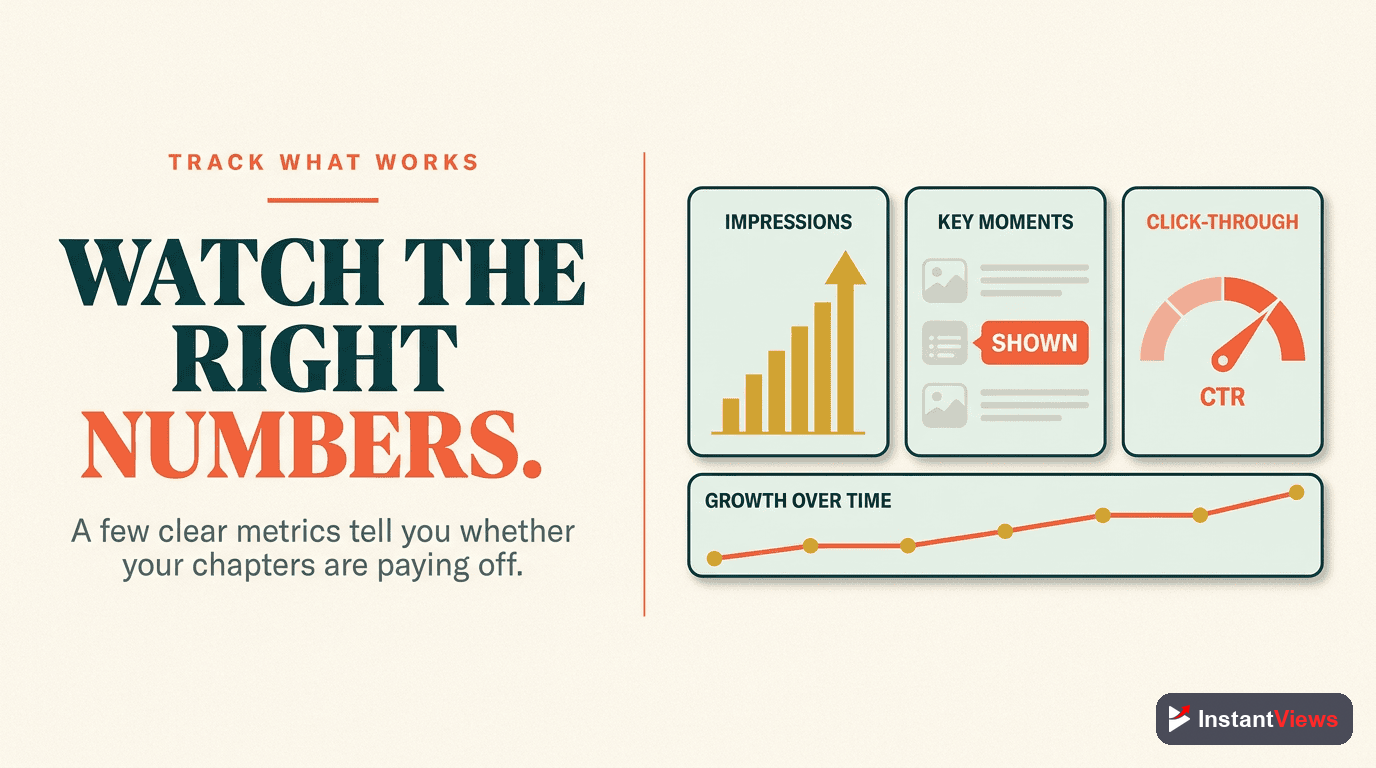
Track these metrics to measure chapter SEO impact:
Google Search Console
YouTube Analytics - Traffic Sources
Search Position Tracking
Engagement Metrics
Expected Timeline for Results
| Metric | Timeline | What to Expect |
|---|---|---|
| Key Moments | 24-48 hours | Chapters appear in Google search |
| CTR Changes | 1-2 weeks | 5-15% improvement typical |
| Watch Time | 2-3 weeks | 10-20% increase average |
| Search Rankings | 2-4 weeks | Gradual improvement as signals compound |
Frequently Asked Questions
YouTube chapters indirectly improve rankings through engagement signals. Chapters increase watch time, reduce bounce rates, and improve user satisfaction - all metrics the algorithm uses to rank videos in search and recommendations.
Yes! Google can display YouTube video chapters as "Key Moments" in search results. This gives your video multiple entry points in search, significantly increasing visibility and click-through rates compared to videos without chapters.
For SEO purposes, 5-10 chapters work best for most videos. Each chapter title should include relevant keywords naturally. Too few chapters miss keyword opportunities, while too many can dilute focus and confuse viewers.
Absolutely. Chapter titles are indexed by both YouTube and Google. Include your target keywords naturally in chapter titles, but prioritize clarity and user experience. Keyword-stuffed titles hurt engagement and rankings.
Yes, chapters create multiple ranking opportunities. Each chapter title can target different long-tail keywords, allowing a single video to rank for various search queries related to your content topics.
You may see Key Moments appear in Google within 24-48 hours. YouTube algorithm improvements typically show within 1-2 weeks as engagement metrics accumulate. Full SEO benefits compound over 2-4 weeks.
Auto-generated chapters are better than no chapters, but manual chapters optimized for keywords perform significantly better for SEO. Take time to craft chapter titles with relevant search terms viewers actually use.
Chapters can enhance search result appearance with Key Moments thumbnails, showing multiple preview images from different sections. This visual variety can increase click-through rates compared to single-thumbnail results.
Final Thoughts
YouTube chapters are far more than a convenience feature—they're a powerful SEO tool that too many creators overlook. From Google Key Moments visibility to improved engagement signals, chapters create a compound effect on your video's discoverability.
Key SEO takeaways to remember:
- Keywords matter: Every chapter title is indexed and searchable
- Key Moments boost CTR: 23% higher click-through rates on average
- Algorithm loves chapters: Improved engagement signals = better rankings
- Results compound: Benefits grow over 2-4 weeks as signals accumulate
Start by optimizing chapters on your top-performing videos—these have the highest potential for search visibility gains. Use keyword research to craft strategic chapter titles, then monitor your results through Google Search Console and YouTube Analytics.
Related guides:
- How to Add Chapters to YouTube Videos (Complete Guide)
- How YouTube Chapters Affect Watch Time
- Why Your YouTube Videos Need Chapters