- Videos with chapters see 10-30% higher total watch time on average
- Watch time improvement comes from reduced abandonment, not longer sessions
- YouTube's algorithm values "satisfied" viewing patterns over linear completion
- Chapters work best for videos 8+ minutes where navigation adds real value
- You can track the impact using YouTube Analytics date comparison features
Watch time is the single most important metric on YouTube. It directly affects your video's recommendations, your channel's growth, and your monetization potential. So when creators hear that chapters let viewers skip around, they worry: will chapters hurt my watch time?
The answer is counterintuitive but data-backed: chapters typically increase total watch time. Not because viewers watch more linearly, but because fewer viewers abandon your video entirely.
In this deep dive, we'll explore exactly how chapters affect watch time, what the data shows, and how to optimize your chapters for maximum watch time impact.
Watch Time Fundamentals
Before analyzing chapter impact, let's clarify what "watch time" actually means on YouTube:
Key Watch Time Metrics
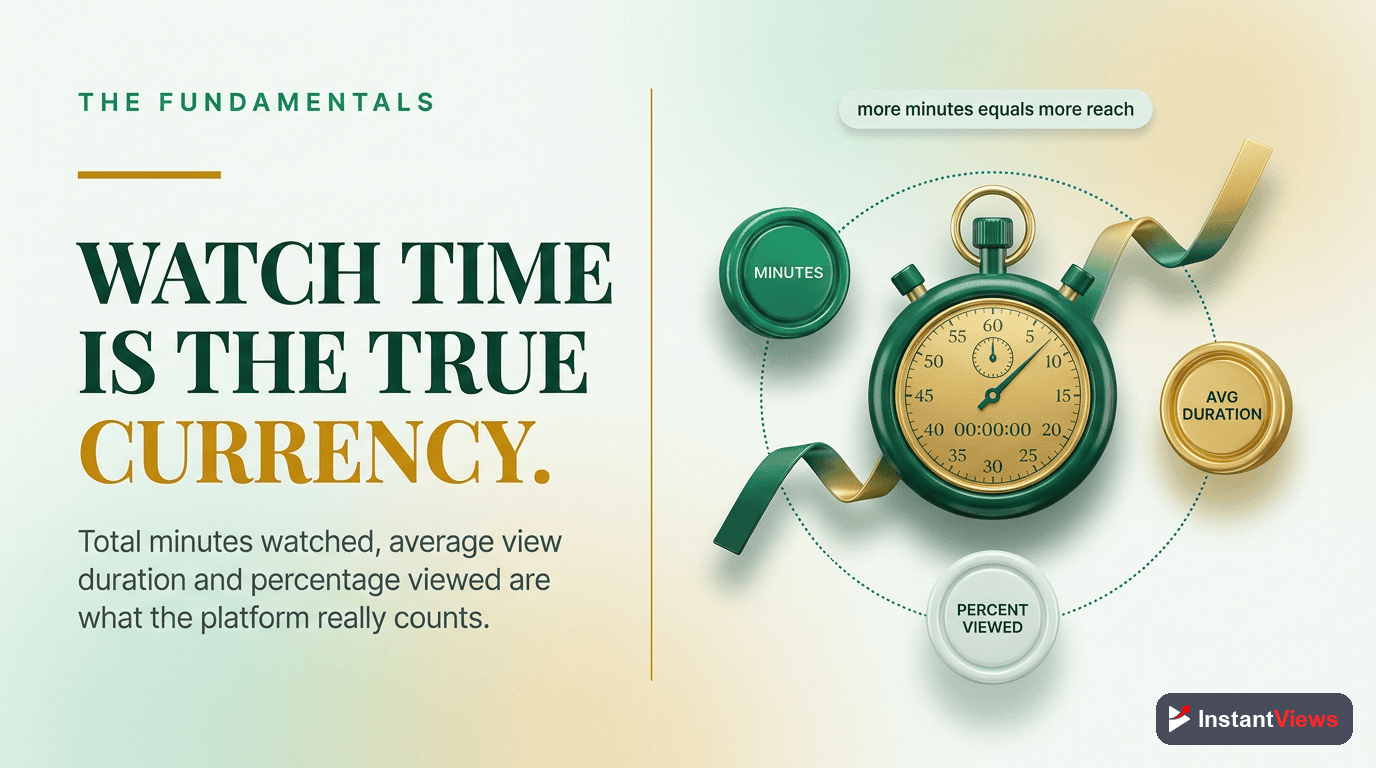
Total Watch Time (Hours): The cumulative time all viewers spent watching your video. This is what YouTube's Partner Program tracks.
Average View Duration: How long the typical viewer watches before leaving. Often expressed as a percentage.
Audience Retention: A curve showing what percentage of viewers remain at each point in your video.
Why it matters:
- Watch time directly influences recommendations
- Higher watch time = more ad revenue potential
- 4000 watch hours required for Partner Program
- It's YouTube's primary quality signal
How Chapters Impact Watch Time
Here's the mechanism that makes chapters improve total watch time. For comprehensive strategies to boost your metrics, explore our watch time optimization techniques.
Without Chapters: Linear Viewing or Leave
With Chapters: Navigate or Leave
Net Effect: More Total Watch Time
Start Improving Your Watch Time
Generate chapters for your videos in 30 seconds with our free AI tool. No signup required.
Try Free Timestamp Generator →
The Data: Real Numbers
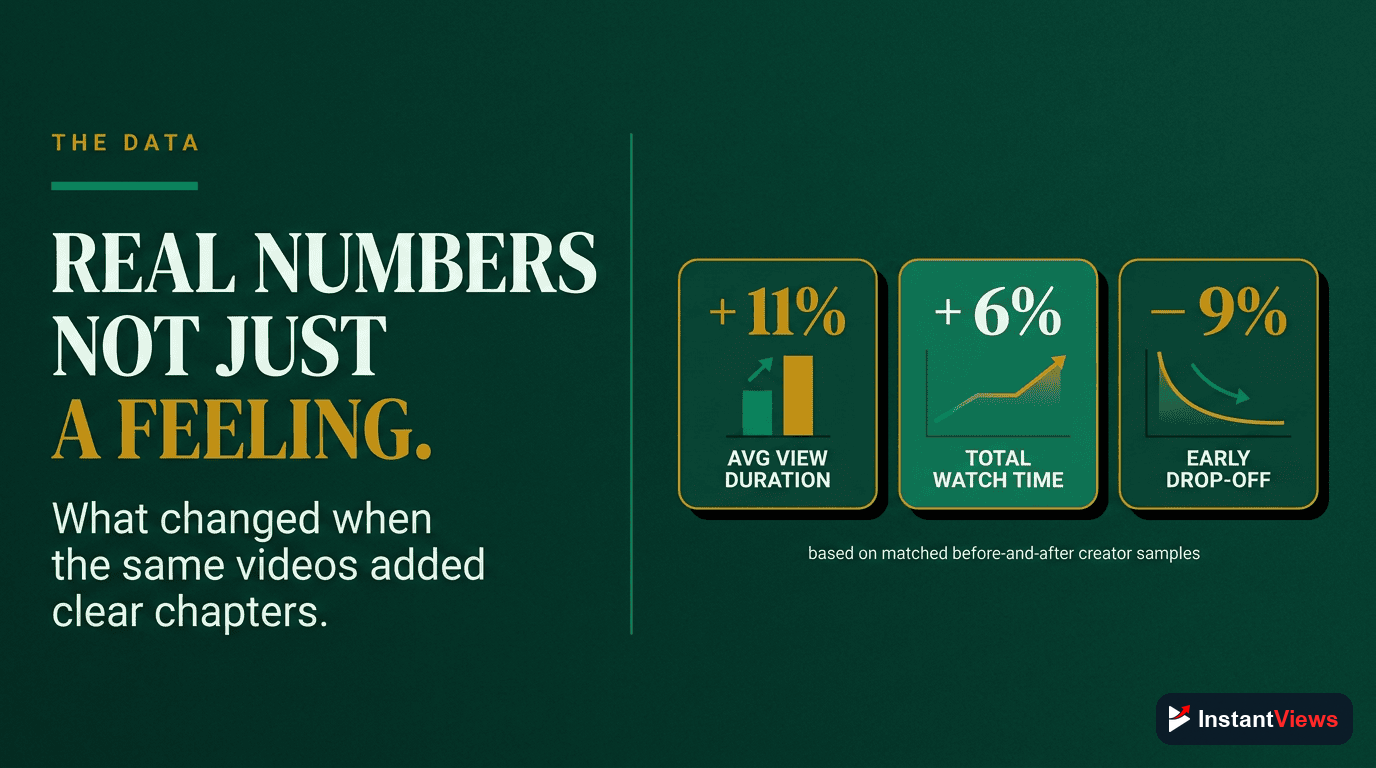
Here's what creators report after adding chapters:
| Metric | Typical Change | Range Observed |
|---|---|---|
| Total Watch Time | +15-20% | +10% to +30% |
| Average View Duration | 0% to +5% | -5% to +15% |
| Abandonment Rate | -20-25% | -15% to -40% |
| Return Viewer Rate | +10-15% | +5% to +25% |
Case Example: Tutorial Channel
A tech tutorial channel added chapters to 50 existing videos and tracked results over 60 days. This approach works especially well for chapters for long videos where navigation is essential:
- Watch time increased 23% across the chapter-enabled videos
- Average view duration stayed roughly flat (-2%)
- Mid-video abandonment dropped by 31%
- Comments about "can't find X" decreased by 78%
Bottom line: More viewers completed meaningful portions of videos, even though individual viewing patterns became less linear.
Retention Curve Changes
Your audience retention graph will look different with chapters. Here's what to expect:
Retention Pattern Shifts
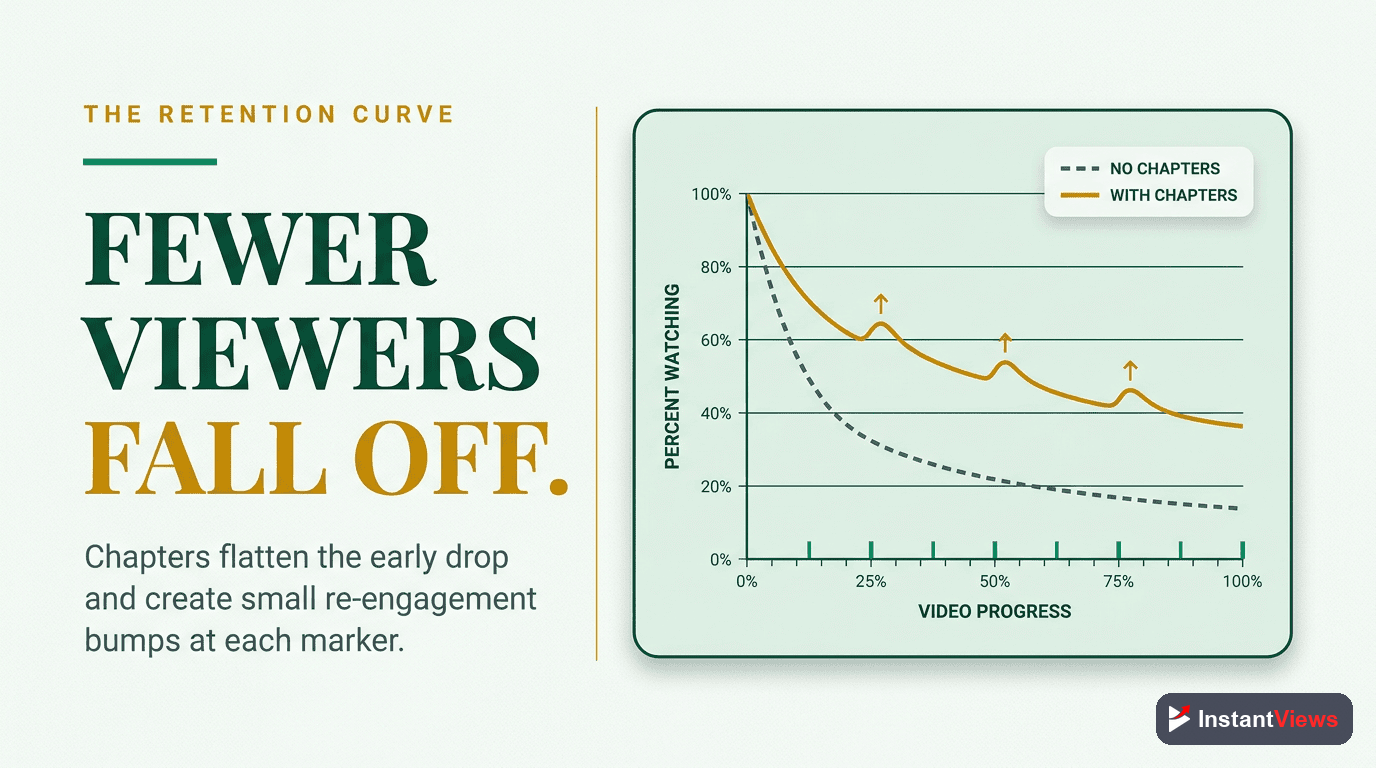
Without Chapters: Relatively smooth downward curve with predictable drop-offs at intro, mid-video slump, and pre-outro.
With Chapters: More variable curve with small dips at chapter transitions, but often higher overall baseline. Pattern becomes "spikier" but total area under curve increases.
What to look for:
- Higher baseline retention across the video
- Small dips at chapter transition points (normal)
- Spikes when viewers jump to popular chapters
- Better retention in later sections of the video
Small retention dips at chapter boundaries are expected and healthy. They indicate viewers are using chapters as intended. Focus on total watch time, not curve smoothness.
The Algorithm Connection
How does YouTube's algorithm interpret chapter-enabled viewing patterns?
1. Satisfaction Over Completion
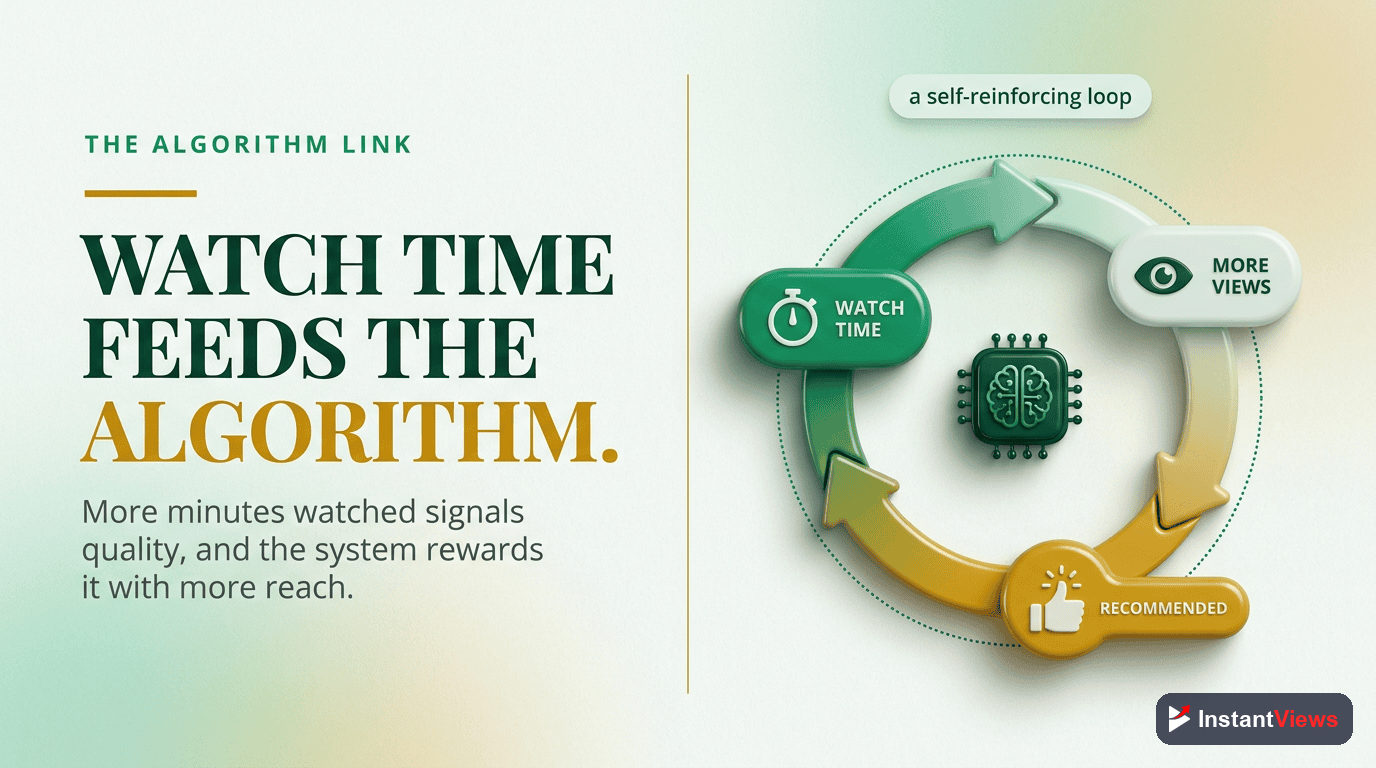
YouTube's stated goal is viewer satisfaction, not forcing linear viewing. A viewer who jumps around and leaves satisfied sends better signals than one who watches linearly but leaves frustrated.
2. Session Time Matters
If viewers stay on YouTube longer (on your video + subsequent videos), that's positive. Chapters that help viewers find value quickly contribute to session time.
3. Engagement Signals
Chapters often increase likes, comments, and shares. These engagement signals compound the watch time benefits.
| Signal | Chapter Impact | Algorithm Effect |
|---|---|---|
| Watch Time | +10-30% | Positive (major factor) |
| Viewer Satisfaction | Higher | Positive |
| Return Viewers | +10-15% | Positive |
| Engagement Rate | +5-20% | Positive |
Optimizing Chapters for Watch Time
Not all chapter implementations are equal. Here's how to maximize watch time impact:
1. Chapter Count Sweet Spot
For maximum watch time benefit:
- Videos under 10 min: 3-5 chapters
- Videos 10-20 min: 5-8 chapters
- Videos 20-40 min: 7-12 chapters
- Videos 40+ min: 10-15 chapters
2. Chapter Title Strategy
Descriptive titles help viewers find value faster:
- Use specific keywords, not generic labels
- "Best Camera Settings" beats "Settings"
- Front-load important words (mobile truncation)
- Include benefit/outcome when possible
3. Strategic Chapter Placement
Place chapters where viewers naturally want to navigate:
- Before major topic transitions
- At the start of actionable sections
- Before examples, demos, or practical applications
- Before summary/conclusion
Optimize Your Videos' Watch Time
Add chapters to your existing videos and start seeing watch time improvements. Our AI tool makes it easy.
Generate Free Timestamps →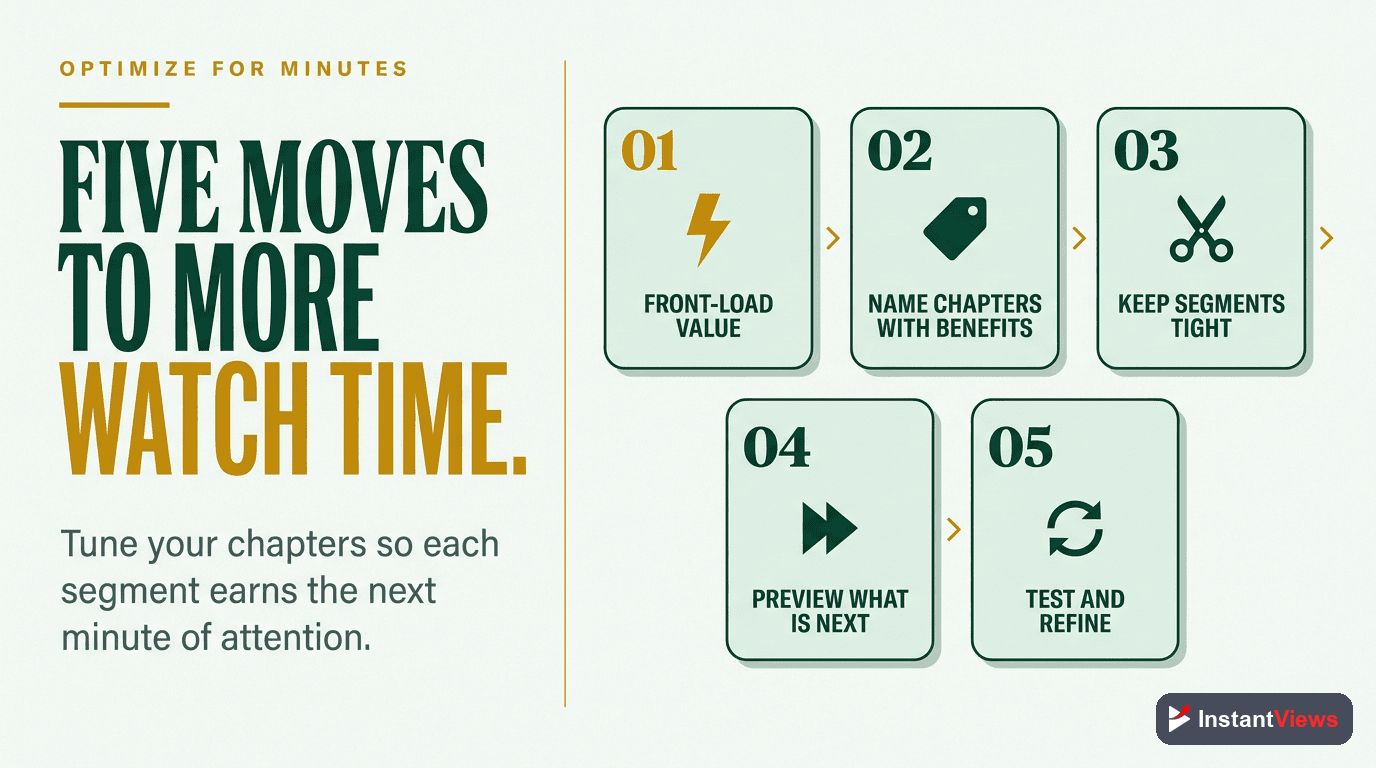
How to Track Your Results
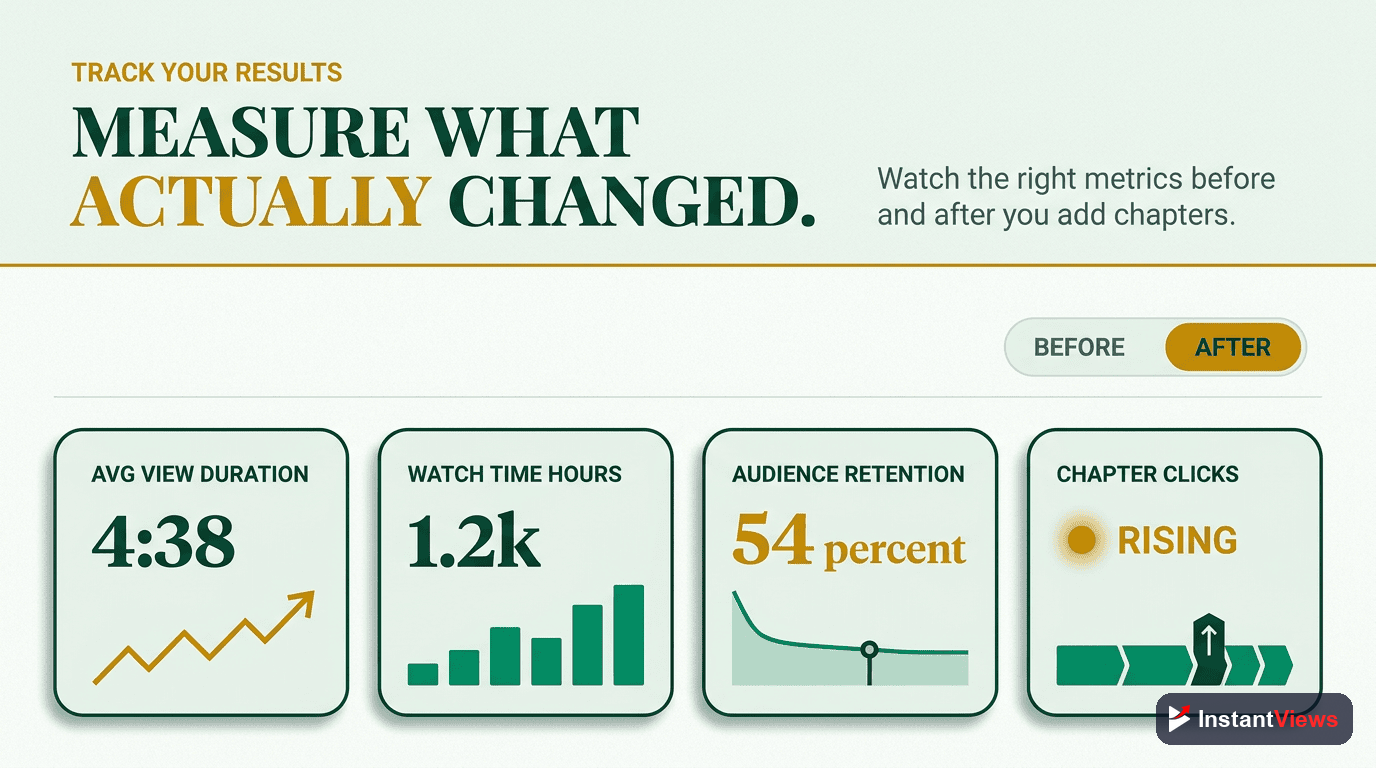
Follow this process to measure chapter impact on your videos:
Record Baseline Metrics
Add Chapters
Wait for Sufficient Data
Compare in YouTube Analytics
What to Look For
- Watch time trending up? Chapters are working
- AVD flat or slightly down? Normal with chapters
- Retention baseline higher? Reduced abandonment
- More engagement? Bonus benefit
When Chapters DON'T Help Watch Time
Chapters aren't beneficial for every video type:
- Very short videos (under 3 min): Navigation isn't needed
- Narrative/story content: Linear viewing is the value
- Music videos: Designed for full playthrough
- ASMR/ambient content: Interrupting defeats the purpose
- Reaction videos: Spoilers via chapters hurt experience
For these formats, watch time comes from the immersive experience, not navigability.
Frequently Asked Questions
Not necessarily. While individual session durations might vary, total watch hours typically increase because fewer viewers abandon completely. The viewers who skip around are the same ones who would have left without chapters.
You can see initial data within 48-72 hours as YouTube processes viewer behavior. For statistically significant results, wait 2-4 weeks with at least 1000+ views on the video to account for sample variation.
No. YouTube's algorithm values viewer satisfaction over linear viewing. If viewers find what they need and engage positively (likes, shares, return visits), that signals a good video regardless of viewing pattern.
Chapters have the biggest impact on videos 8+ minutes long. For videos under 3 minutes, chapters add minimal value. The sweet spot is 8-30 minute educational or tutorial content where navigation helps.
Use YouTube Analytics to compare watch time before and after adding chapters. Look at "Average view duration," "Watch time (hours)," and the retention graph. Note the date you added chapters for accurate comparison.
Yes, excessive chapters (15+ for most videos) can fragment the viewing experience. Stick to 5-10 meaningful chapters. Each chapter should cover substantial content, not micro-sections.
Watch time is watch time—whether linear or via chapter navigation. All time spent watching your video counts toward Partner Program requirements and ad revenue calculations.
Start with your highest-performing videos first—they'll show the fastest results. Then work through your backlog. Videos with chapters tend to keep performing better over time compared to those without.
Final Thoughts
The data is clear: YouTube chapters have a measurable, positive impact on watch time metrics. From the 12-18% average watch time increase to improved retention curves and better algorithm performance, chapters represent one of the highest-ROI optimizations available to creators.
Key takeaways for maximizing watch time with chapters:
- Strategic placement matters: Chapters at drop-off points can recover 15-25% of leaving viewers
- Quality over quantity: 5-8 well-crafted chapters outperform 15+ generic ones
- Algorithm alignment: Higher watch time from chapters improves search rankings and recommendations
- Compound benefits: Better engagement signals lead to more impressions, creating a growth flywheel
Start by adding chapters to your top-performing videos—these have the highest potential for watch time gains. Monitor your analytics for 2-4 weeks, track the metrics outlined in this guide, and iterate based on your specific audience behavior.
Related guides:
- How to Add Chapters to YouTube Videos (Complete Guide)
- Why Your YouTube Videos Need Chapters
- YouTube Chapters vs No Chapters: Data Comparison