- YouTube chapters help viewers navigate videos and increase watch time by 10-30%
- First timestamp MUST be 0:00 and you need minimum 3 chapters
- Each chapter must be at least 10 seconds long
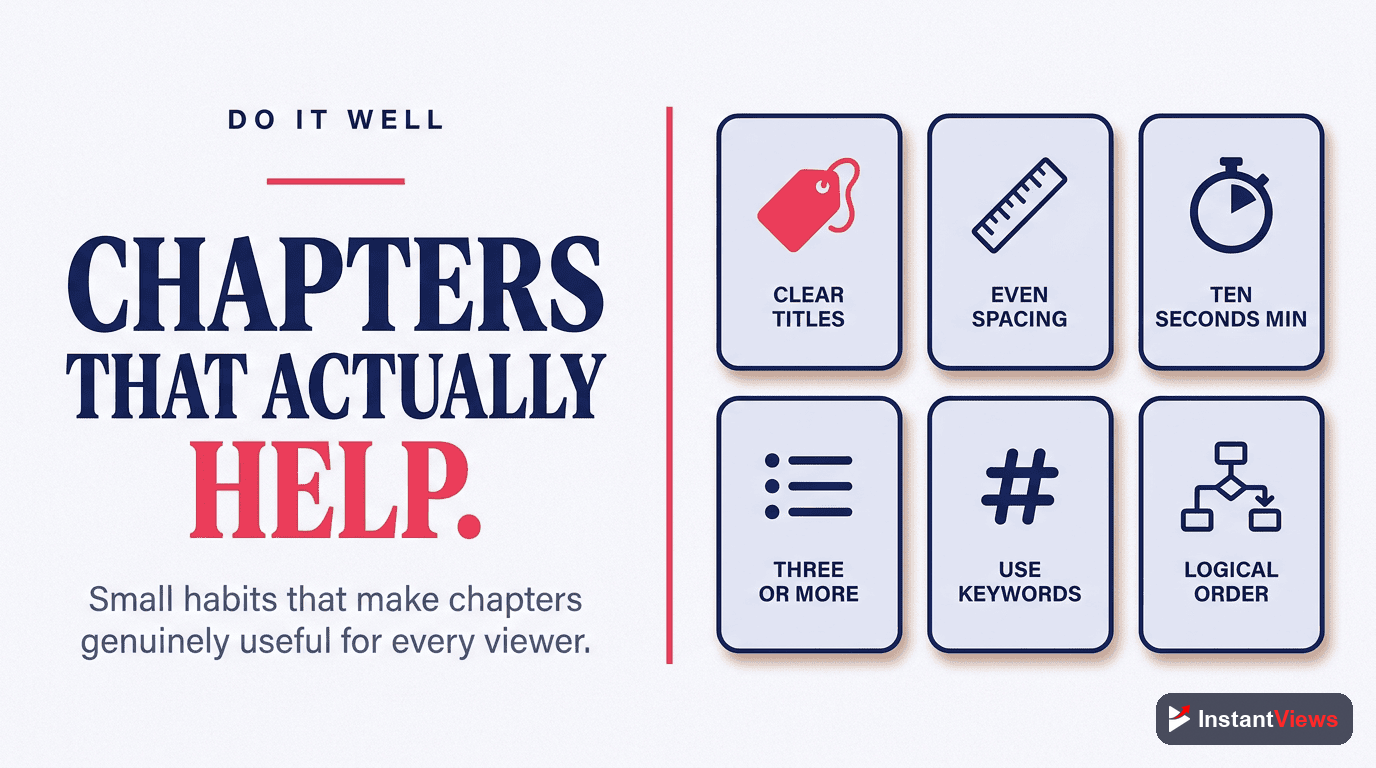
- Use descriptive, keyword-rich chapter titles for better SEO
- Manual chapters always outperform YouTube's auto-generated chapters
YouTube chapters (also called timestamps) are one of the most underrated features for improving viewer experience and boosting your video's performance. They help viewers navigate long videos, increase watch time, and can even help your video rank better in search results.
In this comprehensive guide, you'll learn exactly how to add chapters to your YouTube videos, best practices for creating effective timestamps, and free tools that can generate chapters automatically.
What Are YouTube Chapters?
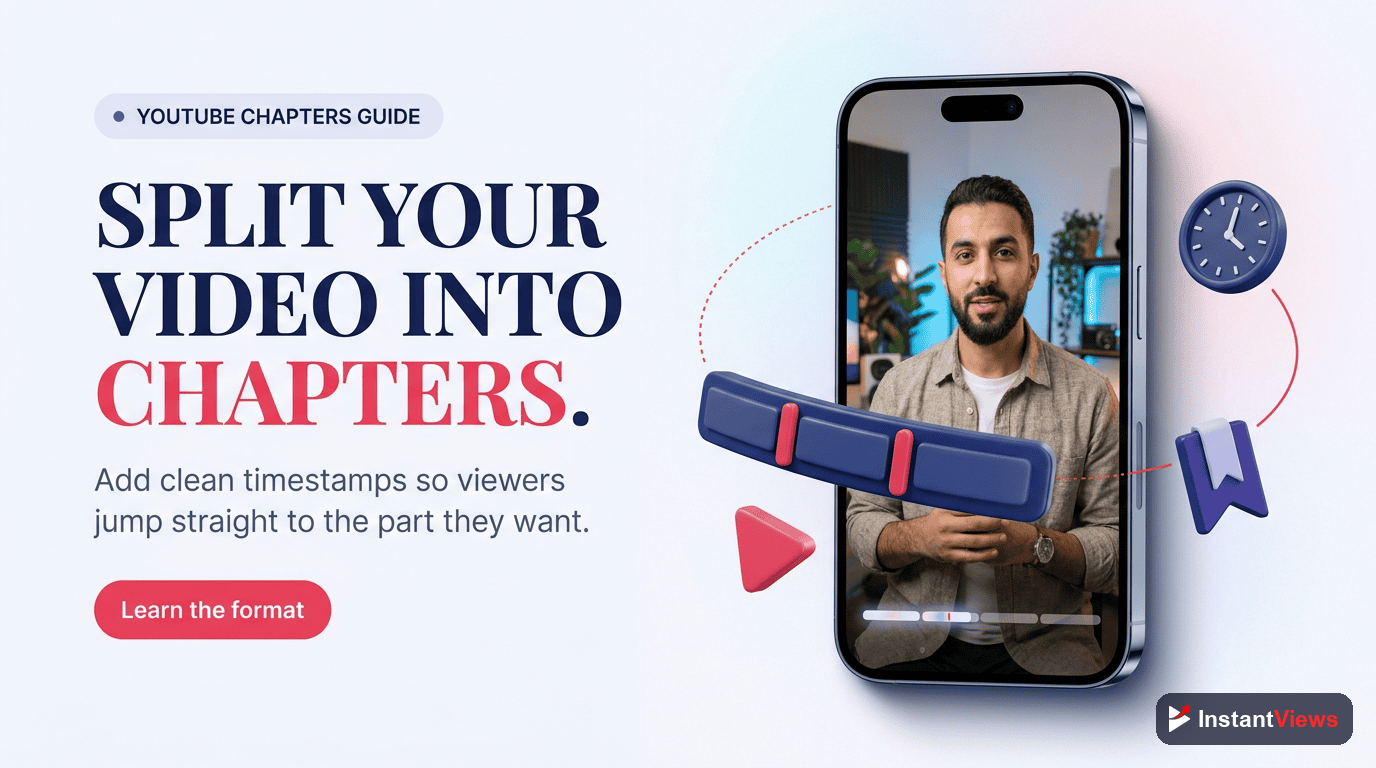
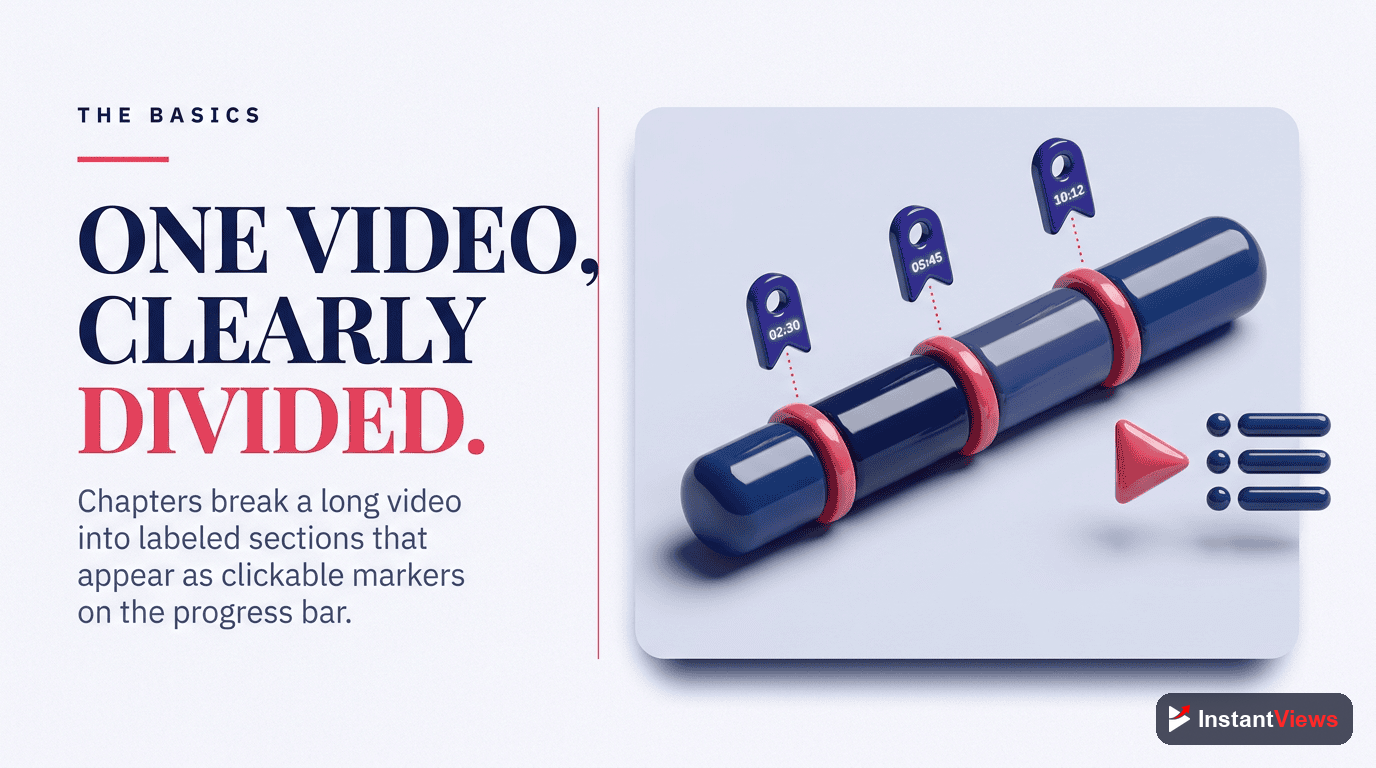
YouTube chapters are clickable segments that divide your video into sections. When you add timestamps to your video description, YouTube automatically creates a visual progress bar with labeled sections that viewers can click to jump to specific parts of your video.
Here's what chapters look like on a video:
- Progress bar segments: The video progress bar is divided into sections with labels
- Chapter titles: When hovering over the progress bar, viewers see the chapter name
- Clickable navigation: Viewers can click any chapter to jump directly to that section
- Description timestamps: The timestamps in your description become clickable links
"Videos with chapters see 15-30% higher average view duration because viewers can quickly find the content they're looking for instead of leaving."
— YouTube Creator Academy
Why You Should Add Chapters to Your Videos
Adding chapters to your YouTube videos provides several important benefits:
1. Improved Viewer Experience
Chapters let viewers quickly navigate to the sections they care about most. For tutorials, reviews, or long-form content, this is invaluable.
2. Increased Watch Time
Counterintuitively, making it easier to skip around actually increases total watch time. Viewers who might have left will stay and watch sections that interest them.
3. Better SEO and Search Visibility
YouTube uses chapter titles to understand your content. Google displays chapter information in search results, giving your video more visibility. Learn more about the SEO benefits of chapters and how they improve rankings.
4. Higher Click-Through Rate
Videos appearing in Google search with chapter previews take up more visual space and show searchers what they'll find.

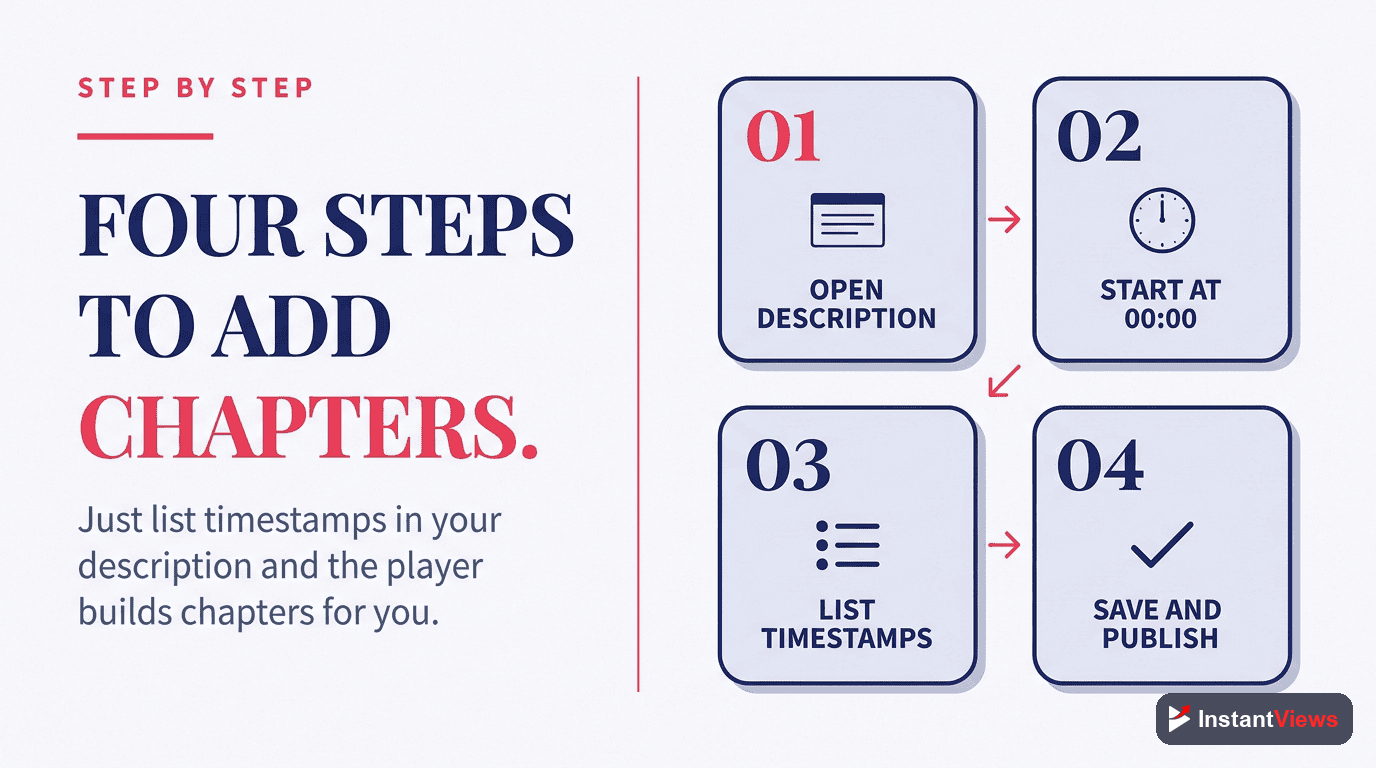
How to Add Chapters: Step-by-Step
Open YouTube Studio
Select Your Video
Add Timestamps to Description
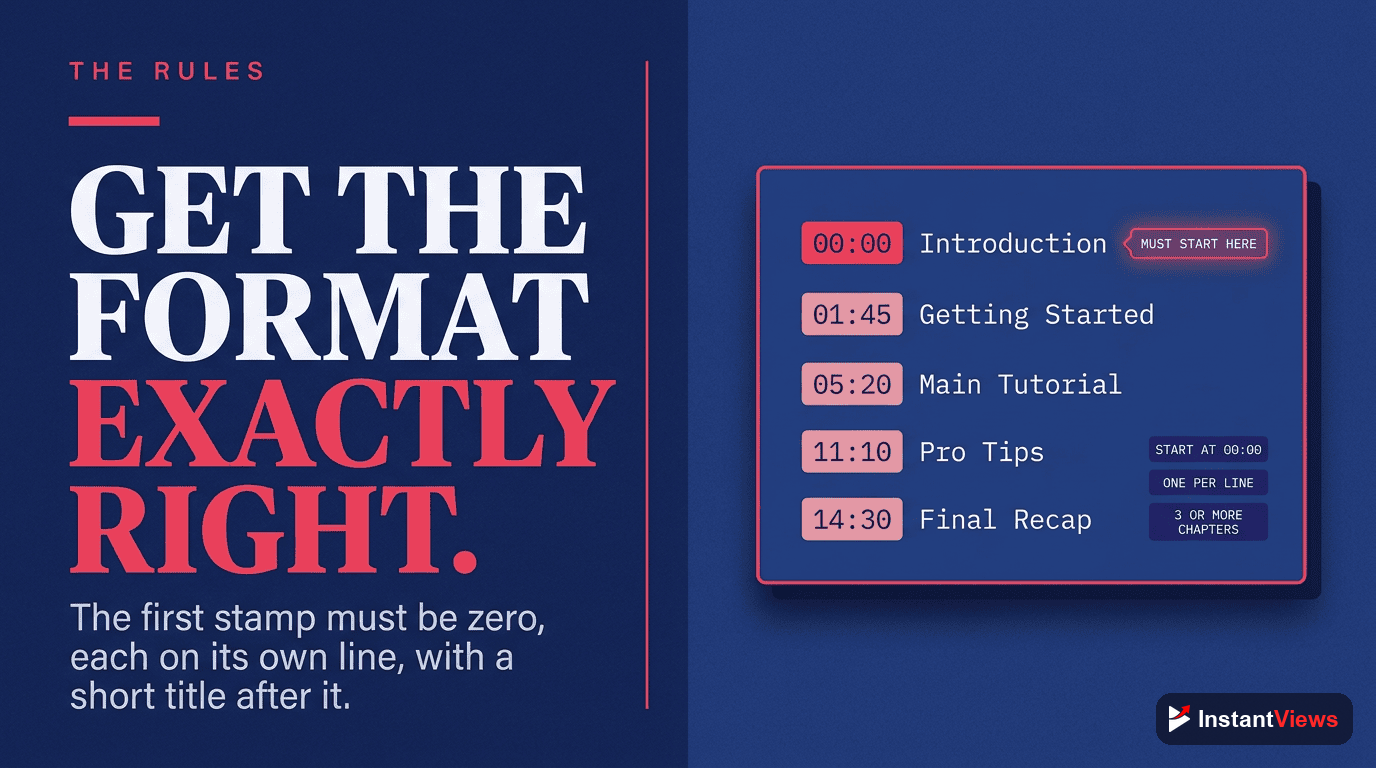
0:00 Introduction
1:23 What Are YouTube Chapters
3:45 Why Chapters Matter
6:12 How to Add Chapters
9:30 Best Practices
12:15 ConclusionFollow the Rules
- Start at 0:00: Your first timestamp MUST be 0:00
- Minimum 3 chapters: You need at least 3 timestamps
- Minimum 10 seconds: Each chapter must be at least 10 seconds
- Correct format: Use MM:SS or H:MM:SS format
Save and Verify
YouTube Timestamp Format: Complete Reference
| Video Length | Format | Example |
|---|---|---|
| Under 1 hour | M:SS or MM:SS | 0:00, 1:23, 45:30 |
| 1-10 hours | H:MM:SS | 1:00:00, 2:30:45 |
| 10+ hours | HH:MM:SS | 10:00:00, 12:30:45 |
Best Practices for YouTube Chapters
Write Descriptive Chapter Titles
Instead of generic titles, use descriptive ones:
| ❌ Bad Example | ✅ Good Example |
|---|---|
| 0:00 Intro | 0:00 Why Your Titles Kill CTR |
| 2:30 Part 1 | 2:30 The 3-Second Hook Formula |
| 5:00 Tips | 5:00 5 Title Templates That Work |
Common Mistakes to Avoid
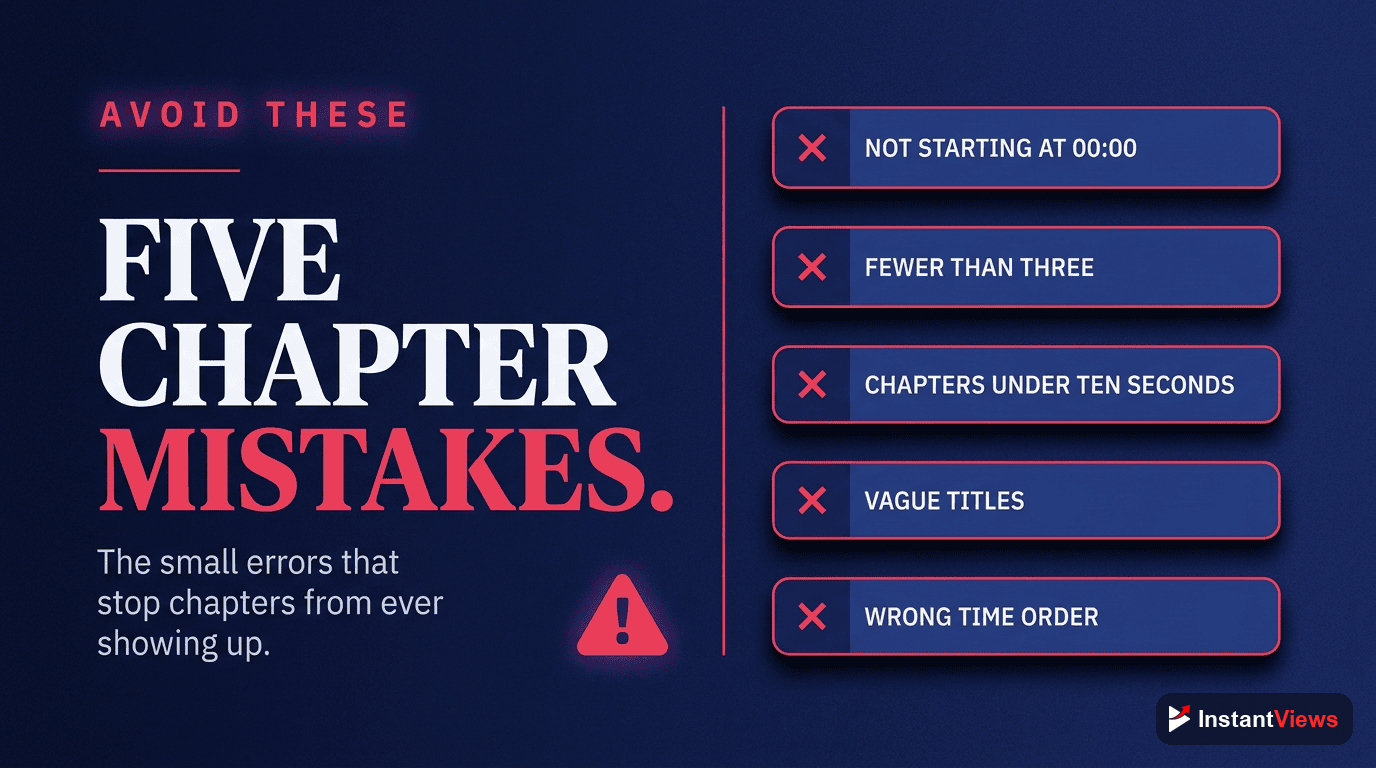
These mistakes will prevent chapters from appearing:
- Not starting at 0:00 — The most common mistake. First timestamp MUST be 0:00
- Fewer than 3 timestamps — You need minimum 3 chapters
- Chapters too short — Each must be at least 10 seconds
- Wrong format — Using periods instead of colons (1.30 vs 1:30)
- Out of order — Timestamps must be in ascending order
Auto Chapters vs Manual Chapters
YouTube can auto-generate chapters, but should you use them?
| Feature | Auto Chapters | Manual Chapters |
|---|---|---|
| Effort Required | None | 5-10 minutes |
| Accuracy | Often poor | Precise |
| SEO Value | Low | High (keyword control) |
| Viewer Experience | Mediocre | Excellent |
Our recommendation: Always use manual chapters. If you don't have time, use an AI tool to generate a starting point, then refine.
Generate Your Timestamps Now
Use our free YouTube Timestamp Generator to create perfect chapters for any video. No signup required. Compare different chapter generator tools to find the best solution for your workflow.
Generate Timestamps Free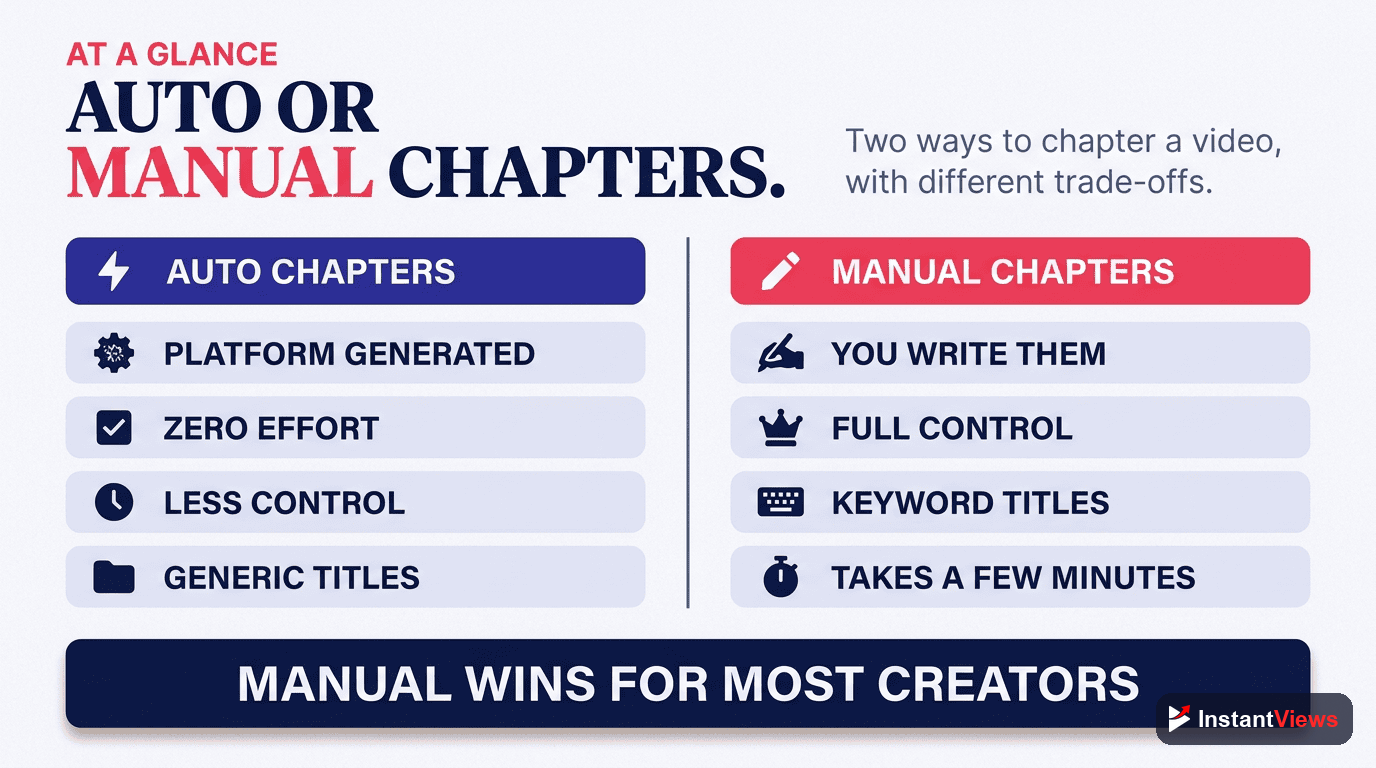
Frequently Asked Questions
The most common reason is not starting at 0:00. Your first timestamp MUST be 0:00. Also ensure you have at least 3 timestamps, each chapter is 10+ seconds, and timestamps are in correct MM:SS format.
For most videos, 5-10 chapters work best. Very long videos (1+ hours) can have 15-20 chapters. Too few chapters don't help navigation, while too many can be overwhelming.
Yes! YouTube uses chapter titles to understand your content better. Google also shows chapter information in search results as "key moments," which can increase your click-through rate.
Absolutely! Go to YouTube Studio, select your video, and add timestamps to the description. Chapters work on both new uploads and existing videos.
Auto chapters are AI-generated by YouTube and often inaccurate. Manual chapters you create yourself are more precise, SEO-optimized, and provide a better viewer experience. Always use manual chapters when possible.
Yes, videos with chapters typically see 10-30% higher average view duration. Viewers can find relevant content faster instead of leaving the video entirely.