- First timestamp must be 0:00 - this is the #1 cause of chapters not working
- You need minimum 3 timestamps and each chapter must be at least 10 seconds
- Timestamps must use colons (1:23) not periods (1.23)
- Changes can take up to 24 hours to appear on all devices
- Use our free timestamp generator to avoid formatting errors
You've added timestamps to your YouTube video description, but the chapters aren't showing up. The progress bar is still a solid line with no chapter markers. Sound familiar?
This is one of the most frustrating issues YouTube creators face. You did everything right (or so you thought), but the chapters just won't appear. Don't worry - in this comprehensive guide, we'll walk through every possible cause and fix for YouTube chapters not working.
By the end of this article, you'll know exactly what's preventing your chapters from appearing and how to fix it in minutes.
- Quick Troubleshooting Checklist
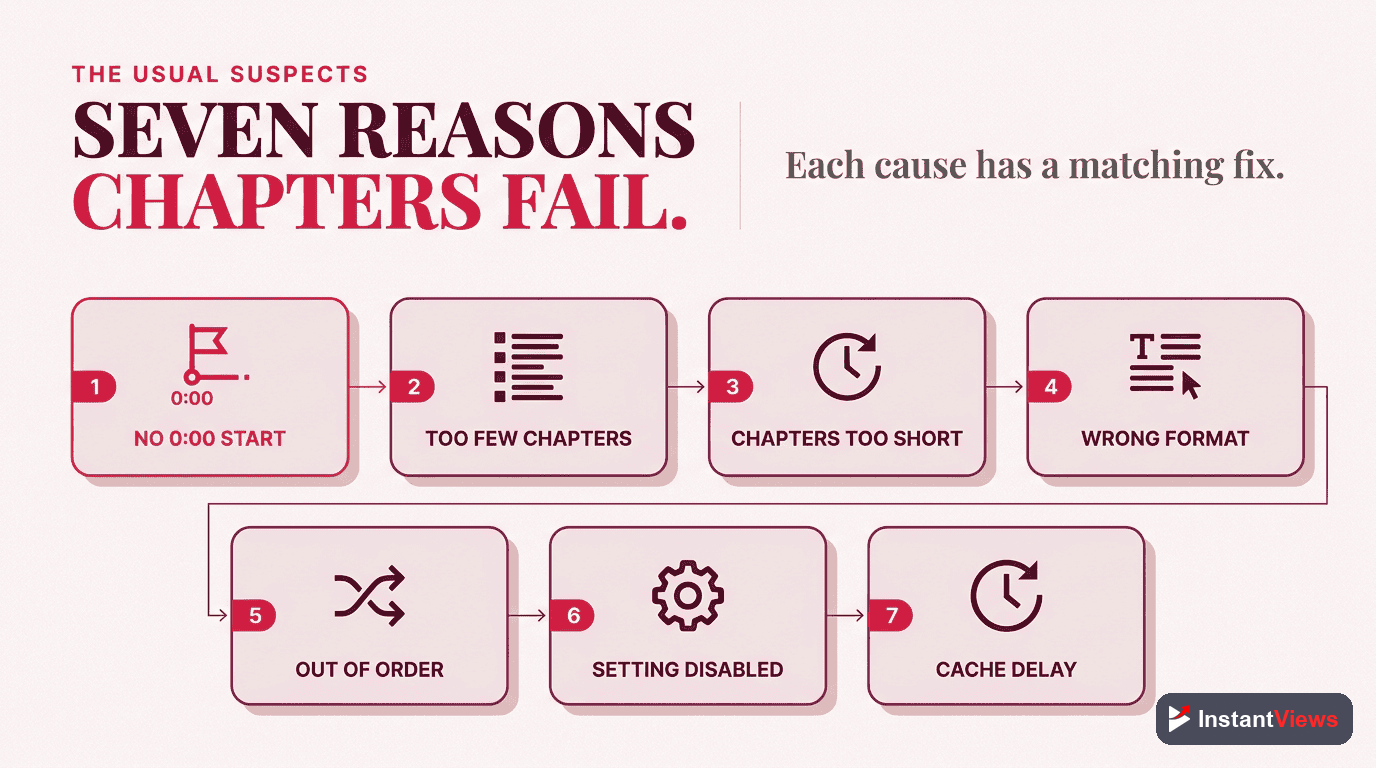
- 7 Most Common Causes & Fixes
- Fix #1: First Timestamp Not at 0:00
- Fix #2: Too Few Chapters
- Fix #3: Chapters Too Short
- Fix #4: Wrong Timestamp Format
- Fix #5: Timestamps Out of Order
- Fix #6: Auto-Chapters Disabled
- Fix #7: Caching and Propagation Delays
- Advanced Troubleshooting
- How to Prevent Future Issues
- FAQ
Quick Troubleshooting Checklist
Before diving into detailed fixes, run through this quick checklist. Most chapter problems can be identified here:
If everything above looks correct and chapters still aren't working, continue reading for detailed troubleshooting of each issue.
Skip the Troubleshooting
Use our free timestamp generator to create properly formatted chapters automatically. No more format errors!
Generate Perfect Timestamps →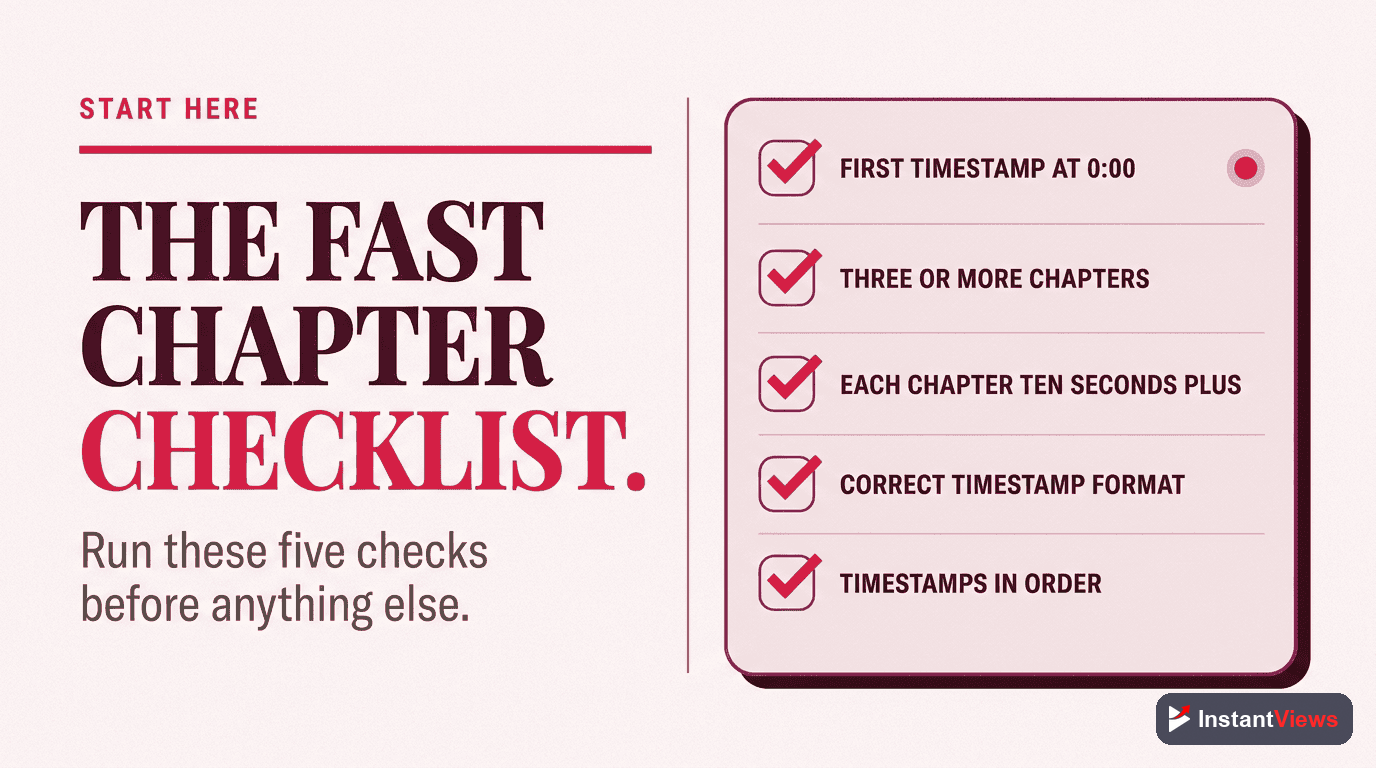
7 Most Common Causes & Fixes
Let's examine each common cause in detail and how to fix it.
Fix #1: First Timestamp Not at 0:00
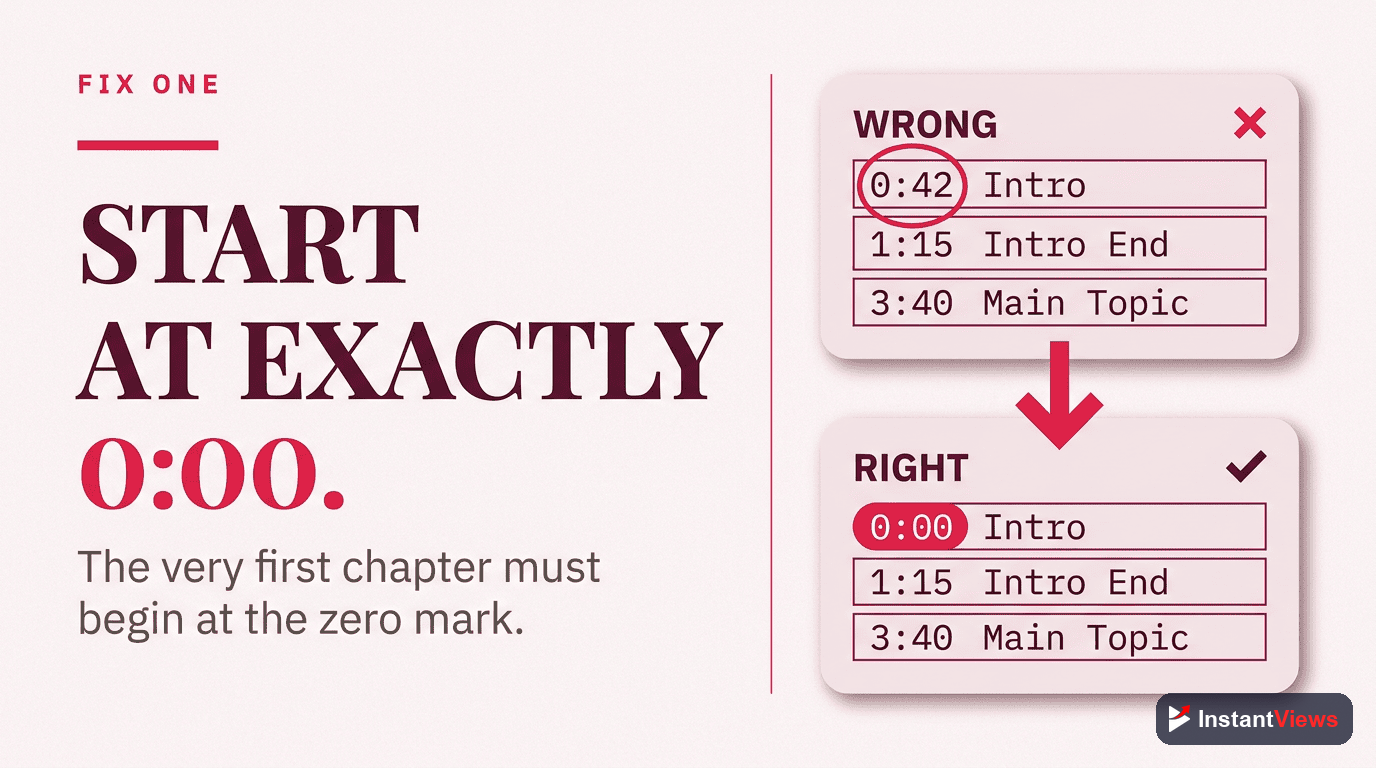
The Problem: Missing 0:00 Starting Point
This is the #1 cause of YouTube chapters not working. Your first timestamp MUST be exactly 0:00. Not 0:01, not 0:05, but exactly 0:00.
0:15 Introduction
2:30 Main Topic
5:45 Conclusion
0:00 Introduction
2:30 Main Topic
5:45 Conclusion
Even if your video doesn't have a real introduction at 0:00, you still need to start there. You can use generic labels like "Start" or "Intro" for the first timestamp.
Fix #2: Too Few Chapters
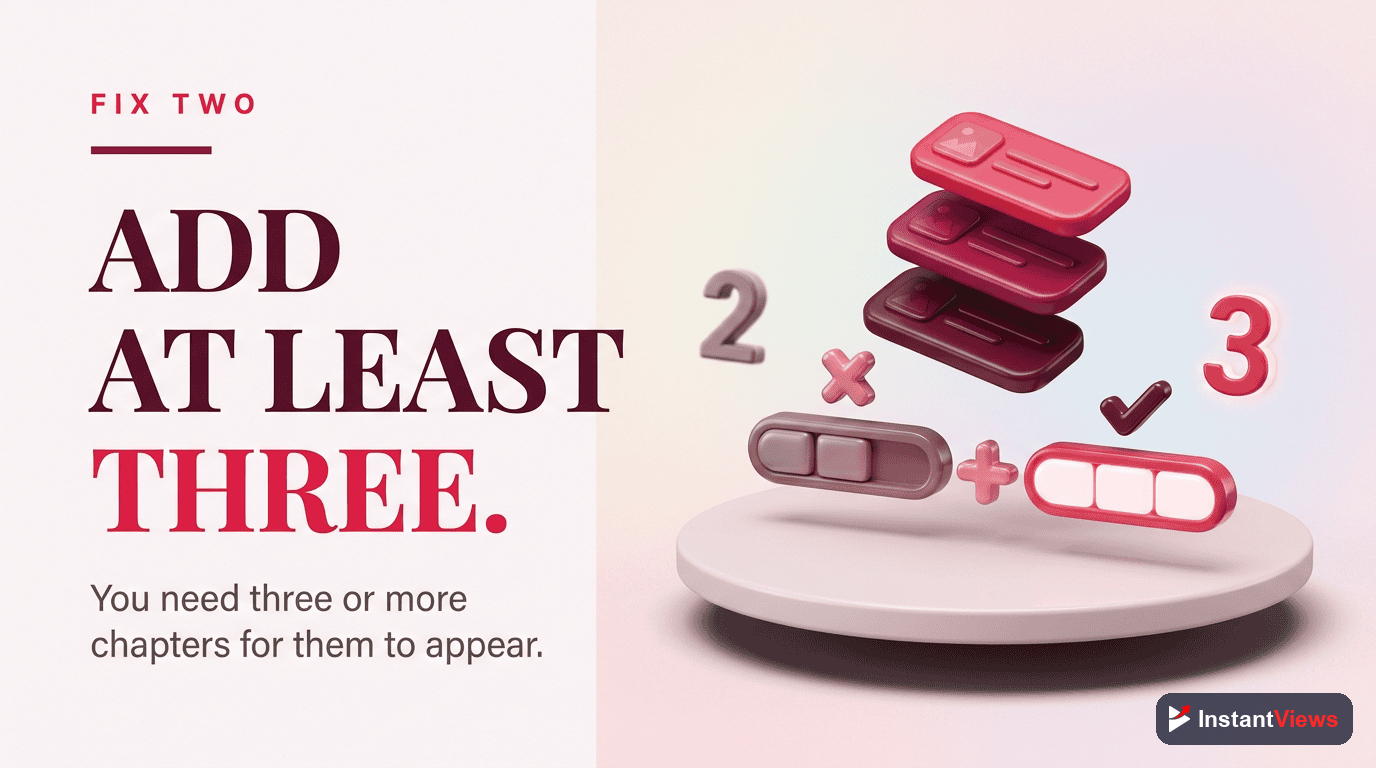
The Problem: Fewer Than 3 Timestamps
YouTube requires a minimum of 3 timestamps to activate the chapter feature. If you only have 2 timestamps, chapters won't appear.
0:00 Intro
3:00 Main Content
0:00 Intro
1:30 Overview
3:00 Main Content
If your video is short and doesn't naturally have 3 sections, consider adding a timestamp for "Intro" and "Outro" to meet the minimum requirement.
Fix #3: Chapters Too Short
The Problem: Chapters Under 10 Seconds
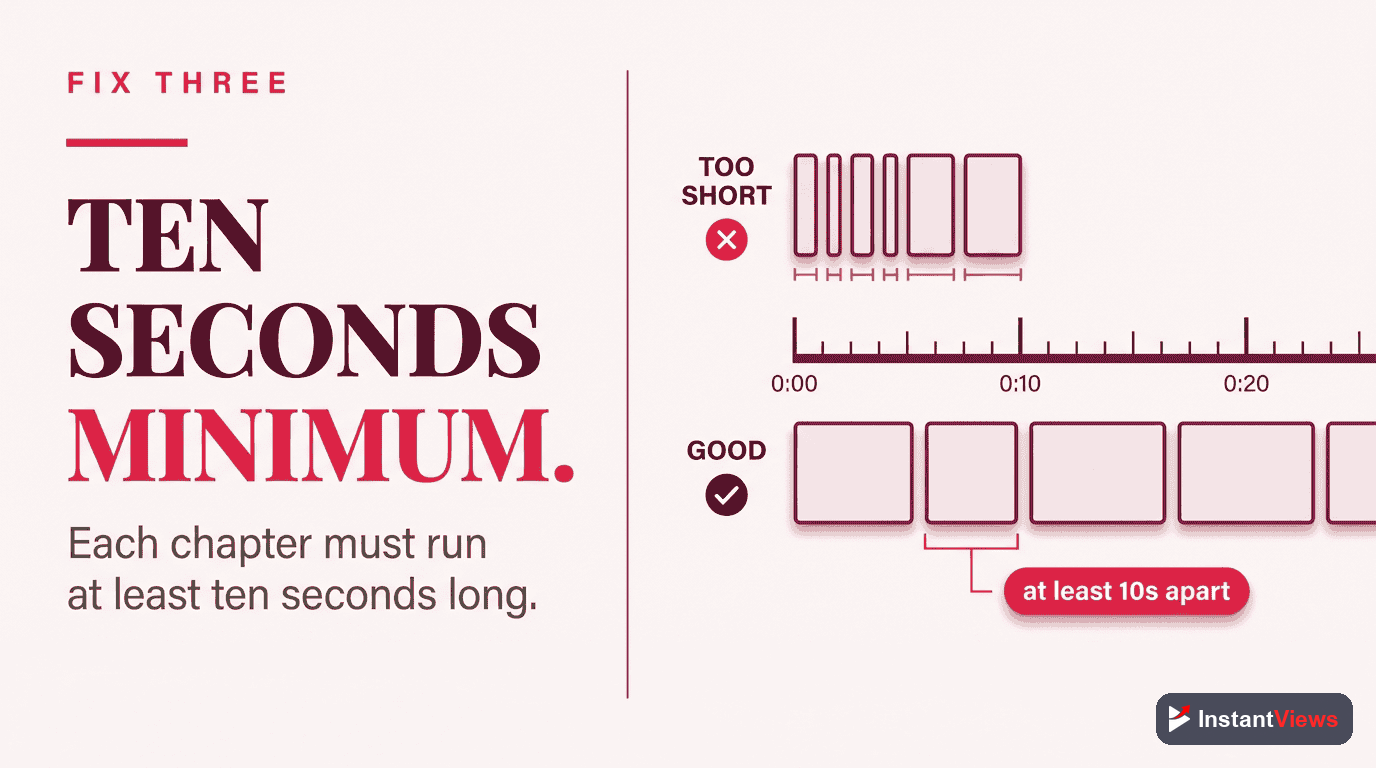
Each chapter must be at least 10 seconds long. If the gap between two timestamps is less than 10 seconds, the chapter won't be recognized.
0:00 Intro
0:05 Welcome
1:30 Main Topic
0:00 Intro & Welcome
1:30 Main Topic
5:00 Conclusion
Combine very short sections into a single chapter with a combined title instead of trying to create micro-chapters.
Fix #4: Wrong Timestamp Format
The Problem: Incorrect Format Syntax
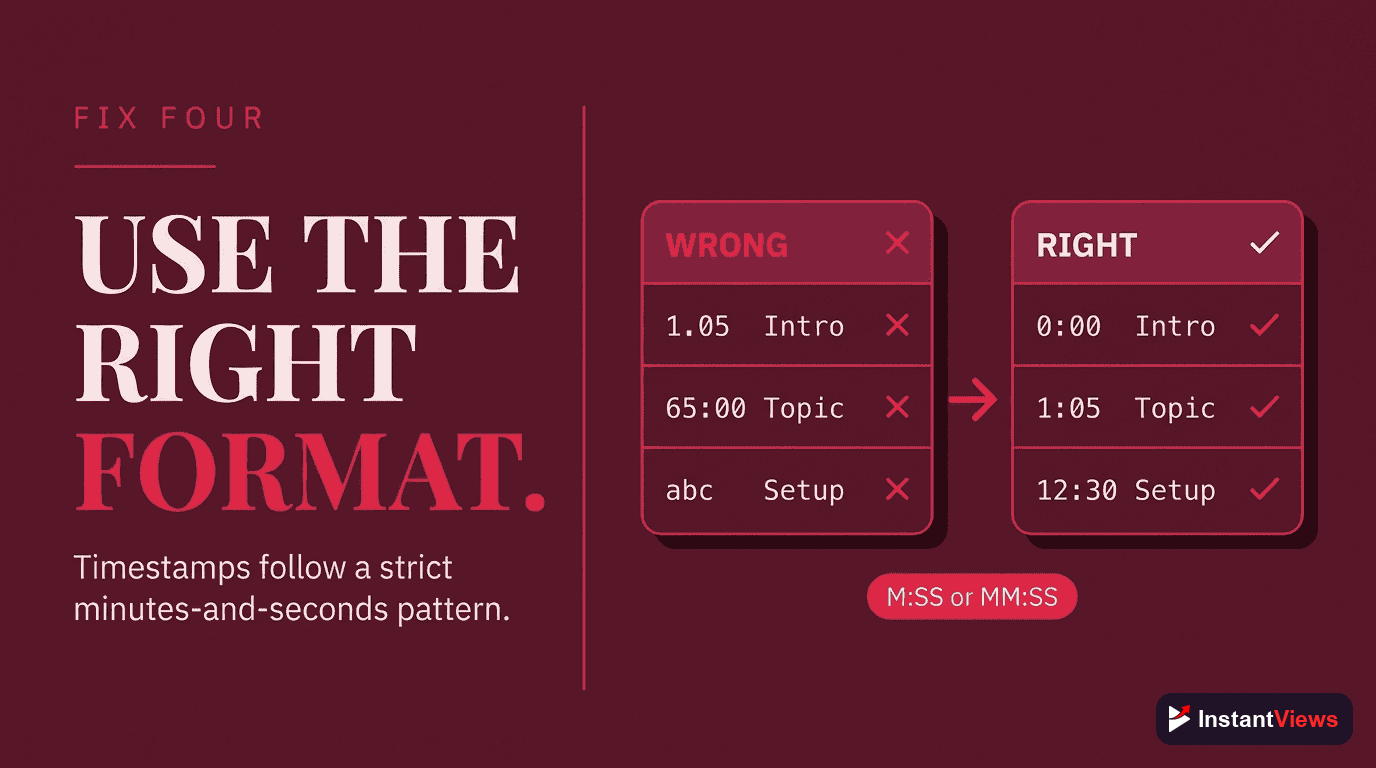
Timestamps must use colons (:), not periods, dashes, or other separators. The format should be M:SS or MM:SS for videos under 1 hour, or H:MM:SS for longer videos.
| ❌ Wrong Format | ✔ Correct Format |
|---|---|
1.30 (period) |
1:30 |
1-30 (dash) |
1:30 |
1m30s (letters) |
1:30 |
1:3 (single digit seconds) |
1:03 |
90:00 (90 minutes) |
1:30:00 |
Using your phone's keyboard often inserts periods instead of colons. Double-check that you're using colons, especially if copying from notes apps.
Fix #5: Timestamps Out of Order
The Problem: Non-Sequential Timestamps
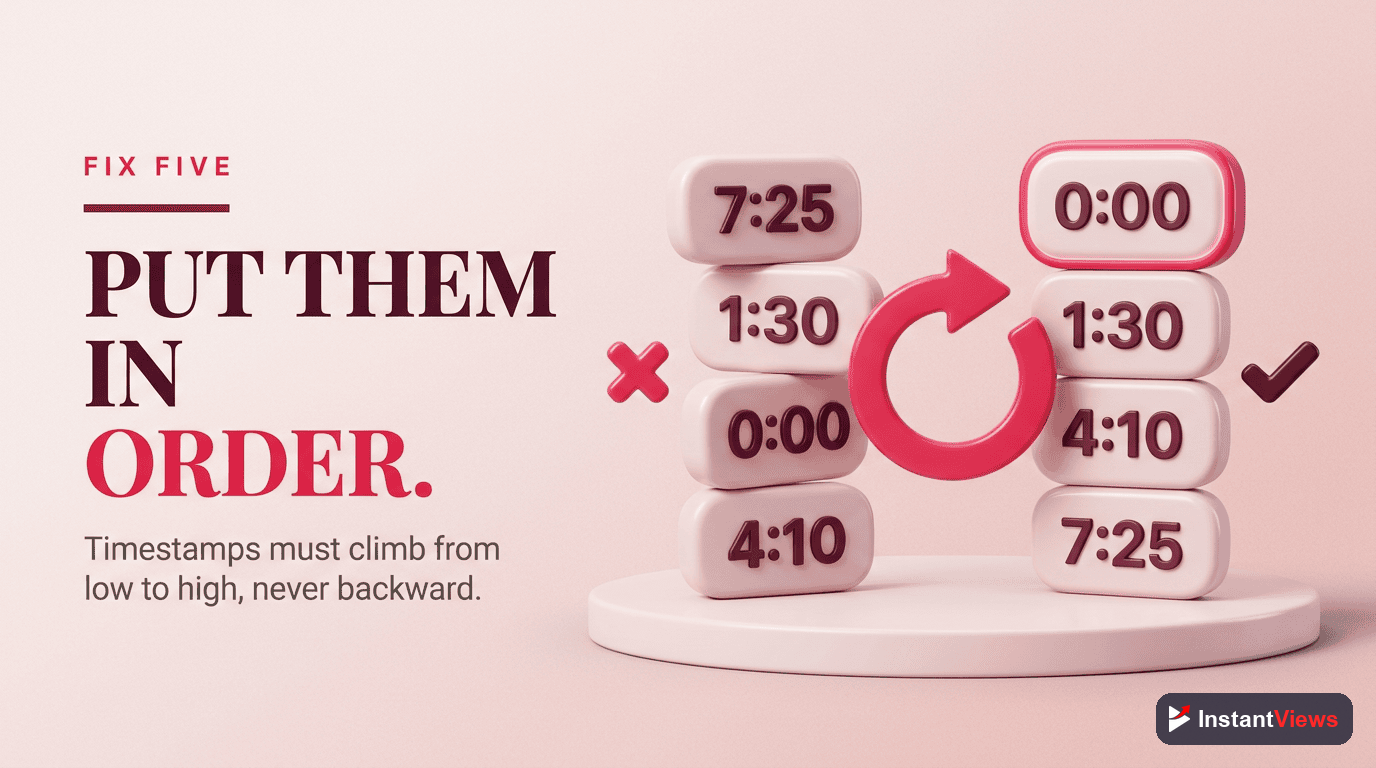
Timestamps must be in chronological (ascending) order. If you accidentally put a later timestamp before an earlier one, chapters won't work.
0:00 Intro
5:30 Conclusion
2:15 Main Topic
0:00 Intro
2:15 Main Topic
5:30 Conclusion
This often happens when you edit your description and move timestamps around. Always verify the order after making changes.
Fix #6: Auto-Chapters Disabled in Settings
The Problem: Channel Setting Blocking Chapters
If you've disabled "Allow automatic chapters" in your channel settings, it may affect chapter functionality. While this setting primarily controls auto-generated chapters, some creators report it affecting manual chapters too.
How to check:
- Go to YouTube Studio
- Click Settings (bottom left)
- Select "Upload defaults"
- Go to "Advanced settings"
- Make sure "Allow automatic chapters and key moments" is enabled
Even with auto-chapters enabled, your manual timestamps will override them. This setting shouldn't block manual chapters, but enabling it removes one potential issue.

Fix #7: Caching and Propagation Delays
The Problem: Changes Haven't Propagated Yet
Sometimes everything is correct, but YouTube just needs time to process the changes. This can take anywhere from a few minutes to 24 hours.
What to do:
- Wait 30 minutes: Most changes appear within half an hour
- Clear cache: Try viewing in incognito/private browsing mode
- Check different devices: Chapters may appear on web before mobile (or vice versa)
- Force refresh: On desktop, press Ctrl+Shift+R (Cmd+Shift+R on Mac)
Advanced Troubleshooting
If none of the common fixes worked, try these advanced solutions:
Check for Hidden Characters
Sometimes invisible characters get copied from word processors or websites. These can break timestamp parsing.
Solution: Clear your description and retype the timestamps manually, or paste into a plain text editor first to strip formatting.
Verify Video Length
Your timestamps cannot exceed the actual video length. If your video is 5:00 long and you have a timestamp at 6:00, chapters won't work.
Solution: Ensure all timestamps fall within the video duration.
Check for Special Characters in Titles
While most characters work in chapter titles, some special symbols can cause issues:
- Avoid using pipe characters ( | )
- Limit use of brackets [ ] and parentheses ( )
- Don't use emojis in the timestamp line itself
Test with Simple Timestamps
Temporarily replace your timestamps with simple test ones:
0:00 Test One
1:00 Test Two
2:00 Test Three
If these work, the issue is with your original timestamp content, not the format.
Check Video Restrictions
Certain video restrictions can affect chapter functionality:
- Age-restricted videos may have limited chapter support
- Videos with copyright claims generally still support chapters
- Private videos may show chapters differently than public ones
How to Prevent Future Issues
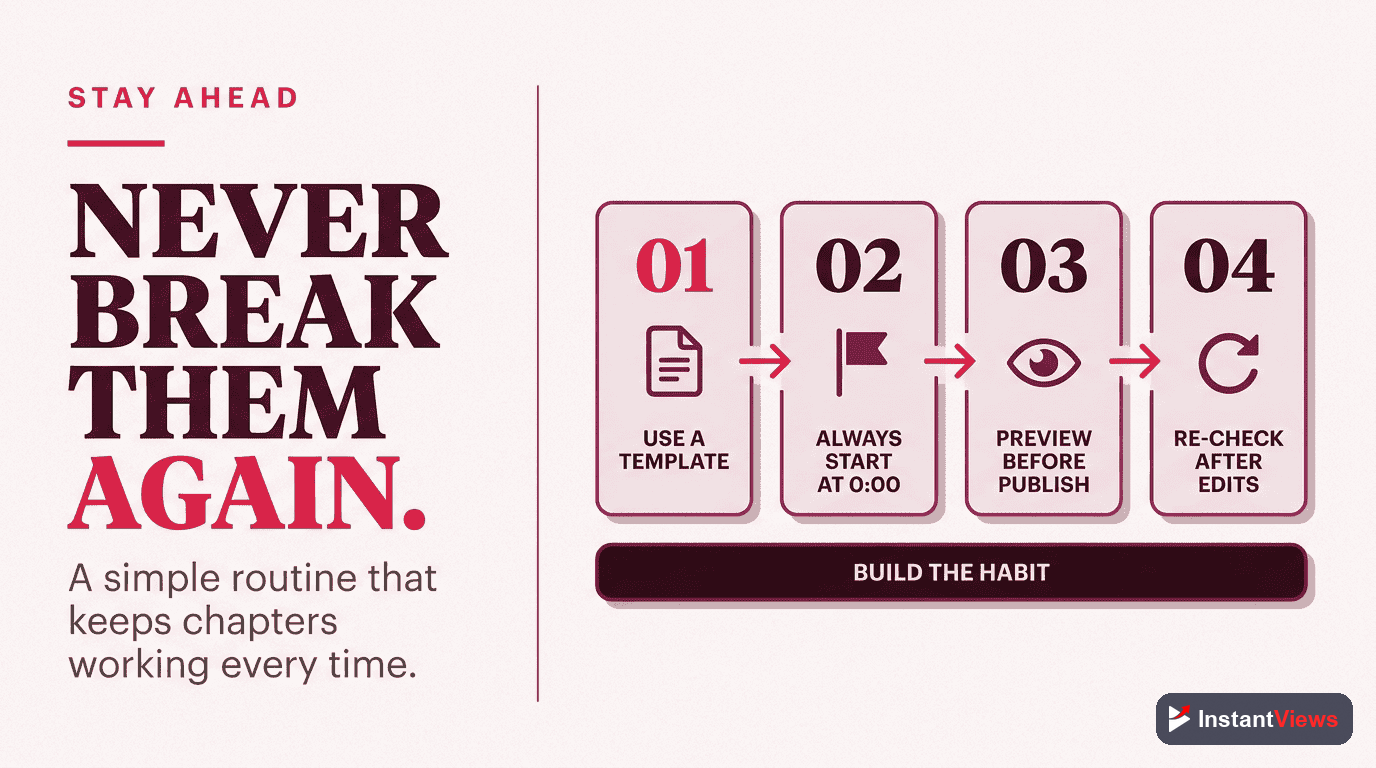
Follow these best practices to ensure your chapters always work:
Use a Timestamp Generator
The easiest way to avoid formatting issues is to use a tool that formats timestamps correctly for you. Our free timestamp generator creates properly formatted chapters automatically.
Create a Template
Use a consistent format for all your videos. Here's a template you can copy:
0:00 Intro
0:30 Topic Overview
[Add your timestamps here]
X:XX Conclusion
X:XX Call to Action
Test Before Publishing
For important videos, upload as unlisted first and verify chapters work before making public.
Keep a Backup
Save your timestamps in a separate document. If you ever need to re-add them, you won't have to recreate them from scratch.
Never Have Format Issues Again
Our timestamp generator creates YouTube-ready chapters with perfect formatting every time. Free, no signup required.
Generate Timestamps Now →Summary: Quick Reference Guide
Bookmark this quick reference for future troubleshooting:
| Issue | Fix |
|---|---|
| Chapters not showing at all | Ensure first timestamp is exactly 0:00 |
| Some chapters missing | Check each chapter is 10+ seconds |
| Format looks correct but still broken | Retype manually, check for hidden characters |
| Works on desktop but not mobile | Wait 24 hours, clear app cache |
| Timestamps clickable but no chapter markers | Move timestamps from comment to description |
| Just added timestamps | Wait 30 minutes, refresh in incognito |
Frequently Asked Questions
The most common reason is not starting your timestamps at 0:00. Your first timestamp must always be 0:00. Other causes include having fewer than 3 chapters, chapters shorter than 10 seconds, or incorrect timestamp format.
Chapters typically appear within a few minutes of saving your video description. However, it can take up to 24 hours for changes to fully propagate across all YouTube platforms and devices.
No, manual chapters always override auto-chapters. If you add valid timestamps to your description, YouTube will use those instead of auto-generated chapters.
No, YouTube chapters do not work on Shorts. The chapter feature is only available for regular YouTube videos that are longer than a few minutes.
This is usually a caching issue. Try clearing your YouTube app cache, or wait a few hours for the mobile app to sync. If the issue persists, double-check your timestamp formatting.
Copyright claims themselves don't block chapters. However, if your video has been restricted or has certain content warnings applied, it may affect chapter functionality in some regions.
YouTube doesn't specify a maximum, but the practical limit is determined by your video length. Since each chapter must be at least 10 seconds, a 10-minute video could have up to 60 chapters (though 5-15 is recommended).
No, timestamps must be in the video description to create chapters. Timestamps in pinned comments will be clickable links, but they won't create the visual chapter markers on the progress bar.