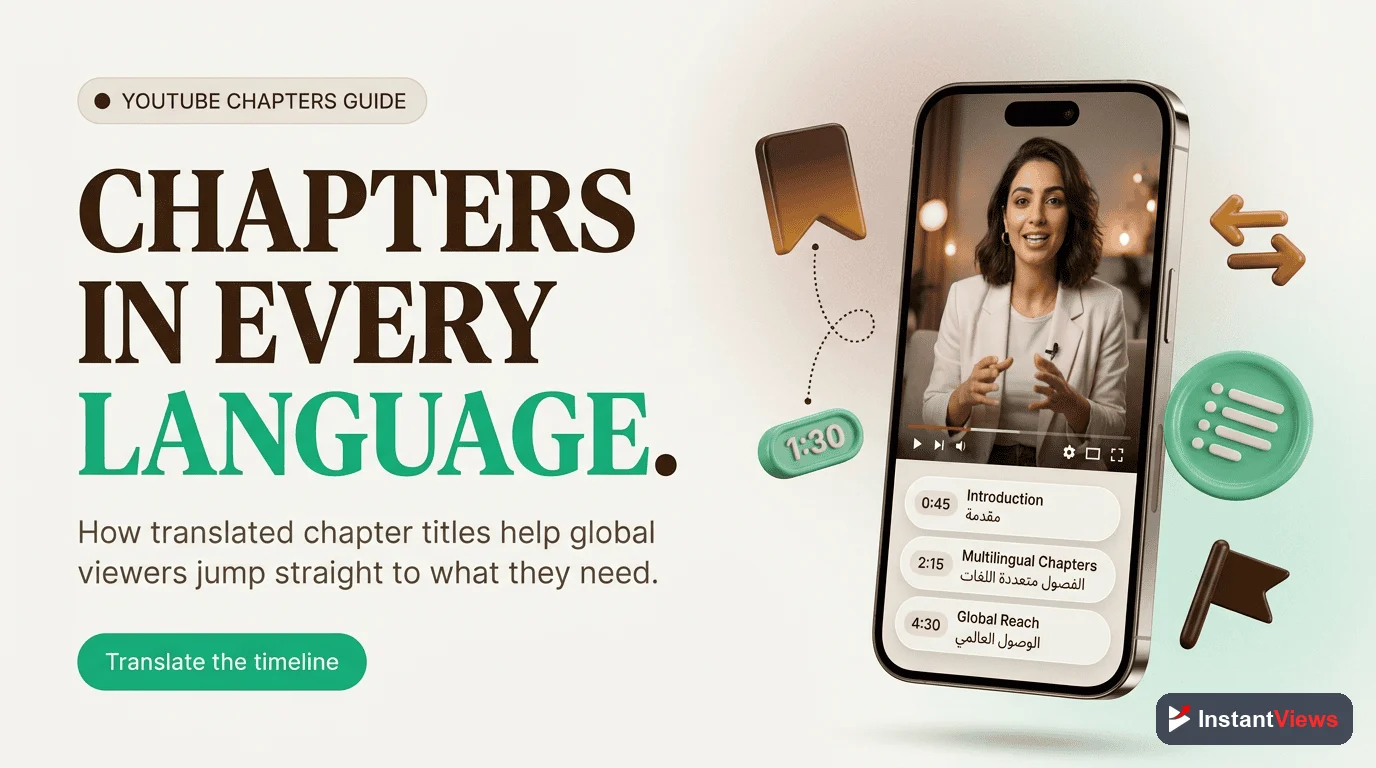
- Generate YouTube timestamps in seconds using our free AI-powered tool
- No signup, downloads, or payment required - 100% free forever
- AI analyzes video content to identify natural chapter breaks automatically
- Edit generated timestamps before copying to perfectly match your needs
- Properly formatted output that works immediately with YouTube's chapter system
Creating YouTube chapters manually is tedious. Watching your entire video, noting timestamps, writing titles - it can take 30+ minutes per video. For creators publishing multiple videos per week, that adds up to hours of lost productivity.
That's why we built a free YouTube timestamp generator that creates professional chapters in seconds, not hours. Just paste your video URL, and our AI analyzes the content to identify natural chapter breaks and generate descriptive titles automatically. Compare our tool with other options in our chapter generator comparison guide.
In this guide, you'll discover how to use our timestamp generator, why chapters matter for your channel growth, and advanced tips to maximize the SEO benefits of video chapters.
Try Our Free Timestamp Generator
Create perfect YouTube chapters in seconds. No signup required - just paste your video URL and get instant timestamps.
Generate Timestamps Free →What Is a YouTube Timestamp Generator?
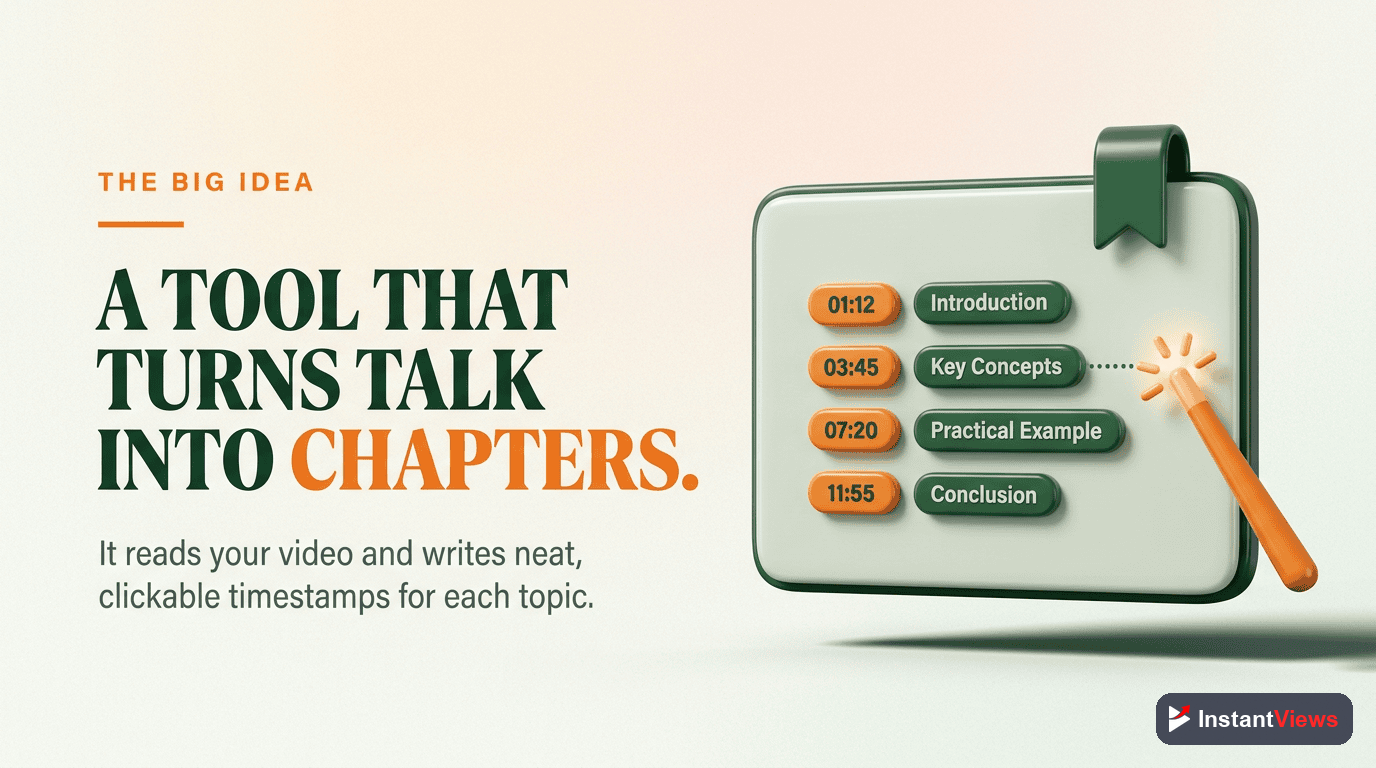
A YouTube timestamp generator is a tool that automatically creates chapter markers for your videos. Instead of manually watching your content and noting timestamps, the tool analyzes your video and suggests logical chapter breaks with descriptive titles.
Our timestamp generator uses advanced AI to:
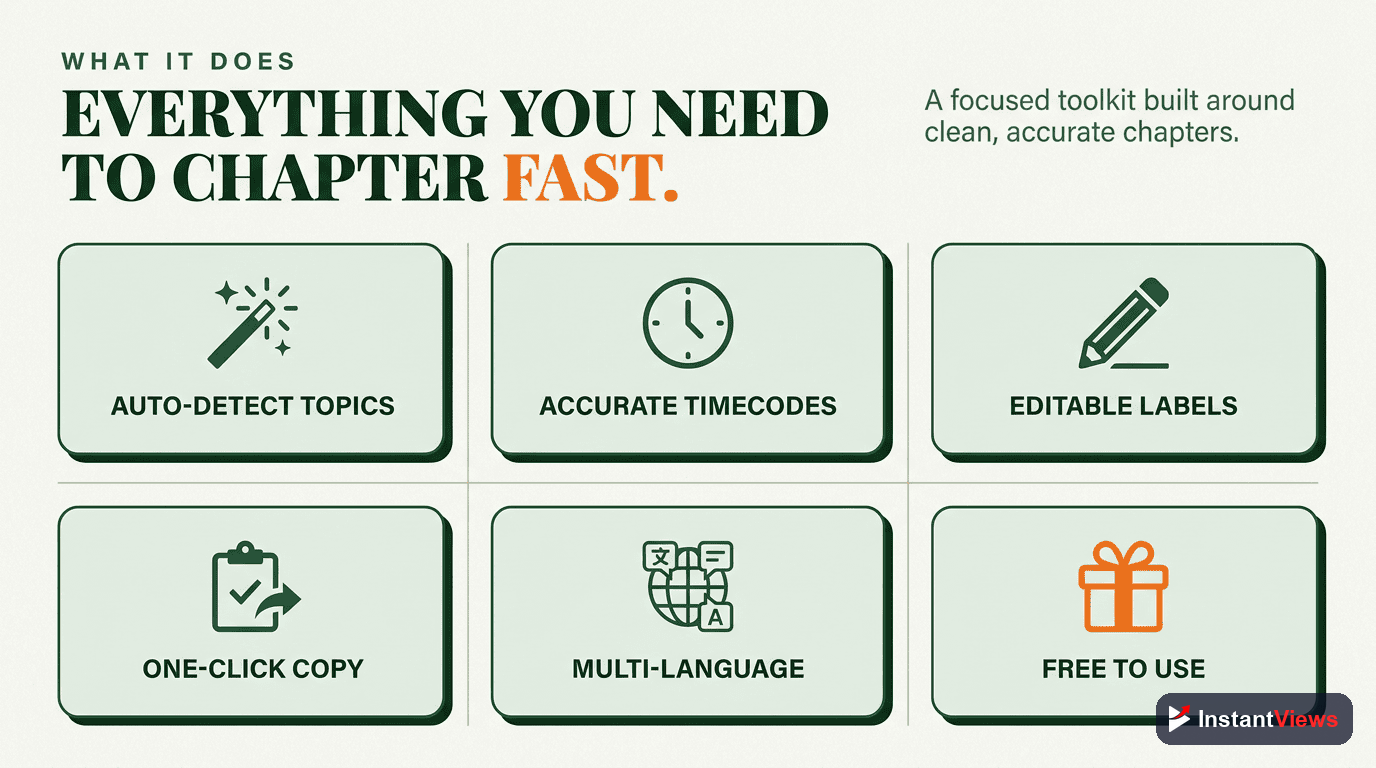
- Analyze video content: Identifies topic changes, visual transitions, and natural breaks
- Generate chapter titles: Creates descriptive, SEO-friendly titles for each section
- Format timestamps correctly: Outputs in YouTube's required format (starting at 0:00)
- Allow customization: Edit any timestamp or title before copying to your description
The result? What used to take 30-60 minutes now takes less than 30 seconds.
Why YouTube Timestamps Matter in 2026
YouTube chapters aren't just a nice-to-have feature anymore. In 2026, they're essential for channel growth. Here's why:
1. Google Search Integration
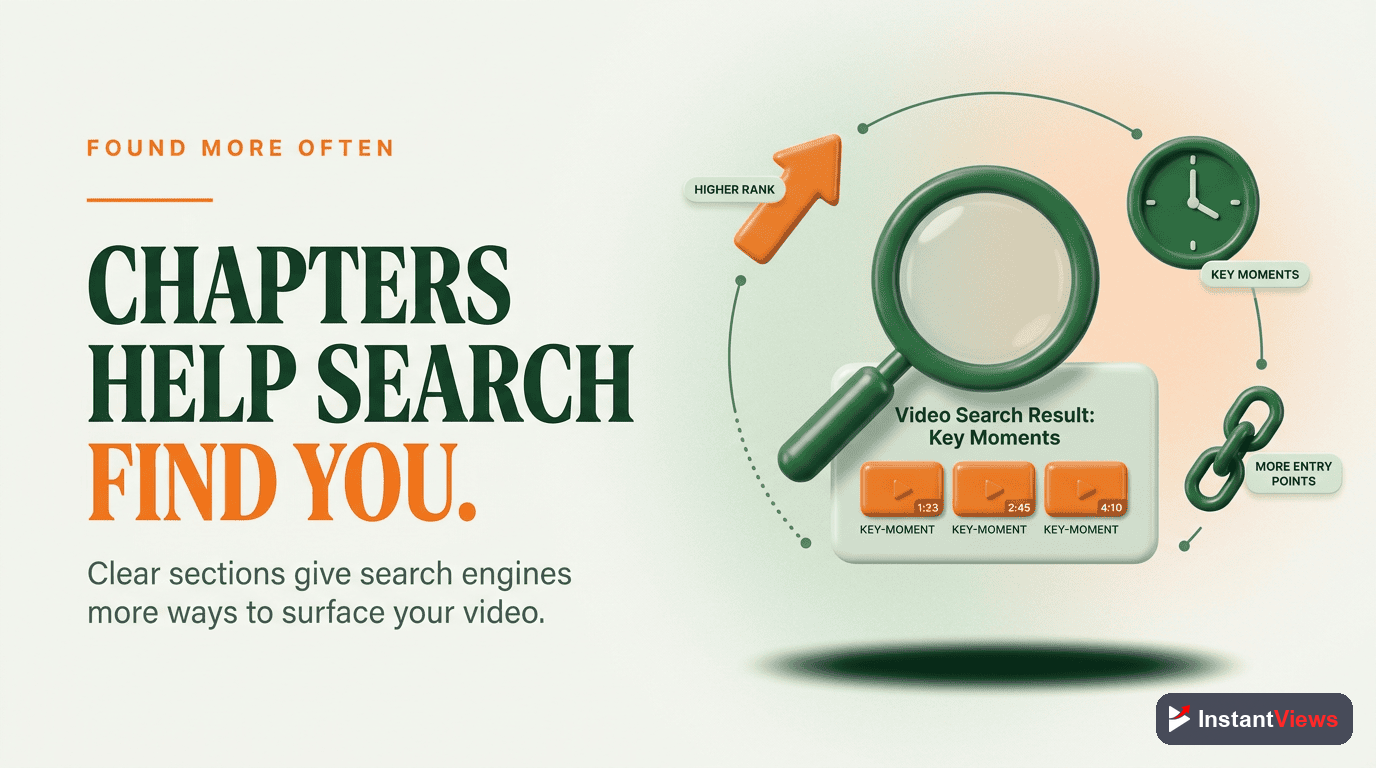
Google now shows "Key Moments" from YouTube videos directly in search results. When you search for a how-to topic, you'll see specific chapter timestamps that let users jump directly to the relevant section. Videos without chapters miss out on this valuable search real estate.
"Videos with chapters receive up to 25% more impressions in Google Search compared to videos without chapters." - YouTube Creator Insider, November 2024
2. Improved Watch Time
Counterintuitively, making it easier for viewers to skip around your video actually increases total watch time. Why? Because viewers who might have left after not finding what they need will instead jump to the relevant section and watch it.
According to YouTube's internal data shared at VidCon 2024:
- Videos with chapters see 15-30% higher average view duration
- 40% of viewers use chapters to navigate longer videos
- Chapter usage correlates with higher subscriber conversion rates
3. Enhanced Viewer Experience
Modern viewers are impatient. They want to find specific information quickly. Chapters show respect for your audience's time and demonstrate professionalism. This builds trust and encourages repeat viewership.
4. YouTube Algorithm Signals
Chapters provide YouTube's algorithm with additional context about your video's content. The AI can better understand what topics you cover and show your video to relevant audiences. This improves both search rankings and suggested video placement.

How to Use Our Free Timestamp Generator
Generating timestamps with our tool takes just 4 simple steps:
Open the Timestamp Generator
Paste Your Video URL
- Standard: youtube.com/watch?v=VIDEO_ID
- Short: youtu.be/VIDEO_ID
- Embed: youtube.com/embed/VIDEO_ID
Generate Timestamps
Review, Edit & Copy
- Edit any chapter title to add keywords or improve clarity
- Adjust timestamp times if needed
- Add or remove chapters
- Copy the final result to paste into your YouTube description - learn how to add timestamps fast without watching your entire video
Ready to try it yourself? Generate timestamps for any YouTube video in seconds.
Open Timestamp Generator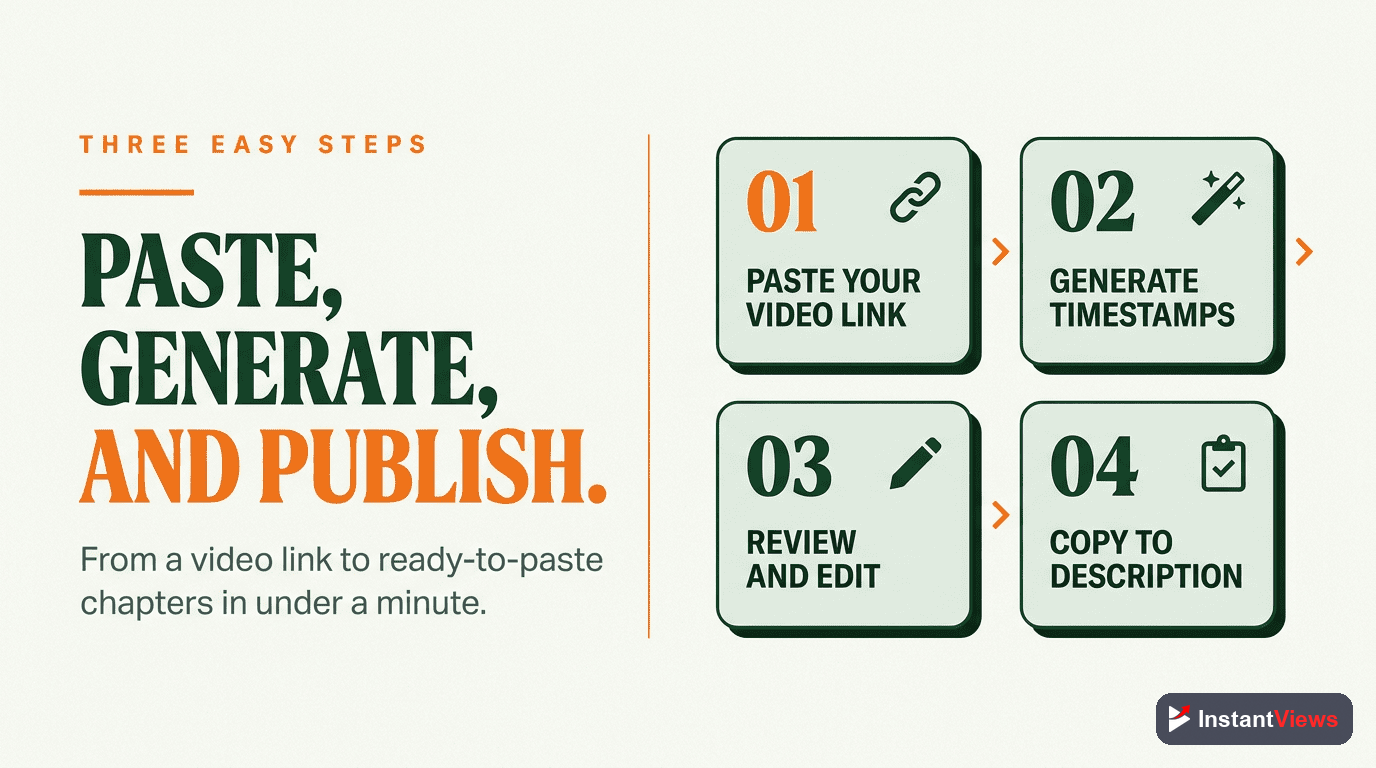
Key Features & Capabilities
Our YouTube timestamp generator includes several powerful features designed to save you time and improve your video SEO:
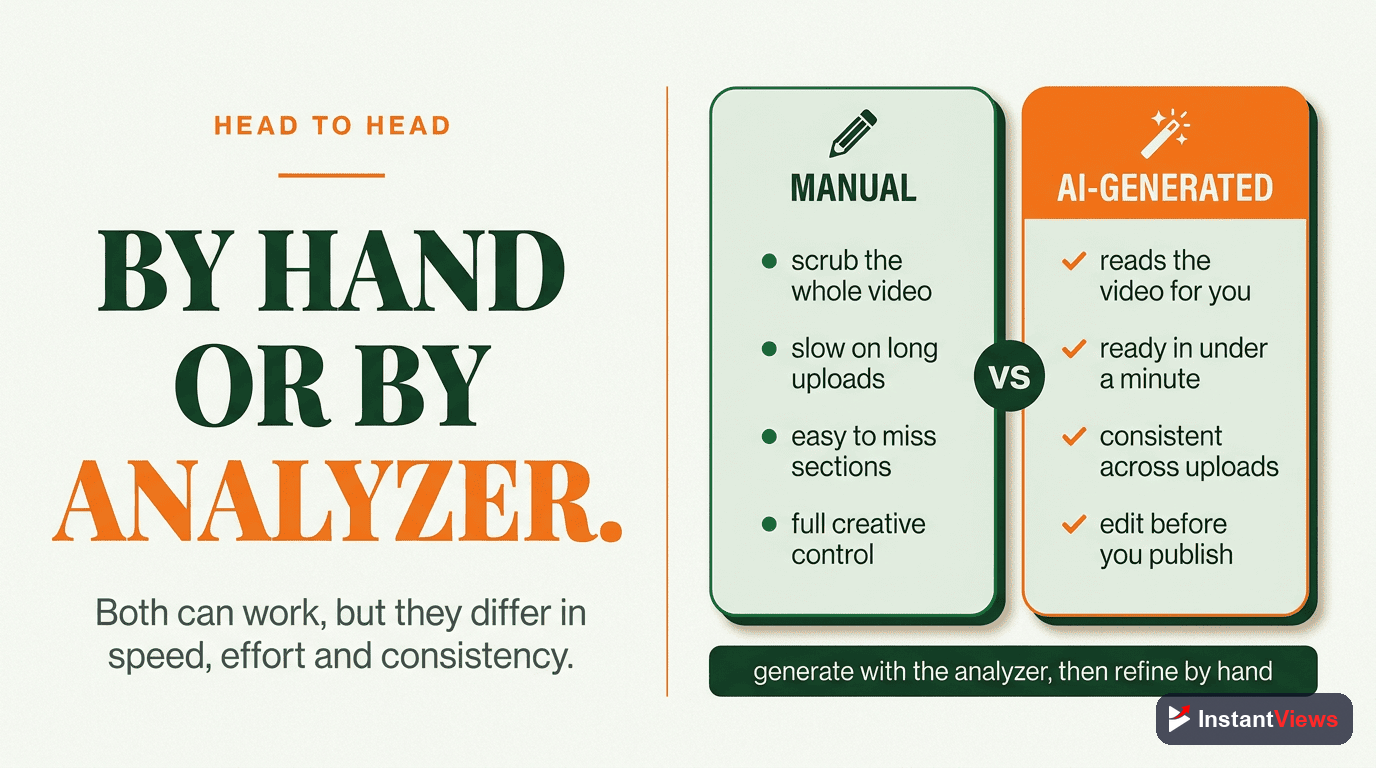
Manual vs AI-Generated Timestamps: Which Is Better?
Should you create timestamps manually or use an AI generator? Here's an honest comparison:
- Takes 30-60 minutes per video
- Requires watching the entire video
- Easy to miss natural chapter breaks
- Tedious and repetitive work
- Often skipped due to time constraints
- Completed in under 30 seconds
- No need to rewatch your video
- AI identifies optimal chapter breaks
- Fully customizable output
- Consistent results every time
The verdict? AI-generated timestamps with human refinement is the optimal approach. Let the AI do the heavy lifting, then spend 2-3 minutes reviewing and optimizing the chapter titles for SEO.
When to Edit AI-Generated Timestamps
While our AI is highly accurate, you may want to make adjustments in these cases:
- Add keywords: Include your target keywords in 1-2 chapter titles for SEO
- Brand consistency: Match your channel's tone and style in chapter names
- Specificity: Replace generic titles with more specific descriptions
- Call-to-actions: Use chapter titles that create curiosity (e.g., "The #1 Mistake Everyone Makes")
Videos with keyword-optimized chapter titles rank up to 35% higher in YouTube search than videos with generic chapter names like "Part 1" or "Introduction."
SEO Benefits of Video Chapters
YouTube chapters provide multiple SEO advantages that many creators overlook. For comprehensive details on maximizing these benefits, read our guide on chapter SEO benefits and implementation strategies:
Google Key Moments
When Google indexes your video, chapters appear as "Key Moments" in search results. This means your video takes up more visual space and provides multiple entry points for searchers. Each chapter essentially becomes a separate search opportunity.
Improved Click-Through Rate
Videos with visible chapters in search results see higher CTR because:
- Searchers can verify the video covers their specific question
- Key Moments provide social proof that the content is comprehensive
- Multiple chapter titles increase the chance of keyword matching
YouTube Search Rankings
YouTube's algorithm uses chapter titles to understand video content. This helps with:
- Ranking for long-tail keywords mentioned in chapter titles
- Appearing in "Suggested Videos" for related content
- Better categorization in YouTube's topic taxonomy
Voice Search Optimization
As voice search grows, chapter titles become increasingly important. When someone asks "How do I fix YouTube chapters not working?", YouTube can identify videos with chapters specifically about that topic and serve them directly to the query.
| SEO Factor | Without Chapters | With Chapters |
|---|---|---|
| Google Key Moments | Not eligible | Eligible for rich results |
| Keyword Targeting | Title + Description only | Title + Description + Chapter titles |
| Search Result Space | Standard listing | Expanded with chapter previews |
| Voice Search | Limited matching | Granular topic matching |
| Suggested Videos | Broad matching | Topic-specific matching |
Best Practices for YouTube Timestamps
Maximize the impact of your video chapters with these proven best practices:
1. Always Start at 0:00
Your first timestamp must be 0:00. This is a YouTube requirement. Without it, chapters won't appear at all.
2. Use Minimum 3 Chapters
YouTube requires at least 3 chapters for the feature to activate. For most videos, 5-10 chapters is optimal. Very long videos (1+ hours) can have 15-20.
3. Keep Chapter Titles Under 40 Characters
Longer titles get truncated in the progress bar preview. Keep titles concise but descriptive.
- "How to Set Up Your Camera Equipment for Professional Videos" (60 chars)
- "The Most Important Thing You Need to Know About Thumbnails" (58 chars)
- "Camera Setup for Pros" (21 chars)
- "Thumbnail Secrets Revealed" (26 chars)
4. Include Keywords Naturally
Add your target keyword to 1-2 chapter titles, but keep it natural. Keyword stuffing hurts more than it helps.
5. Make Chapters Scannable
Write chapter titles that work when scanned quickly. Viewers should instantly understand what each section covers.
6. Ensure Each Chapter Is 10+ Seconds
YouTube won't recognize chapters shorter than 10 seconds. Make sure there's meaningful content in each segment.
Don't use generic chapter titles like "Part 1," "Part 2," or "Intro." These provide no SEO value and don't help viewers understand your content. Always use descriptive titles.
7. Order Chapters Chronologically
Timestamps must be in ascending order. YouTube won't recognize chapters that jump around in time.
8. Update Chapters for Evergreen Content
For videos you update periodically, review and refresh chapter titles to keep them relevant and optimized for current search trends.
Ready to Generate Your Timestamps?
Stop spending 30+ minutes on manual timestamps. Generate professional chapters in seconds with our free tool.
Start Generating Now →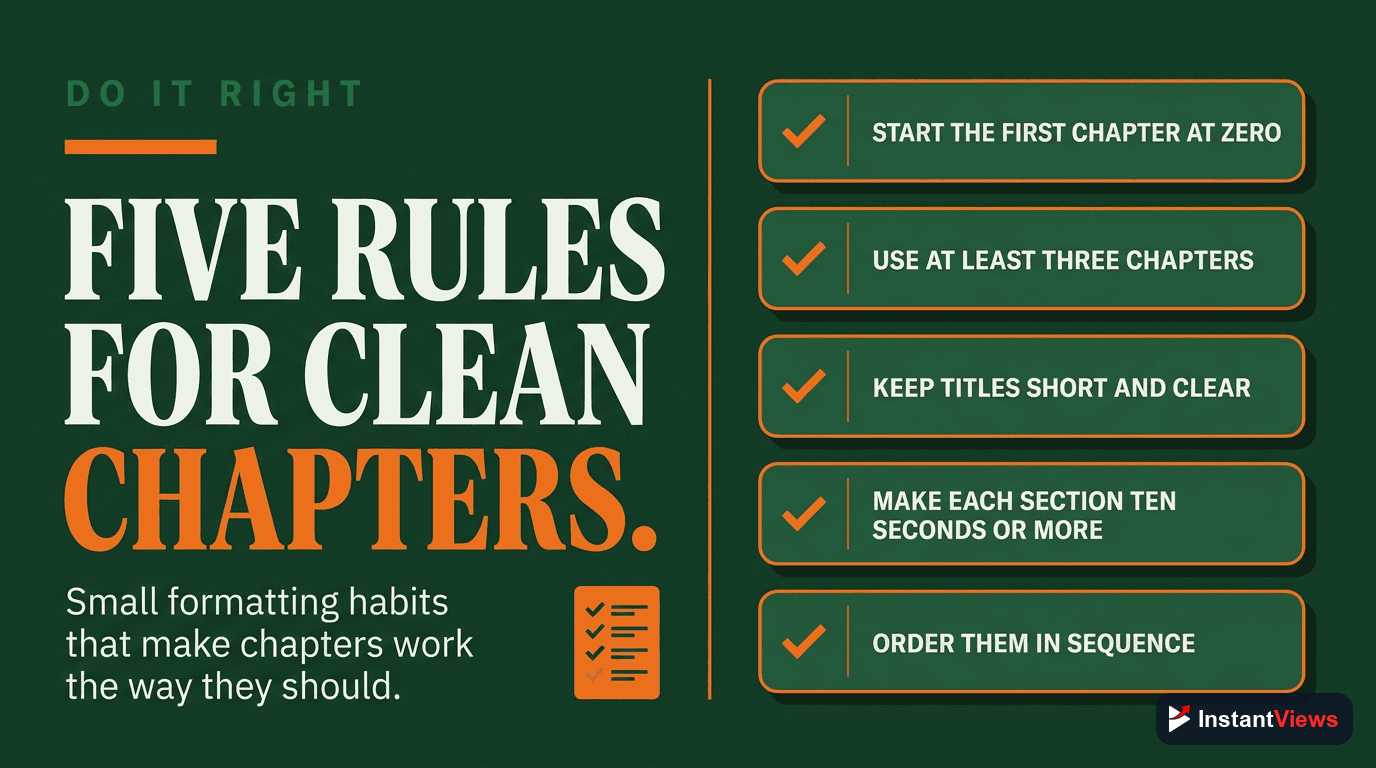
Advanced Tips for Power Users
Take your timestamp strategy to the next level with these advanced techniques:
Create a Chapter Template
For series content, create a consistent chapter structure. This helps viewers know what to expect and builds brand recognition. For example:
0:00 Today's Topic Overview
X:XX Main Content Section 1
X:XX Main Content Section 2
X:XX Main Content Section 3
X:XX Key Takeaways
X:XX What's Coming Next Week
Use Chapters for Analytics Insights
YouTube Studio shows which chapters viewers watch most. Use this data to understand:
- Which topics resonate most with your audience
- Where viewers commonly drop off
- What content to create more of
A/B Test Chapter Titles
For high-traffic videos, try updating chapter titles and monitoring changes in:
- Search impressions
- Click-through rate
- Average view duration
Coordinate with Video Cards
Place YouTube cards at chapter transitions. This creates natural breakpoints for engagement without disrupting the viewing experience.
Related YouTube Tools
Our timestamp generator is part of a complete suite of free YouTube tools designed to help you grow your channel:

Frequently Asked Questions
Yes, our timestamp generator is 100% free to use with no hidden costs. You can generate unlimited timestamps without creating an account or providing payment information.
Our AI analyzes the video content, audio, and visual changes to identify natural chapter breaks. Accuracy typically ranges from 85-95%, and you can always fine-tune the results before adding them to your video.
No downloads required. Our timestamp generator works entirely in your browser. Just paste a YouTube URL and get your timestamps instantly.
Yes, our tool handles videos of any length. For very long videos (2+ hours), processing may take slightly longer, but you'll get comprehensive chapter suggestions covering the entire video.
Absolutely. Our timestamps are formatted exactly according to YouTube's requirements (starting at 0:00, minimum 3 chapters, proper MM:SS format). Just copy and paste into your video description.
Yes, you can edit both the timestamps and chapter titles directly in our tool before copying them. This lets you customize the output to match your preferences and add keywords for SEO.
Start Creating Better Videos Today
Join thousands of creators who use our free timestamp generator to save time and improve their YouTube SEO.
Generate Timestamps Free →