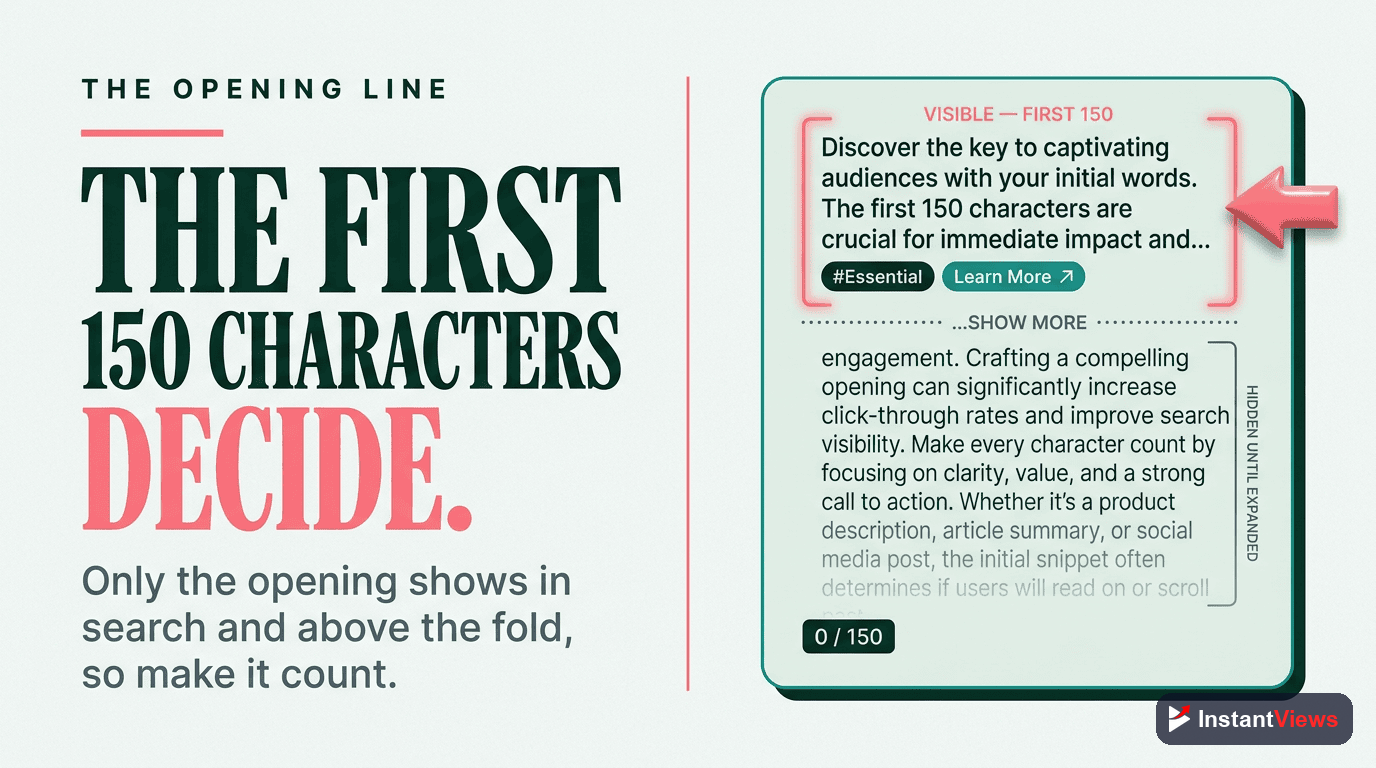
- The first 150 characters are critical - they appear in search results and above the "Show More" button
- Optimized descriptions can increase search rankings by up to 30% when combined with strong content
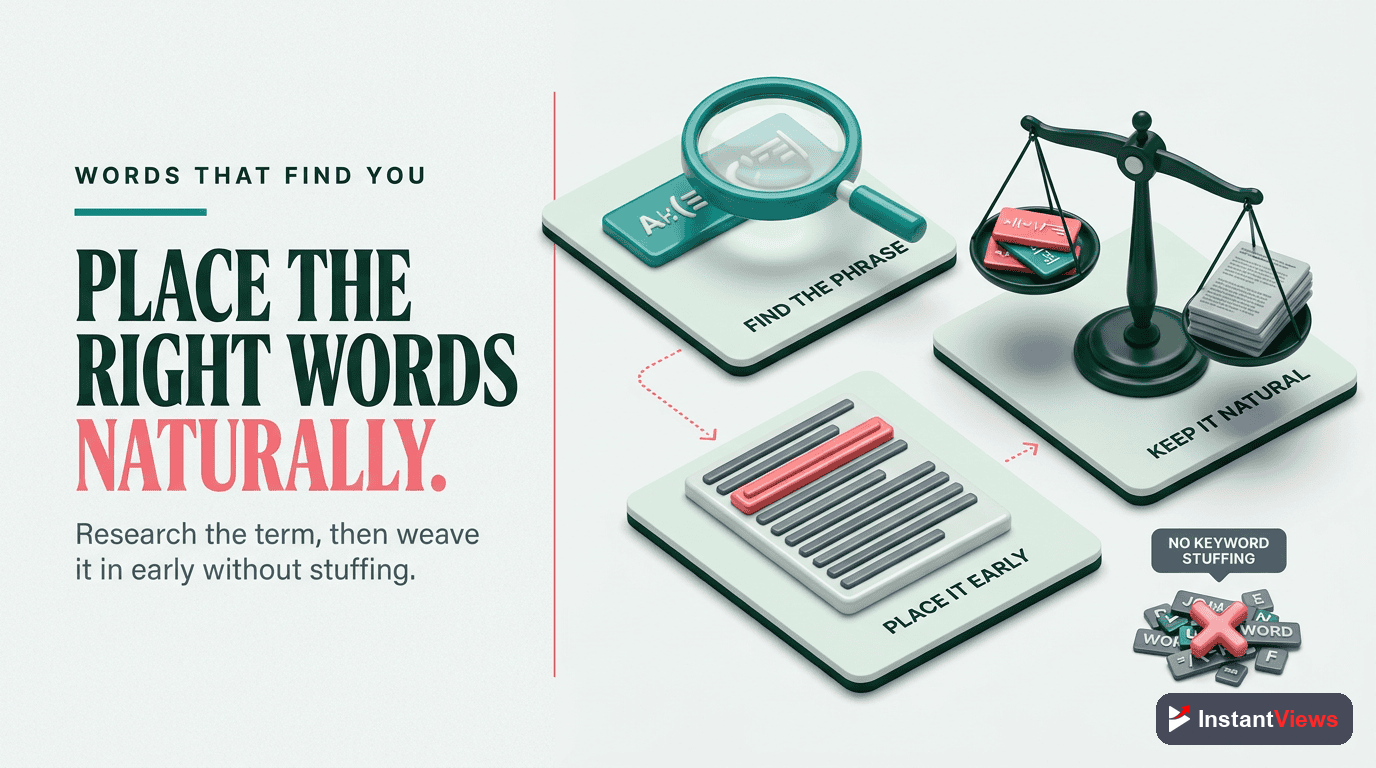
- Include 3-5 naturally incorporated keywords without keyword stuffing
- Timestamps, links, and hashtags significantly improve engagement and discoverability
- Use the InstantViews Video Analyzer to optimize your entire video for SEO before uploading
Your YouTube description is one of the most underutilized tools for growing your channel. While creators obsess over thumbnails and titles, they often throw together descriptions in 30 seconds - missing out on thousands of potential views. Effective descriptions work alongside proper YouTube keyword research to maximize discoverability.
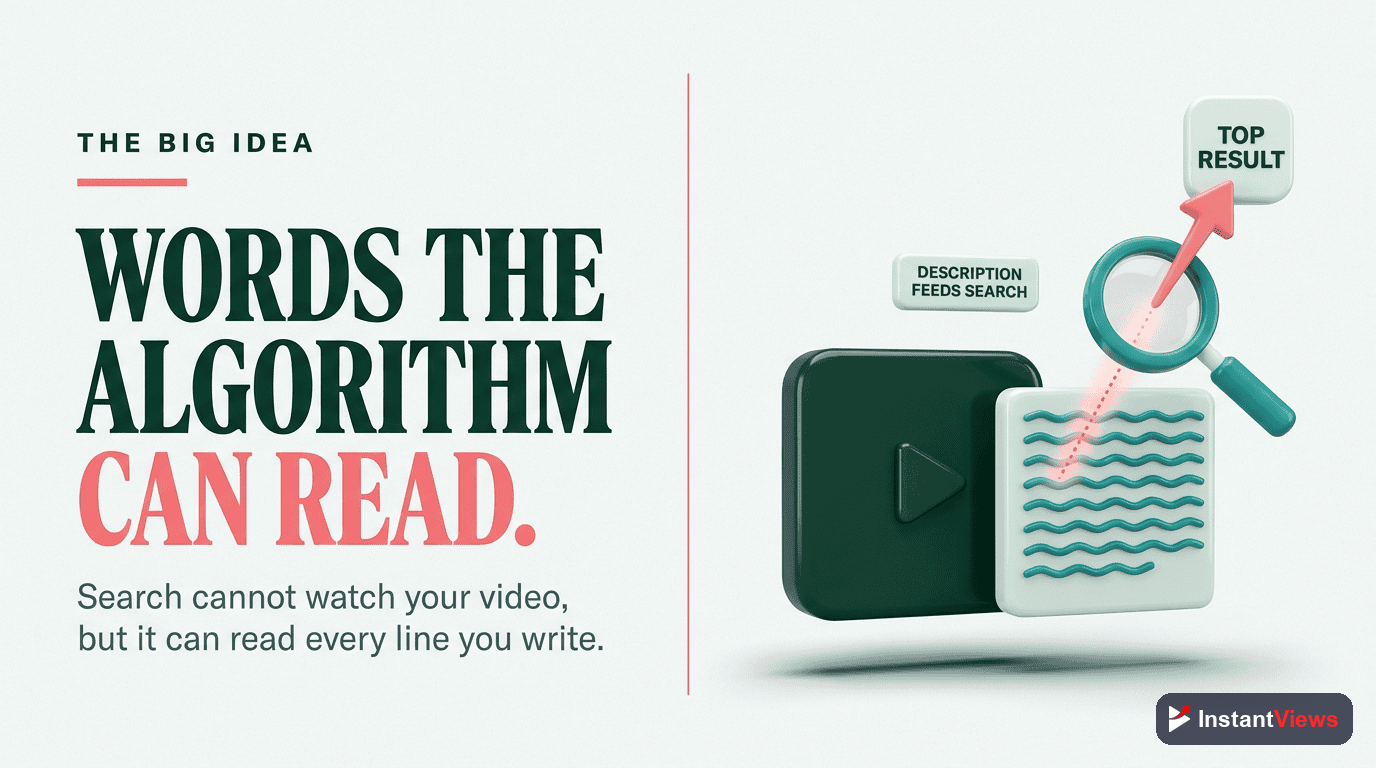
YouTube's algorithm reads your description to understand your content and match it with search queries. Google also indexes YouTube descriptions, meaning a well-optimized description can rank in both YouTube and Google search simultaneously.
This complete guide covers everything you need to write descriptions that rank higher, get more clicks, and keep viewers engaged.
Why Descriptions Matter for SEO
YouTube uses your description as a primary source for understanding your video's content. Here's what the data shows:
- 70% of top-ranking videos have descriptions over 250 words
- Videos with optimized descriptions get 12-20% more impressions in search
- Descriptions influence Google search rankings - your video can appear in Google results
- Well-structured descriptions increase average view duration by helping viewers find specific content
The algorithm doesn't just read your description once. Every time someone searches, YouTube scans descriptions to find the best match for that query.
Descriptions alone won't rank your video. You need strong watch time, CTR, and engagement. But without an optimized description, even great content might never be discovered.
The First 150 Characters Rule
The first 150 characters of your description are the most critical. This text appears:
- In YouTube search results below your video title
- Above the "Show More" button on your video page
- In Google search results as the meta description
- In social media previews when your video is shared
This means the first 150 characters need to accomplish three things simultaneously:
- Include your primary keyword as naturally as possible
- Hook viewers with compelling copy that makes them want to watch
- Encourage "Show More" clicks to reveal timestamps and links
Bad First 150 Characters Example:
"Hey everyone! In this video I'm going to be talking about some tips and tricks for YouTube that I think will help you grow your channel. Make sure to like and subscribe!"
This wastes space on generic phrases and doesn't include any keywords or value proposition.
Good First 150 Characters Example:
"YouTube description optimization can increase your search rankings by 30%. Learn the exact formula I used to rank #1 for competitive keywords. Full template below."
This example includes the keyword, states a specific benefit, creates curiosity, and encourages viewers to expand the description.
Keyword Strategy That Works
Keyword optimization is essential, but keyword stuffing will hurt your rankings. Here's how to do it right:
1. Find Your Keywords
Use these methods to identify relevant keywords:
- YouTube search autocomplete - Start typing your topic and see what YouTube suggests
- Competitor analysis - Check descriptions of top-ranking videos in your niche
- YouTube Studio search terms report - See what queries are already bringing viewers to your channel
- Google Trends - Identify trending topics and related queries
2. Choose 3-5 Target Keywords
Don't try to rank for everything. Pick:
- 1 primary keyword - Your main topic (use in title, first 150 chars, and 2-3 times in description)
- 2-3 secondary keywords - Related terms (use naturally throughout)
- 1-2 long-tail keywords - Specific phrases with less competition
Strategic hashtag strategies complement your keyword placement by improving discoverability across YouTube's hashtag search pages.
3. Place Keywords Strategically
| Location | Keyword Type | Frequency |
|---|---|---|
| First 150 characters | Primary keyword | Once, naturally |
| Next 200 words | Primary + secondary | 2-3 times total |
| Timestamps | Secondary + long-tail | In chapter titles |
| End of description | Related keywords | 1-2 times |
| Hashtags | Primary + secondary | 3-5 hashtags |
Don't list keywords at the bottom of your description like "keyword1, keyword2, keyword3." YouTube considers this spam and may penalize your video's reach.
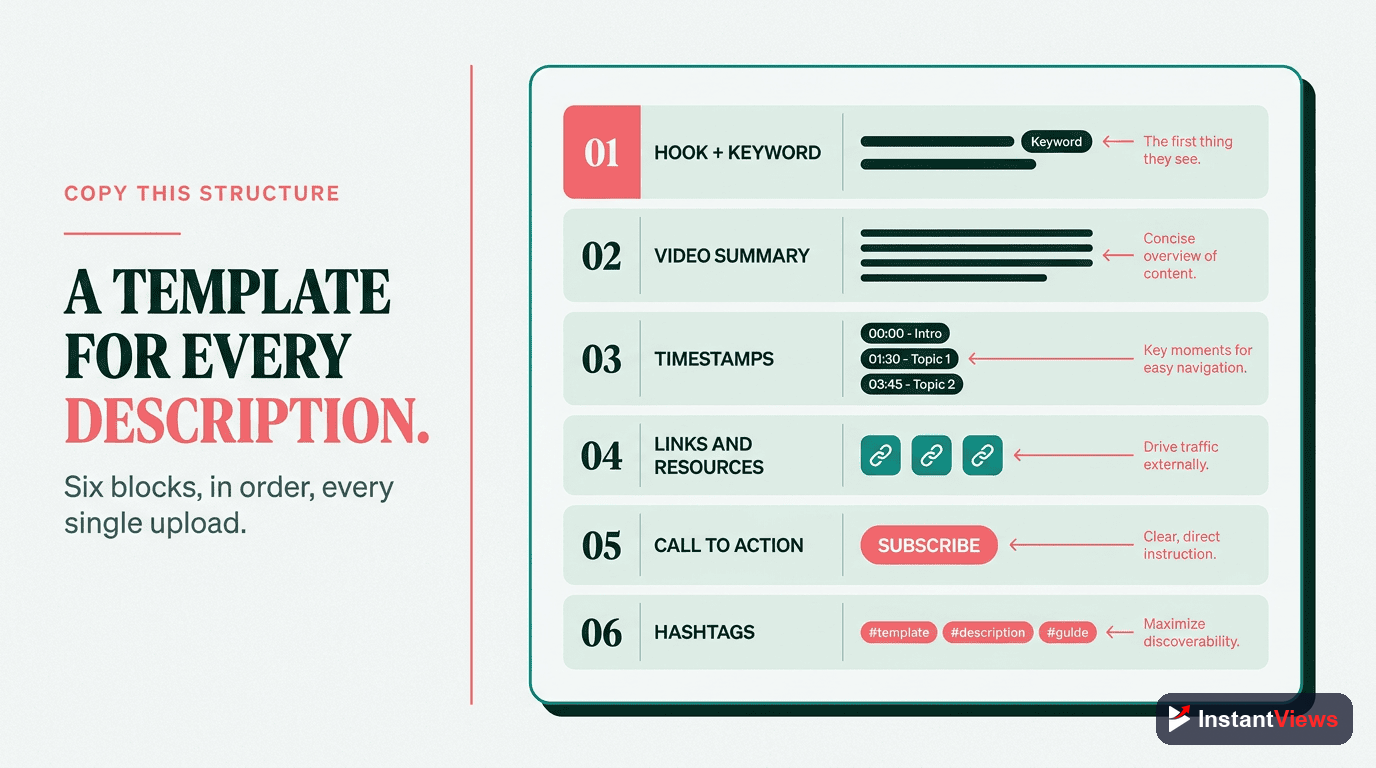
Complete Description Template
Here's a proven template you can adapt for any video. Copy this structure and fill in your specific details:
Real Example: Tech Tutorial
Using Timestamps Effectively
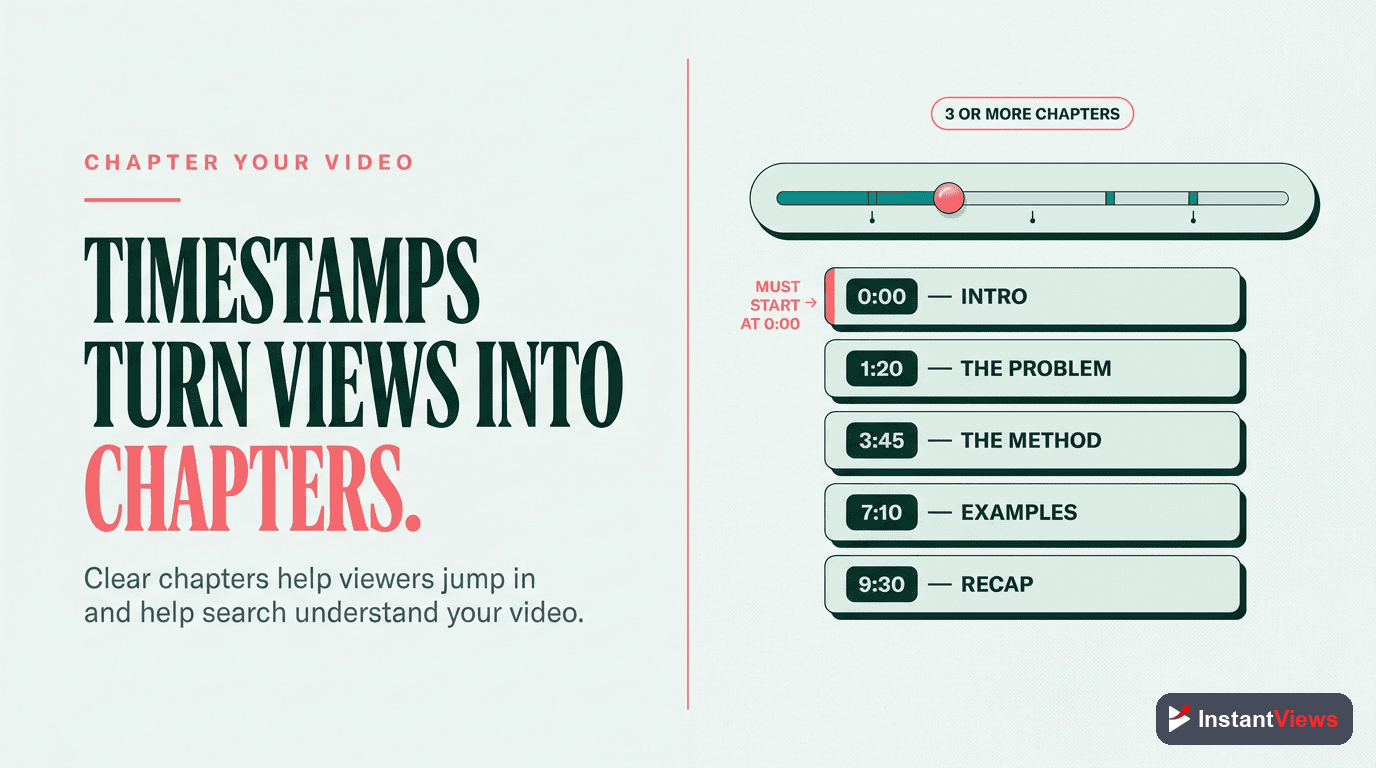
Timestamps (also called chapters) are crucial for both SEO and user experience. If you haven't already, learn how to add chapters to your videos properly. YouTube's data shows that videos with timestamps get:
- Higher average view duration - Viewers can jump to relevant sections
- Better engagement - Users are more likely to watch multiple segments
- Improved SEO - Each chapter title is indexed for search
- More suggested video appearances - YouTube understands your content structure better
Timestamp Best Practices:
- Start with 0:00 - First timestamp must be at the beginning
- Minimum 3 chapters - Need at least 3 timestamps to activate chapters
- 10 seconds minimum per chapter - Chapters must be at least 10 seconds long
- Include keywords in chapter titles - Each title is searchable
- Be descriptive - "Introduction" is weak; "Why Color Grading Matters" is better
Strategic Link Placement
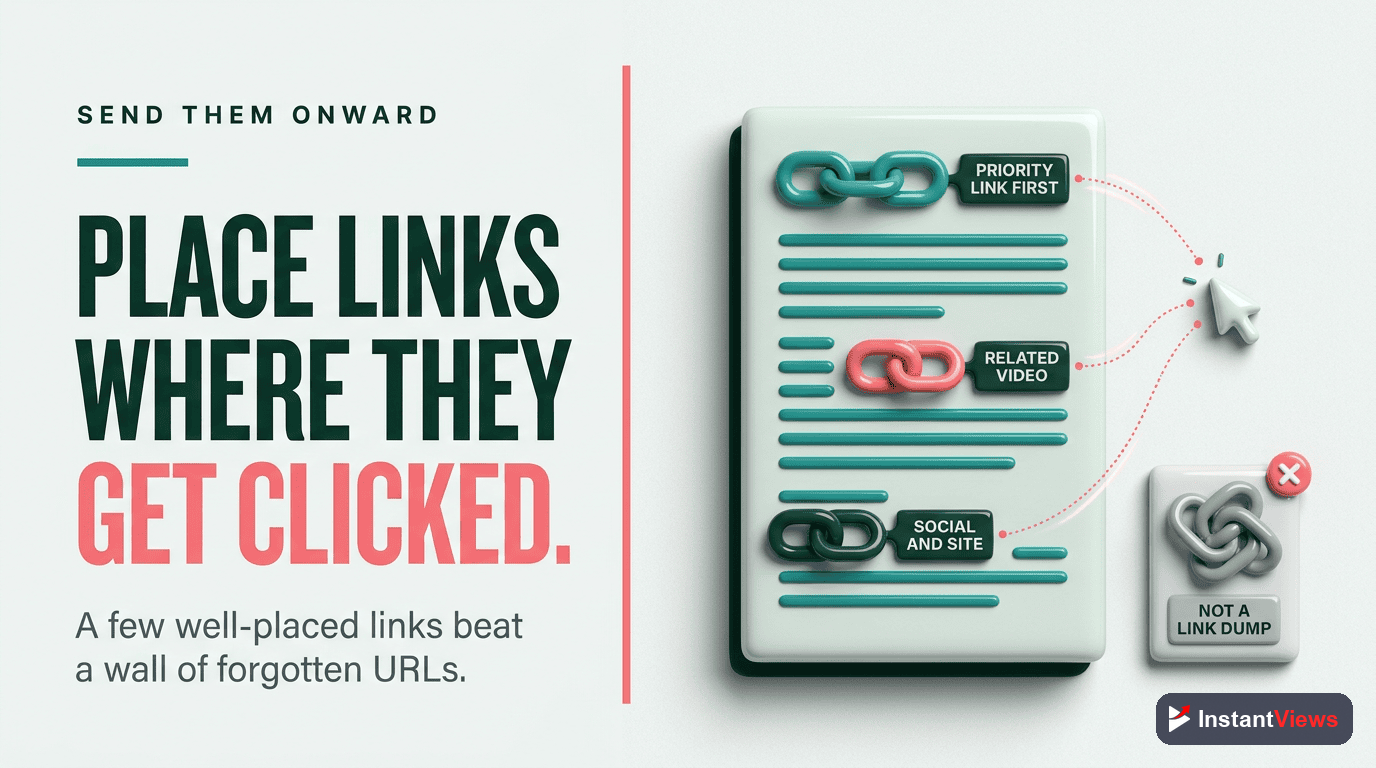
Links in your description serve multiple purposes, but they need to be used strategically. Too many external links can hurt your video's performance by sending viewers away from YouTube.
Link Priority Order:
- Your own videos - Link to related content on your channel (keeps viewers on YouTube)
- Playlists - Encourage binge-watching by linking to relevant playlists
- Channel page - Include a subscribe link
- Resources mentioned in video - Tools, products, or services you reference
- Social media - At the end, not at the top
- Affiliate links - Disclose clearly and place after value-adding links
Link Format Tips:
- Use emoji icons - Make links visually scannable (📊, 🎯, 📌)
- Descriptive text - "Watch my editing tutorial: [link]" not just bare URLs
- Group by category - "RESOURCES MENTIONED", "RELATED VIDEOS", "CONNECT WITH ME"
- Test your links - Broken links hurt credibility
External links in the first 150 characters may lower your video's suggested video placement. Keep those first characters focused on your hook and keywords. Place links further down.
Hashtag Best Practices
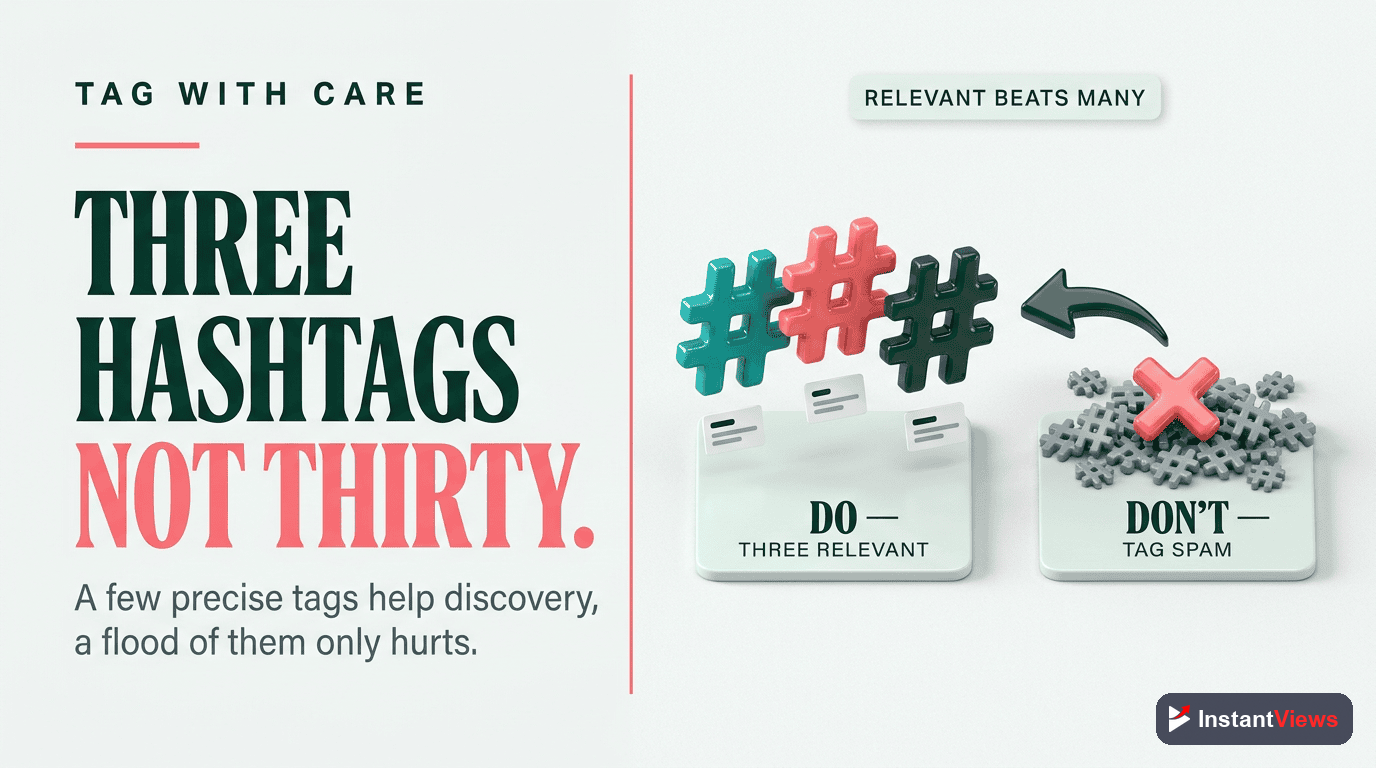
Hashtags make your video discoverable in YouTube's hashtag search and on hashtag landing pages. However, using them incorrectly can hurt your reach.
Hashtag Rules:
- Use 3-5 hashtags maximum - More than 5 and YouTube ignores all of them
- Place at the end - Don't clutter your opening with hashtags
- Be specific - #VideoEditing is better than #Video
- Mix broad and niche - Combine popular tags (#YouTube) with specific ones (#FinalCutProTutorial)
- Don't use misleading tags - YouTube may remove your video
Good Hashtag Examples by Niche:
| Niche | Hashtag Example | Why It Works |
|---|---|---|
| Tech Reviews | #TechReview #iPhone16 #AppleEvent | Specific product + broad category |
| Fitness | #HomeWorkout #HIIT #FitnessMotivation | Searchable + descriptive style |
| Gaming | #Minecraft #MinecraftBuilds #Gaming | Game-specific + activity-based |
| Business | #Entrepreneurship #OnlineBusiness #SideHustle | Aspirational keywords |
| Education | #LearnPython #CodingTutorial #ProgrammingForBeginners | Skill + level specification |
Common Mistakes to Avoid
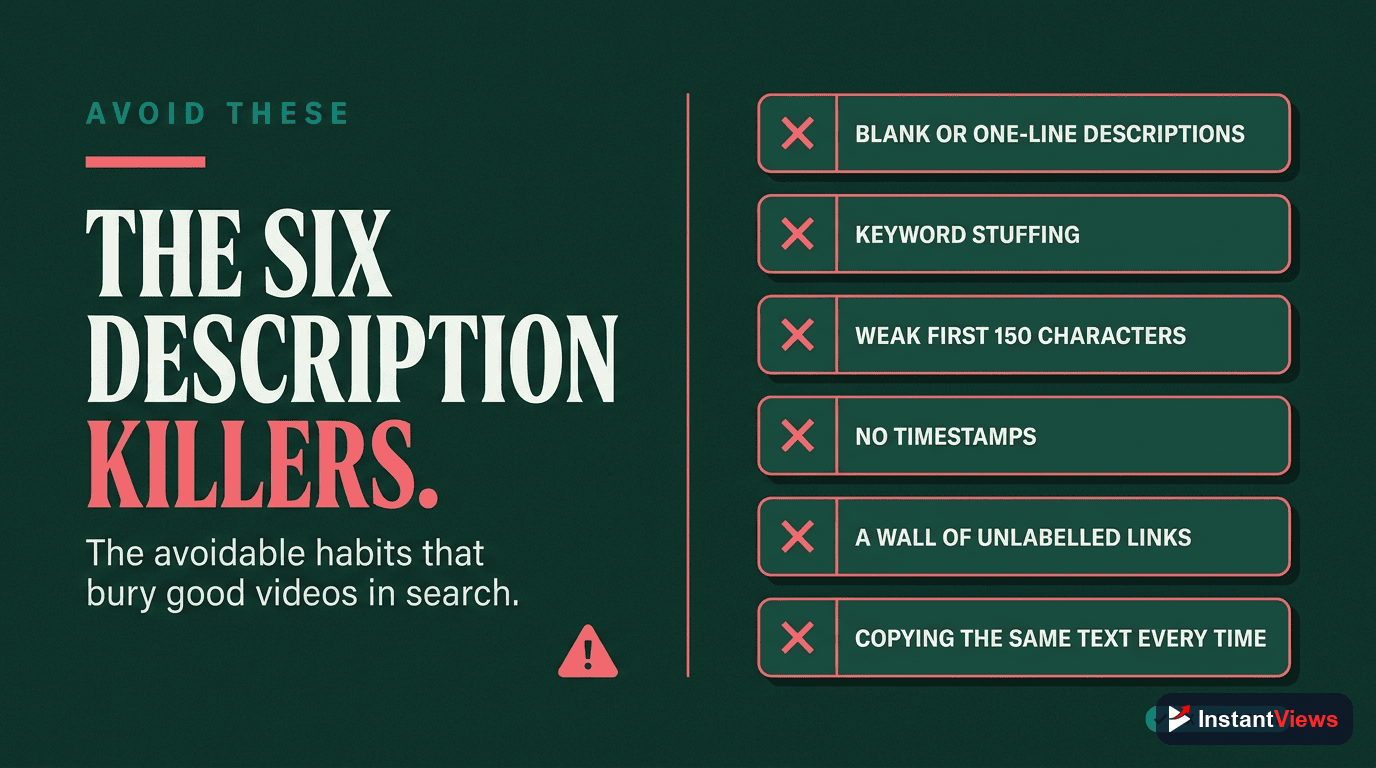
1. Copying Descriptions from Other Videos
Duplicate content hurts SEO. Each video needs a unique description that accurately reflects its specific content.
2. Focusing Only on Search Engines
Write for humans first, algorithms second. A keyword-stuffed description that reads poorly won't convert viewers.
3. Neglecting Updates
Old videos with outdated links or information lose credibility. Review and update descriptions quarterly.
4. Too Many External Links
Every external link is an opportunity for viewers to leave YouTube. Prioritize internal links that keep viewers on your channel.
5. Generic Channel Descriptions
Copy-pasting the same channel bio into every video wastes space. Use that real estate for video-specific value.
6. No Call to Action
Tell viewers what to do next - watch another video, check out a resource, or subscribe. Don't assume they'll know.
"Your description is a sales page for your video. Every word should either help people find your content or convince them to engage with it." - YouTube SEO Expert
Optimize Your Entire Video for SEO
Get a complete SEO analysis including description, title, tags, and more with our Video Analyzer tool.
Analyze Your Video →Final Checklist: Before You Publish
Use this checklist every time you upload a video:
- First 150 characters - Primary keyword included? Compelling hook? No external links?
- Keywords - 3-5 keywords naturally incorporated throughout?
- Length - At least 200 words with valuable information?
- Timestamps - At least 3 chapters starting at 0:00?
- Links - All working? Internal links prioritized over external?
- Hashtags - 3-5 relevant hashtags at the end?
- Call to action - Clear next step for viewers?
- Mobile check - Does it look good on mobile devices?
- Proofread - No typos or grammatical errors?
Frequently Asked Questions
The ideal YouTube description is 200-300 words. While you have up to 5,000 characters, viewers only see the first 2-3 lines (about 100-150 characters) without clicking "Show More." Front-load your most important information and keywords in those first lines.
Yes, significantly. YouTube uses your description to understand your video content and match it with search queries. Videos with optimized descriptions rank higher in both YouTube and Google search results. However, watch time and engagement still matter more than descriptions alone.
Never keyword stuff. YouTube's algorithm is sophisticated enough to detect unnatural keyword usage and may penalize your video. Instead, naturally incorporate 3-5 relevant keywords throughout a well-written, helpful description.
The first 150 characters should include: your primary keyword, a compelling hook that encourages viewers to expand the description, and the core value proposition of your video. This text appears in search results and above the "Show More" button.
No. Each video should have a unique description that accurately reflects its specific content. Duplicate descriptions hurt your SEO and create a poor user experience. Use templates for structure, but customize the content for each video.
Update descriptions when information becomes outdated, when you discover better keywords, or when you want to add new relevant links. For evergreen content, review descriptions every 3-6 months. Time-sensitive content may need more frequent updates.