- Use 3-5 hashtags per video for optimal performance - more than 15 and YouTube ignores them all
- The first 3 hashtags in your description appear above your video title and have the most visibility
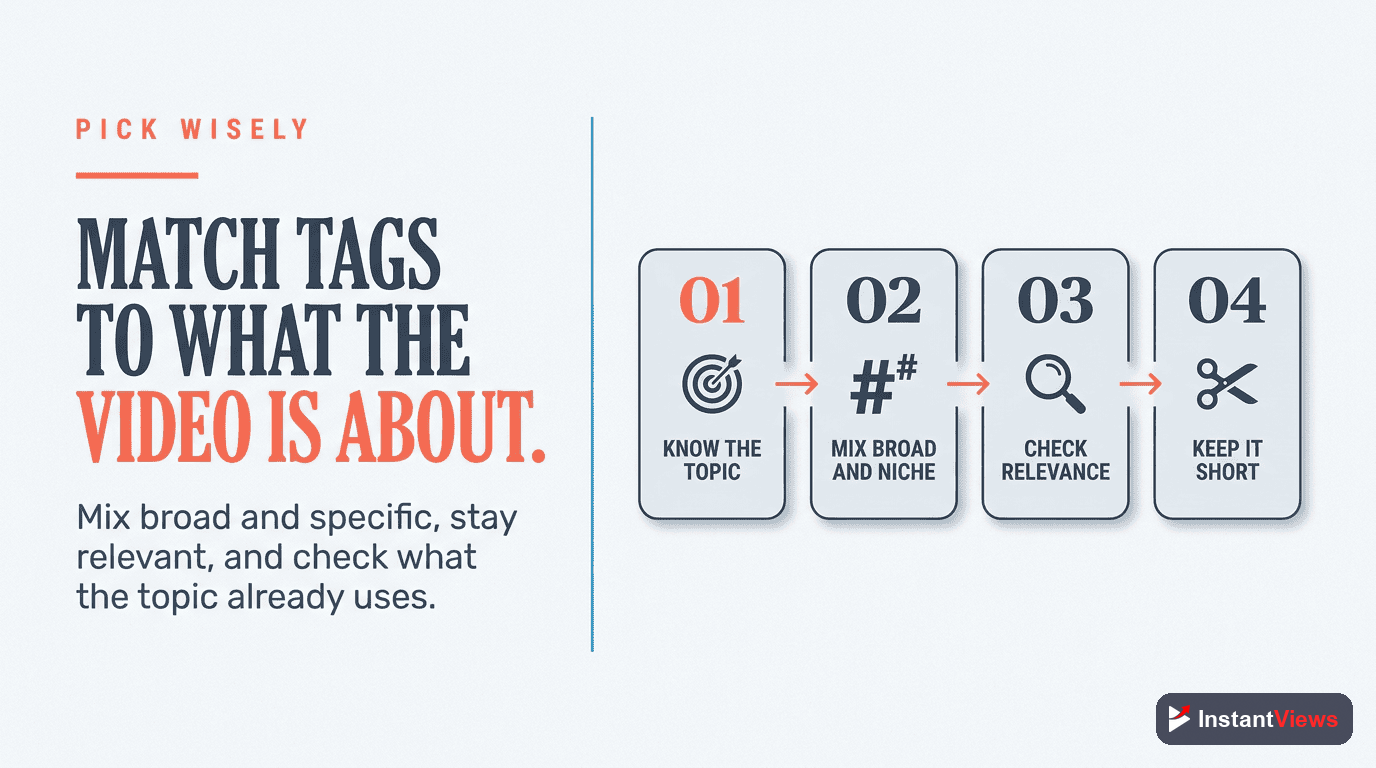
- Mix broad category hashtags with specific topic hashtags for maximum discoverability
- Hashtags should be relevant - irrelevant trending tags hurt performance and may be flagged as spam
- Use the Video Analyzer to optimize your complete video SEO including hashtag strategy
Hashtags on YouTube are not the same as Instagram or Twitter. Many creators copy-paste strategies from other platforms and wonder why their videos don't get discovered. YouTube's hashtag system works differently, and understanding these differences is the key to using them effectively.
In this guide, you'll learn exactly how to use hashtags on YouTube to increase discoverability without looking spammy or hurting your SEO. Along with tag optimization strategies and keyword research, hashtags form a complete YouTube SEO strategy.
How YouTube Hashtags Actually Work
YouTube hashtags serve two primary functions:
- Discoverability: Viewers can click on a hashtag to see other videos using the same tag
- Context: Hashtags help YouTube understand what your video is about for recommendation purposes
However, here's what most creators get wrong: hashtags are a minor SEO signal on YouTube. They're far less important than your title, description content, thumbnail, and watch time metrics.
Hashtags will not make a bad video perform well. They're a supplementary SEO tool, not a magic growth hack. Focus on content quality first, hashtags second.
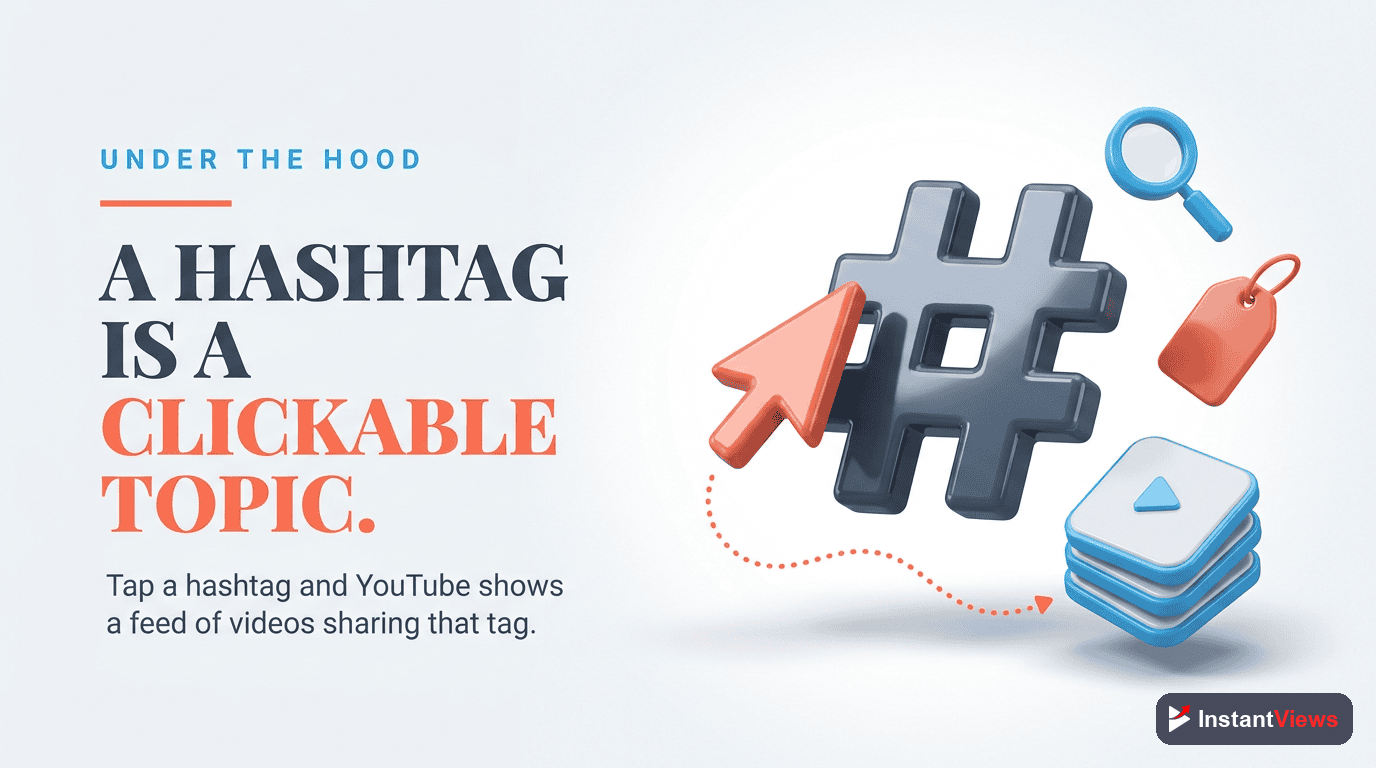
When a viewer clicks on a hashtag, they're taken to a page showing all videos with that tag, sorted by relevance and view count. This means:
- Popular hashtags (#YouTube) show millions of videos - yours gets buried
- Specific hashtags (#YouTubeThumbnailDesign2025) show fewer videos - better chance of discovery
- Your video's performance (CTR, watch time) determines ranking even within hashtag pages
How Many Hashtags Should You Use?
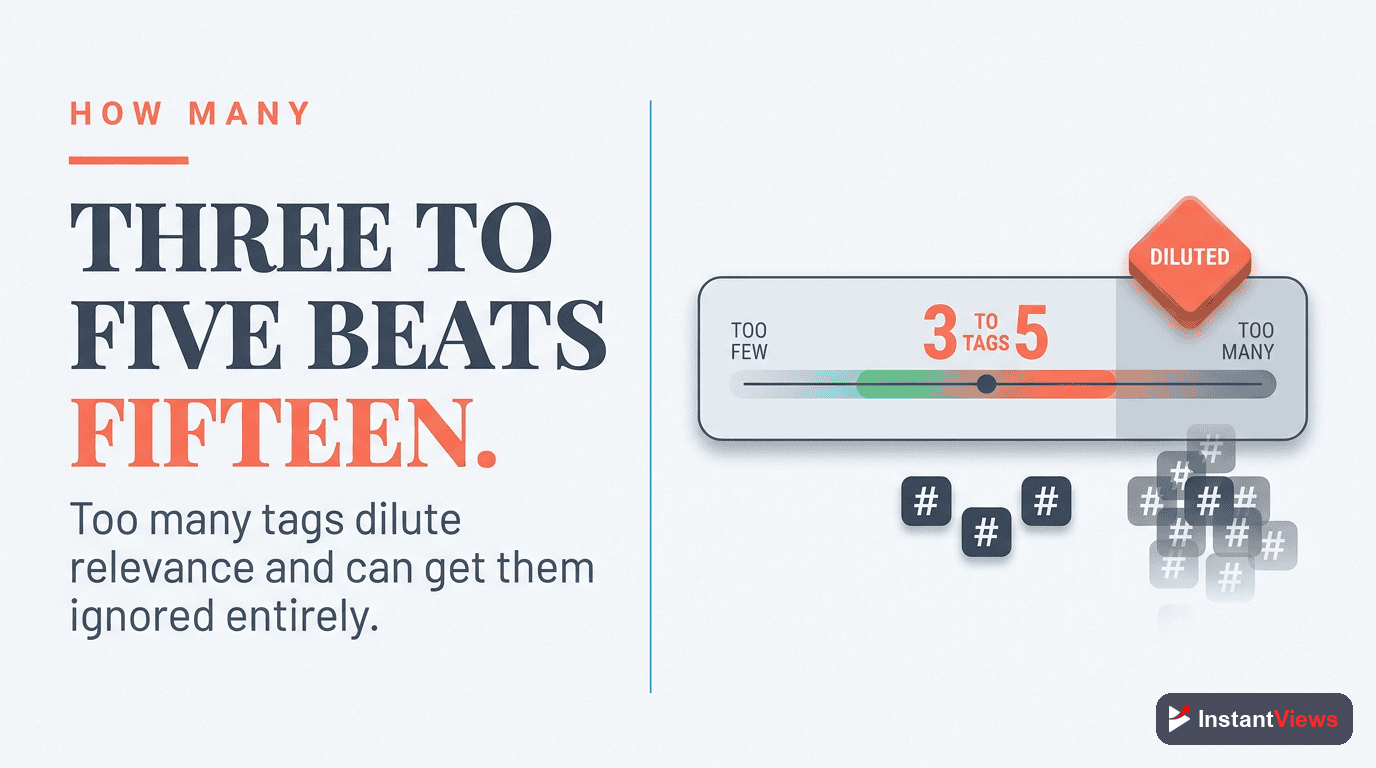
YouTube's official recommendation: 3-5 hashtags.
Here's the critical rule: If you use more than 15 hashtags, YouTube ignores ALL of them. This is YouTube's anti-spam measure.
| Number of Hashtags | Effect | Recommendation |
|---|---|---|
| 0 hashtags | Missing a minor SEO signal | Not optimal |
| 1-2 hashtags | Limited discoverability | Better than none |
| 3-5 hashtags | Optimal balance | Recommended |
| 6-10 hashtags | Acceptable but diluted | Use only if highly relevant |
| 11-15 hashtags | Appears spammy, diluted value | Avoid |
| 16+ hashtags | ALL hashtags ignored by YouTube | Never do this |
Where to Place Hashtags
You have three options for hashtag placement:
1. In the Video Description (Recommended)
This is the most common and effective placement. Add hashtags anywhere in your description. Your description should also include optimized text as part of your broader description optimization strategy:
- At the beginning: Makes the first 3 appear above your title
- At the end: Keeps your description clean and readable
- Throughout: Natural integration when mentioning topics
Example description structure:
In this video, I show you how to create click-worthy thumbnails using free tools. Perfect for beginners!
Timestamps:
0:00 Intro
1:30 Canva Tutorial
#YouTubeThumbnails #ThumbnailDesign #YouTubeTips
2. In the Video Title
You can add hashtags to titles, but it's generally not recommended unless:
- The hashtag is your brand name (#MKBHD)
- It's part of a series (#Day1 #30DayChallenge)
- It's highly relevant and improves clarity
Hashtags in titles can look spammy and waste valuable character space. Use sparingly and only when they add genuine value to the viewer.
3. Hashtag-Only Comments
Some creators add a pinned comment with additional hashtags. This does not provide SEO value - YouTube only counts hashtags in the title and description.

Choosing the Right Hashtags
Effective hashtags follow this formula:
1 Broad Hashtag + 1 Medium Hashtag + 1 Specific Hashtag
Broad Hashtags (High Competition)
These describe your general category:
- #YouTube
- #Gaming
- #Fitness
- #Cooking
Purpose: Helps YouTube categorize your content
Discovery potential: Low (too competitive)
Medium Hashtags (Moderate Competition)
These describe your niche:
- #YouTubeTips
- #MinecraftBuilds
- #KetoRecipes
- #GymMotivation
Purpose: Balance between discoverability and specificity
Discovery potential: Moderate
Specific Hashtags (Low Competition)
These describe your exact topic:
- #YouTubeThumbnailDesign2025
- #MinecraftCastleTutorial
- #KetoBreakfastIdeas
- #HomeGymSetup
Purpose: Target viewers looking for exactly your content
Discovery potential: High (less competition)
Hashtag Best Practices
1. Make Hashtags Relevant
Every hashtag should accurately describe your video content. Using #Trending or #Viral when your video isn't about those topics will:
- Cause viewers to click away quickly (bad for retention)
- Signal to YouTube that your metadata is misleading
- Potentially get your video flagged for spam
2. Use Variations of Your Keywords
If your video is about "YouTube thumbnails," consider:
- #YouTubeThumbnails
- #ThumbnailDesign
- #YouTubeThumbnailTips
This captures different search variations viewers might use.
3. Create a Branded Hashtag
If you're building a series or brand, create a unique hashtag:
- #YourChannelName
- #YourSeriesName
Example: Casey Neistat uses #368 (his studio name) on many videos.
4. Check Existing Hashtag Content
Before using a hashtag, click on it to see:
- What type of content appears
- Whether your video fits that context
- If it's been hijacked for spam or inappropriate content
5. Update Hashtags Over Time
You can edit your video description anytime to update hashtags. Consider:
- Adding trending hashtags if they become relevant to your existing content
- Removing underperforming hashtags after a few weeks
- Testing different hashtag combinations to see what works
Optimize Your Complete Video SEO
Get instant analysis of your title, description, tags, and thumbnail before uploading with our Video Analyzer.
Analyze Your Video →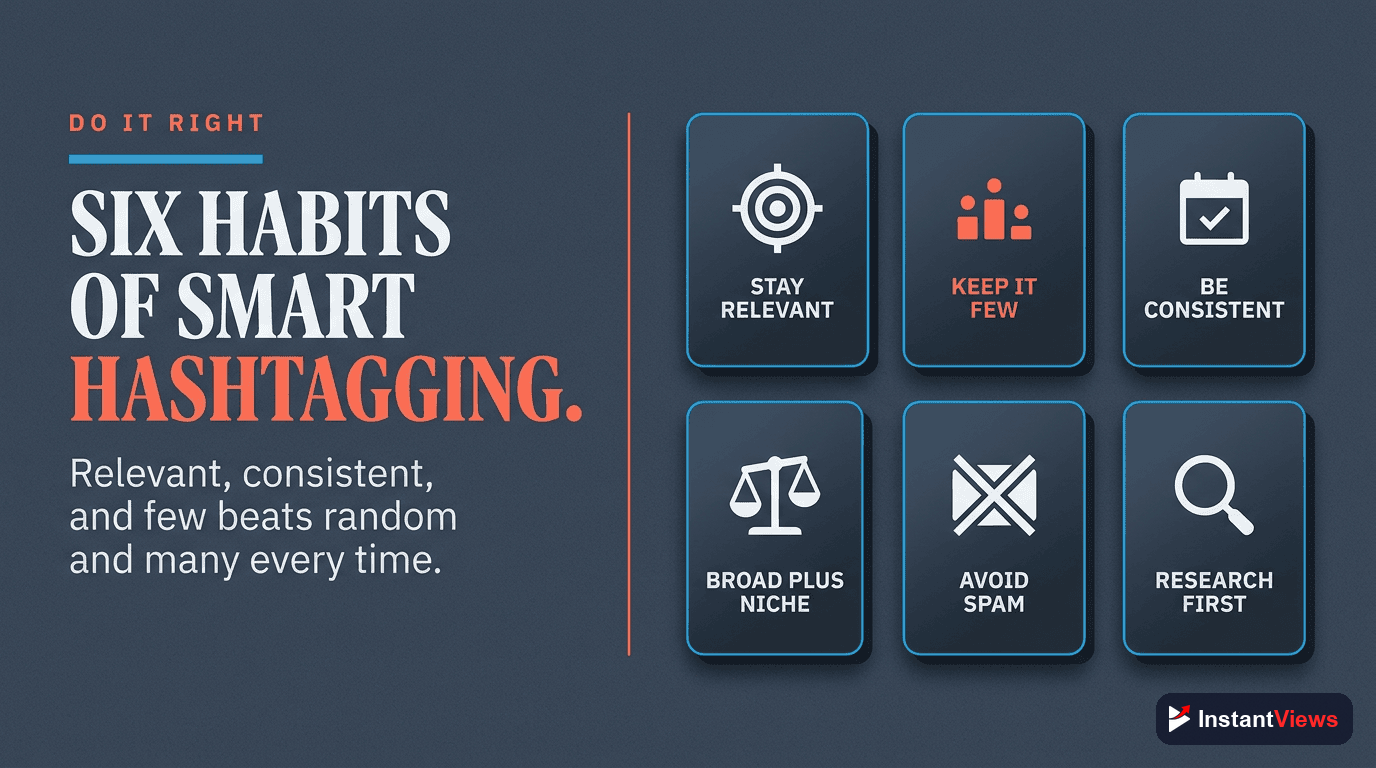
Common Hashtag Mistakes to Avoid
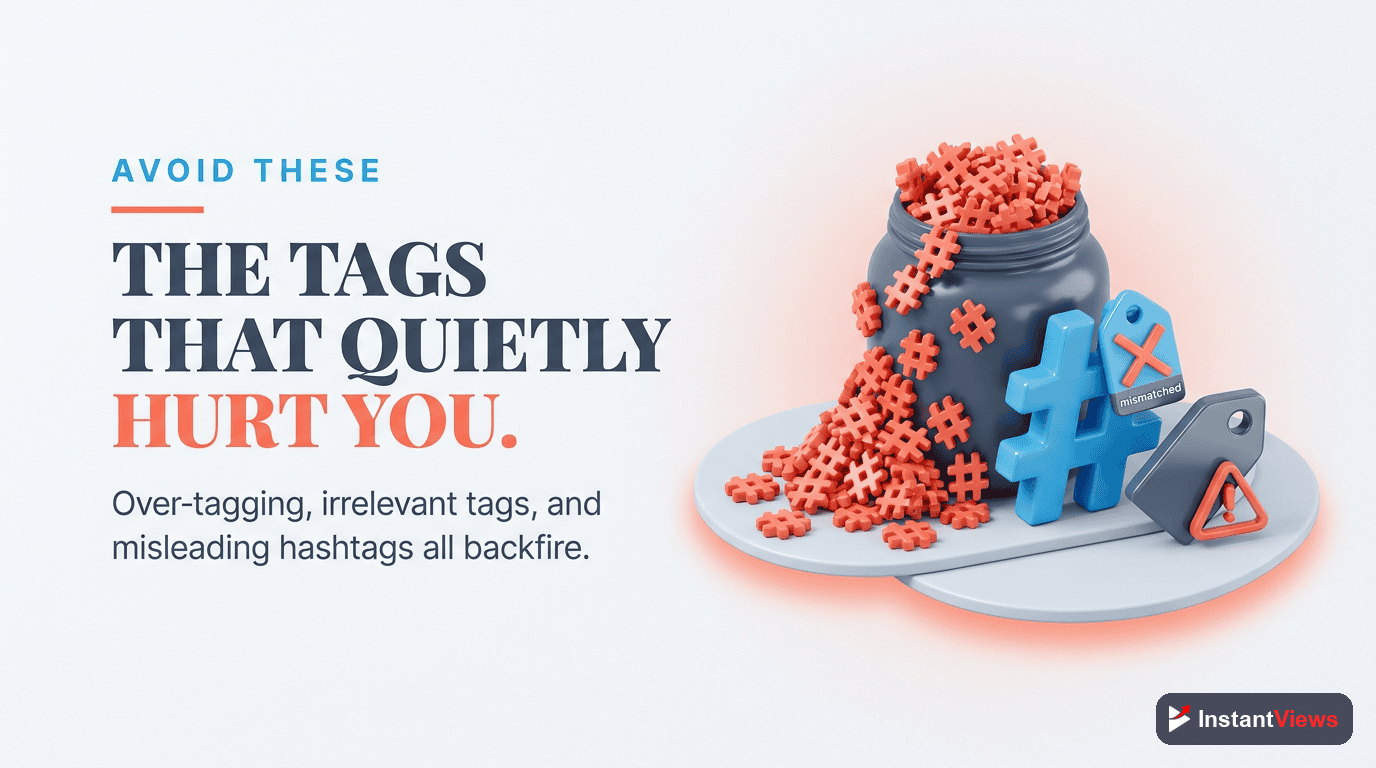
Mistake #1: Using More Than 15 Hashtags
This is the fastest way to lose all hashtag benefits. YouTube's documentation clearly states that videos with more than 15 hashtags will have all hashtags ignored.
Mistake #2: Using Irrelevant Trending Hashtags
You see #TaylorSwift trending and think "free views!" Wrong. If your video isn't about Taylor Swift:
- Viewers will leave immediately (tanking your retention)
- YouTube learns your metadata is misleading
- Future videos get pushed less
Mistake #3: Only Using Super Broad Hashtags
Using only #YouTube, #Video, #Content means you're competing with millions of videos. Include specific hashtags where you can actually rank.
Mistake #4: Spaces in Hashtags
Hashtags cannot contain spaces. #YouTube Tips doesn't work - it only tags #YouTube. Use:
- #YouTubeTips
- #YouTube_Tips
Mistake #5: Using Banned or Problematic Hashtags
Certain hashtags are banned by YouTube or associated with spam. Before using any hashtag, especially trending ones, click on it to verify it's safe and appropriate.
Mistake #6: Ignoring Hashtag Performance
YouTube Analytics shows you traffic sources. Check if hashtags are driving any views. If not after 2-3 weeks, try different ones.
"Hashtags are like seasoning on a meal. The right amount enhances it, too much ruins it, and no amount can fix bad ingredients."
Hashtag Strategy by Content Type
| Content Type | Recommended Hashtags | Example |
|---|---|---|
| Tutorials | How-to + Tool/Topic + Year | #HowTo #PhotoshopTutorial #2026 |
| Reviews | Product name + Review + Category | #iPhone16 #TechReview #Smartphone |
| Vlogs | Vlog + Location/Activity + Lifestyle | #DailyVlog #TokyoTravel #DigitalNomad |
| Gaming | Game name + Content type + Platform | #Minecraft #GamingHighlights #PCGaming |
| Educational | Subject + Learn + Skill level | #CodingTutorial #LearnPython #Beginners |
Advanced Hashtag Tips
Analyze Competitor Hashtags
Look at the top 5 videos in your niche. What hashtags do they use? This reveals what's working in your space.
Track Hashtag Trends
YouTube hashtag trends change. What worked in 2023 might not work in 2026. Check the "Trending" tab and hashtag pages regularly to spot new opportunities.
Test Hashtag Combinations
Try different combinations across videos and track which drive traffic in YouTube Analytics > Traffic Sources > Hashtags.
Consider Seasonal Hashtags
Add seasonal relevance when appropriate:
- #ChristmasGifts (November-December)
- #SummerWorkout (May-August)
- #TaxTips (January-April)
Frequently Asked Questions
YouTube recommends using 3-5 hashtags per video. You can use up to 15, but YouTube will ignore all hashtags if you use more than 15. For best results, use 3 highly relevant hashtags - the first 3 hashtags appear above your video title and have the most impact.
Place hashtags in your video description. The first 3 hashtags will automatically appear above your video title. You can also add them at the end of your description. Hashtags in video titles work but can look spammy - use sparingly and only if highly relevant.
Yes, but their impact is moderate. Hashtags make your videos discoverable when users click on or search for that specific hashtag. However, they are less important than titles, descriptions, and thumbnail quality for overall discoverability. Use them as a supplementary SEO tool.
Only if they are genuinely relevant to your content. Using irrelevant trending hashtags can hurt your video performance as viewers will quickly leave when the content doesn't match expectations. YouTube may also consider it spam and reduce your reach.
No. Each video should have unique hashtags that match its specific content. Using identical hashtags on all videos dilutes their effectiveness and doesn't help YouTube understand what makes each video unique. Tailor hashtags to each video's specific topic.
Good YouTube hashtags are specific, relevant, and searchable. They should describe your content accurately, have some search volume (use YouTube search to check), and match user intent. Mix broad category hashtags (#YouTubeTips) with specific topic hashtags (#ThumbnailDesign2025).