
- Tags help YouTube understand your content context and connect it to similar videos
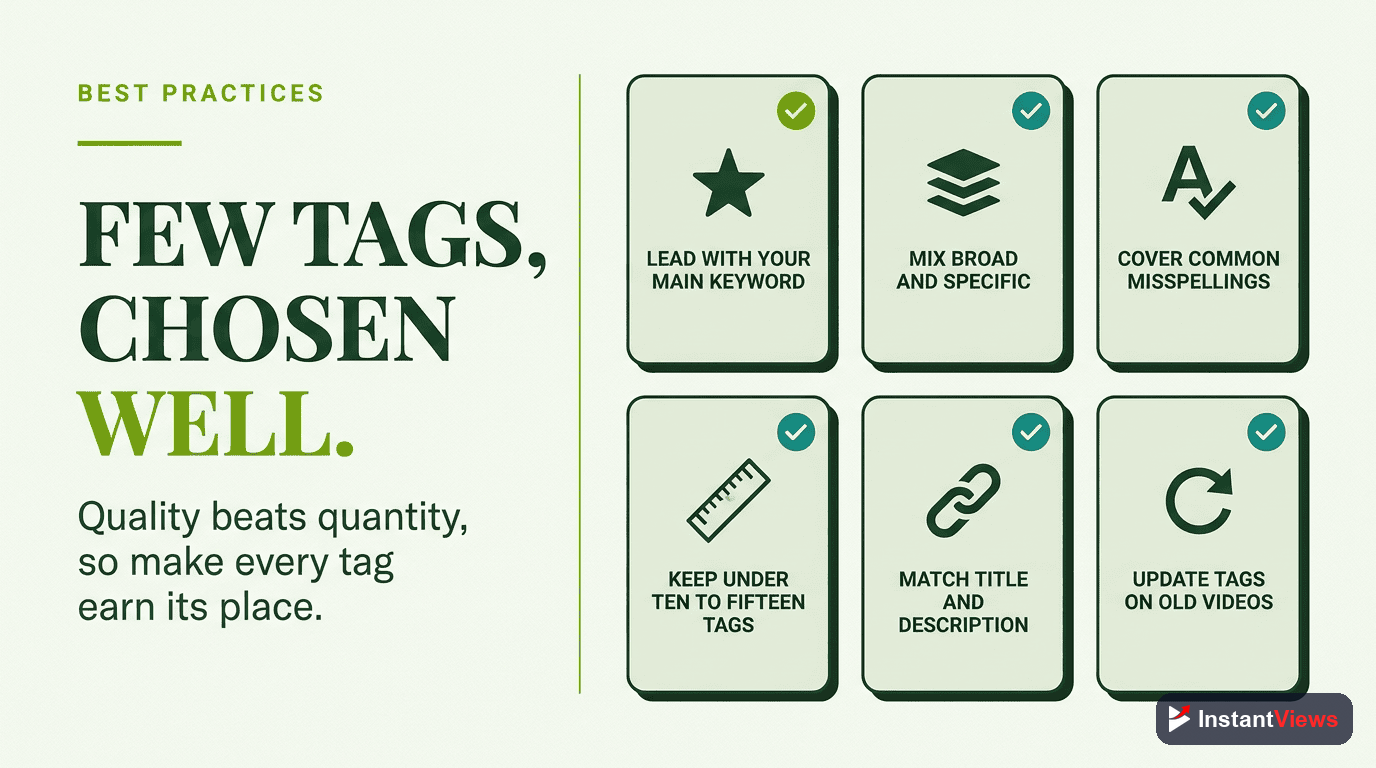
- Use 5-15 highly relevant tags - quality matters more than quantity
- Mix broad category tags with specific long-tail keywords for balanced discovery
- Place your most important tags first - YouTube gives them more weight
- Research competitor tags but customize them to match your unique content
YouTube tags are one of the most misunderstood elements of video SEO. Many creators either ignore them completely or stuff every possible keyword hoping for magic results. The truth lies somewhere in between. Understanding tags works hand-in-hand with hashtag strategies and proper keyword research.
In 2026, tags work differently than they did in YouTube's early days. While they're no longer the primary ranking factor, strategic tag use still significantly impacts video discovery - especially for new channels without established authority.
This guide breaks down exactly how to research, select, and optimize YouTube tags that actually boost your video's reach.
How YouTube Tags Work in 2026
YouTube's algorithm has evolved significantly. Here's what you need to know about how tags function today:
Primary Role: Context, Not Search
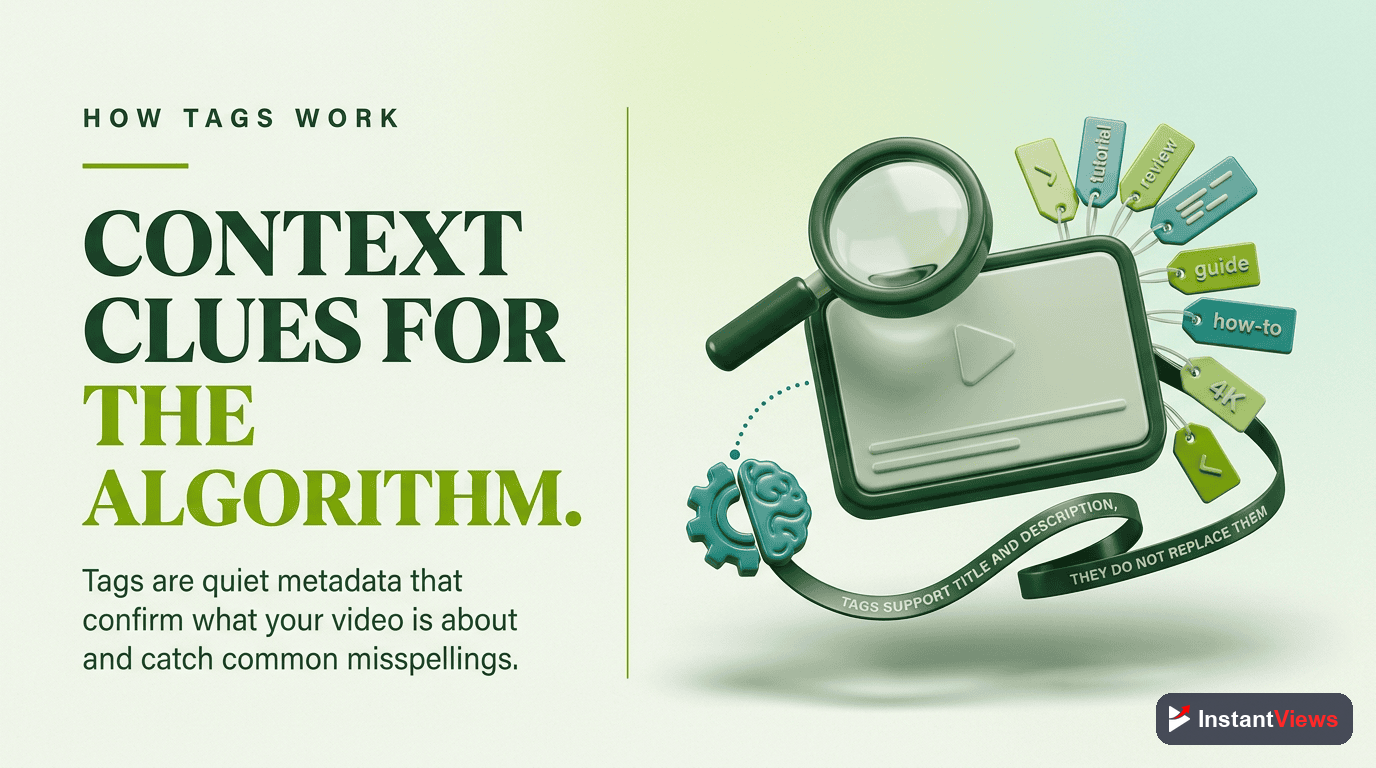
Tags primarily help YouTube understand your video's context and topic. They're less about matching exact searches and more about categorizing your content for recommendations.
Weight Distribution:
- Title: 40% of SEO weight
- Description: 30% of SEO weight
- Tags: 10-15% of SEO weight
- Engagement signals: 15-20% of SEO weight
Tags no longer heavily influence search rankings like they did in 2018-2020. YouTube now relies more on your title, description, and video content itself (through AI analysis) to determine what your video is about.
Where Tags Still Matter:
- Connecting your video to similar content in suggested videos
- Helping with misspellings and alternative phrasings
- Category clarification for ambiguous topics
- Small channel discovery (when you lack authority signals)
How to Research Effective Tags
Method 1: YouTube Search Autocomplete
Start typing your main keyword into YouTube's search bar and note the autocomplete suggestions. These represent real search queries people use.
Type "how to edit videos" → YouTube suggests: "how to edit videos on phone", "how to edit videos for youtube", "how to edit videos like vlog squad"
Method 2: Analyze Top-Ranking Videos
Find the top 5 videos for your target keyword. View their page source (right-click → View Page Source) and search for "keywords" to see their tags.
Method 3: YouTube Studio Search Terms Report
Check your existing videos' "Traffic source: YouTube search" in YouTube Studio Analytics. This shows actual terms people used to find your videos - goldmine data for tag optimization.
Method 4: Related Searches
Scroll to the bottom of YouTube search results for your main keyword. The "Searches related to..." section reveals variations and long-tail opportunities.

3 Types of Tags You Need
Specific Long-Tail Tags
These are 3-5 word phrases that precisely describe your video's specific topic. They have lower competition and attract highly targeted viewers.
"premiere pro color grading tutorial 2026"
"vegan breakfast meal prep ideas"
"beginner golf swing tips for distance"
Medium-Tail Category Tags
2-3 word phrases that define your broader topic category. These help YouTube understand your content's general theme.
"video editing tutorial"
"vegan recipes"
"golf tips"
Broad Authority Tags
Single-word or 2-word broad tags that place your video in major categories. Use sparingly (2-3 tags max) as they face massive competition.
"video editing"
"vegan"
"golf"
Ideal Tag Mix for Most Videos:
- 5-7 specific long-tail tags (your main focus)
- 3-4 medium-tail category tags
- 2-3 broad authority tags
- Total: 10-14 tags

Tag Optimization Best Practices
1. Tag Order Matters
YouTube gives more weight to your first few tags. Place your most important, specific tags at the beginning.
| Priority | Tag Type | Example |
|---|---|---|
| First Tag | Primary target keyword | "youtube thumbnail tutorial" |
| Tags 2-5 | Related long-tail variations | "how to make youtube thumbnails", "thumbnail design tips" |
| Tags 6-10 | Medium-tail categories | "youtube tips", "thumbnail design" |
| Tags 11-15 | Broad + misspellings | "youtube", "thumbnails", "thumbnal design" |
2. Match Tags to Actual Content
Every tag should accurately reflect something you actually discuss in the video. YouTube's AI can now detect tag stuffing by comparing tags to your spoken content and visuals. This is part of comprehensive metadata optimization.
"Using misleading tags can result in your video being removed or your channel being penalized." - YouTube Creator Academy
3. Include Variation Phrasings
People search the same topic in different ways. Cover multiple phrasings:
- "how to edit videos" vs "video editing tutorial" vs "learn video editing"
- "best budget laptop" vs "cheap laptops for students" vs "affordable laptop recommendations"
4. Use Common Misspellings (Strategically)
YouTube's autocorrect handles most misspellings, but some common ones are still worth including:
- "minecraft" → also include "mine craft" (people still search this way)
- "photoshop" → also include "photo shop"
Don't overdo this - 1-2 misspelling tags maximum.
5. Update Tags Based on Performance
Check your Search Terms Report monthly. If you're getting traffic from unexpected keywords, add them as tags to amplify that discovery path.
Common Tag Mistakes to Avoid
Mistake #1: Tag Stuffing
Using all 500 characters with barely-relevant keywords dilutes your video's focus and can trigger spam filters. Quality over quantity always wins.
Mistake #2: Single-Word Tags Only
Tags like "tutorial", "tips", "gaming" are too broad. They face massive competition and don't help YouTube understand your specific topic.
Mistake #3: Copying Tags Without Customization
Blindly copying a competitor's tags ignores your unique angle. If their video is "5 Photoshop Tips" and yours is "Photoshop Portrait Retouching", your tags should reflect that difference.
Mistake #4: Irrelevant Trending Tags
Adding tags like "MrBeast" or "pewdiepie" when your video has nothing to do with them is misleading tagging - it can get your video removed.
Mistake #5: Ignoring Your Own Brand
If you have an established channel (1,000+ subscribers), include your channel name as a tag. It helps your videos appear in suggested videos when viewers watch your other content.
Optimize Your Video Tags
Get AI-powered tag suggestions and competitor tag analysis with our Video Analyzer tool.
Analyze Your Video →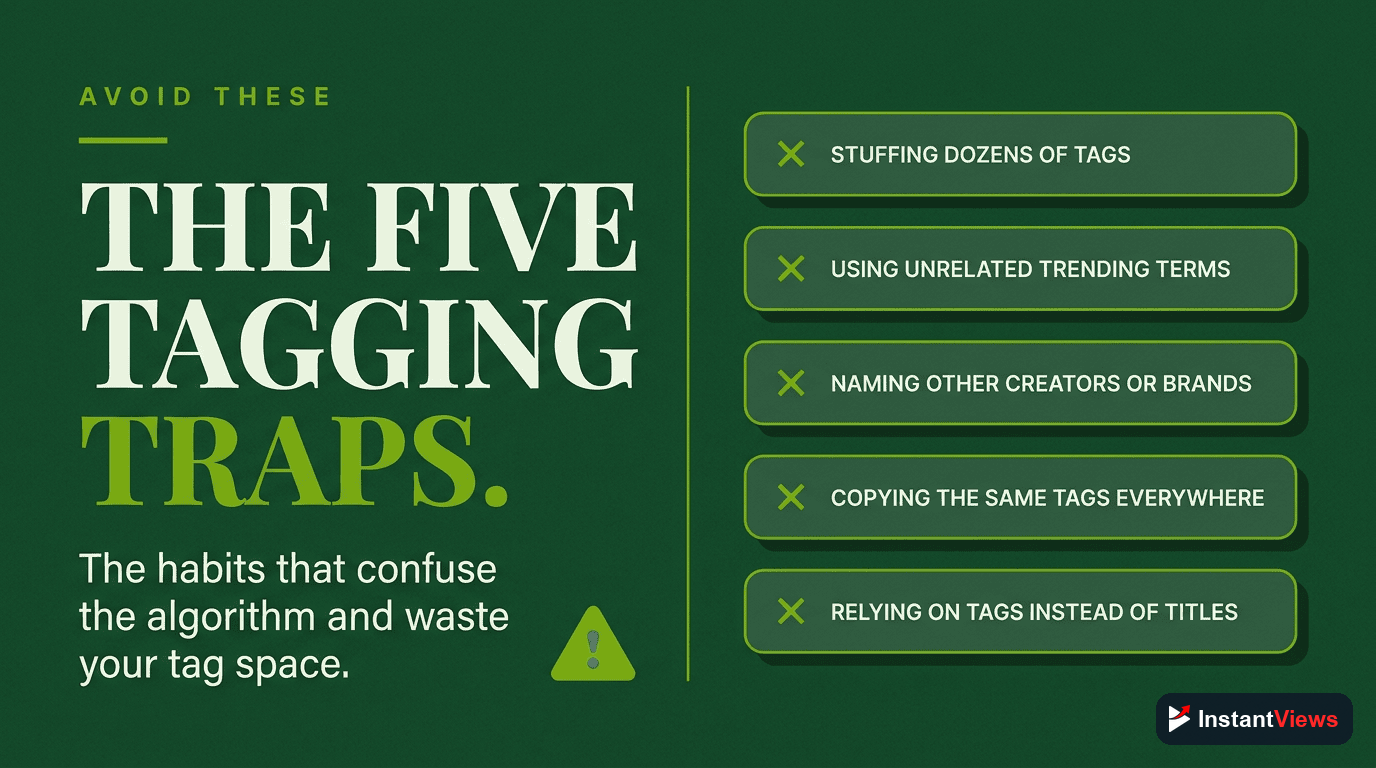
Advanced Tag Strategies
Strategy 1: Cluster Your Content
Create tag "themes" across multiple videos. If you're building a series, use consistent tags to signal to YouTube that these videos are related.
Example series tags:
- "photoshop tutorial series 2026"
- "photoshop for beginners"
- Your channel name
Strategy 2: Seasonal Tag Rotation
For evergreen content, update tags seasonally to match current search behavior:
- January: Add "2026" or "new year"
- September: Add "back to school"
- November/December: Add holiday-related terms if relevant
Strategy 3: Leverage Your Analytics
Your best tag data comes from your own channel. Every month:
- Check which search terms are bringing traffic
- Add those terms as tags to related videos
- Create new content around high-traffic terms you haven't fully covered
Strategy 4: Language Variations (International Audiences)
If your content appeals internationally, include English variations:
- US: "color correction" vs UK: "colour correction"
- US: "soccer tips" vs International: "football tips"
Final Tag Checklist
Before publishing, verify your tags pass these tests:
- Accuracy: Every tag accurately describes content in your video
- Specificity: Your first 3-5 tags are specific long-tail phrases
- Balance: You have a mix of specific, medium, and broad tags
- Order: Most important tags are listed first
- Quantity: You're using 8-15 tags, not maxing out the character limit
- Uniqueness: Tags match YOUR specific video, not just generic topic tags
- Consistency: Tags align with your title and description keywords

Frequently Asked Questions
Use 5-15 relevant tags per video. YouTube allows up to 500 characters (around 30-40 tags), but quality matters more than quantity. Focus on highly relevant tags that accurately describe your content rather than stuffing every possible keyword.
Yes, but their importance has shifted. Tags now primarily help YouTube understand your content context and connect it to similar videos. While titles and descriptions carry more weight for search, tags still play a crucial role in video discovery and recommended content.
Only if you have a well-established brand that people actively search for. For smaller channels, your channel name tag is less valuable than topic-specific tags that help new viewers discover your content.
While you can research competitors' tags for inspiration, blindly copying isn't effective. Your tags should accurately reflect YOUR specific content. Use competitor research to identify relevant keywords, then customize tags to match your unique video angle.
Broad tags (like "gaming" or "cooking") have high competition but reach larger audiences. Specific tags (like "Minecraft redstone tutorial" or "vegan dessert recipe") face less competition and attract more targeted viewers. The best strategy uses both for balanced discovery.
Use YouTube's search autocomplete, analyze top-performing videos in your niche, check YouTube Studio's search terms report, and use tools like the InstantViews Video Analyzer. Focus on tags that match actual search intent rather than just high volume keywords.