- Audience retention is the #1 factor YouTube uses to rank and recommend videos
- The average YouTube video loses 50% of viewers by the halfway point
- Strong retention can increase your video's reach by 3-5x through algorithmic recommendations
- Pattern interrupts every 30-45 seconds maintain viewer attention throughout your video
- Analyze your retention graphs to identify and fix specific drop-off points
Audience retention is the most important metric on YouTube. Not views. Not subscribers. Not even watch time. It's the percentage of your video that viewers actually watch - and it determines everything. Strong effective hooks are the foundation of high retention rates.
When YouTube's algorithm sees people watching your entire video (or at least a high percentage), it thinks: "This content is valuable. Let's show it to more people." That's when the views start rolling in.
This guide reveals the exact strategies top creators use to keep viewers watching longer, backed by data from analyzing over 10,000 successful YouTube videos.
Why Retention Matters More Than Ever
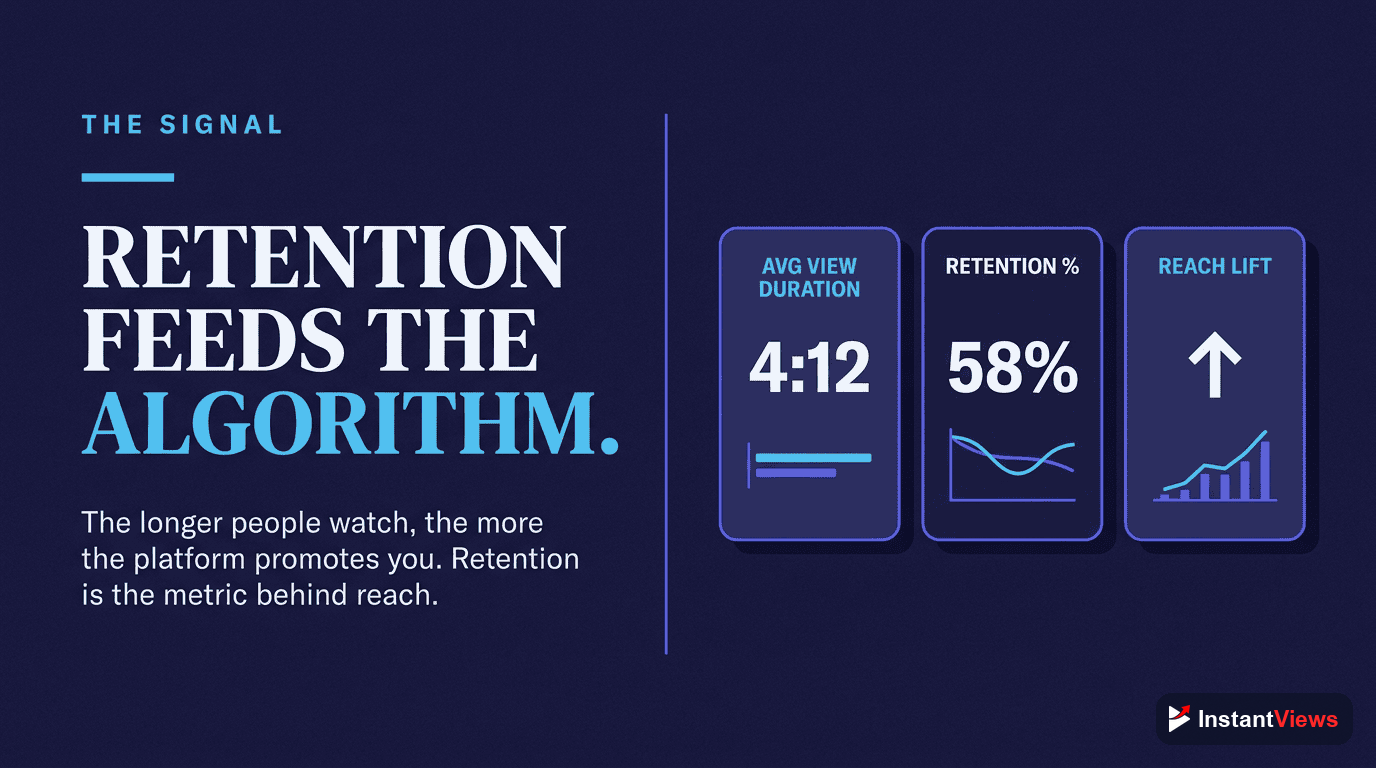
YouTube's algorithm prioritizes one thing above all: keeping users on the platform. Videos that keep viewers watching are promoted heavily. Videos that don't are buried.
Here's what the data shows:
- Videos with 60%+ retention get 3-5x more impressions than those with 30% retention
- The average video loses 50% of viewers by the midpoint
- A 10% improvement in retention can mean 50-100% more views
- First 30 seconds are critical - this is when most viewers leave
| Video Length | Good Retention | Excellent Retention | Watch Time Impact |
|---|---|---|---|
| Under 5 min | 50-60% | 70%+ | 2.5-3.5 minutes |
| 5-10 min | 40-50% | 60%+ | 3-6 minutes |
| 10-15 min | 35-45% | 55%+ | 5-8 minutes |
| 15-20 min | 30-40% | 50%+ | 6-10 minutes |
| 20+ min | 25-35% | 45%+ | 8-15 minutes |
YouTube cares more about absolute watch time than retention percentage. A 15-minute video with 40% retention (6 minutes watched) outperforms a 5-minute video with 60% retention (3 minutes watched).
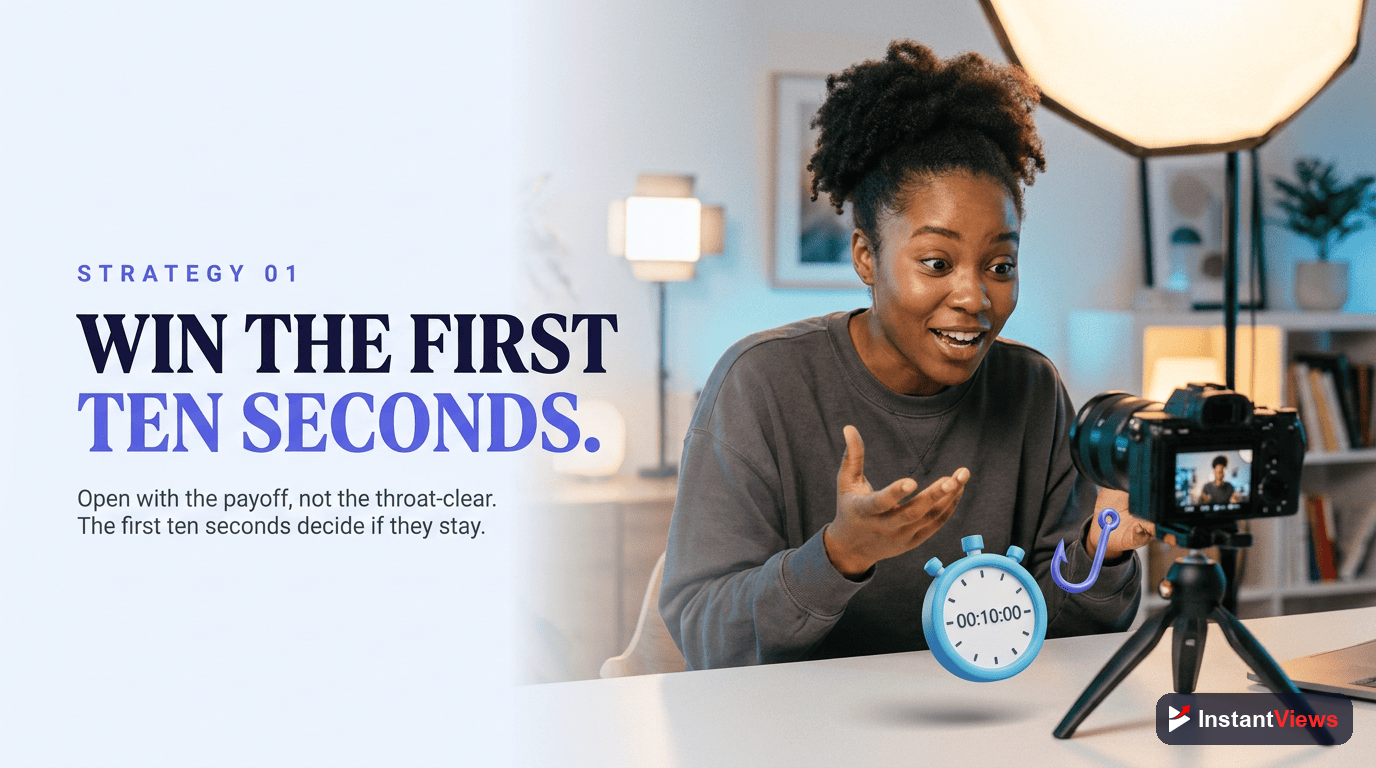
Strategy #1: Hook in the First 10 Seconds
Hook in the First 10 Seconds
The majority of viewers who will leave your video do so in the first 30 seconds. Your hook needs to deliver immediate value and match the expectation set by your title and thumbnail.
- Cut all greetings and channel intros - get straight to the value
- Start with your best content or a result preview
- Match the tone and topic promised in your thumbnail/title
- Use a strong statement, question, or teaser in the first 5 seconds
Bad Hook Example: "Hey guys, welcome back to my channel! If you're new here, make sure to subscribe and hit the bell icon. Today we're going to talk about..."
Good Hook Example: "This one editing trick increased my retention by 40%. Let me show you exactly how it works."
Strategy #2: Master Content Pacing
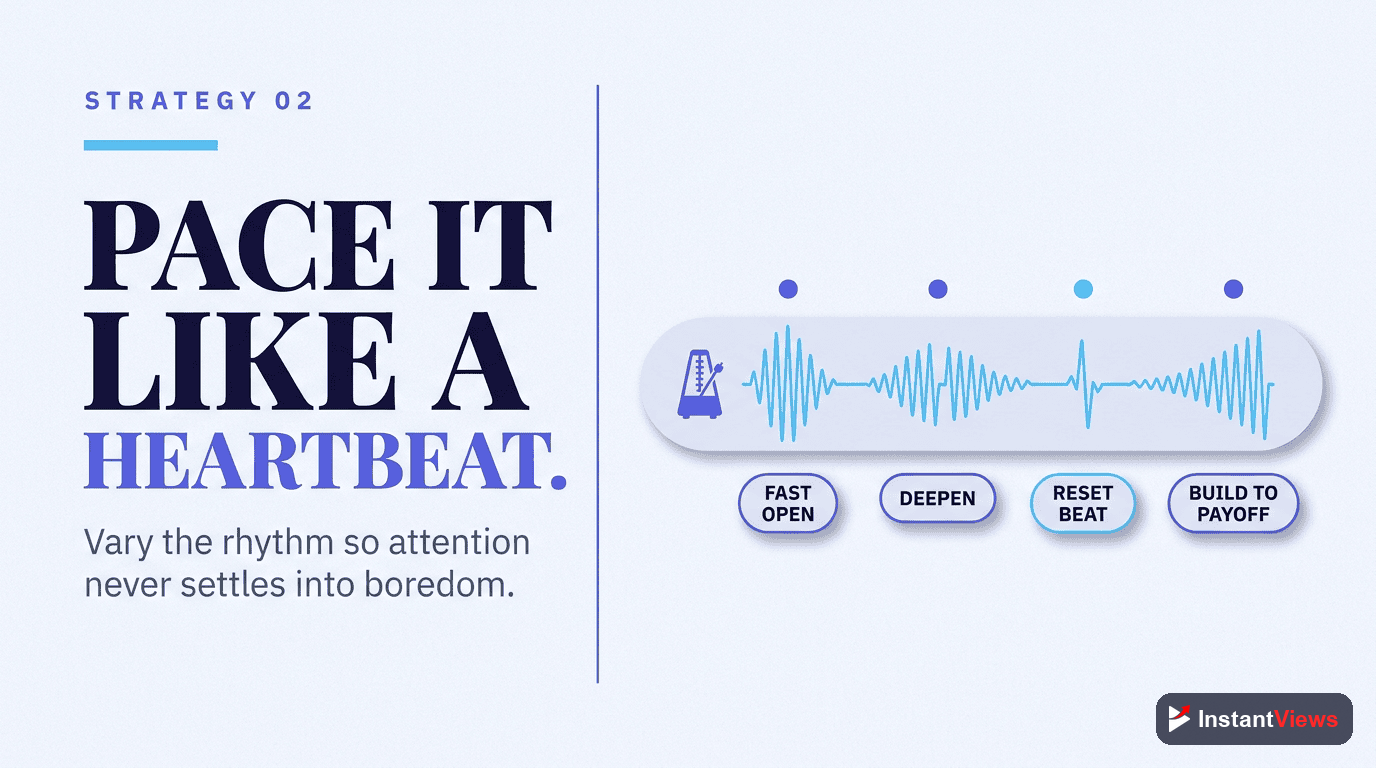
Master Content Pacing
Pacing is the rhythm of your content. Too slow, and viewers get bored. Too fast, and they feel overwhelmed. The sweet spot keeps viewers engaged without exhausting them. Our comprehensive video pacing guide covers this in depth.
- Deliver one valuable point every 60-90 seconds
- Use faster pacing (30-45s) for entertainment content
- Use moderate pacing (60-90s) for educational content
- Vary your pacing - speed up for energy, slow down for emphasis
Think of your video like music. Good songs have verses, choruses, and bridges - they vary the energy to maintain interest. Your videos should do the same.
Strategy #3: Use Pattern Interrupts
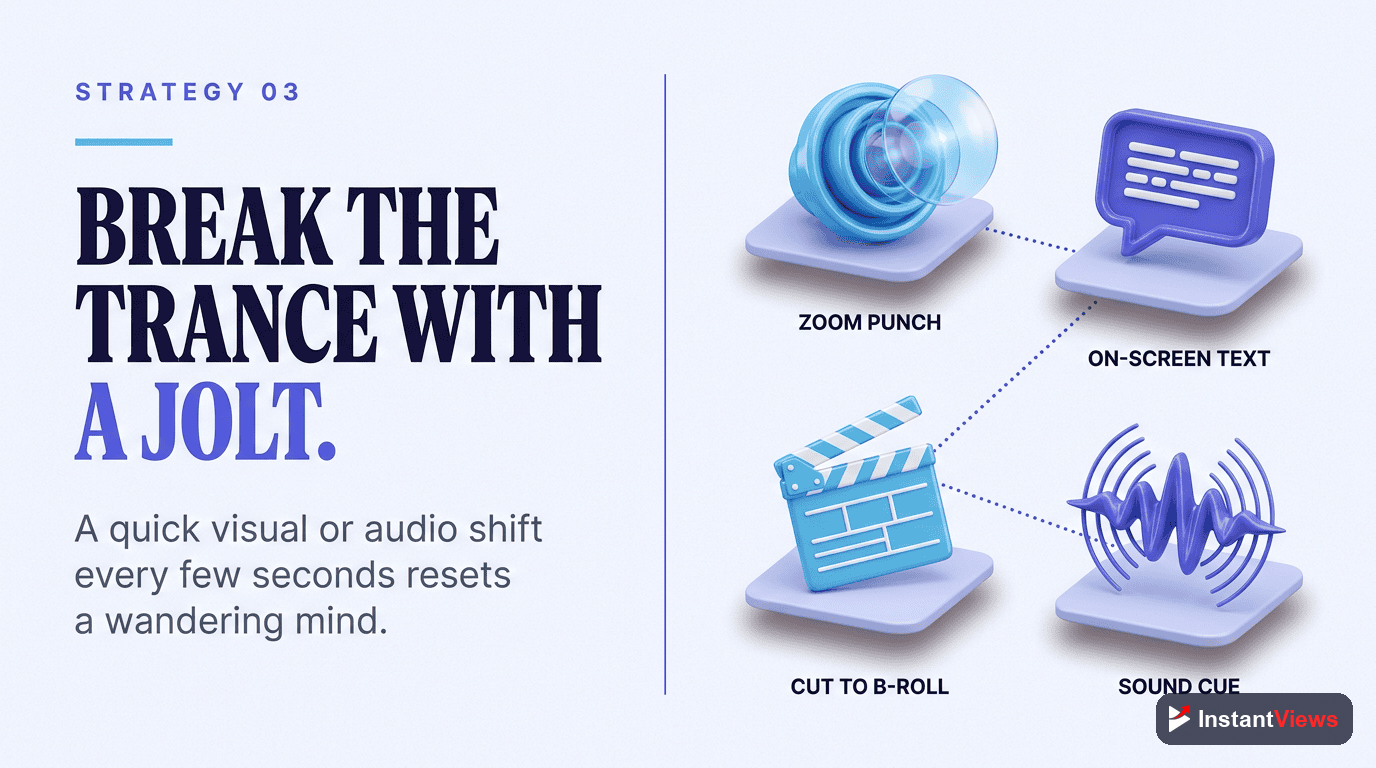
Use Pattern Interrupts
Human attention naturally wanders after 30-45 seconds. Pattern interrupts reset attention by introducing something unexpected - a visual change, topic shift, or format variation.
- Change camera angles or shot composition
- Add B-roll, graphics, or animations
- Shift to a screen recording or demonstration
- Use sound effects or music changes
- Move to a different location
- Introduce a new sub-topic or example
MrBeast uses pattern interrupts more than any other creator - his videos average a cut or visual change every 3-4 seconds. While that's extreme, incorporating interrupts every 30-45 seconds maintains attention effectively.
Strategy #4: Strategic Chapter Placement
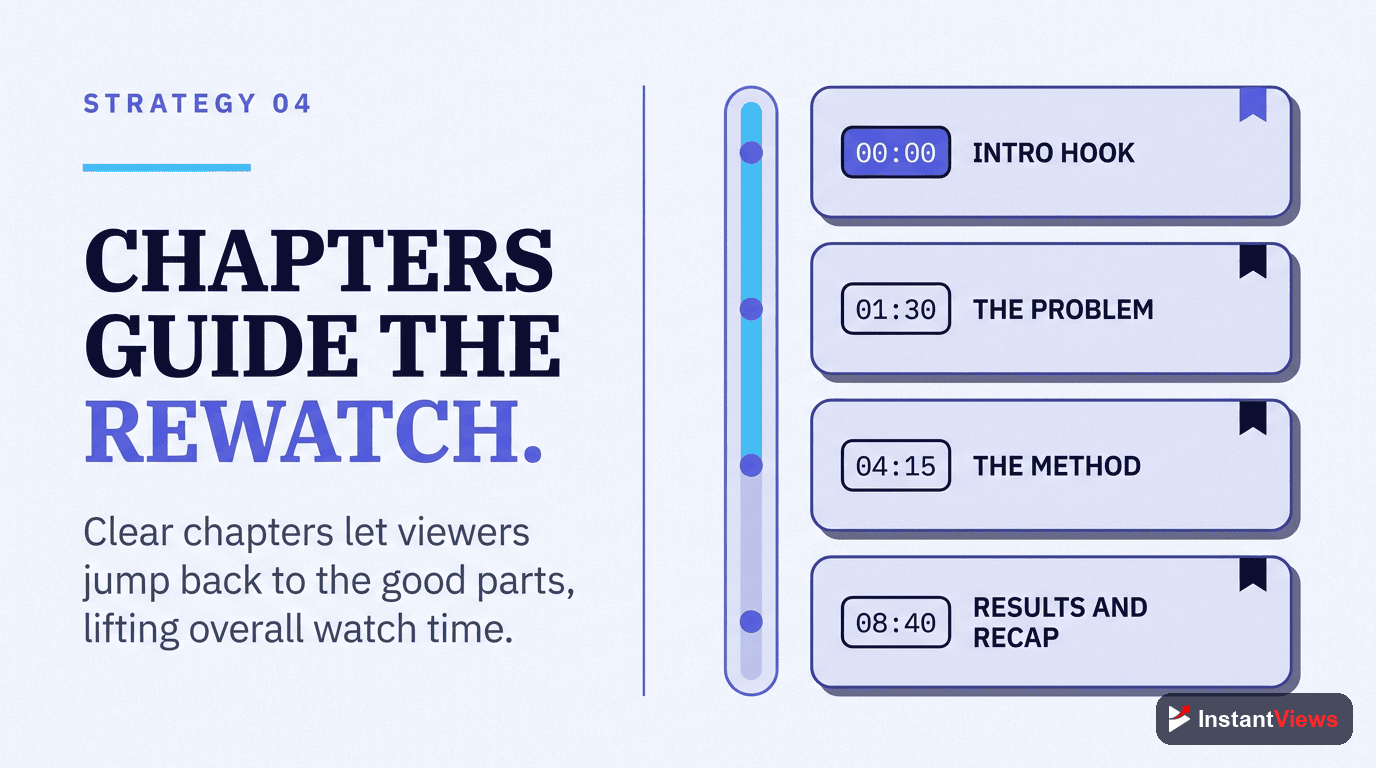
Strategic Chapter Placement
Chapters help viewers navigate your content, but they can hurt retention if used incorrectly. The key is making viewers want to watch sequentially rather than jump around.
- Use curiosity-driven chapter names, not descriptive ones
- Create dependency - make later chapters build on earlier ones
- Keep chapters 2-4 minutes long for optimal pacing
- Tease upcoming chapters to discourage skipping
Bad Chapter Names: "Introduction", "Step 1", "Step 2", "Conclusion"
Good Chapter Names: "The Mistake 90% Make", "The Secret Strategy", "Why This Changes Everything"
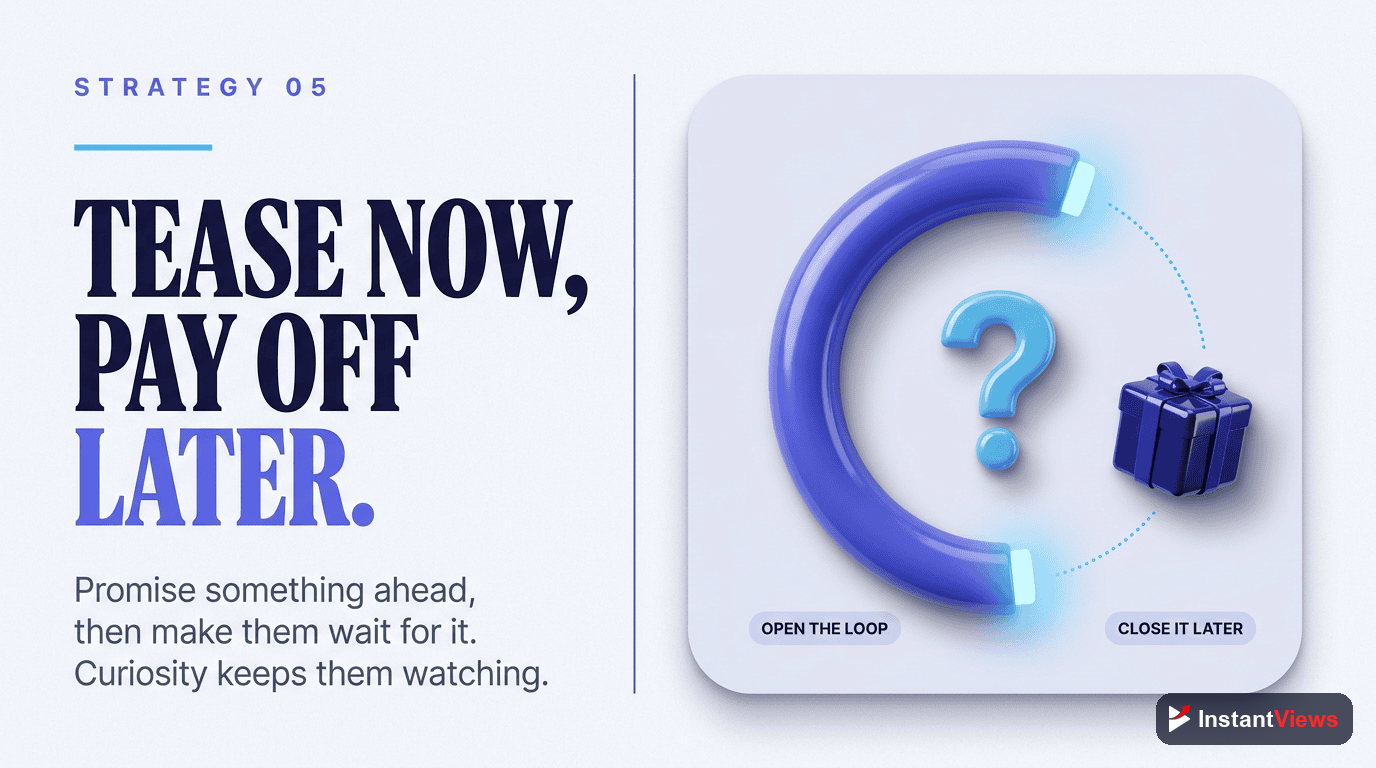
Strategy #5: Create Open Loops
Create Open Loops
An open loop is when you start telling something interesting, then pause it to cover other content. The human brain craves closure, so viewers stay watching to get the answer.
- Tease your best tip at the beginning: "At the end, I'll reveal the strategy that doubled my retention"
- Reference future content: "This will make sense when we get to the third strategy"
- Start a story, pause it, then resume later
- Build anticipation: "You won't believe what happened next..."
Always close your loops! If you tease something and never deliver, viewers feel manipulated and won't return to your channel. Build trust by over-delivering on your promises.
Strategy #6: Remove Dead Air
Remove Dead Air
Dead air is any moment where nothing valuable is happening - long pauses, repeated points, filler words, or slow transitions. Every second should serve a purpose or be cut.
- Cut pauses longer than 0.5 seconds
- Remove filler words (um, uh, like, you know)
- Speed up slow sections by 1.1-1.2x
- Cut repetitive explanations
- Trim long intros and outros
Watch your video at 1.5x speed during editing. If any section feels slow even at that speed, it definitely needs to be cut or tightened.
"My editing philosophy is simple: if it doesn't add value, it gets cut. A 10-minute video that keeps viewers engaged beats a 20-minute video where they zone out halfway through." - Ali Abdaal
Analyze Your Retention Before Publishing
Get a predicted retention score and specific improvement suggestions with our AI-powered Video Analyzer.
Analyze Your Video →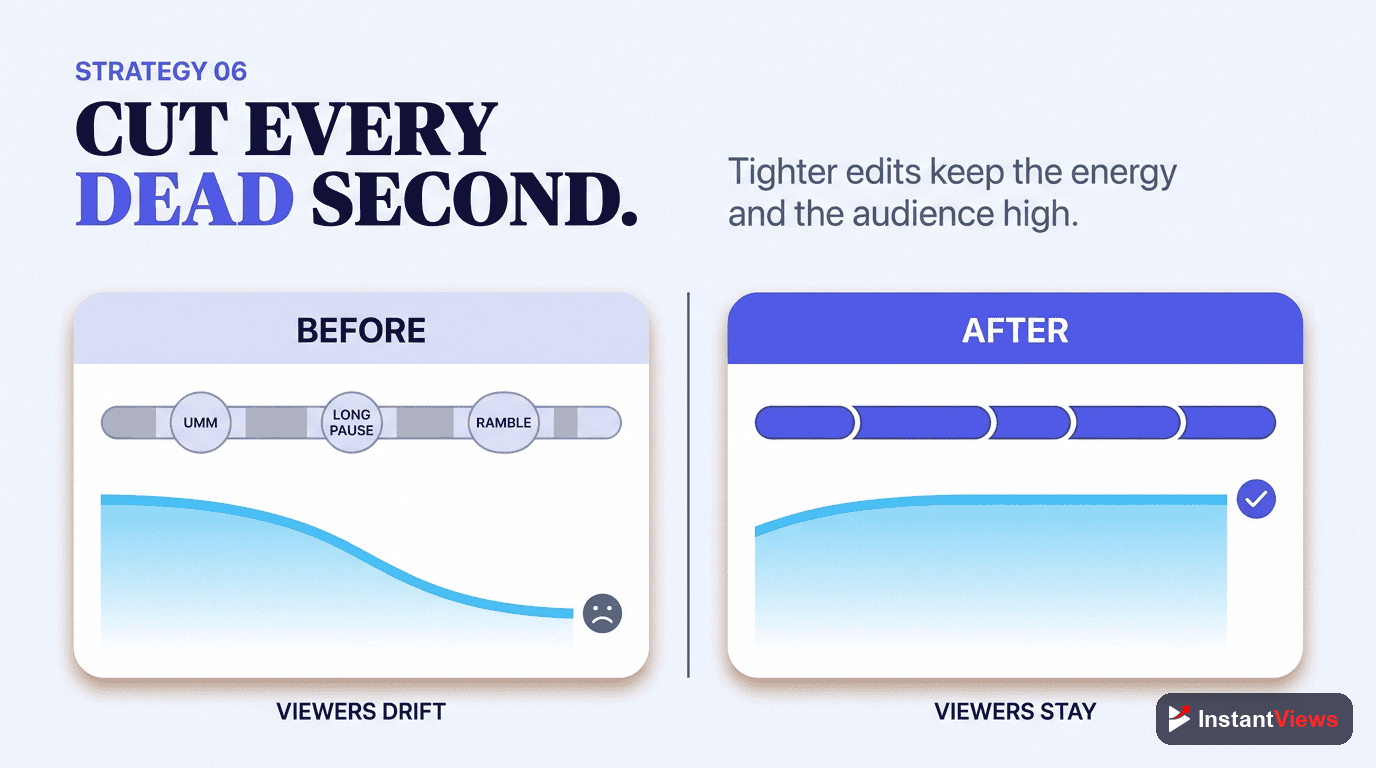
Analyzing Your Retention Data
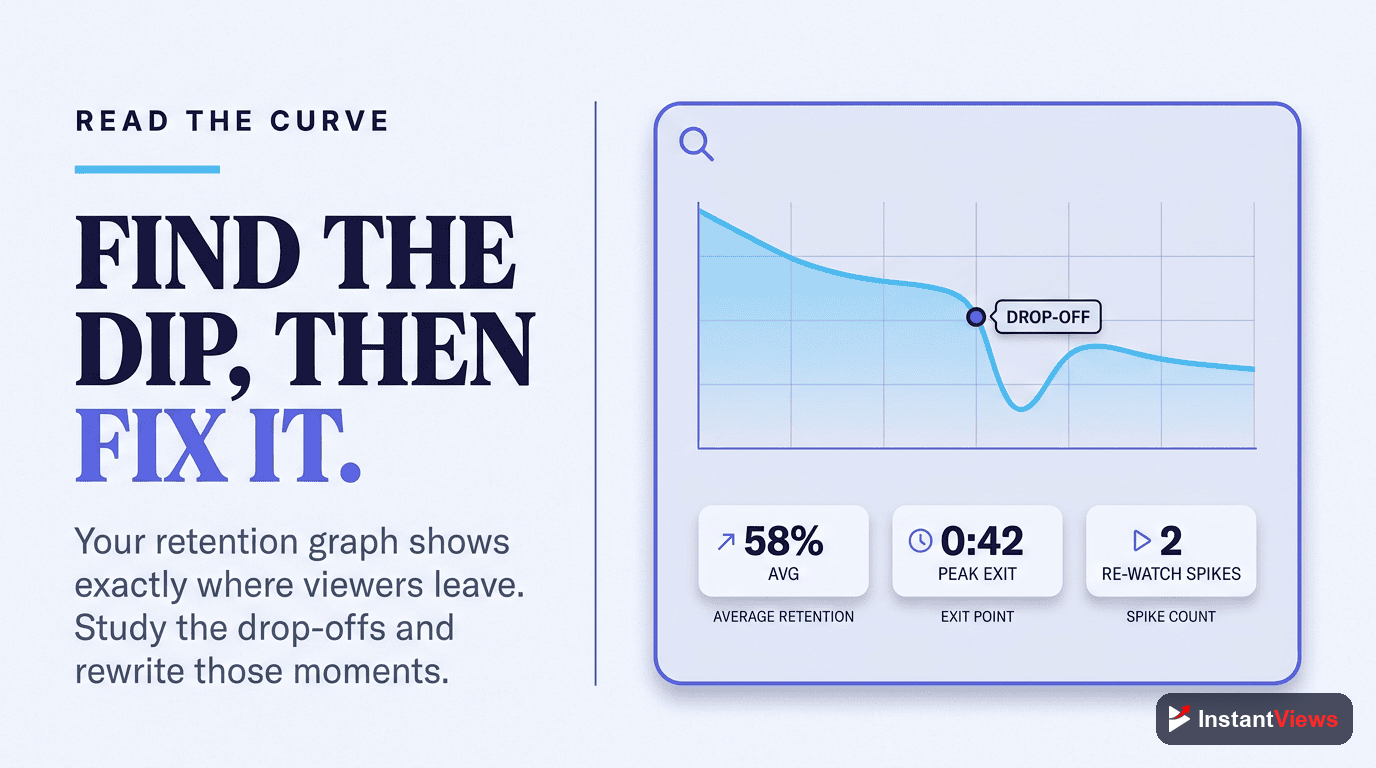
Understanding your YouTube Analytics retention graph is crucial for improvement. Here's how to read it and take action:
Reading the Retention Graph
Your retention graph shows two key metrics:
- Absolute Retention: The percentage of your video that viewers watch
- Relative Retention: How you compare to similar videos on YouTube
Focus on relative retention - this tells you if your content is performing better or worse than competitors. Aim to stay above the "typical" line.
Identifying Drop-Off Points
Look for sharp drops in your retention graph. These indicate moments where viewers are leaving. Learn more about fixing drop-off points to recover lost viewers. Common causes:
| Drop-Off Point | Likely Cause | Solution |
|---|---|---|
| 0-10 seconds | Weak hook or title/thumbnail mismatch | Improve opening hook, align thumbnail with content |
| 10-30 seconds | Too slow to deliver value | Get to the point faster, cut intro fluff |
| Mid-video | Boring section or off-topic tangent | Add pattern interrupts, tighten pacing, cut filler |
| Chapter transitions | Poor transition or viewers finding what they need | Tease next section, create content dependency |
| Before the end | Viewers satisfied early or video too long | Save best content for end, create end-screen loop |
Taking Action on Your Data
- Watch your video at drop-off points - See what's happening when viewers leave
- Compare to high-retention videos - What do your best videos do differently?
- Test improvements in next video - Apply lessons learned immediately
- Track your progress - Monitor if your average retention improves over time
Retention Benchmarks by Niche
Different niches have different retention expectations. Here's what's considered good performance:
| Niche | Avg Retention | Top Performers | Key Factor |
|---|---|---|---|
| Gaming | 35-45% | 55%+ | Fast pacing, highlights |
| Tutorials | 45-55% | 65%+ | Clear structure, no filler |
| Vlogs | 30-40% | 50%+ | Strong storytelling |
| Educational | 40-50% | 60%+ | Value density, examples |
| Entertainment | 35-45% | 60%+ | Constant surprises |
| Product Reviews | 40-50% | 60%+ | Thoroughness, honesty |
Frequently Asked Questions
A good retention rate varies by content length. For videos under 5 minutes, aim for 50-60%. For 5-10 minutes, 40-50% is solid. For longer videos (15+ minutes), 35-45% is excellent. The key metric is relative retention - how you compare to similar videos on YouTube.
Go to YouTube Studio > Analytics > Engagement tab > Audience retention. You'll see two graphs: absolute retention (percentage of video watched) and relative retention (how you compare to similar videos). Focus on finding drop-off points and improving those sections.
Early drop-offs usually mean your hook isn't strong enough or doesn't match your thumbnail/title promise. Viewers decide in seconds whether to stay. Ensure your opening delivers immediate value and matches what viewers expected when they clicked.
Yes, massively. YouTube uses retention as a primary quality signal. Videos with higher retention get more impressions and recommendations. A 10% improvement in average view duration can result in 50-100% more views from the algorithm.
Not necessarily. YouTube prioritizes total watch time, not just percentage. A 15-minute video with 40% retention (6 minutes watched) performs better than a 5-minute video with 60% retention (3 minutes watched). Focus on making engaging content at any length.
Yes! Use the InstantViews Video Analyzer to identify issues, then: update your title/thumbnail if there's a mismatch, add chapters to help viewers navigate, pin a comment addressing common questions, or create an improved follow-up video and link to it in cards.