- YouTube Key Moments display your video chapters directly in Google search results with clickable timestamps
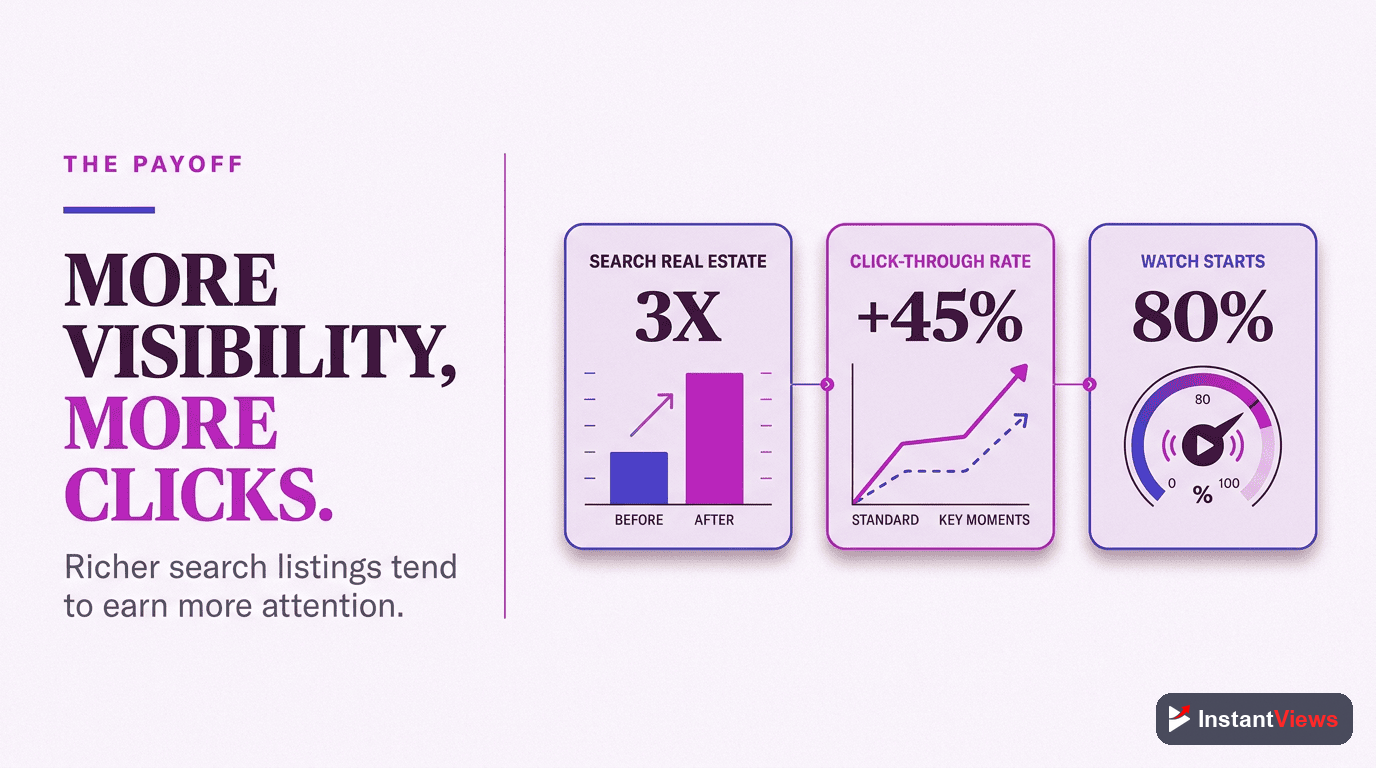
- Key Moments can increase video CTR by 23-35% compared to standard search listings
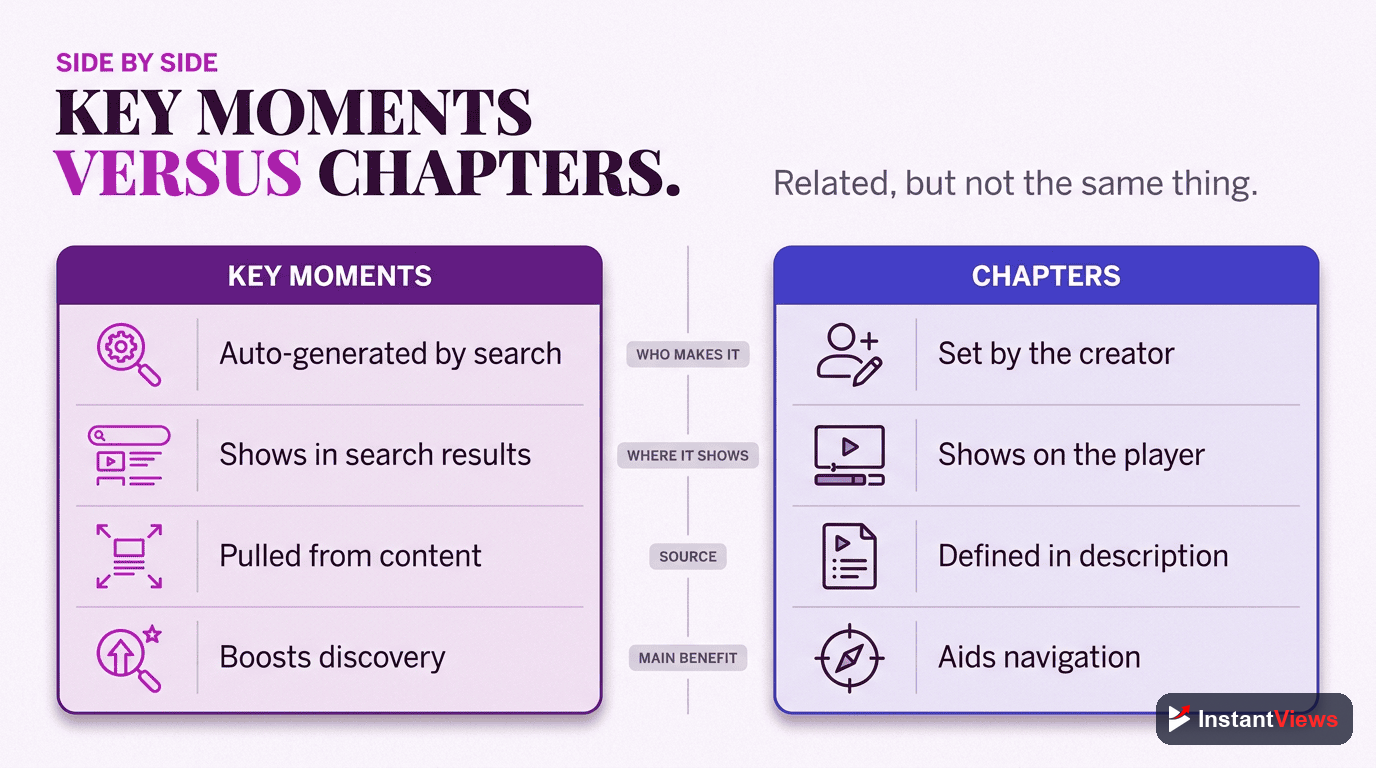
- Chapters are the feature you add; Key Moments are how Google displays them in search
- Requires minimum 3 chapters starting at 0:00, each at least 10 seconds long
- Key Moments appear automatically within 24-48 hours when properly formatted
YouTube Key Moments is one of the most powerful visibility features available to creators, yet most don't fully understand how it works or how to optimize for it.
When someone searches on Google, videos with Key Moments don't just show a single thumbnail—they display multiple clickable entry points directly in search results. This dramatically increases the chance someone clicks on your video instead of scrolling past.
This guide explains everything: what Key Moments are, how they differ from chapters, requirements for getting them, their impact on SEO and CTR, and how to optimize your content for maximum visibility in Google Search.
- What Are YouTube Key Moments?
- Key Moments vs Chapters: The Difference
- How Key Moments Appear in Search
- Requirements for Key Moments
- How to Get Key Moments for Your Videos
- Schema Markup for Key Moments
- How Key Moments Affect SEO and CTR
- Key Moments in Google Discover
- Optimization Tips for Maximum Visibility
- FAQ
What Are YouTube Key Moments?
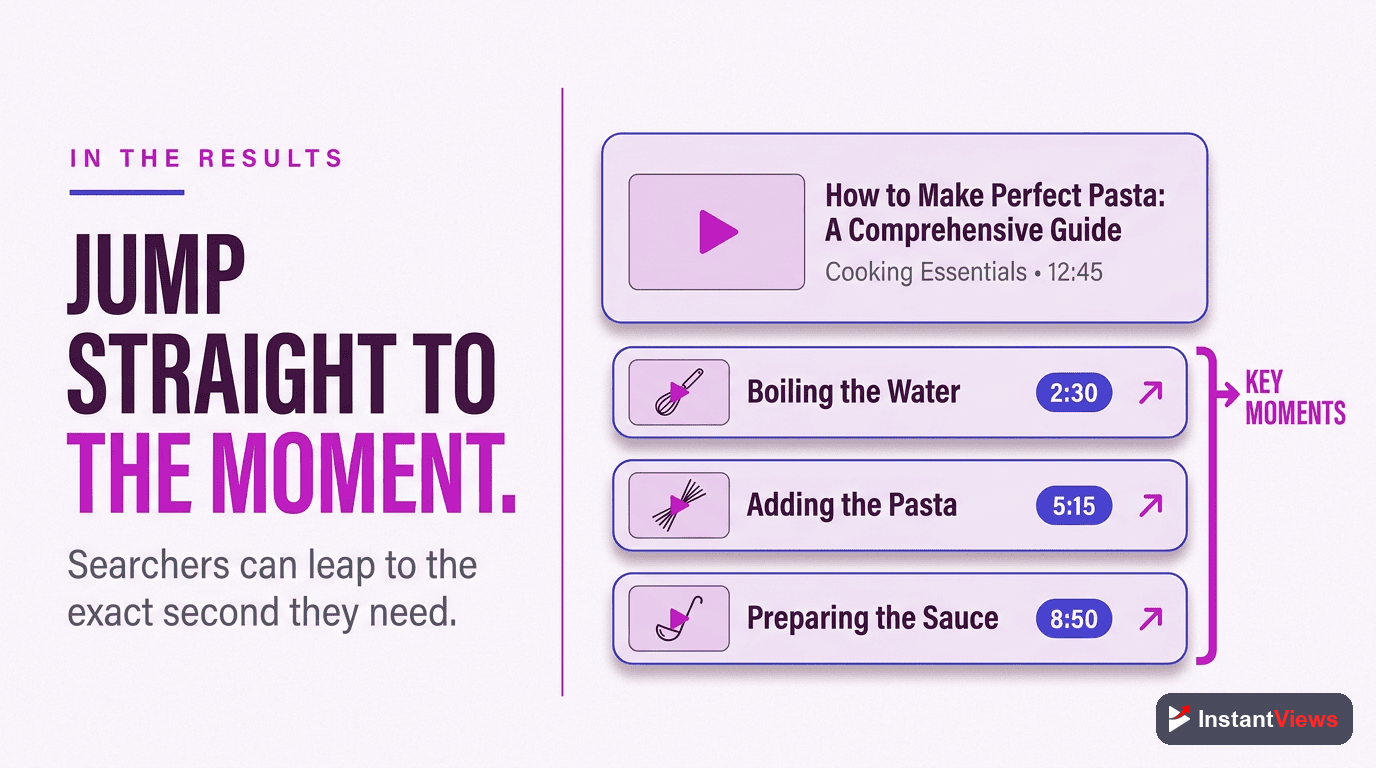
YouTube Key Moments is a Google Search feature that displays video timestamps directly in search results, allowing users to jump to specific sections of your video without first opening it.
Key Moments: The Visual Definition
When you search on Google, some YouTube videos show:
- Multiple thumbnail previews from different sections of the video
- Clickable timestamps with descriptive titles
- Direct jump links that start the video at specific moments
- Section descriptions pulled from your chapter titles
This is Key Moments in action—Google is surfacing your video chapters to make them instantly accessible from search results.
Why Key Moments Matter
Key Moments fundamentally change how your video appears in search:
- More visual real estate: Your video takes up more space in search results
- Multiple entry points: Users can jump to the exact section they need
- Higher perceived value: Structured content signals quality and thoroughness
- Better user experience: Searchers find answers faster without scrubbing through video

Key Moments vs Chapters: The Difference
This is where confusion happens. Many creators use "chapters" and "Key Moments" interchangeably, but they're actually different things.
The Relationship
Think of it this way:
- Chapters = What you create (timestamps in your description)
- Key Moments = How Google displays them (search result feature)
You create chapters. Google decides whether to display them as Key Moments in search results based on relevance, video quality, and search query.
| Aspect | YouTube Chapters | Google Key Moments |
|---|---|---|
| What is it? | Video navigation feature | Search result display format |
| Where it appears | YouTube video player | Google search results |
| Who controls it? | You (the creator) | Google's algorithm |
| Guaranteed to show? | Yes (if formatted correctly) | No (based on relevance) |
How Key Moments Appear in Google Search
Key Moments can display in several different formats across Google's search ecosystem:
1. Google Web Search
When someone searches on google.com, videos with Key Moments may show:
- Carousel format: Horizontal scrollable list of chapter timestamps
- Expanded format: Vertical list of clickable chapter links under video result
- Featured snippet: Key Moment highlighted as the top search result
2. Google Mobile Search
Mobile displays prioritize Key Moments even more prominently:
- Larger thumbnail previews for each chapter
- Swipeable chapter cards
- Direct "Jump to section" buttons
3. Google Video Tab
The dedicated video search shows Key Moments for most eligible videos, giving you better visibility in video-specific searches.
4. Rich Results
Some searches trigger enhanced Key Moments displays with:
- Thumbnail previews from each chapter timestamp
- Duration indicators per chapter
- Visual carousel navigation
Google decides which format to use based on the search query, device type, and available screen space. You can't control which format appears—only ensure your chapters are optimized to qualify for all formats.
Requirements for Key Moments
To qualify for Key Moments in Google Search, your video must meet specific technical requirements. Understanding these requirements helps you optimize for both visibility and rankings, as detailed in our Key Moments SEO guide.
Minimum 3 Chapters
Start at 0:00
Minimum 10 Seconds Per Chapter
Descriptive Chapter Titles
Video Must Be Indexed
Video Must Be Public
Formatting Example
Here's how to format chapters correctly in your description:
0:00 Introduction to YouTube SEO
2:15 What Are Keywords?
5:30 How to Research Video Keywords
9:45 Optimizing Video Titles
13:20 Writing Descriptions for SEO
17:00 Using Tags Effectively
20:30 Measuring Your Results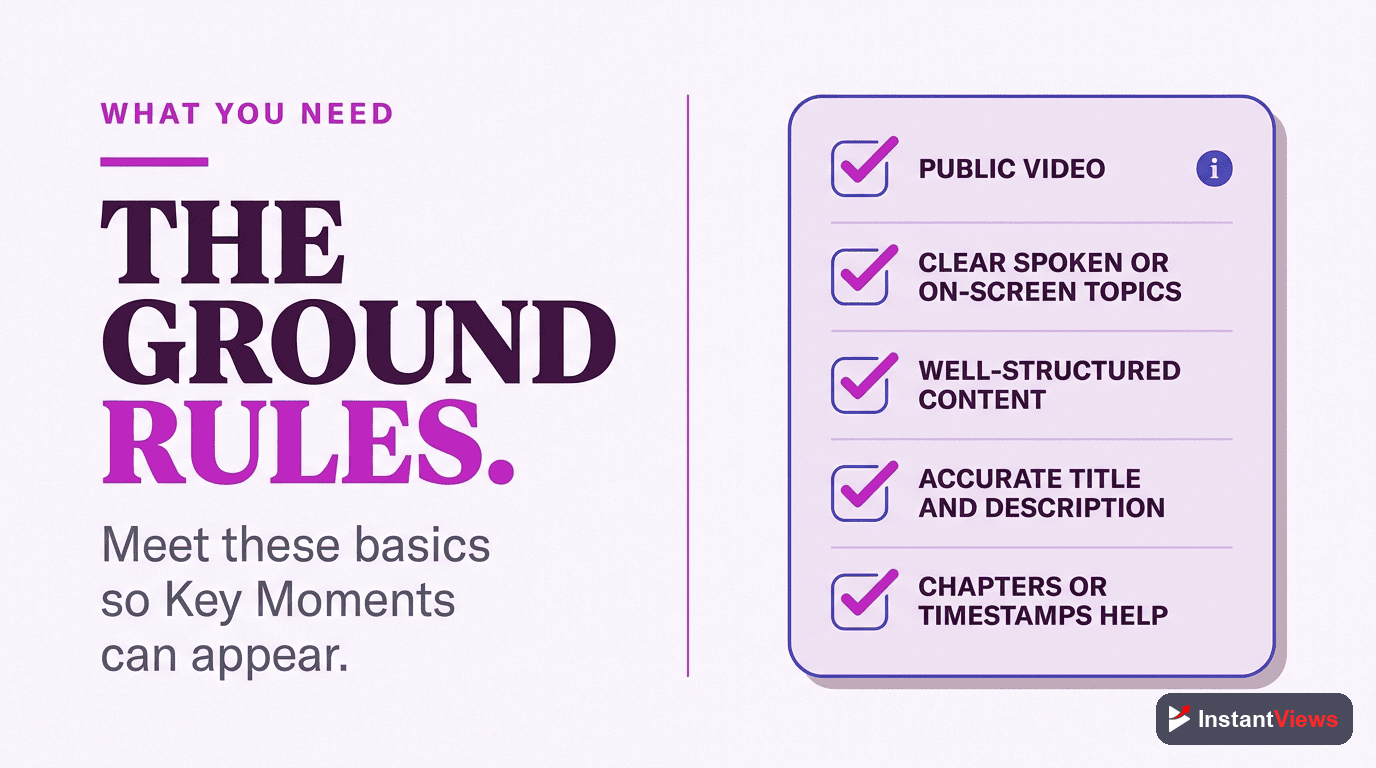
How to Get Key Moments for Your Videos
Follow this process to enable Key Moments for your YouTube content:
Step-by-Step Implementation
Step 1: Plan Your Chapters
Watch your video and identify natural section breaks. Aim for 5-10 chapters for most videos (3 minimum, 15 maximum recommended).
Step 2: Research Keywords
For each chapter, identify what keywords viewers might search for. Use YouTube autocomplete to find common search phrases related to each section.
Step 3: Write Descriptive Titles
Create clear chapter titles that include target keywords naturally. Front-load the most important keyword in each title.
Step 4: Format Timestamps
Add timestamps to your description starting at 0:00, using the format "MM:SS Title" or "H:MM:SS Title" for longer videos.
Step 5: Verify Chapter Activation
After saving, refresh your video page. You should see chapter markers in the progress bar. If not, check your formatting.
Step 6: Wait for Google Indexing
Allow 24-48 hours for Google to crawl your updated video and potentially display Key Moments in search results.
Step 7: Monitor Performance
Use Google Search Console's Video report to track when Key Moments appear and monitor click-through rate improvements.
Generate Optimized Chapters Instantly
Our AI tool creates keyword-rich chapter titles designed to maximize Key Moments visibility in Google Search. Free for all creators.
Try Free Timestamp Generator →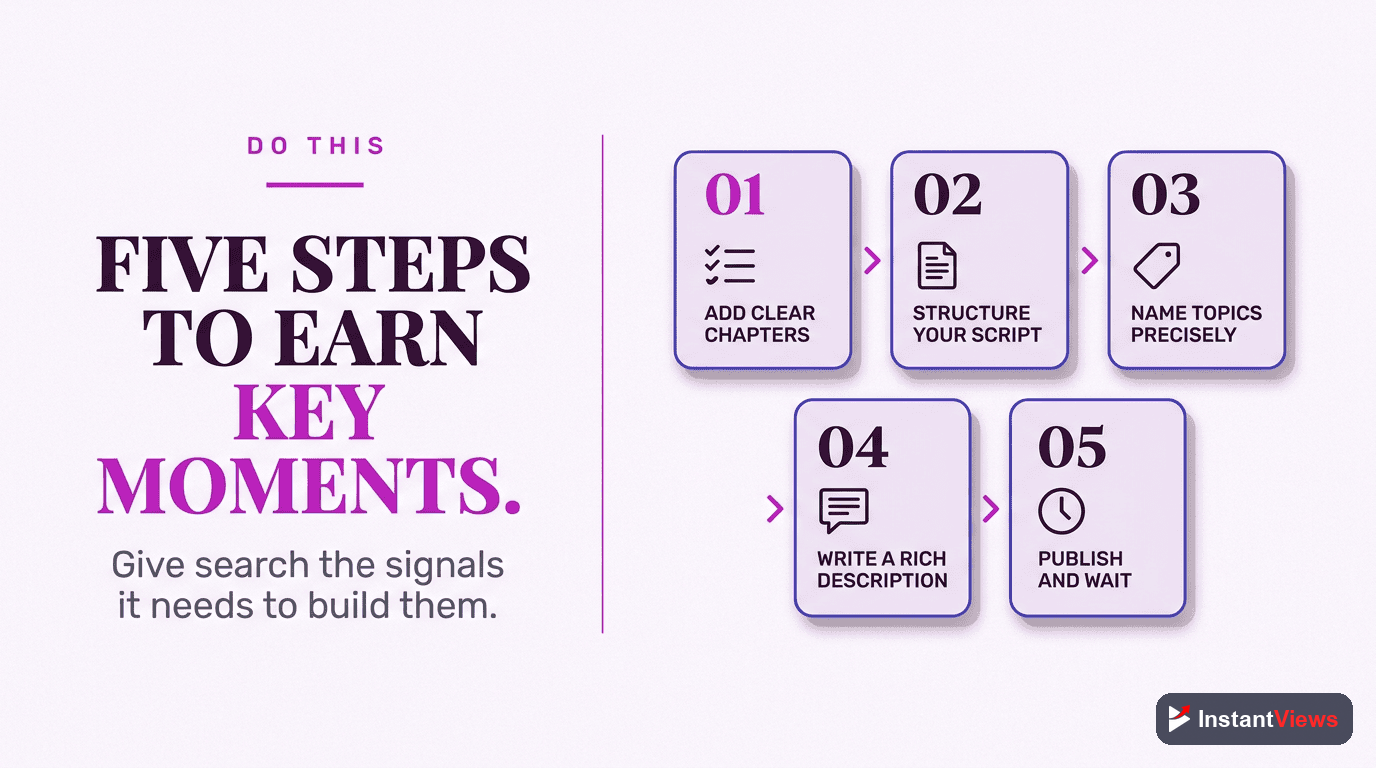
Schema Markup for Key Moments
YouTube automatically generates the necessary structured data for videos with chapters. However, if you embed videos on your website, you can enhance Key Moments eligibility with schema markup.
YouTube Handles Schema Automatically
For videos hosted on YouTube, you don't need to manually add schema markup. YouTube's platform automatically generates:
- VideoObject schema: Basic video metadata
- Clip schema: Chapter timestamp information
- SeekToAction: Enables direct timestamp links
This is why chapters you add to YouTube automatically become eligible for Key Moments in Google Search without additional coding.
Schema for Embedded Videos
If you embed YouTube videos on your website and want to enhance Key Moments visibility, you can add Clip schema markup. For comprehensive implementation details, see our schema markup guide:
{
  "@context": "https://schema.org",
  "@type": "VideoObject",
  "name": "Complete YouTube SEO Guide",
  "description": "Learn YouTube SEO from basics to advanced",
  "uploadDate": "2025-01-15",
  "thumbnailUrl": "https://example.com/thumbnail.jpg",
  "contentUrl": "https://youtube.com/watch?v=VIDEO_ID",
  "hasPart": [
    {
      "@type": "Clip",
      "name": "Introduction to YouTube SEO",
      "startOffset": 0,
      "endOffset": 135,
      "url": "https://youtube.com/watch?v=VIDEO_ID&t=0"
    },
    {
      "@type": "Clip",
      "name": "Keyword Research Basics",
      "startOffset": 135,
      "endOffset": 330,
      "url": "https://youtube.com/watch?v=VIDEO_ID&t=135"
    }
  ]
}Adding schema to your website doesn't guarantee Key Moments will appear. Google still decides algorithmically based on content quality, relevance, and search query. Schema simply makes your video eligible for consideration.
How Key Moments Affect SEO and CTR
Key Moments have measurable impacts on your video's search performance across multiple metrics. For related optimization strategies, explore the broader chapter SEO benefits that compound over time:
Click-Through Rate Improvements
Videos displaying Key Moments see significant CTR increases:
This 23-35% improvement happens because:
- More visual real estate catches attention
- Multiple thumbnails increase appeal
- Specific timestamps match search intent better
- Users can see exactly what content is covered
Ranking Benefits
Key Moments indirectly improve rankings through:
- Higher engagement signals: Better CTR tells Google your video is relevant
- Lower bounce rates: Users finding exact sections stay longer
- Increased watch time: Chapters encourage consumption of multiple sections
- More keyword opportunities: Each chapter title is indexed separately
Featured Snippet Opportunities
Videos with Key Moments are more likely to appear as featured snippets for question-based queries. If your chapter title matches a search query perfectly, Google may feature that specific timestamp at the top of results.
Long-Tail Keyword Rankings
Key Moments allow a single video to rank for multiple search queries. Each chapter can target different long-tail keywords, multiplying your ranking opportunities:
- Main video title targets primary keyword
- Chapter 1 targets related keyword variation 1
- Chapter 2 targets related keyword variation 2
- And so on...
This strategy lets one comprehensive video compete across 5-10+ different search queries instead of just one.
Key Moments in Google Discover
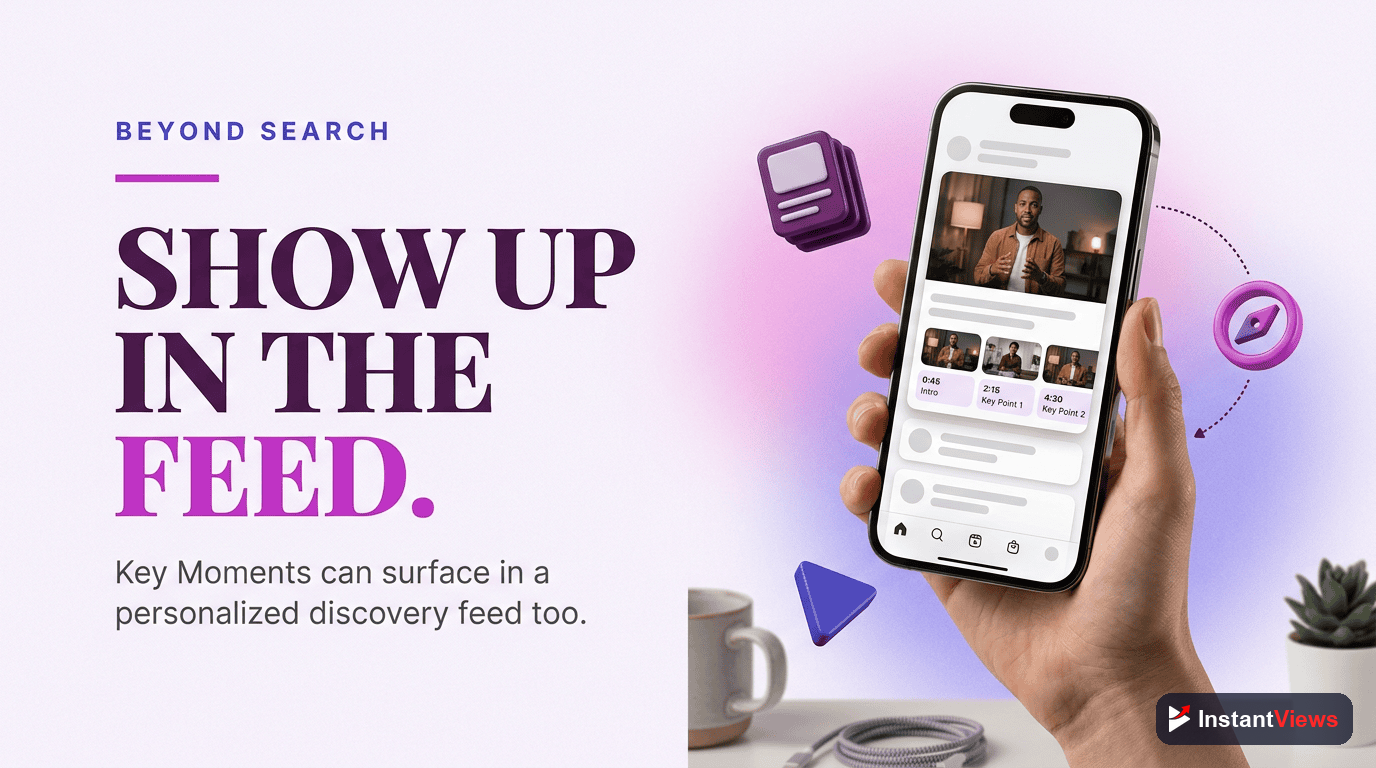
Key Moments don't just appear in traditional search—they can also surface in Google Discover, Google's personalized content feed.
How Key Moments Appear in Discover
In Google Discover, videos with Key Moments may display as:
- Chapter carousels: Swipeable cards showing different video sections
- Topic-matched timestamps: Specific chapters matching user interests
- Deep links: Direct links to relevant chapter timestamps
Optimizing for Discover
To increase Key Moments visibility in Google Discover:
- Use trending topics: Chapter titles matching trending searches get priority
- Create evergreen content: Discover favors timeless content over time-sensitive
- High-quality thumbnails: Discover is highly visual—compelling thumbnails matter
- Engagement signals: Videos with high engagement rates surface more often
Mobile Advantage
Key Moments have an outsized impact on mobile devices:
- Mobile users benefit more from direct timestamp access
- Limited screen space makes Key Moments more visually prominent
- Swipeable chapter cards are native to mobile browsing behavior
- Google Discover is primarily consumed on mobile devices
With 70%+ of YouTube traffic coming from mobile, optimizing for Key Moments is essentially optimizing for your majority audience.
Optimization Tips for Maximum Visibility
Beyond basic requirements, these advanced optimization strategies increase Key Moments effectiveness:
1. Front-Load Important Keywords
Place your most important keyword at the beginning of chapter titles:
| Weak Title | Optimized Title |
|---|---|
| Learn How to Use Lightroom | Lightroom Tutorial: Essential Editing Tools |
| Tips for Better Photos | Photography Tips: Composition Basics |
| What You Need to Know About SEO | SEO Basics: What Beginners Must Know |
2. Match Search Intent
Research what users actually search for and mirror that language:
- Use YouTube autocomplete to find common phrasings
- Check "People also ask" in Google search results
- Look at competitor chapter titles for popular videos
- Include action words: "How to," "Fix," "Setup," "Compare"
3. Optimal Chapter Length
Strategic chapter durations improve both UX and SEO:
- 2-5 minutes: Ideal for tutorial sections
- 30 seconds - 2 minutes: Good for quick tips or introductions
- 5-10 minutes: Deep dives on complex topics
Avoid extremely short chapters (under 30 seconds) as they feel choppy and may reduce watch time.
4. Leverage Analytics
Use data to refine your chapter strategy:
- Audience retention graph: See where viewers drop off and adjust chapter breaks
- Google Search Console: Track which Key Moments get the most clicks
- YouTube Search Terms: See what searches bring viewers to your video
- A/B test titles: Try different chapter titles and monitor CTR changes
5. Update Old Videos
Your existing content library is an untapped opportunity:
- Add chapters to top-performing videos first (highest ROI)
- Refresh chapter titles with current keyword research
- Monitor traffic changes 2-4 weeks after adding chapters
- Prioritize videos already ranking on page 1-2 of search
Don't over-chapter your videos. Too many short chapters (15+ chapters in a 10-minute video) dilutes keyword focus and confuses viewers. Aim for natural content breaks, not arbitrary divisions.
Automate Your Chapter Creation
Stop manually creating timestamps. Our AI analyzes your video and generates SEO-optimized chapters in seconds.
Try Free Chapter Generator →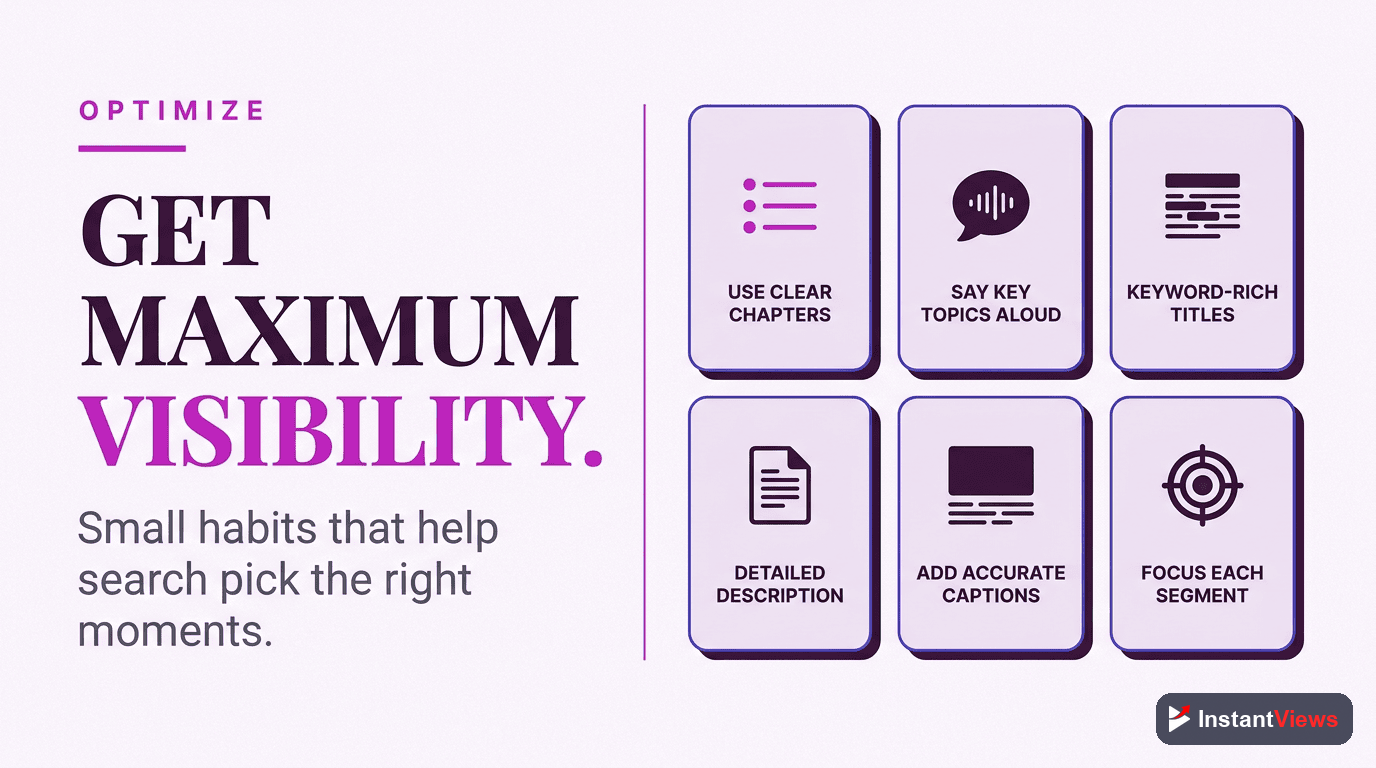
Frequently Asked Questions
YouTube Chapters are the timestamps you add to your video description. Key Moments are how Google displays those chapters in search results with clickable timestamps and thumbnails. Chapters are the feature; Key Moments are the search result format.
Add properly formatted chapters to your video (starting at 0:00, minimum 3 chapters, at least 10 seconds each). Google automatically detects chapters and may display them as Key Moments within 24-48 hours if your video is indexed.
No. Google decides which videos show Key Moments based on relevance, search query, video quality, and other ranking factors. Well-optimized videos with descriptive chapter titles are more likely to display Key Moments.
Not directly. Google algorithmically selects which chapters to display as Key Moments based on search query relevance. However, using keyword-rich, descriptive chapter titles increases the chances of appearing for relevant searches.
Yes. Key Moments increase click-through rates by 23% on average, provide more ranking opportunities through chapter keywords, and improve engagement signals—all of which boost your video SEO performance over time.
No. YouTube automatically generates the necessary schema markup for videos with chapters. However, if you embed videos on your website, adding Clip schema markup can enhance Key Moments eligibility for embedded content.
Typically 24-48 hours after adding chapters, though it can vary. Make sure your video is indexed by Google and your chapters follow proper formatting. Check Google Search Console to verify indexing status.
Yes. Key Moments can appear in Google Discover feeds, mobile search results, and the Google app. Mobile users particularly benefit from the ability to jump directly to relevant video sections from search results.
Final Thoughts
YouTube Key Moments represent one of the highest-impact, lowest-effort optimizations you can make to your video content. By simply formatting your chapters correctly and using strategic keyword-rich titles, you unlock:
- 23-35% higher click-through rates from Google Search results
- Multiple ranking opportunities per video through chapter-level keyword targeting
- Featured snippet eligibility for question-based searches
- Google Discover visibility with chapter-specific deep links
- Improved user experience leading to better engagement signals and rankings
The technical requirements are simple—minimum 3 chapters starting at 0:00, each at least 10 seconds long. The strategic opportunity is massive—turning every video into a multi-keyword ranking asset with enhanced search visibility.
Start with your top-performing videos. Add optimized chapters, wait 24-48 hours for Google to process them, then monitor the impact in Search Console. The results typically speak for themselves within 2-4 weeks as engagement signals compound.
Remember: You create chapters. Google decides when to display them as Key Moments. Your job is to make your content so relevant and well-structured that Google can't help but showcase it in search results.
Related guides:
- YouTube Chapters SEO Benefits: Complete Analysis
- How to Add Chapters to YouTube Videos (Step-by-Step)
- How YouTube Chapters Affect Watch Time