- The 500-subscriber rule is dead; in 2026, the Community Tab requires unlocking 'Advanced Features'.
- Setting your channel audience to 'Made for Kids' instantly disables the Community Tab due to COPPA laws.
- Video verification or a valid ID is the fastest way to unlock the tab, taking less than 24 hours.
- Active Community Guidelines strikes will temporarily suspend your access to Community posts.
- Mobile app caching issues frequently hide the Community Tab even when it is fully enabled on your account.
If you are staring at your channel dashboard wondering why your YouTube Community tab missing is stalling your growth, you are not alone. In 2026, YouTube's algorithm heavily favors creators who engage with their audience between video uploads. The Community Tab is no longer just a bonus feature; it is a critical driver for subscriber retention, poll-based market research, and algorithmic signaling.
The biggest point of confusion for modern creators is the shifting goalposts. A few years ago, you needed 1,000 subscribers. Then it dropped to 500. Today, the subscriber requirement is exactly zero. However, YouTube replaced the subscriber hurdle with strict identity and channel history verification protocols under their 'Advanced Features' umbrella to combat spam and bot networks.
In this comprehensive, expert-level guide, we will break down exactly how to enable your missing Community Tab. We will walk through the exact 2026 YouTube Studio menus, troubleshoot COPPA compliance settings, and show you how to fast-track your verification. Whether you are a brand new channel or an established creator facing a sudden glitch, these concrete fixes will restore your access.
- 1. The 2026 Shift: Why the YouTube Community Tab Missing Issue is About 'Advanced Features'
- 2. Step-by-Step: Enabling Advanced Features to Restore Your Tab
- 3. The COPPA Trap: 'Made for Kids' Settings Disabling the Tab
- 4. UI Glitches: The Custom Channel Layout Toggle
- 5. Supervised Accounts and Age Restrictions
- 6. Feature Suspensions: Community Guidelines Strikes
- 7. The Waiting Game: Channel History Verification Delays
- 8. Mobile App Glitches: Clearing Cache and Updating
- 9. Success! How to Post Your First Community Update
- 10. Leveraging the Community Tab for Maximum Channel Growth
- FAQ
1. The 2026 Shift: Why the YouTube Community Tab Missing Issue is About 'Advanced Features'
To solve the youtube community tab missing issue, you first need to understand how YouTube's infrastructure works in 2026. The platform completely decoupled the Community Tab from your subscriber count. Instead, it is now locked behind a system called Advanced Features. This tier of features was designed to prevent spam bots from flooding the platform with malicious links and inappropriate polls.
If you have zero subscribers but have verified your identity, you get the tab. If you have 10,000 subscribers but YouTube's automated systems flag your channel history as suspicious or incomplete, your tab disappears. This shift means creators must actively prove they are human and adhere strictly to community guidelines from day one.
The Community Tab is now a trust metric, not an audience size metric. YouTube uses Advanced Features to verify you are a real creator before handing you the keys to platform-wide text and image distribution.
Many creators mistakenly believe their channel is broken when they start a new account. In reality, YouTube defaults all new accounts to 'Standard Features'. You must manually initiate the upgrade to 'Intermediate' and then 'Advanced' features. The Advanced tier unlocks not just the Community Tab, but also the ability to pin comments, embed live streams, and upload more videos daily.
- Standard Features: Video uploads, playlist creation.
- Intermediate Features: Custom thumbnails, videos over 15 minutes (requires phone verification).
- Advanced Features: Community Tab, Content ID appeals, high daily upload limits (requires ID/Video verification or Channel History).
2. Step-by-Step: Enabling Advanced Features to Restore Your Tab
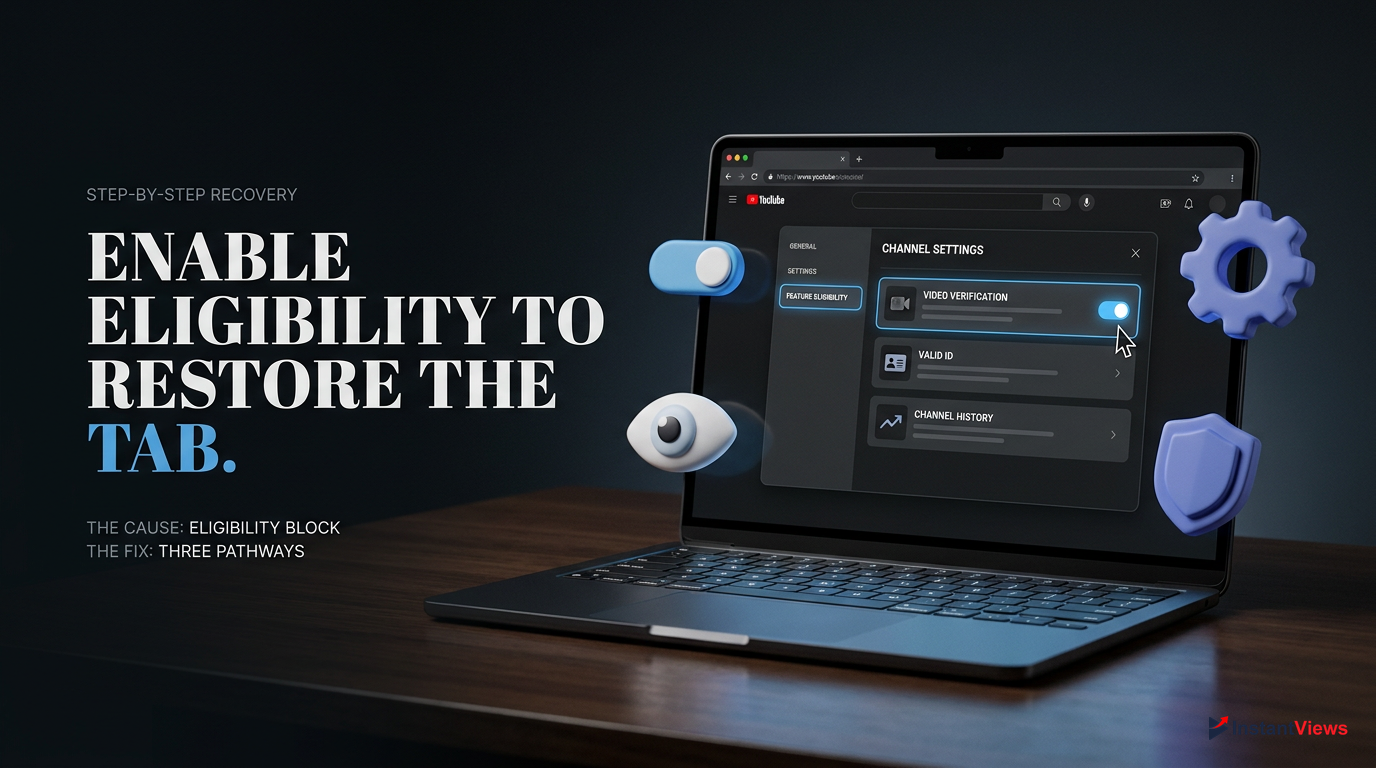
If you are frustrated by the youtube community tab missing error, checking your Feature Eligibility status should be your first move. This is the root cause for over 80% of missing tabs in 2026. YouTube gives you three distinct pathways to unlock Advanced Features: Video Verification, Valid ID Verification, or Channel History. Here is exactly how to navigate the YouTube Studio menus to trigger the unlock process.
Open YouTube Studio
Log in to YouTube on a desktop browser. Click your profile picture in the top right corner and select 'YouTube Studio' from the dropdown menu.
Navigate to Settings
In the left-hand sidebar, scroll down to the bottom and click the gear icon labeled 'Settings'.
Access Feature Eligibility
Click on 'Channel' in the Settings popup, then select the 'Feature eligibility' tab at the top.
Unlock Advanced Features
Look for 'Advanced features'. If it says 'Eligible' but not 'Enabled', click the dropdown arrow. Click 'Access features' and choose your preferred verification method (Video, ID, or History).
Choosing the right verification method dictates how fast your Community Tab appears. Video and ID verification are active processes where you submit data to Google. Channel History is a passive process where you simply upload videos and wait for YouTube's algorithm to trust you.
| Verification Method | Speed | Best For |
|---|---|---|
| Video Verification | Up to 24 hours | Creators comfortable on camera |
| Valid ID (Passport/License) | Up to 24 hours | Faceless channels wanting fast access |
| Channel History | Up to 2 months | Privacy-conscious creators willing to wait |
Once you submit your ID or video, Google's automated systems review it. If approved, your Advanced Features unlock immediately, and the Community Tab usually populates on your channel page within 48 hours.
3. The COPPA Trap: 'Made for Kids' Settings Disabling the Tab
Another incredibly common reason for the youtube community tab missing is a misconfigured audience setting. In compliance with the Children's Online Privacy Protection Act (COPPA), YouTube aggressively disables certain features on channels or videos designated as 'Made for Kids'. This includes personalized ads, comments, and crucially, the Community Tab.
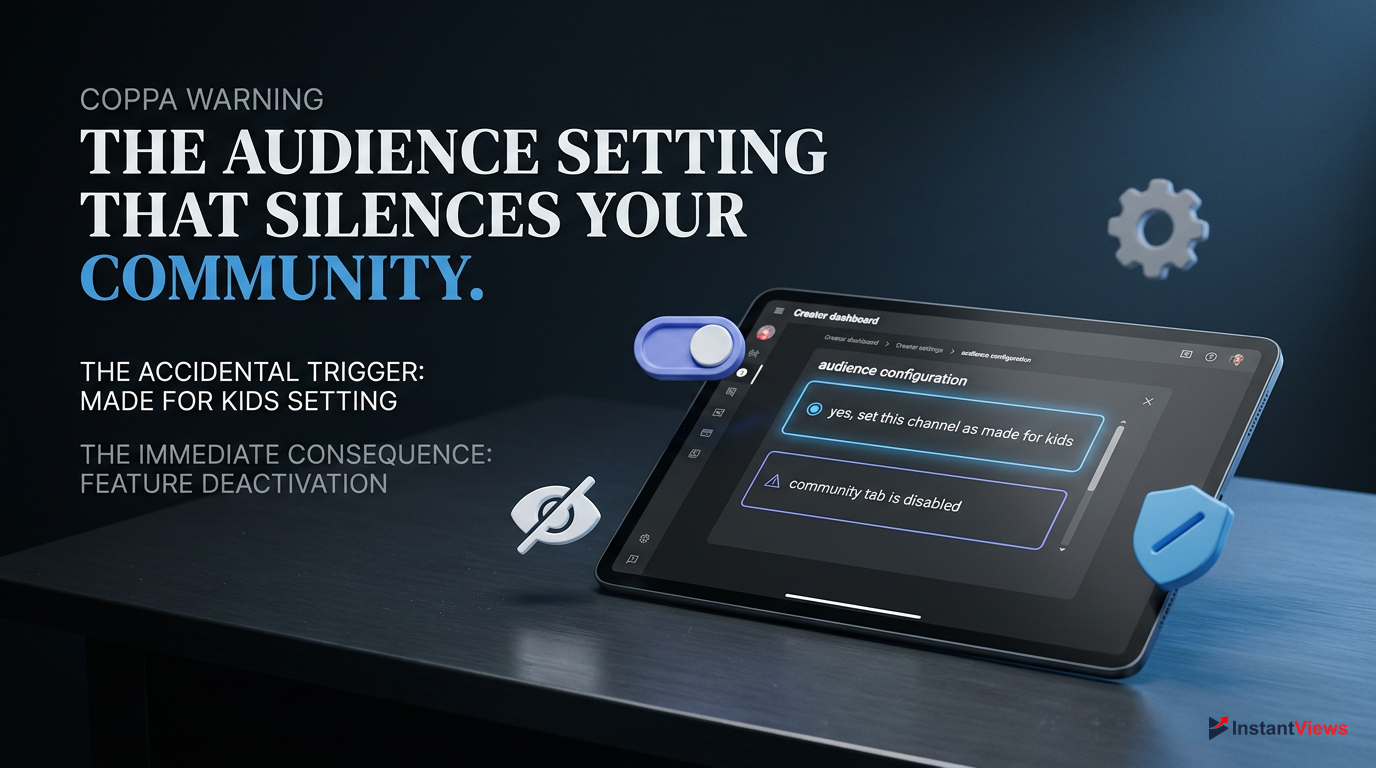
If you set your channel's default audience to 'Yes, set this channel as made for kids', YouTube will instantly and permanently hide your Community Tab until the setting is reversed. There are no exceptions to this rule.
Many creators accidentally check this box during the initial channel setup, thinking it simply means their content is 'family-friendly' (e.g., a cooking channel with no swearing). However, in YouTube's ecosystem, 'Made for Kids' specifically means the primary target audience is children under 13 (e.g., nursery rhymes, unboxing toys). If your content is generally safe for everyone but not specifically targeting toddlers, you should select 'No'.
Go to Advanced Settings
In YouTube Studio, click 'Settings' > 'Channel' > 'Advanced settings'.
Change Audience Designation
Under the 'Audience' section, select 'No, set this channel as not made for kids. I never upload content that's made for kids.'
Save and Wait
Click 'Save'. It may take 24-48 hours for the Community Tab to reappear on your channel homepage.
Keep in mind that if you have individual videos marked as 'Made for Kids', it will not disable your entire channel's Community Tab, but you cannot share those specific videos in Community posts. Always ensure your channel-level settings accurately reflect your target demographic to avoid feature suppression.
4. UI Glitches: The Custom Channel Layout Toggle
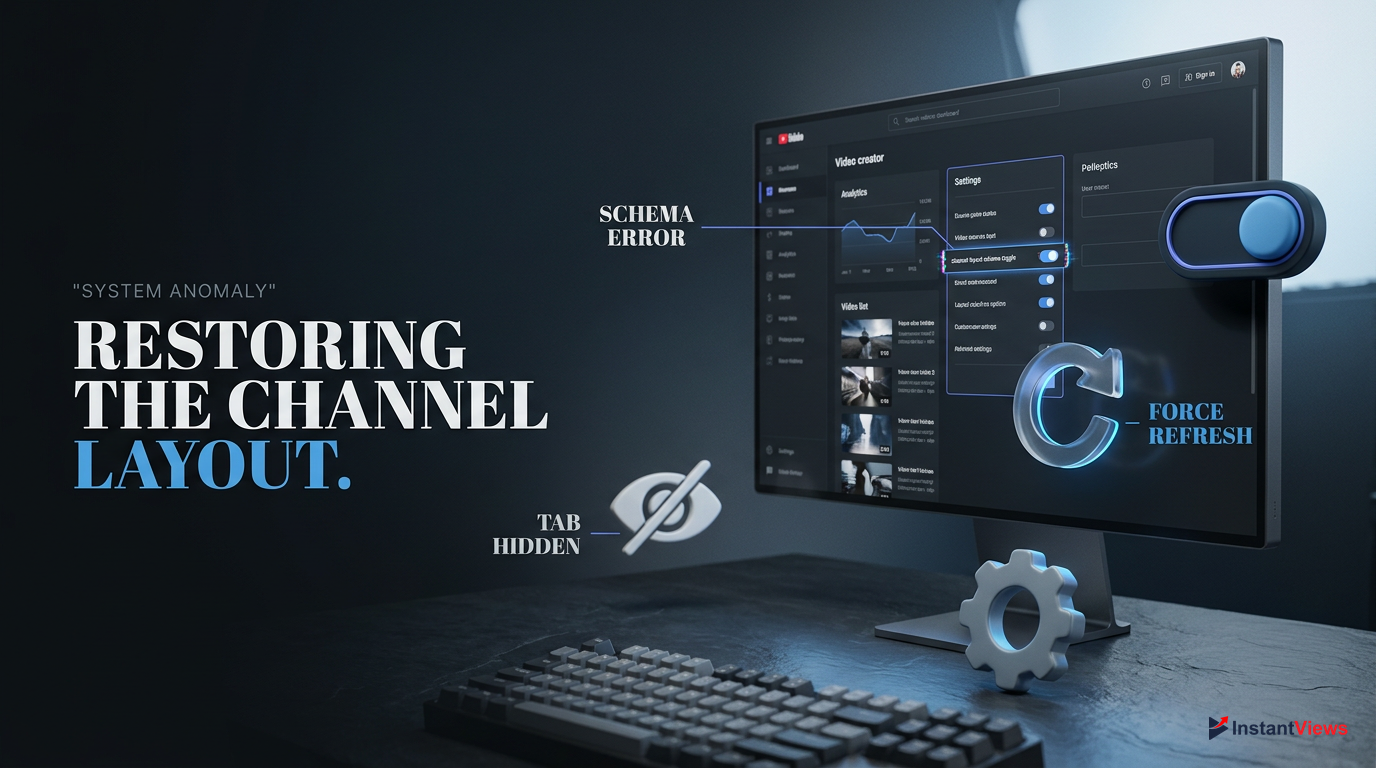
Sometimes, you have done everything right. You have Advanced Features enabled, your channel is not made for kids, and you have no strikes. Yet, you are still experiencing the youtube community tab missing phenomenon. In these cases, the culprit is often a simple UI glitch related to your Channel Customization settings. If the 'Customize the layout of your channel' option gets toggled off, YouTube reverts your channel page to a basic view that hides the Community Tab.
- Confirm Advanced Features are 'Enabled' in settings.
- Ensure you are logged into the correct Google account.
- Check that your channel has at least one public video uploaded.
- Verify that 'Customize Channel' layout features are active.
To fix this, you need to force YouTube to refresh your channel's layout schema. This forces the platform's front-end servers to fetch your latest permissions and display the appropriate tabs (Home, Videos, Shorts, Live, Community).
Always perform layout customization fixes on a desktop browser (Chrome or Safari). The YouTube Studio mobile app does not have the full suite of layout toggles, and mobile browsers often load a stripped-down version of the Studio.
Navigate to YouTube Studio, scroll down the left menu, and click on Customization (the magic wand icon). Under the 'Layout' tab, make a minor change—such as adding a 'Featured section' or changing your channel trailer. Click the blue PUBLISH button in the top right corner. This action pushes a forced update to your channel's public-facing page. Refresh your channel page in a new incognito window, and the Community Tab should now be visible next to 'Playlists'.
5. Supervised Accounts and Age Restrictions
If you are a younger creator or managing a channel for a teen, the youtube community tab missing issue might be tied to Google Family Link. YouTube implements strict guardrails for 'Supervised Accounts'—accounts managed by a parent or guardian for users under the age of 13 (or the applicable age in your country). These accounts are fundamentally restricted from accessing social features.
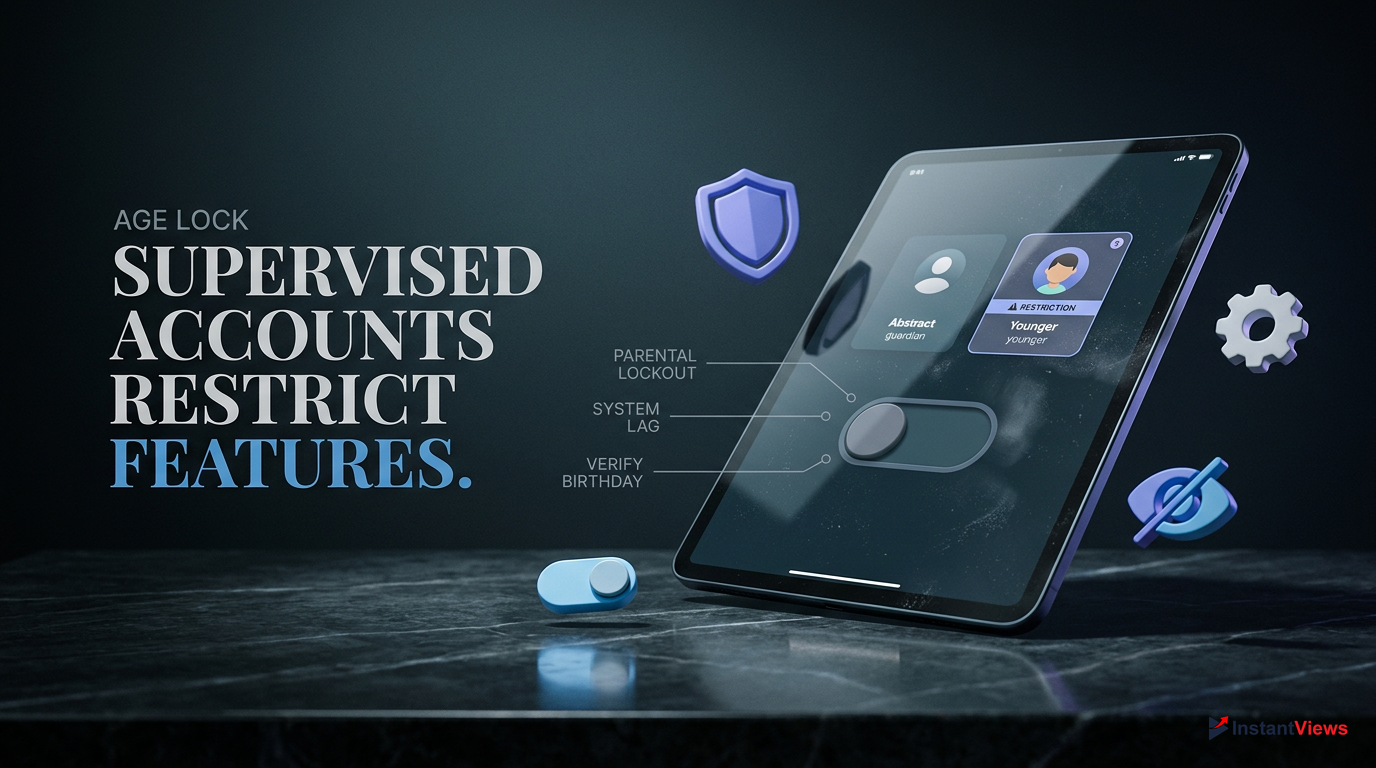
Supervised accounts on YouTube are completely barred from creating channels, leaving comments, participating in live chat, and using the Community Tab. This is hardcoded into Google's ecosystem.
Even if a teen account transitions to a standard account upon reaching the required age (usually 13), the permissions do not always update seamlessly across YouTube's servers. The account may still carry legacy restrictions that hide the Community Tab.
- Full access to YouTube Studio
- Can unlock Advanced Features
- Community Tab available
- Cannot upload public videos
- Community Tab permanently hidden
- Comments and Live Chat disabled
To resolve this, the parent must either adjust the content settings in the Family Link app to the highest tier ('Most of YouTube'), or the user must officially graduate their account to an independent Google Account if they are of age. Once the account is fully independent, you must go into YouTube Studio, verify your phone number for Intermediate Features, and begin the process of building Channel History to unlock Advanced Features. It is a fresh start, meaning the 2-month history building phase begins from the day the account becomes independent.
6. Feature Suspensions: Community Guidelines Strikes
A sudden youtube community tab missing on an established channel is a major red flag. If you previously had access to the tab and it vanished overnight, you have likely received an active Community Guidelines strike. YouTube uses feature suspension as a punitive measure to enforce platform rules.
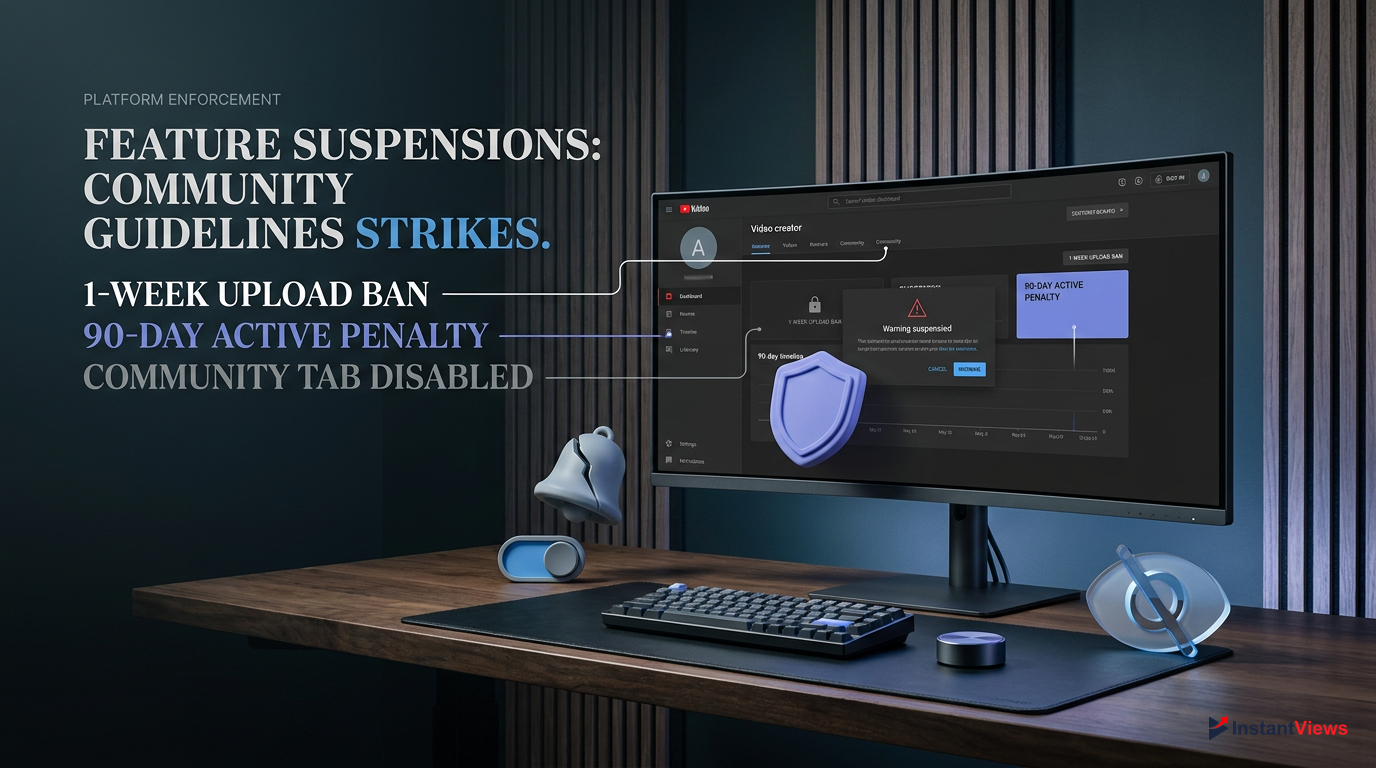
A first-time Community Guidelines strike results in a 1-week ban from uploading videos, live streaming, and posting to the Community Tab. However, the strike remains on your channel for 90 days.
When you violate policies—such as posting spam links, hate speech, or explicit content—YouTube issues a strike. During the active penalty period (usually 7 days for a first strike), the Community Tab is completely disabled. You cannot post new updates, and in some severe cases, your past posts may be temporarily hidden from your audience.
Check the Dashboard
Open YouTube Studio and look at the 'Channel violations' card at the very top of your main Dashboard.
Review the Strike
Click on the active strike to see exactly which policy was violated and when the 1-week upload/posting ban expires.
Appeal or Wait
If you believe the strike was an error, click 'Appeal'. If the appeal is rejected, you must wait out the 7-day penalty before your Community Tab is restored.
It is crucial to note that while the posting ban lasts 1 week, your channel remains in a fragile state for 90 days. A second strike within that 90-day window results in a 2-week ban. Always ensure your Community posts adhere to the same strict guidelines as your video content, especially when sharing external links or memes, which are heavily scrutinized by YouTube's automated moderators.
7. The Waiting Game: Channel History Verification Delays
For creators who refuse to submit a government ID or a video scan of their face, 'Channel History' is the only way to unlock Advanced Features. However, this method requires immense patience, and many creators search for youtube community tab missing simply because they do not realize how long this automated process takes in 2026.
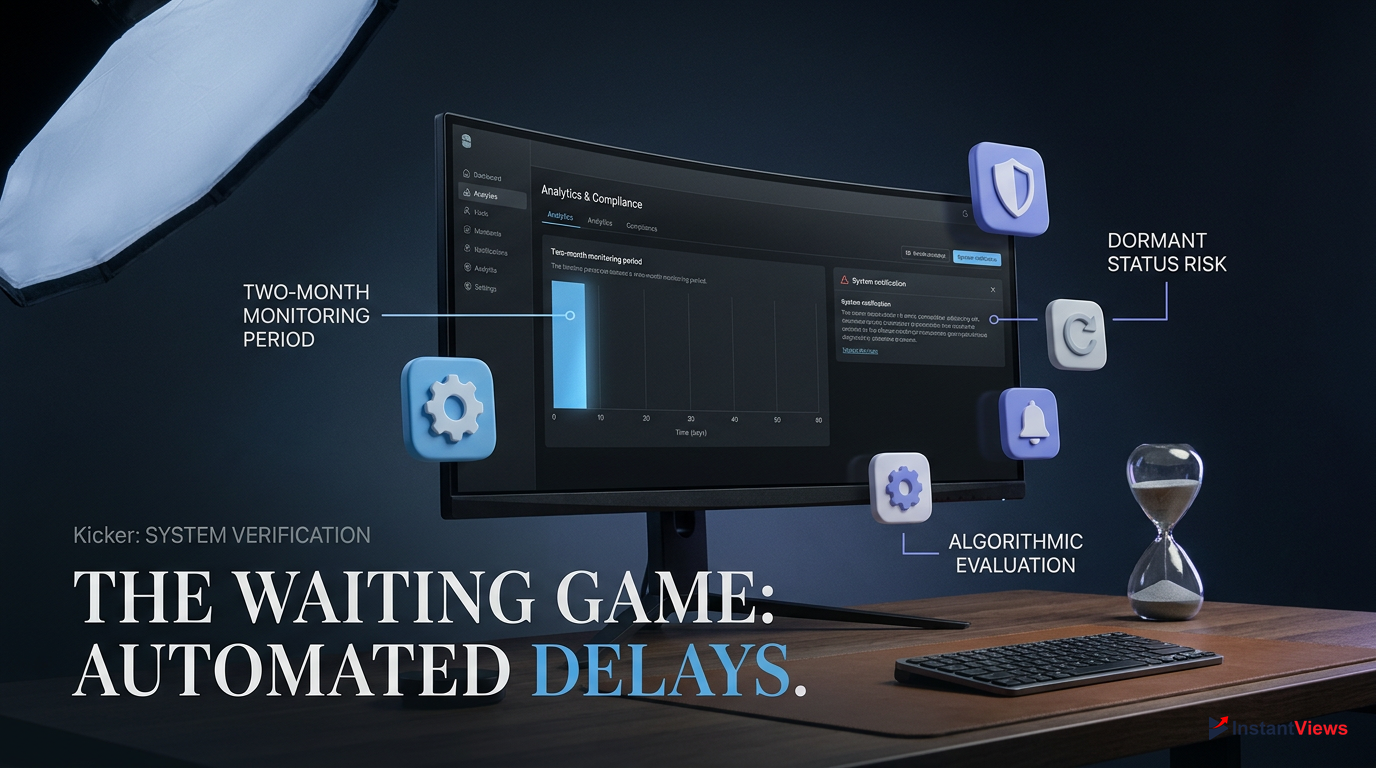
Building sufficient Channel History takes up to 2 months of consistent, policy-compliant activity (uploading, watching, and engaging) before YouTube's algorithm automatically unlocks your Community Tab.
YouTube's systems monitor your account to ensure you are a genuine user and not a bot farm. They track your upload frequency, how you interact with other channels, and whether your content receives immediate spam flags. If your channel is entirely dormant—meaning you created it but haven't uploaded anything or watched videos—your channel history will not progress.
| Action | Impact on Channel History | Speeds Up Unlock? |
|---|---|---|
| Consistent Weekly Uploads | Highly Positive | Yes |
| Watching/Liking Videos | Positive | Slightly |
| Deleting Uploaded Videos | Negative | No (Delays it) |
| Receiving Copyright Claims | Negative | No (Delays it) |
To ensure your Channel History builds efficiently, upload at least one video or Short per week. Ensure your metadata (titles, descriptions, tags) is clean and avoids spammy keywords. Do not mass-delete videos, as this resets your history footprint. If you check your Feature Eligibility and it says 'Channel History is being established', there is no technical glitch—you simply have to wait. Once the system approves you, the Community Tab will silently appear on your channel page.
8. Mobile App Glitches: Clearing Cache and Updating
Sometimes the youtube community tab missing issue is entirely localized to your smartphone. You might see the tab perfectly fine on your desktop browser, but when you open the YouTube app on iOS or Android, the tab is nowhere to be found. This discrepancy is almost always caused by outdated app versions or corrupted local cache data.

Update the App
Outdated YouTube apps frequently break UI elements. Visit the App Store or Google Play Store and force an update to the 2026 build.
Clear App Cache
On Android, go to Settings > Apps > YouTube > Storage > Clear Cache. This forces the app to redownload your channel's layout data.
The YouTube mobile app caches channel layouts aggressively to save mobile data and speed up loading times. If your Advanced Features were recently unlocked, the mobile app might still be loading an older, cached version of your channel page from before the Community Tab was enabled.
Sign Out and Close
Tap your profile icon, sign out of your Google account, and completely swipe away the YouTube app from your multitasking menu.
Clear Cache (Android) or Reinstall (iOS)
Clear the cache via Android settings. For iOS users, delete the app entirely and reinstall it from the App Store to clear the cache.
Sign Back In
Open the app, sign back into your creator account, and navigate to your channel page. The Community Tab should now render correctly.
If you have multiple accounts logged into the same app, ensure you are actively viewing the channel as the owner, or try viewing it from a secondary 'burner' account to see if the tab is visible to the public.
9. Success! How to Post Your First Community Update
Once you have resolved the youtube community tab missing issue, it is time to capitalize on your newly unlocked real estate. The Community Tab is incredibly versatile, offering multiple formats to engage your audience. Do not just post a text update saying 'I got the tab!'—use the interactive features that YouTube's algorithm favors.
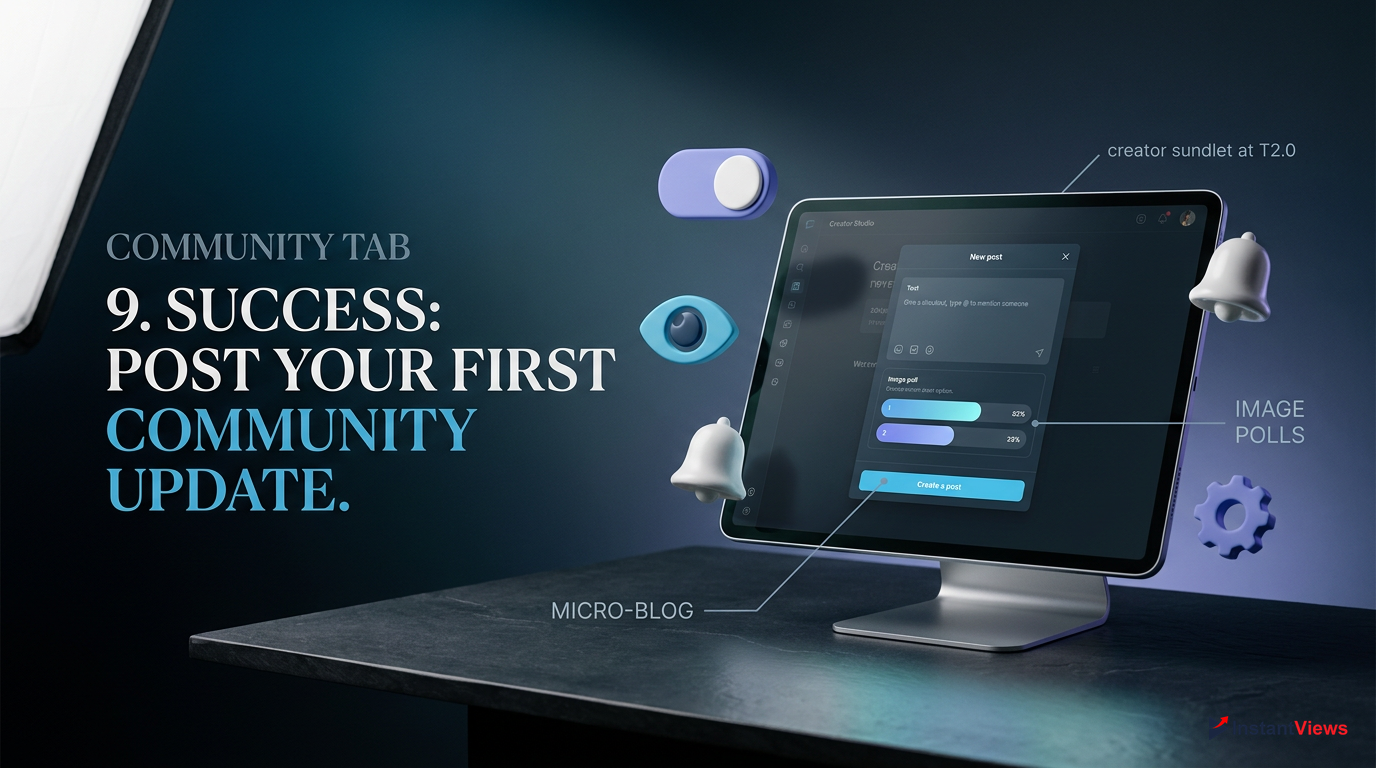
To create your first post, go to your channel page, click the 'Community' tab, and you will see a text box that says 'Give a shoutout, type @ to mention someone'. Alternatively, you can click the '+' Create icon at the bottom of the mobile app and select 'Create a post'. You will be presented with several powerful formats.
For your first post, an Image Poll is highly recommended. Ask your audience what type of video they want to see next. Polls have the lowest barrier to entry for engagement—users just have to tap an image—which sends massive positive signals to YouTube, increasing the likelihood that your future community posts will be pushed to non-subscribers' home feeds.
10. Leveraging the Community Tab for Maximum Channel Growth
Fixing the youtube community tab missing problem is just step one; step two is using it to dominate the algorithm. In 2026, Community posts appear directly in the Home feeds of both your subscribers and viewers who have watched your videos but haven't subscribed yet. It is the ultimate retargeting tool.
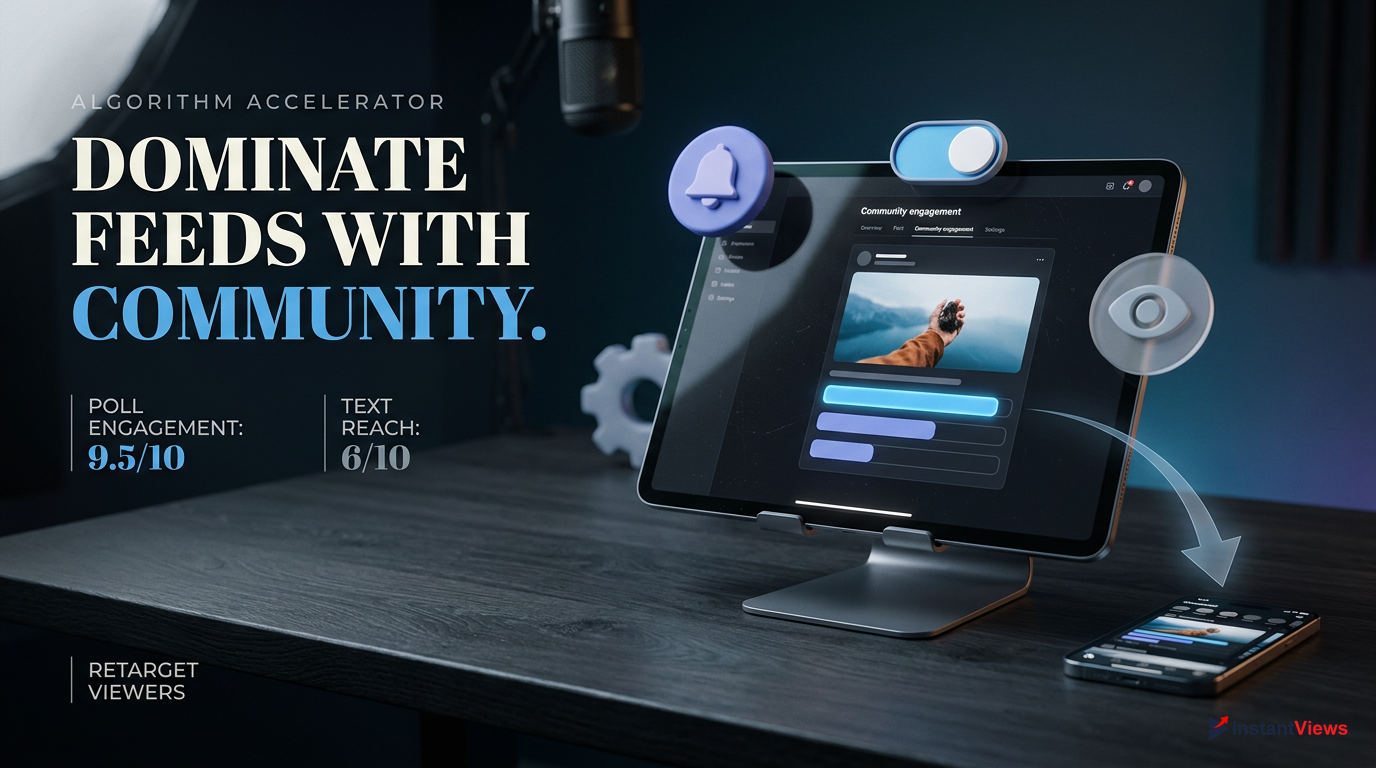
Notice that simply sharing a link to your new video performs poorly. YouTube wants to keep users scrolling on the Home feed, not clicking away to a video immediately. Instead, tease the video with a standalone image or a quiz, and place the video link in the comments or the text description. This strategy drastically increases your post's reach.
Boost your channel's authority and engagement metrics using InstantViews. By driving targeted, high-retention views to your videos, you signal to YouTube that your channel is active, which can speed up Channel History verification and amplify the reach of your Community Tab posts.
Aim to post 2-3 times a week. Use the tab to build a narrative. If you are a gaming channel, post a screenshot of a funny glitch. If you are a finance channel, run a poll on what stock your audience is watching. By consistently feeding the algorithm with high-engagement Community posts, you build a loyal community that is primed to click on your videos the second they go live.
Frequently Asked Questions
Zero. YouTube removed the subscriber requirement entirely. Access is now granted by unlocking 'Advanced Features' through Video Verification, ID Verification, or by building a positive Channel History over a few months.
This is usually caused by outdated app cache data. To fix it, clear the YouTube app cache in your Android settings, or delete and reinstall the app on iOS. Ensure your app is updated to the latest version.
Yes. Under COPPA regulations, if your entire channel is set as 'Made for Kids', YouTube will permanently disable the Community Tab to protect minors. You must change your audience settings to restore it.
Video and ID verification are typically processed within 24 hours. Once approved, Advanced Features are enabled, and your Community Tab should appear on your channel page shortly after.
Yes, temporarily. A first strike results in a 1-week ban on uploading videos and posting to the Community Tab. Once the 7-day penalty expires, your access to the tab will automatically be restored.
No. Supervised accounts (managed via Google Family Link for users under 13) are restricted from using social features, including the Community Tab, commenting, and live chat.
Channel History is an automated verification method where YouTube monitors your account activity (uploads, watch time, policy compliance) to ensure you aren't a bot. It typically takes up to 2 months to unlock Advanced Features this way.
If you relied on 'Channel History' for Advanced Features, mass-deleting your videos can wipe out the history YouTube used to verify you. This reverts your account to Intermediate features, hiding the tab.
Yes! In 2026, YouTube's algorithm pushes highly engaging Community posts (especially polls) to the Home feeds of users who have watched your content previously, even if they haven't subscribed.
Image Polls currently generate the highest engagement rates. They require minimal effort from the viewer (just a tap) and are heavily favored by the YouTube algorithm for broader distribution.


