- YouTube comments are a goldmine of content ideas directly from your audience
- Sentiment analysis helps you understand overall audience reception and identify issues
- Common questions in comments often become high-performing video topics
- Responding to comments boosts engagement and builds community loyalty
- Export tools allow deeper analysis of comment patterns and trends
Your YouTube comments section is more than just a place for viewer feedback - it is a direct line to understanding what your audience wants, needs, and thinks about your content. Smart creators mine their comments for content ideas, product feedback, and community insights.
While many creators focus solely on view counts and subscriber numbers, comments provide qualitative data that numbers cannot capture. A single insightful comment can spark your next viral video idea.
This guide shows you how to systematically analyze YouTube comments to improve your content strategy and build a stronger community.
Finding Content Ideas in Comments
Your comments section contains direct requests from viewers telling you exactly what they want to see. Here is how to extract those ideas:
Types of Comments That Signal Content Opportunities
| Comment Type | Example | Content Opportunity |
|---|---|---|
| Direct Questions | "How do you edit your videos?" | Tutorial video on your editing process |
| Feature Requests | "Can you do a comparison with X?" | Comparison or versus video |
| Confusion Signals | "I don't understand the part about..." | Deep-dive explanation video |
| Debate Comments | "I disagree because..." | Follow-up addressing alternative views |
| Success Stories | "I tried this and it worked!" | Case study or results compilation |
| Time-Specific | "Is this still relevant in 2026?" | Updated version of popular content |
How to Find These Comments Efficiently
- Use YouTube Studio filters - Search for "?" to find questions, or specific keywords related to your niche
- Sort by likes - Popular comments often reflect widespread audience interest
- Check competitor comments - See what questions their audience asks that you could answer
- Review old videos - Evergreen content accumulates valuable comments over time

Understanding Audience Sentiment
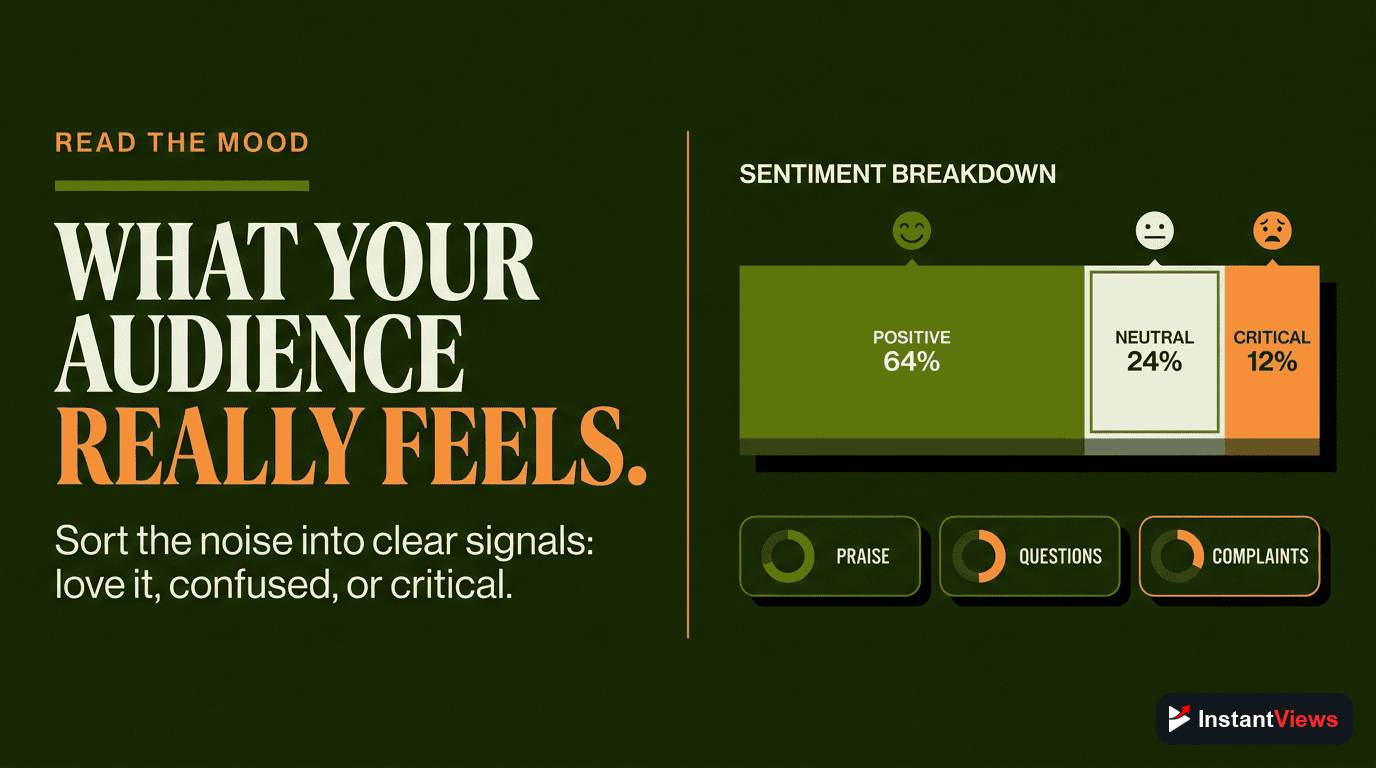
Sentiment analysis categorizes comments as positive, negative, or neutral, helping you understand overall audience reception:
Manual Sentiment Categories
| Sentiment | Indicators | Action |
|---|---|---|
| Positive | Thanks, love, helpful, amazing, subscribed | Create more similar content |
| Neutral | Questions, observations, timestamps | Engage to convert to positive |
| Negative | Disagree, wrong, clickbait, disappointed | Analyze for valid concerns |
| Constructive | Suggestions, corrections, alternatives | Thank and implement if valid |
| Toxic | Insults, spam, harassment | Remove and potentially block |
Automated Sentiment Analysis Tools
- Brand24 - Social monitoring with sentiment tracking
- Mention - Brand mention analysis across platforms
- Python NLTK/TextBlob - DIY sentiment analysis for developers
- MonkeyLearn - No-code AI text classification
Automated sentiment tools are 70-85% accurate. They often misclassify sarcasm, industry jargon, and cultural expressions. Always validate automated results with manual review of a sample.
Comment Engagement Strategy
How you handle comments affects both algorithm performance and community growth:
Response Priority Framework
| Priority | Comment Type | Response Time | Action |
|---|---|---|---|
| Highest | Questions in first 24 hours | Within 1-2 hours | Detailed reply |
| High | Constructive criticism | Within 24 hours | Acknowledge and address |
| Medium | Positive feedback | Within 48 hours | Thank and heart |
| Low | Simple reactions | Within 1 week | Heart reaction |
| Skip | Spam/toxic comments | Immediately | Remove/hide/block |
Response Templates That Work
- For questions: "Great question! [Answer]. Let me know if you need more details."
- For suggestions: "Love this idea! I'm adding it to my content list. Thanks [name]!"
- For corrections: "Thanks for catching that! You're right - I should have said [correct info]."
- For praise: "This made my day! Thanks for watching and commenting."
Analyze Your Comments
Use our free YouTube Comment Analyzer to extract insights and content ideas from your audience.
Try Comment Analyzer →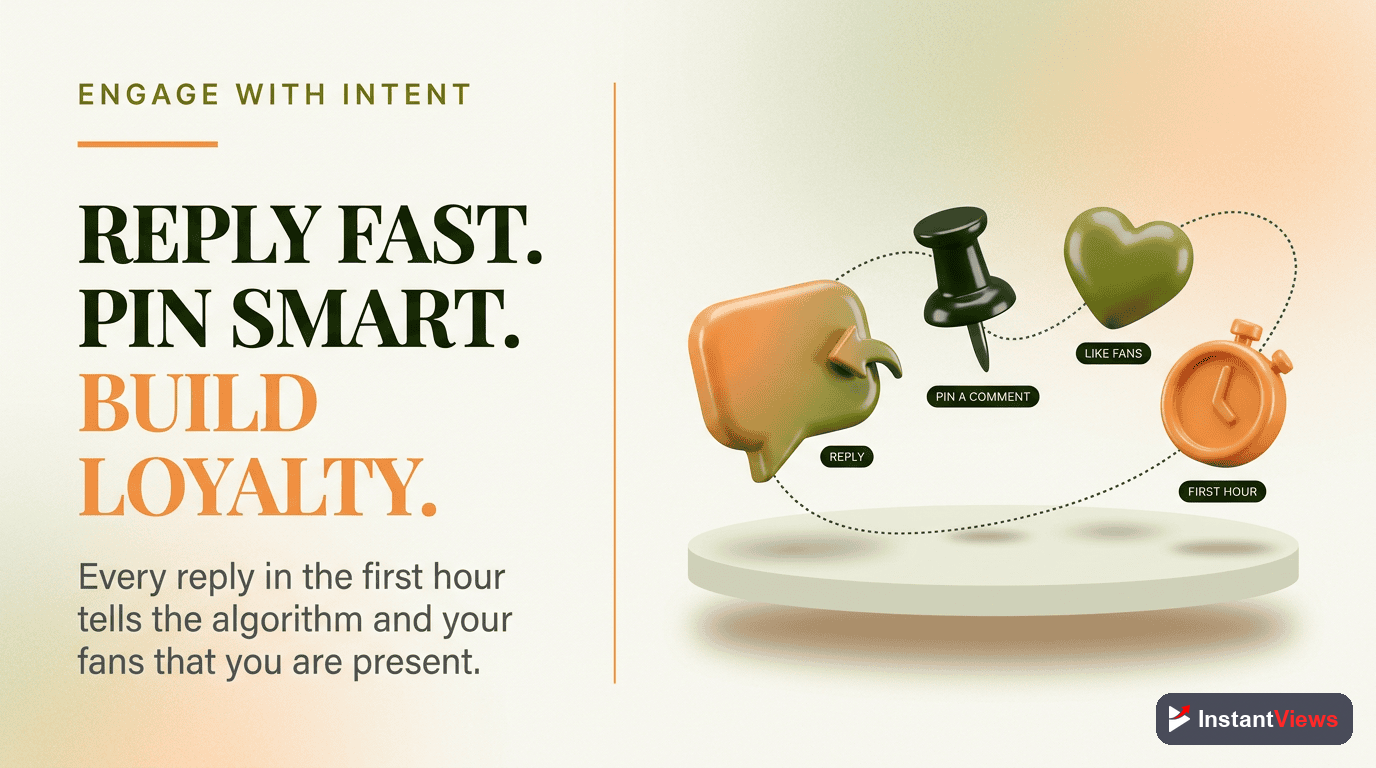
Exporting and Analyzing Comments
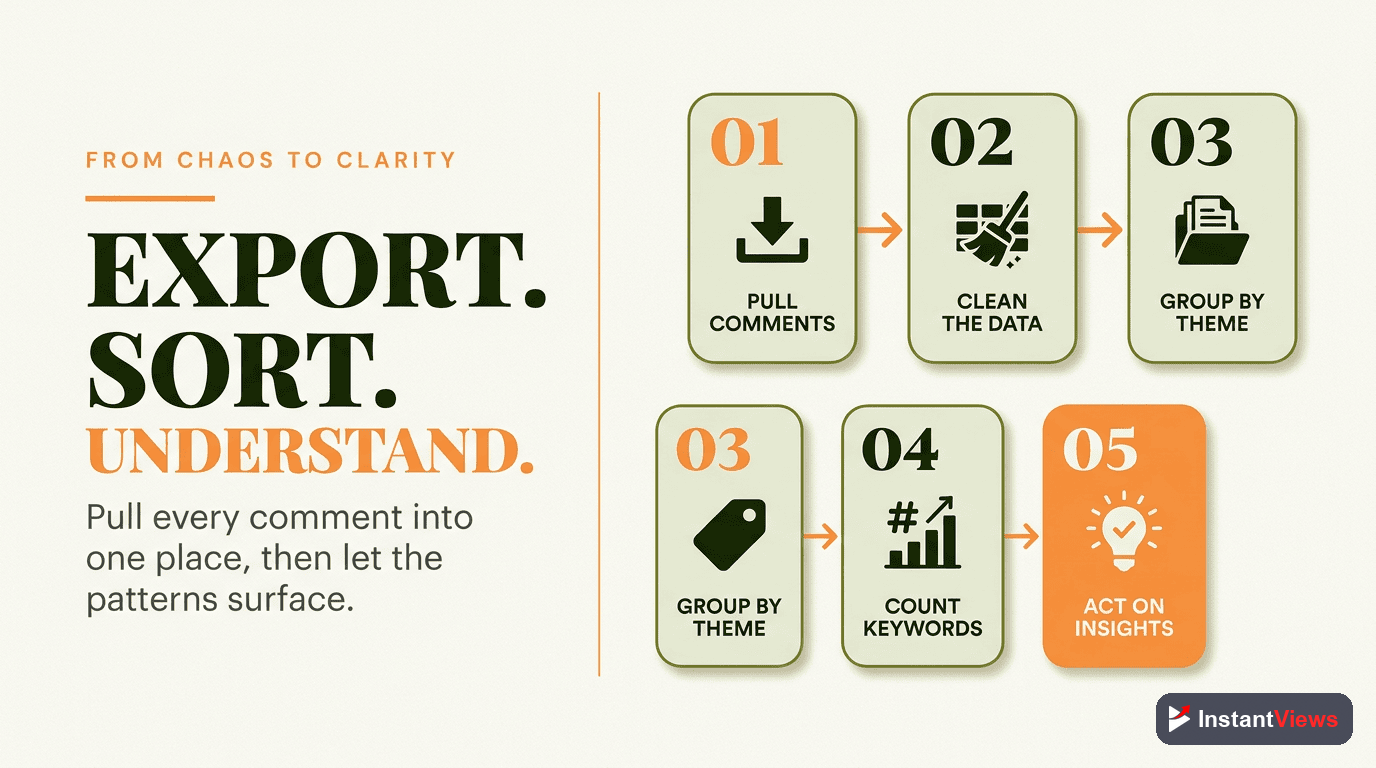
For deeper analysis, export your comments to a spreadsheet or analysis tool:
Export Methods
- YouTube API - Full access to all comment data (requires coding)
- Exportcomments.com - Simple web-based export tool
- Browser extensions - Various Chrome extensions for quick exports
- Social Blade - Limited comment export features
Analysis Techniques
- Word frequency - Identify most common words and phrases
- Word clouds - Visualize recurring themes
- Timestamp analysis - See when engagement peaks
- Reply rate tracking - Measure your response consistency
Frequently Asked Questions
Look for questions that appear repeatedly, requests for tutorials or explanations, complaints about missing information, and debates between commenters. These patterns reveal what your audience wants to see. Use search filters in YouTube Studio to find comments containing question marks or specific keywords.
Sentiment analysis uses AI to classify comments as positive, negative, or neutral. This helps you understand overall audience reception, identify controversial topics, and spot potential issues before they escalate. Tools like Brand24 or custom Python scripts can automate this process.
First, distinguish between constructive criticism and trolling. Respond professionally to valid concerns, acknowledge mistakes, and use feedback to improve. For trolls, use YouTube's moderation tools to hide or remove toxic comments. Never argue publicly with hostile commenters.
Yes, you can export comments using YouTube's API, third-party tools like Exportcomments.com, or browser extensions. This allows you to analyze comments in spreadsheets, use text analysis tools, or create word clouds to visualize common themes.
A comment-to-view ratio of 0.5-2% is typical. Higher ratios (2-5%) indicate highly engaging content. Very low ratios might suggest your content doesn't prompt discussion, or your calls-to-action need improvement. Controversial topics naturally generate more comments.
Ideally yes, especially when your channel is small. Replies boost engagement metrics, build community, and encourage future comments. As you grow, prioritize questions, insightful comments, and early comments (first 24 hours). Use heart reactions for comments you cannot reply to individually.