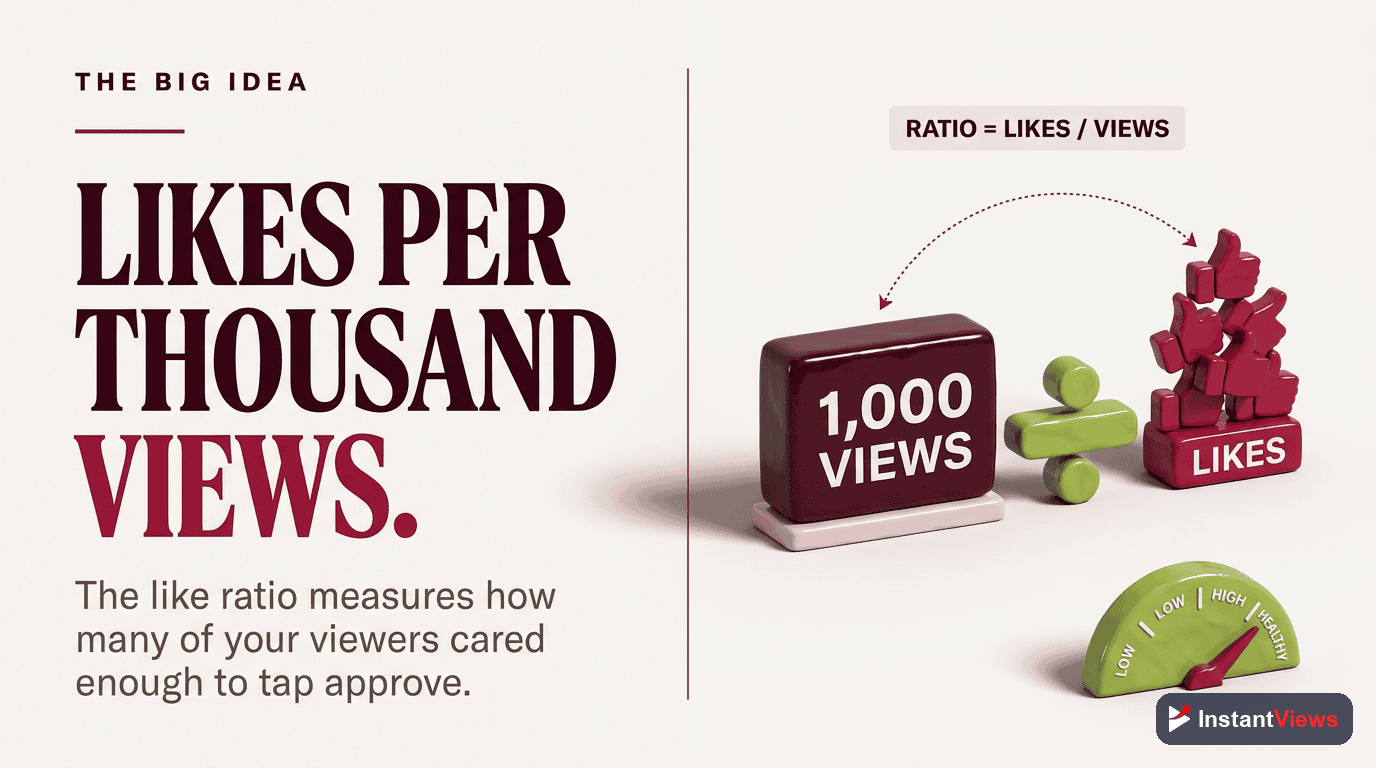
- A healthy like-to-view ratio is 4-5% (4-5 likes per 100 views)
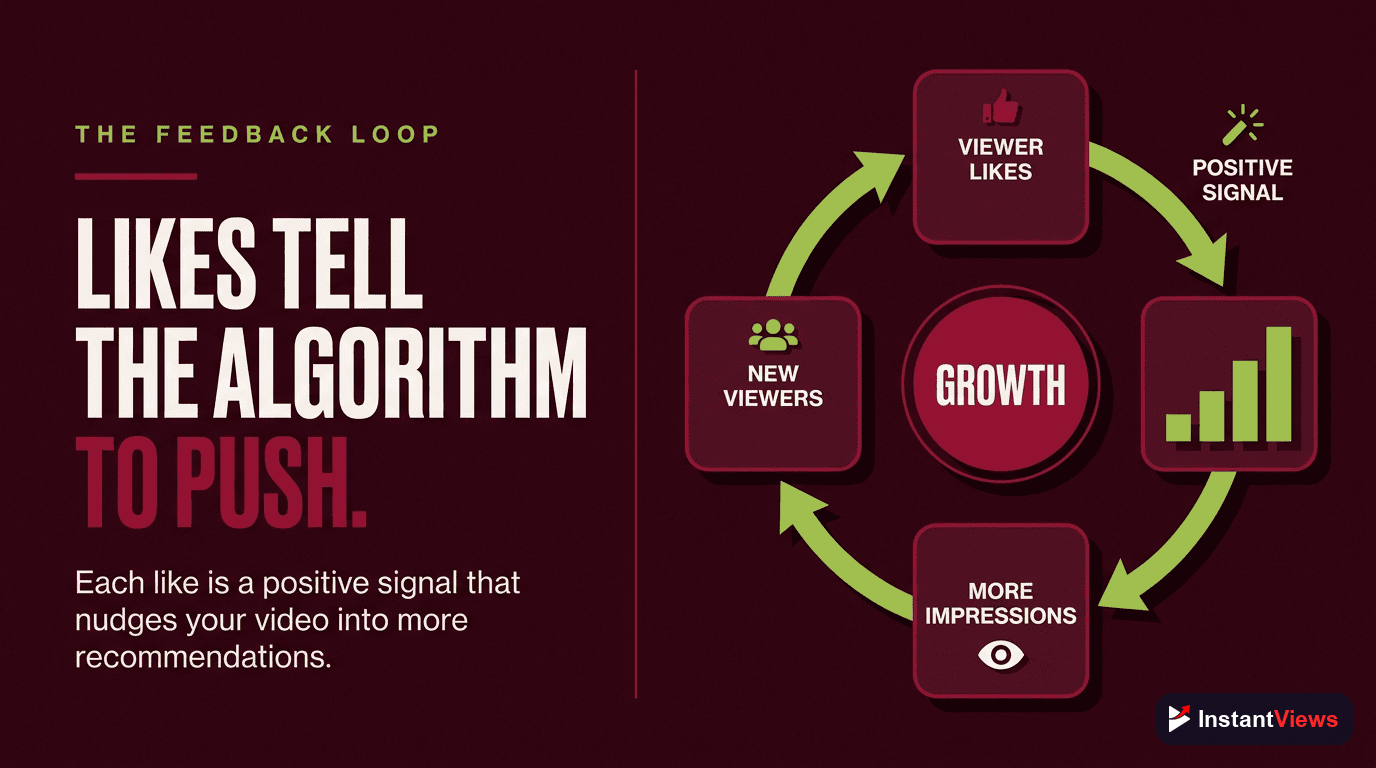
- Likes signal content quality to YouTube's algorithm, influencing recommendations
- Strategic like requests placed after delivering value improve like rates
- YouTube hid public dislike counts in 2021, but creators still see them in Studio
- Track likes alongside watch time and CTR for complete performance picture
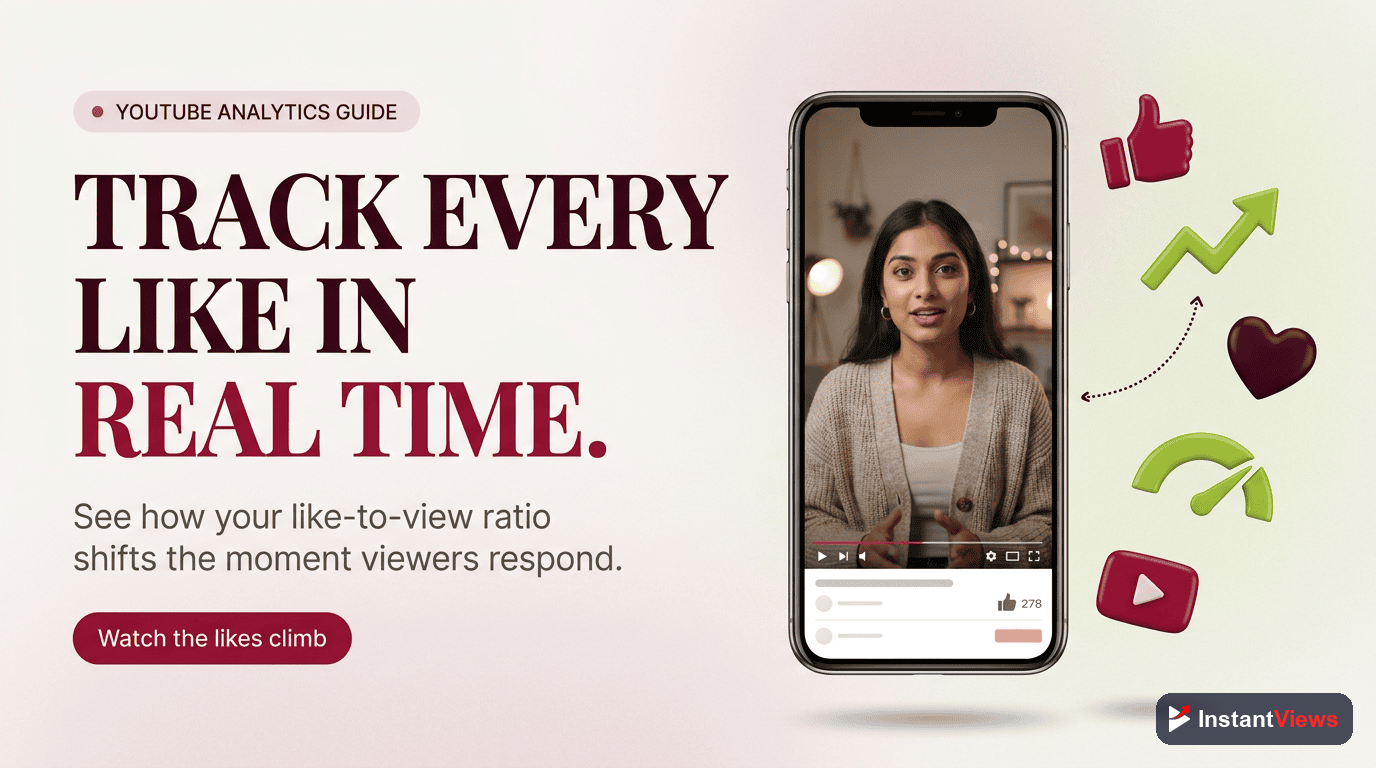
YouTube likes are more than vanity metrics - they are direct signals to the algorithm that viewers found your content valuable. Understanding and optimizing your like-to-view ratio can meaningfully improve how YouTube recommends your videos.
While likes alone will not make a video go viral, consistently low like ratios can hurt your channel's reach. This guide explains how likes work, what ratios to aim for, and practical strategies to improve your like performance.
Understanding Like-to-View Ratio
The like-to-view ratio measures what percentage of viewers liked your video. It is a simple but meaningful metric:
Like Ratio Benchmarks by Category
| Ratio Range | Rating | What It Indicates |
|---|---|---|
| 6%+ | Excellent | Highly engaging content, strong audience fit |
| 4-6% | Good | Solid content resonating with viewers |
| 2-4% | Average | Room for improvement in engagement |
| 1-2% | Below Average | Content may not match audience expectations |
| <1% | Poor | Significant disconnect with viewers |
Like Ratios by Niche
Some niches naturally achieve higher like ratios than others:
| Niche | Average Ratio | Top Performer Ratio |
|---|---|---|
| Gaming | 4.5% | 7-9% |
| Music | 3.8% | 6-8% |
| Education | 5.2% | 8-10% |
| Tech Reviews | 4.0% | 6-8% |
| Entertainment | 3.5% | 5-7% |
| How-To/DIY | 5.5% | 8-11% |
How Likes Affect the YouTube Algorithm
Likes are one of many signals YouTube uses to evaluate and recommend content. Here is how they fit into the bigger picture:
Algorithm Signal Hierarchy
| Signal | Weight | What It Tells YouTube |
|---|---|---|
| Watch Time | Highest | Viewers find content valuable enough to keep watching |
| Click-Through Rate | High | Thumbnail and title are compelling |
| Engagement (Likes/Comments) | Medium-High | Content triggers emotional response |
| Shares | Medium | Content worth spreading |
| New Subscribers | Medium | Viewers want more from this creator |
Likes alone will not save a video with poor retention. A video with 10% like ratio but 20% average view duration will be outperformed by a video with 3% likes but 60% retention. Focus on watch time first.
How to Improve Your Like Ratio
Strategic approaches can significantly boost your like performance:
1. Time Your Like Request Strategically
- After value delivery - Ask for likes after sharing a key insight
- Mid-video sweet spot - 30-50% into the video works best for most content
- Avoid opening asks - "Smash that like button" at the start feels desperate
2. Make It Specific
Generic asks get generic responses. Try these specific approaches:
- "If this tip saves you time, hit like"
- "Like if you want more videos on this topic"
- "Give this a like if you made it to this point"
3. Deliver on Your Promise
The biggest like killer is clickbait that does not deliver. When your title promises "10X your productivity," the content must genuinely provide that value. Unmet expectations lead to viewers clicking away without liking.
Track Your Like Performance
Use our free Likes Tracker to monitor like counts in real-time and analyze your like-to-view ratio.
Try Likes Tracker →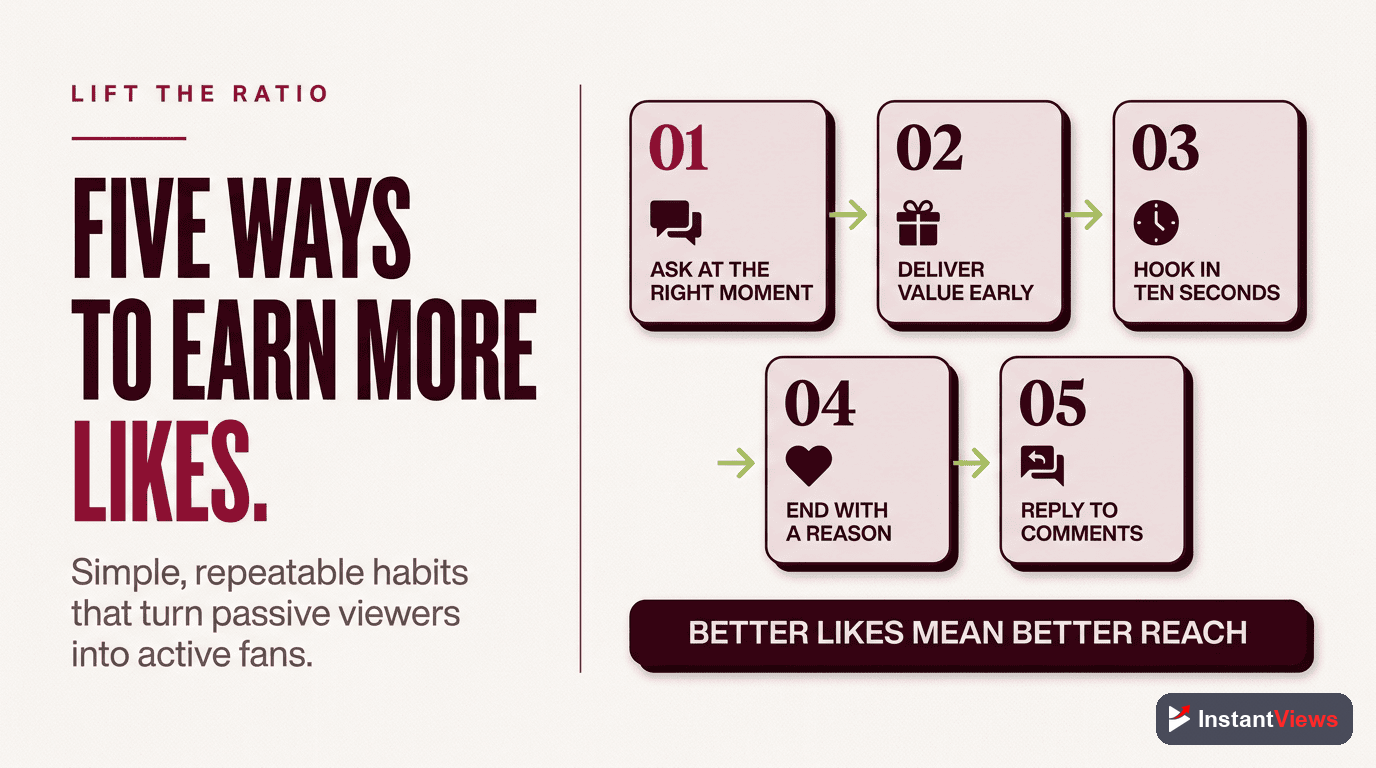
Real-Time Like Tracking Tools
Monitor like counts as they change with these tools:
Built-in YouTube Analytics
- YouTube Studio - Real-time likes with 1-3 minute delay
- Analytics Overview - Like/dislike breakdown for each video
- Engagement Tab - Detailed like metrics over time
Third-Party Trackers
| Tool | Features | Best For |
|---|---|---|
| Social Blade | Historical data, projections | Long-term tracking |
| VidIQ | Real-time stats, competitor analysis | Competitive research |
| TubeBuddy | A/B testing, optimization tips | Improving performance |
| InstantViews | Live tracking, ratio analysis | Real-time monitoring |
Frequently Asked Questions
A good like-to-view ratio is 4-5% (4-5 likes per 100 views). Ratios above 5% are excellent, indicating highly engaging content. Ratios below 2% suggest the content may not be resonating with viewers or you need stronger calls-to-action.
Yes, likes are one of many engagement signals YouTube uses to evaluate content quality. Videos with high like ratios are more likely to be recommended. However, watch time and click-through rate are generally considered more important algorithm factors.
YouTube hid public dislike counts in November 2021 to protect creators from harassment and dislike brigading. Creators can still see their dislike counts in YouTube Studio, but viewers only see the like count on public videos.
Viewers cannot see dislike counts on public YouTube videos. Only the video creator can see dislike numbers in YouTube Studio analytics. Some browser extensions attempt to estimate dislikes based on archived data, but these are not accurate.
Creators can disable likes and dislikes in their video settings. This is often done for music videos, promotional content, or videos prone to brigading. Disabling likes also disables the ability to sort comments by popularity.
Ask viewers to like at a strategic moment (after delivering value, not at the start). Make your ask specific ("Hit like if you found this helpful"). Deliver on your title/thumbnail promise. Create content that genuinely helps or entertains your target audience.