- Gaming videos with chapters see 15-25% higher watch time and engagement
- Chapters work best for Let's Plays, walkthroughs, speedruns, and live stream archives
- Mark boss fights, level changes, deaths, victories, and funny moments for maximum value
- Use specific, searchable titles: "Boss: Malenia" beats generic "Boss Fight"
- Gaming compilations need chapters for each highlight to maximize shares and rewatches
Gaming content dominates YouTube. From epic boss battles to hilarious fails, from intricate speedruns to marathon live streams—gaming videos come in dozens of formats. And here's the problem: viewers want to find specific moments, but most gaming videos are impossible to navigate.
That's where chapters transform everything. When you add timestamps to gaming videos, you don't just help viewers find what they want—you increase watch time, boost engagement, and make your content infinitely more shareable.
This comprehensive guide covers chapter strategies for every type of gaming content: Let's Plays, speedruns, walkthroughs, live stream archives, compilations, and more. Let's make your gaming videos work harder.
Why Gaming Videos Need Chapters
Gaming content has unique viewer behavior that makes chapters especially valuable:
Gaming Video Viewer Patterns
Selective Viewing: Gamers want specific moments—the boss fight, the funny glitch, the clutch play. They're not always watching start-to-finish.
Study & Learn: Players watching to improve need to rewatch specific techniques or strategies repeatedly.
Spoiler Avoidance: Some viewers want to skip story sections but watch gameplay. Others want the opposite.
Time Investment: Gaming videos are often 20-60+ minutes. Chapters show value upfront and reduce abandonment.
The Data: Gaming Chapters Performance
| Gaming Content Type | Avg Watch Time Increase | Engagement Boost |
|---|---|---|
| Let's Play Series | +18-24% | +12-18% |
| Speedruns | +25-35% | +20-30% |
| Walkthroughs | +30-40% | +15-25% |
| Live Stream Archives | +35-50% | +25-40% |
| Compilations | +20-30% | +30-45% |
Live stream archives see the biggest impact because chapters transform unwatchable VODs into navigable content libraries.
Let's Play Chapter Strategy
Let's Plays range from 15-minute episodes to multi-hour sessions. Here's how to chapter them effectively:
Standard Let's Play Chapter Structure
Episode Introduction (0:00)
Major Gameplay Segments
Key Moments
Episode Wrap-Up
Example: 25-Minute Elden Ring Let's Play
0:00 - Episode 12 Intro
1:45 - Exploring Liurnia of the Lakes
5:20 - Academy Gate Town Discovery
9:10 - Boss Fight: Glintstone Dragon Smarag
14:35 - Raya Lucaria Academy Entrance
18:50 - Debating Build Strategy
22:40 - Episode Summary & Next TimeGenerate Gaming Video Chapters Instantly
Our AI analyzes your gameplay and creates perfect timestamps. Works for Let's Plays, streams, and more.
Try Free Chapter Generator →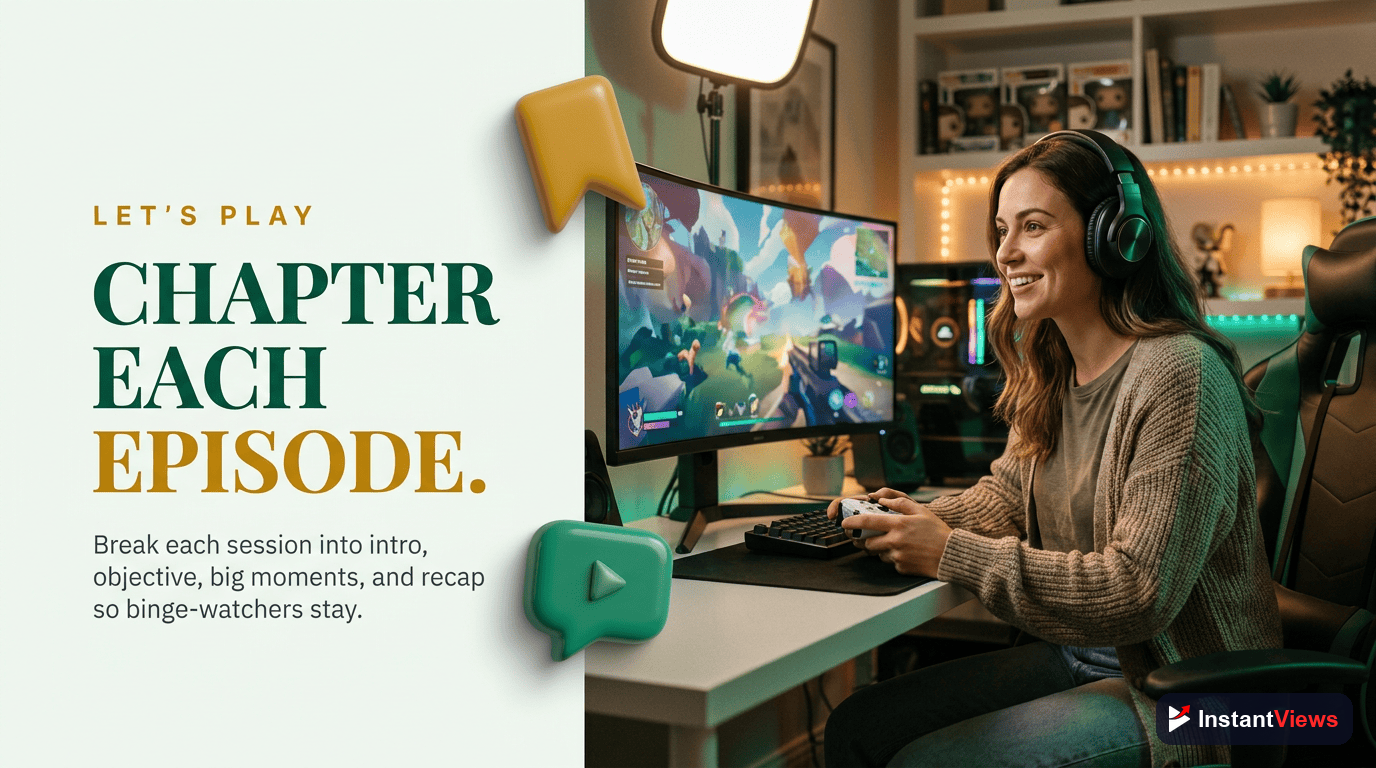
Speedrun Timestamp Mastery
Speedruns are the most chapter-friendly gaming content. Viewers want to see specific tricks, study particular sections, and compare splits.
Essential Speedrun Chapters
Speedrun Chapter Requirements
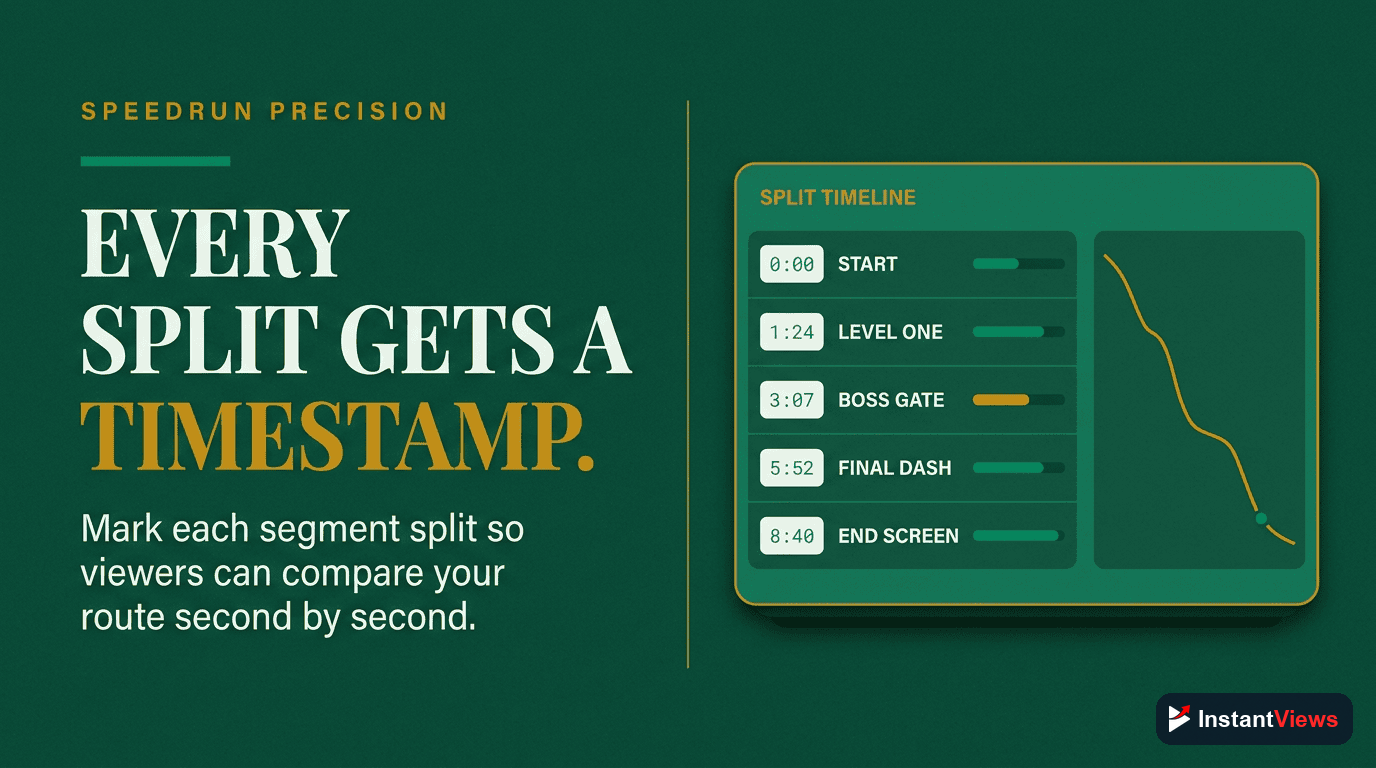
Every Major Split: Chapter each timed split from your timer. This makes your run instantly referenceable.
World/Level Transitions: Mark when you move between major game sections.
Key Tricks & Skips: Give chapters to major glitches, sequence breaks, or difficult tricks.
Time Save Moments: Highlight where you gained significant time.
Commentary Sections: If you explain tricks, chapter those explanations separately.
Example: Super Mario 64 70 Star Speedrun
0:00 - Run Start & Castle Entry
1:15 - Bob-omb Battlefield (6 stars)
7:30 - Whomp's Fortress (6 stars)
14:20 - Cool, Cool Mountain (7 stars)
23:10 - Castle Secret Stars
27:45 - Bowser in the Dark World
31:20 - Jolly Roger Bay (6 stars)
39:50 - Big Boo's Haunt
47:30 - Hazy Maze Cave
56:15 - Lethal Lava Land
1:04:30 - Shifting Sand Land
1:13:20 - Dire, Dire Docks
1:19:40 - Bowser in the Fire Sea
1:24:10 - Snowman's Land
1:32:50 - Wet-Dry World
1:41:20 - Tall, Tall Mountain
1:49:30 - Tiny-Huge Island
1:57:10 - Tick Tock Clock
2:06:40 - Rainbow Ride
2:15:20 - Bowser in the Sky
2:21:30 - Final Bowser Fight & FinishFor speedruns, more chapters is better. Viewers studying your run need precise navigation. Don't worry about having 15-25 chapters for a long speedrun—it's expected and valuable.
Speedrun Chapter Title Best Practices
- Include split times: "Bob-omb Battlefield (6 stars) - 1:15" helps runners compare
- Name specific tricks: "Backwards Long Jump to 70 Star Door" not just "Trick"
- Note difficult sections: "Lakitu Skip (Frame Perfect)" warns viewers
- Mark personal bests: "Perfect Bowser Fight (PB Pace)" creates hype
Game Walkthrough Chapters
Walkthroughs and guides are pure utility content. Viewers have specific goals: beat this boss, find this item, complete this quest.
Walkthrough Chapter Framework
Organize chapters around viewer intent:
- By objective: "Get the Blue Key", "Defeat Golem Boss", "Reach Safe Room"
- By location: "Village Exploration", "Underground Tunnel", "Castle Throne Room"
- By collectible: "Chest 1/10", "Secret 4/7", "All Coins in Level 2"
- By difficulty: "Easy Route" vs "100% Route", "Skip Cutscene Method"
Example: God of War Walkthrough Chapter Structure
0:00 - Intro: What This Guide Covers
1:20 - Wildwoods: Stranger Boss Fight
12:40 - Collecting Red Coffins (6 Locations)
18:30 - Lake of Nine First Visit
22:10 - Alfheim: Light of Alfheim Quest
31:50 - Alfheim: The Ringed Temple Puzzle
37:20 - Returning to Midgard
40:15 - Mountain: Inside the Mountain
49:30 - Muspelheim Trial Tips
54:10 - Return to Summit
1:02:40 - Final Boss Strategy
1:12:30 - Post-Game Content Guide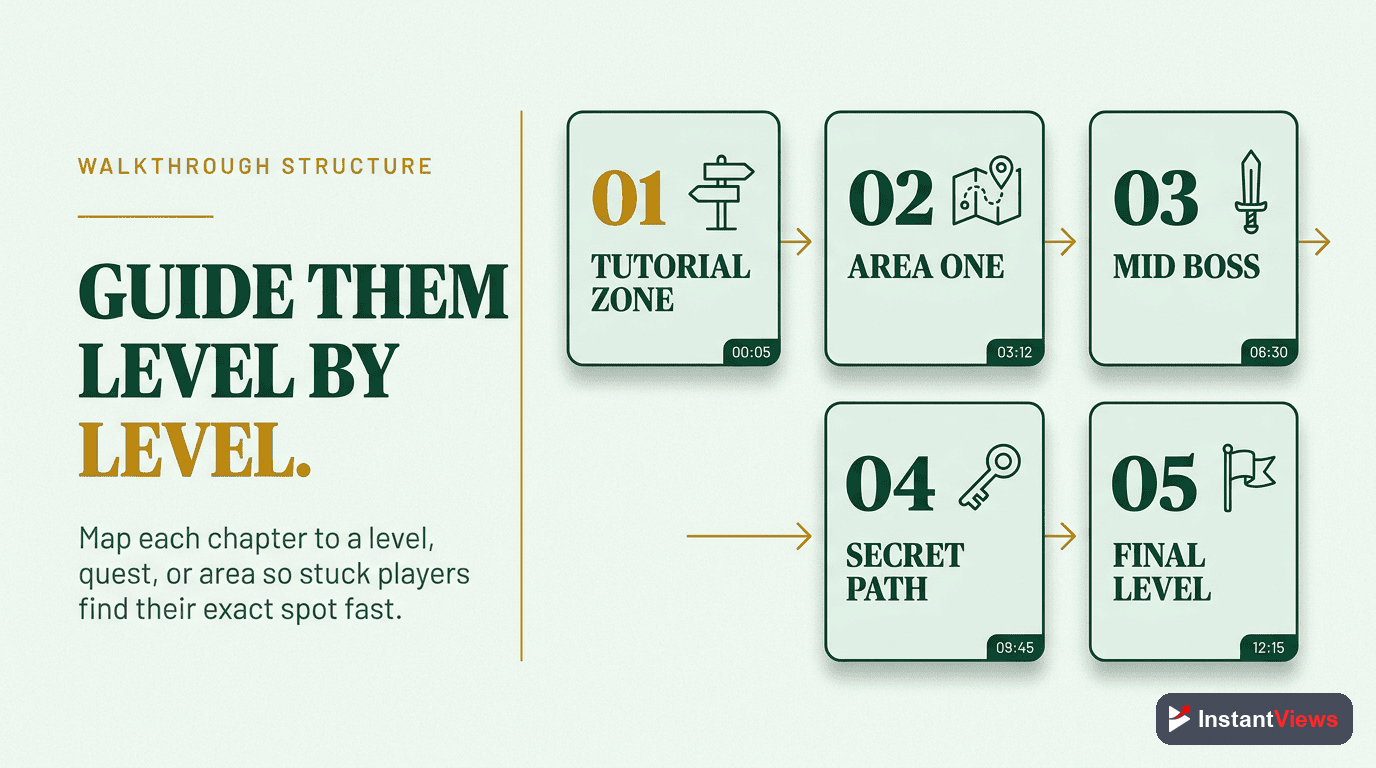
Highlight Timestamps for Gaming
Creating highlight chapters helps viewers find your best moments, increases shares, and boosts rewatch rate.
What to Highlight
Gaming Highlight Categories
- Skill Moments: "Insane Clutch", "1v5 Ace", "Frame Perfect Dodge"
- Funny Moments: "Epic Fail", "Hilarious Glitch", "Rage Quit"
- First Time Reactions: "First Boss Kill", "Plot Twist Reaction"
- Rare Events: "Legendary Drop", "Easter Egg Discovery"
- Competitive Plays: "Match Winning Kill", "Comeback Victory"
- Emotional Moments: "Heartbreaking Death", "Finally Beat It"
Example: Multiplayer Gaming Session Highlights
0:00 - Session Start & Squad Up
2:15 - First Game: Hot Drop Chaos
8:40 - INSANE Sniper Shot
11:20 - Funny Voice Chat Moment
15:35 - Second Game: 10 Kill Start
23:10 - Clutch 1v4 Victory
28:45 - Hilarious Team Kill Fail
32:20 - Third Game: Strategy Planning
39:50 - Final Circle Showdown
44:30 - Victory Royale Celebration
46:00 - Post-Game Stats & Wrap UpChapter Your Gaming Videos in Seconds
Stop manually timestamping. Let AI find your highlights, boss fights, and key moments automatically.
Generate Timestamps Free →
Live Stream Archive Chapters
Stream archives (VODs) have the lowest rewatch rate of any gaming content—unless you add chapters. Proper chapters can boost VOD views by 30-50%.
Stream VOD Chapter Strategy
Chapter Within 24 Hours
Mark Stream Segments
Highlight Big Moments
Chapter Each Game
Example: 4-Hour Variety Stream
0:00 - Stream Start & Chat Catch-Up
8:15 - Valorant: Ranked Grind Begins
15:40 - First Ace of the Stream
23:20 - Tilted After Bad Loss (Funny)
35:50 - HUGE Clutch Round
44:30 - Promotion to Platinum!
52:10 - Taking Break - BRB Screen
56:00 - Back from Break
58:30 - Switching to Minecraft
1:03:45 - Building New Base Design
1:28:20 - Creeper Destroys Everything (Rage)
1:35:10 - Subscriber Gift Train!
1:42:30 - Viewer Joins the Server
2:15:40 - Completing Mega Build
2:28:50 - Switching to Marbles on Stream
2:32:15 - Marbles Race Tournament
3:18:40 - Final Game: Fall Guys
3:45:20 - Victory Royale!
3:51:10 - Stream Wrap-Up & Raid
Gaming Compilation Chapters
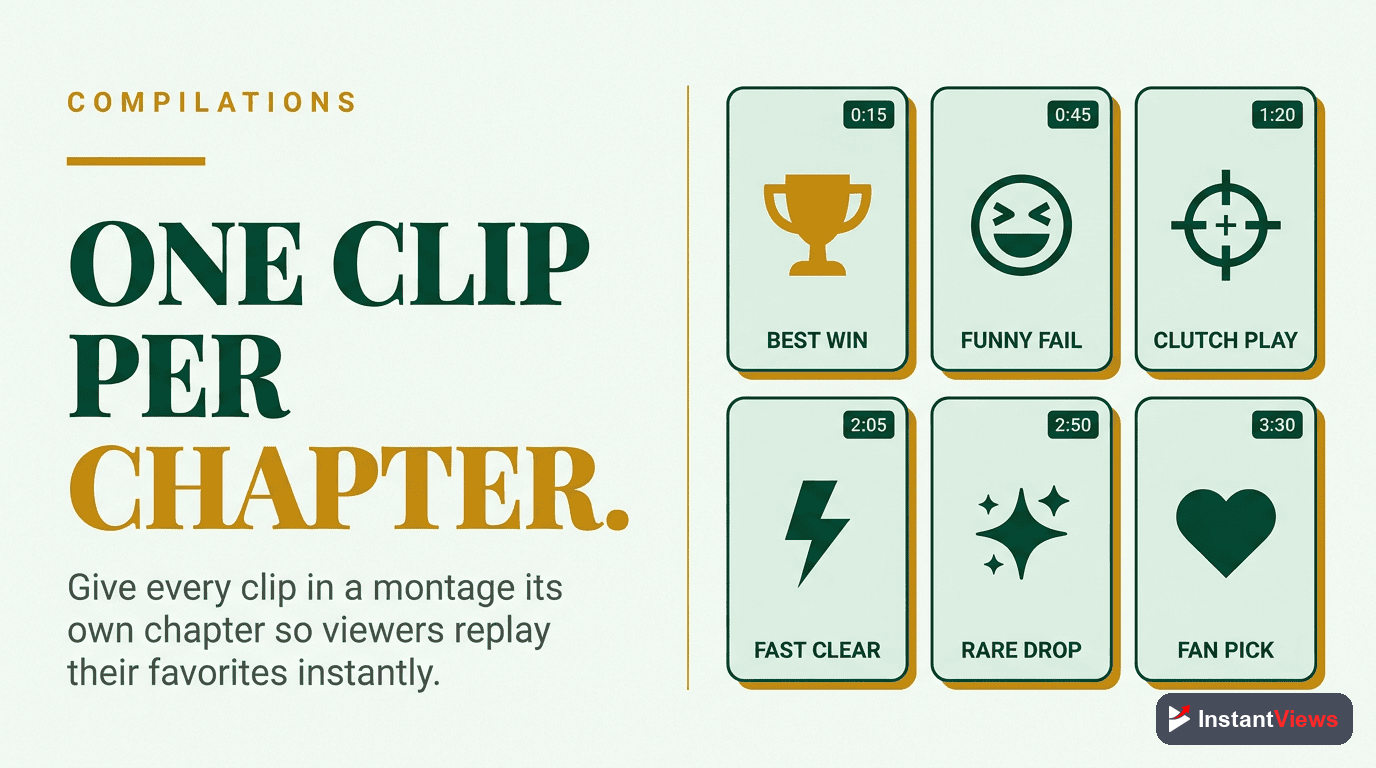
Compilations are the most chapter-dependent gaming content. Without chapters, viewers can't navigate between highlights—killing your rewatch value.
Compilation Chapter Rules
- Chapter every single clip: "Clip 1: Triple Kill", "Clip 2: 360 No-Scope", etc.
- Use descriptive titles: Not "Clip 1" but "Insane AWP Flick Shot"
- Include context: "vs. Team Liquid", "Rank: Immortal 3"
- Front-load keywords: "Ace: 1v5 Clutch" not "Clutch where I got an ace in a 1v5"
- Group by theme: All funny moments together, all skill shots together
Example: "Best FPS Moments - December 2025"
0:00 - Intro
0:15 - Insane AWP Ace
0:48 - Wallbang Collateral Kill
1:20 - 1v5 Clutch with 10 HP
2:05 - Knife Kill on Sniper
2:28 - Perfect Spray Transfer
2:55 - Funny Enemy Rage in Chat
3:10 - Accidental Team Flash Wipe
3:42 - Ninja Defuse Victory
4:15 - No-Scope Headshot
4:38 - Comeback from 0-11
5:50 - Tournament Winning Ace
6:35 - Overtime Clutch
7:10 - Rank Up to Global Elite
7:28 - Outro & Next Video
Themed Compilation Strategies
| Compilation Type | Chapter Strategy | Example Title Format |
|---|---|---|
| Funny Moments | Chapter each joke/fail | "Epic Fail #1", "Glitch Laugh" |
| Best Plays | Chapter by play type | "Ace #1", "Clutch #3" |
| Tutorial Compilation | Chapter by technique | "Bunny Hop Guide", "Crosshair Placement" |
| Rage Moments | Chapter each incident | "Desk Slam", "Uninstalling Game" |
| Speedrun Highlights | Chapter by trick/world | "World 1 Skip", "Boss Glitch" |
Compilation videos without chapters get 40-60% less watch time. Viewers bounce when they can't skip to highlights. Every clip needs a timestamp.
Advanced Gaming Chapter Techniques
1. Spoiler-Free Chapter Titles
For story-heavy games, some viewers want navigation without spoilers:
- Generic but useful: "Chapter 3 Boss", "Area 4 Exploration"
- Vague descriptions: "Emotional Cutscene", "Major Plot Point"
- Mechanical focus: "Puzzle Section", "Stealth Segment"
2. Difficulty-Based Chapters
For guides, separate chapters by difficulty:
0:00 - Easy Mode Walkthrough
15:30 - Normal Mode Additional Tips
18:45 - Hard Mode Strategy Changes
25:10 - Nightmare Difficulty Guide
3. Multi-Language Chapter Support
For international audiences, some creators add timestamps in multiple languages in the description, or create separate timestamp sections.
4. Build/Loadout Chapters
For games with character builds or loadouts:
0:00 - Build Overview
2:30 - Early Game Strategy (Levels 1-10)
8:45 - Mid Game Power Spike (Levels 11-20)
14:20 - Late Game Full Build
19:30 - Gameplay Demonstration
28:40 - Alternative Builds Discussion
When NOT to Use Chapters in Gaming Videos
A few gaming video types work better without chapters:
- Cinematic montages: Music-driven content designed for start-to-finish viewing
- Short clips (under 3 min): Not enough content to warrant navigation
- Intense competitive matches: Adding chapters might break immersion for viewers who want to experience the full tension
- ASMR gaming: Relaxation content where interruption defeats the purpose
- Lore/story analysis: Linear narratives that shouldn't be jumped through
For these formats, let the content flow naturally without segmentation.
Frequently Asked Questions
Chapters work best for videos over 10 minutes with distinct segments. Perfect for Let's Plays, walkthroughs, and compilations. Skip chapters for short clips under 3 minutes or intense competitive gameplay where interruption hurts immersion.
For a 30-minute gaming video, aim for 6-10 chapters. Mark major events, level changes, boss fights, or topic transitions. Each chapter should be 2-5 minutes long. Avoid excessive chaptering (15+) which fragments the viewing experience.
Use specific, searchable titles: "Boss Fight: Malenia" beats "Boss 3". Include level numbers, character names, or key moments. Front-load important keywords for mobile. Examples: "Round 1: Victory Royale", "Act 2: Stealth Section", "Funny Moment: Glitch at 15:30".
No. Gaming videos with chapters see 15-25% higher watch time. Viewers skip to highlights but stay longer overall. Without chapters, frustrated viewers leave entirely. With chapters, they navigate to relevant parts and stay engaged.
Absolutely. Speedrun chapters are essential. Mark each major split, world/level transition, and trick execution. Viewers often want to study specific segments. Chapters make your speedrun more replayable and shareable, increasing watch time.
After the stream, review the VOD and mark major moments: game starts, big plays, funny moments, subscriber interactions, breaks, and new games. Many streamers add chapters within 24 hours of streaming to boost VOD viewership by 30-50%.
Chapter each clip or highlight separately. Use descriptive titles like "Crazy AWP Ace", "200 IQ Play", "Funny Rage Moment". Viewers love jumping between highlights. This increases shares and rewatch rate significantly.
Yes, and you should. Adding chapters to existing gaming content can revive old videos. Viewers find and rewatch specific moments, boosting the video back into recommendations. Start with your most popular videos for fastest impact.
Final Thoughts
Gaming content is inherently navigable. Players want specific moments: the boss fight, the clutch play, the funny glitch, the speedrun trick. Chapters transform your gaming videos from monolithic blocks into browsable content libraries.
Key strategies to remember:
- Let's Plays: Chapter major segments, key moments, and deaths/victories
- Speedruns: Mark every split, world transition, and major trick
- Walkthroughs: Organize by viewer intent—what they're trying to accomplish
- Live Stream VODs: Add chapters within 24 hours; mark game changes and big moments
- Compilations: Every single clip gets its own chapter with descriptive title
Start with your most popular gaming videos. Add chapters using specific, searchable titles. Monitor your analytics for 2-4 weeks. You'll see higher watch time, more engagement, and increased sharing—especially from viewers who return to rewatch specific moments.
Gaming audiences are trained to navigate content. Give them the tools to do it on your channel.
Related guides:
- How to Add Chapters to YouTube Videos (Complete Guide)
- Best YouTube Chapter Length for Maximum Engagement
- Free YouTube Timestamp Generator