- Regular SEO audits are essential - monthly for growing channels, quarterly for established ones
- Focus on 5 core areas: metadata, engagement metrics, technical elements, content quality, and competitive analysis
- Most SEO issues can be fixed retroactively - updating old videos often yields 20-50% view increases
- Use the InstantViews Video Analyzer for automated SEO scoring and specific recommendations
- Track improvements over time - SEO is iterative, not one-and-done
Your videos might be perfectly produced, but if they're not optimized for search and recommendations, they're invisible. 67% of YouTube views come from search and suggested videos - and both depend heavily on SEO.
A proper SEO audit reveals exactly what's preventing your videos from ranking and getting recommended. More importantly, it gives you a clear action plan to fix those issues.
This guide provides a complete, step-by-step SEO audit process you can apply to any video - with a checklist, common issues, and proven fixes.
Why SEO Audits Matter
YouTube's algorithm evaluates hundreds of signals to determine which videos to show. Even small optimizations can create significant results:
- Title optimization can increase CTR by 20-40%
- Better descriptions improve search rankings within 3-7 days
- Adding chapters increases watch time by 5-10%
- Thumbnail improvements often double video views
The best part? Most SEO fixes can be applied to existing videos, giving your entire library a performance boost.

Step 1: Audit Video Metadata
Title, Description, Tags & Thumbnail
Metadata tells YouTube what your video is about and helps it decide who to show it to. This is your foundation.
What to Check
Title Analysis:
- Does it include your target keyword naturally?
- Is it specific enough to filter out wrong audiences?
- Does it promise clear value or create curiosity?
- Is it different from competing videos?
Description Quality:
- First 2 sentences contain primary and secondary keywords
- Provides context about what viewers will learn
- Includes timestamps for major sections
- Has links to related content and social media
- Ends with a clear CTA (subscribe, next video, etc.)
Tags Strategy:
- Mix of broad category tags and specific long-tail phrases
- Include common misspellings and variations
- Add branded tags (channel name, series name)
- Total of 8-12 tags (more doesn't help)
Thumbnail Effectiveness:
- Clear focal point that draws the eye
- High contrast colors that pop in small size
- Text is large and readable (if used)
- Faces show emotion (if applicable)
- Distinct from other thumbnails in search results
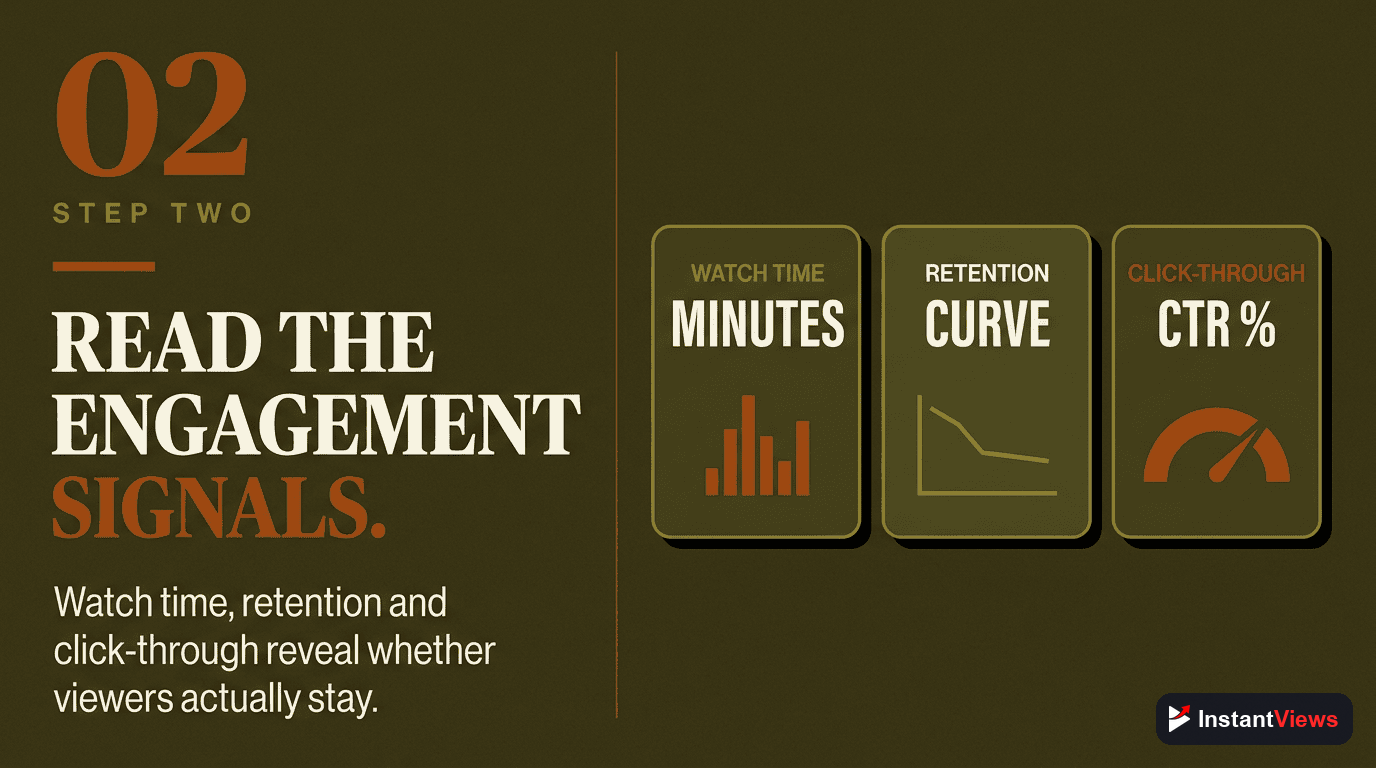
Step 2: Analyze Engagement Metrics
CTR, Watch Time & Engagement
These metrics tell you if your video is resonating with the audience YouTube shows it to.
Key Metrics to Audit
| Metric | Good | Needs Work | What It Means |
|---|---|---|---|
| CTR | 8-12%+ | <4% | Title/thumbnail effectiveness |
| Avg. View Duration | 50%+ | <30% | Content quality and pacing |
| 30s Retention | 70%+ | <50% | Hook effectiveness |
| Engagement Rate | 4-6% | <2% | Audience connection |
| Shares | 0.5%+ | <0.1% | Content shareability |
Where to Find This Data: YouTube Studio > Analytics > Engagement tab. Look at the first 7 days after publishing for accurate signals.
Step 3: Review Technical Elements
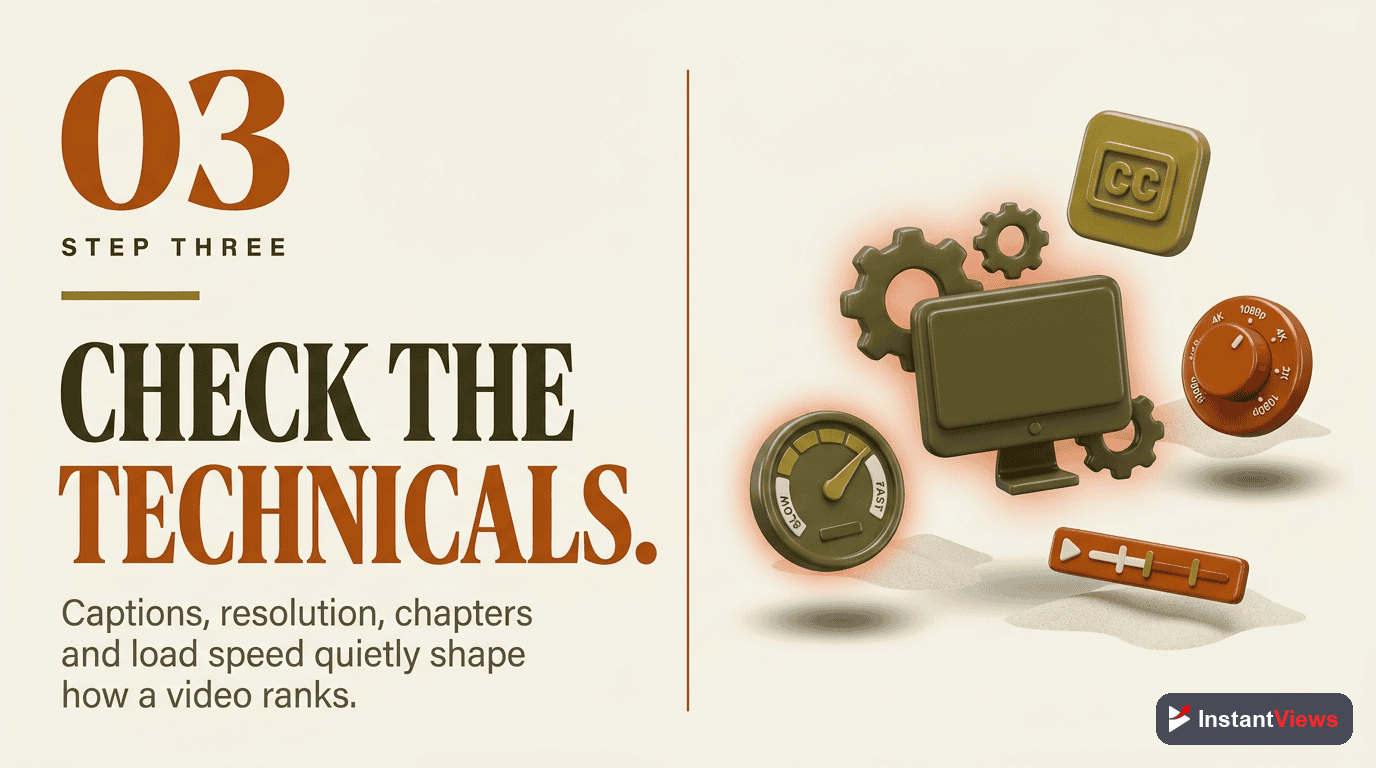
Quality, Accessibility & Features
Technical optimization improves user experience and helps YouTube understand your content better.
Technical Checklist
Video Quality:
- Resolution: 1080p minimum (4K for tutorials/showcases)
- Frame rate: 24-60fps consistently
- No pixelation or compression artifacts
- Good lighting (if showing people/products)
Audio Quality:
- Clear voice audio (no echo or muffling)
- Background music doesn't overpower voice
- Consistent volume throughout
- No jarring audio cuts or pops
Accessibility Features:
- Closed captions (manual is better than auto)
- Chapters at major topic changes
- Visual descriptions for important moments
- Color contrast for text overlays
Step 4: Evaluate Content Quality
Hook, Value & Pacing
The best SEO can't save weak content. Audit whether your video actually delivers on its promise.
Content Quality Assessment
Hook Analysis: Watch your first 30 seconds. Does it:
- Start with the most interesting point?
- Create curiosity or promise immediate value?
- Avoid wasting time on greetings or intros?
- Match the energy of your target audience?
Value Delivery:
- Does the video fully answer the title's question?
- Is the content depth appropriate for topic?
- Are there actionable takeaways viewers can use?
- Is information presented clearly and concisely?
Pacing Check:
- Look at retention graph - where do people drop off?
- Are slow sections necessary or just filler?
- Could any segment be cut or tightened?
- Is there momentum building toward the end?
Step 5: Check Competitive Position
How You Stack Up
Your video doesn't exist in isolation. Compare it to what's already ranking for your target keywords.
Competitive Analysis Questions
- Title comparison: Is yours as compelling as top-ranking videos?
- Thumbnail test: Does yours stand out in search results?
- Content depth: Is your video more comprehensive or more focused?
- Unique angle: What makes your video different/better?
- Channel authority: Are you competing against much larger channels?
If top-ranking videos are all from channels 10x your size, you may need a more specific/niche keyword. Find the gaps where you can actually compete.
Get Your SEO Audit Report
Analyze any YouTube video and get detailed SEO recommendations in seconds with our Video Analyzer.
Audit Your Video Now →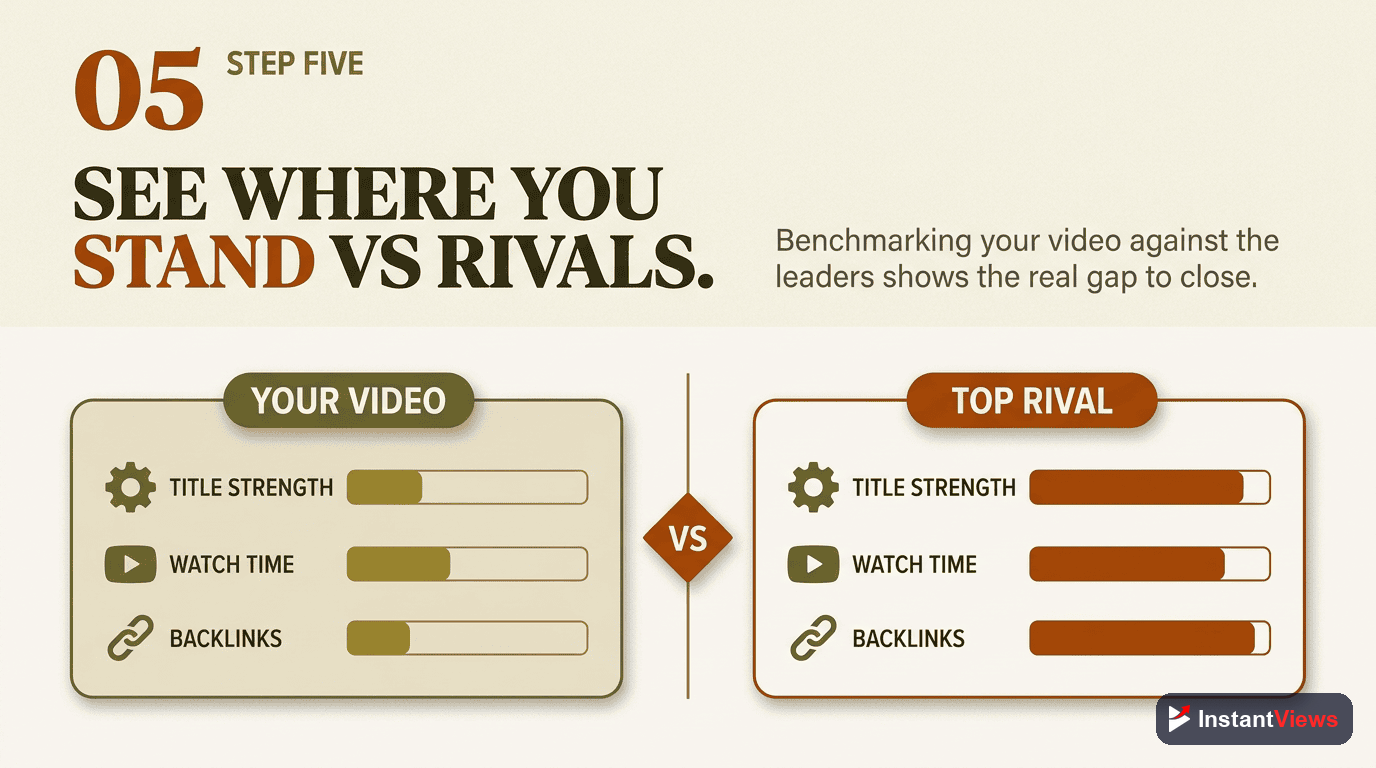
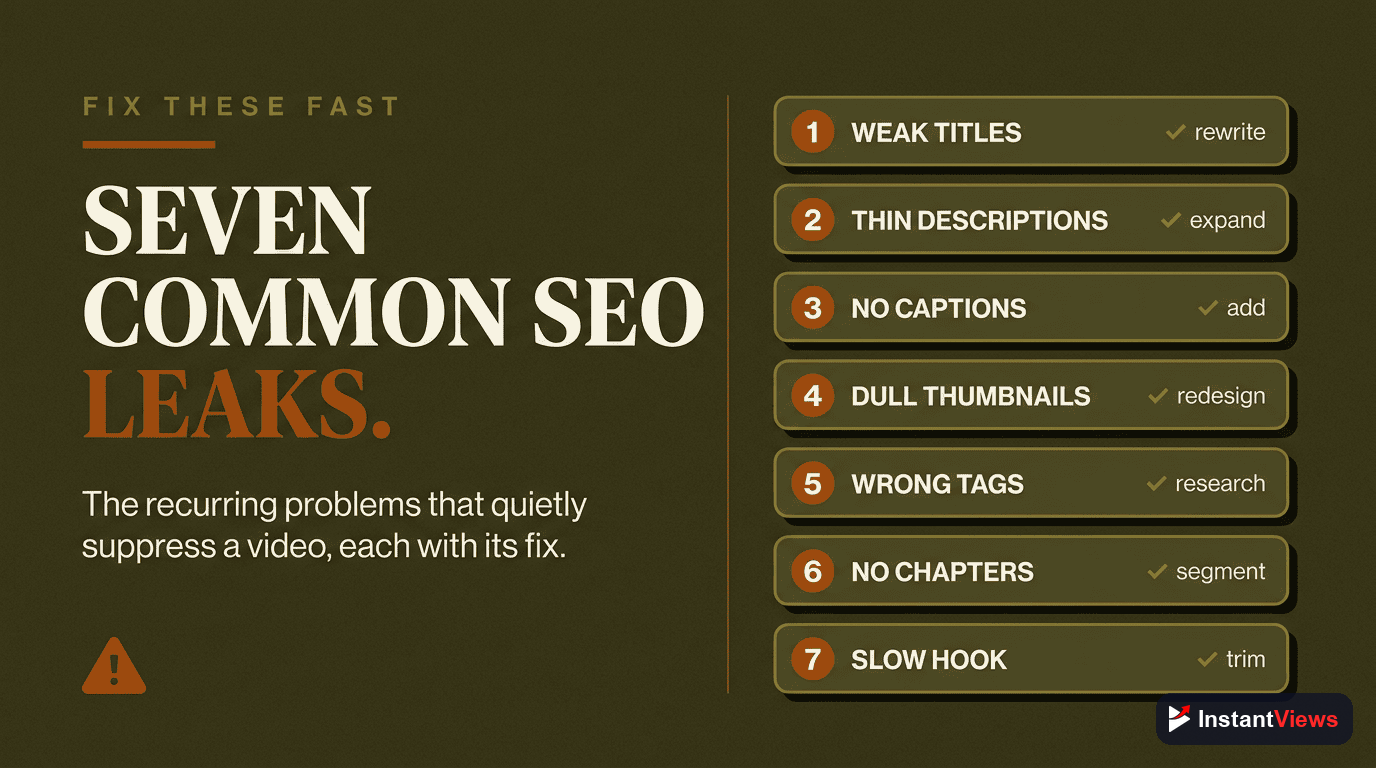
7 Common SEO Issues & How to Fix Them
Issue #1: Low Click-Through Rate
Problem: Your video is getting impressions but people aren't clicking. This signals to YouTube that your video isn't relevant or interesting.
1. Update your title to be more specific and curiosity-driven
2. Create a new thumbnail with better contrast and clearer focal point
3. A/B test multiple versions to see what works
4. Check competing videos - are theirs more compelling?
Issue #2: Poor 30-Second Retention
Problem: People click but immediately leave. Your hook isn't working or there's a mismatch between promise and delivery.
1. Re-edit your opening to start with the most interesting point
2. Remove any intro graphics, greetings, or channel promotions
3. State exactly what the video will cover in first 10 seconds
4. Ensure title/thumbnail promise matches actual content
Issue #3: Not Ranking in Search
Problem: Your video isn't showing up for target keywords, meaning YouTube doesn't understand what it's about or doesn't trust it's relevant.
1. Add target keyword to first 5 words of title
2. Include keyword naturally in first 2 sentences of description
3. Create chapters with keyword-rich titles
4. Add 8-12 relevant tags including keyword variations
5. Build watch time - promote video to get initial engagement
Issue #4: High Bounce Rate
Problem: People watch but don't like, comment, or click to other videos. This limits your recommendation potential.
1. Add clear CTAs throughout video (ask questions, prompt comments)
2. Insert cards to related videos at high-retention points
3. Create more controversial/discussion-worthy content
4. Improve end screen with compelling next-video options
5. Pin a comment asking a question to encourage replies
Issue #5: Missing Technical Elements
Problem: You're missing simple optimizations that improve user experience and help YouTube understand your content.
1. Add chapters at major topic changes (format: 0:00 Intro, 2:15 Topic 1, etc.)
2. Review and correct auto-generated captions (or add manual ones)
3. Create end screen template with 2 video suggestions + subscribe button
4. Add cards at moments when you mention related topics
5. Set proper category and video language
Issue #6: Weak Description
Problem: Your description is either too short (giving YouTube little context) or keyword-stuffed (which can hurt rankings).
1. Write 200-300 word description that naturally includes keywords
2. First 2 sentences should summarize video and include primary keyword
3. Add timestamps for all major sections
4. Include links to related videos, playlists, and resources
5. End with social links and CTA
Issue #7: Wrong Audience Targeting
Problem: Video is getting views but from audience that doesn't subscribe or engage. This happens when title/thumbnail attracts wrong people.
1. Make title more specific to filter out casual browsers
2. Update thumbnail to reflect actual skill level or content type
3. Add qualifier to title ("Beginner's Guide", "Advanced Tutorial", etc.)
4. Check analytics: who's watching? Adjust content to match or change targeting
5. Consider creating separate videos for different audience segments
Your Audit Action Plan
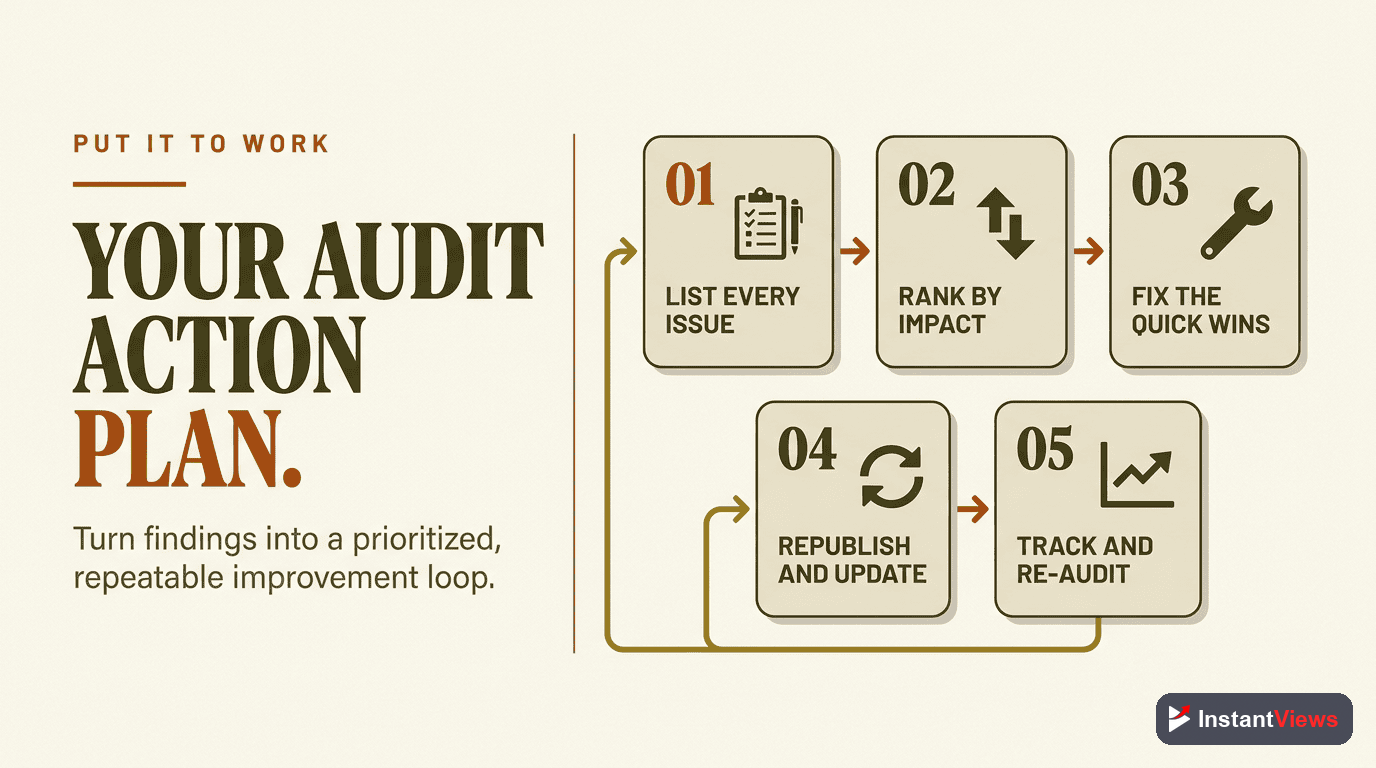
Here's how to systematically improve your video SEO:
Week 1: Quick Wins
- Add chapters to all videos missing them
- Update descriptions to 200+ words with keywords
- Add end screens to videos missing them
- Review and fix captions on top 10 videos
Week 2: Metadata Optimization
- Audit titles on 20 most-viewed videos - update weak ones
- Identify videos with CTR below 4% and redesign thumbnails
- Optimize tags on all recent videos (last 3 months)
- Add missing playlist assignments
Week 3: Content Improvements
- Identify videos with poor retention and pinpoint drop-off points
- Consider re-editing intros on videos with weak hooks
- Add cards at high-retention moments in top videos
- Update older videos with new information (adds "freshness signal")
Ongoing: Monthly Audits
- Review analytics for all videos published in last 30 days
- Identify underperformers and apply fixes
- Check search rankings for target keywords
- Update strategy based on what's working
Measuring Audit Success
Track these metrics before and after making changes:
- 7-day performance: Compare views/CTR/retention for videos pre and post-optimization
- Search rankings: Check if you're moving up for target keywords
- Channel authority: Overall channel views and watch time trending up
- Recommendation rate: Percentage of views from suggested videos increasing
"We audited our 50 top videos and made simple metadata updates. Within 30 days, channel views increased 34% with zero new content." - Tech tutorial channel with 450K subs
Frequently Asked Questions
Audit your videos monthly for growing channels, quarterly for established ones. New videos should be audited 7-14 days after publishing when you have enough data. If a video underperforms, audit it immediately to identify issues.
There's no universal SEO score, but aim for: 10%+ CTR, 50%+ average view duration, 5%+ engagement rate (likes, comments, shares), and increasing watch time over time. Compare against your own channel averages and niche benchmarks.
Yes! Update titles, descriptions, and thumbnails on existing videos. YouTube will re-index your content. Many creators see 20-50% view increases after optimizing underperforming videos. Focus on videos that already have some traction.
The biggest mistakes are: weak titles that don't include keywords, empty or keyword-stuffed descriptions, missing tags, no chapters or timestamps, poor thumbnails, and ignoring analytics data. Most are easy fixes with immediate impact.
Title and thumbnail changes can show results within 24-48 hours. Description and tag updates take 3-7 days for re-indexing. Overall channel SEO improvements typically show measurable results within 2-4 weeks of consistent optimization.
No. YouTube Analytics provides most data you need. Free tools like InstantViews Video Analyzer, Google Trends, and TubeBuddy's free tier cover the rest. Focus on understanding the data rather than collecting more of it.