- A serious creator needs one reliable tool in five categories — research, packaging, publishing, analytics, and repurposing — not dozens of disconnected apps
- The real advantage is not any single tool but how they connect into one repeatable weekly workflow
- Because the 2026 algorithm rewards viewer satisfaction and retention, research and analytics are the highest-leverage parts of the stack
- You can run a complete stack on free tools at first and add paid depth only when the time savings clearly pay for themselves
- AI can accelerate every stage, but your judgment and original perspective are what make a video genuinely satisfying
Search for "YouTube growth tools" and you will drown in lists of fifty apps. The truth is that serious creators do not use fifty tools. They use a small, deliberate stack — one trusted tool in each part of their process — and, more importantly, they have wired those tools into a single repeatable workflow. The tool is never the point. The system the tools create is.
With more than 2.7 billion monthly active users and over a billion hours watched every day, YouTube is the most competitive discovery surface on the internet. Winning on it is not about owning the most expensive software. It is about making one good decision at each stage of producing a video — what to make, how to package it, how to publish it, what the data says, and how to squeeze more reach out of every upload — and letting each decision inform the next.
This guide is intentionally opinionated. Instead of cataloguing every product on the market, it lays out the five tool categories that matter, explains how the pieces connect, and gives you a concrete weekly workflow that turns a pile of apps into a growth engine. We will stay focused on types of tools and how they work together — because the brand you choose matters far less than whether your stack actually flows.
One more framing note for 2026: YouTube has publicly confirmed that the algorithm now weighs viewer satisfaction and retention more heavily than raw watch time, and it is actively reducing the spread of low-value, mass-produced content. That single shift changes which parts of your stack matter most — and it is why this guide puts research and analytics at the center.
- Think in Stacks, Not Apps
- The Five Categories Every Stack Needs
- 1. Research: Decide What to Make
- 2. Packaging: Win the Click
- 3. Publishing & SEO: Get Discovered
- 4. Analytics: Read What Worked
- 5. Repurposing: Multiply Every Video
- How the Tools Connect: A Weekly Workflow
- Free vs Paid: When to Upgrade
- Common Tool-Stack Mistakes
- FAQ
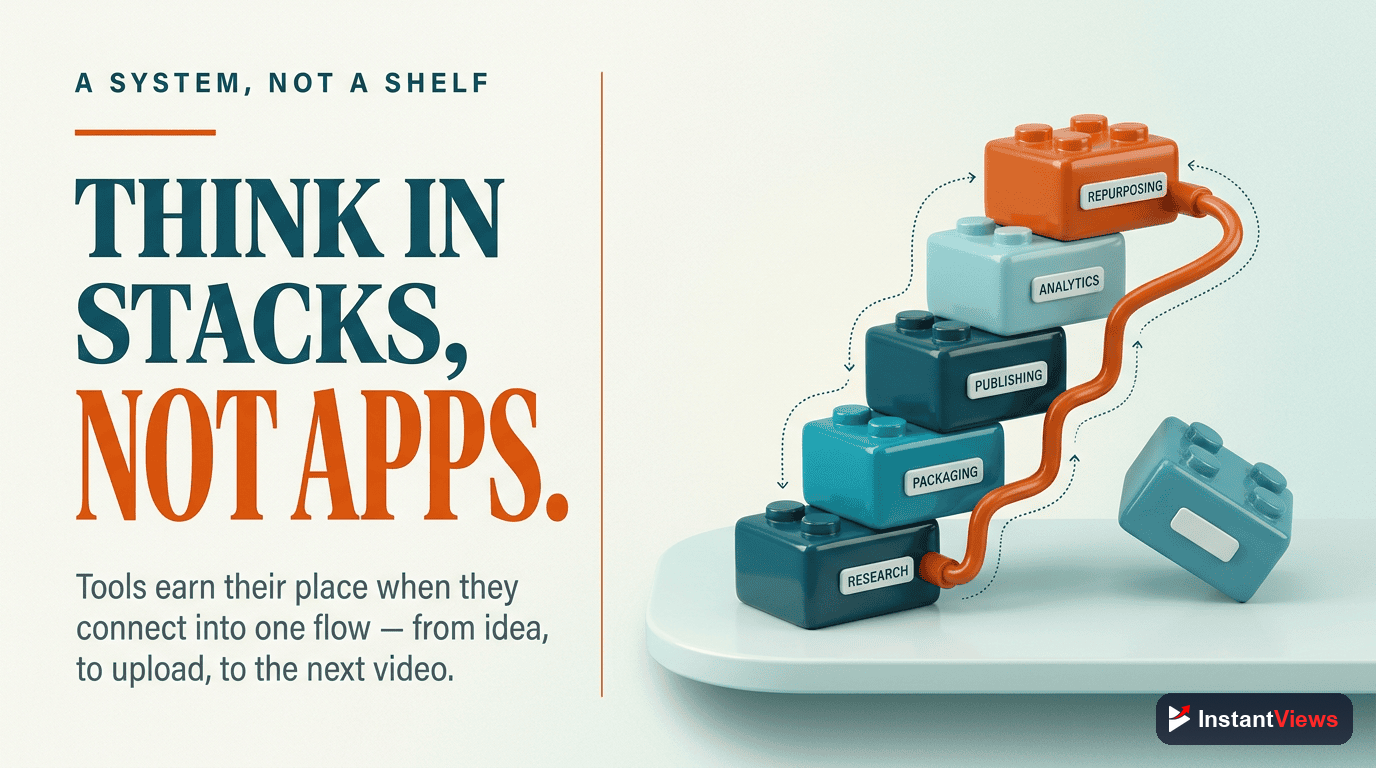
Think in Stacks, Not Apps
The mistake most creators make is collecting tools the way they collect browser tabs. They sign up for one because a video recommended it, another because it was on sale, a third because a competitor mentioned it — and end up with overlapping subscriptions that never talk to each other. The result is friction, not growth.
A stack is different. A stack is a set of tools chosen because they cover a complete process end to end, and because the output of one becomes the input of the next. Your research tool surfaces a topic; that topic shapes your title and thumbnail; your packaging informs how you publish; publishing produces data; the data tells you what to make and repurpose next. Nothing is wasted, and nothing is duplicated.
When you think in stacks, you stop asking "what is the best YouTube tool?" and start asking the better question: "what is the one decision I need to make at this stage, and which tool helps me make it fastest and best?" That reframing alone will save you money and hours every week.
The Five Categories Every Stack Needs
No matter your niche or channel size, producing a video that grows your channel comes down to five jobs. A complete stack has one dependable tool for each:
- Research — deciding what to make, based on real demand and proven patterns.
- Packaging — crafting the title and thumbnail that earn the click.
- Publishing & SEO — making the upload discoverable through metadata, chapters, and end screens.
- Analytics — reading what actually worked and why.
- Repurposing — turning one video into many pieces of reach.
The table below maps each workflow stage to the type of tool it needs and the outcome you should expect from it. Notice that the outcome of one stage feeds directly into the next — that is what makes it a stack rather than a shopping list.
| Workflow Stage | Tool Type | Outcome |
|---|---|---|
| Research | Keyword & topic / outlier research | A validated topic with proven demand |
| Packaging | Title & thumbnail tester | A click-worthy package you trust |
| Publishing & SEO | Metadata & SEO assistant | A discoverable, fully optimized upload |
| Analytics | Studio plus deeper analytics | A clear read on retention and satisfaction |
| Repurposing | Clip & multi-format editor | Shorts and posts that extend reach |

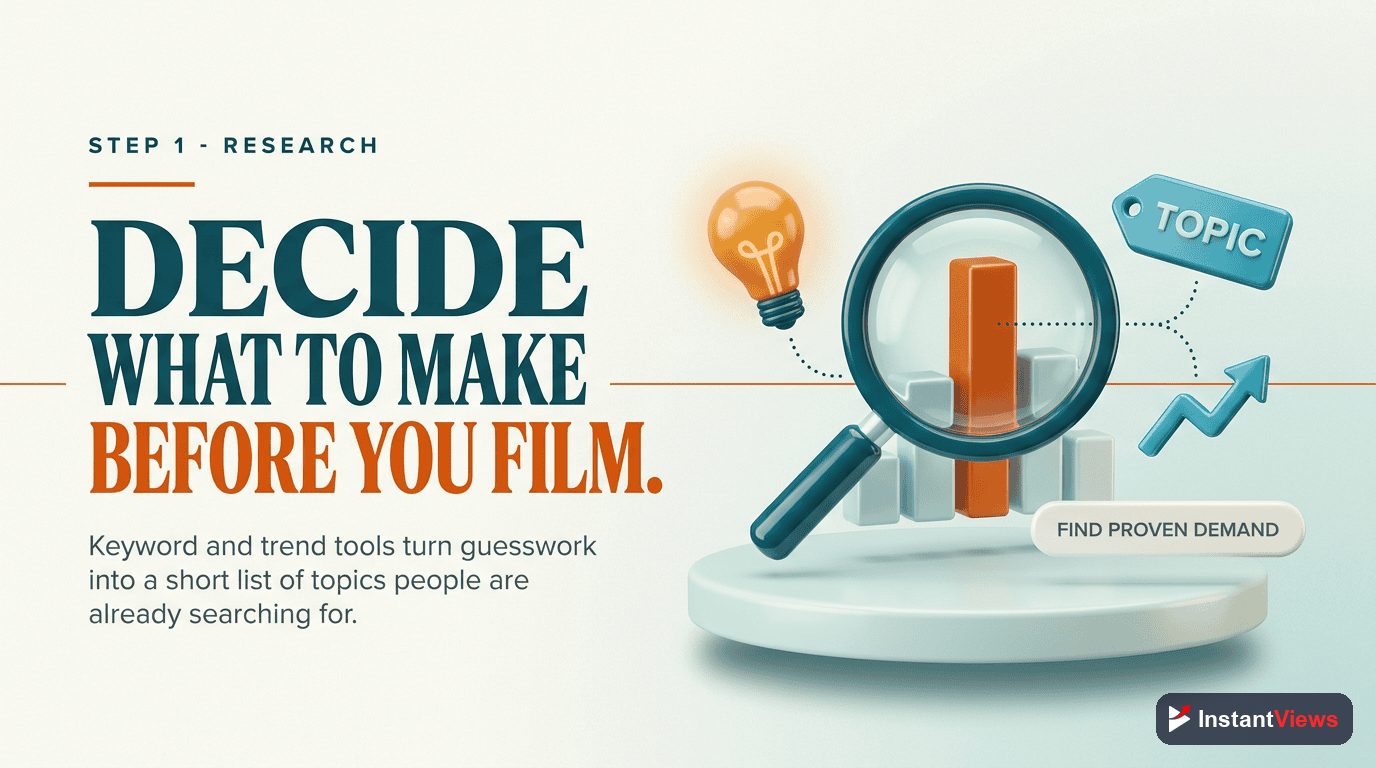
1. Research: Decide What to Make
Research is the highest-leverage stage in your entire stack, because no amount of editing polish can save a video nobody wanted. A good research tool answers two questions before you ever press record: is there real demand for this topic, and what has already worked in this space?
The strongest research tools in 2026 go beyond raw keyword volume. They surface outlier videos — videos that vastly outperformed the size of the channel that made them — so you can reverse-engineer why a topic, angle, or format resonated. That is far more useful than a search number, because it shows you demand and proven packaging at the same time.
What to Look For in a Research Tool
- Demand signals: search volume, trends, and momentum in your niche.
- Outlier detection: which videos punched above their channel weight, and why.
- Competitor and gap analysis: topics your niche is hungry for but underserving.
- Idea capture: a place to save and rank topic ideas for your calendar.
2. Packaging: Win the Click
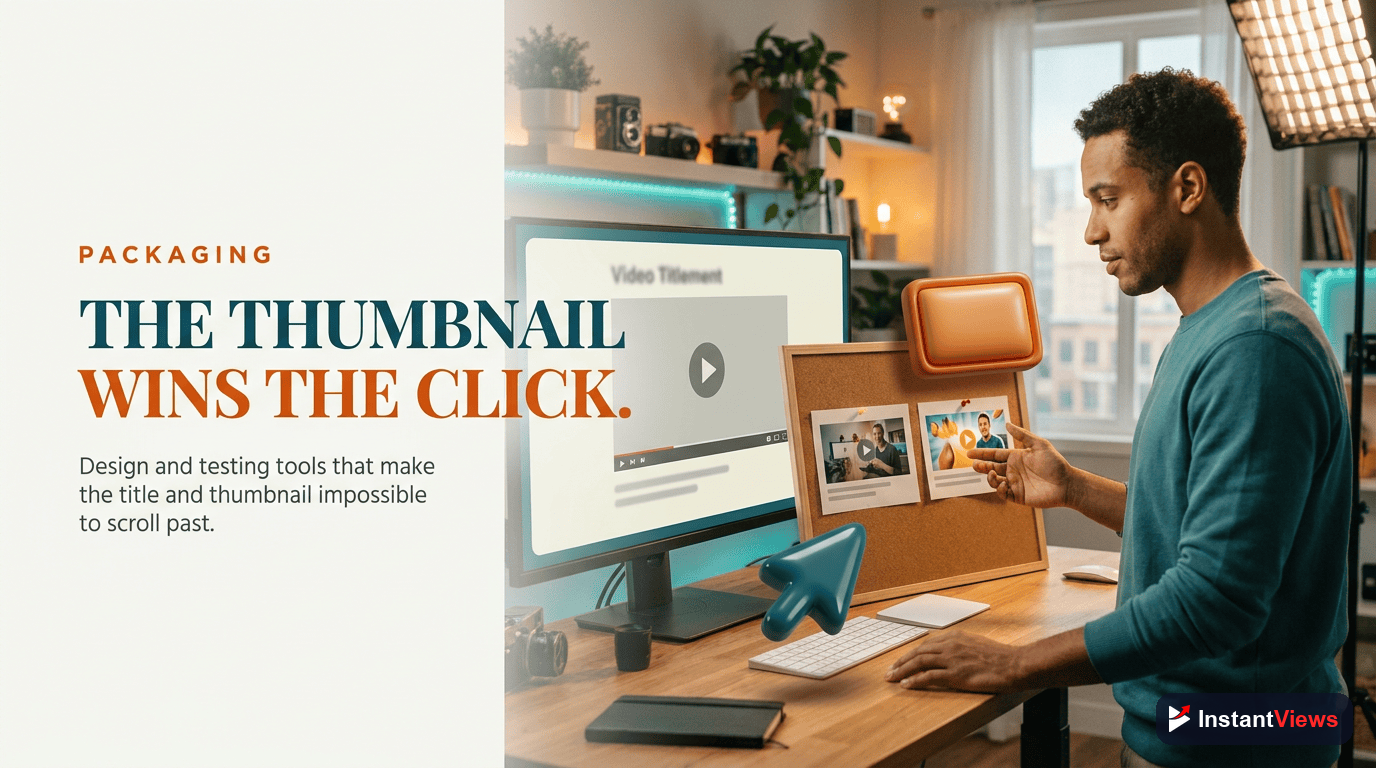
Packaging — your title and thumbnail — is where research becomes a click. You can make the most useful video in your niche, but if the package does not earn the click, the algorithm never gets the chance to show it to more people. This is why a dedicated packaging tool is non-negotiable for serious creators.
The best packaging tools let you generate and compare multiple title and thumbnail concepts, then score them for the qualities that drive clicks: clarity, curiosity, and emotion. Some let you A/B test thumbnails so the audience, not your gut, picks the winner. The point is to remove guesswork from the most important decision a viewer ever makes about your video.
How Research Feeds Packaging
This is the stack in action. The outlier videos your research tool surfaced are also a packaging masterclass — they show you the title structures and thumbnail styles that already worked for your topic. You are not copying; you are studying proven patterns and adapting them to your angle. Research and packaging are two halves of the same decision: what will make a stranger stop scrolling and click?
- Titles: test several angles — how-to, list, contrarian, result-driven — against the same topic.
- Thumbnails: compare concepts for instant readability on a small mobile screen.
- Consistency: keep a recognizable style so loyal viewers spot your videos at a glance.
3. Publishing & SEO: Get Discovered
Once the package is set, publishing is about making sure YouTube and search engines understand — and recommend — your video. A publishing and SEO assistant handles the metadata layer that surrounds every upload: the description, tags, chapters, captions, end screens, and cards.
None of these replace good packaging, but together they widen the surfaces where your video can be found and they guide viewers to a logical next step. Chapters improve retention by helping viewers navigate; a keyword-aware description helps your video surface in search; end screens and cards keep viewers inside your content instead of leaving the platform.
The Publishing Checklist Your Tool Should Cover
- Description: a clear, keyword-aware opening that summarizes the value and includes your key link.
- Chapters and timestamps: so viewers can jump to what they want and stay longer.
- Captions and accessibility: accurate subtitles that widen your reach.
- End screens and cards: a deliberate next video to keep the session going.
SEO tools optimize the wrapper, not the video. In 2026 the algorithm rewards genuine viewer satisfaction and is reducing the spread of low-value, mass-produced content. No amount of tag stuffing will rescue a video that does not hold attention — optimize the metadata, but win on the content itself.
Build Your Stack With Free Tools
Explore our free suite of YouTube tools to research topics, sharpen titles, and analyze what is working at every stage of your workflow — no signup required.
Explore Free YouTube Tools →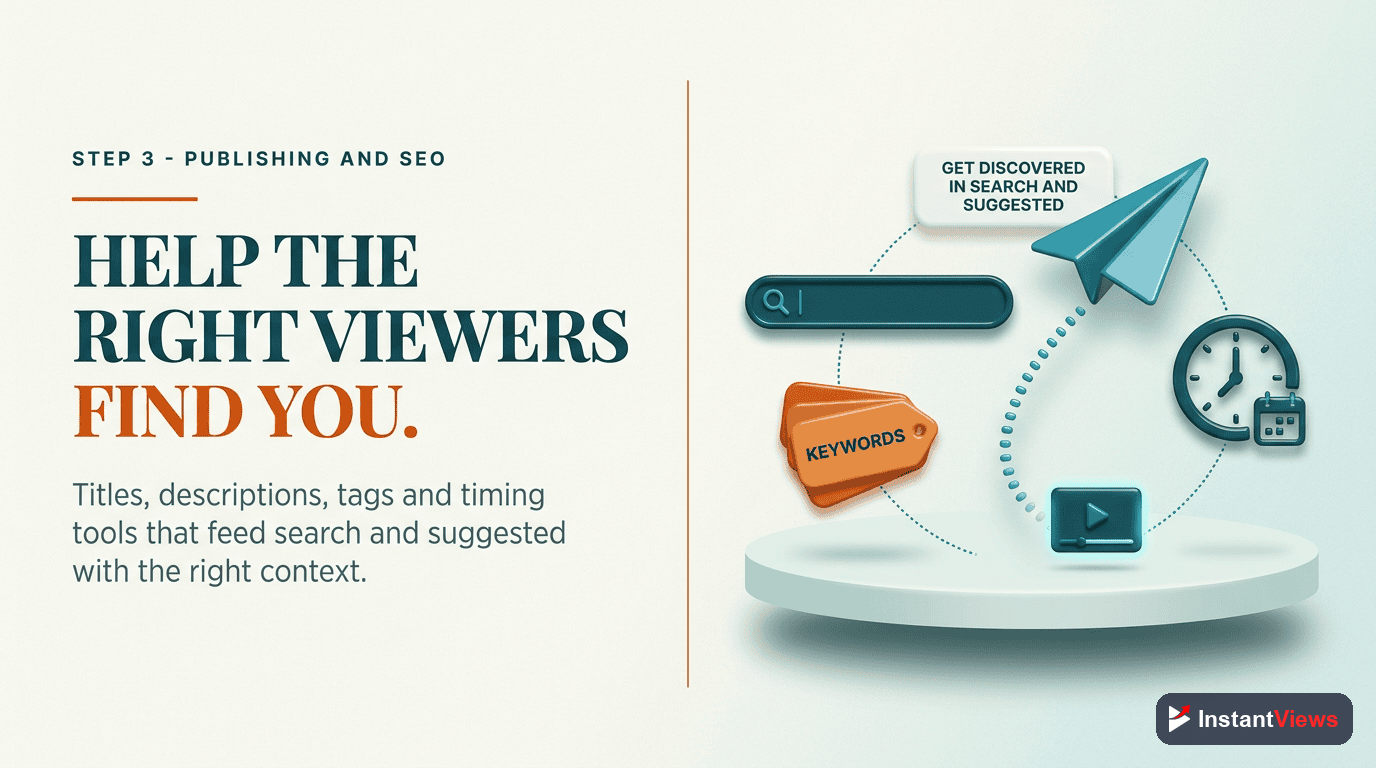
4. Analytics: Read What Worked
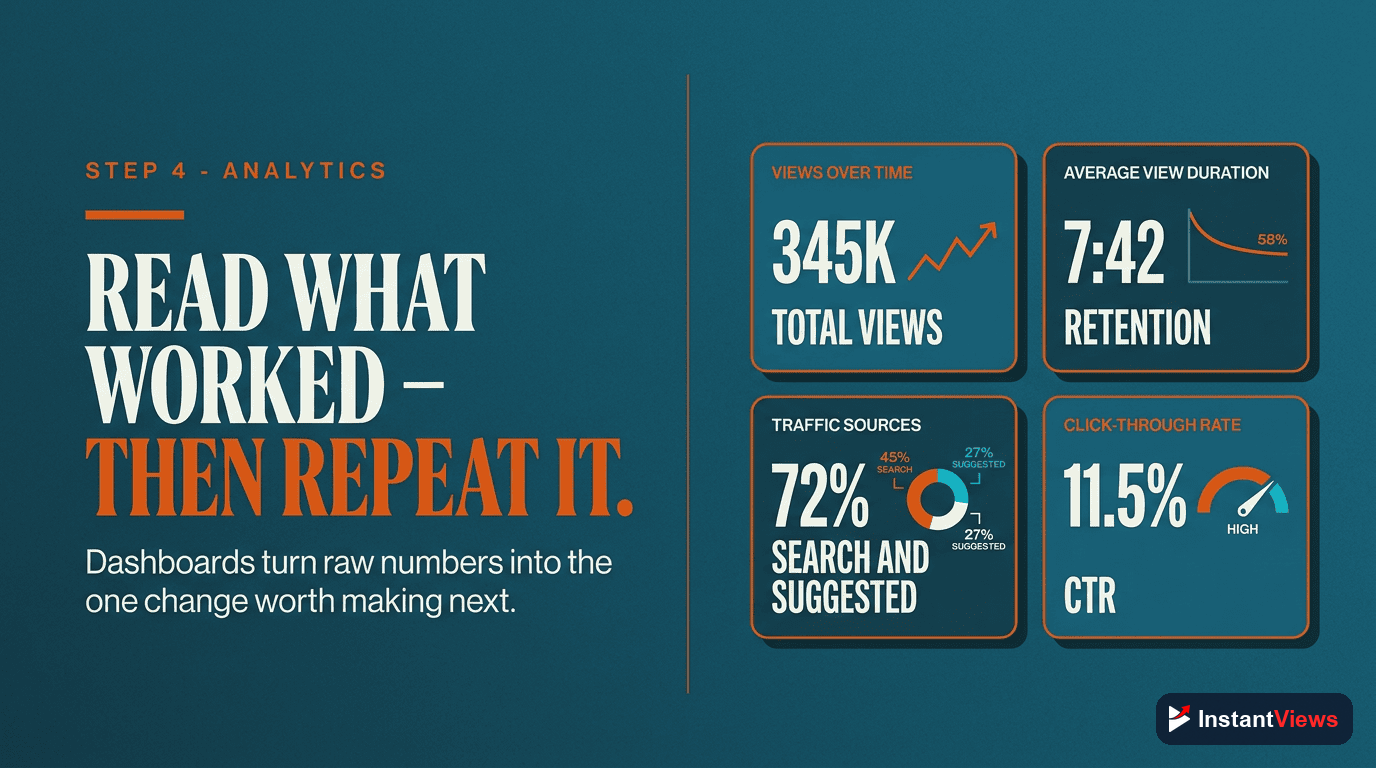
Analytics is where your stack becomes a feedback loop instead of a one-way assembly line. Every published video produces data, and that data is the raw material for your next round of research. Skip this stage and you are guessing forever.
Your foundation here is YouTube Studio, which is free and surprisingly deep. Layer a third-party analytics tool on top when you want faster comparisons across videos, competitor benchmarking, or alerts. But the tool matters less than knowing which numbers to read at each stage of the funnel.
The Metrics That Matter in 2026
- Click-through rate (CTR): did your packaging earn the click? A low CTR points back to titles and thumbnails.
- Average view duration and retention: did the video hold attention? In 2026 this matters more than raw watch time.
- Returning viewers and satisfaction signals: completion and replays signal genuine satisfaction more than likes alone.
- Conversions: clicks, sign-ups, and sales for videos meant to drive action.
The discipline is simple: review a video a few days after it goes live, find the single weakest metric, and let that diagnosis shape your next research session. Weak CTR? Study packaging. Weak retention? Study structure and pacing. The loop closes here and starts again.
5. Repurposing: Multiply Every Video
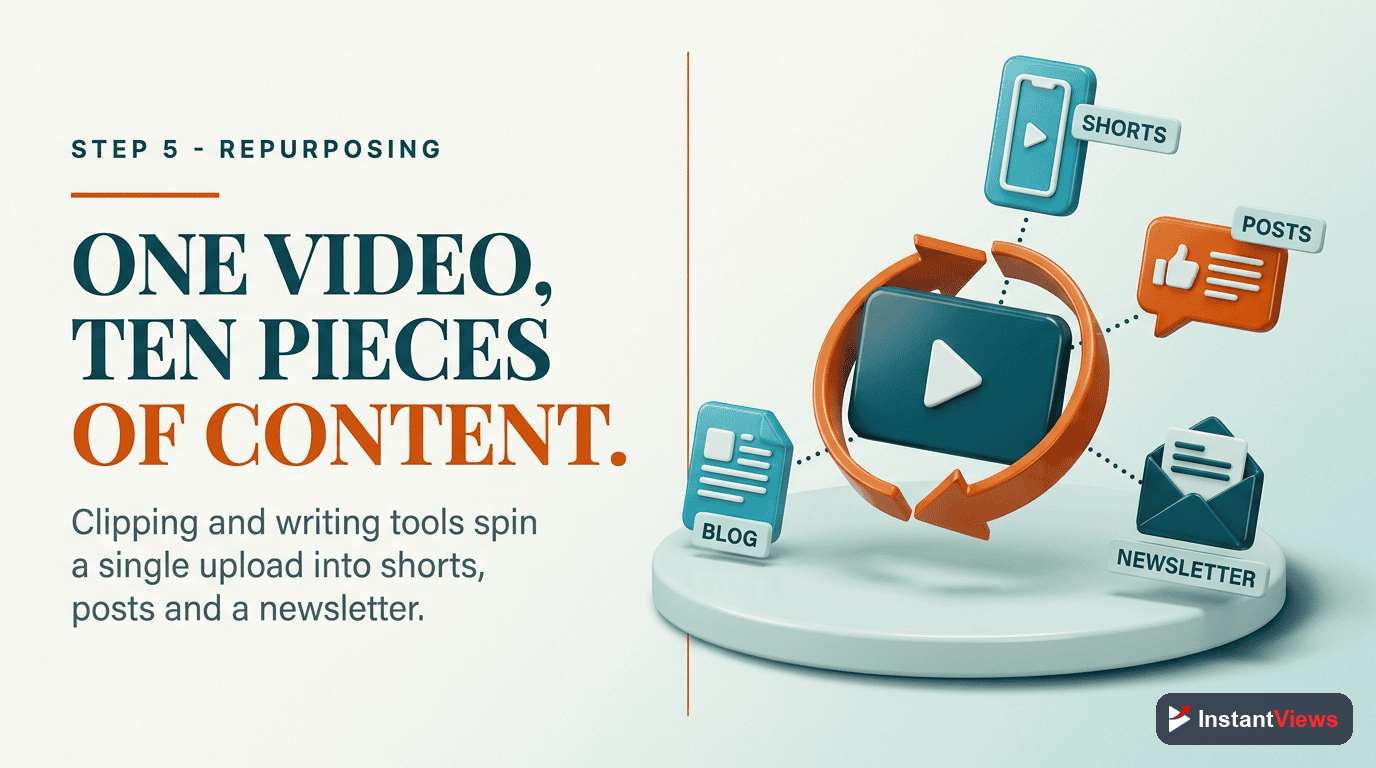
The final category is the one most creators skip — and the one that quietly compounds. Repurposing turns a single long video into Shorts, clips, and posts across platforms, so the effort you already spent keeps generating reach for weeks.
This matters more than ever in 2026. Shorts now drive over 200 billion views a day, and Shorts that connect cleanly to a creator's longer videos tend to support broader channel discovery. A modern editing tool — including the text-based editors that let you cut video by deleting words from a transcript — makes carving clips out of a long video fast enough to do every week.
A Simple Repurposing Routine
- Pull 2–3 standout moments from each long video and cut them into vertical Shorts.
- Turn the core idea into a short written post or carousel for other platforms.
- Link Shorts back to the full video so new viewers can go deeper.
- Feed the winners — whichever clips overperform — back into your research stage as proven topics.
"The serious creators are not the ones with the most tools. They are the ones whose tools talk to each other — where every video teaches the next one how to do better."
How the Tools Connect: A Weekly Workflow
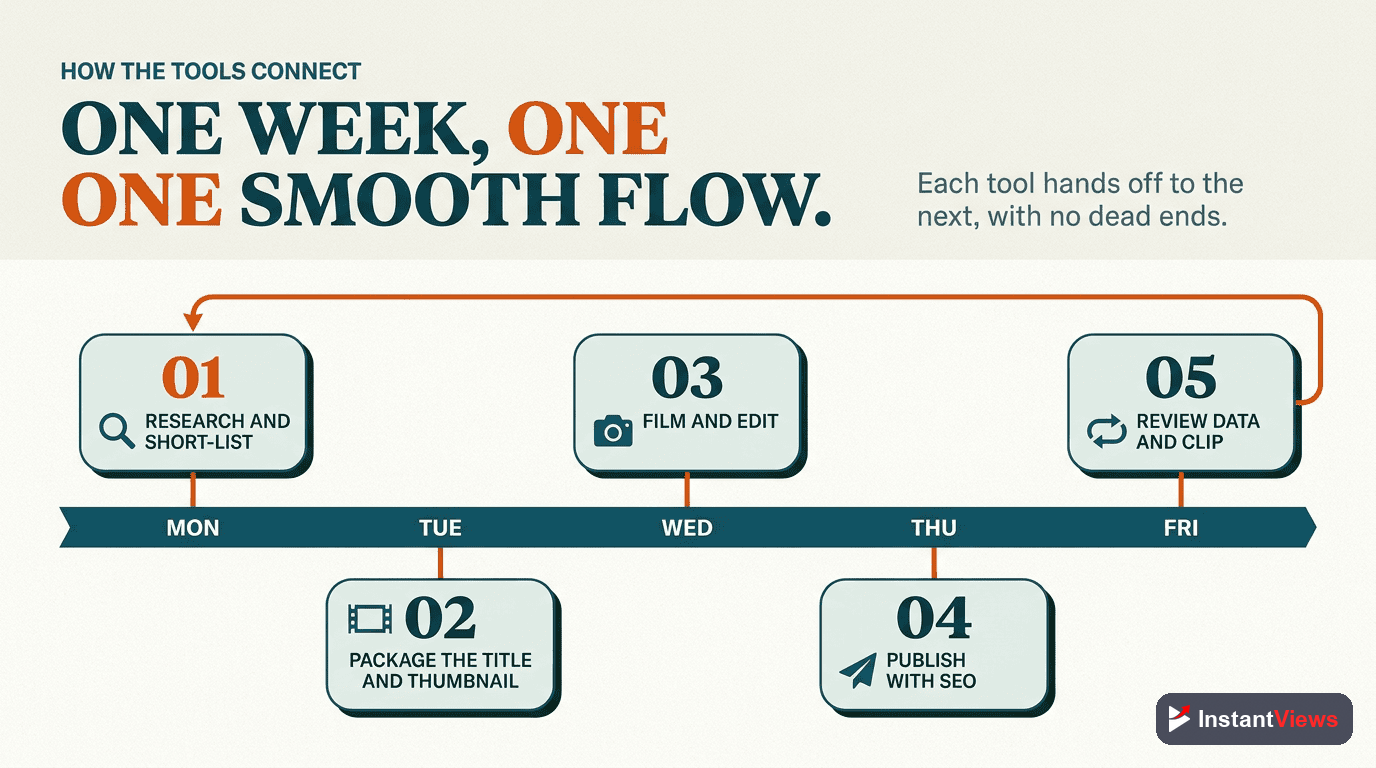
Here is where the stack stops being a list and becomes a system. The five categories run as a loop you repeat every week. Research feeds packaging, packaging feeds publishing, publishing produces analytics, and analytics feed both repurposing and your next research session. Follow this sequence and your tools stop being separate subscriptions and start being a single machine.
Research Block (Start of Week)
Spend a focused session in your research tool. Validate one or two topics with real demand, study the outliers in your niche, and add them to your idea bank. You leave this block knowing exactly what to make and why it should work.
Package Before You Produce
Before scripting, draft your title and thumbnail concepts in your packaging tool and pick the strongest. Designing the package first keeps the whole video focused on the promise the click makes.
Publish Fully Optimized
Run the upload through your SEO assistant: keyword-aware description, chapters, captions, end screens, and cards. The video goes live discoverable, not bare.
Analytics Review (A Few Days Later)
Open Studio and your analytics layer. Find the single weakest metric — CTR, retention, or conversion — and write down what it tells you to fix next time.
Repurpose and Loop Back
Cut Shorts and posts from the video, link them back to the original, and feed your best-performing topics straight into next week's research block. The loop is now closed.
The beauty of this loop is that it is self-improving. Each pass produces data that sharpens the next pass. A channel running this workflow for three months is making meaningfully better decisions than one that publishes and forgets — using the exact same tools.
Free vs Paid: When to Upgrade
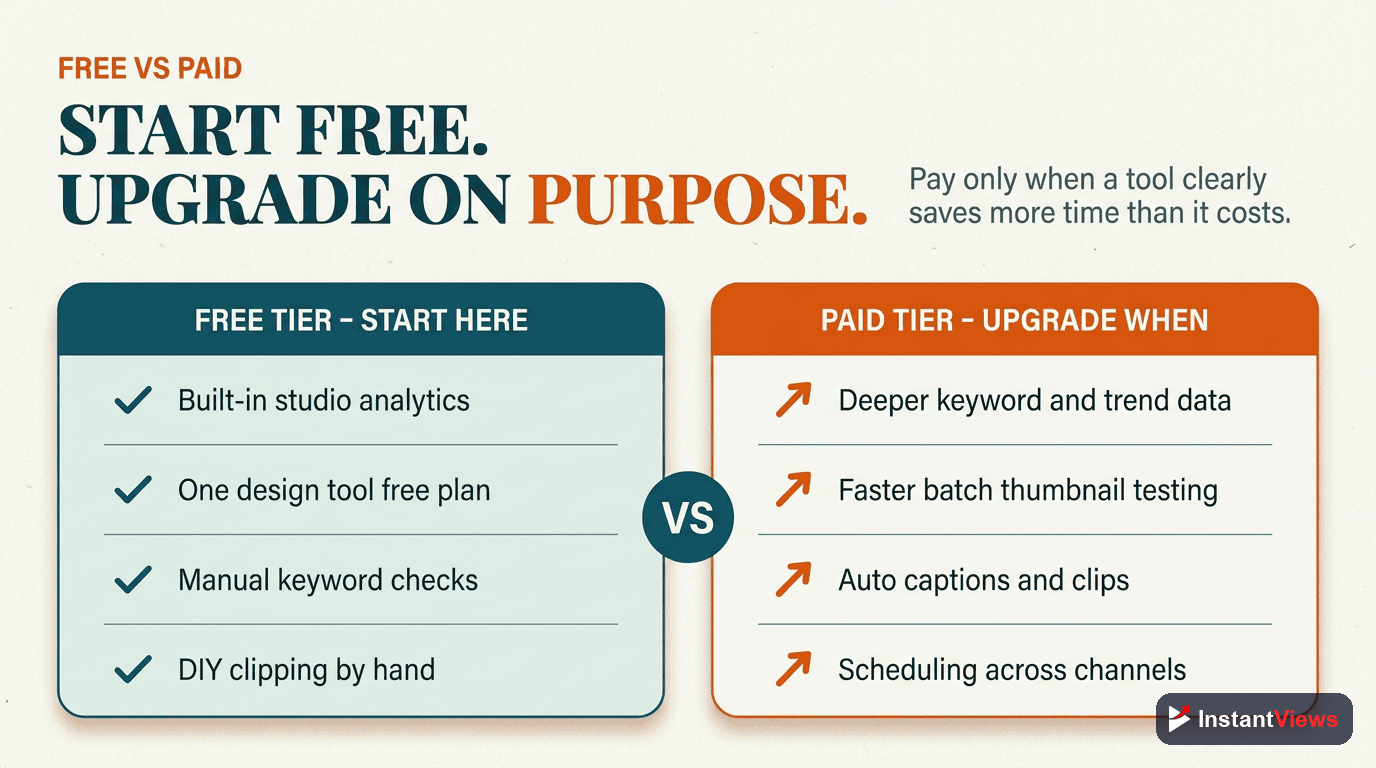
You do not need to spend money to run this stack. A complete beginner workflow can run entirely on free tools: YouTube Studio for analytics, free keyword and title helpers, free editors for clips, and the kind of free research and packaging utilities offered at InstantViews. Start free, build the habit, and prove the workflow before you pay for anything.
So when does paid make sense? The honest answer is: when the time a tool saves is worth more than its price. If you publish weekly and a paid research tool saves you two hours of manual digging per video, it pays for itself in attention you can redirect to the content. Upgrade one category at a time, and only the category that is currently your bottleneck.
A Sensible Upgrade Order
- Research first: better topic decisions have the largest downstream impact.
- Packaging second: deeper A/B testing once you publish often enough to test.
- Analytics third: faster cross-video insight as your library grows.
- Repurposing and SEO: automate these once volume makes manual work painful.
Common Tool-Stack Mistakes
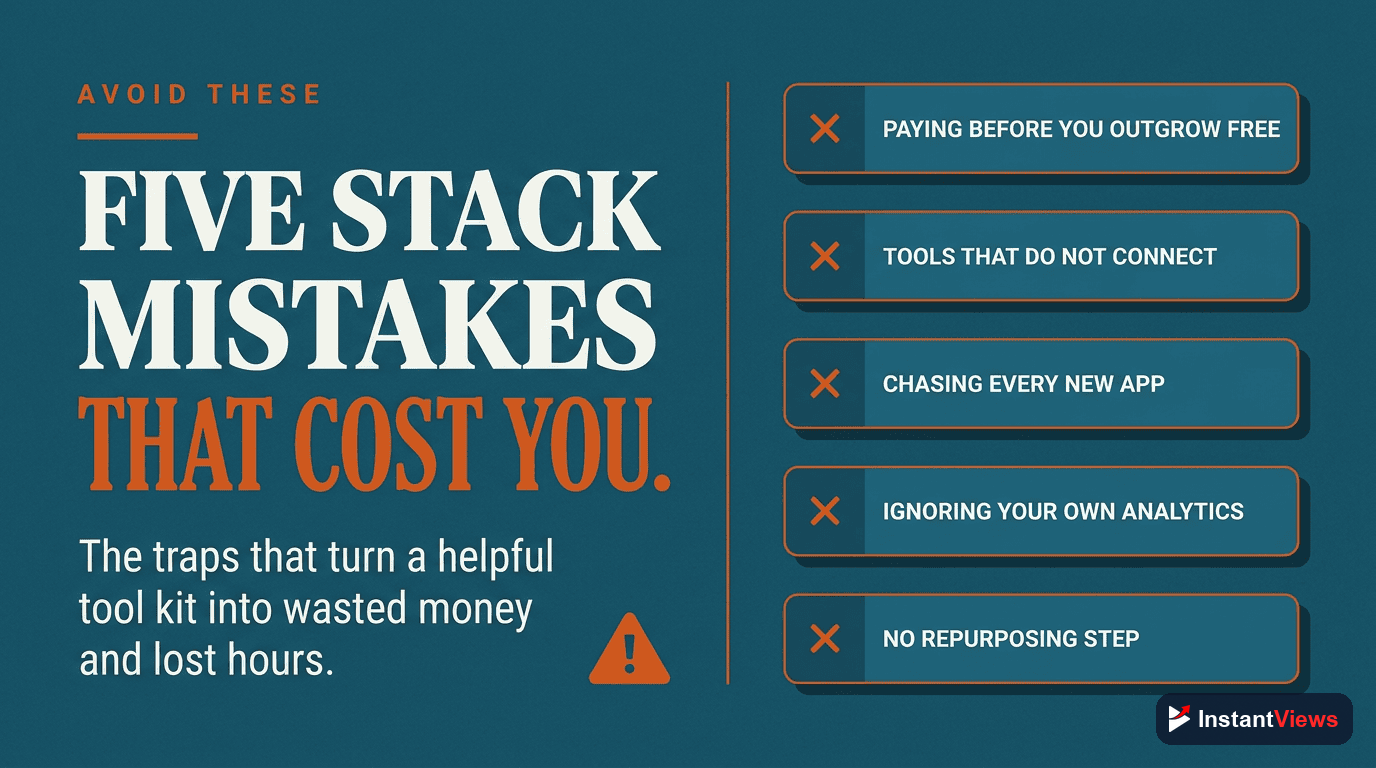
Even motivated creators sabotage their own stack. Watch for these recurring traps:
- Tool collecting: subscribing to overlapping apps you never integrate. More tools rarely means more growth.
- Skipping research: jumping straight to filming without validating demand, then wondering why nothing lands.
- Ignoring analytics: publishing and never reviewing, which breaks the feedback loop entirely.
- Optimizing the wrapper, not the video: obsessing over tags while retention quietly bleeds out.
- Leaning on AI to do the thinking: mass-producing generic content that the 2026 algorithm is built to suppress.
- Never repurposing: letting good videos die after a week instead of multiplying their reach.
Every one of these is a break in the loop. The fix is always the same: return to the workflow, find the missing link, and reconnect it. A stack only delivers when its pieces stay connected.
Frequently Asked Questions
At minimum, five categories: a research tool to find topics and demand, a packaging tool for titles and thumbnails, a publishing and SEO assistant, an analytics layer to read what worked, and a repurposing tool to turn one video into clips and posts. You do not need dozens of apps — you need one reliable tool in each category that connects into a single workflow.
No. You can run a complete stack on free tools when you start, including YouTube Studio analytics, free keyword and title tools, and built-in editing. Free tools like the ones at InstantViews cover research, packaging, and analysis. Paid tools mainly save time and add depth once you publish often enough that the time savings outweigh the cost.
They form a loop. Research feeds your packaging decisions, packaging feeds what you publish, publishing produces analytics, and analytics tell you what to research and repurpose next. The value is not in any single tool but in the data and decisions flowing cleanly from one stage to the next.
Both approaches work. An all-in-one suite reduces the number of logins and keeps data in one place, which suits beginners. Specialized tools usually go deeper in their category, which serious creators value once they know exactly what they need. The key is that whatever you pick should connect cleanly into your weekly routine.
Research and analytics. Because the 2026 algorithm rewards viewer satisfaction and retention over raw watch time, the creators who win are the ones who study what genuinely satisfies their audience and double down on it. Research tells you what to make; analytics tells you whether it worked.
For most creators, a focused few hours spread across the week is enough: a research and planning block, a packaging block before publishing, an analytics review a few days after a video goes live, and a short repurposing session. The goal of a good stack is to compress these tasks, not to add busywork.
No. AI tools speed up research, drafting, and editing, but YouTube is actively reducing the spread of low-value mass-produced AI content. Use AI to accelerate the steps in your workflow, then apply your own judgment and original perspective so the final video genuinely satisfies viewers.
Start with research and packaging, because they decide whether a video gets discovered and clicked at all. Add a simple analytics habit using YouTube Studio, then layer in repurposing once you publish consistently. Build the stack one category at a time rather than adopting everything at once.
Conclusion
The creators who scale on YouTube in 2026 are not the ones with the longest tool list. They are the ones who chose one dependable tool in each of five categories — research, packaging, publishing, analytics, and repurposing — and wired them into a single weekly loop where every video makes the next one smarter.
Start where it counts. Build the research and packaging halves first, add a simple analytics habit in YouTube Studio, and layer in repurposing once you publish consistently. Keep the whole thing free until a paid upgrade clearly buys back more time than it costs, and only ever upgrade your current bottleneck.
Do that, and your tools stop being scattered subscriptions and become a growth engine. The stack is not the win — the system it creates is. Connect the pieces, run the loop, and let your channel teach itself to grow.