- YouTube chapters can increase watch time by 10-30% by reducing viewer abandonment
- Videos with chapters appear in Google's "Key Moments" search results
- Chapters improve accessibility and user experience across all devices
- AI tools can generate chapters in under 60 seconds, removing the time barrier
- Videos without chapters are missing out on significant SEO and engagement benefits
If you're not using chapters on your YouTube videos, you're leaving watch time, engagement, and search visibility on the table. Chapters aren't just a nice-to-have feature—they're a competitive advantage that separates growing channels from stagnant ones.
In 2024, YouTube officially confirmed that chapters improve viewer satisfaction and retention. Yet most creators still skip this simple optimization. Why? Because they don't understand the true impact.
In this comprehensive guide, you'll learn exactly why YouTube chapters matter, the data behind their effectiveness, and how to implement them quickly using AI tools. By the end, you'll have everything you need to start adding chapters to every video.
What Are YouTube Chapters?
YouTube chapters are timestamped segments that divide your video into navigable sections. When you add timestamps to your video description, YouTube automatically creates clickable chapter markers on the video progress bar.
Here's what viewers see:
- Progress bar segments: Visual divisions showing different sections
- Chapter preview: Hovering shows the chapter title and thumbnail
- Skip-to navigation: Click any chapter to jump directly to that section
- Mobile chapter list: A full chapter menu on mobile devices
Chapters transform a linear video into an interactive experience. Viewers can quickly find exactly what they're looking for—and that changes everything.
7 Proven Benefits of YouTube Chapters
Let's break down why chapters are worth your time:
Increased Watch Time
This might sound counterintuitive—if viewers can skip around, won't they watch less? Actually, the opposite happens.
Without chapters: Viewers who can't find what they want leave to find another video.
With chapters: Viewers jump to relevant sections and stay on your video instead of bouncing.
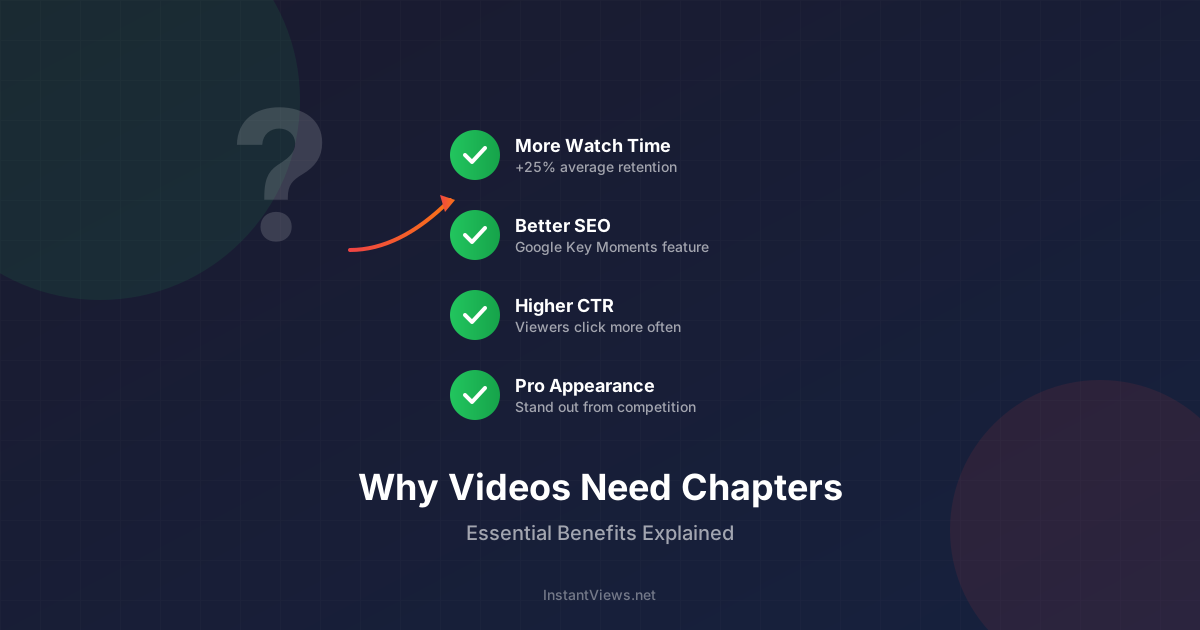
Studies show chapters can increase average watch time by 10-30% by reducing abandonment.
Google "Key Moments" SEO
YouTube chapters appear directly in Google search results as "Key Moments." This means:
- Your video gets multiple search result entries
- Each chapter can rank for different keywords
- Searchers can click directly to relevant sections
- Higher click-through rates from search
A 10-minute video with 6 chapters essentially becomes 6 separate entry points from Google.
Reduced Viewer Frustration
Think about the last time you watched a tutorial video. Did you want to watch the 2-minute intro and backstory? Probably not. You wanted to skip to the solution.
Chapters let viewers:
- Skip content they already know
- Re-watch specific sections easily
- Navigate long videos efficiently
- Find answers to specific questions
Happy viewers = more likes, comments, and subscribers.
Improved Accessibility
Chapters make your content more accessible to:
- Viewers with cognitive disabilities who need structured content
- Screen reader users who can navigate by chapter titles
- Non-native speakers who may skip familiar sections
- Anyone watching in difficult conditions (commuting, multitasking)
Accessibility isn't just good ethics—it expands your potential audience.
Better Mobile Experience
Over 70% of YouTube watch time happens on mobile devices. On smaller screens, precise scrubbing is difficult. Chapters provide:
- Easy tap-to-jump navigation
- Clear visual progress indicators
- A chapter list menu for quick browsing
- Better experience in portrait mode
Professional Appearance
Chapters signal that you care about viewer experience. They show:
- Your content is well-organized
- You've put thought into structure
- You respect viewers' time
- You're a serious creator, not an amateur
First impressions matter. Chapters help you look professional from the first click.
Shareable Deep Links
Chapters make your content more shareable. People can share links to specific sections:
- "Check out this part of the video" with a direct timestamp link
- Forum answers can link to the exact solution
- Social media shares can target the hook/highlight
- Course creators can reference specific segments
More specific sharing = more targeted traffic = better engagement.
Generate Chapters in 30 Seconds
Our free AI tool analyzes any YouTube video and generates accurate chapter timestamps automatically. No signup required.
Try Free Timestamp Generator →How Chapters Boost YouTube SEO
YouTube's algorithm considers multiple engagement signals. Chapters positively impact several of them:
1. Click-Through Rate (CTR)
When your video appears in search with "Key Moments," you get more visual real estate. More space = more clicks. Videos with chapters often see 15-25% higher CTR from search results.
2. Watch Time and Session Duration
The algorithm rewards videos that keep people on YouTube. By reducing abandonment and encouraging exploration of your content, chapters indirectly boost your algorithmic ranking.
3. Keyword Indexing
Each chapter title is indexable text. A video about "How to Make Pasta" with chapters like:
- 0:00 Best Pasta Ingredients
- 2:30 How to Cook Al Dente
- 5:15 Homemade Sauce Recipe
- 8:00 Plating and Serving Tips
...can now rank for "best pasta ingredients," "cook al dente," "homemade sauce recipe," AND "plating tips." One video, multiple keyword targets.
4. Featured Snippets
Google increasingly pulls video chapters into featured snippets. Your chapter could be the answer to "how to cook al dente" directly in search results.
How Chapters Improve Viewer Experience
Let's look at real viewing scenarios where chapters make a difference:
Scenario 1: Tutorial Video
Without chapters: Viewer scrubs through 15 minutes trying to find the one step they need. Gets frustrated. Leaves a comment asking "where's the part about X?" Might click away entirely.
With chapters: Viewer clicks "Step 4: Configure Settings" and gets their answer in 5 seconds. Leaves a like. Subscribes because you respect their time.
Scenario 2: Review Video
Without chapters: Viewer wants to know about battery life. Watches 8 minutes of camera talk they don't care about. Abandons video.
With chapters: Viewer clicks "Battery Life Test" chapter. Gets the info they need. Watches "Verdict" chapter too. Higher total watch time.
Scenario 3: Long-Form Content
Without chapters: 45-minute podcast feels overwhelming. Viewer saves it for "later" (never watches).
With chapters: Viewer sees 8 discussion topics, picks the 3 they care about. Actually watches instead of saving for "later."
The Watch Time Connection
Here's the counterintuitive truth about chapters and watch time:
The Fear
The Reality
The Data
Think of chapters like a table of contents in a book. People don't read less because the table of contents exists—they read more effectively and are more likely to finish.
Key insight: The goal isn't to trick viewers into watching every second. It's to give them the best experience possible so they come back for more.
How to Add Chapters to Your Videos (Fast)
Now that you understand why chapters matter, here's how to add them quickly:
Method 1: AI Timestamp Generator (Recommended)
The fastest way to add chapters is using an AI tool:
AI Analyzes Content
Review and Edit
Copy to Description
Total time: 2-3 minutes per video.
Method 2: Manual Timestamps
If you prefer manual control:
- Watch your video and note where each major topic begins
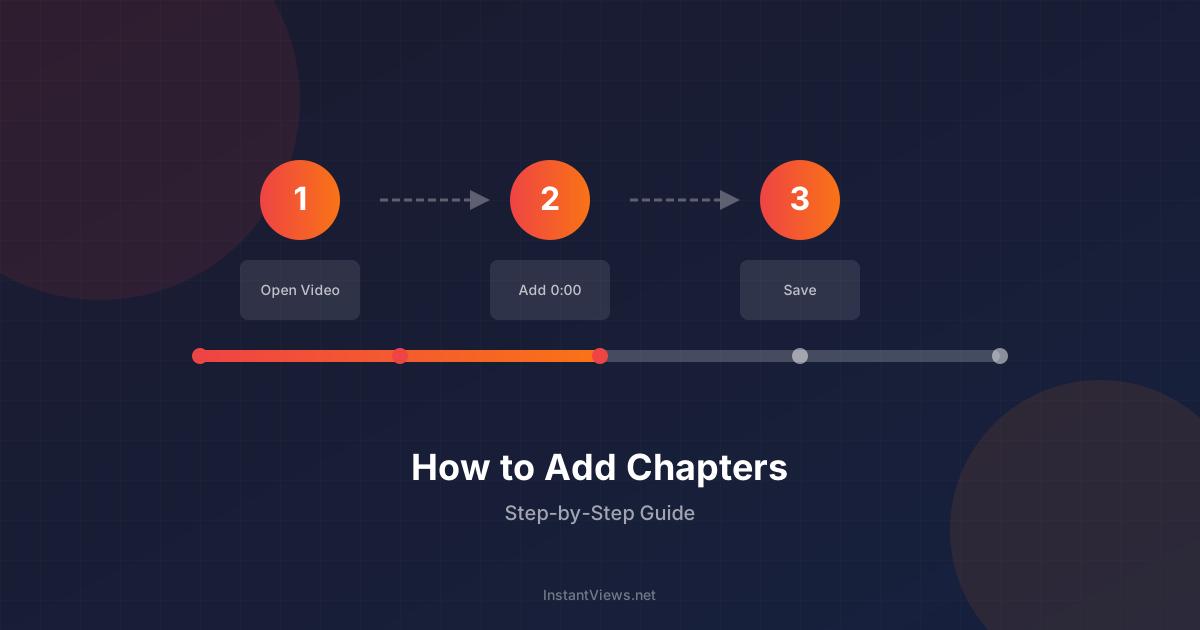
- Format timestamps as "0:00 Chapter Title" on separate lines
- Start with 0:00 and include at least 3 chapters
- Paste into your video description
Your first timestamp MUST be 0:00 or chapters won't appear. You need at least 3 chapters, each at least 10 seconds long.
Add Chapters to Your Entire Library
Don't stop at new videos. Generate timestamps for your backlog and start seeing the benefits across your whole channel.
Generate Free Timestamps →Chapter Best Practices
Follow these guidelines for maximum impact:
1. Keep Titles Concise
Chapter titles get truncated on mobile. Aim for under 40 characters:
- ✅ "Camera Settings Explained" (25 chars)
- ❌ "Everything You Need to Know About Camera Settings for Beginners" (66 chars)
2. Use Keywords Strategically
Include relevant keywords in chapter titles, but keep them natural:
- ✅ "Best iPhone Camera Settings"
- ❌ "iPhone Camera Settings Best Settings iPhone 15 Pro Max Settings"
3. Aim for 4-10 Chapters
For most videos:
- Under 5 minutes: 3-4 chapters
- 5-15 minutes: 5-7 chapters
- 15-30 minutes: 6-10 chapters
- 30+ minutes: 8-12 chapters
4. Make Every Chapter Valuable
Each chapter should cover a distinct, meaningful topic. Avoid:
- Chapters that are too short (under 10 seconds)
- Chapters that overlap in content
- Filler chapters like "More Details" or "Continued"
5. Include an Intro Chapter
Always start with a 0:00 chapter. Good options:
- "0:00 Introduction" or "0:00 Intro"
- "0:00 What You'll Learn"
- "0:00 [Video Topic] Overview"
What Happens If You Don't Use Chapters?
Every video without chapters is leaving value on the table:
- Lost search visibility: You miss Google's "Key Moments" feature
- Higher abandonment: Frustrated viewers leave instead of finding what they need
- Lower engagement: Viewers who can't navigate don't interact as much
- Competitive disadvantage: Channels with chapters look more professional
- Missed SEO keywords: Each chapter title is a keyword opportunity
In 2025, viewers expect chapters on longer videos. Not having them feels outdated—like a website without mobile optimization.
Frequently Asked Questions
Yes! Studies show chapters can increase watch time by 10-30%. When viewers can easily navigate to relevant sections, they're more likely to stay engaged rather than leaving to find another video. Chapters reduce friction and keep viewers on your content longer.
No. While chapters may cause viewers to skip some sections, overall retention typically improves. YouTube values satisfied viewers who find what they need over forced viewing. The algorithm rewards videos that keep people on the platform, even with non-linear viewing patterns.
Aim for 3-10 chapters for most videos. For a 10-minute video, 4-6 chapters works well. For longer content (30+ minutes), you might have 8-12 chapters. The key is making each chapter meaningful - don't create chapters just to have more of them.
Absolutely. Chapters appear in Google search results, giving your video multiple entry points. Each chapter title is indexable, helping your video rank for more keywords. Videos with chapters also get featured in Google's "Key Moments" snippets.
Create your own whenever possible. Automatic chapters are often inaccurate, have generic titles, and miss important topics. Custom chapters let you optimize titles for SEO and viewer intent. You can always use AI tools to generate a starting point, then refine them.
Chapters contribute to viral potential by improving engagement signals. Higher watch time, more shares (people can share specific timestamps), and better search visibility all feed the algorithm. While chapters alone won't make a video viral, they remove barriers to success.
Manually: 15-30 minutes per video. With AI tools: 2-5 minutes per video. Using a timestamp generator, you can create chapters for a 1-hour video in under a minute, then spend a few minutes polishing the titles.
No, chapters don't apply to YouTube Shorts as they're designed for quick, full-viewing content. Chapters are only relevant for longer-form videos where navigation adds value. Focus your chapter efforts on videos over 3-5 minutes long.
Final Thoughts
YouTube chapters aren't just a nice feature—they're a strategic advantage that impacts every metric that matters: watch time, SEO, engagement, and viewer satisfaction.
The creators who ignore chapters are leaving measurable value on the table:
- 10-30% potential watch time improvement
- Multiple Google "Key Moments" entry points
- Better mobile experience for 70%+ of viewers
- Professional appearance that builds trust
The barrier to adding chapters has never been lower. AI tools can generate timestamps in under a minute, so time is no longer an excuse. Start with your next video, then work through your backlog—every video with chapters is performing better than it would without them.
Your viewers will thank you. Your analytics will prove it. And your channel will grow faster because of it.
Related guides:
- How to Add Chapters to YouTube Videos (Complete Guide)
- Add Timestamps Without Watching Your Video
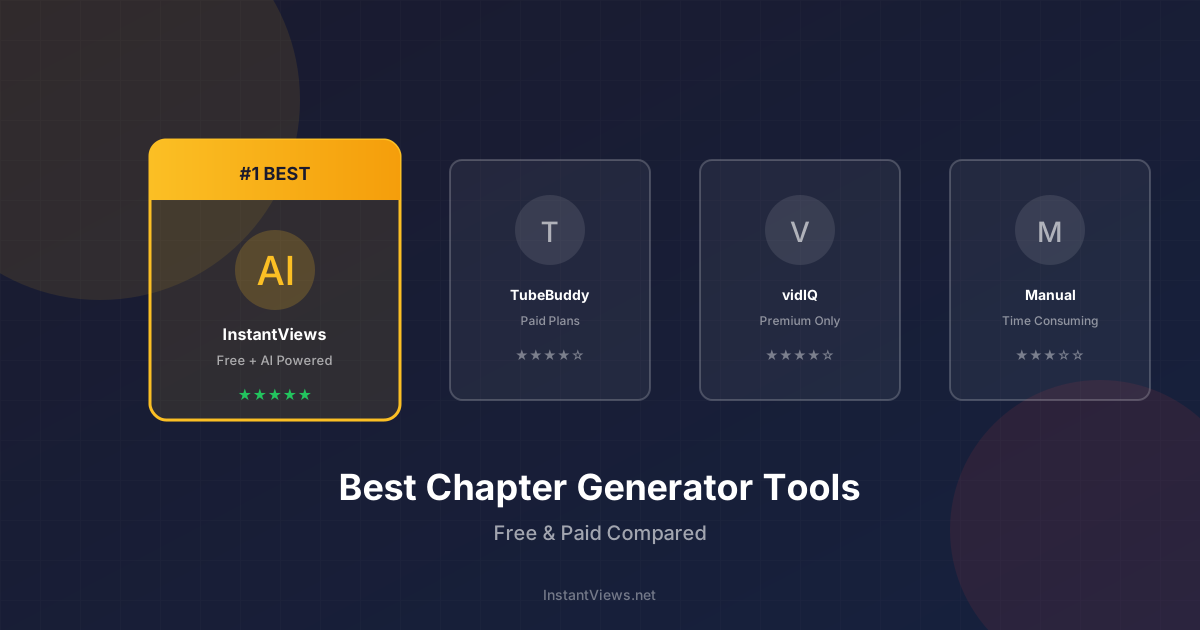
- Best YouTube Chapter Generator Tools Compared
- YouTube Chapters Not Working? Here's the Fix