- YouTube Shorts does not support clickable timestamps or chapters
- You can add timestamp codes in descriptions, but they appear as plain text only
- Timestamps have no impact on Shorts performance or algorithm ranking
- Structure your Shorts with visual transitions instead of relying on timestamps
- Focus on hooks, pacing, and retention strategies optimized for short-form content
One of the most common questions creators ask when optimizing their YouTube Shorts: "Can I add timestamps to my Shorts?"
The short answer: Technically yes, but they don't work the way you think.
This guide breaks down everything you need to know about timestamps in YouTube Shorts, why they don't function like regular videos, and what you should do instead to maximize your Short's performance.
Do Timestamps Work on YouTube Shorts?
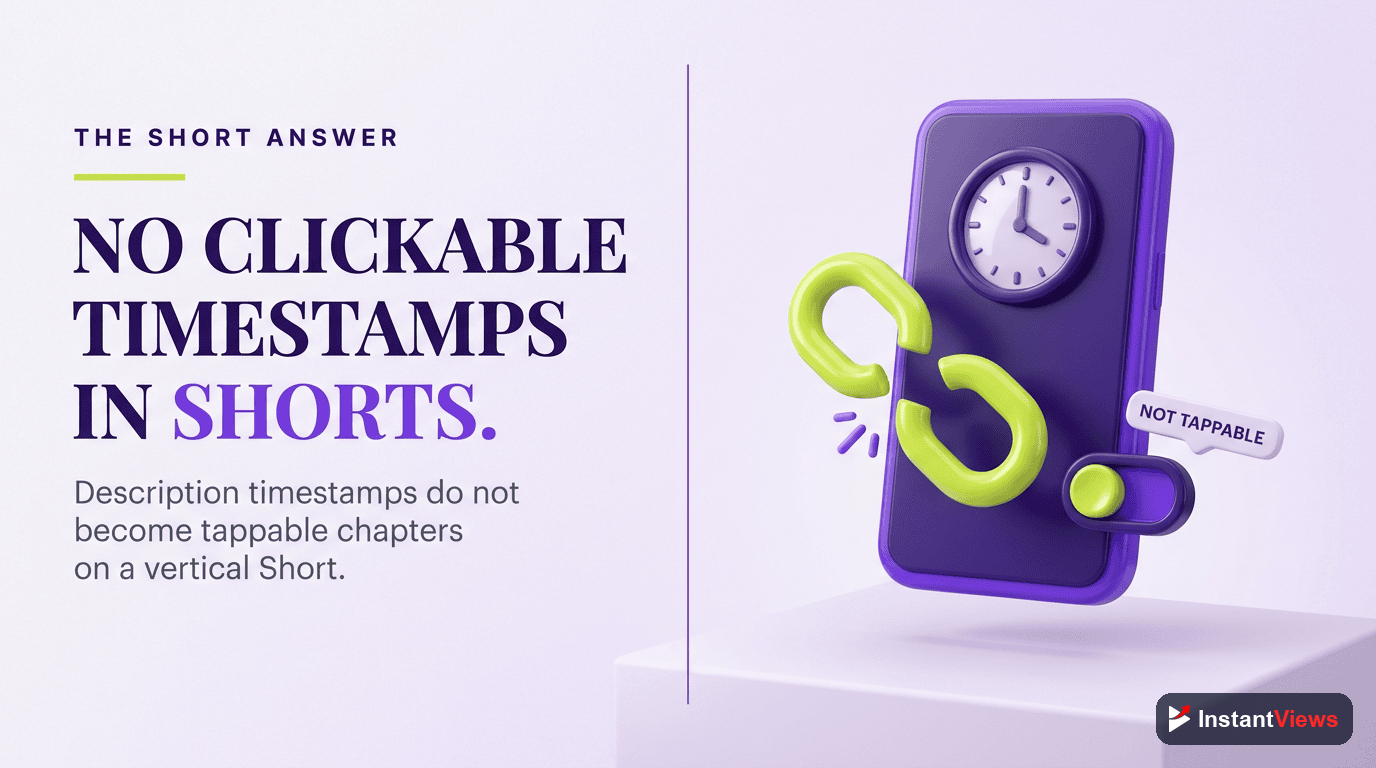
No, YouTube Shorts does not support functional timestamps.
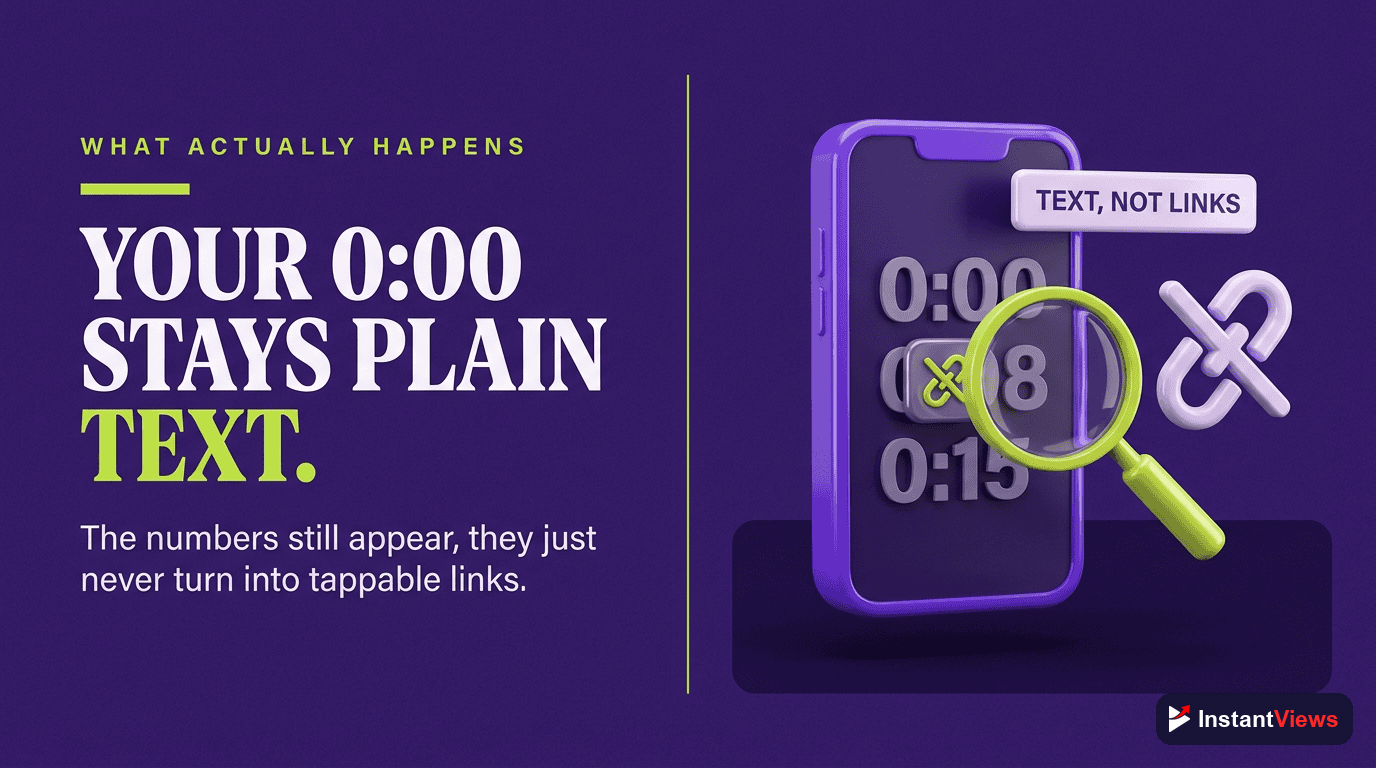
While you can type timestamp codes (like 0:15, 0:30, etc.) into your Shorts description, they will not:
- Become clickable links
- Create chapter markers on the progress bar
- Allow viewers to jump to specific sections
- Display in the Shorts player interface
- Affect the algorithm or SEO
Timestamps in Shorts descriptions appear as plain text only - nothing more.
This limitation applies to Shorts regardless of where they're viewed - mobile app, desktop browser, YouTube TV, or embedded players. The Shorts player is fundamentally different from the regular YouTube video player.
The Technical Explanation
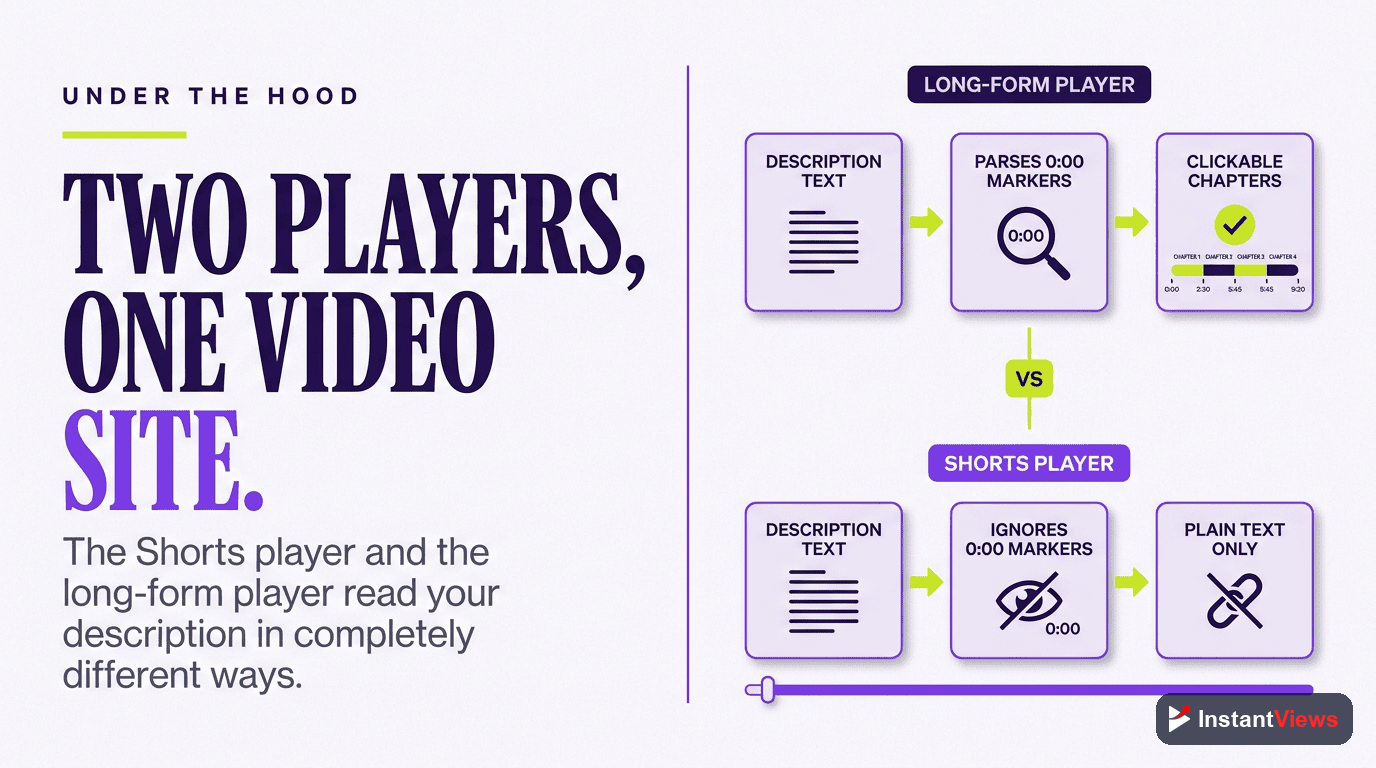
YouTube Shorts uses a completely different video player than regular YouTube videos. Here's why timestamps don't work:
Regular Videos vs. Shorts: Timestamp Support
Regular YouTube Videos
- Full-featured video player
- Clickable timestamp links
- Chapter markers on progress bar
- Description timestamps auto-detected
- Desktop and mobile support
- Jump to specific sections
YouTube Shorts
- Simplified vertical player
- No clickable timestamps
- No chapter markers
- Timestamps ignored by system
- Swipe-based navigation only
- Plain text timestamps only
The Shorts player is designed for continuous, swipe-based viewing - similar to TikTok or Instagram Reels. YouTube intentionally simplified the interface to keep users scrolling through content rather than navigating within a single video.
Why YouTube Doesn't Support Shorts Timestamps
YouTube's decision not to support timestamps in Shorts is strategic, not technical. Here's why:
1. Short-Form Viewing Behavior
Shorts are designed for quick consumption. The average Short is 15-60 seconds. Adding timestamps would be counterintuitive - if a video is short enough to need segmentation, it might be too long for the Shorts format.
2. Platform Competition
TikTok and Instagram Reels don't have timestamp features. To compete, YouTube keeps the Shorts experience equally streamlined and swipe-friendly.
3. Algorithm Optimization
YouTube wants viewers to watch Shorts from start to finish. Timestamps would allow viewers to skip around, potentially hurting the key metric Shorts are judged on: completion rate.
4. Interface Simplicity
The Shorts player is deliberately minimal. Adding chapters would clutter the vertical viewing experience and create UI challenges on mobile screens.
"Shorts are about keeping viewers in the flow. Every feature decision is made to reduce friction and increase time spent in the Shorts feed." - YouTube Product Team
What Happens When You Add Timestamps
If you add timestamps to your Shorts description (like "0:05 - Hook" or "0:15 - Main Point"), here's exactly what happens:
| Platform | How Timestamps Appear | Functionality |
|---|---|---|
| Mobile App (Shorts Feed) | Plain text in description | None - not clickable |
| Desktop (Shorts Shelf) | Plain text in description | None - not clickable |
| YouTube Studio | Plain text | No chapter detection |
| Search Results | Not displayed | No SEO benefit |
| Embedded Players | Description not shown | Not applicable |
Bottom line: Timestamps in Shorts are purely decorative text. They provide zero functional value to viewers or the algorithm.
When You SHOULD Use Timestamps in Shorts
While timestamps don't work functionally, there are a few edge cases where adding them might make sense:
1. Repurposed Content
If you're uploading the same video as both a Short AND a regular video, you might keep timestamps in both descriptions for consistency - but remember they only work in the regular video version.
2. Description Organization
Some creators use fake "timestamps" in descriptions as organizational text to show what's covered in the Short. This is purely for readability, not functionality.
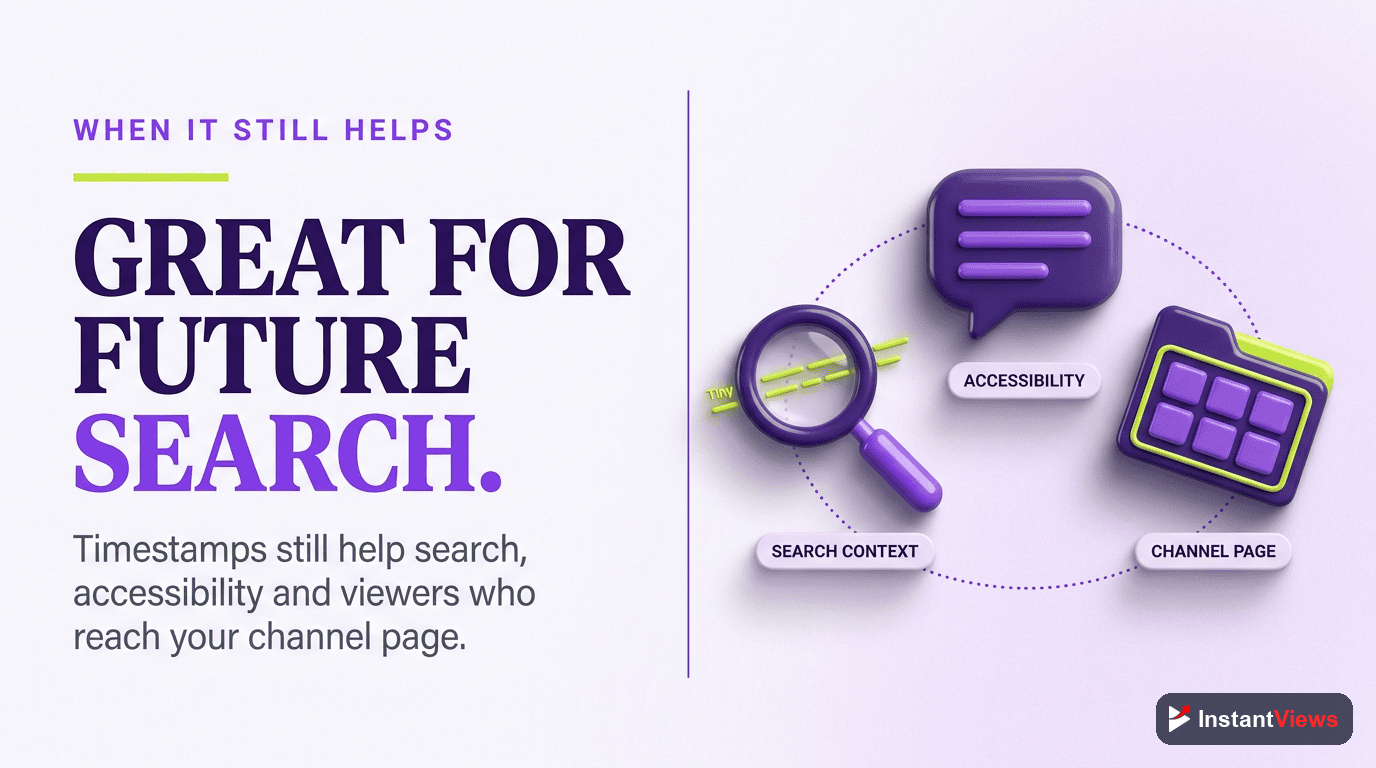
3. Accessibility Notes
Occasionally, creators add timestamps as part of accessibility descriptions for screen reader users, though captions are far more effective for this purpose.
Verdict: In 99% of cases, there's no good reason to add timestamps to YouTube Shorts. Focus your effort elsewhere.
Better Alternatives to Timestamps for Shorts
Since timestamps don't work, here's what you should do instead to structure your Shorts effectively:
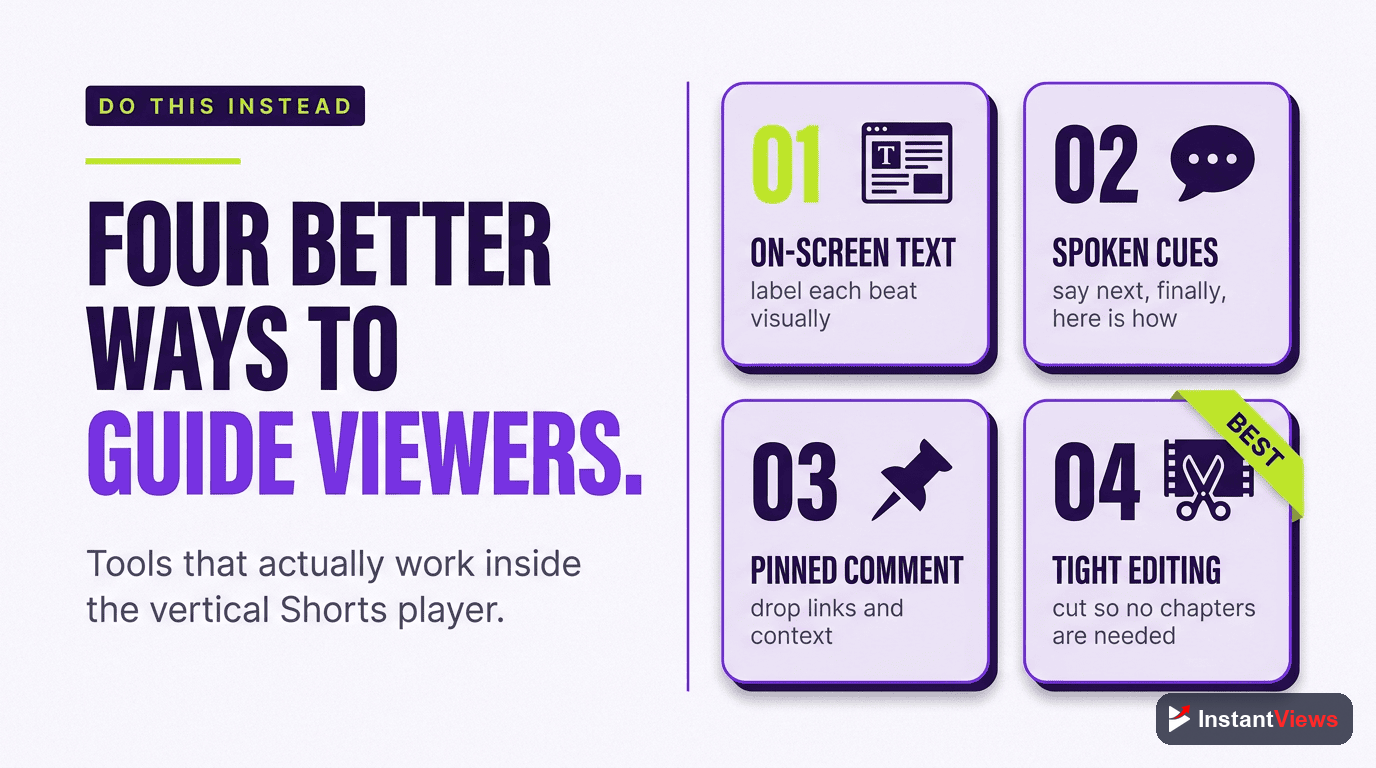
1. Visual Transitions
Use clear visual breaks to signal new sections:
- Quick cut to black
- Zoom in/out transitions
- Color changes or filters
- Scene changes
2. Text Overlays
Add on-screen text to guide viewers through your content:
- "First..." / "Second..." / "Third..."
- "The Problem" / "The Solution"
- Numbered lists appearing on screen
- Section headers as lower-thirds
3. Verbal Signposting
Tell viewers what's coming next:
- "First, I'm going to show you..."
- "Now here's the important part..."
- "And finally..."
4. Music Changes
Switch background music or add sound effects to mark transitions between sections.
5. Progress Indicators
Show viewers where they are in your Short:
- "Tip 1 of 3"
- Visual progress bars
- "Part 1", "Part 2", etc.
How to Structure Shorts Without Timestamps
Here's the optimal structure for YouTube Shorts that maximizes retention without relying on timestamps:
The 3-Second Hook (0:00-0:03)
- Start with your most compelling visual or statement
- No intro, no branding - straight to value
- Create immediate curiosity or promise a payoff
The Setup (0:03-0:10)
- Quickly establish context
- Tell viewers what they'll learn or see
- Keep it under 7 seconds
The Value Delivery (0:10-0:50)
- Deliver on your hook's promise
- Use quick cuts (1-3 seconds per shot)
- Add text overlays for key points
- Maintain fast pacing
The Payoff (0:50-0:60)
- Show the result or conclusion
- End with a CTA (like, comment, follow)
- Loop back to the hook for repeat viewers
Don't make your Short too complex. If you're trying to fit so much content that you need timestamps, your Short is probably too long or unfocused. Break it into multiple Shorts instead.
Analyze Your Shorts Performance
Get instant feedback on your Shorts structure, pacing, and retention with our Video Analyzer tool.
Analyze Your Video →Key Metrics for Shorts (Instead of Timestamp Analytics)
Since you can't track timestamp engagement on Shorts, focus on these metrics instead:
| Metric | What It Tells You | Target Range |
|---|---|---|
| Average View Duration | How long viewers watch before swiping | 40-60% of total length |
| Swipe-Away Rate | When viewers are losing interest | Under 70% |
| Likes per View | Content resonance | 3-5% |
| Comments per View | Engagement level | 0.5-1% |
| Shares | Viral potential | 1-2% of views |
Will YouTube Ever Add Timestamp Support to Shorts?
There's no official indication that YouTube plans to add timestamp functionality to Shorts. Here's what we know:
- No roadmap announcements: YouTube hasn't mentioned Shorts timestamps in any product updates
- Platform design philosophy: Shorts are intentionally simplified for swipe-based viewing
- Competitor comparison: TikTok and Instagram Reels don't have this feature either
- User behavior: Short-form content viewers expect continuous scrolling, not segmented navigation
Bottom line: Don't wait for this feature. Optimize your Shorts for the platform as it exists today.

Frequently Asked Questions
Technically yes - you can add timestamp codes in your Shorts description. However, YouTube Shorts does not display clickable chapters or allow viewers to navigate using these timestamps. The timestamps will appear as plain text only.
No. Since YouTube Shorts does not recognize or display timestamps, adding them has no impact on your Short's performance, reach, or algorithm ranking. They neither help nor hurt your video.
YouTube has not officially announced plans to add timestamp functionality to Shorts. Given that Shorts are designed for quick, continuous viewing (similar to TikTok), timestamps may not align with the platform's intended user experience.
Yes, viewers can manually drag the progress bar to skip around in a Short, but they cannot click timestamps to jump to specific sections. The swipe-up gesture to skip to the next Short is the primary navigation method.
Absolutely. Even without clickable timestamps, structuring your Short with clear sections (hook, value, CTA) improves retention. Use visual transitions and text overlays to signal new sections instead of relying on timestamps.
No. YouTube Shorts do not support clickable timestamps regardless of whether they are viewed on mobile, desktop, or any other platform. The Shorts player is designed differently from the regular YouTube video player.