- Chapter markers appear as visual dividers on the YouTube progress bar with clickable navigation
- Mobile and desktop displays show markers differently but both enable quick chapter jumping
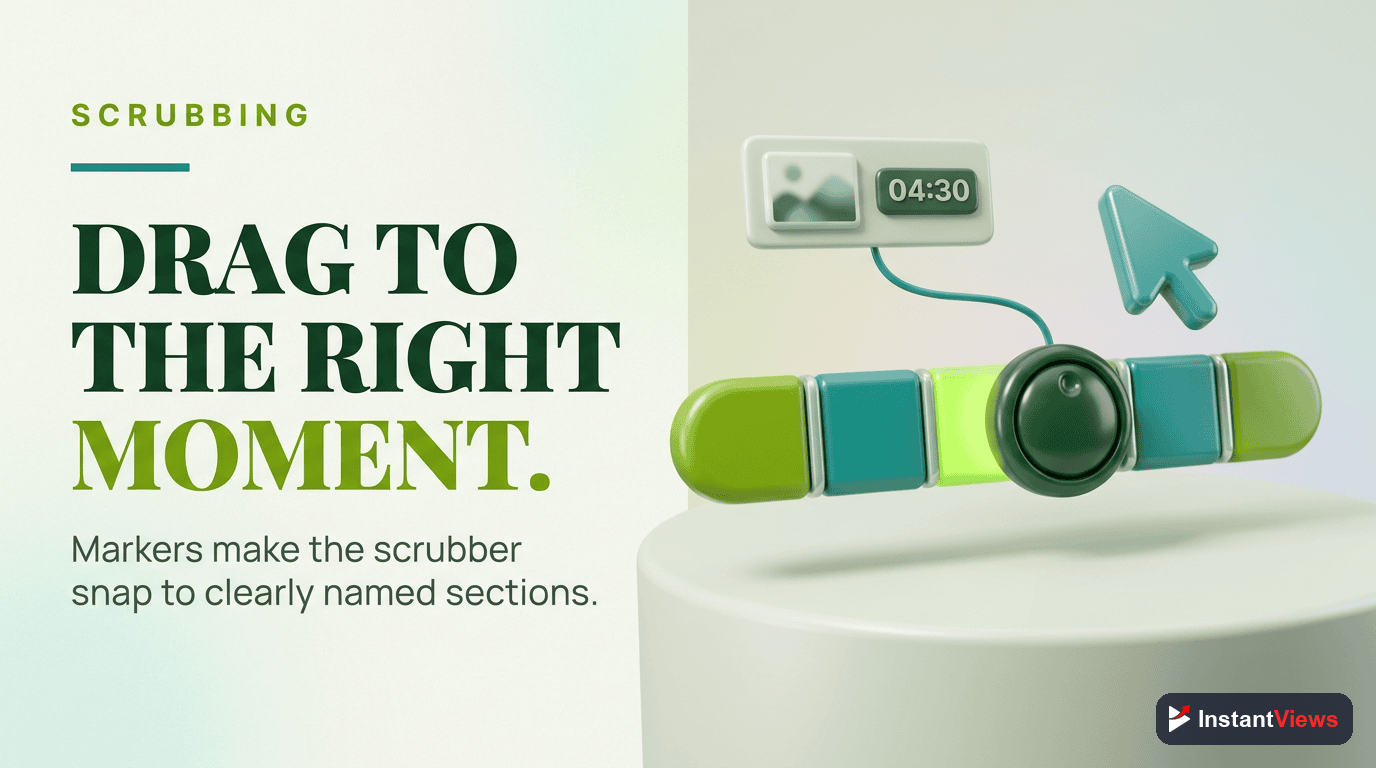
- Markers enhance timeline scrubbing by providing visual reference points and preview labels
- Properly spaced markers improve user experience and can boost watch time by 15-25%
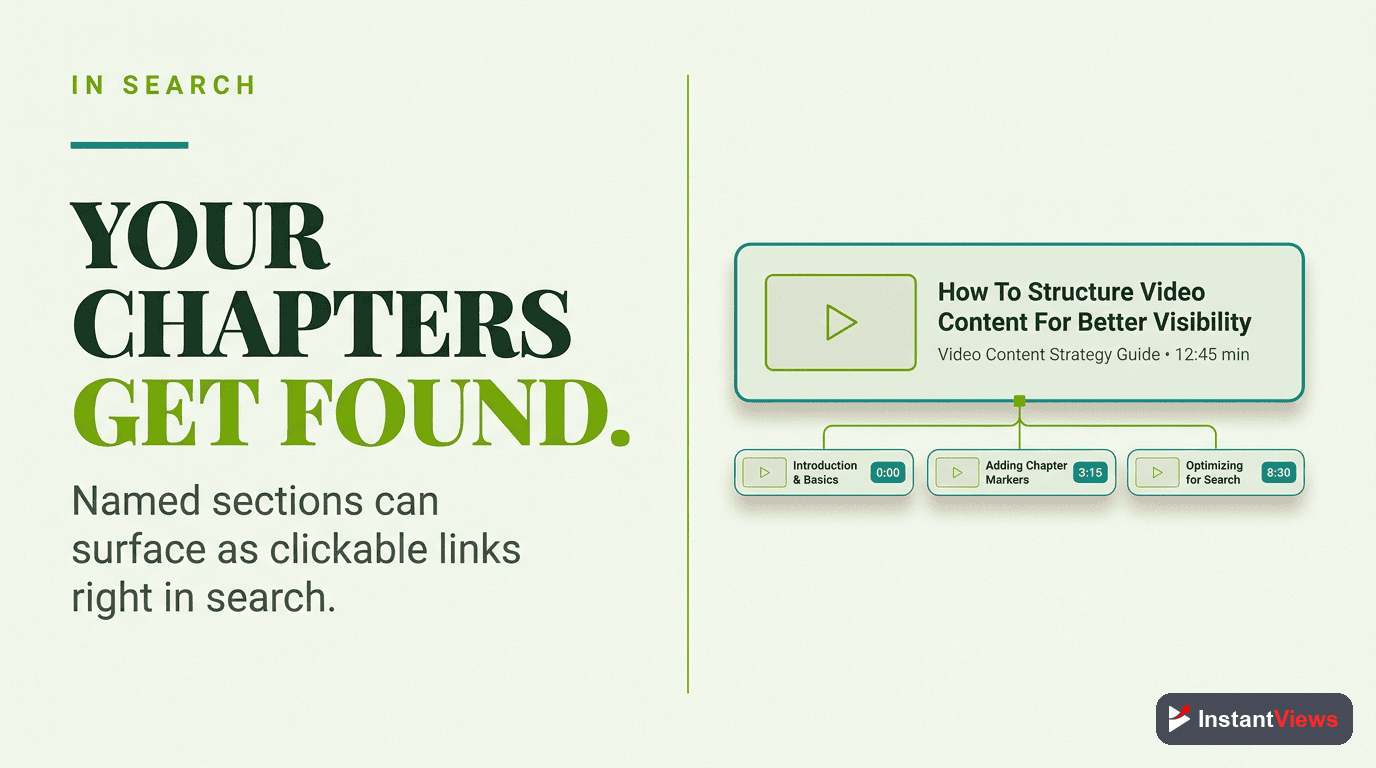
- Google displays chapter markers as "Key Moments" in search results for extra visibility
YouTube chapter markers have transformed how viewers navigate video content. Instead of endlessly scrubbing through timelines hoping to find the right section, viewers can now jump directly to the content they want with a single click.
But chapter markers are more than just visual dividers on a progress bar. They're a complete navigation system that adapts across devices, influences search visibility, and can dramatically impact your video's watch time and viewer satisfaction.
In this comprehensive guide, we'll explore exactly how YouTube chapter markers work, how they appear across different platforms, and how to optimize them for maximum engagement.
What Are YouTube Chapter Markers?
Chapter markers are visual indicators that appear on YouTube's video progress bar, dividing your content into labeled sections. Each marker represents a timestamp you've added to your video description.
The anatomy of a chapter marker:
- Visual divider: A vertical line on the progress bar
- Chapter title: Text label that appears on hover or tap
- Clickable target: Interactive area that jumps to that timestamp
- Current chapter indicator: Highlighted segment showing active section
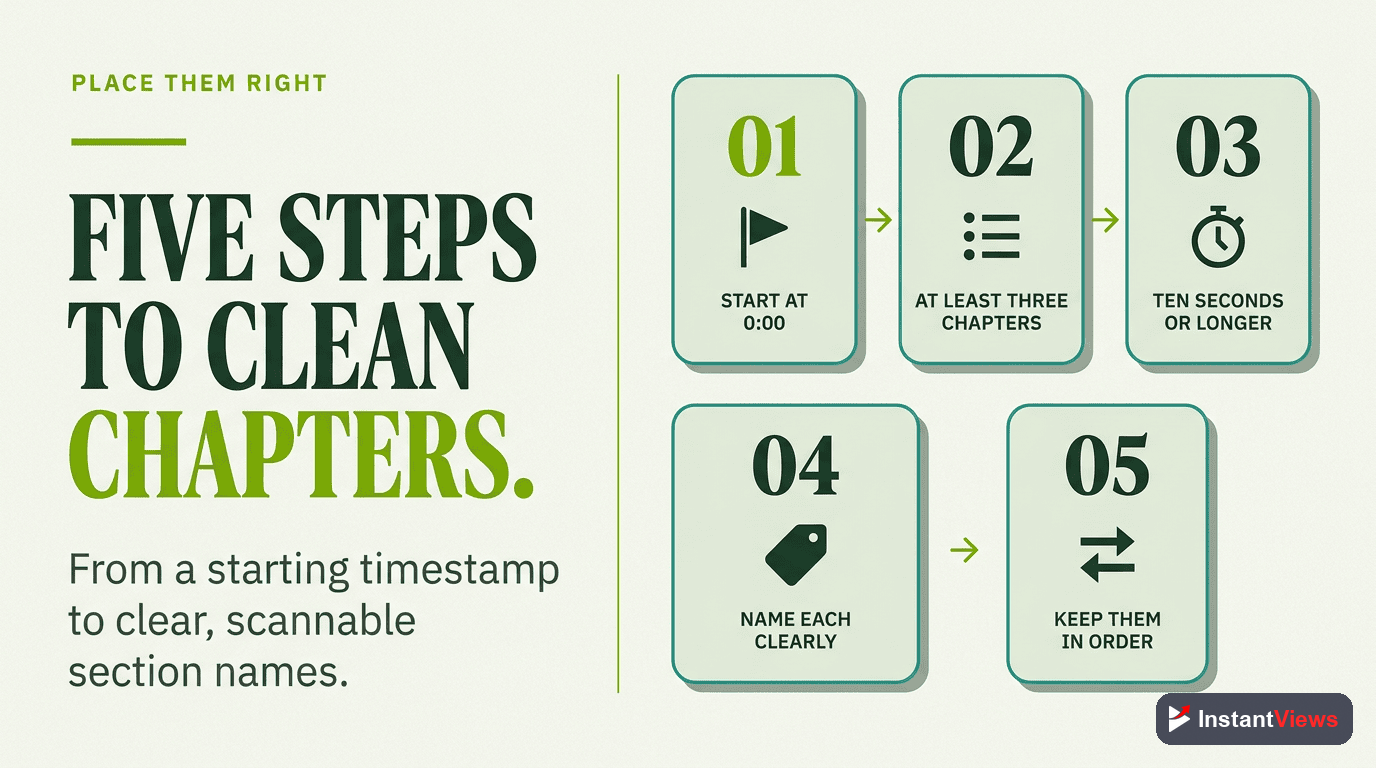
When you add properly formatted timestamps to your video description starting at 0:00, YouTube automatically converts them into interactive chapter markers that appear throughout the player interface.
How Markers Appear on Desktop
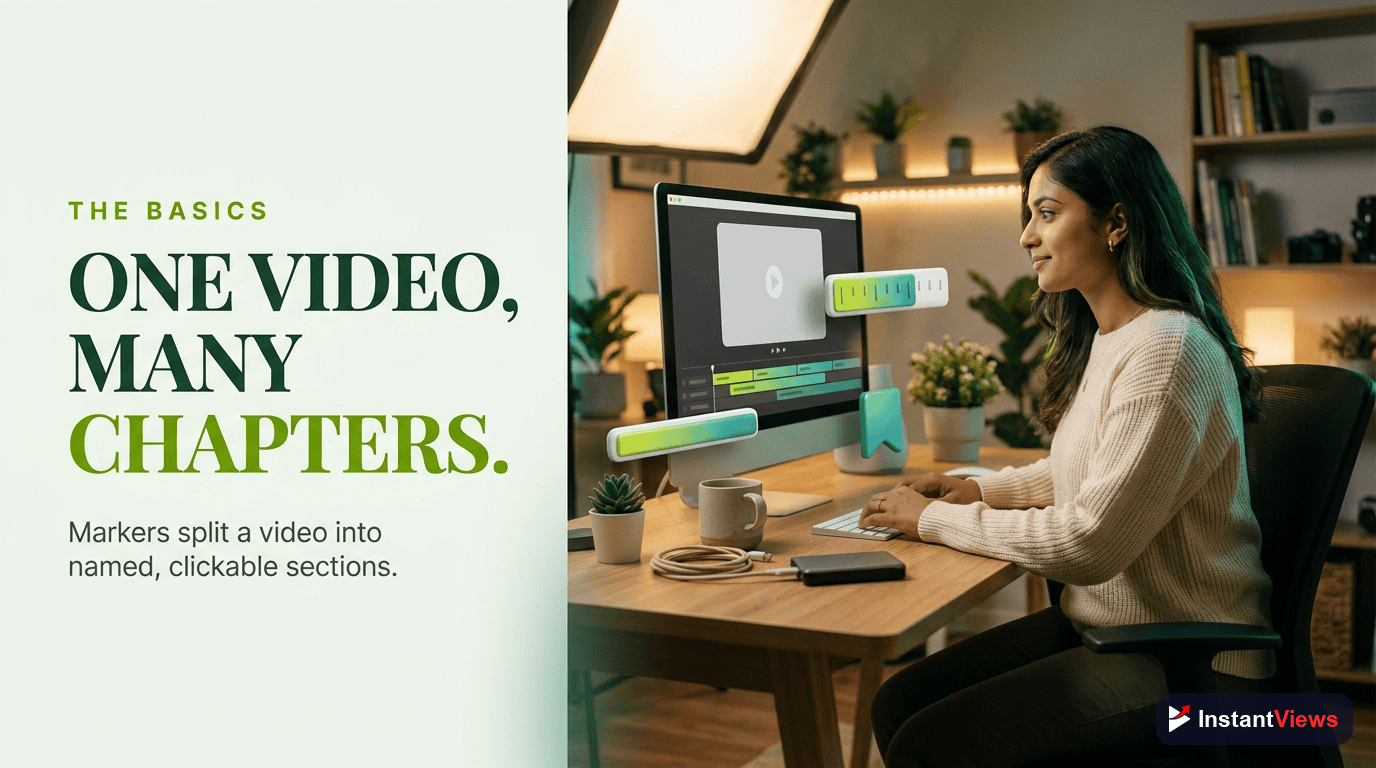
On desktop browsers, YouTube chapter markers integrate seamlessly into the standard player interface. Understanding the desktop experience helps you optimize marker placement for the most common viewing platform.
Progress Bar Markers
The most visible element of desktop chapters is the progress bar itself:
- Thin vertical lines appear at each timestamp position
- Slightly lighter color than the progress bar background for visibility
- Evenly spaced based on your timestamp positions
- Current chapter highlighted with a thicker red segment
Hover Interaction
When viewers hover their cursor over the progress bar, the chapter system activates:
Preview Thumbnail Shows Chapter Title
Chapter Segments Highlight
Precise Timestamp Tooltip
Bottom-Left Chapter Display
Desktop players show the current chapter title in the bottom-left corner of the video player:
- Appears as white text with a semi-transparent black background
- Updates automatically as the video plays through different chapters
- Clicking the title opens a chapter list menu
- Fades out after a few seconds to avoid blocking content
Mobile Chapter Marker Experience
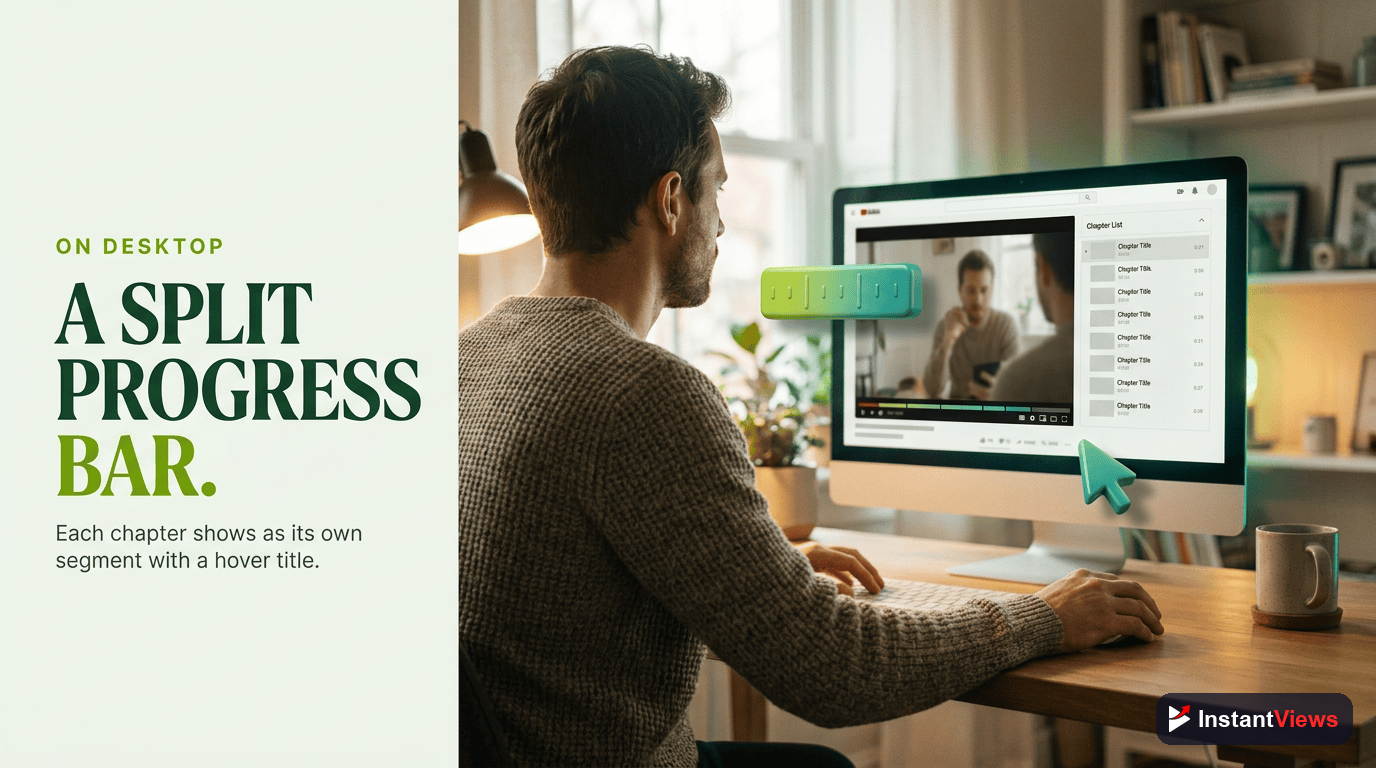
Mobile devices account for over 70% of YouTube watch time, making the mobile chapter experience crucial. The interface differs significantly from desktop to accommodate touch navigation and smaller screens.
Mobile Progress Bar Design
Chapter markers on mobile appear more prominently than desktop:
- Thicker visual dividers that are easier to tap with fingers
- Higher contrast to remain visible on small screens
- Touch-optimized spacing prevents accidental taps on wrong markers
- Current chapter highlighted in red, similar to desktop
Chapter List Interface
The mobile chapter experience centers around a dedicated chapter list interface:
Accessing the Chapter List
Viewers access chapters by tapping the player to reveal controls, then tapping the chapter title at the bottom of the screen. This opens a scrollable list showing:
- All chapter timestamps in chronological order
- Chapter titles with full text (not truncated)
- Thumbnail previews for each chapter (in some cases)
- Current chapter indicator highlighting where you are in the video
- Progress indicators showing watched vs unwatched chapters
The list can be dismissed by tapping outside the menu or swiping down, returning viewers to the main player.
Mobile vs Tablet Display
| Feature | Phone | Tablet |
|---|---|---|
| Marker Visibility | Thick dividers | Medium dividers |
| Chapter List | Full-screen modal | Overlay panel |
| Thumbnails | Small (optional) | Medium-sized |
| Touch Targets | Extra large | Standard |
| Text Truncation | After 30 chars | After 50 chars |
Chapter titles longer than 40 characters may be truncated on mobile devices. Keep titles concise to ensure full visibility in the chapter list.

Timeline Scrubbing with Markers
Chapter markers fundamentally change how viewers scrub through video timelines. Instead of blind guessing, markers provide visual and contextual cues that make navigation precise and efficient.
Visual Reference Points
Markers serve as landmarks on the timeline:
- Quick visual scanning: Viewers can instantly see how many sections exist
- Proportional chapter length: Spacing between markers indicates relative section duration
- Section density indicators: Closely spaced markers suggest detailed content; wide spacing suggests longer explanations
- Progress tracking: Current position relative to markers shows how far into each section you are
Enhanced Preview System
When scrubbing over a timeline with chapter markers, the preview system becomes more informative:
Chapter-Aware Thumbnails
Magnetic Snap Points
Context Retention
Keyboard Navigation
Desktop users can navigate chapters using keyboard shortcuts:
- Arrow keys: Move forward/backward 5 seconds (works normally with chapters)
- J/L keys: Jump backward/forward 10 seconds (respects chapter boundaries in some cases)
- Number keys: Jump to percentages of the video (0-9 for 0%-90%)
- Click chapter markers: Mouse click on any visible marker jumps directly to that chapter
Viewer Navigation Behavior with Markers
YouTube's analytics data reveals fascinating patterns about how viewers interact with chapter markers. Understanding these behaviors helps you optimize marker placement for maximum engagement.
Common Viewing Patterns
According to YouTube creator studies and analytics data:
- 75% of viewers who see chapter markers use them to skip to relevant sections
- Chapter-enabled videos see 15-25% longer average watch times
- Viewers watch 40% more chapters when markers are clearly labeled
- Mobile viewers use chapters 2.3x more than desktop viewers
- Tutorial videos see the highest chapter interaction rates (82% of viewers)
How Viewers Use Chapter Markers
Impact on Watch Time
Contrary to initial concerns, chapter markers generally increase watch time rather than decrease it:
Viewers who find exactly what they're looking for are more likely to continue watching related sections and return for future videos. Chapters reduce frustration, which is the real killer of watch time.
Specific watch time improvements:
- Videos over 20 minutes with chapters: +22% average view duration
- Tutorial content with chapters: +35% completion rate
- Multi-topic videos with chapters: +18% total watch time
- Long-form interviews with chapters: +28% average view duration
Generate Optimized Chapter Markers
Our AI-powered timestamp generator analyzes your video content and creates perfectly spaced chapter markers that maximize viewer engagement.
Create Timestamps Free →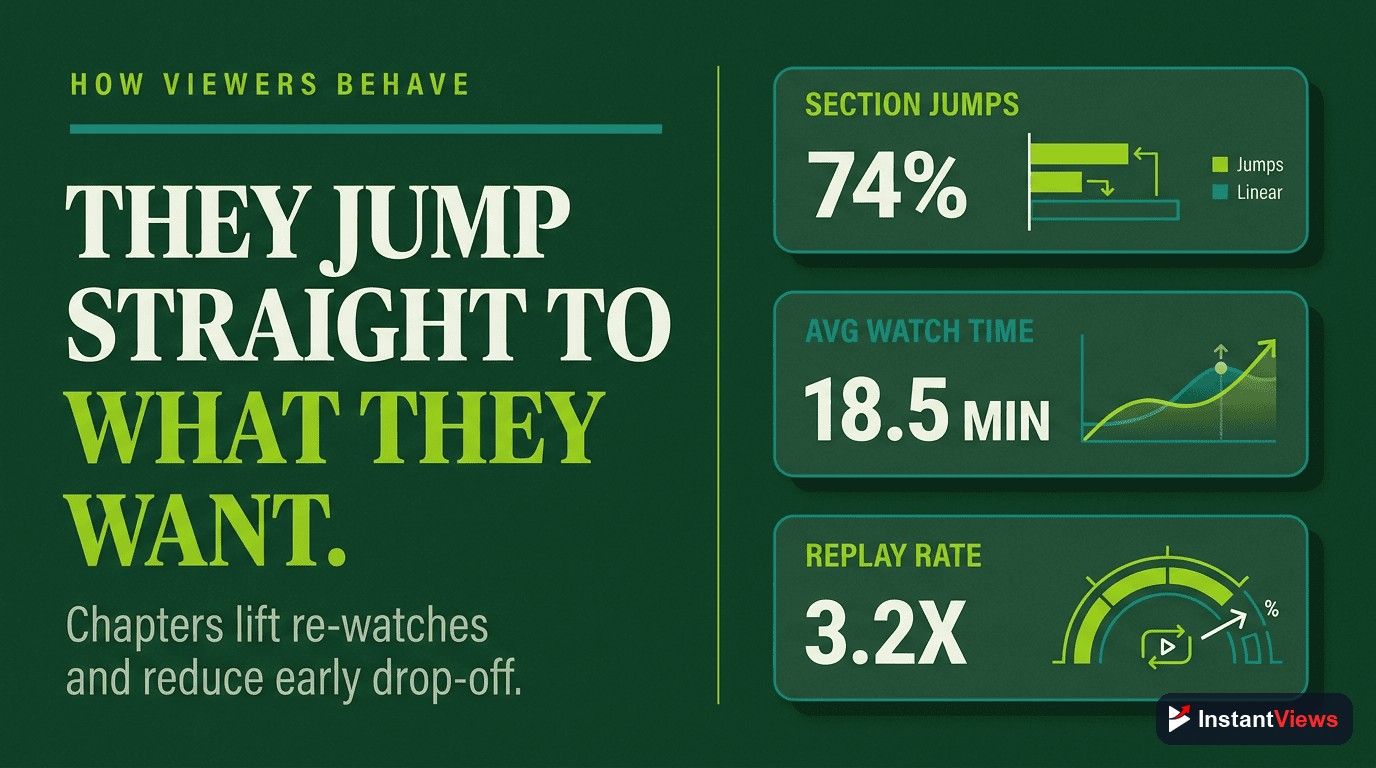
Best Practices for Marker Placement
Strategic marker placement can transform viewer experience from frustrating to delightful. Follow these proven practices to optimize your chapter markers.
Optimal Marker Spacing
The spacing between markers dramatically affects usability:
| Chapter Length | Usability | Best For |
|---|---|---|
| Under 10 seconds | Poor - Too cluttered | Avoid this |
| 10-30 seconds | Fair - Very granular | Step-by-step tutorials |
| 30 seconds - 3 minutes | Excellent - Balanced | Most content types |
| 3-5 minutes | Good - Broad topics | Long-form discussions |
| Over 5 minutes | Fair - Too broad | Podcasts/interviews only |
Chapter Count Guidelines
The number of chapters should match your video length:
- Under 5 minutes: 3-5 chapters
- 5-10 minutes: 5-8 chapters
- 10-20 minutes: 6-10 chapters
- 20-40 minutes: 8-12 chapters
- Over 40 minutes: 10-15 chapters (avoid more than 15)
More than 15 chapters creates cluttered interfaces on mobile and desktop. If you have that many topics, consider creating a series instead.
Strategic Marker Positioning
Where you place markers matters as much as how many you use:
Natural Topic Transitions
Place markers at genuine topic changes, not arbitrary time intervals. Look for:
- Visual transitions (scene changes, slide switches)
- Verbal cues ("Next, let's talk about...", "Now moving on to...")
- Music or sound effect changes
- Demonstrator switching topics or tools
Key Moment Prioritization
Identify the moments viewers most want to find:
- Solution reveals in problem-solving videos
- Individual products in comparison reviews
- Specific questions in Q&A content
- Results reveals in challenge videos
- Important announcements in update videos
Balance Granularity vs Simplicity
Find the sweet spot between too many and too few markers:
- Too few: Viewers can't find specific content easily
- Too many: Interface becomes cluttered and overwhelming
- Just right: Every marker represents a distinct, valuable section
Title Optimization for Markers
Chapter titles should be scannable, specific, and SEO-friendly:
- Front-load keywords: "Instagram Algorithm Changes 2026" not "2026 Changes to Instagram"
- Keep under 40 characters: Ensures full display on all devices
- Use title case: "How to Export Video" not "how to export video"
- Be specific: "Fix Error 404" not "Common Problems"
- Avoid redundancy: Don't repeat the video title in every chapter
| Weak Chapter Title | Strong Chapter Title | Why It's Better |
|---|---|---|
| Introduction | What Are Chapter Markers? | Specific, searchable |
| Part 2 | Mobile vs Desktop Display | Descriptive, not generic |
| Some tips | 5 Marker Placement Tips | Quantified, clear |
| Conclusion and final thoughts | Next Steps & Resources | Action-oriented, concise |
Common Marker Mistakes to Avoid
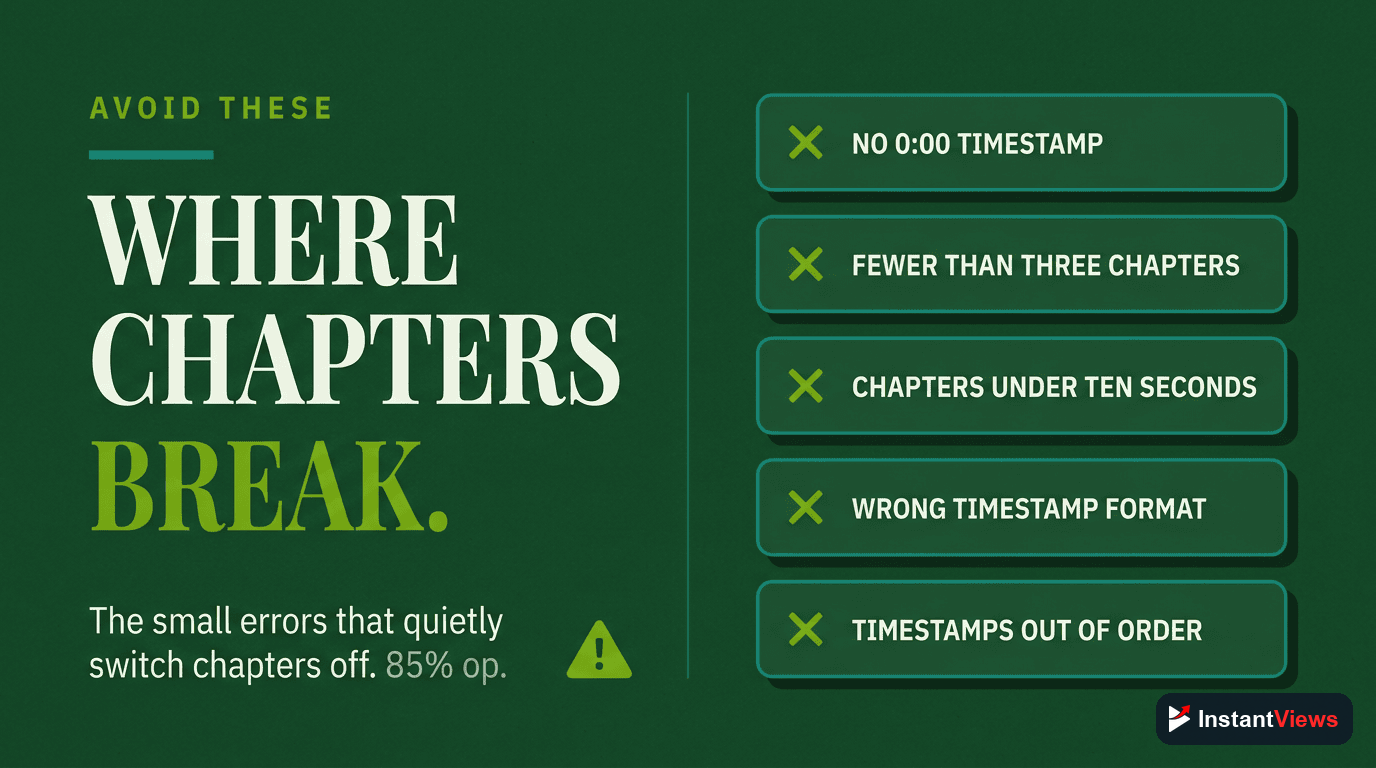
Even experienced creators make these chapter marker mistakes. Avoid them to maintain optimal viewer experience:
1. Inconsistent Spacing
Chapters that alternate between 20 seconds and 5 minutes create jarring navigation experiences. Aim for relatively consistent chapter lengths throughout your video.
0:00 Intro (45 sec), 0:45 Main Content (8 min), 8:45 Tip 1 (30 sec), 9:15 Tip 2 (25 sec), 9:40 Conclusion (15 sec)
2. Vague Chapter Titles
Generic titles like "Introduction," "Part 1," "Section A" tell viewers nothing about the content. Every chapter title should describe what viewers will learn or see.
3. Missing the 0:00 Start
This is the most common mistake. If your first timestamp isn't 0:00, YouTube won't display any chapter markers at all. Always start at 0:00.
4. Too Many Markers
More than 15 chapters creates a cluttered interface. If you need that level of granularity, consider:
- Combining related sub-topics into broader chapters
- Creating a video series instead of one long video
- Using pinned comments to provide detailed timestamps
- Linking to specific timestamps in your description
5. Chapters Too Close to Video End
Placing a chapter marker in the last 10 seconds of a video provides no navigation value. End your last chapter at least 10-15 seconds before the video ends.
6. Keyword Stuffing in Titles
While SEO matters, cramming keywords into chapter titles makes them unreadable:
- Bad: "YouTube Chapters Markers Timeline Navigation Guide Tutorial"
- Good: "How Chapter Markers Work"
Chapter Markers in Search Results
One of the most powerful benefits of chapter markers is their impact on Google search visibility. Properly implemented chapters can appear as "Key Moments" in search results.
Google Key Moments Feature
When Google crawls your video, it can display your chapters as individual search result links:
- Multiple entry points: Each chapter becomes a clickable result
- Increased click-through rates: Specific chapters match search intent better
- Enhanced snippet appearance: Your video takes up more search real estate
- Topic authority signals: Comprehensive chapter structure shows depth
Optimizing Markers for Search
To maximize the chances of Google displaying your chapters:
Use Search-Friendly Chapter Titles
Align Chapters with Video Description
Keep Chapters Substantive
Use Proper Formatting
Analytics Impact
Chapter markers provide valuable analytics insights in YouTube Studio:
- Most Replayed sections: See which chapters viewers watch repeatedly
- Average percentage viewed per chapter: Identify engaging vs boring sections
- Chapter skip rates: Understand which topics viewers skip
- Traffic sources per chapter: See which chapters drive search traffic
Use chapter analytics to inform future content decisions. Chapters with high rewatch rates indicate popular topics worth expanding into standalone videos.
Create SEO-Optimized Chapter Markers
Generate search-friendly timestamps that help your videos rank in Google's Key Moments and YouTube search.
Try Free Timestamp Tool →Embedded Video Considerations
Chapter markers work in embedded YouTube videos, but with some limitations:
- Progress bar markers: Fully functional in embeds
- Chapter list: May not be accessible depending on embed settings
- Mobile embeds: Chapter navigation works identically to youtube.com
- Custom players: Third-party YouTube players may not support chapters
Embed Settings That Affect Chapters
| Embed Parameter | Effect on Chapters | Recommendation |
|---|---|---|
| controls=0 | Hides all controls including chapters | Avoid if chapters are important |
| modestbranding=1 | No effect on chapters | Safe to use |
| rel=0 | No effect on chapters | Safe to use |
| fs=0 | No effect on chapters | Safe to use |
Future of Chapter Markers
YouTube continues to evolve the chapter marker system. Expected developments include:
- AI-generated chapters: Automatic chapter creation for all videos
- Chapter thumbnails: Custom images for each chapter section
- Interactive chapter elements: Clickable objects or links within chapters
- Chapter-level analytics: More detailed metrics per chapter
- Chapter playlists: Ability to create playlists from specific chapters across multiple videos
Staying ahead of these trends means implementing chapters now and building a library of well-structured, navigable content.
Frequently Asked Questions
Chapter markers appear as vertical lines on the progress bar with chapter titles displayed on hover. When you click a marker, the video jumps to that timestamp. The current chapter title also displays in the bottom-left corner of the player.
Yes. On desktop, markers show as thin vertical lines with hover tooltips. On mobile, markers appear as thicker visual dividers, and tapping the player shows a scrollable chapter list at the bottom. Mobile displays chapter thumbnails in some cases.
On desktop, all markers are visible on the progress bar. On mobile, viewers tap the chapter icon to see a full scrollable list of all chapters with timestamps and titles. The list can be dismissed by tapping outside it.
Markers provide visual reference points during scrubbing, making it easier to find specific sections. The timeline thumbnail preview shows the chapter title, helping viewers navigate without guessing content.
If markers are less than 10 seconds apart, they become difficult to click on desktop and can clutter the mobile chapter list. YouTube recommends spacing chapters at least 10-30 seconds apart for usability.
Yes, chapter markers work in embedded YouTube videos. The markers appear on the progress bar, and viewers can navigate chapters just like on youtube.com. However, some embed customizations may hide the chapter list.
No, YouTube controls the appearance of chapter markers. They use a consistent design across all videos to maintain user familiarity. You can only control the placement and titles, not visual styling.
Google can show your chapter markers as "Key Moments" in search results, displaying individual chapters as clickable links. This gives your video multiple entry points in search and can significantly increase click-through rates.
Conclusion
YouTube chapter markers are far more than simple visual dividers on a progress bar. They're a sophisticated navigation system that adapts across devices, enhances search visibility, and fundamentally improves how viewers interact with your content.
Key implementation priorities:
- Space chapters 30 seconds to 3 minutes apart for optimal usability
- Write specific, search-friendly chapter titles under 40 characters
- Test chapter display on both mobile and desktop before publishing
- Use analytics to refine chapter placement in future videos
- Always start at 0:00 with at least 3 chapters minimum 10 seconds each
Viewers increasingly expect chapters in longer videos. Videos without them feel outdated and frustrating to navigate. By mastering chapter marker implementation, you'll create better viewer experiences, improve watch time metrics, and increase your videos' discoverability in search results.
Start adding chapter markers to your next video. Use our free timestamp generator to analyze your content and create perfectly spaced markers in seconds.