- Repurposing YouTube content can give you 10x more reach without creating new content from scratch
- Each platform requires specific adaptations - one-size-fits-all posting kills engagement
- The best content to repurpose is what already performs well on YouTube
- A systematic repurposing workflow saves 70% of the time compared to creating platform-specific content
- Use the InstantViews Video Analyzer to identify which parts of your videos work best for each platform
Creating great YouTube content takes time, energy, and resources. Yet most creators make one video and post it to one platform, leaving 90% of its potential value on the table.
Smart creators repurpose. They take one piece of content and strategically adapt it for multiple platforms, reaching different audiences and multiplying their ROI without the exhausting grind of creating everything from scratch.
This guide shows you exactly how to repurpose YouTube content across every major platform, with platform-specific strategies, tools, and a proven workflow that saves time while maximizing reach.
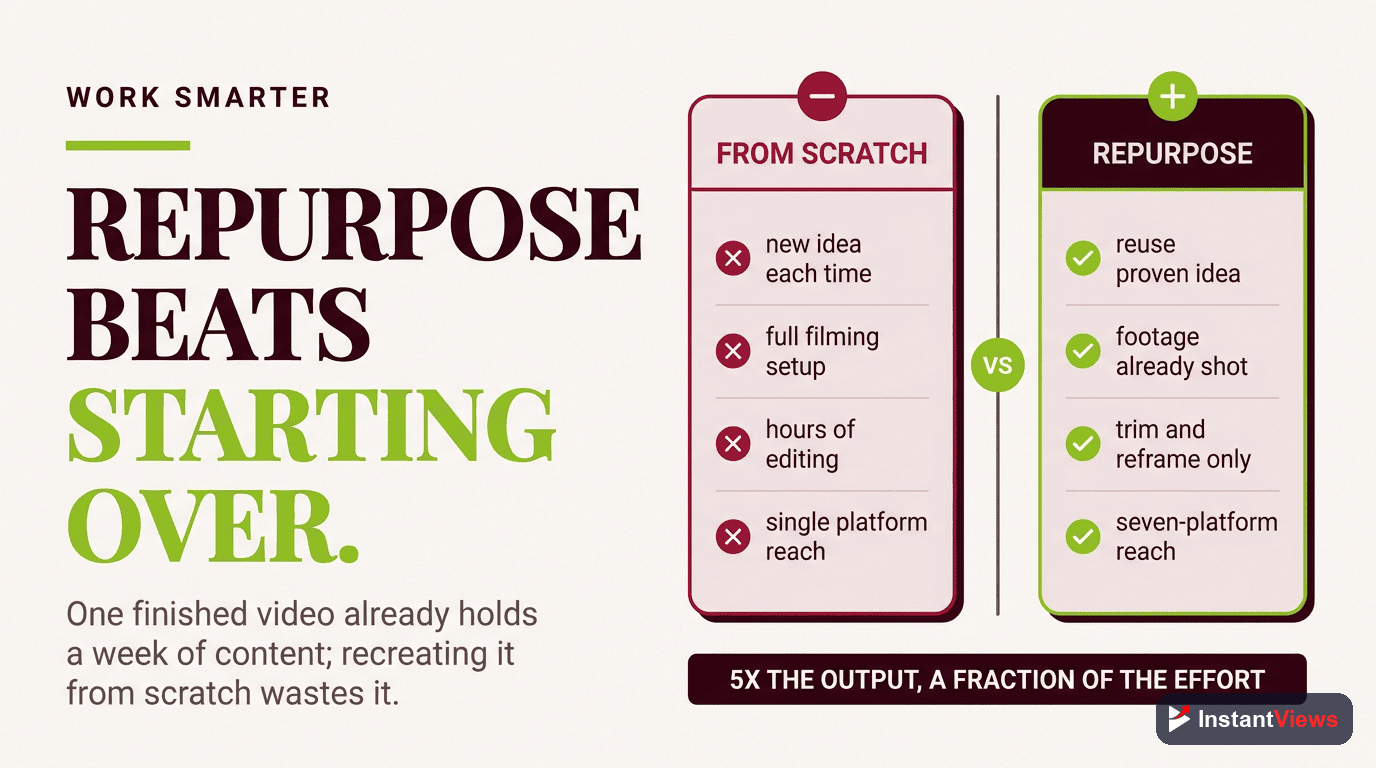
Why Repurposing Beats Creating From Scratch
The math is simple: One 15-minute YouTube video can become 20+ pieces of content across different platforms. Here's what the data shows:
- 10x more reach - Your content reaches audiences on platforms you might not have time to create for
- 70% time savings - Adapting existing content takes far less time than ideation, scripting, and filming
- Proven performance - You're repurposing what already works, not gambling on new ideas
- Algorithm boost - More content signals to platforms that you're an active, valuable creator
- SEO compound effect - Cross-platform content creates multiple pathways for discovery
Never just copy-paste the same video across platforms. Each platform has different audiences, algorithms, and content expectations. Adaptation is the key to repurposing success.
Choosing Content to Repurpose
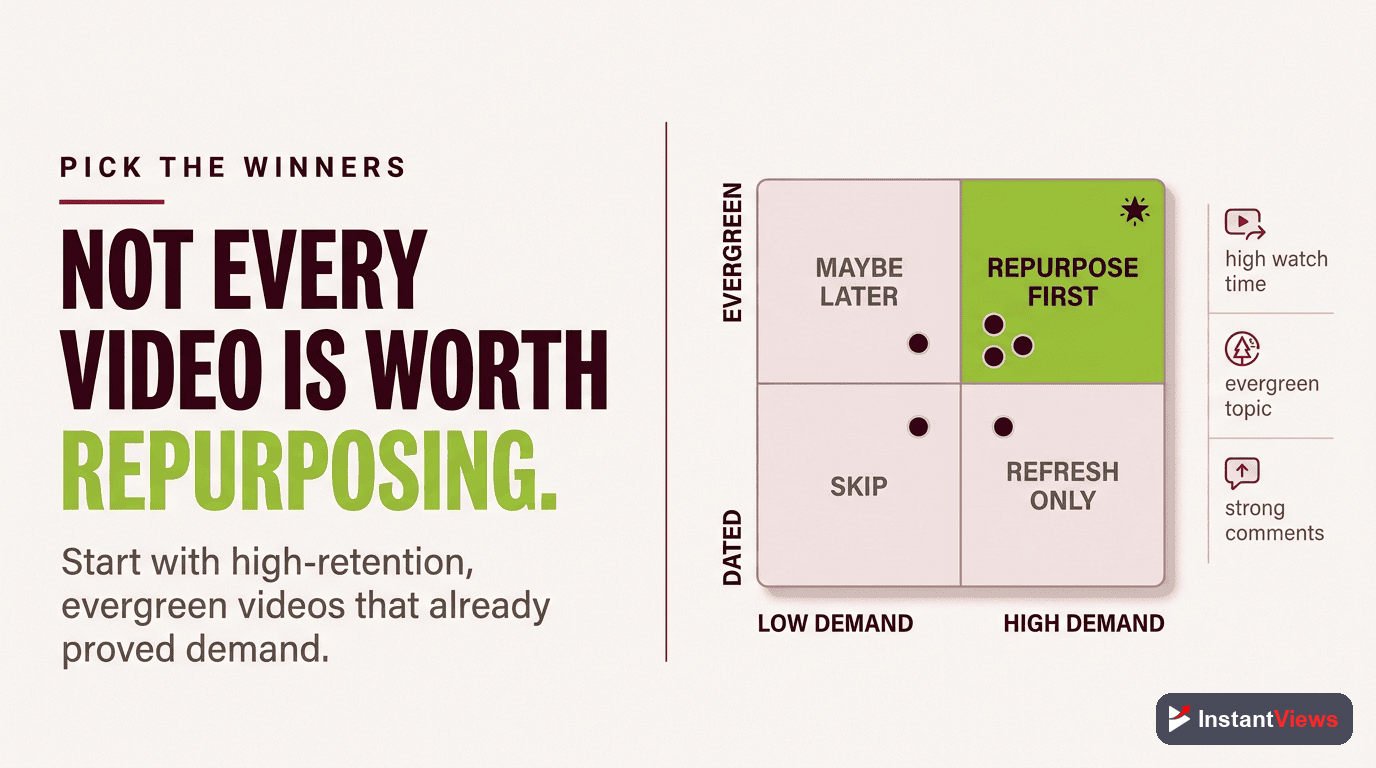
Not all YouTube videos are equally repurposable. Focus your efforts on content that has:
- High retention rates - If viewers watch most of the video, the content resonates
- Strong hooks - The first 15-30 seconds are engaging and self-contained
- Modular structure - The video has clear segments that work as standalone pieces
- Evergreen value - The content stays relevant beyond news cycles
- Visual moments - Demonstrations, results, or interesting visuals that work without audio
Where to find your best content: Go to YouTube Studio > Analytics > Top Videos (Last 365 days). Your top 10 videos are repurposing goldmines.
Platform #1: TikTok
TikTok Strategy
TikTok's algorithm favors authentic, fast-paced content with strong hooks. The platform is discovery-driven, meaning new creators can go viral without existing followers.
How to adapt YouTube content for TikTok:
- Extract the hook - Use the most compelling 5-15 seconds from your video as the TikTok start
- Add text overlays - 85% of TikTok is watched without sound initially
- Speed it up - TikTok audiences expect faster pacing than YouTube
- Use trending sounds - Replace your YouTube audio with trending TikTok audio when possible
- Multiple videos per YouTube video - Pull 3-5 TikToks from a single 10-minute YouTube video

Platform #2: Instagram Reels
Instagram Reels Strategy
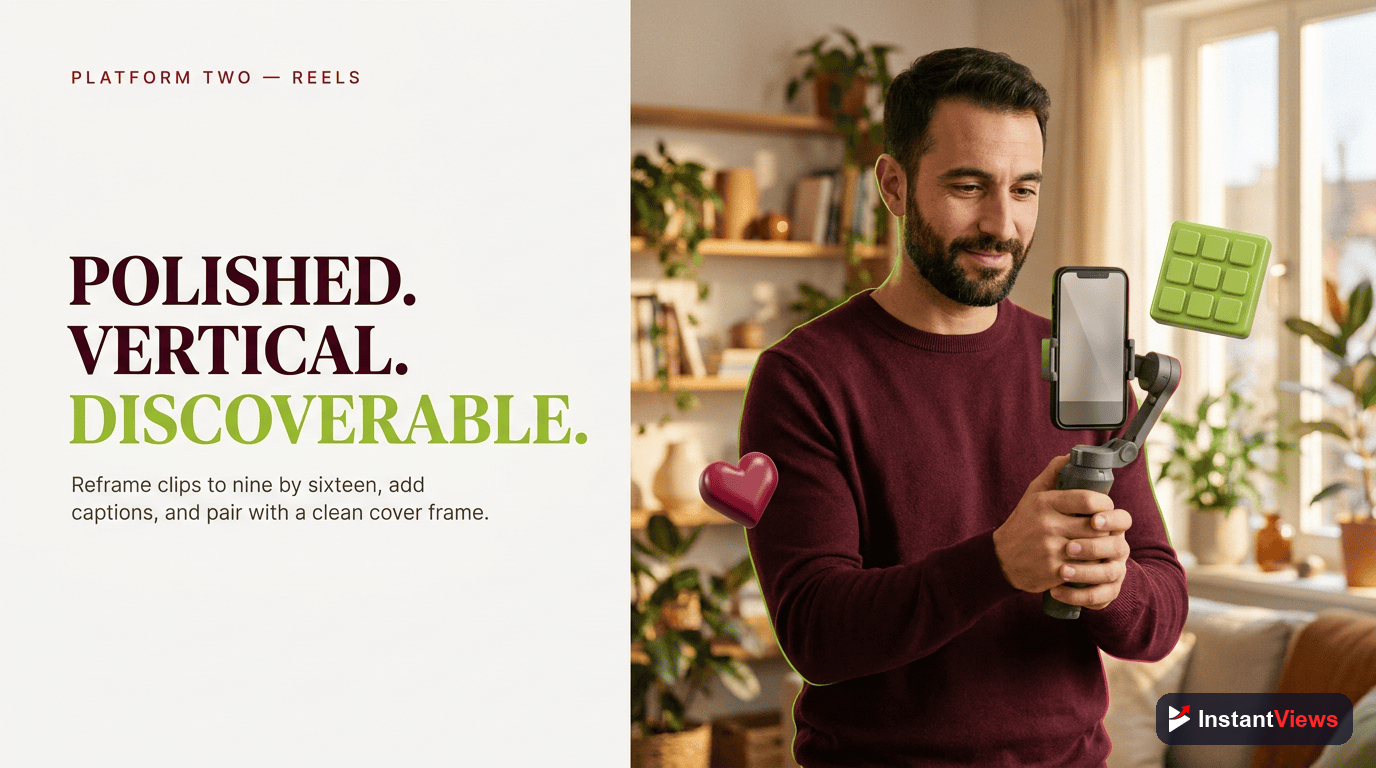
Instagram Reels is pushing hard to compete with TikTok. The algorithm heavily favors Reels over static posts. Your existing followers will see your Reels, but the Explore page can drive massive discovery.
How to adapt YouTube content for Instagram:
- Polish the visuals - Instagram audiences expect higher production value than TikTok
- Keep brand consistent - Use your brand colors, fonts, and style in text overlays
- Write engaging captions - Instagram captions matter more than TikTok; tell a micro-story
- Use relevant hashtags - 3-5 targeted hashtags work better than hashtag spam
- Post to Stories too - Share your Reel to Stories for double visibility
Platform #3: YouTube Shorts
YouTube Shorts Strategy
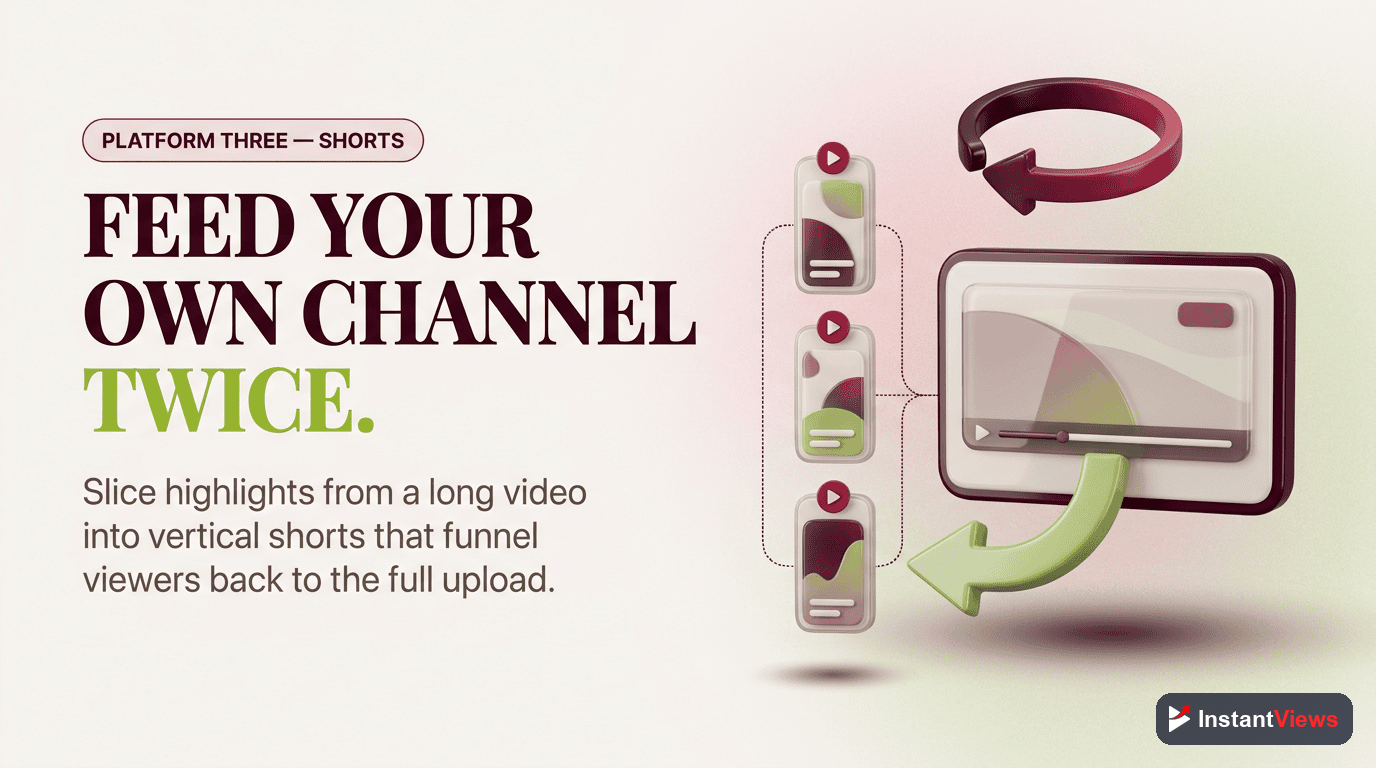
YouTube Shorts lives on the same platform as your long-form content, making it perfect for driving subscribers to your main channel. Shorts can get millions of views even from small channels.
How to adapt YouTube content for Shorts:
- Use your best moments - Pull the most valuable or entertaining 30-60 seconds
- Add a CTA to your channel - "Full video on my channel" or "Link in bio for full tutorial"
- Don't worry about polish - Shorts favor raw, authentic content over production quality
- Post consistently - Upload 1-2 Shorts per day to feed the algorithm
- Include #Shorts in title - This signals YouTube to push it to the Shorts feed
Platform #4: Twitter/X
Twitter/X Strategy
Twitter is about conversation and virality. Video tweets get 10x more engagement than text-only tweets. Twitter's audience skews toward tech, business, and creators.
How to adapt YouTube content for Twitter:
- Pull controversial moments - Twitter rewards spicy takes and strong opinions
- Add captions - Most Twitter users scroll with sound off
- Write a hook tweet - The text you write with the video matters as much as the video
- Pin your best video - Use it as social proof for new profile visitors
- Link to full video - Reply to your own tweet with "Full breakdown: [YouTube link]"
Platform #5: LinkedIn
LinkedIn Strategy
LinkedIn's algorithm massively favors native video over external links. Video posts get 5x more engagement than text posts. The platform skews professional - business, career, and B2B content performs best.
How to adapt YouTube content for LinkedIn:
- Make it professional - Keep the tone buttoned-up compared to TikTok or Instagram
- Lead with value - "Here's what I learned after..." or "3 mistakes I see..."
- Upload natively - Don't link to YouTube; upload the video directly to LinkedIn
- Write a thoughtful caption - LinkedIn captions should be 100-200 words telling a story
- Add captions - Most LinkedIn browsing happens at work with sound off
Platform #6: Podcast Audio
Podcast Strategy
Turning YouTube videos into podcast episodes opens a completely new audience - people who consume content during commutes, workouts, or chores. Audio-only consumption is growing rapidly.
How to adapt YouTube content for podcasts:
- Choose talk-heavy videos - Tutorials with screen recordings don't translate well to audio-only
- Strip the video track - Use a tool like Descript to extract clean audio
- Add intro/outro - Brief podcast-specific intro explaining what listeners will learn
- Submit to all platforms - Use Anchor or Buzzsprout to distribute to Spotify, Apple Podcasts, etc.
- Mention visual elements - If you reference something visual, describe it for audio listeners
Platform #7: Blog Posts
Blog Post Strategy
Transcribing and reformatting YouTube videos into blog posts creates SEO value, generates Google traffic, and serves audiences who prefer reading to watching. It's one of the highest-ROI repurposing strategies.
How to adapt YouTube content into blog posts:
- Get a transcript - Use Rev.com, Descript, or YouTube's auto-captions (edit for accuracy)
- Rewrite for readability - Spoken language needs editing to read well
- Add formatting - Headlines, bullet points, bold text for scannability
- Embed the video - Place the YouTube video at the top or relevant sections
- Optimize for SEO - Target specific keywords in the title, headers, and naturally in the text
- Add images - Screenshots from the video or custom graphics improve engagement
Find Your Best Repurposing Opportunities
The Video Analyzer identifies which parts of your videos work best for each platform.
Analyze Your Video →
The Repurposing Workflow
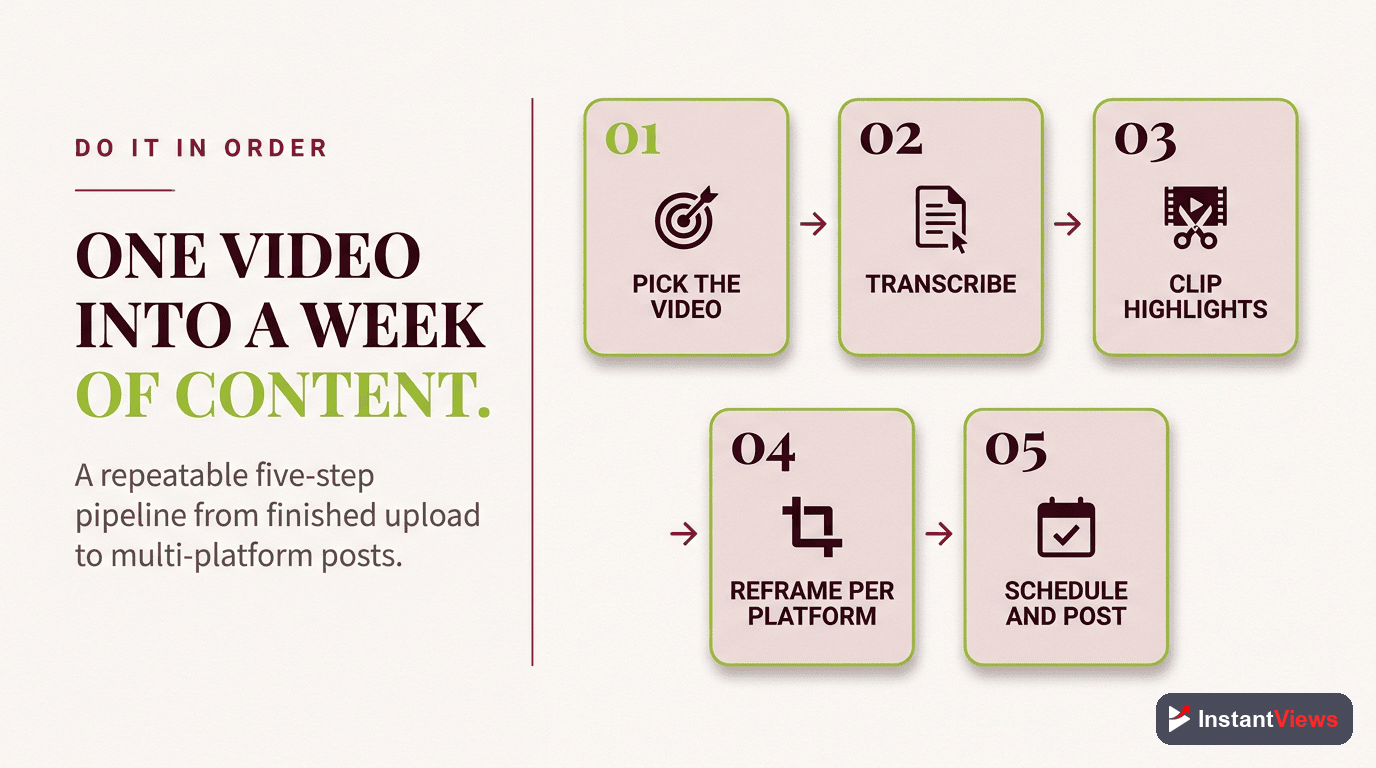
Here's the exact workflow professional creators use to repurpose efficiently:
Step 1: Identify Content (15 minutes)
- Review your YouTube Analytics for top-performing videos
- Choose 1-3 videos to repurpose this week
- Use InstantViews to identify best clips and hooks
Step 2: Extract Raw Material (30 minutes)
- Download video from YouTube or your source files
- Get transcript (automated via Descript, Rev, or YouTube)
- Pull out key timestamps for clips
Step 3: Create Platform-Specific Content (2-3 hours)
- Short-form video: Edit 5-8 clips for TikTok, Reels, Shorts (9:16 vertical)
- Twitter: Pull 1-2 controversial or high-value moments (16:9 or 1:1)
- LinkedIn: Create 1 professional, value-forward clip (1:1 or 16:9)
- Blog: Edit transcript into article format
- Podcast: Extract audio, add intro/outro
Step 4: Schedule Everything (30 minutes)
- Use a scheduling tool (Buffer, Hootsuite, Later)
- Space out content - don't post everything at once
- Customize captions for each platform
Total time investment: 3-4 hours to create 15-20 pieces of content. Compare this to creating original content for each platform from scratch (40+ hours).
Essential Tools for Repurposing
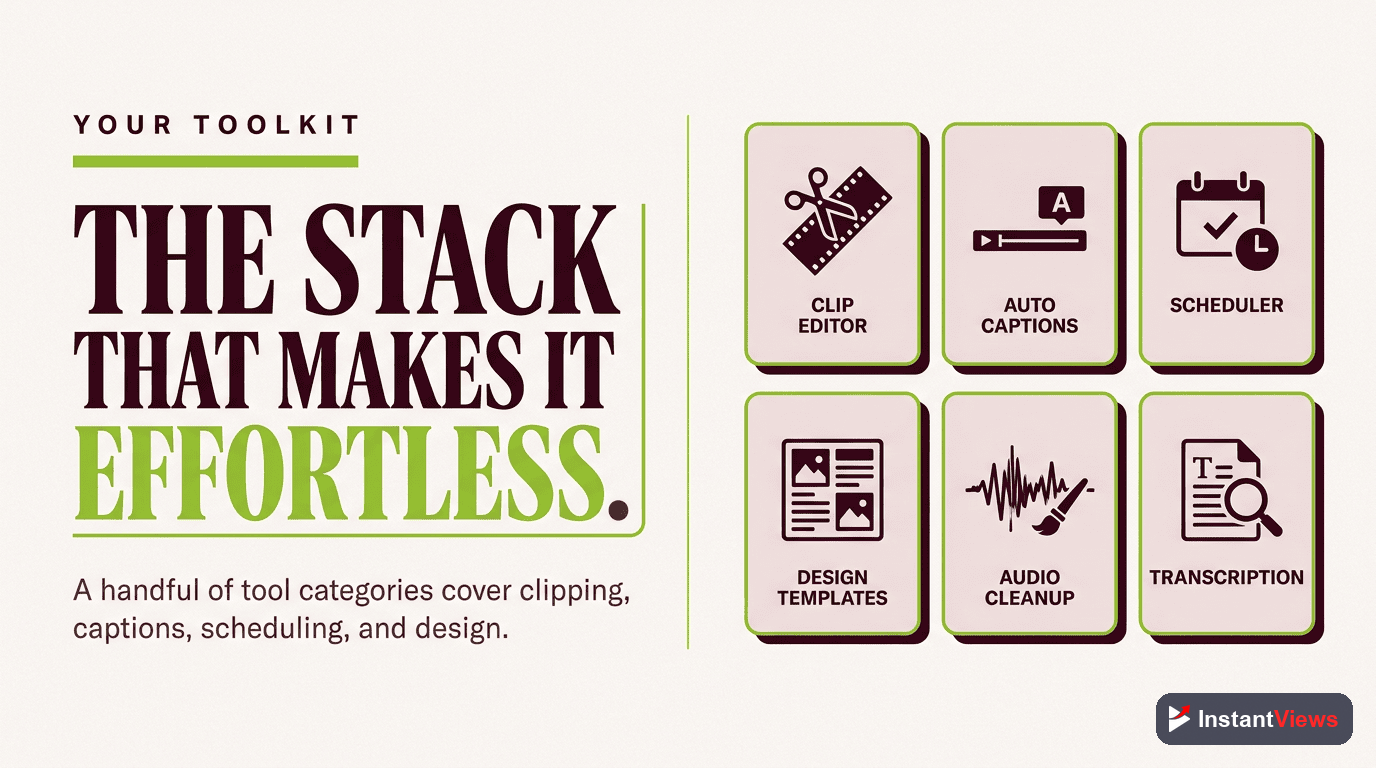
| Tool Category | Recommended Tools | Pricing |
|---|---|---|
| Video Editing | DaVinci Resolve, Adobe Premiere, CapCut | Free - $50/month |
| Transcription | Descript, Rev.com, Otter.ai | $10-30/month |
| Design | Canva, Figma, Adobe Express | Free - $13/month |
| Scheduling | Buffer, Hootsuite, Later | $15-50/month |
| Video Analysis | InstantViews Video Analyzer | Free |
| Podcast Hosting | Anchor, Buzzsprout, Transistor | Free - $20/month |
Common Repurposing Mistakes to Avoid
- Posting identical content everywhere - Each platform needs customization
- Ignoring platform-specific features - Use hashtags on Instagram, trending sounds on TikTok, etc.
- Poor aspect ratio choices - Horizontal video on TikTok or Instagram Reels kills engagement
- Not adding captions - 85%+ of social video is watched without sound
- Waiting too long to repurpose - Repurpose within 1-2 weeks while content is fresh
- Only repurposing new content - Your back catalog is valuable; repurpose top performers from the past
"We don't create new content. We create once and distribute 10 times." - Gary Vaynerchuk
Frequently Asked Questions
Content repurposing is the process of taking one piece of content (like a YouTube video) and adapting it for different platforms and formats. It matters because creating quality content takes significant time and effort - repurposing lets you get 5-10x more value from every piece you create, reaching different audiences across multiple platforms.
The best platforms depend on your audience and niche, but most creators benefit from: TikTok and Instagram Reels for short-form, LinkedIn for professional content, Twitter/X for clips and engagement, podcasts for audio versions, and blog posts for SEO. Start with 2-3 platforms where your target audience is most active.
The key is adaptation, not duplication. Each platform has different audiences, formats, and culture. Customize your content for each platform - change the hook, adjust the aspect ratio, modify the caption style, and optimize for platform-specific features. The core message can be the same, but the delivery should feel native to each platform.
Essential tools include: a video editor (DaVinci Resolve, Adobe Premiere, or CapCut), transcription service (Rev.com, Descript, or Otter.ai), design tool for graphics (Canva or Figma), scheduling tool (Buffer, Hootsuite), and the InstantViews Video Analyzer to identify your best repurposing opportunities. Many creators start with free versions and upgrade as they scale.
Optimal lengths vary by platform: TikTok (15-60 seconds), Instagram Reels (15-90 seconds), YouTube Shorts (15-60 seconds), Twitter/X video (45 seconds), LinkedIn (30-90 seconds for native video), Instagram Stories (15 seconds per slide). The trend is toward shorter, punchier content across all platforms.
Absolutely repurpose old content! Your back catalog is a goldmine. Videos that performed well are proven winners. Plus, new followers haven't seen your older content. Use YouTube Analytics to identify your top-performing videos from the past year and start there. Evergreen content repurposes especially well.