- Pattern interrupts break autopilot viewing and re-engage distracted viewers at critical drop-off points
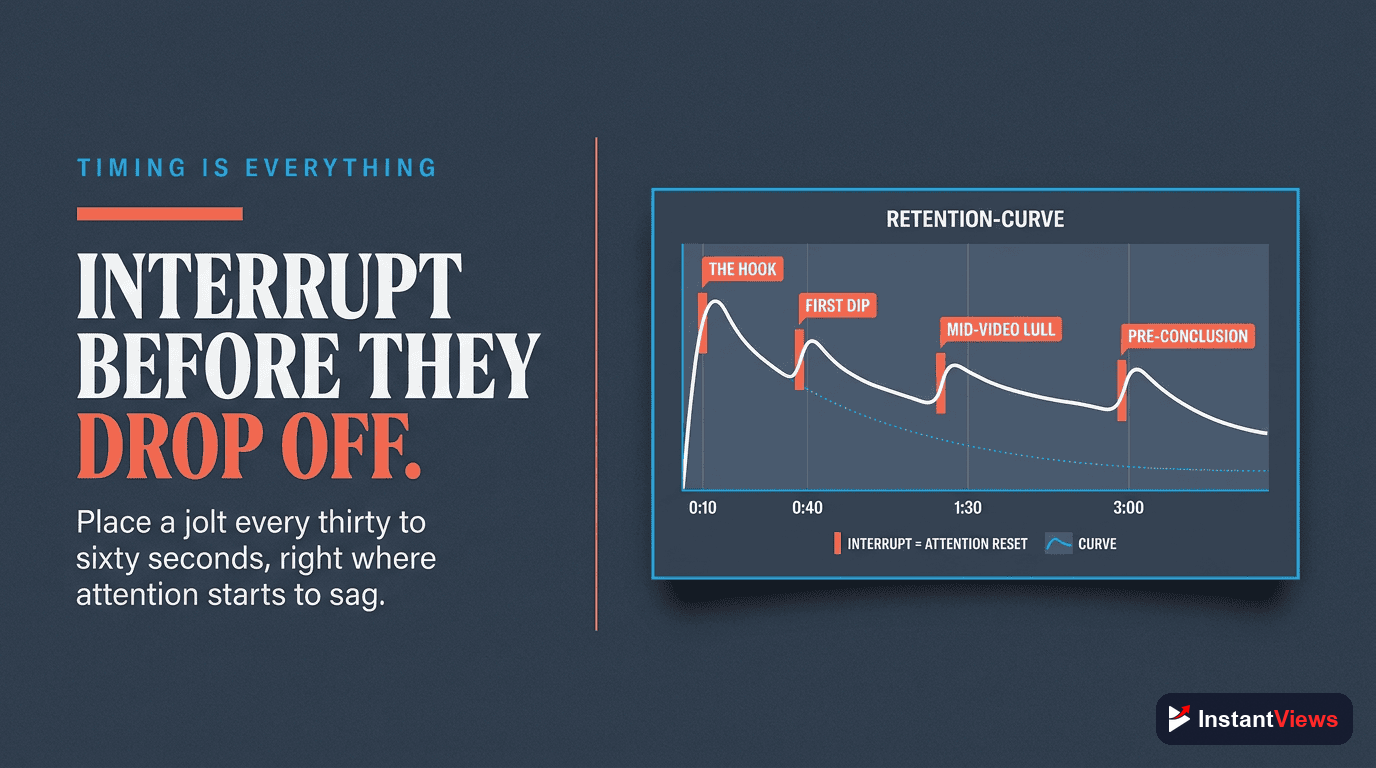
- Strategic interrupts every 30-60 seconds in the first 3 minutes can boost retention by 25-40%
- 8 types of pattern interrupts work across all content: visual, audio, textual, pace, context, emotional, interactive, and format changes
- Overusing or using irrelevant interrupts damages retention instead of improving it
- Analyze retention graphs to identify exactly where to place interrupts for maximum impact
Viewers don't consciously decide to click away from your video. They drift. They zone out. They start scrolling on their phone. Then - click - they're gone.
Pattern interrupts are the antidote to this autopilot viewing. They're unexpected changes that snap viewers back to attention when they start to mentally check out.
Top YouTube creators use pattern interrupts every 30-90 seconds. It's why MrBeast videos feel impossibly fast-paced. It's why educational channels can hold attention for 20+ minutes. This guide shows you exactly how to use them.
- What Is a Pattern Interrupt?
- Why Pattern Interrupts Work
- Type #1: Visual Interrupts
- Type #2: Audio Interrupts
- Type #3: Text & Graphics
- Type #4: Pace & Energy Shifts
- Type #5: Context Switches
- Type #6: Emotional Shifts
- Type #7: Interactive Elements
- Type #8: Format Changes
- When to Use Pattern Interrupts
- FAQ
What Is a Pattern Interrupt?
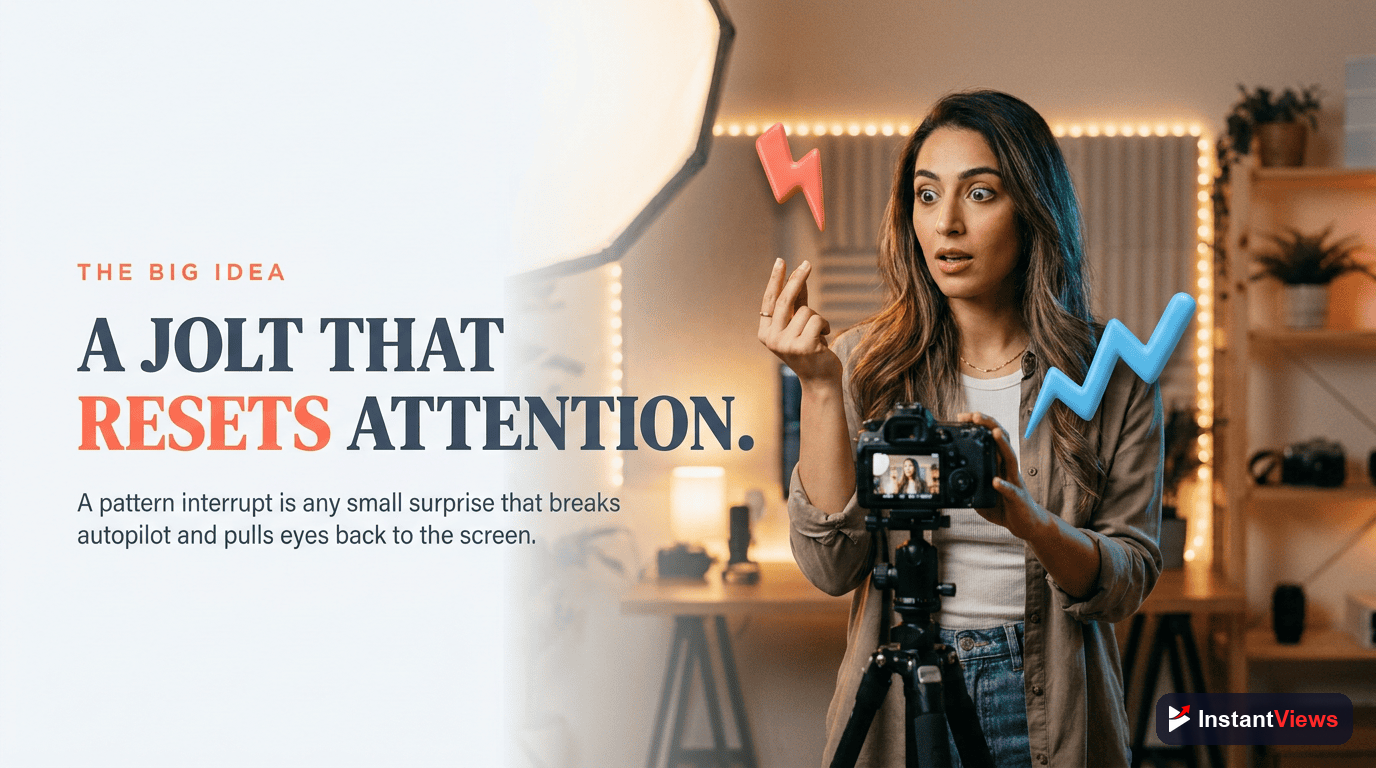
A pattern interrupt is any element that breaks the established rhythm or expectation in your video. It works by triggering the brain's orienting response - the automatic attention shift that happens when something changes in our environment.
Think about it: You're reading this article. If suddenly a RED WORD APPEARED IN LARGE TEXT, your attention would snap to it. That's a pattern interrupt.
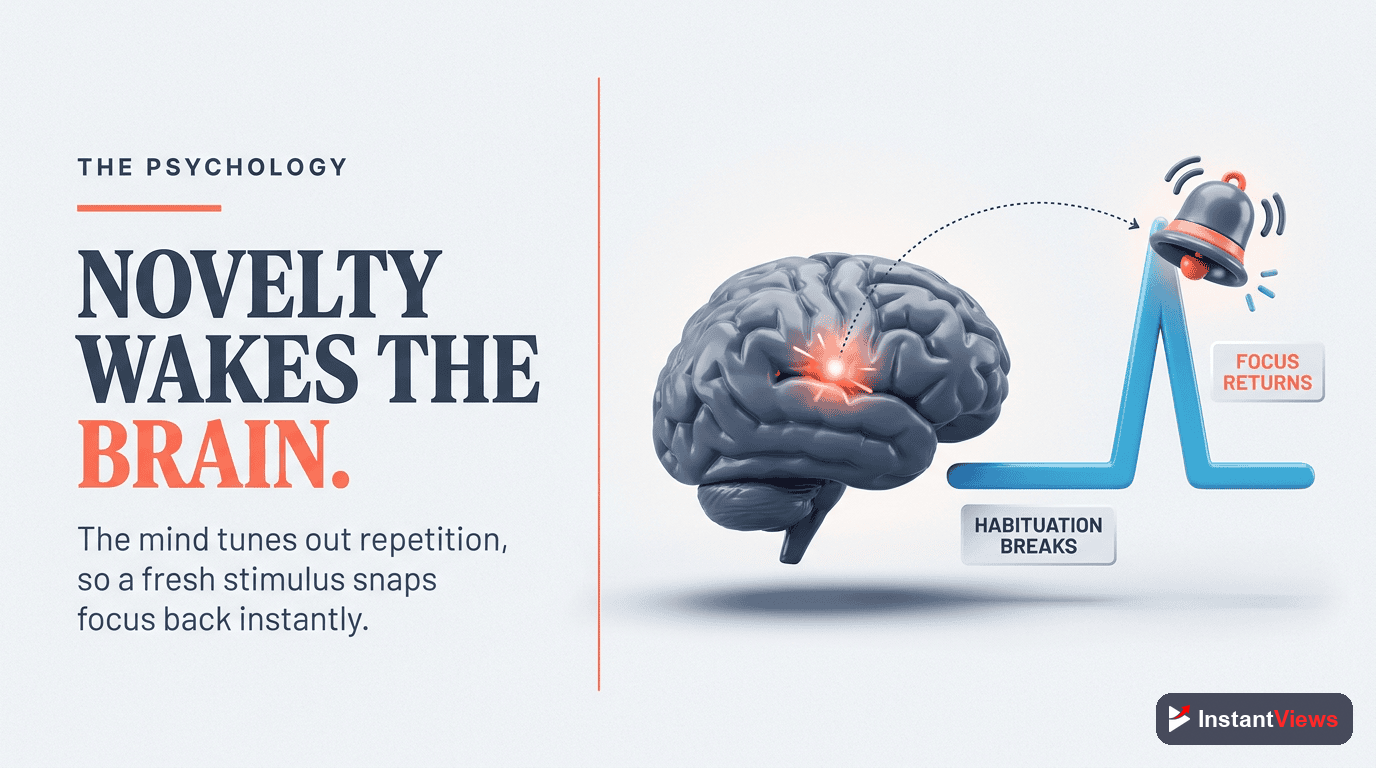
In YouTube videos, pattern interrupts combat habituation - the psychological process where repeated stimuli get less attention over time. After 30 seconds of watching the same camera angle, viewers' brains start tuning out.
Pattern interrupts must be relevant to your content. Random interrupts feel gimmicky and break trust. Every interrupt should enhance understanding or entertainment value.
Why Pattern Interrupts Work
Pattern interrupts leverage three psychological principles:
- The Orienting Response: Our brains evolved to notice changes for survival. Movement, sound shifts, and visual changes automatically capture attention.
- Novelty Seeking: Dopamine releases when we experience something new or unexpected. Pattern interrupts trigger micro-doses of novelty.
- Prevention of Habituation: The brain filters out repetitive stimuli. Interrupts reset this filter, making content feel fresh again.
YouTube's internal data shows that videos with high "variety scores" (measuring visual and audio diversity) consistently outperform monotonous content in retention metrics.
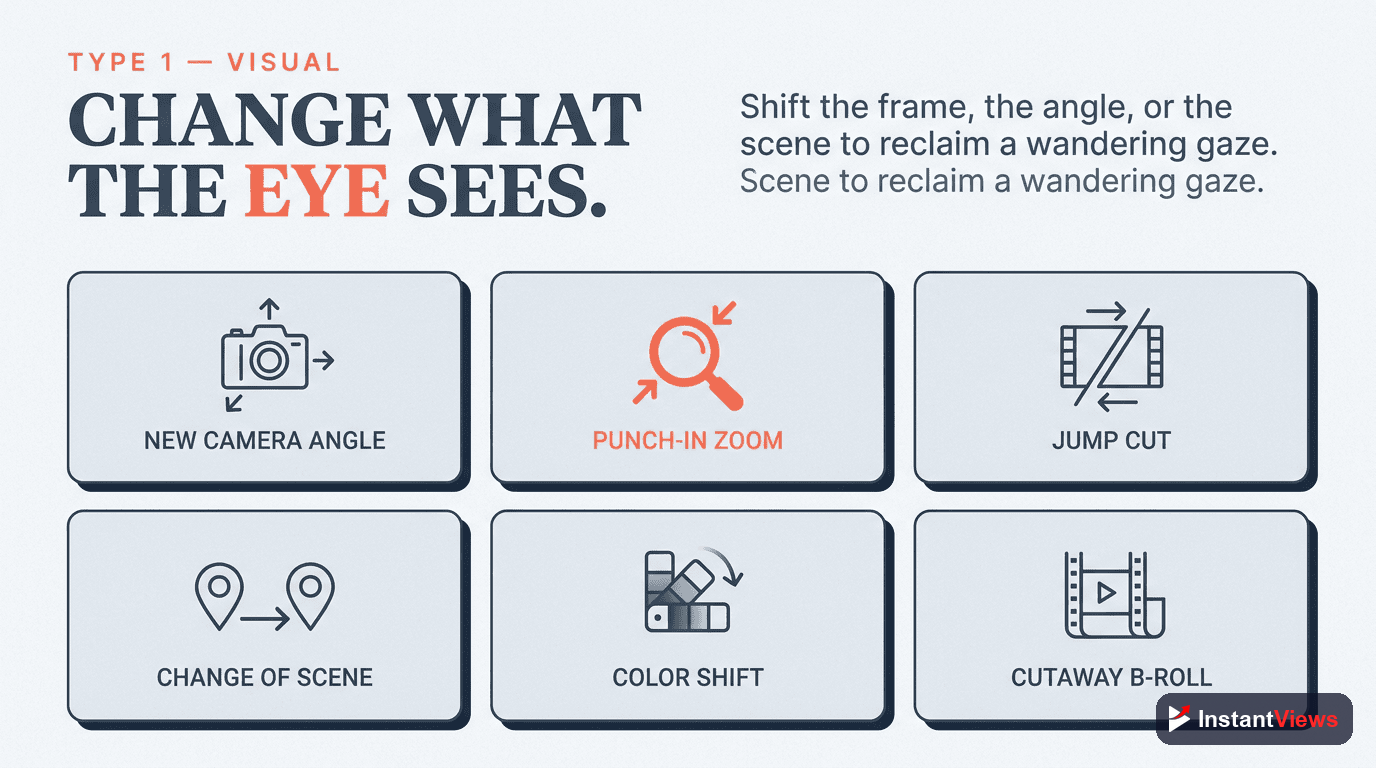
Type #1: Visual Interrupts
Visual Pattern Interrupts
Changes in what viewers see - camera angles, scenes, zoom levels, or visual effects. These are the most common and effective interrupts.
• Quick cut from wide shot to close-up
• Changing from studio to outdoor location
• Zooming in dramatically during key points
• Switching between multiple camera angles
• Adding B-roll footage over narration
How to implement: Plan at least 3-4 camera angles for any seated content. Cut between angles every 8-15 seconds. For tutorials, show the result, then cut to explaining the process.
Advanced technique: Match visual interrupts to emphasis points in your script. When you make an important point, zoom in slightly or cut to a different angle simultaneously.
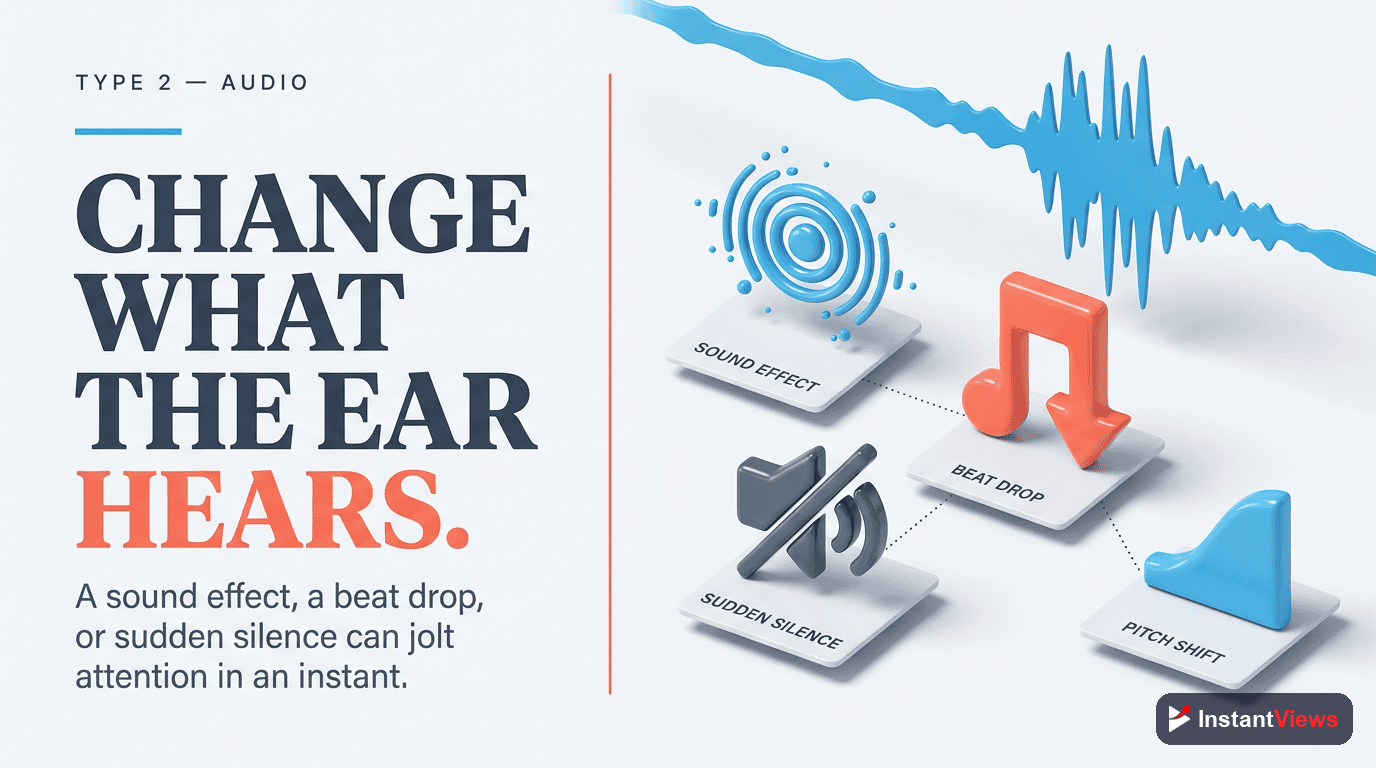
Type #2: Audio Interrupts
Audio Pattern Interrupts
Sound changes that reset auditory attention - music shifts, sound effects, silence, or voice modulation.
• Background music fading in/out at section changes
• Strategic sound effects (whoosh, pop, ding)
• Sudden silence before revealing something important
• Changing voice tone or energy level
• Adding echo/filter effects for emphasis
How to implement: Use subtle sound effects at transition points. Don't overdo it - 1-2 sound effects per minute maximum. Change background music between major sections.
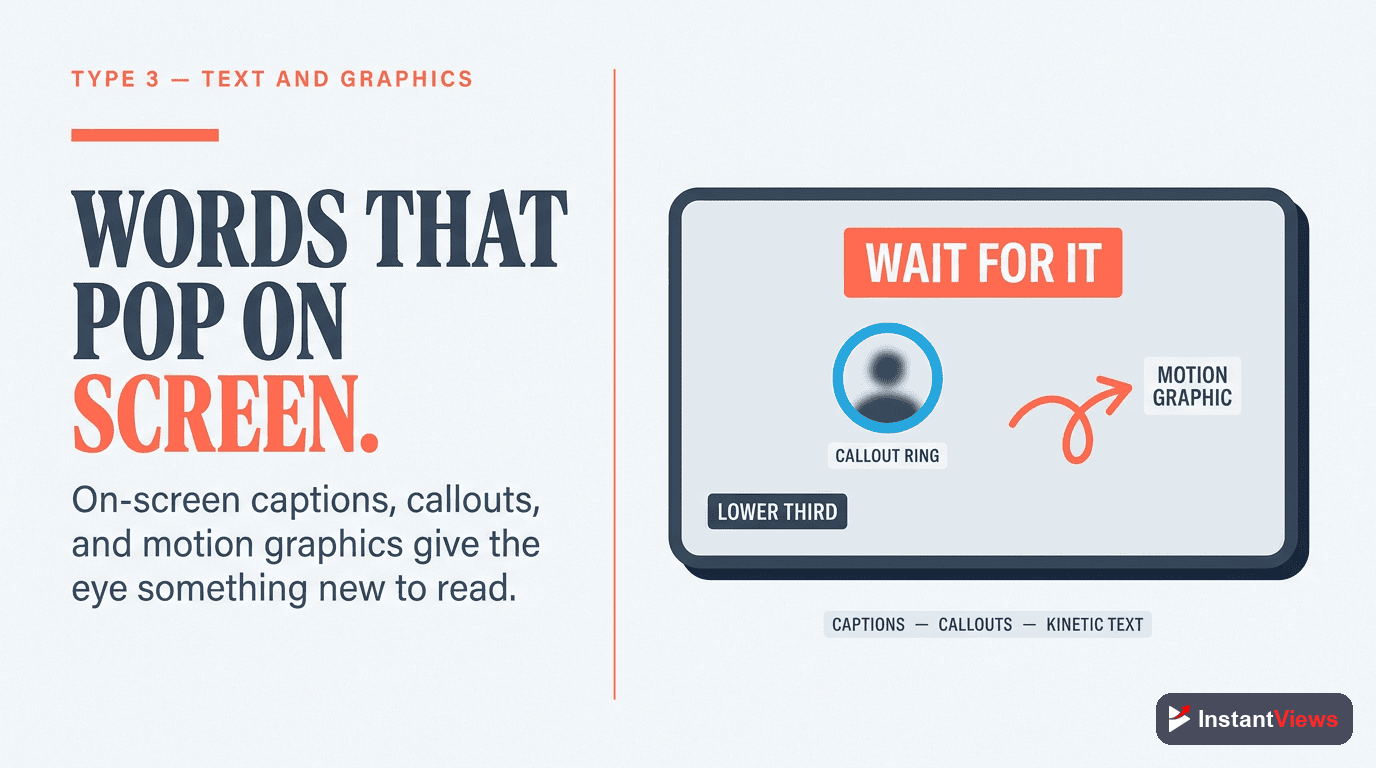
Type #3: Text & Graphics
Text & Graphics Interrupts
On-screen elements that emphasize points, clarify concepts, or add visual interest to talking head footage.
• Key words appearing as you say them
• Statistics shown as animated graphics
• Highlight circles/arrows pointing to screen elements
• Chapter titles between sections
• Animated diagrams explaining concepts
How to implement: Highlight 3-5 key phrases per minute with on-screen text. Use graphics to visualize abstract concepts. Animate text entries rather than static placement.
Common mistake: Text that stays on screen too long becomes part of the pattern. Make it appear, emphasize the point, then remove it.
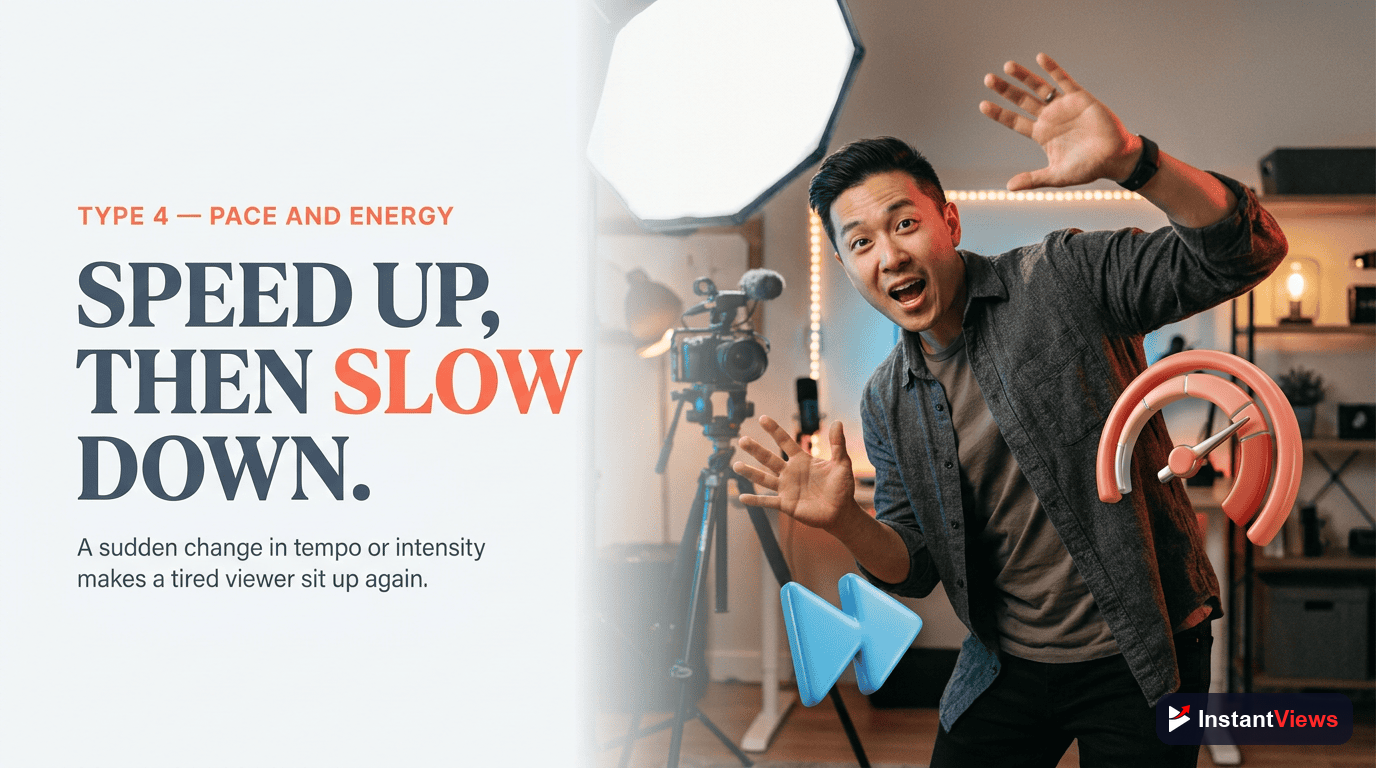
Type #4: Pace & Energy Shifts
Pace & Energy Pattern Interrupts
Changes in speaking speed, energy level, or video tempo that create contrast and re-engage attention.
• Speaking faster during exciting parts, slower for emphasis
• High energy intro → calm explanation → building excitement
• Jump cuts removing pauses for fast pacing
• Deliberate slow-down before big reveals
• Sudden physical movement (standing up, gesturing)
How to implement: Vary your delivery intentionally. Script moments where you speed up, slow down, whisper, or shout. Use jump cuts to remove any dead air longer than 0.5 seconds.
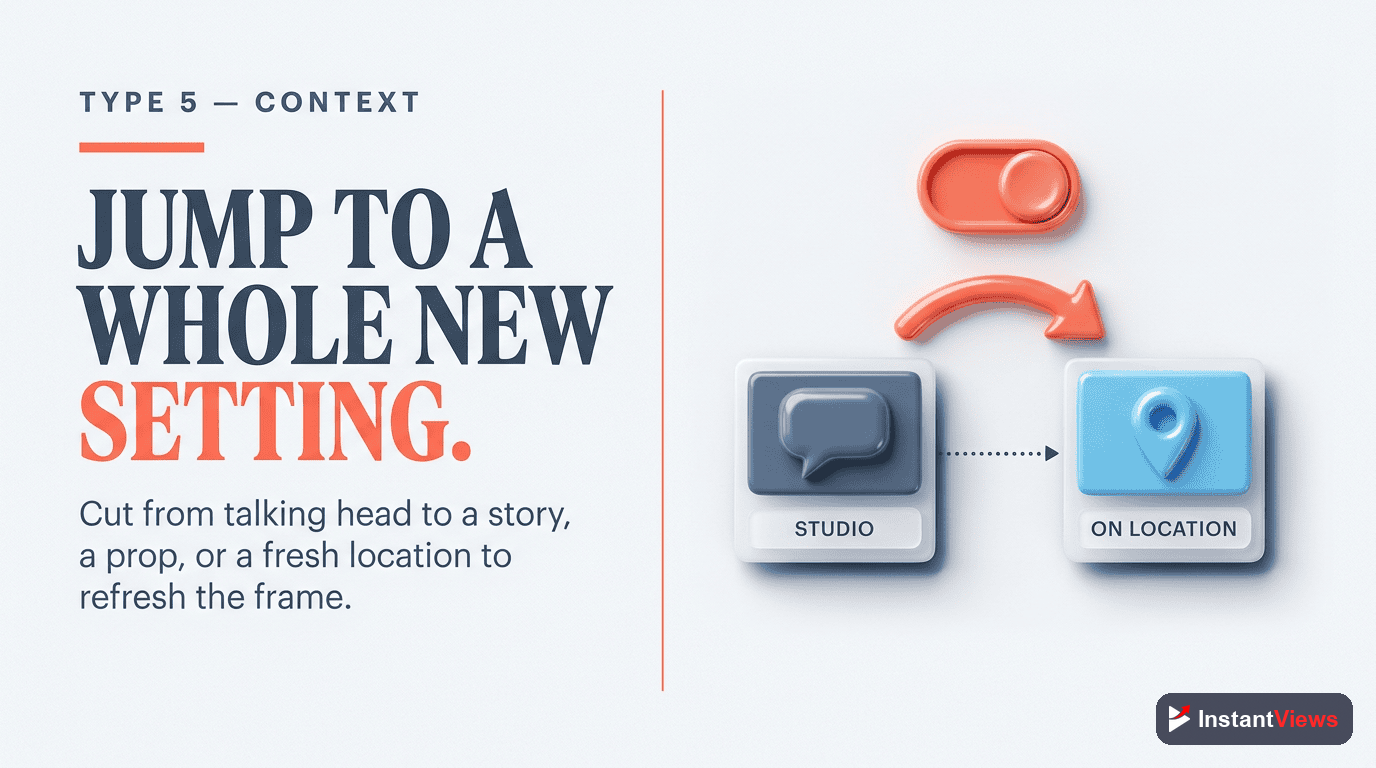
Type #5: Context Switches
Context Switch Interrupts
Shifting from explanation to example, theory to practice, or present to past/future. These provide mental "scene changes."
• "Let me show you an example..."
• Switching from screen recording to camera
• "Here's how this looked 6 months ago..."
• Demonstrating after explaining
• Before/after comparisons
How to implement: Never explain more than 60 seconds without showing an example. Use context switches as natural section breaks.
Type #6: Emotional Shifts
Emotional Pattern Interrupts
Changes in emotional tone that create variety and deeper engagement - humor mixed with seriousness, tension with relief.
• Inserting humor into serious topics
• Building tension then releasing it
• Sharing vulnerable moments in upbeat content
• Surprising reveals that shift mood
• Empathy after analytical content
How to implement: Plan emotional beats into your script. Educational videos benefit from light humor every 2-3 minutes. Serious content needs occasional tension relief.
Type #7: Interactive Elements
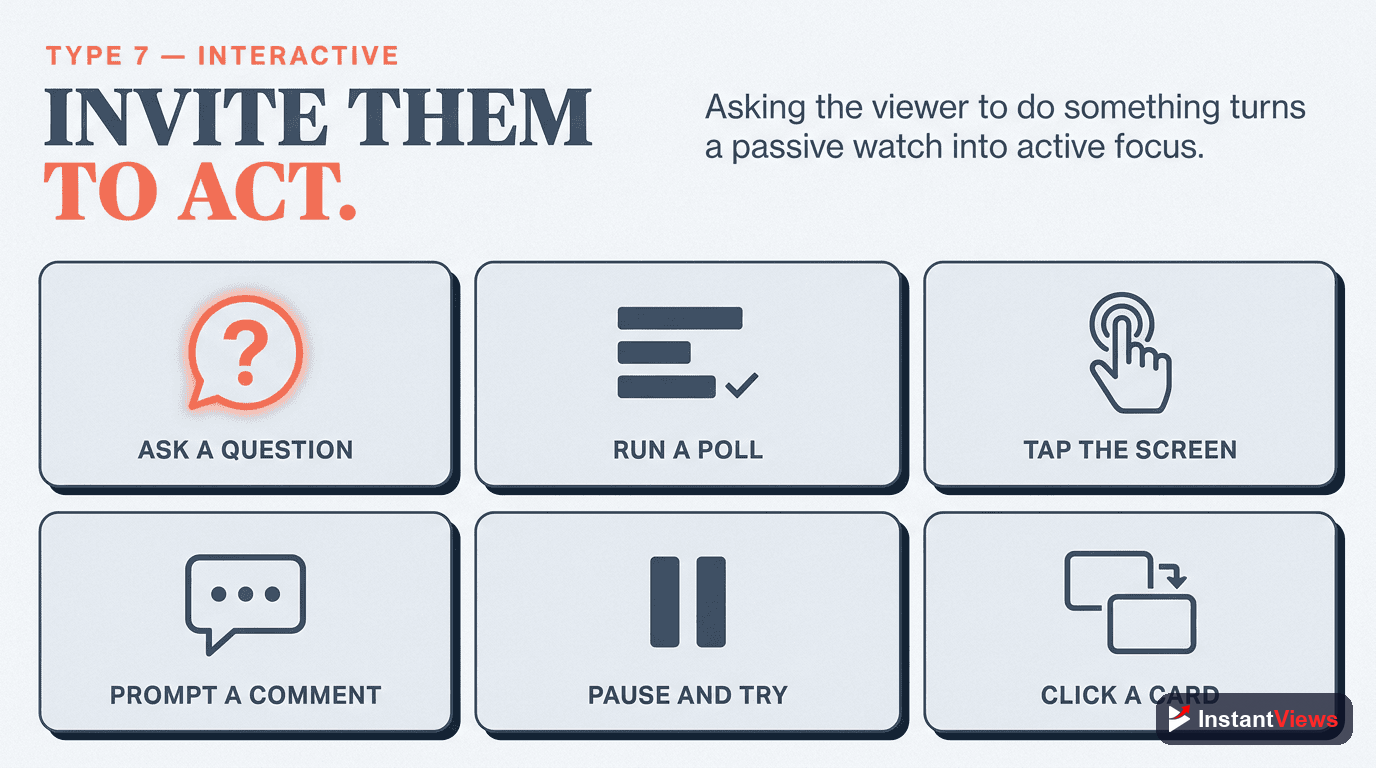
Interactive Pattern Interrupts
Moments that ask viewers to do something, creating mental engagement beyond passive watching.
• "Pause and try this yourself..."
• "Comment your answer below"
• "Think about this question..."
• Polls and quizzes (YouTube's poll feature)
• "Count how many times..." challenges
How to implement: Ask questions that viewers can mentally answer. Give 2-3 seconds of silence for them to think. Interactive moments boost comments and algorithmic signals.
Type #8: Format Changes
Format Change Interrupts
Switching between different content presentation styles within the same video to provide maximum variety.
• Talking head → screen share → B-roll → back to talking head
• List format → story format → back to list
• Solo presenter → interview segment
• Narration → on-camera → narration
• Live action → animation → live action
How to implement: Plan at least 2-3 format shifts in a 10-minute video. Major format changes work well as section transitions.
Analyze Your Video Retention
Get instant feedback on where viewers drop off and where to place pattern interrupts for maximum impact.
Analyze Your Video →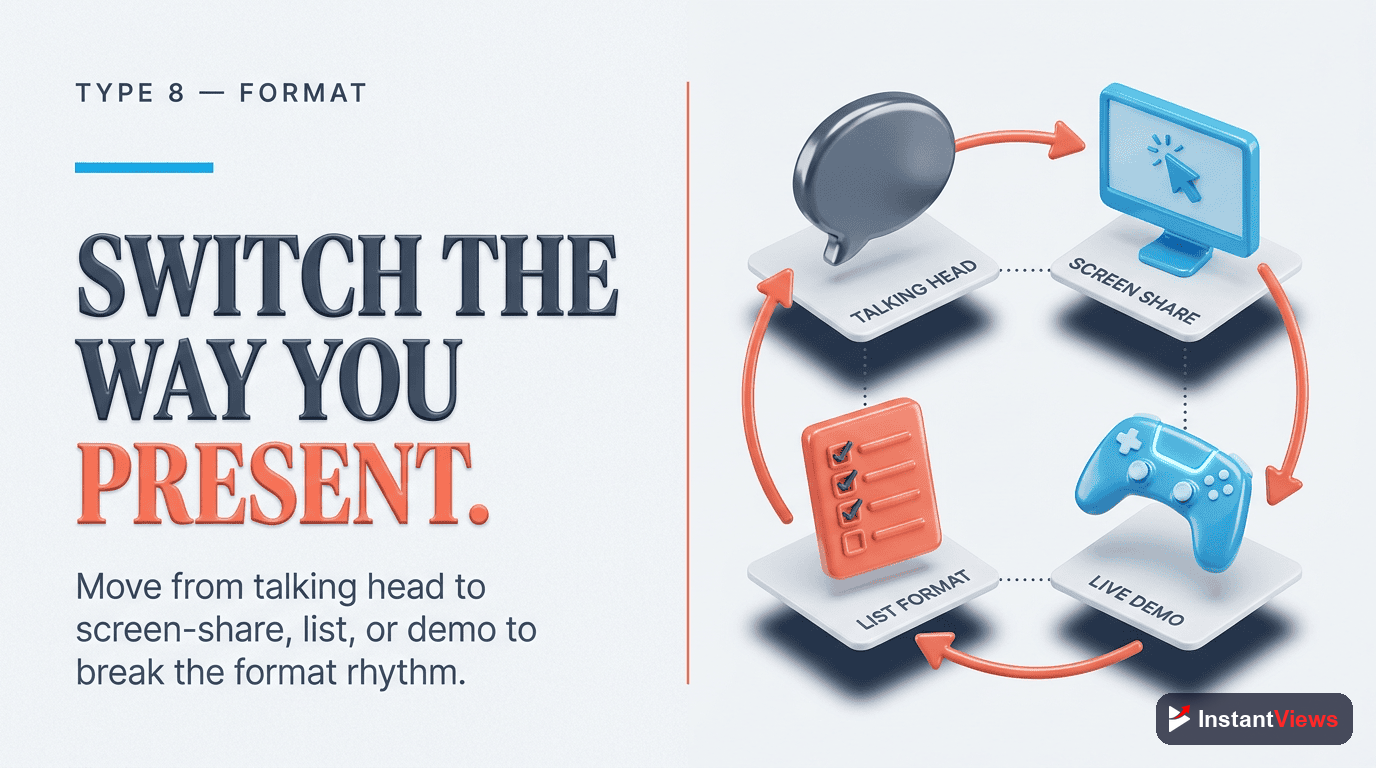
When to Use Pattern Interrupts
Timing pattern interrupts correctly is as important as the interrupts themselves. Here's a strategic placement guide:
| Video Timestamp | Interrupt Frequency | Recommended Types |
|---|---|---|
| 0-30 seconds | Every 5-10 seconds | Visual, Audio, Text |
| 30 sec - 2 min | Every 15-30 seconds | Visual, Context Switch, Graphics |
| 2-5 minutes | Every 30-45 seconds | All types, vary strategically |
| 5-10 minutes | Every 45-60 seconds | Format Change, Emotional Shift |
| 10+ minutes | Every 60-90 seconds | Major Format Changes, Stories |
Strategic Placement Tips
- Front-load interrupts: The first 3 minutes need the most interrupts. Viewers haven't committed yet.
- Place before predicted drop-offs: Check your analytics for where retention typically drops. Add interrupts 5-10 seconds before those points.
- Combine interrupt types: The strongest interrupts use multiple types simultaneously - visual change + sound effect + text overlay.
- Match content intensity: Fast-paced content needs fewer interrupts (it's already stimulating). Slow, detailed content needs more.
- Test and iterate: Compare retention graphs between videos with different interrupt strategies.
"Every 30 seconds, ask yourself: will viewers still be paying attention? If not, add an interrupt." - Ali Abdaal, Educational YouTuber
Common Pattern Interrupt Mistakes
- Too many interrupts: Overwhelming viewers causes fatigue. Find the balance for your niche.
- Irrelevant interrupts: Random effects that don't enhance the message damage credibility.
- Predictable patterns: If you cut every 8 seconds like clockwork, it becomes the new pattern. Vary timing.
- Ignoring your content type: Meditation videos need fewer interrupts than gaming content.
- No strategic purpose: Each interrupt should have a reason - emphasize, transition, re-engage, or entertain.
Frequently Asked Questions
A pattern interrupt is any unexpected element that breaks viewers out of autopilot scrolling or viewing. It can be visual (sudden zoom, scene change), auditory (sound effect, music change), or behavioral (doing something surprising). The goal is to re-engage attention when viewers start zoning out.
Use pattern interrupts every 30-60 seconds for the first 3 minutes, then every 1-2 minutes after that. Too many becomes exhausting and loses effectiveness. Too few means viewers drift away. The key is strategic placement at natural attention drop points.
Absolutely. Educational content especially needs pattern interrupts because dense information causes mental fatigue. Use visual examples, quick cuts, graphics overlays, or relevant B-roll to break up talking head footage and re-engage attention.
If overused or irrelevant, yes. Random interrupts that don't connect to your content feel gimmicky and cause viewers to leave. Every interrupt must serve your story or message. When done right, they significantly boost retention.
The most effective are visual changes (quick cuts, zoom transitions), audio shifts (music changes, sound effects), and context switches (showing examples, before/after). Movement-based interrupts (changing location, standing up) also work well.
Check YouTube Analytics retention graph. You should see spikes or plateaus at interrupt points rather than steady drops. Use the InstantViews Video Analyzer to get detailed retention predictions before uploading.