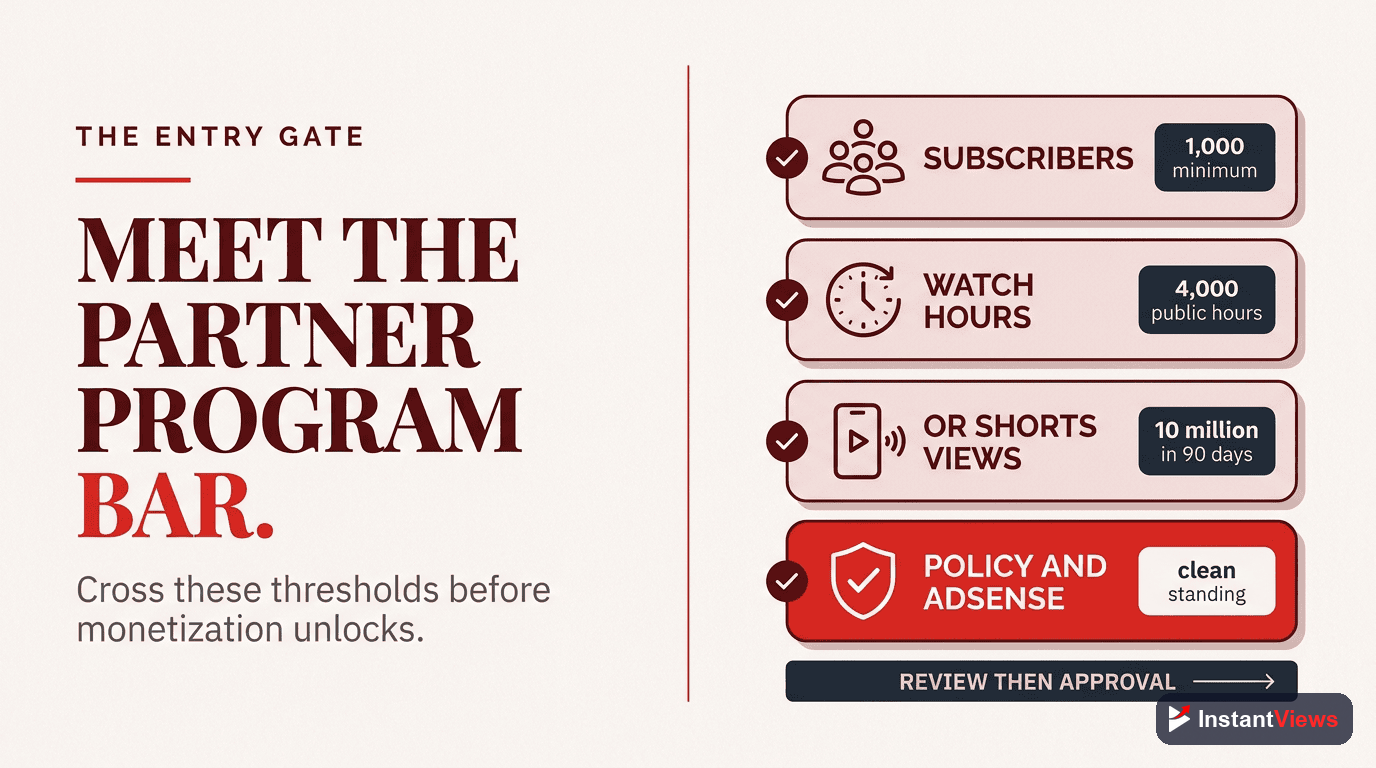
- You need 1,000 subscribers and 4,000 watch hours to qualify for the YouTube Partner Program
- Successful creators earn from 5-7 revenue streams, not just ad revenue alone
- Videos 8-15 minutes long maximize ad placements and generate 2-3x more revenue
- High-CPM niches (finance, tech, business) can earn $10-25 per 1,000 views vs. $2-5 for entertainment
- The InstantViews Video Analyzer helps identify retention issues that directly impact ad revenue
YouTube monetization in 2026 is more lucrative than ever - but also more competitive. The difference between creators earning $100/month and $10,000/month isn't always about subscriber count. It's about strategic monetization.
This complete guide covers everything you need to turn your YouTube channel into a reliable income source: Partner Program requirements, ad revenue optimization, multiple income streams, and how to use analytics to maximize every dollar.
Whether you're just starting or already monetized but want to earn more, this guide will show you exactly how to maximize your YouTube revenue.
YouTube Partner Program Requirements
Before you can monetize your channel with ads, you need to meet YouTube's Partner Program eligibility requirements. As of 2026, here's what you need:
Subscriber Threshold
You need at least 1,000 subscribers. This demonstrates that you're creating content people want to follow long-term, not just one-off viral videos.
Watch Time or Shorts Views
You need either:
- 4,000 valid public watch hours in the past 12 months (for long-form content)
- 10 million valid public Shorts views in the past 90 days (for Shorts creators)
This ensures you're consistently creating content that keeps people engaged.
AdSense Account
You must link a Google AdSense account to receive payments. Set this up before applying to avoid delays.
Community Guidelines Compliance
Your channel must have no active Community Guidelines strikes and comply with YouTube's monetization policies. Avoid copyright violations, misleading content, or inappropriate material.
Understanding YouTube Ad Revenue
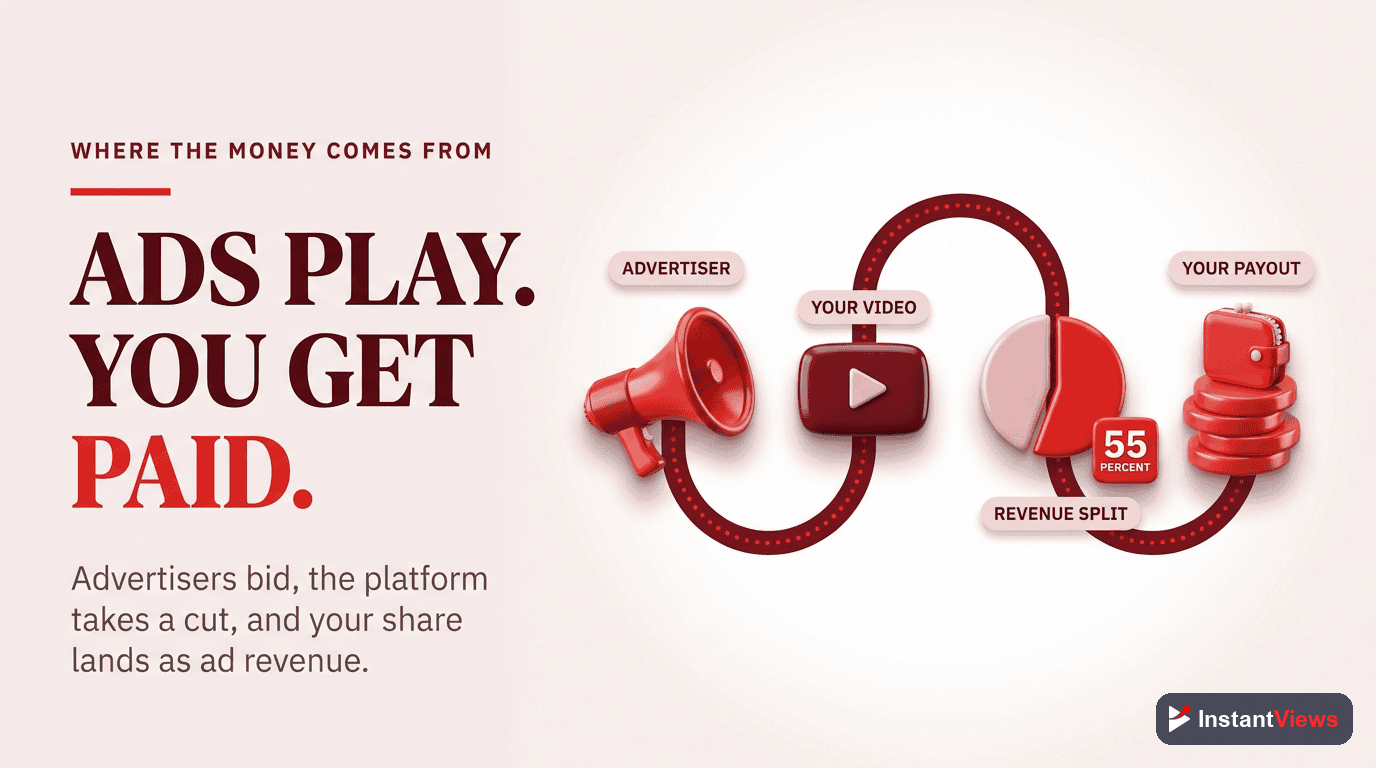
YouTube ad revenue works on a CPM (Cost Per Mille) model - how much advertisers pay per 1,000 ad impressions. However, creators get paid based on RPM (Revenue Per Mille) - actual revenue per 1,000 views after YouTube's 45% cut.
CPM vs. RPM: What's the Difference?
- CPM: What advertisers pay YouTube per 1,000 impressions (typically $4-$40)
- RPM: What YOU actually earn per 1,000 views (typically $2-$25)
The gap between CPM and RPM includes YouTube's revenue share, ad blockers, skipped ads, and viewers who don't see ads.
| Content Niche | Average CPM | Average RPM | Revenue per 100K Views |
|---|---|---|---|
| Finance/Business | $12-$25 | $8-$18 | $800-$1,800 |
| Technology/Software | $10-$20 | $6-$14 | $600-$1,400 |
| Education/How-To | $5-$12 | $3-$8 | $300-$800 |
| Lifestyle/Vlog | $3-$8 | $2-$5 | $200-$500 |
| Gaming | $2-$6 | $1.50-$4 | $150-$400 |
| Entertainment | $2-$5 | $1-$3 | $100-$300 |
Factors That Affect Your CPM
- Audience Location: US/Canada/UK viewers = 3-5x higher CPM than developing countries
- Content Category: Finance and tech attract premium advertisers
- Viewer Age: 25-45 year olds have higher purchasing power
- Season: Q4 (October-December) has 30-50% higher CPMs due to holiday advertising
- Advertiser Friendliness: Family-friendly content gets more ad placements
How to Optimize Ad Revenue
Getting monetized is just the beginning. Here's how to maximize ad revenue per view:
Optimal Video Length
Videos between 8-15 minutes perform best for ad revenue. This length allows:
- Pre-roll ads (start of video)
- 2-3 mid-roll ads (every 2-3 minutes)
- Post-roll ads (end of video)
A 12-minute video can display 5-7 ads vs. just 1-2 ads for a 5-minute video.
5-minute video: 1-2 ads = $0.50 RPM
12-minute video: 5-7 ads = $3.50 RPM
That's 7x more revenue per view!
Maximize Audience Retention
Higher retention = more ads watched = more revenue. If viewers drop off at 2 minutes, they'll never see your mid-roll ads.
Use the InstantViews Video Analyzer to identify exactly where viewers drop off and fix those moments.
Target High-CPM Keywords
Create content around topics that attract premium advertisers:
- Personal finance, investing, cryptocurrency
- Business strategy, entrepreneurship
- Technology reviews, software tutorials
- Real estate, home improvement
- Health, fitness, nutrition
Strategic Ad Placement
Don't let YouTube auto-place mid-roll ads randomly. Place them at natural breaks:
- After completing a chapter or section
- Before revealing a key result or answer
- During transitions between topics
This maintains viewer experience while maximizing ad views.
Identify Revenue-Killing Drop-Off Points
Our Video Analyzer shows exactly where viewers leave your videos so you can fix retention issues and maximize ad revenue.
Analyze Your Videos →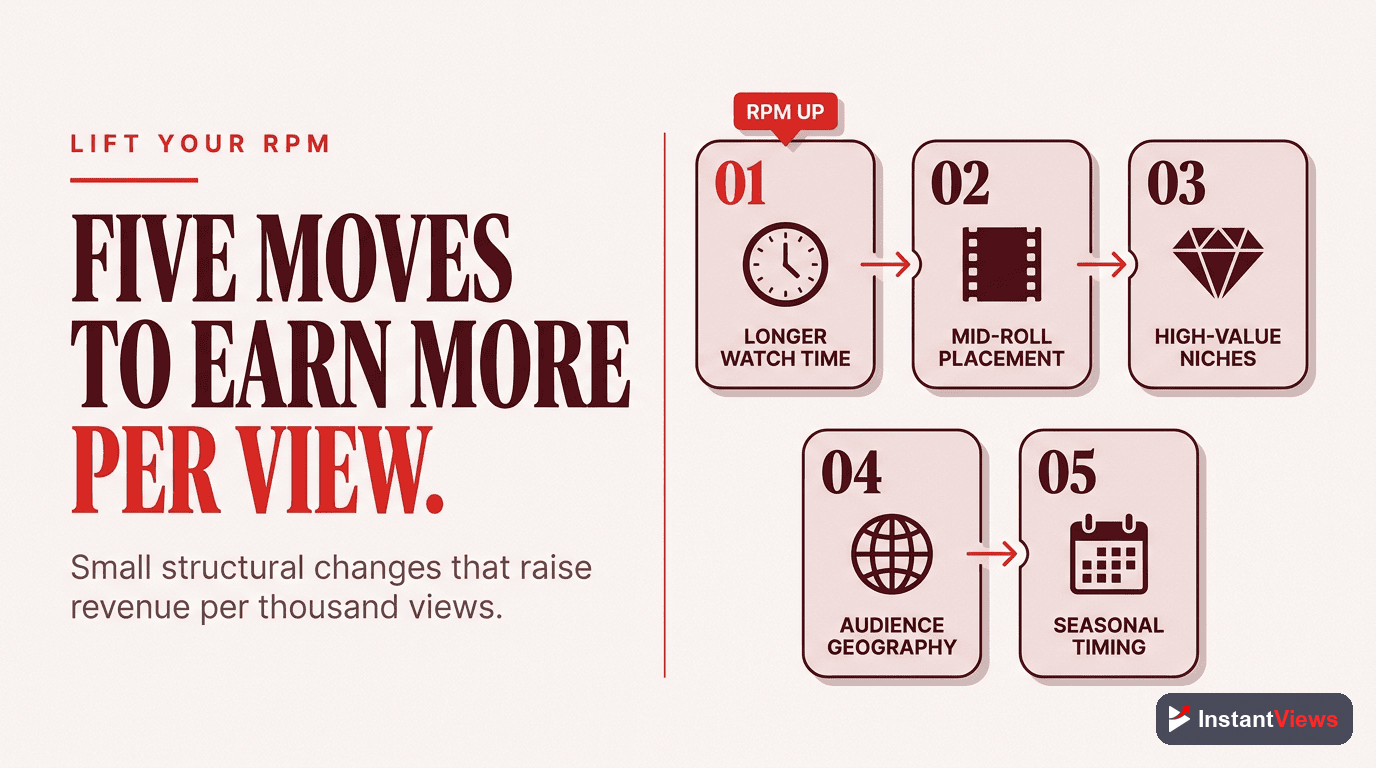
Multiple Income Streams Beyond Ad Revenue
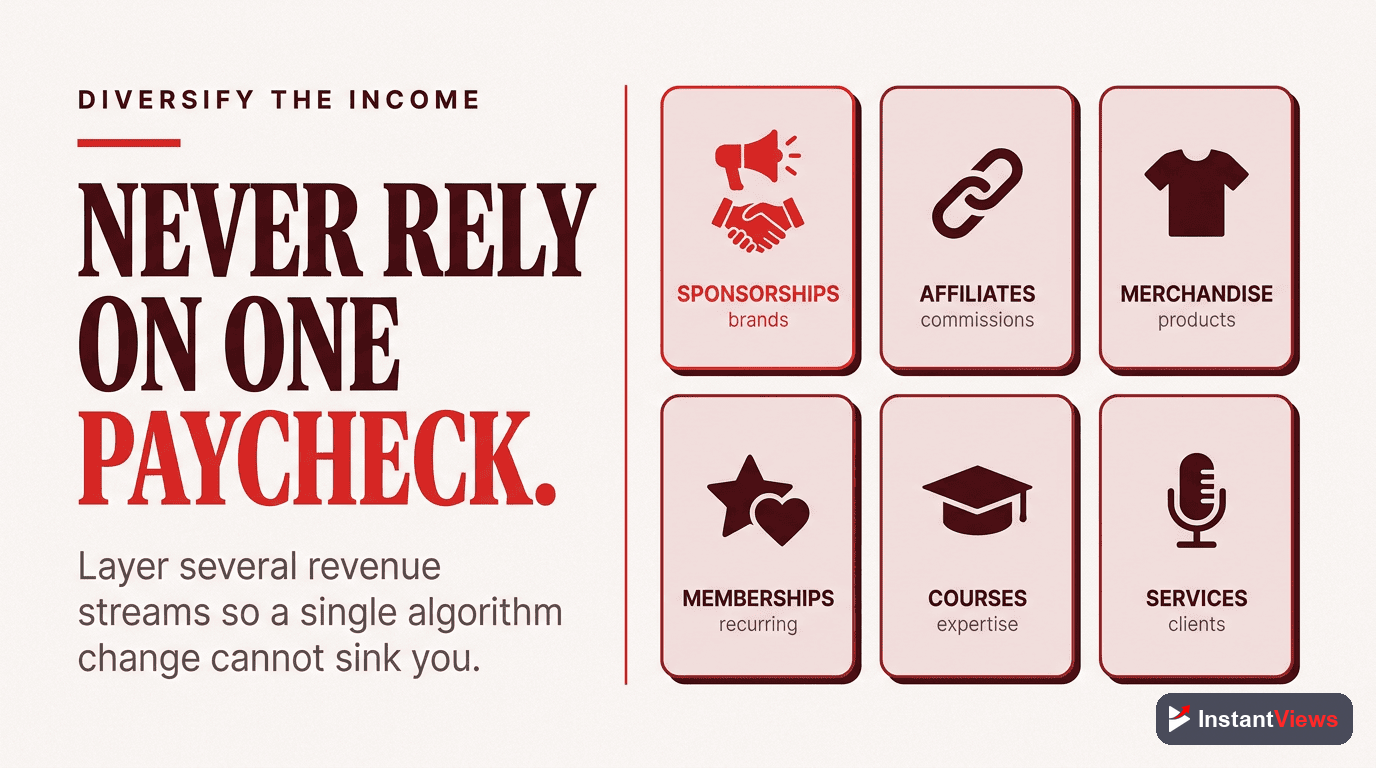
Here's a truth bomb: ad revenue alone won't make you wealthy on YouTube. The most successful creators diversify with 5-7 income streams.
1. Sponsorships and Brand Deals
Sponsorships typically pay 10-100x more than ad revenue for the same video. A video with 50,000 views might earn:
- Ad revenue: $150-$400
- Sponsorship: $1,000-$10,000+
To attract sponsors:
- Maintain a consistent niche
- Create a media kit with your stats
- Reach out to brands in your niche
- Join influencer marketing platforms (FameBit, AspireIQ, Grapevine)
2. Affiliate Marketing
Earn 5-30% commissions by recommending products you genuinely use. Best platforms:
- Amazon Associates: 1-10% on millions of products
- ShareASale: Higher commissions (15-50%) on niche products
- Software Affiliates: Recurring commissions (ConvertKit, Kajabi pay 30-50% monthly)
3. Digital Products
Sell your own products with 80-95% profit margins:
- Online courses: Charge $50-$2,000 for in-depth training
- Ebooks and guides: $10-$50 for specialized knowledge
- Templates and tools: $20-$100 for productivity tools
- Presets and assets: $15-$75 for photography/design resources
4. Coaching and Consulting
If you have expertise, offer premium services:
- 1-on-1 coaching: $100-$500/hour
- Group coaching: $500-$2,000/month per person
- Done-for-you services: $1,000-$10,000+ per project
5. Patreon and Community Platforms
Build a paid community outside YouTube:
- Patreon: Fans pay $5-$50/month for exclusive content
- Discord/Circle: Premium community access
- Substack: Paid newsletter ($5-$15/month)
| Income Stream | Startup Effort | Potential Monthly Income | Best For |
|---|---|---|---|
| Ad Revenue | Low | $100-$10,000+ | All creators |
| Sponsorships | Medium | $500-$50,000+ | 10K+ subscribers |
| Affiliate Marketing | Low | $100-$20,000+ | Review/tutorial channels |
| Digital Products | High | $500-$100,000+ | Education/expertise niches |
| Coaching | Medium | $2,000-$50,000+ | Business/skill-based channels |
| Memberships | Low | $100-$10,000+ | Engaged communities |
Channel Memberships and Super Chat
YouTube offers built-in monetization features beyond ads:
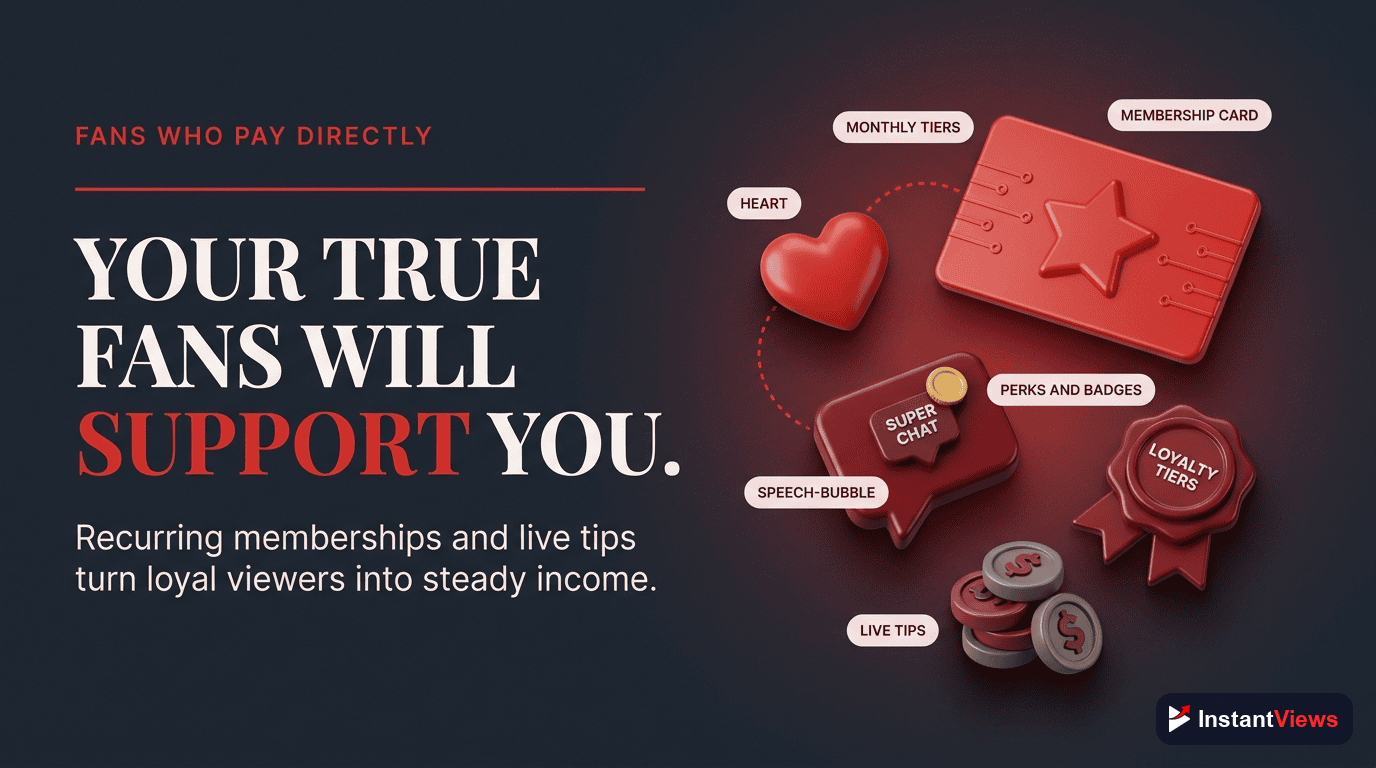
Channel Memberships
Requirements:
- 30,000 subscribers (or 1,000 for gaming channels)
- Part of YouTube Partner Program
How it works:
- Viewers pay $4.99-$24.99/month
- You create membership tiers with different perks
- YouTube takes 30%, you keep 70%
Membership perks to offer:
- Custom badges and emojis
- Members-only community posts
- Exclusive live streams or videos
- Early access to new content
- Monthly member Q&A sessions
- Behind-the-scenes content
Membership Conversion Strategy
Expect 0.5-2% of viewers to become members. A channel with 100,000 monthly views might have:
100,000 views = ~30,000 unique viewers
1% conversion = 300 members
$4.99/month × 300 members = $1,497/month gross
After YouTube's 30% cut = $1,048/month recurring
Super Chat and Super Thanks
Super Chat: Viewers pay $1-$500 to highlight messages during live streams. Best for:
- Live Q&A sessions
- Gaming streams
- Community events
Super Thanks: One-time tips ($2-$50) on regular videos. Enable this on every video for passive tips.
Merchandise Shelf Setup
Once you have 10,000 subscribers, you can sell merchandise directly below your videos using the merchandise shelf.
Approved platforms:
- Teespring (Spring): Print-on-demand with no upfront costs
- Spreadshop: Full store integration
- Crowdmade: Premium products
What to sell:
- T-shirts with channel catchphrases or logos
- Hoodies and apparel
- Coffee mugs
- Phone cases
- Stickers and accessories
Merchandise typically converts at 0.1-0.5% of viewers. Focus on creating unique designs that resonate with your community, not generic branded products.

Securing Brand Sponsorships
Sponsorships are the highest-earning monetization method for most creators. Here's how to land deals:
Sponsorship Pricing Guide
| Subscriber Count | Typical Rate per Video | Premium Niches |
|---|---|---|
| 5K-10K | $100-$500 | $200-$1,000 |
| 10K-50K | $500-$2,500 | $1,000-$5,000 |
| 50K-100K | $2,500-$7,500 | $5,000-$15,000 |
| 100K-500K | $7,500-$25,000 | $15,000-$50,000 |
| 500K-1M | $25,000-$50,000 | $50,000-$100,000 |
| 1M+ | $50,000-$200,000+ | $100,000-$500,000+ |
How to Find Sponsors
1. Direct Outreach: Email brands you genuinely use. Template:
Subject: Partnership Opportunity - [Your Channel Name]
Hi [Brand Name],
I'm [Your Name], creator of [Channel Name] with [X] subscribers in the [niche] space. My audience of [demographic] would love your [product].
I'd like to feature your product in an upcoming video reaching [expected views] viewers. My recent videos average [retention rate]% retention.
Are you open to discussing a partnership?
2. Influencer Platforms:
- FameBit (by YouTube)
- Grapevine
- AspireIQ
- Channel Pages
3. Create a Media Kit: Include:
- Subscriber count and growth rate
- Average views per video
- Audience demographics (age, gender, location)
- Engagement rate
- Past sponsorship successes

Using Video Analyzer to Maximize Earnings
The InstantViews Video Analyzer directly impacts your monetization by helping you create videos that keep viewers watching longer.
How It Helps Maximize Revenue:
Audience Retention Analysis
The analyzer shows exactly where viewers drop off. Fix these moments to:
- Increase average view duration
- Show more ads per video (higher revenue)
- Improve algorithm performance (more organic views)
Video Pacing Optimization
Learn if your videos are too slow or too fast. Optimal pacing = better retention = more ad impressions = higher RPM.
Chapter Performance Tracking
See which chapters perform best. Use this data to:
- Create more content around popular topics
- Restructure videos to front-load valuable content
- Optimize Key Moments for SEO
Hook Effectiveness Score
A strong hook in the first 15 seconds can increase retention by 40-60%. The analyzer scores your hooks and suggests improvements.
Better hooks = more viewers watching = more ad revenue AND higher sponsor appeal.
Start Maximizing Your YouTube Revenue
Get detailed retention analysis, pacing insights, and chapter optimization recommendations to increase your ad revenue and attract premium sponsors.
Try Video Analyzer Free →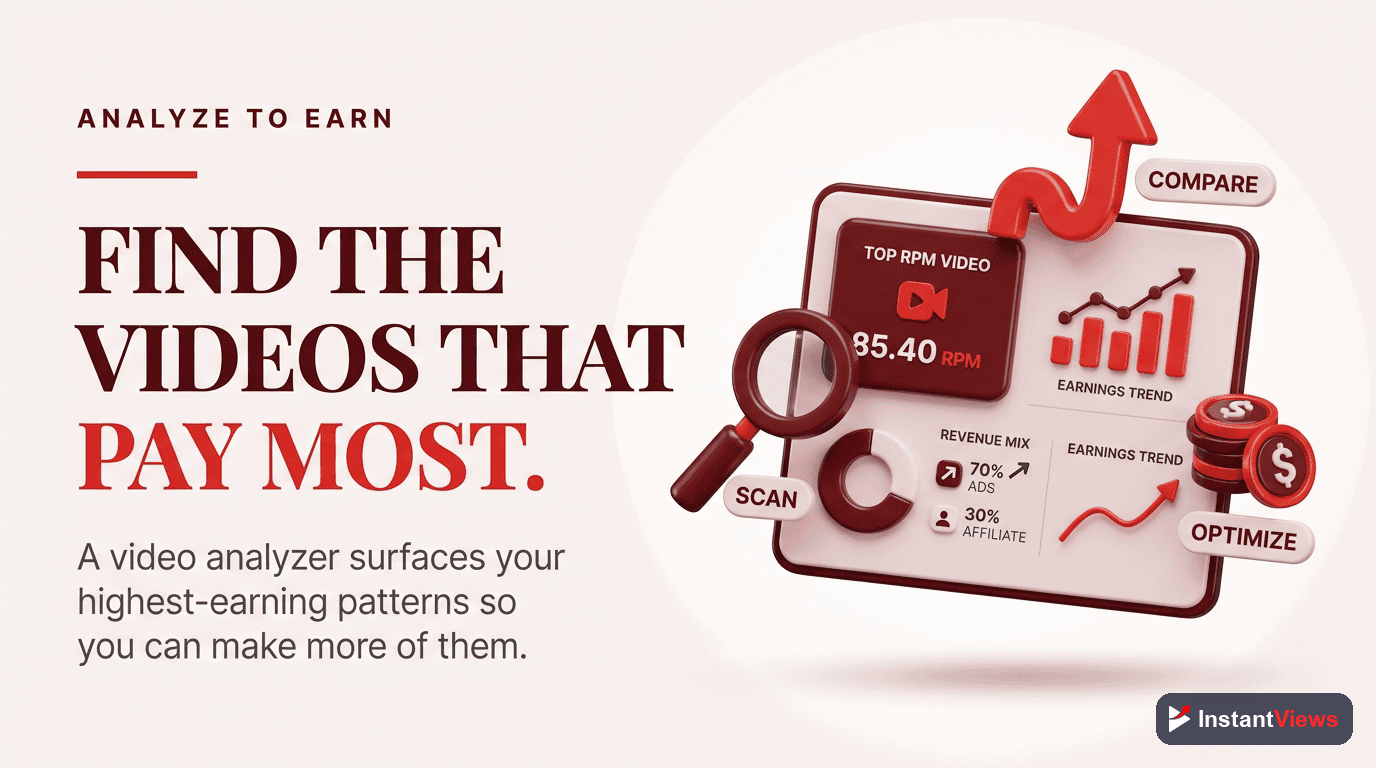
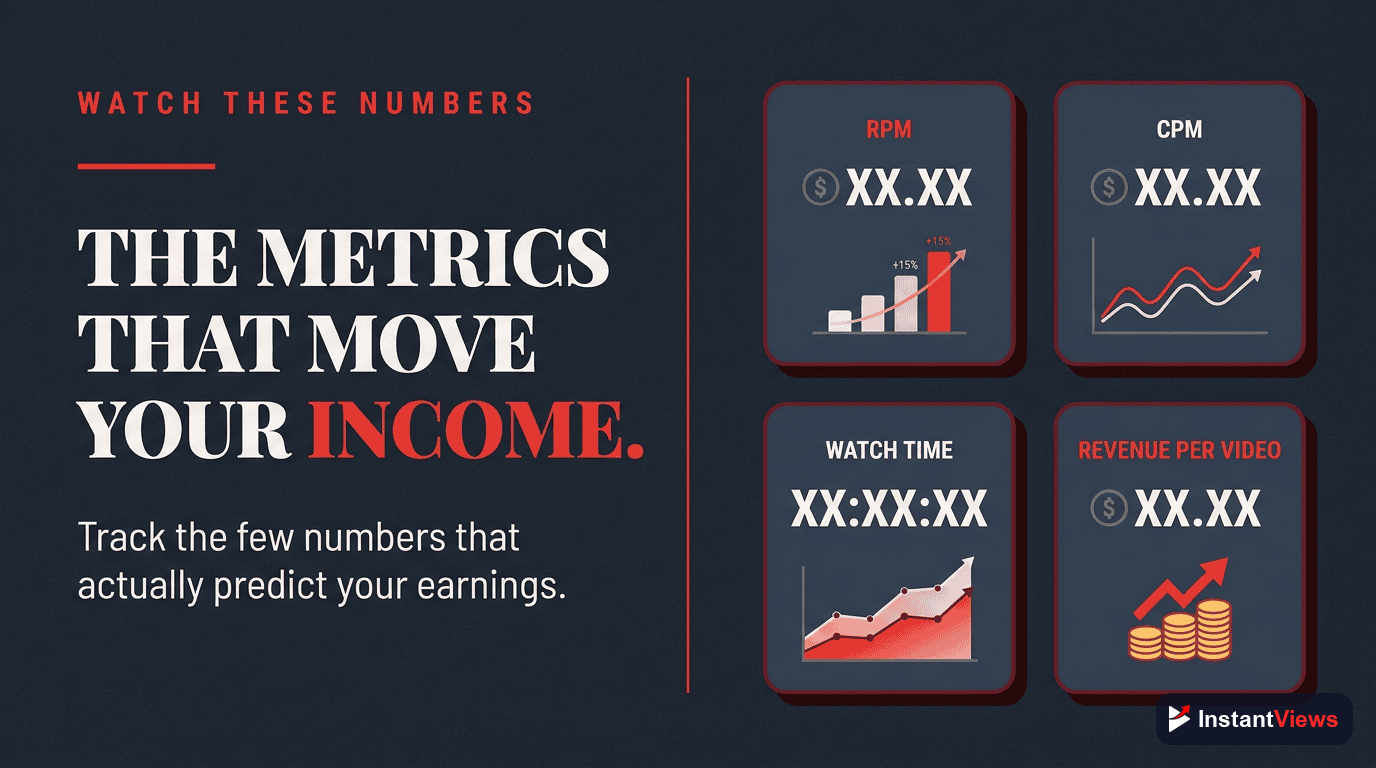
Key Monetization Metrics to Track
Monitor these metrics in YouTube Studio to optimize earnings:
1. RPM (Revenue Per Mille)
Your actual earnings per 1,000 views after YouTube's cut. This is your most important revenue metric.
How to improve:
- Increase video length to 8-15 minutes
- Target high-CPM topics
- Improve retention to show more ads
- Create advertiser-friendly content
2. CPM (Cost Per Mille)
What advertisers pay per 1,000 ad impressions. Higher CPM = higher revenue potential.
How to improve:
- Target viewers in high-CPM countries (US, Canada, UK, Australia)
- Create content in premium niches (finance, business, tech)
- Post during Q4 for seasonal CPM boost
3. Average View Duration
How long viewers watch on average. Longer duration = more ads shown.
Target: 50%+ of video length for optimal monetization.
4. Click-Through Rate (CTR)
Percentage of impressions that turn into views. Higher CTR = more views = more revenue.
Target: 8-12% for established channels.
5. Subscriber Conversion Rate
Percentage of viewers who subscribe. More subscribers = more consistent views = stable income.
Target: 2-5% of viewers should subscribe.
| Metric | Where to Find It | Good Benchmark | Impact on Revenue |
|---|---|---|---|
| RPM | YouTube Studio > Analytics > Revenue | $3-$10+ | Direct revenue indicator |
| CPM | YouTube Studio > Analytics > Revenue | $5-$20+ | Higher = better niche |
| Avg View Duration | YouTube Studio > Analytics > Engagement | 50%+ | More ads shown |
| CTR | YouTube Studio > Analytics > Reach | 8-12% | More views = more revenue |
| Watch Time | YouTube Studio > Analytics > Overview | Growing monthly | Algorithm boost |
Revenue Optimization Checklist
Use this monthly checklist to maximize monetization:
- Review RPM trends - is it increasing or decreasing?
- Identify your highest-earning videos and create similar content
- Check retention graphs for consistent drop-off points
- Test different video lengths to find your RPM sweet spot
- Monitor which traffic sources generate highest RPM
- Track seasonal CPM patterns for strategic posting
- A/B test thumbnails and titles to improve CTR
- Analyze competitor channels in your niche
"The creators making $100,000+ monthly aren't just making videos - they're running data-driven revenue businesses. Every decision is backed by analytics, not guesswork." - YouTube Creator Economy Report 2026
Frequently Asked Questions
YouTube earnings vary widely based on niche, audience location, and engagement. Typical ad revenue ranges from $2-$12 per 1,000 views (CPM). However, successful creators make far more through multiple income streams: sponsorships ($500-$50,000+ per video), memberships ($3-5 per member monthly), merchandise (20-40% profit margins), and affiliate marketing (5-30% commissions). Top creators earning $100,000+ monthly combine all these revenue sources.
To join the YouTube Partner Program, you need: 1) 1,000 subscribers, 2) 4,000 watch hours in the past 12 months OR 10 million valid Shorts views in 90 days, 3) An AdSense account, 4) No active Community Guidelines strikes, 5) Two-step verification enabled. Once accepted, monetization typically activates within 1 month. Meeting these requirements is just the start - optimizing your content for revenue requires strategic planning.
To maximize ad revenue: 1) Create videos 8-15 minutes long (allows mid-roll ads), 2) Target high-CPM niches (finance, technology, business earn $10-25 CPM vs. $2-5 for entertainment), 3) Optimize for audience retention to increase ad impressions, 4) Use the Video Analyzer to identify drop-off points and improve pacing, 5) Target countries with higher CPMs (US, Canada, UK, Australia), 6) Create advertiser-friendly content (avoid controversial topics), 7) Post consistently to maintain eligibility.
For channels under 10,000 subscribers, focus on high-value monetization before Partner Program eligibility: 1) Affiliate marketing (can start immediately with any subscriber count), 2) Digital products like courses or templates (higher profit margins than ads), 3) Sponsored content (micro-influencers charge $100-500 per video), 4) Services related to your niche (consulting, coaching), 5) Build email list for future product launches. These methods often generate more revenue than ads alone, even for larger channels.
Channel Memberships allow viewers to pay $4.99-$24.99 monthly for exclusive perks like custom badges, emojis, and members-only content. You need 30,000 subscribers to enable memberships (or 1,000 for gaming channels). Super Chat lets viewers pay $1-$500 to highlight their messages during live streams. Super Thanks allows one-time payments on regular videos. YouTube takes 30% of all membership and Super Chat revenue. Success requires active community engagement and providing real value to paying members.
The Video Analyzer helps maximize revenue by: 1) Identifying audience retention drop-off points so you can keep viewers watching longer (more ad impressions = more revenue), 2) Optimizing video pacing to maintain engagement throughout, 3) Analyzing chapter performance to structure content for maximum watch time, 4) Providing SEO recommendations to increase organic traffic and views, 5) Tracking emotional peaks to help create compelling content that attracts sponsors. Better audience retention directly increases ad revenue and makes your channel more attractive to sponsors.