- Key Moments can increase your Google Search visibility by up to 3x and drive 40% more organic traffic
- Proper schema markup (Clip or SeekToAction) is essential for Google to index your Key Moments
- Chapter titles must be keyword-optimized and match actual search queries users type
- Videos with Key Moments rank higher in Google Video results and YouTube search
- Use the InstantViews Video Analyzer to optimize chapters before publishing
YouTube Key Moments are one of the most underutilized SEO opportunities on the internet. When done right, they can triple your visibility in Google Search results and drive massive organic traffic to your videos.
But here's the problem: most creators either don't know about Key Moments, or they implement them incorrectly. They add chapters thinking that's enough, then wonder why they're not appearing in Google.
This complete guide breaks down everything you need to know about Key Moments SEO - from basic implementation to advanced schema markup and Google optimization strategies.
What Are YouTube Key Moments?
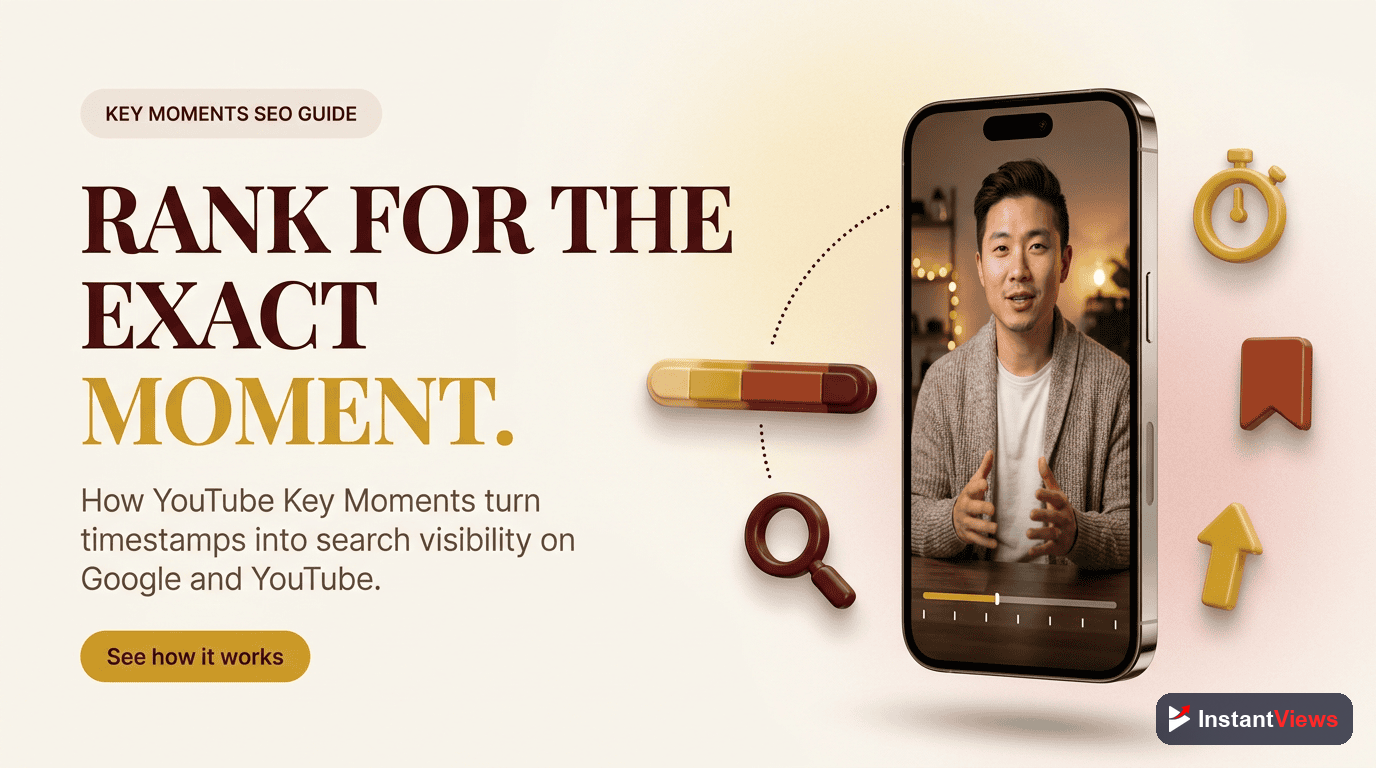
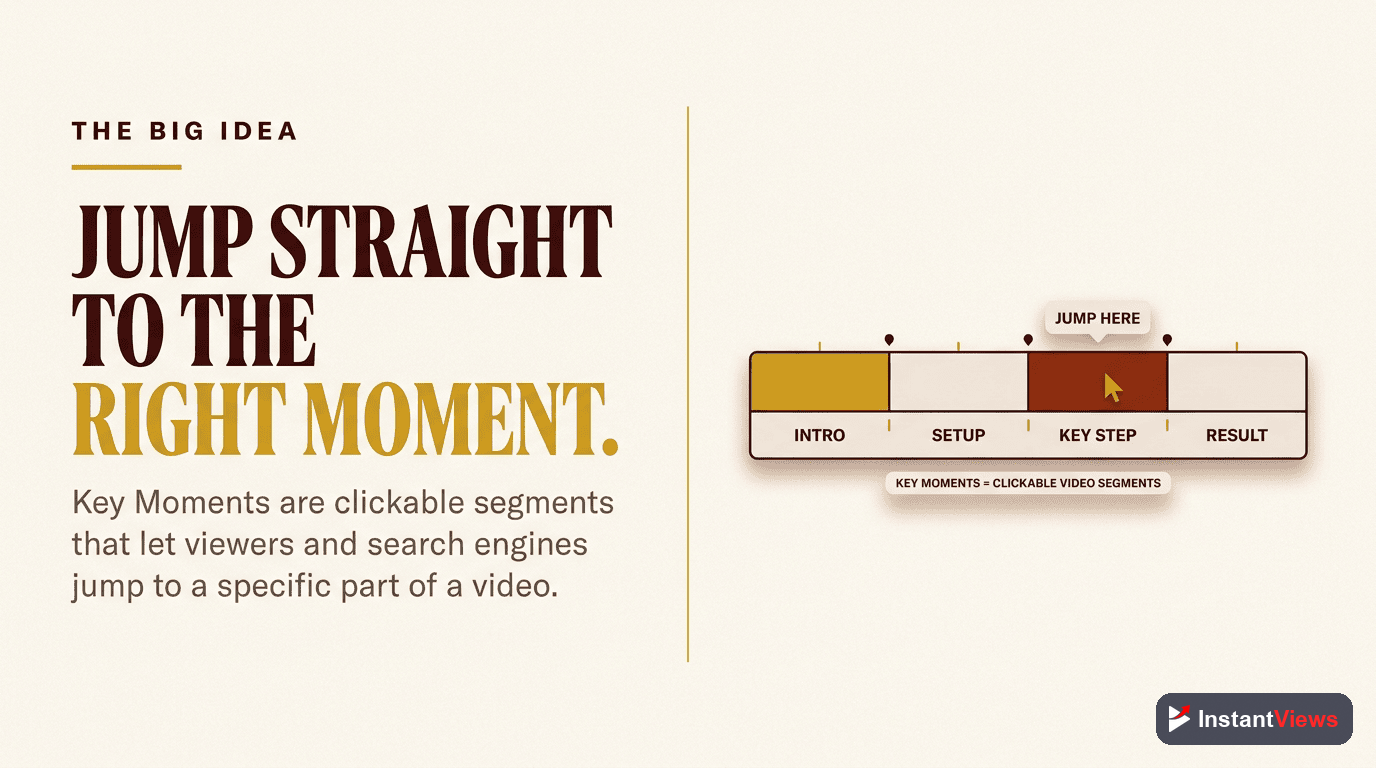
YouTube Key Moments are timestamped video segments that appear in Google Search results. When someone searches for a topic your video covers, Google can display specific moments from your video as separate, clickable search results.
Here's what makes them powerful:
- Enhanced visibility - Your video can appear multiple times for the same search query
- Better user experience - Viewers jump directly to the content they want
- Higher CTR - Specific timestamps are more relevant than generic video links
- Authority signals - Google features your content as comprehensive and well-structured
Why Key Moments Matter for SEO
The data on Key Moments is clear: they're a massive SEO advantage.
- 3x more visibility - Videos with Key Moments can occupy multiple positions in search results
- 40% higher CTR - Specific moments match search intent better than generic titles
- Longer watch time - Users who jump to specific moments tend to watch more of the video
- Better rankings - Google prioritizes well-structured, accessible content
But the biggest advantage? Reduced competition. Most creators don't optimize for Key Moments, which means you're competing in a much less crowded space.

Requirements for Key Moments
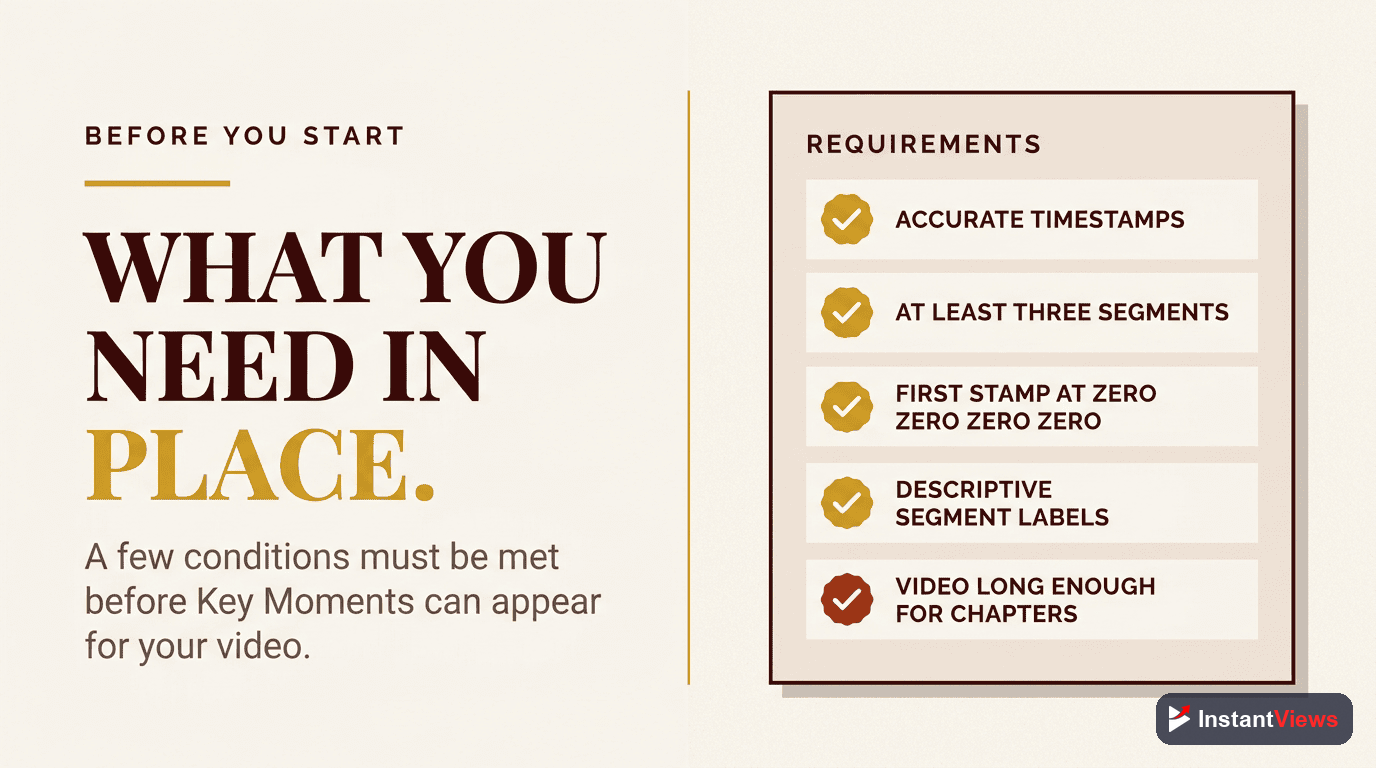
For Google to display your Key Moments, you need to meet specific requirements:
Minimum Video Length
Your video must be at least 30 seconds long. Google won't create Key Moments for very short videos because they lack sufficient content depth.
YouTube Chapters
You must have at least 3 chapters, with the first starting at 0:00. Each chapter must be at least 10 seconds long.
Public Video
The video must be public, not unlisted or private. Embedded videos must allow embedding to be indexed by Google.
Descriptive Titles
Chapter titles must be clear and descriptive, not vague phrases like "Introduction" or "Part 1". Use keywords that match search queries.
Meeting these requirements doesn't guarantee Google will display Key Moments. Google's algorithm decides which videos deserve this feature based on content quality, relevance, and search intent.
How to Implement Key Moments
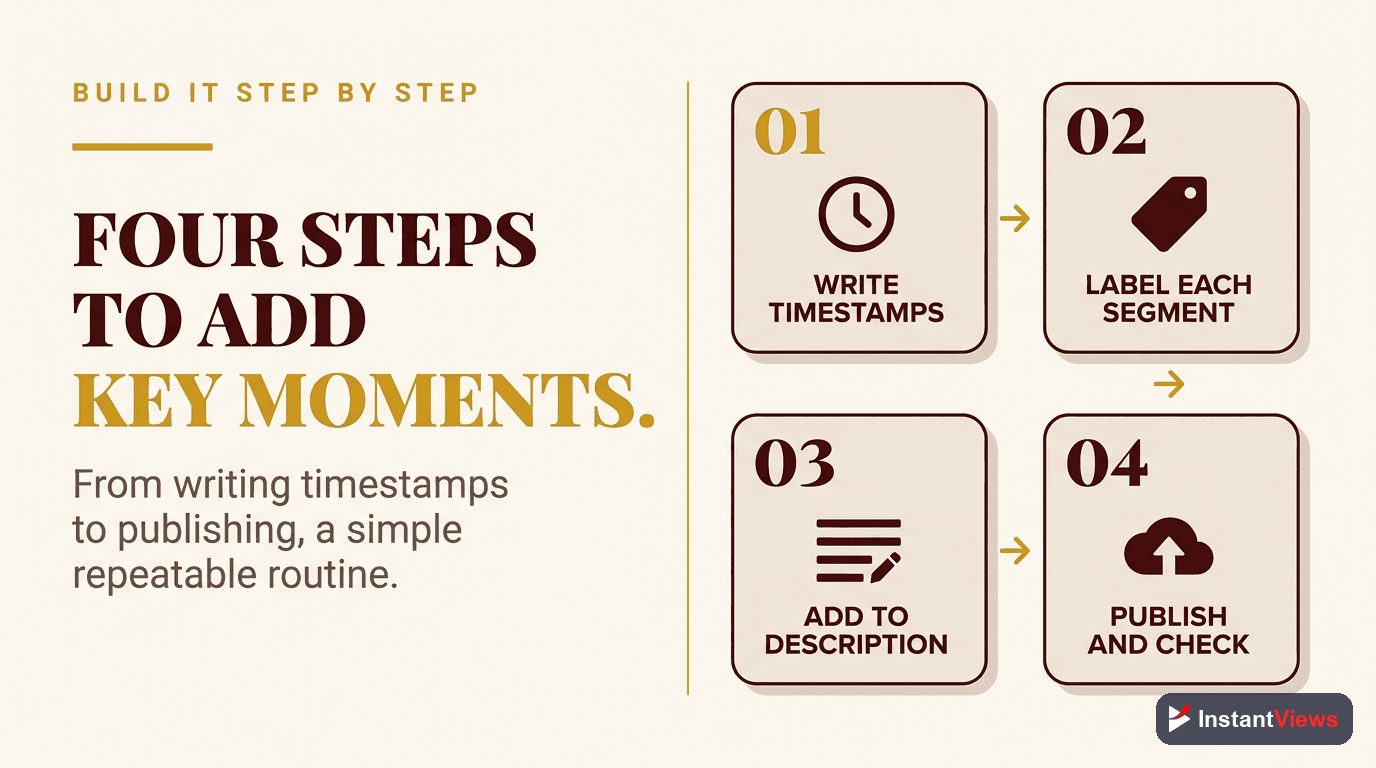
There are two ways to implement Key Moments: through YouTube's native chapter feature or through schema markup. For maximum effectiveness, use both.
Method 1: YouTube Description Timestamps
The simplest method is adding timestamps to your video description:
0:00 Introduction to Key Moments SEO
1:23 Why Key Moments Matter for Rankings
4:15 Step-by-Step Implementation Guide
8:42 Schema Markup Tutorial
12:30 Common Mistakes to Avoid
15:17 Advanced Optimization Strategies
Rules for YouTube chapters:
- First timestamp must be 0:00
- At least 3 timestamps required
- Each chapter must be 10+ seconds
- Timestamps must be in chronological order
- Use format MM:SS or H:MM:SS
Method 2: Schema Markup
For maximum SEO impact, add structured data to your website (if embedding the video) or video landing page:
<script type="application/ld+json">
{
  "@context": "https://schema.org",
  "@type": "VideoObject",
  "name": "YouTube Key Moments SEO Guide",
  "description": "Complete guide to optimizing Key Moments",
  "thumbnailUrl": "https://example.com/thumbnail.jpg",
  "uploadDate": "2025-12-19T08:00:00+08:00",
  "contentUrl": "https://youtube.com/watch?v=VIDEO_ID",
  "embedUrl": "https://youtube.com/embed/VIDEO_ID",
  "hasPart": [
    {
      "@type": "Clip",
      "name": "Introduction to Key Moments SEO",
      "startOffset": 0,
      "endOffset": 83,
      "url": "https://youtube.com/watch?v=VIDEO_ID&t=0"
    },
    {
      "@type": "Clip",
      "name": "Why Key Moments Matter for Rankings",
      "startOffset": 83,
      "endOffset": 255,
      "url": "https://youtube.com/watch?v=VIDEO_ID&t=83"
    }
  ]
}
</script>
Schema Markup for Key Moments
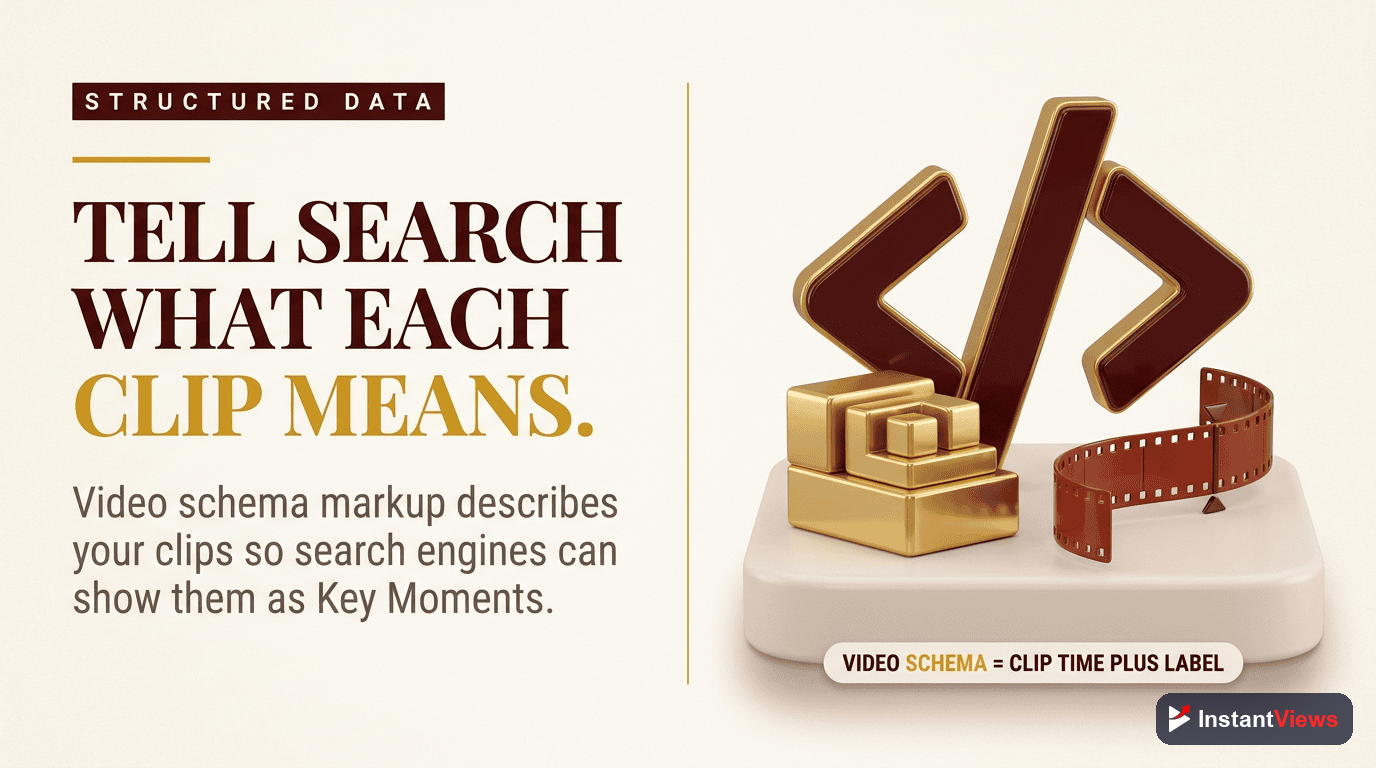
There are two schema types you can use for Key Moments:
1. Clip Schema (Recommended)
Clip schema explicitly defines video segments with start and end times. This is the most precise method and gives Google exact information about your video structure.
When to use: When you want maximum control over which moments Google displays.
2. SeekToAction Schema
SeekToAction schema creates a URL template that allows jumping to any timestamp in your video:
<script type="application/ld+json">
{
  "@context": "https://schema.org",
  "@type": "VideoObject",
  "name": "YouTube Key Moments SEO Guide",
  "potentialAction": {
    "@type": "SeekToAction",
    "target": "https://youtube.com/watch?v=VIDEO_ID&t={seek_to_second_number}",
    "startOffset-input": "required name=seek_to_second_number"
  }
}
</script>
When to use: When you want Google to automatically determine which moments to highlight.
| Schema Type | Advantages | Best For |
|---|---|---|
| Clip Schema | Precise control, guaranteed moments | Tutorial videos, courses, structured content |
| SeekToAction | Flexible, automatic optimization | Long-form content, interviews, vlogs |
| Both Combined | Maximum coverage and flexibility | High-value content targeting multiple keywords |
Optimization Best Practices
Creating chapters is just the start. Here's how to optimize them for maximum SEO impact:
1. Keyword Research for Chapter Titles
Your chapter titles should match actual search queries. Don't just describe what happens in each section - use the exact phrases people search for.
Bad chapter title: "Section 3 - More Tips"
Good chapter title: "How to Rank YouTube Videos in Google Search"
Search Query Matching
Use Google's "People Also Ask" and autocomplete to find the exact questions people search for. Make each chapter answer a specific question.
If you're making a video about SEO, search "YouTube SEO" and note the autocomplete suggestions: "YouTube SEO tips," "YouTube SEO 2026," "YouTube SEO for beginners." Use these as chapter titles.
2. Optimal Chapter Length
The ideal chapter length depends on your content, but follow these guidelines:
- Tutorial videos: 2-5 minute chapters for each step
- Educational content: 3-7 minutes per concept
- Long-form interviews: 5-10 minutes per topic
- Vlogs: 2-4 minutes per scene or location
3. Strategic Chapter Positioning
Place your most valuable content early. Google tends to feature early chapters more prominently, and viewers are more likely to click on timestamps near the beginning.
Front-Load Value
Put your most searched-for content in chapters 2-3 (after the intro). This balances discoverability with maintaining context.
0:00 Quick Overview
1:15 [MAIN TOPIC KEYWORD] - Most valuable content
5:42 [RELATED KEYWORD] - Secondary value
9:20 Advanced Tips
12:15 Common Mistakes
4. Description Optimization
Your video description should include:
- All chapter timestamps at the top
- A summary paragraph with target keywords
- Links to related content
- Hashtags (2-3 relevant ones)
Optimize Your Video Chapters
Get instant chapter recommendations and SEO scoring with our Video Analyzer tool. Maximize your Key Moments visibility.
Analyze Your Video →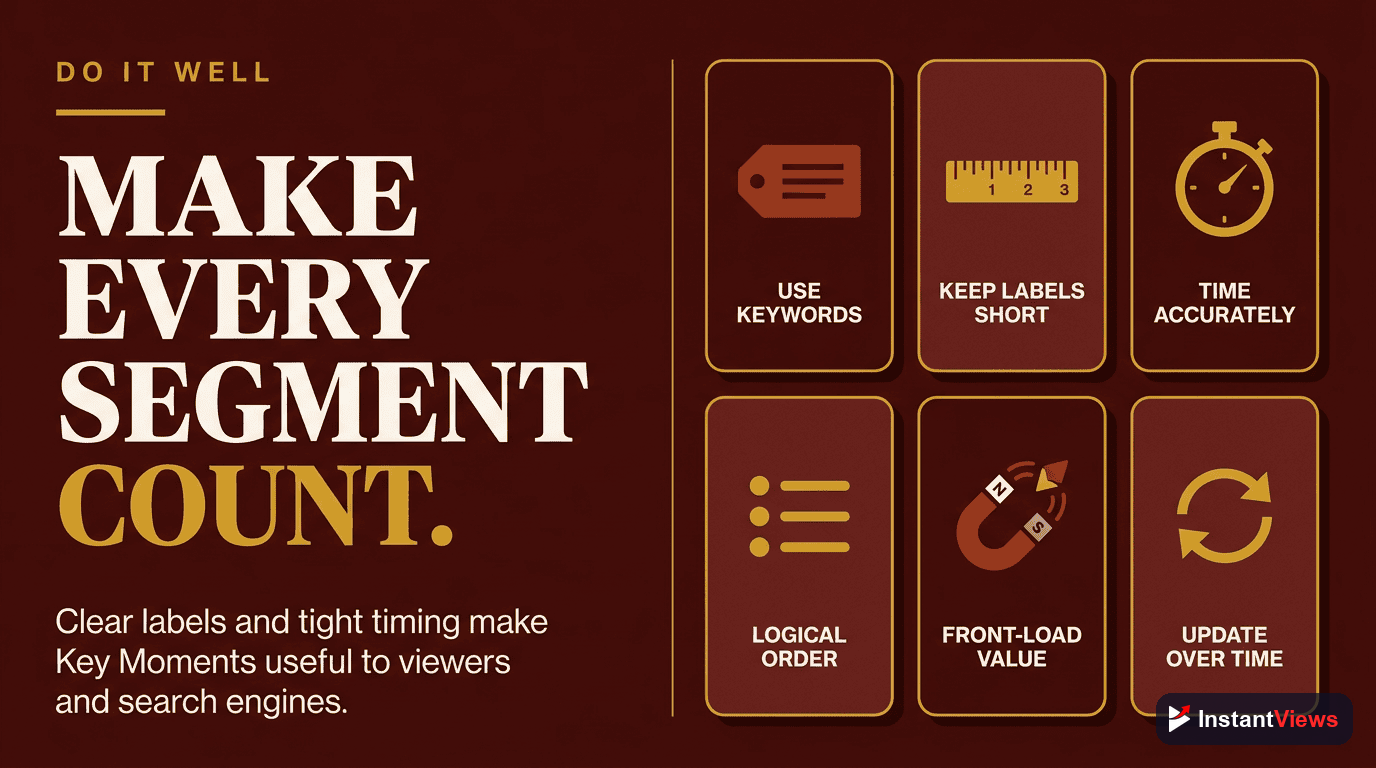
Google Search Ranking Factors
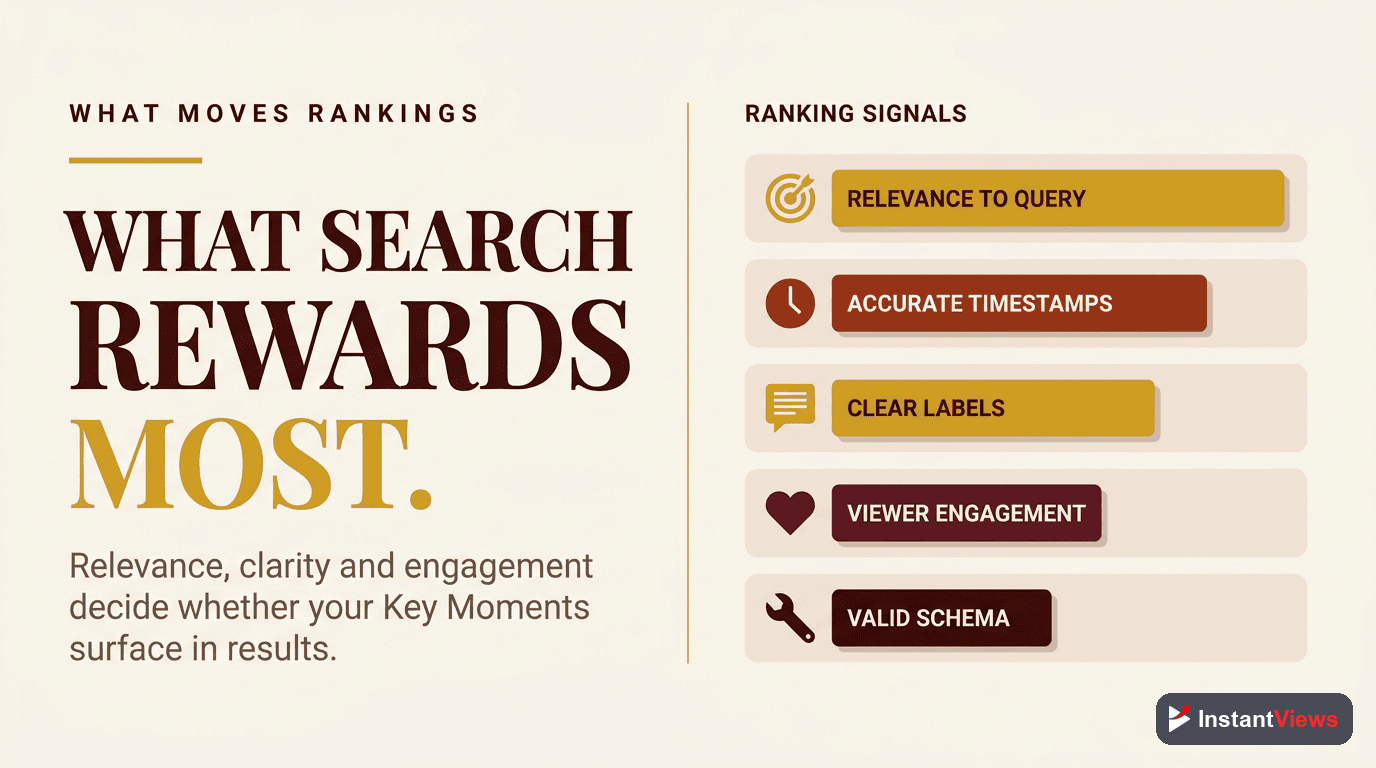
Google doesn't automatically display Key Moments for every video with chapters. Here are the factors that increase your chances:
1. Video Engagement Metrics
Videos with high engagement (watch time, likes, comments) are more likely to get Key Moments featured. Google sees engagement as a quality signal.
2. Search Relevance
Your video must rank well for relevant searches. If your video doesn't appear in search results at all, Key Moments won't help.
3. Content Comprehensiveness
Videos that thoroughly cover a topic (longer, more detailed) are favored. Aim for videos that answer multiple related questions.
4. Website Authority (for Embedded Videos)
If you're embedding videos on your website with schema markup, your site's domain authority matters. Higher authority sites get prioritized.
| Ranking Factor | Impact Level | How to Improve |
|---|---|---|
| Watch Time | Very High | Create engaging intros, use chapters for navigation |
| CTR | High | Optimize thumbnail and title for search intent |
| Chapter Quality | High | Use keyword-rich, descriptive chapter titles |
| Video Length | Medium | Aim for 8-20 minutes for most topics |
| Freshness | Medium | Update descriptions, add current year to titles |
| Schema Markup | Medium | Implement proper Clip or SeekToAction schema |
Common Mistakes to Avoid
These mistakes will prevent Google from showing your Key Moments:
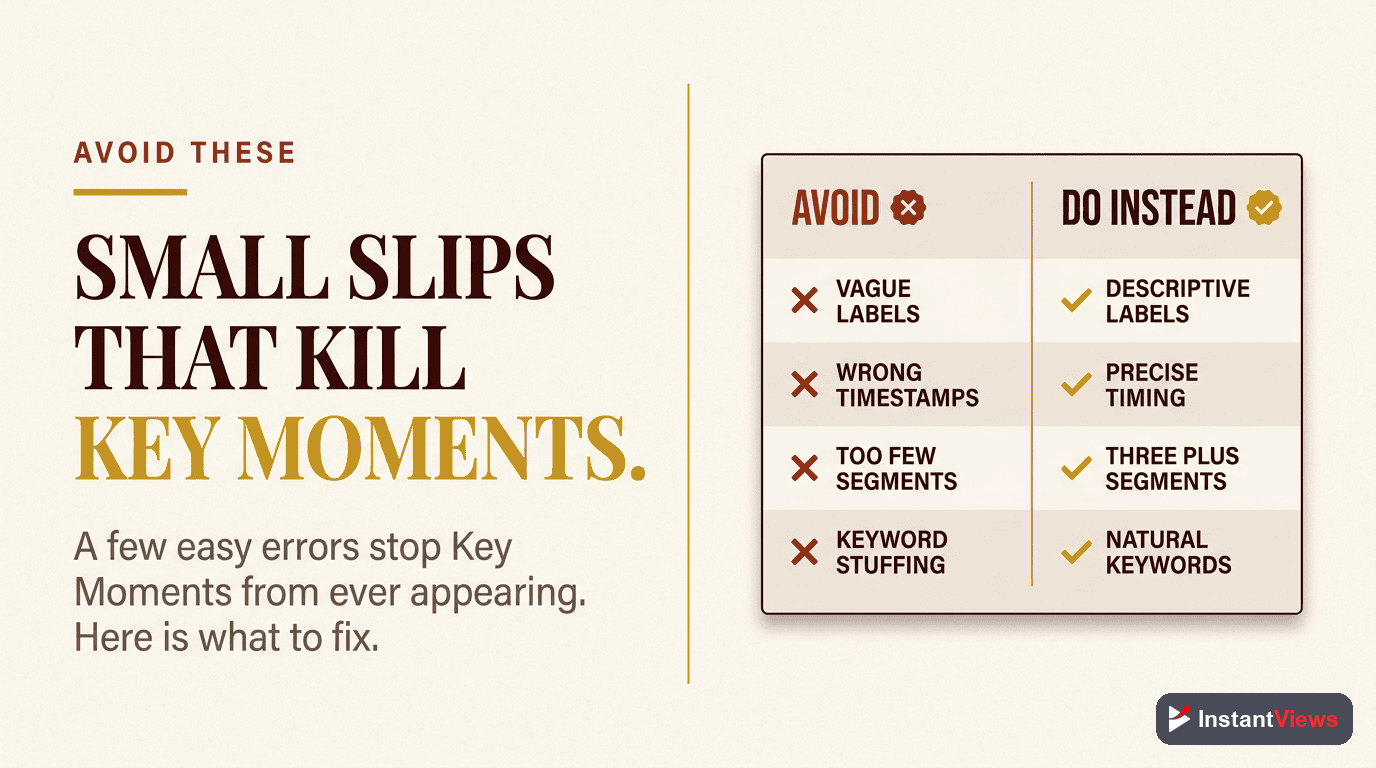
1. Vague Chapter Titles
Don't use: "Introduction," "Part 1," "Next Section"
Do use: Specific, keyword-rich titles that answer questions
2. Too Many or Too Few Chapters
Fewer than 3 chapters won't qualify. More than 15 makes your video seem fragmented and reduces the value of each moment.
3. Incorrect Timestamp Format
Use proper format: 0:00, 1:23, 12:45, not 00:00 or 0.00
4. First Chapter Not at 0:00
YouTube requires the first timestamp to be exactly 0:00. Starting at 0:01 or 0:05 will break the chapter feature entirely.
5. Keyword Stuffing in Descriptions
Don't overload chapter titles with keywords. Keep them natural and user-focused. Google penalizes obvious manipulation.
Changing timestamps after your video has been indexed can temporarily remove Key Moments from search results. Make changes carefully and allow 1-2 weeks for re-indexing.
Monitoring and Testing
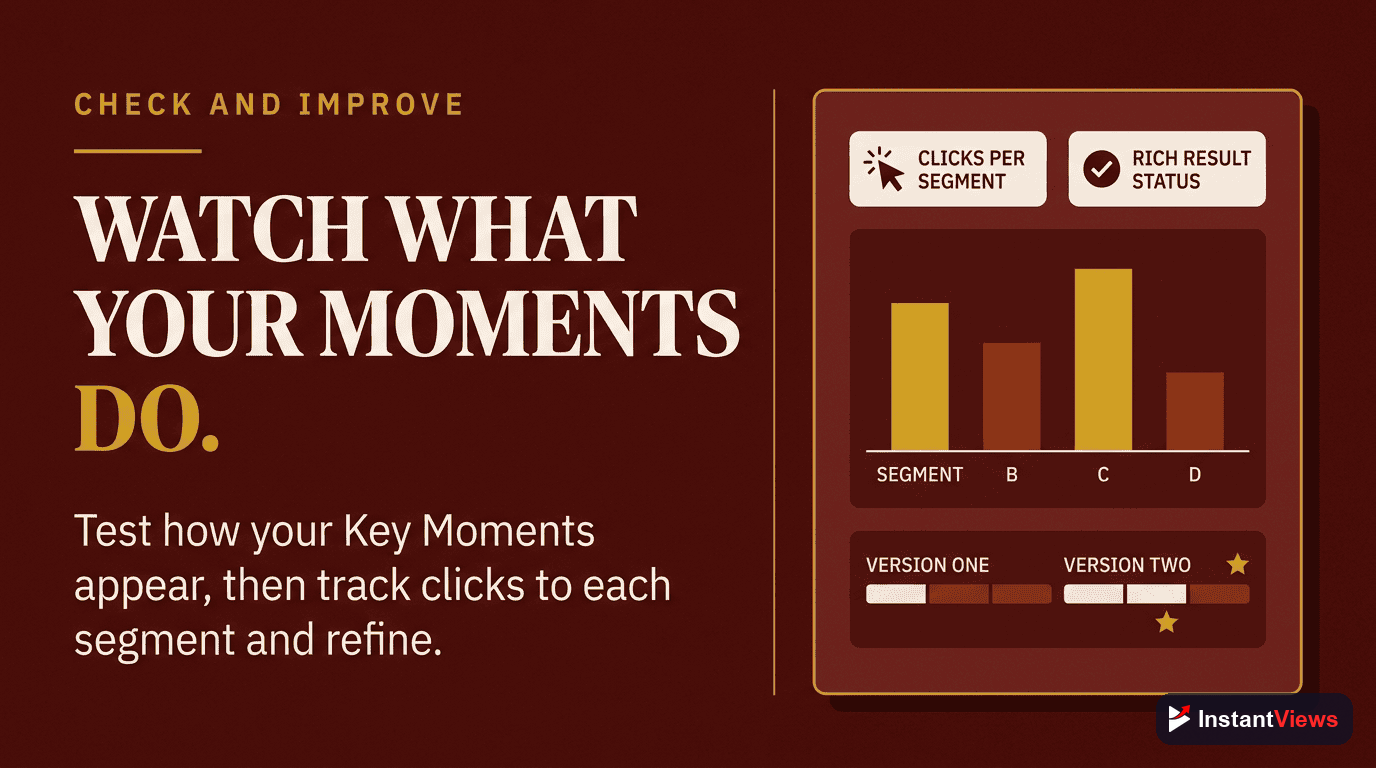
Track your Key Moments performance to understand what's working:
1. Google Search Console
Monitor which Key Moments appear in search results and their click-through rates. Filter by "Video" appearance to see Key Moments specifically.
2. YouTube Analytics
Check which chapters viewers interact with most. High engagement chapters should be featured more prominently or expanded.
3. A/B Testing Chapter Titles
Test different chapter title formats to see which ones get more clicks from Google Search. Change titles gradually and monitor results over 2-4 weeks.
4. Schema Validation
Use Google's Rich Results Test to validate your schema markup and ensure Google can read your Key Moments correctly.
"Key Moments are the future of video SEO. Videos without them will become invisible in search results as Google prioritizes more structured, accessible content." - Google Search Quality Team
Frequently Asked Questions
YouTube Key Moments are timestamped segments that appear in Google Search results, allowing users to jump directly to specific parts of your video. When properly optimized, they can significantly increase your visibility in Google Video searches and drive more qualified traffic to your content.
To get Key Moments in Google Search, you need: 1) YouTube chapters added to your video description with timestamps, 2) Proper schema markup (Clip or SeekToAction), 3) A video that ranks for relevant search queries, 4) Clear, descriptive chapter titles that match search intent. Google typically takes 1-2 weeks to index and display Key Moments.
YouTube Chapters are the segments you create within YouTube's platform for video navigation. Key Moments are how these chapters appear in Google Search results. All Key Moments require chapters, but not all chapters will appear as Key Moments - Google decides which videos to feature based on relevance, quality, and search intent.
Include 3-10 Key Moments per video. Too few (less than 3) won't provide enough value, and too many (more than 15) can make the video seem fragmented. Each Key Moment should be at least 10 seconds long and represent a distinct topic or section that users might want to find.
Key Moments help with both. On YouTube, chapters improve user experience and watch time by helping viewers find relevant sections, which signals quality to the algorithm. On Google, Key Moments increase visibility in video search results, driving more traffic to your YouTube video and improving overall rankings.
Yes, you can edit your YouTube chapters (and therefore Key Moments) at any time by updating your video description. However, it may take 1-2 weeks for Google to re-crawl and update the Key Moments in search results. Use the InstantViews Video Analyzer to optimize your chapters before and after publishing.