- Clip extraction automation can save 10-20 hours per week by eliminating manual editing
- AI tools now achieve 85-90% accuracy in identifying viral moments from long-form content
- The best workflow combines AI automation with strategic human oversight
- Automated clips can match or exceed manually edited clips in engagement when optimized correctly
- ROI typically comes within the first month through time savings and increased content output
Creating short-form clips from long videos is the fastest way to grow across social platforms. But manually editing clips takes hours - time most creators don't have.
Here's the reality: A 60-minute podcast can yield 15-20 high-quality clips. At 20 minutes per clip to find, edit, and export, that's 6+ hours of work for a single episode.
Automation changes everything. AI-powered tools can analyze your video, identify viral moments, extract clips, add captions, and export in minutes - not hours. This guide shows you exactly how to build that workflow.
Why Automate Clip Extraction?
The data on multi-platform content distribution is clear: creators who repurpose long-form content into short clips see 300-500% more reach than those who don't.
But manual clip creation has serious limitations:
- Time-intensive: Finding highlights in a 45-minute video can take 2+ hours
- Inconsistent quality: Human editors miss moments or make subjective decisions
- Scalability issues: Can't grow beyond 2-3 videos per week without hiring
- Platform expertise: Each platform needs different formatting and optimization
Automation solves all of these problems. Modern AI can analyze hours of footage in minutes, identify viral moments using engagement data from millions of videos, and format clips perfectly for each platform.
Automation is not a "set it and forget it" solution. The best results come from combining AI efficiency with human strategic oversight. Think of it as a 90/10 split - AI does 90% of the work, you refine the final 10%.
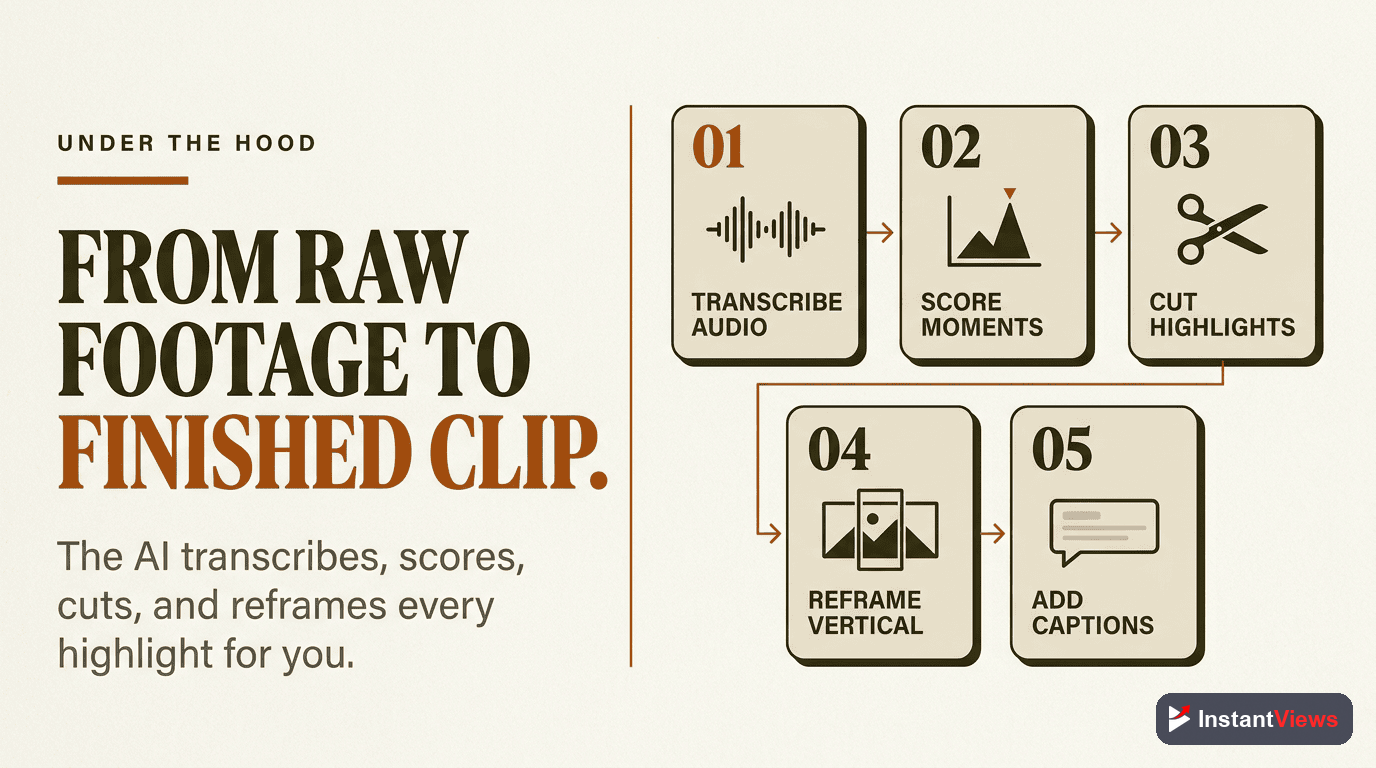
How AI Clip Extraction Works
Understanding how these tools work helps you use them effectively. Here's what happens behind the scenes:
Step 1: Content Analysis
AI transcribes your video and analyzes multiple factors:
- Speech patterns: Identifies complete thoughts, natural pauses, and topic changes
- Engagement markers: Looks for questions, bold statements, emotional moments, and hooks
- Visual cues: Detects scene changes, speaker movement, and on-screen elements
- Audio signals: Tracks volume changes, laughter, emphasis, and music
Step 2: Viral Moment Scoring
Each potential clip gets scored based on:
- Hook strength (first 3 seconds)
- Topic relevance to current trends
- Emotional intensity
- Information density
- Completeness (does it tell a full story?)
Step 3: Formatting and Enhancement
AI automatically applies:
- Platform-specific aspect ratios (9:16 for Stories, 1:1 for feed posts)
- Auto-captions with keyword highlighting
- Dynamic cropping to keep speakers centered
- B-roll suggestions and visual enhancements
Tool #1: Opus Clip
Opus Clip
The most popular AI clip generator, trained on millions of viral videos. Best for podcasts, interviews, and talking-head content.
- Viral score for each clip (0-100 rating)
- Auto-captions with emoji insertion
- One-click posting to multiple platforms
- AI B-roll suggestions
How it works: Upload your video, select clip length and style preferences, and Opus analyzes your content. It returns 10-15 clips ranked by viral potential with full editing capabilities.
Best use case: Long-form podcasts (30+ minutes) with clear speaking and minimal background noise. Particularly strong for educational and business content.
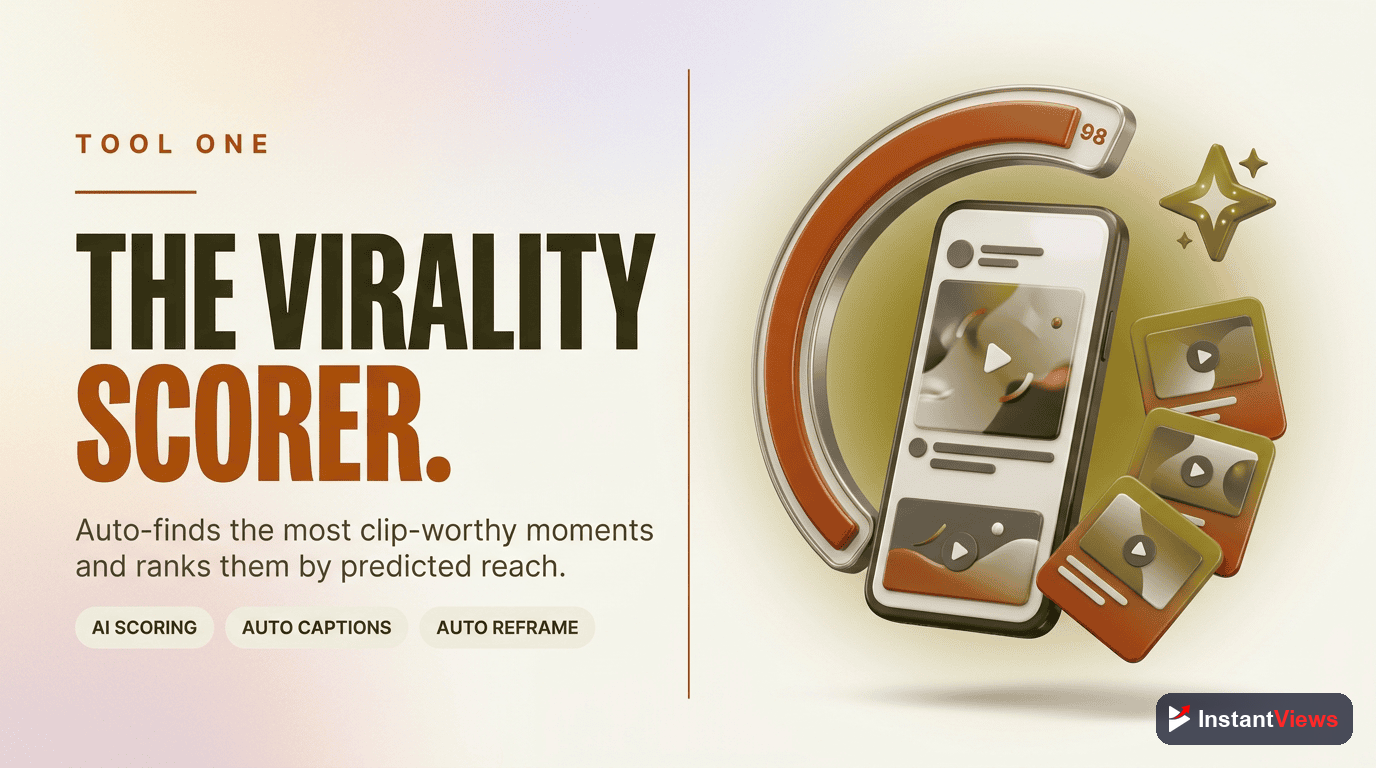
Tool #2: Vizard.ai
Vizard.ai
Advanced AI editor with professional-grade features. Excels at multi-speaker content and offers the most customization options.
- Multi-speaker recognition and framing
- Custom brand templates and overlays
- Advanced transcript editing
- Team collaboration features
How it works: Upload video, AI identifies speakers and topics. You can manually adjust clip selection or let AI choose. Strong template system for consistent branding.
Best use case: Professional content with multiple speakers. Great for agencies managing multiple client accounts.
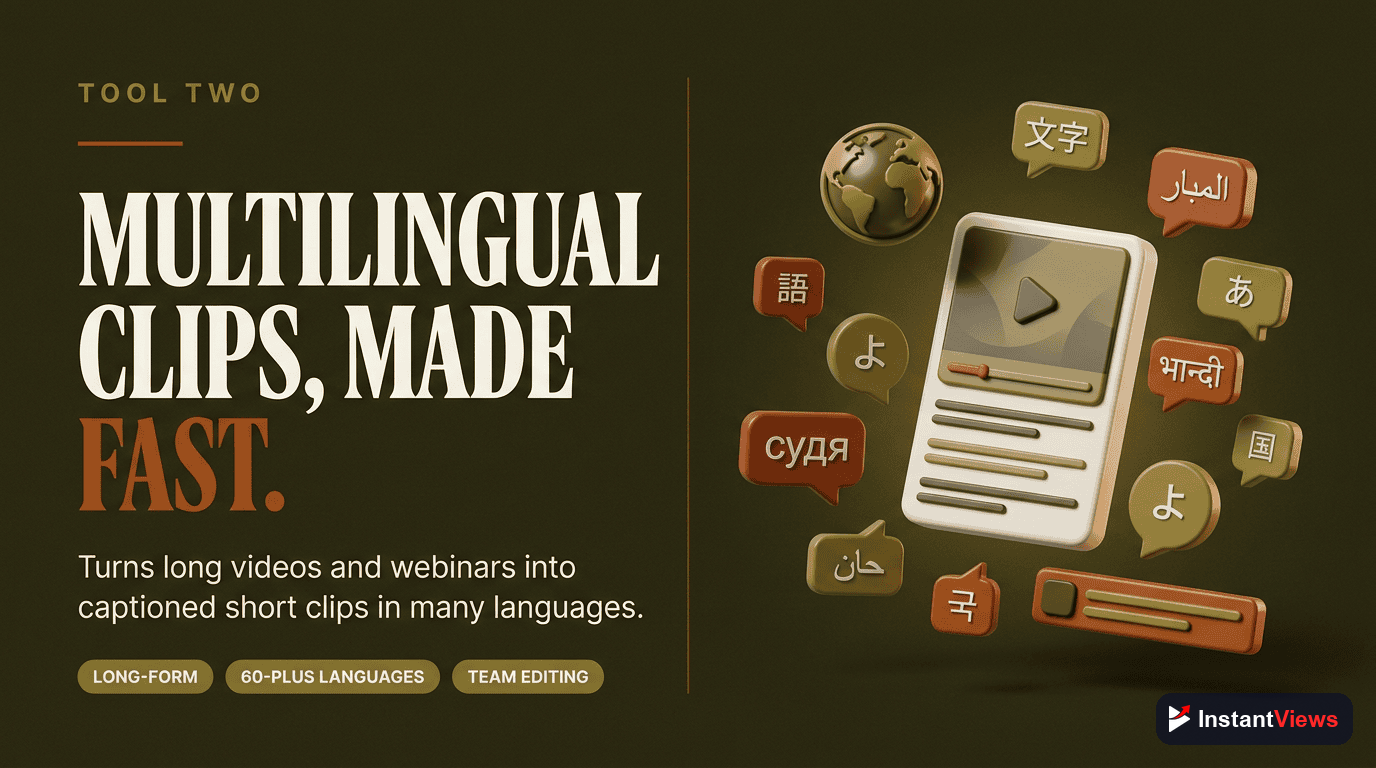
Tool #3: Clipy
Clipy
Budget-friendly option focused on speed. Processes videos faster than competitors but with fewer customization options.
- Lightning-fast processing (5-10 minutes)
- Simple, beginner-friendly interface
- Batch processing for multiple videos
- Direct YouTube integration
How it works: Paste YouTube URL, select number of clips wanted, and receive clips in minutes. Minimal editing options but extremely fast.
Best use case: High-volume creators who need quick turnaround and don't require heavy customization.
Tool #4: Powder
Powder
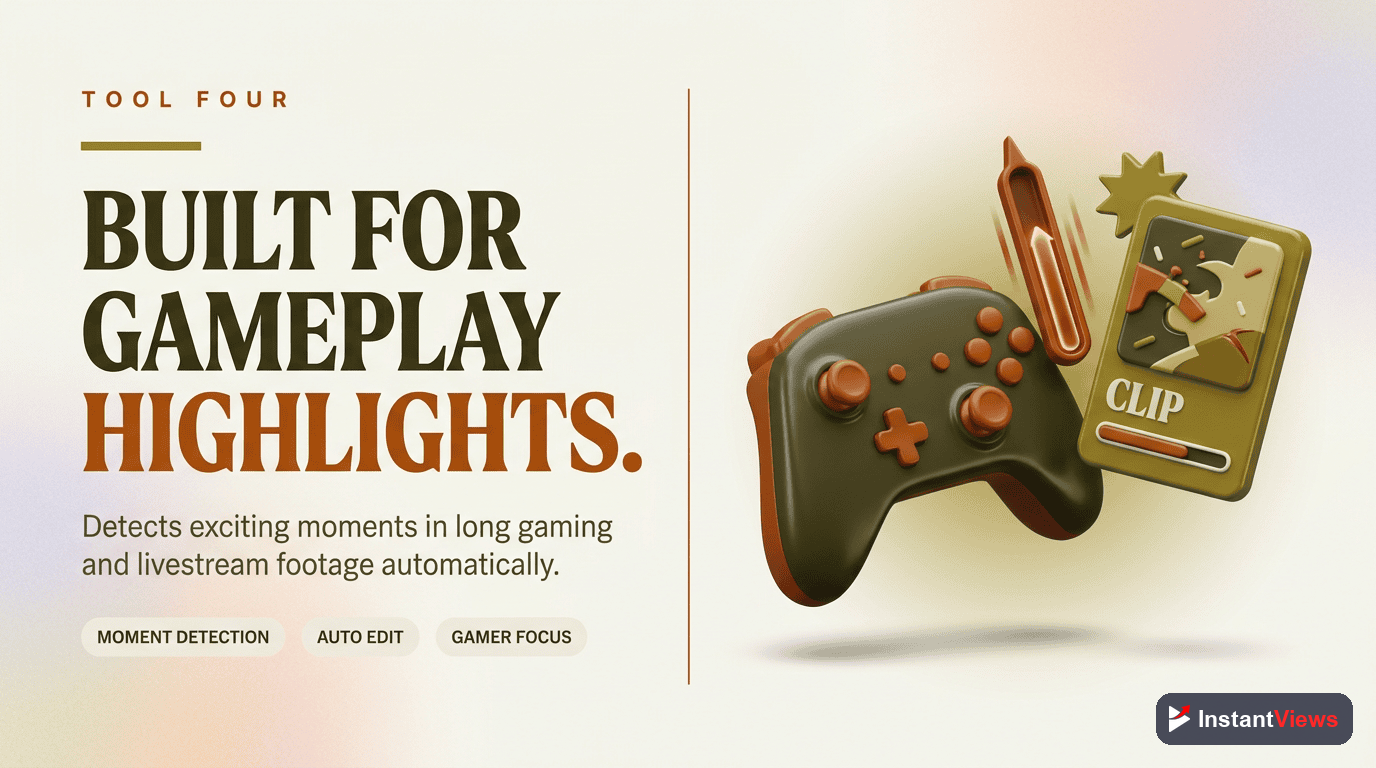
Specialized for gaming and streaming content. Built specifically for Twitch streams and gaming highlights.
- Gaming moment detection (kills, wins, fails)
- Twitch direct integration
- Automatic meme-style editing
- Sound effect library
How it works: Connect Twitch account, AI identifies highlight-worthy moments based on game events and chat reactions.
Best use case: Streamers and gaming content creators who need viral clips from long streams.
Tool #5: InstantViews Video Analyzer
InstantViews Video Analyzer
Comprehensive video analysis tool that scores your clips before publishing and suggests optimizations for maximum engagement.
- Pre-publish clip scoring and analysis
- Hook strength evaluation
- Retention prediction modeling
- Platform-specific recommendations
How it works: Upload your extracted clip and get instant feedback on hook quality, pacing, engagement potential, and specific improvement suggestions.
Best use case: Final quality control step after AI extraction. Use this to validate AI choices and identify which clips have the highest viral potential.
Analyze Your Video Clips
Get instant scoring and optimization suggestions for your clips before you publish them.
Analyze Your Clips →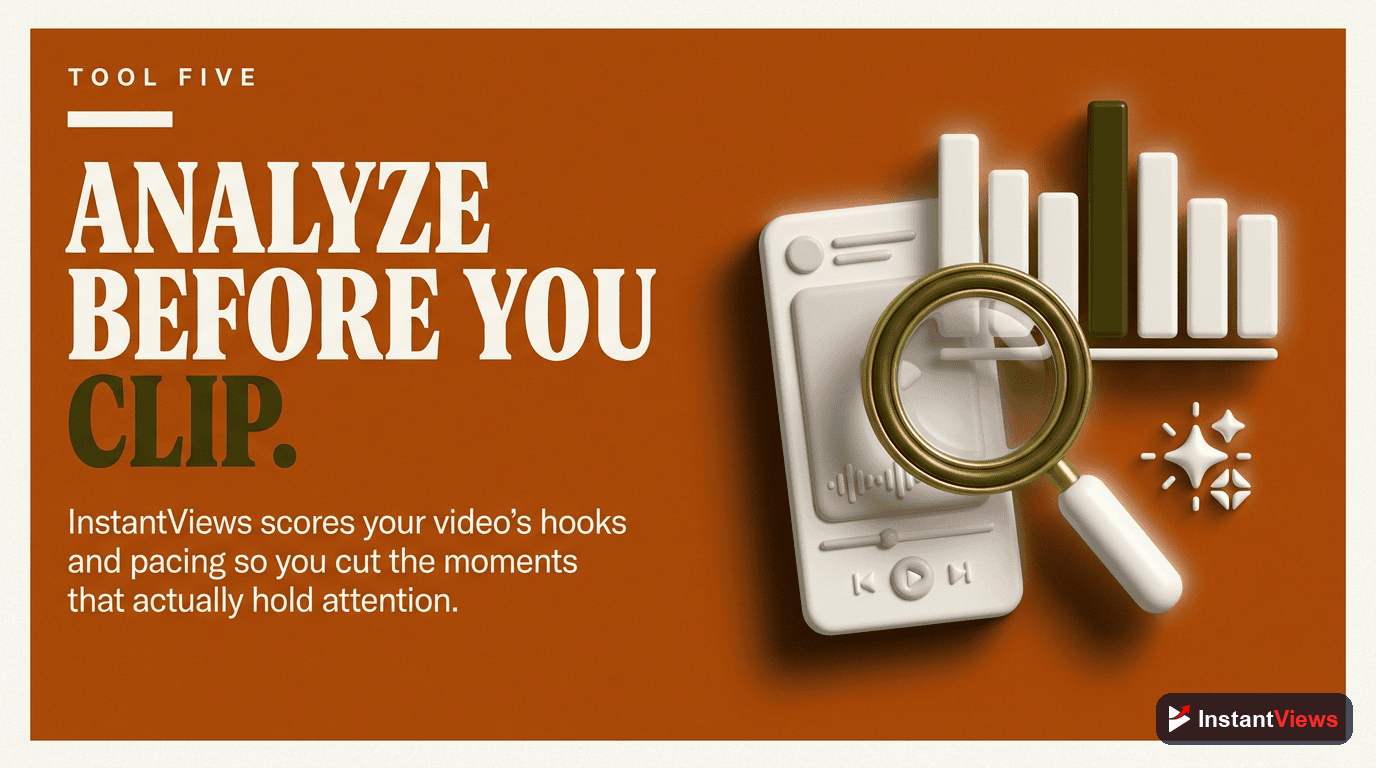
Complete Automation Workflow
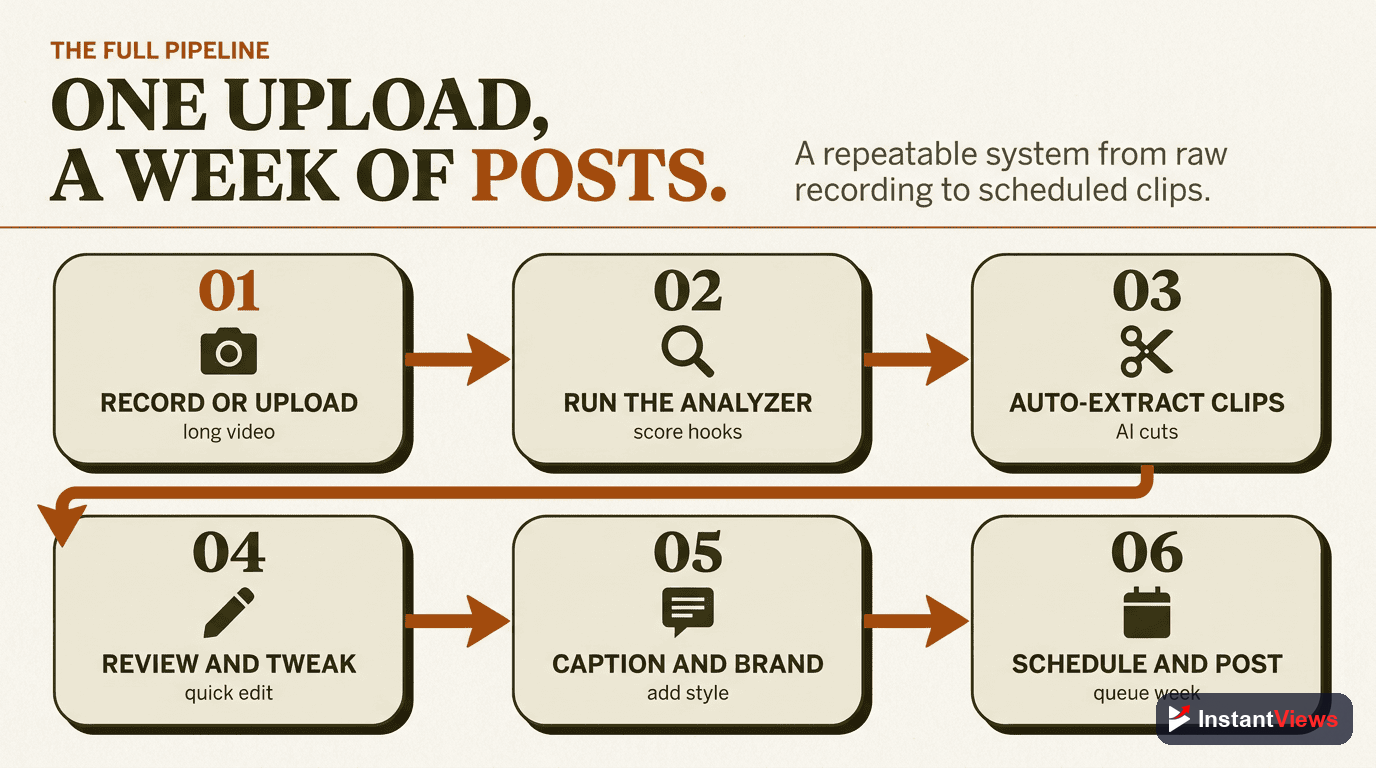
Here's the exact workflow successful creators use to automate clip extraction:
1. Pre-Production Setup (5 minutes)
- Structure your long-form content with clear topic segments
- Use consistent audio levels throughout
- Frame speakers properly for 9:16 cropping
- Mark potential highlight moments during recording
2. Upload and Configure (3 minutes)
- Upload to your chosen AI tool (Opus Clip, Vizard, etc.)
- Set clip length parameters (15s, 30s, 60s)
- Select target platforms and aspect ratios
- Enable auto-captions and choose style preferences
3. AI Processing (10-30 minutes)
- AI analyzes content and identifies viral moments
- Clips are automatically extracted and formatted
- Captions are generated and synced
- Each clip receives a viral potential score
4. Human Review (10-15 minutes)
- Review top-scored clips (usually top 10-15)
- Check for context issues or awkward cuts
- Adjust captions for accuracy and emphasis
- Make minor timing or framing adjustments
5. Quality Validation (5 minutes)
- Run selected clips through InstantViews Video Analyzer
- Review hook scores and retention predictions
- Make final optimizations based on feedback
- Prioritize clips with highest scores for posting
6. Export and Schedule (5 minutes)
- Export in platform-specific formats
- Add to content calendar
- Schedule publishing across platforms
- Set up tracking for performance metrics
Total active time: 30-35 minutes (vs. 6+ hours manually)
Optimizing Automated Clips
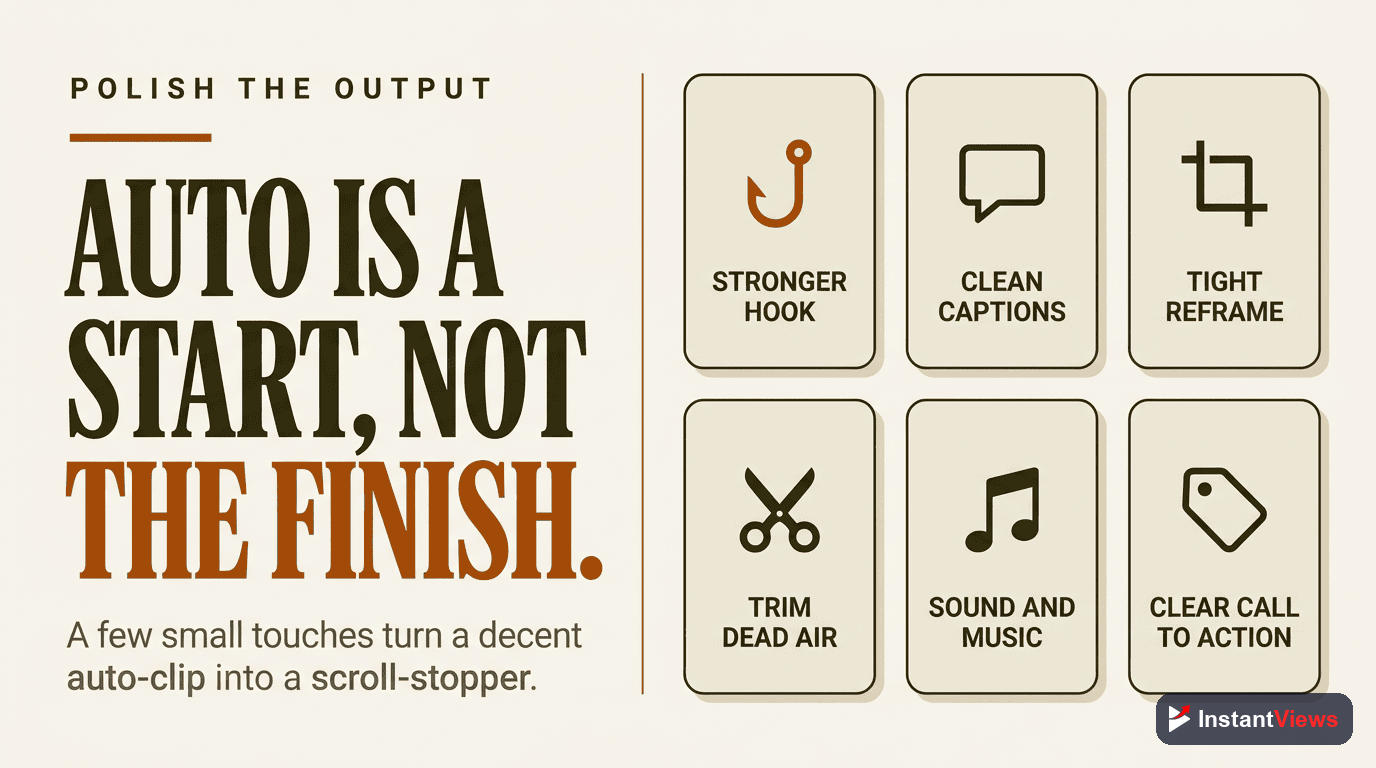
AI gives you 90% of the way there. These optimizations take you to 100%:
Hook Enhancement
The first 3 seconds are everything. Even if AI selected a good moment, you can make it better:
- Start on a word with energy (not mid-sentence)
- If possible, begin with a question or bold statement
- Remove "um," "uh," and filler words at the start
- Consider adding a 1-second text hook before speaking starts
Caption Optimization
AI-generated captions are accurate but often boring. Enhance them:
- Highlight key words in color
- Add strategic emoji (1-2 per clip, not more)
- Use larger text for emphasis words
- Break long sentences into multiple caption blocks
Platform-Specific Tweaks
- TikTok: Add trending sounds, start with pattern interrupt
- YouTube Shorts: Prioritize educational value, can be longer (45-60s)
- Instagram Reels: Visual polish matters more, add transitions
- LinkedIn: Professional tone, emphasize business value
Thumbnail Selection
For platforms that use thumbnails (YouTube Shorts), don't use random AI-selected frames:
- Choose frames with clear faces and open mouths (signals talking)
- Avoid blurry or mid-blink moments
- Include text overlay summarizing the clip's value
- Test contrasting colors against platform backgrounds
Measuring Success
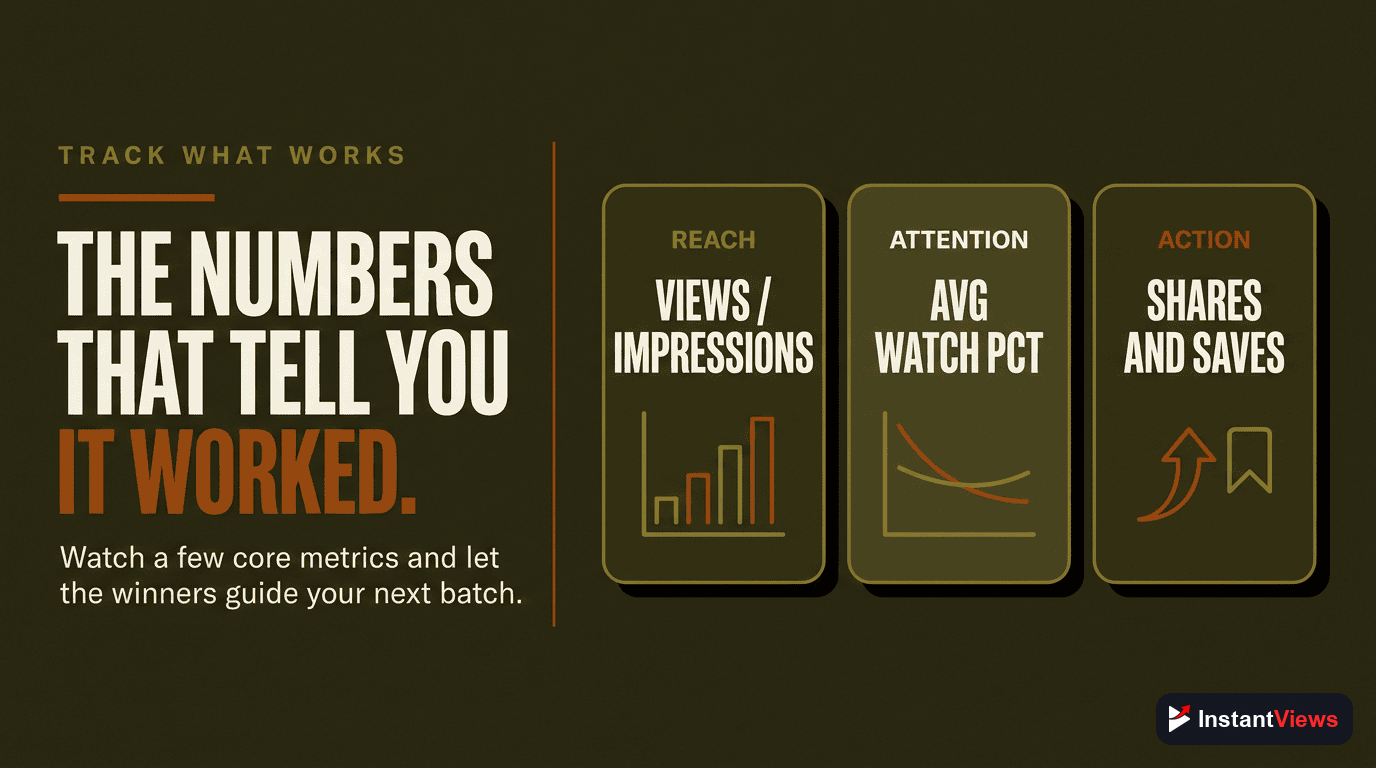
Track these metrics to improve your automation workflow:
| Metric | What It Tells You | Target |
|---|---|---|
| AI Accuracy Rate | % of AI-selected clips you actually publish | 70%+ |
| Time Saved | Hours saved per video vs manual editing | 80%+ |
| Avg View Rate | How AI clips perform vs manual clips | Equal or better |
| Content Output | Number of clips published per week | 3-5x increase |
| Engagement Rate | Likes, comments, shares per 1000 views | Platform benchmark |
| ROI | Cost of tool vs value of time saved | Positive within 1 month |
Common Mistakes to Avoid
- Publishing everything AI suggests - Always add human review for quality control
- Ignoring source quality - Garbage in, garbage out. Bad audio/video = bad clips
- Using one tool for all content types - Different tools excel at different content
- Skipping caption optimization - 85% watch without sound, captions are critical
- Not testing different clip lengths - 30s works for TikTok, 60s+ for YouTube Shorts
- Forgetting platform context - LinkedIn clips need different framing than TikTok
- Over-automating - Keep your brand voice by adding personal touches
"Automation should enhance creativity, not replace it. The best creators use AI to handle the tedious parts so they can focus on strategy and storytelling." - Gary Vaynerchuk
Frequently Asked Questions
Clip extraction automation uses AI and software to automatically identify, extract, and format the best moments from your long-form videos into short clips. This eliminates manual editing and can save 10-20 hours per week for content creators.
Modern AI tools like Opus Clip and Vizard achieve 85-90% accuracy in identifying viral moments. They analyze speech patterns, engagement cues, visual elements, and pacing. However, human review is still recommended for brand-sensitive content.
Automation handles repetitive tasks like finding highlights, cropping, and adding captions, but human editors are still valuable for creative decisions, brand consistency, and final quality control. Think of automation as a powerful assistant, not a replacement.
Podcasts, interviews, educational content, tutorials, and commentary videos work best. Content with clear speaking, defined topics, and natural highlight moments gets the best results. Heavily visual content or highly edited videos may need more manual intervention.
Tools range from $20-200/month depending on features and video volume. Free tiers exist but typically limit processing time or exports. Most creators find ROI within the first month by saving editing hours and increasing content output.
Yes. Data shows AI-extracted clips can match or exceed manually edited clips in engagement when properly optimized. The key is choosing the right tool, fine-tuning settings, and adding human review for final polish and platform-specific optimization.