- Pre-upload video analysis can increase your video performance by 40-60% compared to publishing without optimization
- The 5 critical analysis areas: hook strength, pacing, visual quality, audio clarity, and SEO optimization
- Videos analyzed before upload get 2-3x better initial engagement, leading to more algorithm recommendations
- InstantViews Video Analyzer reduces analysis time from 60 minutes to under 3 minutes with AI-powered insights
- Early optimization prevents permanent damage - YouTube's algorithm judges videos hardest in the first 24-48 hours
Publishing a YouTube video without analyzing it first is like launching a product without testing. You might get lucky, but more likely, you'll miss obvious issues that kill your performance.
YouTube's algorithm makes snap judgments. Within the first few hours, it decides whether your video deserves broader distribution. Once the algorithm labels your video as "low engagement," recovering is nearly impossible.
This guide shows you exactly how to analyze your video before upload to maximize your chances of algorithmic success and audience retention.
Why Pre-Upload Analysis Matters
YouTube's algorithm evaluates videos immediately upon publishing. Your first 24-48 hours determine long-term performance. Here's why pre-upload analysis is critical:
- First impressions are permanent - Algorithm decisions made in the first 48 hours rarely change
- Early engagement signals matter most - Initial CTR and retention heavily weight algorithm recommendations
- Fixes after publishing have limited impact - Changing thumbnails or titles later can help, but damaged initial performance is hard to overcome
- Prevention is 10x easier than recovery - Catching issues pre-upload takes minutes; recovering from poor performance takes months
YouTube's algorithm makes the most important judgments within the first 1-2 hours after publishing. Those initial impressions, clicks, and retention rates have outsized influence on all future recommendations.
Step 1: Analyze Hook Strength
Analyze Hook Strength
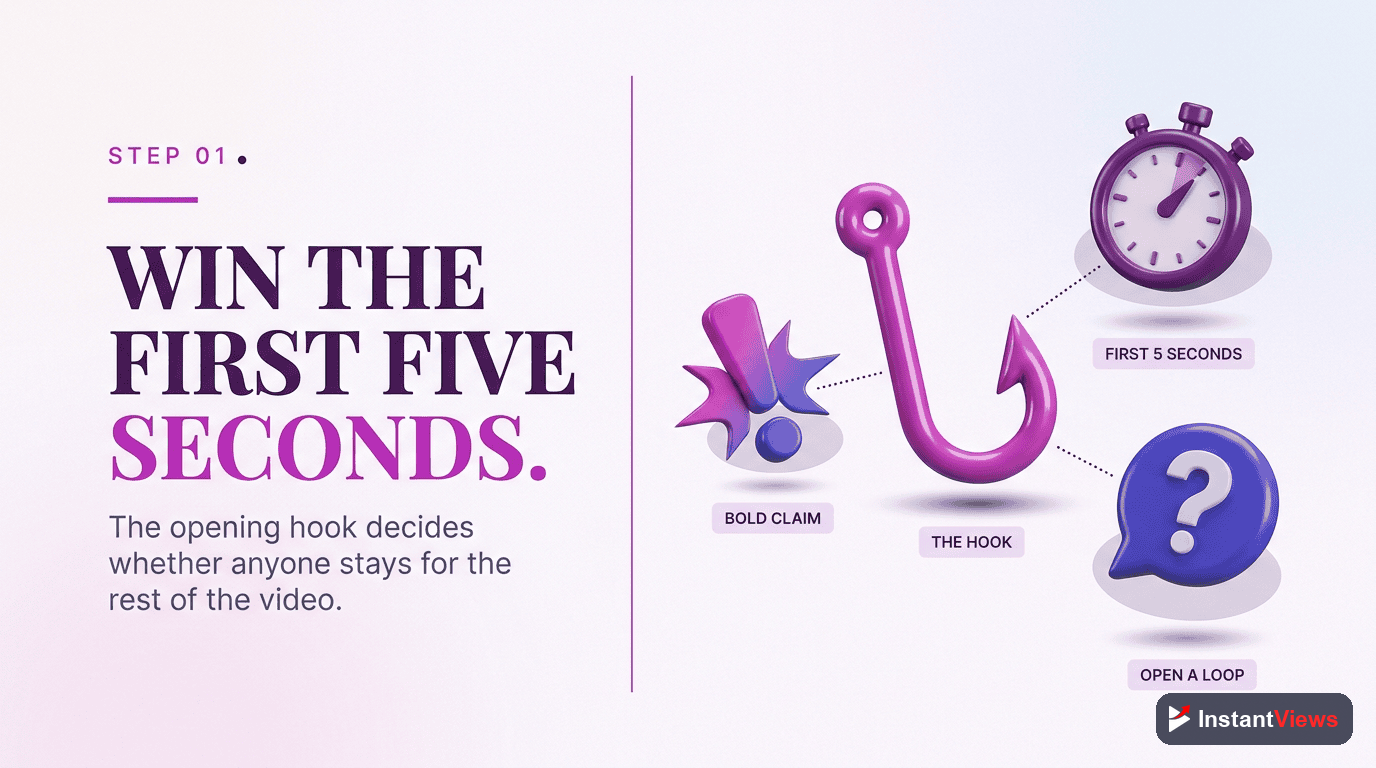
Your first 30 seconds determine whether viewers stay or leave. A weak hook dooms even great content. Test whether your opening grabs attention and creates curiosity.
- Does the first 5 seconds immediately grab attention?
- Do you state the value proposition within 15 seconds?
- Is there an open loop or compelling question?
- Do you avoid wasting time with lengthy intros?
- Does the hook match the thumbnail/title promise?
Target metrics: Aim for 70%+ of viewers still watching at the 30-second mark. Below 50% indicates a weak hook that needs reworking.
How to test: Show your first 30 seconds to 5-10 people unfamiliar with your content. If they can't explain the video's value or aren't curious to continue, your hook needs work.
Step 2: Check Pacing and Retention
Check Pacing and Retention
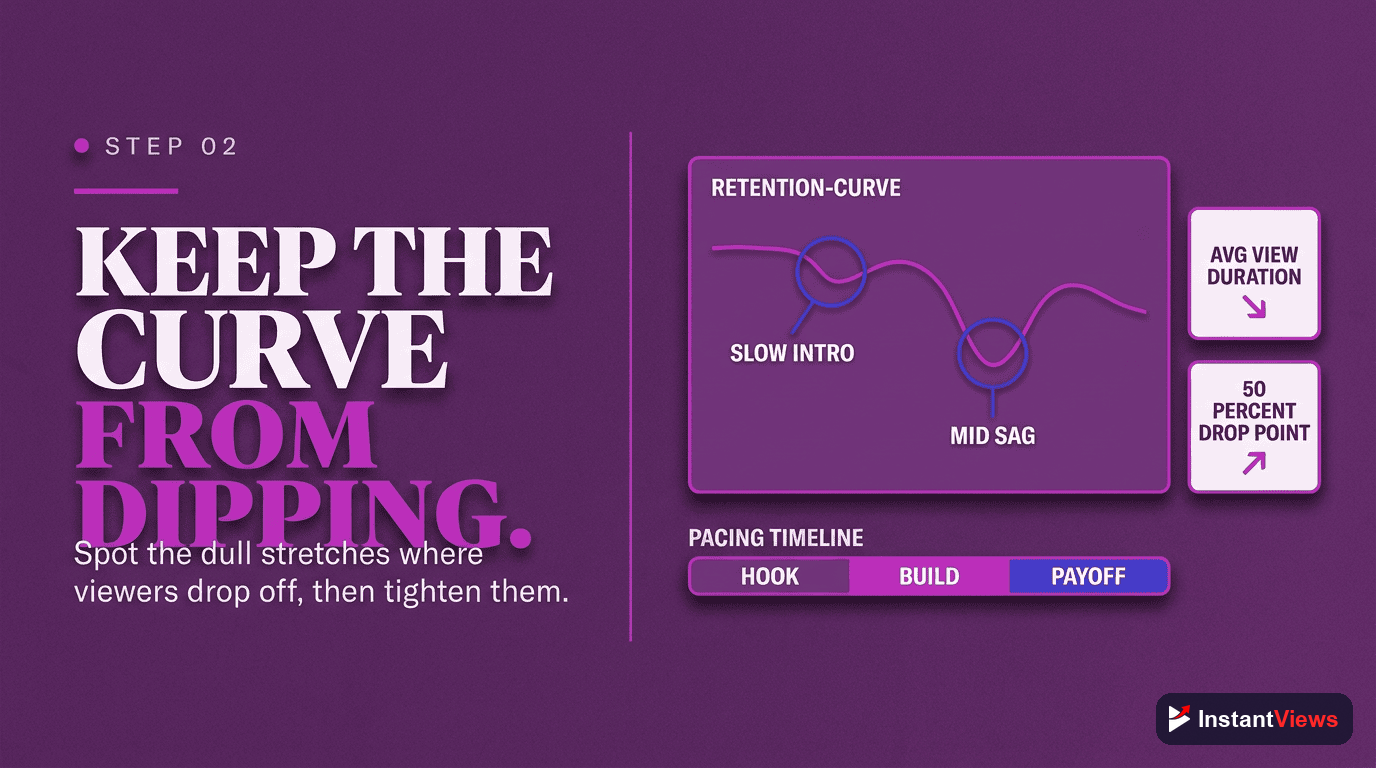
Slow sections kill retention. Even 10-15 seconds of boring content causes viewers to leave. Identify and eliminate dead zones before publishing.
- Are there sections longer than 20 seconds without new information?
- Do you repeat yourself or include unnecessary tangents?
- Is the video length appropriate for the topic?
- Do you use pattern interrupts (visual/audio changes) every 30-60 seconds?
- Does each section earn its place in the video?
Common pacing killers:
- Long explanations without visual aids
- Repetitive points that could be made once
- Slow speaking pace without editing
- Lack of b-roll or visual variety
- Dead air or awkward pauses
How to fix: Watch your video at 1.5x speed. Any section that feels slow at 1.5x is deadly at 1x. Cut ruthlessly - every second must add value.
Step 3: Optimize Visual Elements
Optimize Visual Elements
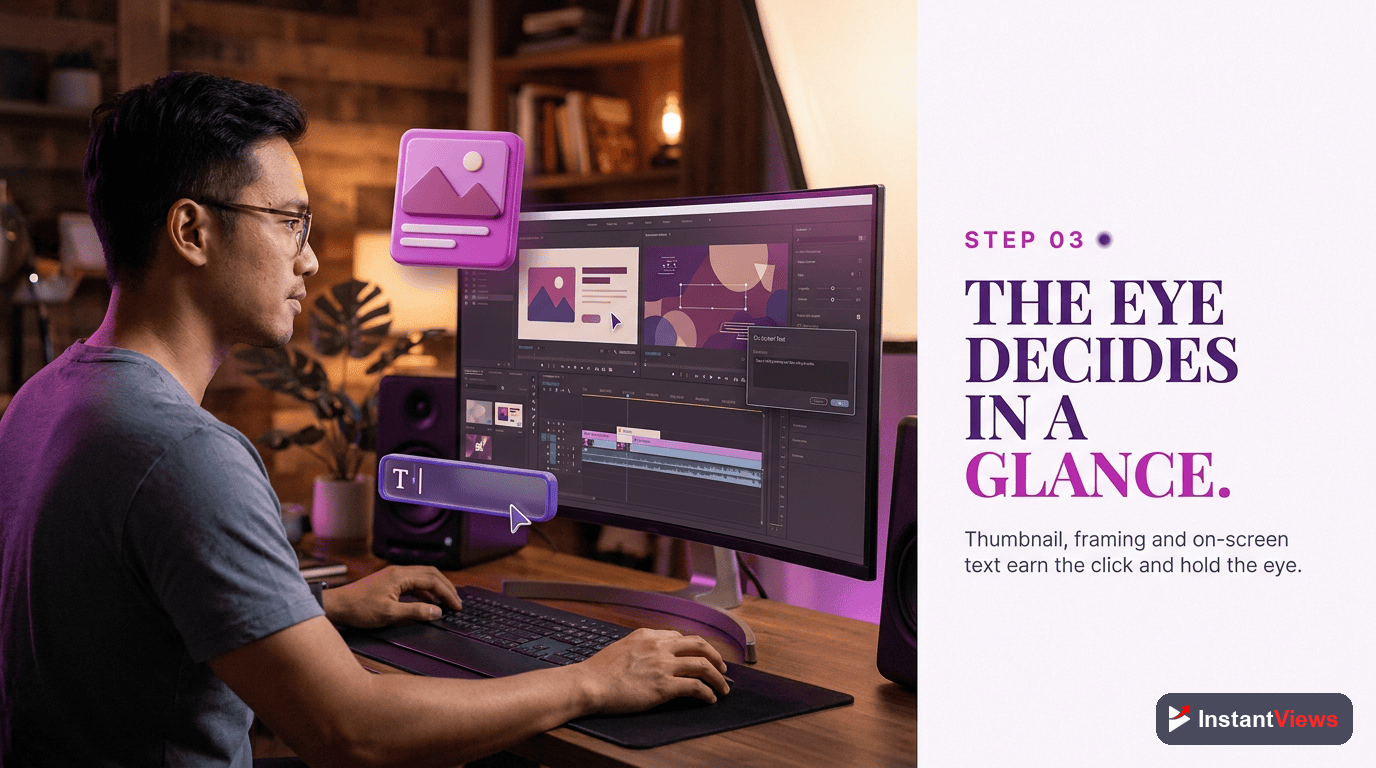
Poor visuals hurt retention and click-through rate. Viewers judge video quality within 3 seconds of starting playback.
- Is the thumbnail eye-catching and clear at small sizes?
- Does on-screen text have sufficient contrast and readability?
- Is the video properly exposed (not too dark or bright)?
- Are there distracting elements in the frame?
- Do graphics and animations look professional?
Visual quality standards:
| Element | Minimum Standard | Optimal |
|---|---|---|
| Resolution | 1080p | 1080p or 4K |
| Frame Rate | 30fps | 60fps for gaming/fast motion |
| Text Size | Readable on mobile | Large, high contrast |
| Lighting | Clearly visible | Professional 3-point lighting |
| Color Grading | Natural colors | Consistent, branded palette |
Thumbnail test: View your thumbnail at 160x90 pixels (mobile size). If the text isn't instantly readable and the subject isn't clear, redesign it.
Step 4: Audit Audio Quality
Audit Audio Quality
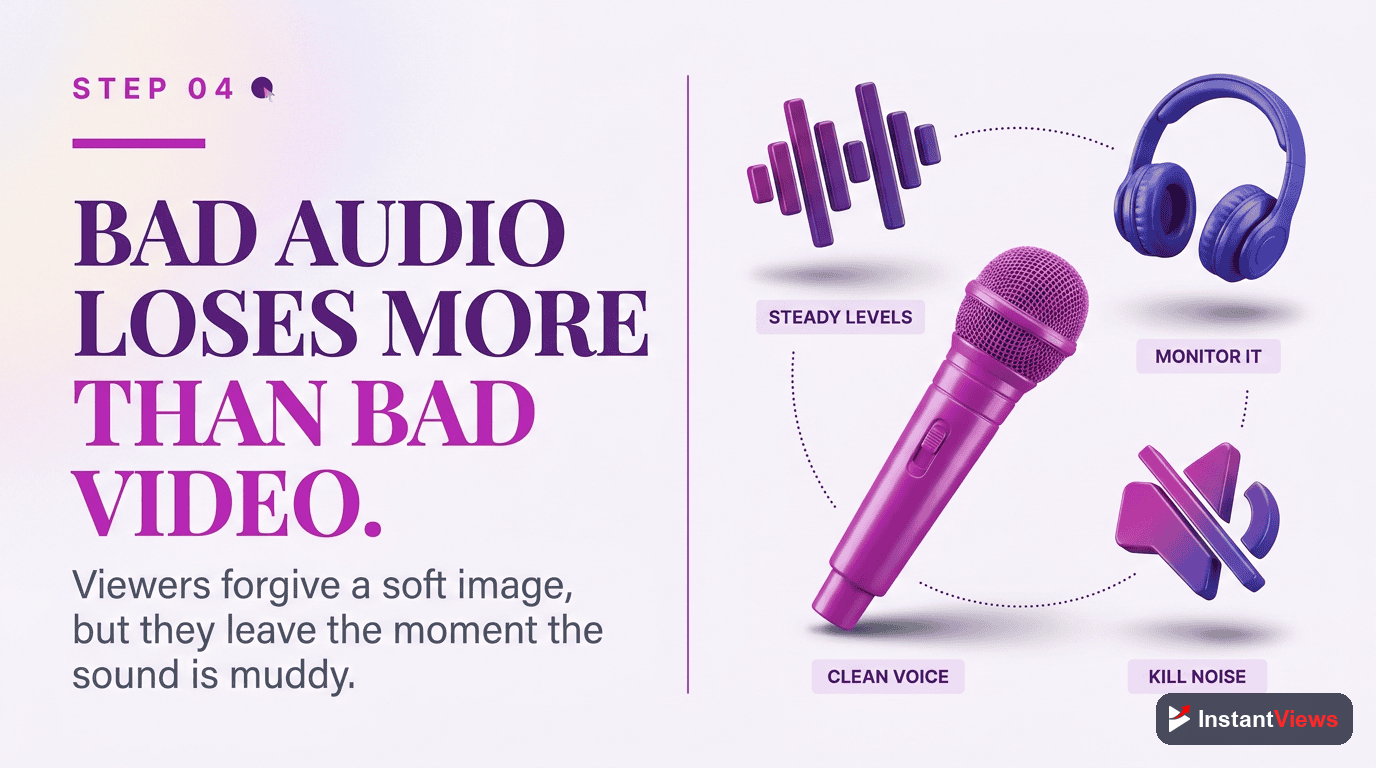
Viewers will tolerate mediocre video quality, but not bad audio. Poor audio is the #1 reason viewers leave otherwise good videos.
- Is dialogue clear and intelligible?
- Are volume levels consistent throughout?
- Is background music too loud or distracting?
- Are there plosives (harsh P and B sounds)?
- Is there background noise (hum, echo, traffic)?
Audio quality checklist:
- Listen with headphones - Issues hidden in speakers become obvious in headphones
- Check on multiple devices - Test on phone speakers, laptop, and headphones
- Verify volume levels - Dialogue should peak around -6dB to -3dB
- Balance music and voice - Music should be 15-20dB quieter than dialogue
- Remove mouth clicks and breaths - Clean up distracting audio artifacts
These audio issues cause immediate viewer drop-off: inconsistent volume requiring constant adjustment, heavy echo/reverb, distorted audio, or dialogue drowned by music. Fix these or don't publish.
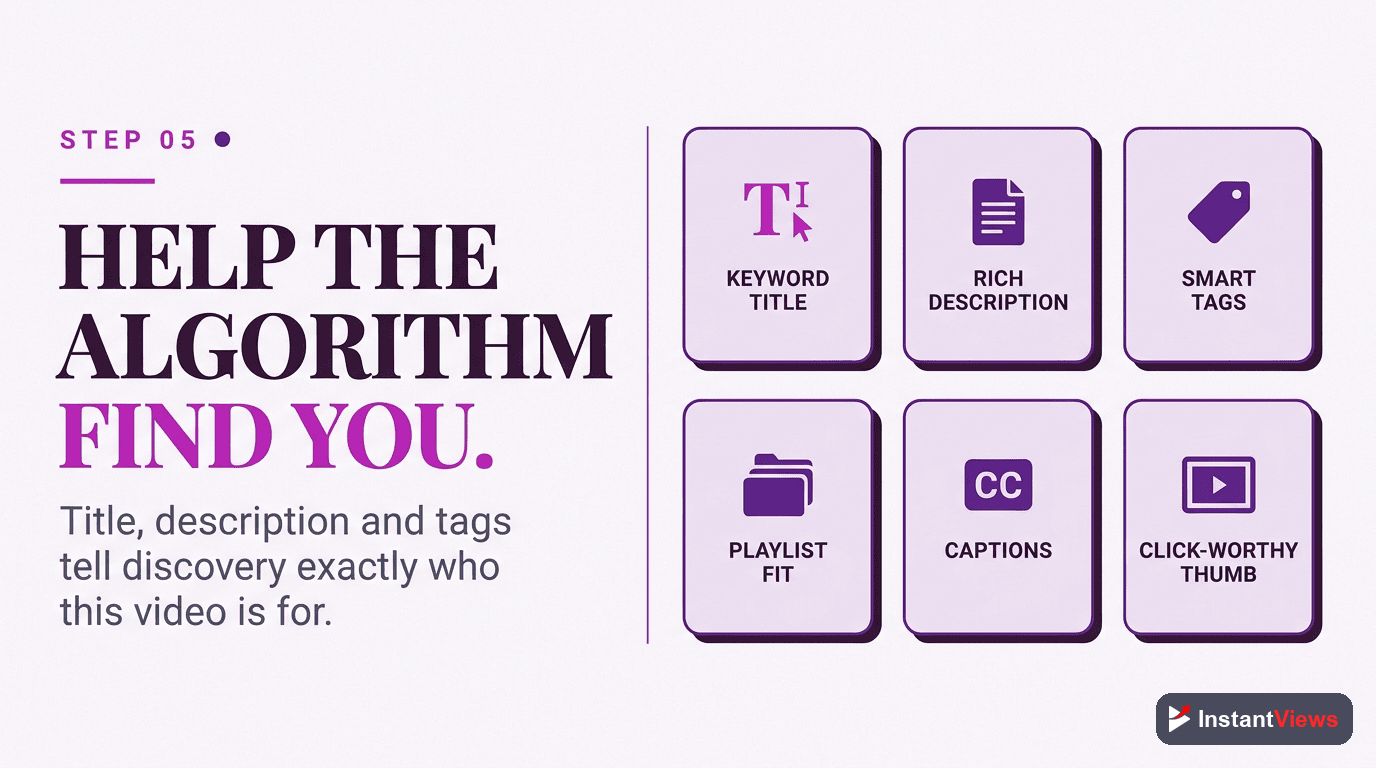
Step 5: Optimize SEO Elements
Optimize SEO Elements
SEO determines who sees your video in search and suggested videos. Poor SEO means even great content never reaches your target audience.
- Does your title include your primary keyword naturally?
- Is your title compelling and curiosity-inducing?
- Does your description include keywords in the first 2 lines?
- Have you added 5-10 relevant tags?
- Did you set appropriate category and language?
Title optimization formula:
[Primary Keyword] - [Benefit/Curiosity Hook] (Year if relevant)
Example: "YouTube Video Analysis - Complete Pre-Upload Guide (2026)"
Description structure:
- First 2 lines (160 characters) - Include keywords and value proposition (shown before "Show More")
- Video overview (2-3 paragraphs) - Detailed explanation with keywords naturally integrated
- Timestamps - Break video into chapters (helps retention and UX)
- Links and CTAs - Related videos, social media, website
- Keywords list - 3-5 relevant keyword phrases
Step 6: Final Quality Check
Final Quality Check
Before clicking publish, run through this final checklist to catch any remaining issues that could hurt performance.
- Watch the entire video start-to-finish on mobile
- Verify all links in description work correctly
- Check that end screen elements appear properly
- Confirm video is set to correct visibility setting
- Review thumbnail matches video content
- Test that chapters/timestamps are accurate
- Ensure cards appear at appropriate times
Mobile viewing test: 70%+ of YouTube views happen on mobile. Your video must work perfectly on a phone screen. Check that:
- Text is readable without squinting
- Important visual elements aren't cut off
- Audio is clear through phone speakers
- Pacing feels right on a smaller screen
Get Your Video Analysis Score
Upload your video to our AI-powered analyzer and get instant scores on hook strength, pacing, SEO, and more - before you publish.
Analyze Your Video Now →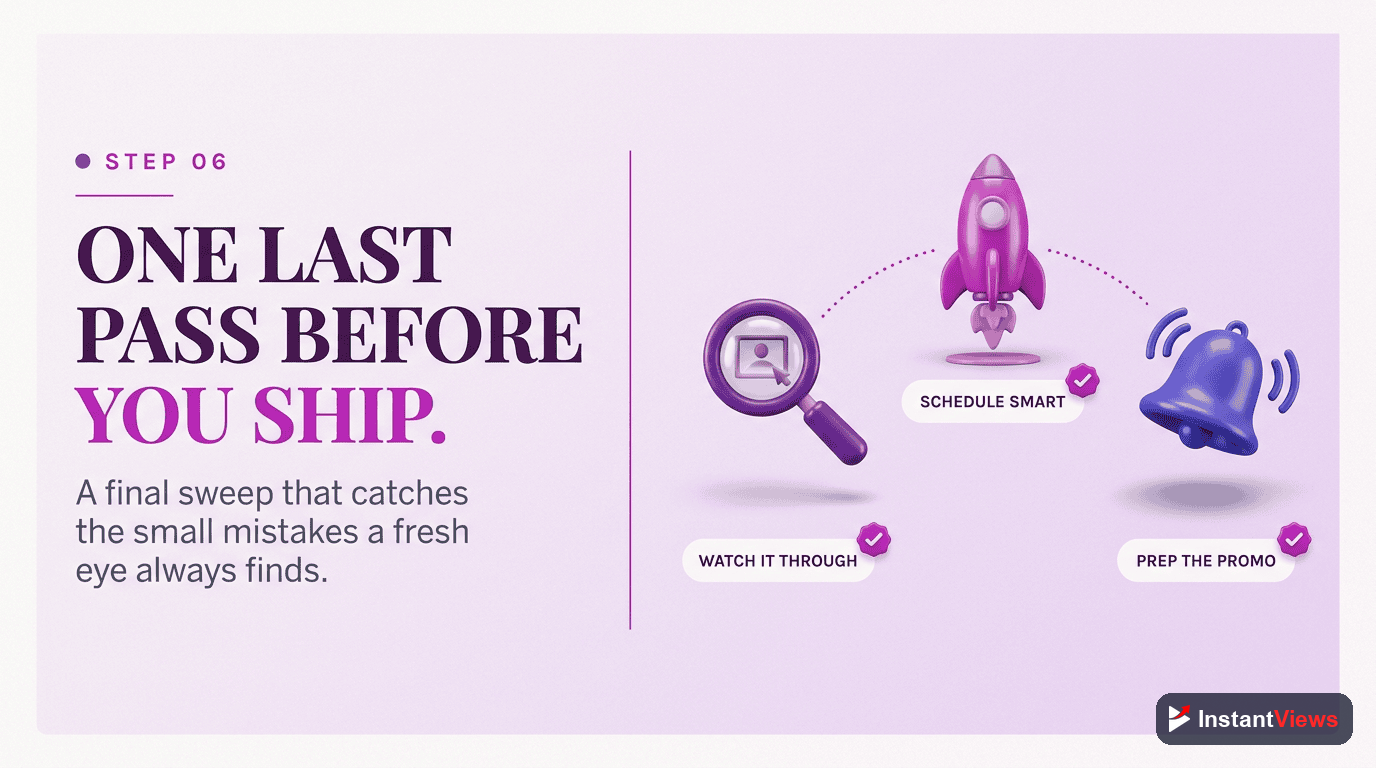
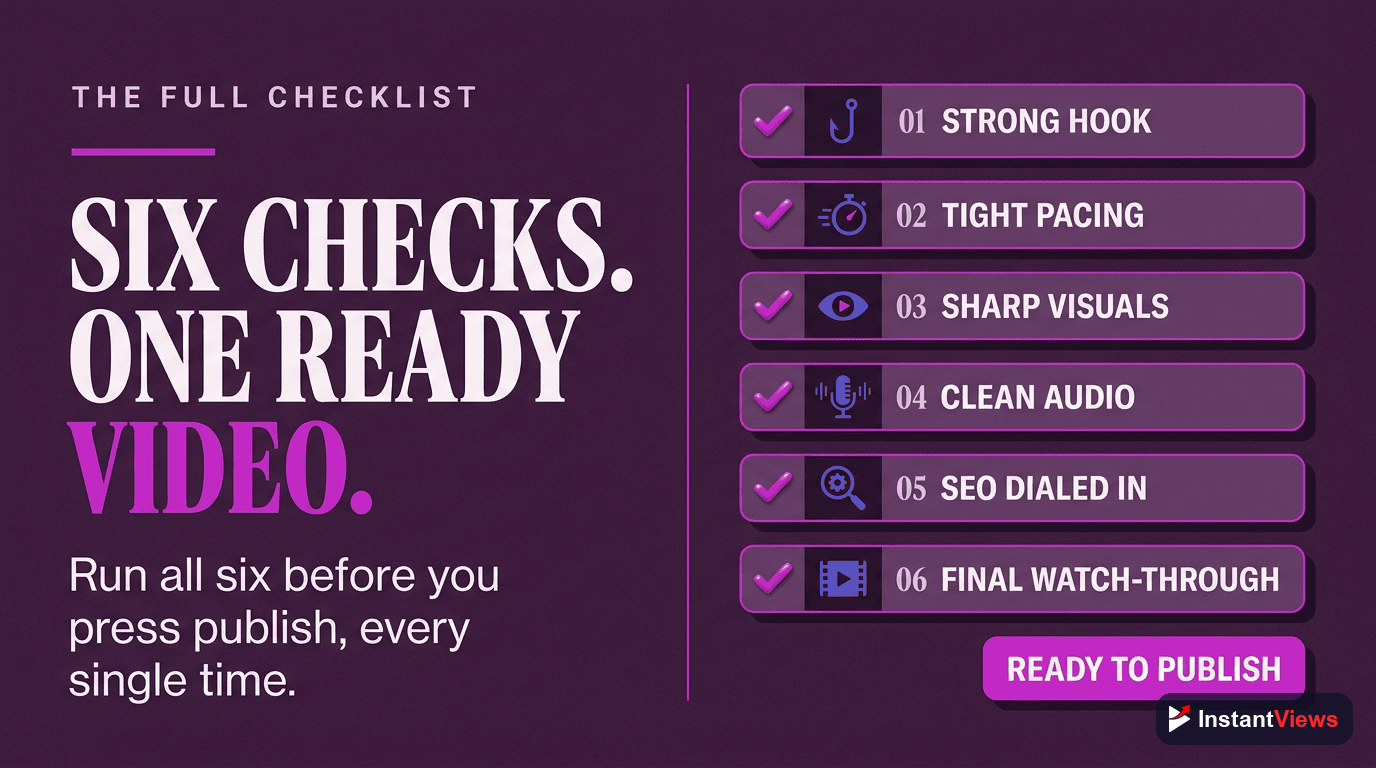
Complete Pre-Upload Analysis Checklist
Use this comprehensive checklist before publishing every video:
Content Analysis
- First 5 seconds grab attention immediately
- Value proposition stated within 30 seconds
- No sections longer than 20 seconds without new info
- Pattern interrupts every 30-60 seconds
- Conclusion summarizes key points
- Strong CTA at the end
Technical Quality
- Video: 1080p minimum, properly exposed, no shaky footage
- Audio: Clear dialogue, consistent volume, minimal background noise
- Editing: Smooth transitions, appropriate pacing, no jarring cuts
- Graphics: High quality, readable on mobile, on-brand
SEO Optimization
- Title: 60-70 characters, includes primary keyword, curiosity-inducing
- Description: Keyword-rich first 2 lines, detailed overview, timestamps
- Tags: 5-10 relevant tags, mix of broad and specific
- Thumbnail: Eye-catching, readable at small size, matches content
- Category: Correctly set for target audience
Engagement Elements
- Chapters/timestamps added for easy navigation
- End screens configured to promote other videos
- Cards added at relevant moments
- Pinned comment prepared for engagement
Common Analysis Mistakes to Avoid
Even creators who analyze their videos make these mistakes:
- Being too close to your content - You know the context; new viewers don't. Get fresh eyes on your video before publishing.
- Ignoring mobile experience - Testing only on your desktop editing monitor misses how most viewers will see your video.
- Over-optimizing for SEO - Keyword-stuffed titles and descriptions hurt CTR. Balance SEO with compelling copy.
- Skipping the hook analysis - "The video gets good after the intro" means most viewers never see the good part.
- Publishing without external feedback - You can't objectively judge your own work. Use tools or real viewers to analyze.
"Every minute spent analyzing before upload saves an hour trying to fix poor performance after. Prevention beats recovery every time." - YouTube Creator Insights
Analyzing vs. Over-Analyzing: Finding Balance
While analysis is critical, perfectionism can paralyze you. Here's how to balance quality with consistency:
Analyze thoroughly:
- High-stakes videos (product launches, big announcements)
- First video in a new series or format
- Videos targeting competitive keywords
- Content aimed at new audiences
Streamline analysis:
- Regular format videos (weekly uploads, established series)
- Time-sensitive content that must publish quickly
- Videos where format is already proven successful
The 80/20 rule: Focus 80% of analysis time on the 20% that matters most - your hook, pacing, and SEO. Perfect thumbnails and descriptions later if needed, but never publish with a weak opening.
Frequently Asked Questions
Pre-upload analysis helps you identify and fix issues before publishing, saving you from poor performance. Once a video is live, YouTube's algorithm starts evaluating it immediately. A bad first impression can doom your video to low views, even if you fix issues later.
Focus on hook strength (first 30 seconds), pacing consistency, visual clarity, audio quality, SEO elements (title, description, tags), and thumbnail click potential. These factors have the biggest impact on initial performance and algorithm recommendations.
Manual analysis can take 30-60 minutes per video. Using InstantViews Video Analyzer reduces this to 2-3 minutes while providing more comprehensive insights including AI-powered recommendations.
Yes, but post-upload fixes have limited impact. YouTube's algorithm makes early judgments based on initial performance. It's far better to analyze and optimize before the first viewer sees your video.
Prioritize based on impact: fix critical issues (poor hook, bad audio) first, then address medium issues (pacing, SEO), and finally tackle minor improvements (chapter formatting, tags). Don't delay publishing for minor fixes.
Yes. Each video is evaluated independently by YouTube's algorithm. Even experienced creators benefit from analysis because it catches issues missed during editing and provides objective data on potential performance.