
- YouTube pays creators $1-$25 per 1,000 views depending on niche, audience location, and video length
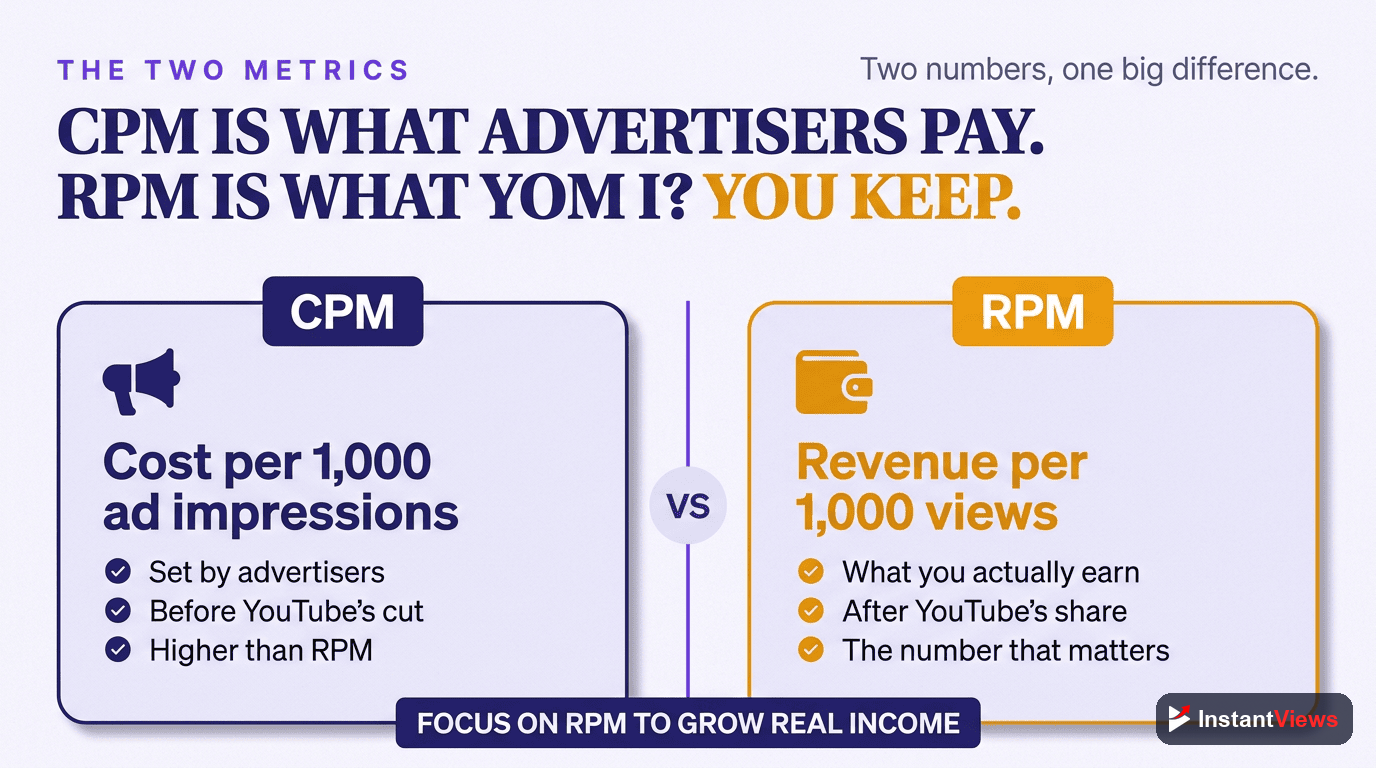
- CPM is what advertisers pay; RPM is what you actually earn after YouTube's 45% cut
- Videos 8+ minutes long can earn 2-3x more revenue due to mid-roll ad placements
- Finance and tech niches earn $10-25 CPM while entertainment typically earns $2-5
- Use our free YouTube Earnings Calculator to estimate your potential revenue instantly
Ever wondered how much money your YouTube videos could actually make? Whether you are planning your first upload or looking to understand your channel's earning potential, a YouTube earnings calculator is an essential tool for every creator.
In this comprehensive guide, we will explain exactly how YouTube monetization works, break down the key metrics like CPM and RPM, show you how to estimate your earnings accurately, and share proven strategies to maximize your YouTube revenue in 2026.
How YouTube Monetization Works
Before diving into earnings calculations, it is crucial to understand the fundamentals of how YouTube pays creators. YouTube monetization primarily comes from advertising revenue, though successful creators leverage multiple income streams.
The YouTube Partner Program
To earn money directly from YouTube, you must first join the YouTube Partner Program (YPP). The requirements as of 2026 are:
- 1,000 subscribers minimum
- 4,000 watch hours in the past 12 months (for long-form content)
- OR 10 million Shorts views in the past 90 days
- An active AdSense account linked to your channel
- No active Community Guidelines strikes
Once accepted, YouTube displays ads on your videos and shares the revenue with you. The standard split is 55% to the creator and 45% to YouTube for standard ad revenue.
Types of YouTube Ads
YouTube serves several ad formats, each with different revenue potential:
- Skippable video ads: Viewers can skip after 5 seconds. You earn when viewers watch 30+ seconds or interact.
- Non-skippable ads: 15-20 second ads viewers must watch. Higher CPM but can hurt viewer experience.
- Bumper ads: 6-second non-skippable ads with lower CPM but high completion rates.
- Display ads: Banner ads shown beside videos on desktop.
- Mid-roll ads: Ads placed during videos 8+ minutes long. These significantly boost earnings.

CPM vs RPM Explained
Understanding the difference between CPM and RPM is essential for accurately calculating your YouTube earnings.
Cost Per Mille (1,000 Ad Impressions)
CPM represents what advertisers pay YouTube for 1,000 ad impressions on your content. This is the gross advertising rate before YouTube takes its cut. CPM varies dramatically by niche, ranging from $2 for entertainment to $40+ for finance content.
If your video has a $20 CPM and receives 1,000 ad impressions, advertisers paid YouTube $20 total for those ads.
Revenue Per Mille (1,000 Views)
RPM is what you actually earn per 1,000 views after YouTube's 45% cut and accounting for views that do not show ads. RPM is always lower than CPM because not every view generates an ad impression due to ad blockers, skipped ads, and geographic limitations.
With a $20 CPM, if 50% of views show ads and YouTube takes 45%, your RPM would be approximately $5.50 per 1,000 views.
The CPM to RPM Calculation
Here is the simplified formula to convert CPM to expected RPM:
RPM = CPM x Monetized View Rate x 0.55 (creator share)
For example, with a $15 CPM and 50% monetized views: $15 x 0.50 x 0.55 = $4.13 RPM
Factors That Affect Your YouTube Earnings
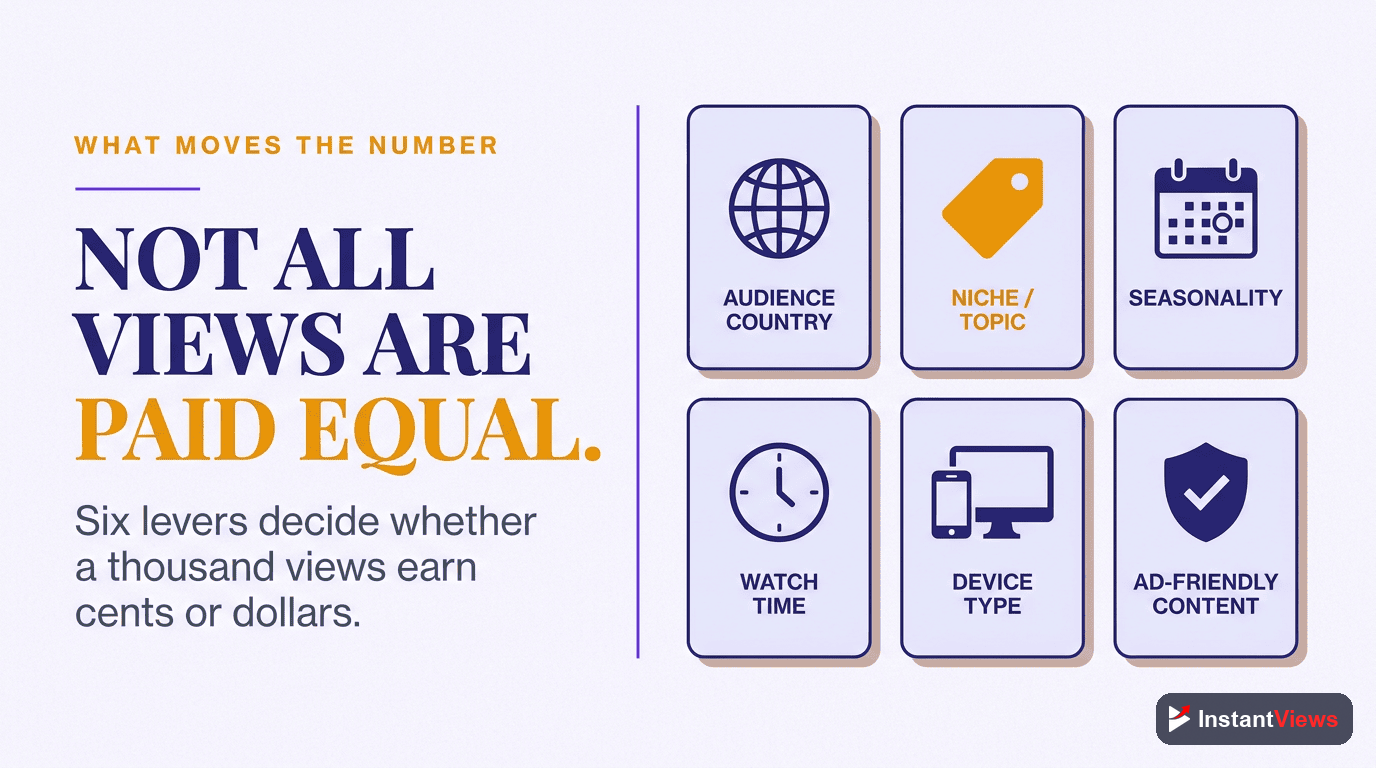
YouTube earnings are not uniform across all channels. Multiple factors determine how much you will earn per view:
1. Content Niche
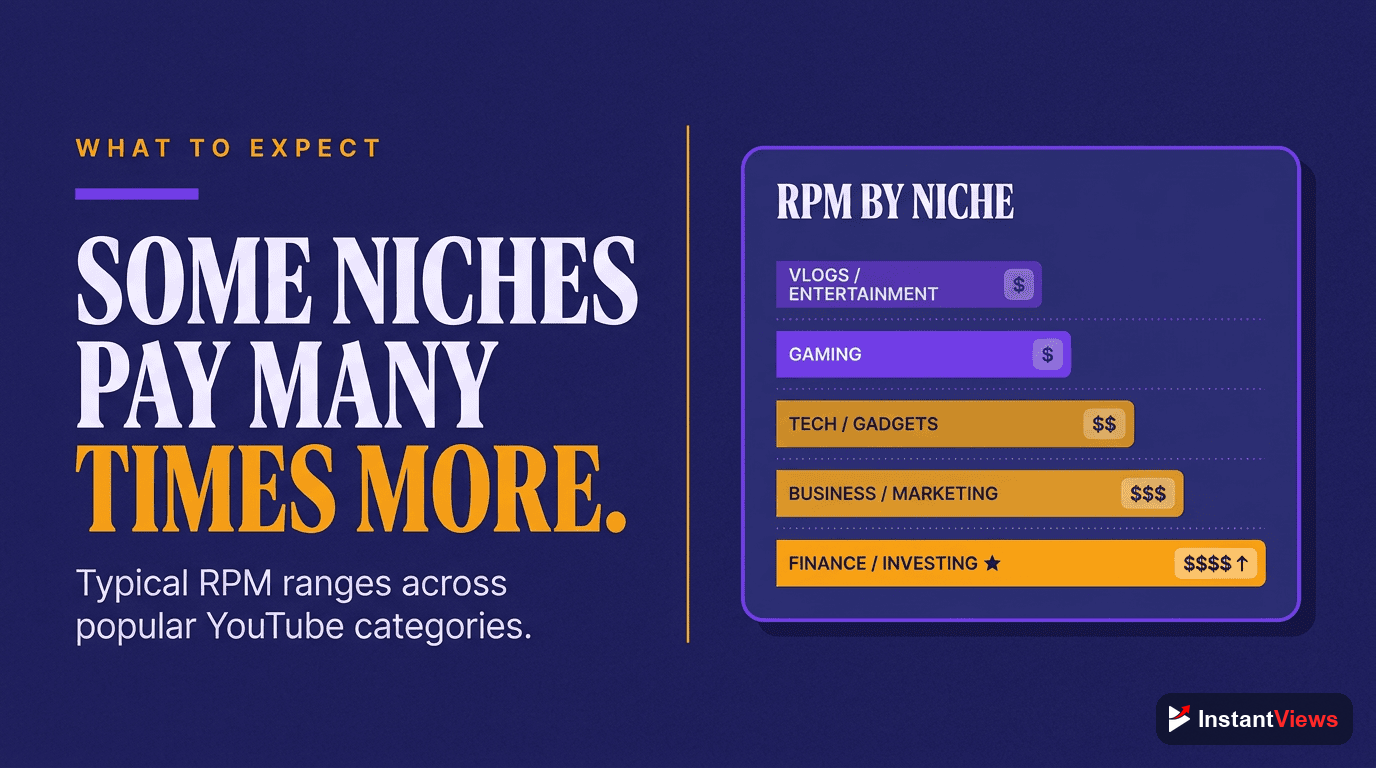
Your niche is the single biggest factor affecting CPM. Advertisers pay premium rates to reach audiences interested in high-value products and services.
| Niche Category | Typical CPM Range | Estimated RPM | Why This Rate |
|---|---|---|---|
| Finance/Investing | $12-$40 | $6-$22 | High-value financial products |
| Technology/Software | $10-$25 | $5-$14 | B2B software and gadgets |
| Business/Marketing | $10-$22 | $5-$12 | Business tools and services |
| Education/How-To | $5-$15 | $2.50-$8 | Courses and educational products |
| Health/Fitness | $4-$12 | $2-$6 | Supplements and programs |
| Lifestyle/Vlog | $3-$8 | $1.50-$4 | Broad consumer products |
| Gaming | $2-$6 | $1-$3 | Younger demographic |
| Entertainment/Comedy | $2-$5 | $1-$2.50 | Lower purchase intent |
2. Audience Geography
Viewers from different countries generate vastly different ad revenue. Advertisers pay more to reach audiences in countries with higher purchasing power.
- Tier 1 (Highest CPM): United States, Canada, United Kingdom, Australia, Germany
- Tier 2 (Medium CPM): Western Europe, Japan, South Korea, Singapore
- Tier 3 (Lower CPM): Eastern Europe, Latin America, Southeast Asia
- Tier 4 (Lowest CPM): India, Africa, developing nations
A channel with 80% US viewers can earn 3-5x more than a channel with the same views but primarily Indian viewers.
3. Video Length
Video length directly impacts your earning potential through ad placement opportunities:
- Under 8 minutes: Only pre-roll and post-roll ads (1-2 ad slots)
- 8-15 minutes: Pre-roll + 1-2 mid-roll ads (3-4 ad slots) - Sweet spot for most creators
- 15-30 minutes: Multiple mid-roll opportunities (4-6 ad slots)
- 30+ minutes: Maximum ad density possible (6+ ad slots)
While longer videos can show more ads, viewer retention matters more. A 20-minute video where viewers drop off at 5 minutes will earn less than a 10-minute video with high retention. Use our Video Analyzer to optimize retention.
4. Seasonality
Ad rates fluctuate significantly throughout the year:
- Q4 (October-December): Highest CPMs due to holiday advertising - expect 30-50% higher rates
- Q1 (January-March): Significant drop after holidays - lowest CPMs of the year
- Q2-Q3 (April-September): Moderate rates with gradual increase toward Q4
5. Audience Engagement
Higher engagement signals to YouTube that your content is valuable, leading to better ad placements and more recommendations. Channels with strong engagement often see higher effective CPMs.
How to Use the YouTube Earnings Calculator
Our free YouTube Earnings Calculator helps you estimate potential revenue based on your specific situation. Here is how to get the most accurate estimates:
Enter Your View Count
Input your daily, monthly, or total video views. For new channels, start with realistic projections based on similar channels in your niche. Use YouTube Analytics if you have existing data.
Select Your Content Niche
Choose the category that best matches your content. This determines the baseline CPM range used in calculations. Be honest - selecting "Finance" for entertainment content will give inaccurate results.
Specify Your Audience Location
Indicate where most of your viewers are located. If you are unsure, YouTube Analytics shows this under Audience > Geography. US-heavy audiences generate significantly higher revenue.
Review Your Estimate
The calculator provides a range showing minimum, average, and maximum potential earnings. Real earnings typically fall within this range but can vary based on the additional factors discussed above.
Calculate Your YouTube Earnings Now
Use our free calculator to estimate your potential YouTube revenue based on your niche, audience, and view count.
Try Earnings Calculator →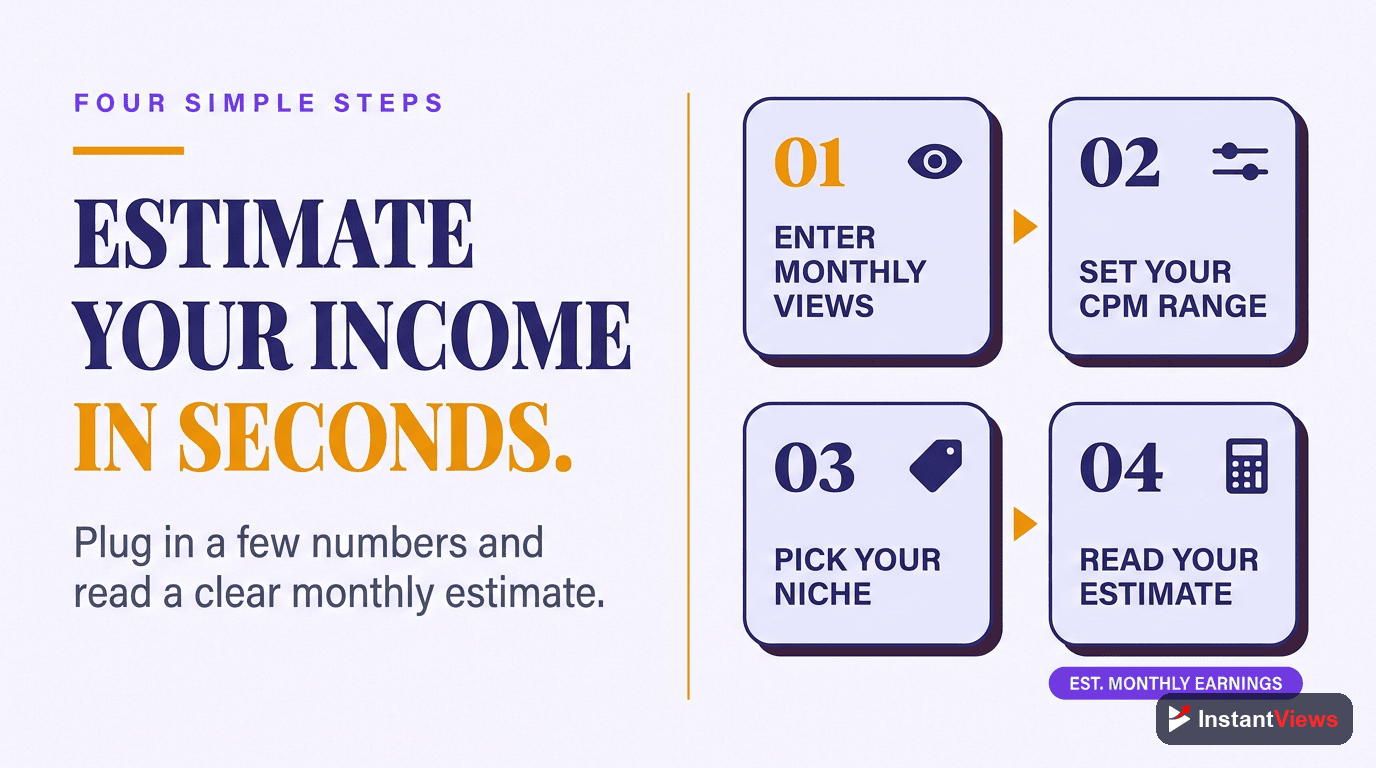
Earnings by Niche: What to Expect
Let us look at realistic earning scenarios for different channel sizes across popular niches:
| Monthly Views | Gaming ($2 RPM) | Lifestyle ($3 RPM) | Education ($5 RPM) | Tech ($8 RPM) | Finance ($15 RPM) |
|---|---|---|---|---|---|
| 10,000 | $20 | $30 | $50 | $80 | $150 |
| 50,000 | $100 | $150 | $250 | $400 | $750 |
| 100,000 | $200 | $300 | $500 | $800 | $1,500 |
| 500,000 | $1,000 | $1,500 | $2,500 | $4,000 | $7,500 |
| 1,000,000 | $2,000 | $3,000 | $5,000 | $8,000 | $15,000 |
These figures represent ad revenue only. Most successful creators earn significantly more through sponsorships, affiliate marketing, merchandise, and other income streams covered in our complete monetization guide.
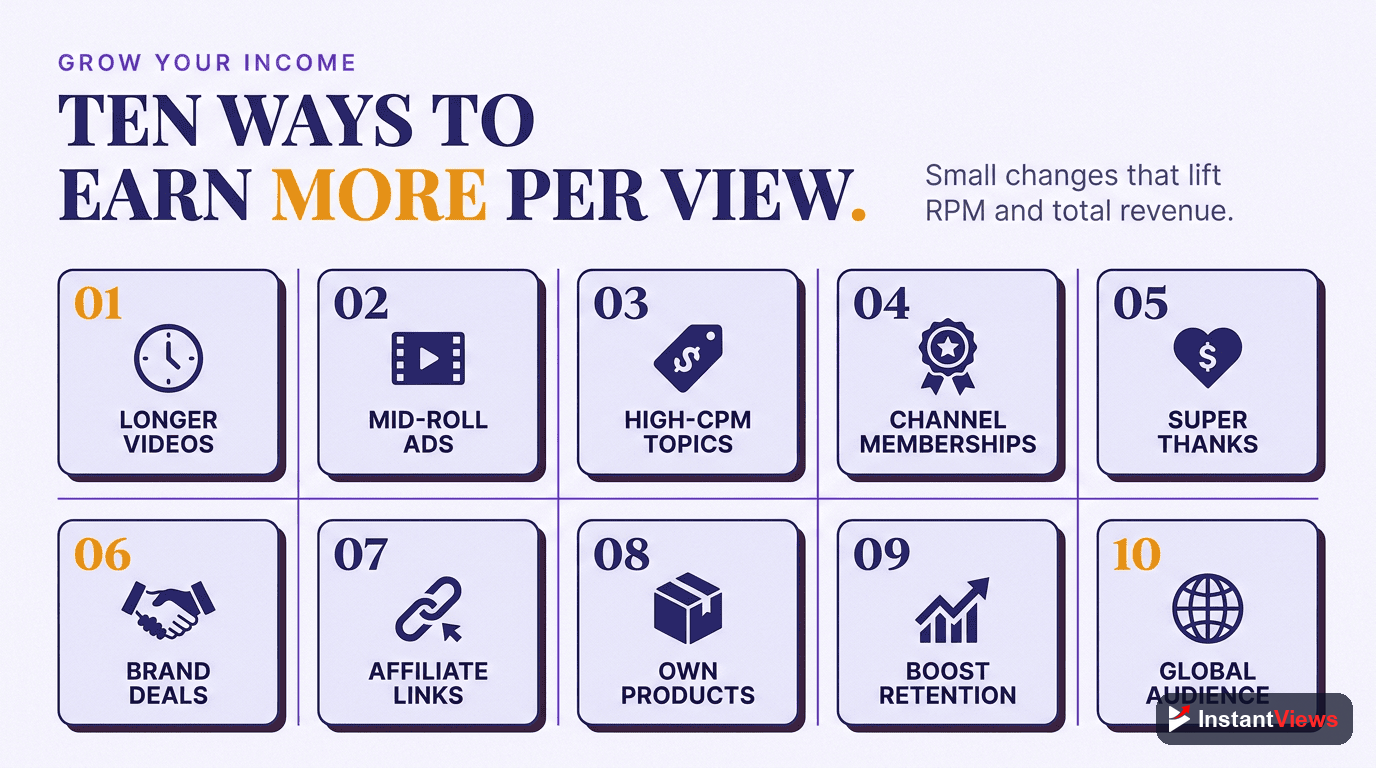
10 Proven Tips to Increase Your YouTube Revenue
Now that you understand how earnings work, here are actionable strategies to maximize your YouTube income:
1. Optimize Video Length for Mid-Roll Ads
Create videos between 8-15 minutes when possible. This length allows for mid-roll ads without feeling artificially padded. Quality content that naturally fills this timeframe will earn 2-3x more than shorter videos.
2. Target High-CPM Topics Within Your Niche
Even within lower-CPM niches, certain topics attract premium advertisers. A gaming channel covering gaming PCs and peripherals will earn more than one focused purely on gameplay.
3. Improve Audience Retention
Higher retention means viewers watch more of your video, including more ads. Use the InstantViews Video Analyzer to identify drop-off points and optimize your content structure.
4. Grow Your US/UK Audience
Create content that appeals to English-speaking audiences in high-CPM countries. Consider your posting schedule, cultural references, and content themes to attract these viewers.
5. Add Chapters to Increase Watch Time
Videos with well-structured chapters help viewers find exactly what they want, reducing bounce rates and improving overall retention and revenue.
6. Diversify Revenue Streams
Ad revenue should be just one income source. Consider:
- Sponsorships: Often pay 10-100x more than equivalent ad revenue
- Affiliate marketing: Earn commissions on products you recommend
- Channel memberships: Monthly recurring revenue from dedicated fans
- Merchandise: Sell branded products through YouTube's shelf
- Digital products: Courses, templates, or exclusive content
7. Optimize Posting Schedule
Post when your audience is most active. Use YouTube Analytics to identify peak times. Consistent posting builds subscriber habits and improves initial video performance.
8. Create Advertiser-Friendly Content
Videos flagged as "limited ads" or "no ads" due to content guidelines earn significantly less. Avoid excessive profanity, controversial topics, and sensitive subjects unless that is your specific niche strategy.
9. Leverage Q4 for Maximum Earnings
Plan your best content for October-December when CPMs peak. Consider creating evergreen content in this period that will continue earning at higher rates.
10. Analyze and Iterate
Regularly review your YouTube Analytics to understand what works. Compare RPM across videos to identify patterns - then create more of what earns well.
Boost Your Video Performance
Our Video Analyzer identifies retention issues and provides actionable recommendations to keep viewers watching longer - directly increasing your ad revenue.
Analyze Your Videos →Conclusion
Understanding YouTube earnings is crucial for any serious creator. While the YouTube earnings calculator provides useful estimates, remember that actual revenue depends on many factors including niche, audience location, video length, retention, and seasonality.
Focus on creating valuable content that keeps viewers engaged, optimize for mid-roll ads where appropriate, and diversify your income streams beyond ad revenue. With consistent effort and strategic optimization, YouTube can become a significant income source.
Ready to estimate your potential earnings? Try our free YouTube Earnings Calculator now, and use the Video Analyzer to optimize your content for maximum revenue.
Frequently Asked Questions
YouTube typically pays between $1-$5 per 1,000 views (RPM) for most creators, though this varies significantly. High-CPM niches like finance and technology can earn $8-$25 per 1,000 views, while entertainment content may earn $1-$3. Factors affecting your earnings include audience location (US viewers pay more), video length (8+ minutes allow mid-roll ads), content category, and viewer engagement.
CPM (Cost Per Mille) is what advertisers pay YouTube for 1,000 ad impressions, typically ranging from $2-$40. RPM (Revenue Per Mille) is what you actually earn per 1,000 views after YouTube takes its 45% cut and accounting for viewers who do not see ads. Your RPM is always lower than CPM because not every view generates an ad impression due to ad blockers, skipped ads, and non-monetized views.
YouTube earnings calculators provide estimates based on average CPM and RPM data. Actual earnings can vary by 50% or more depending on your specific niche, audience demographics, seasonality (Q4 has higher CPMs), and content type. Use calculators for rough projections, but your actual YouTube Analytics revenue data is the only accurate measure. Our calculator uses industry benchmarks to provide realistic estimates.
To increase YouTube earnings: 1) Create videos 8-15 minutes long to enable mid-roll ads, 2) Target high-CPM niches like finance, tech, or education, 3) Optimize for audience retention using video analysis tools to keep viewers watching longer, 4) Target viewers in high-CPM countries (US, Canada, UK, Australia), 5) Diversify with sponsorships, affiliate marketing, and memberships which often pay 10-100x more than ads alone.
YouTube pays creators once they join the YouTube Partner Program, which requires 1,000 subscribers and either 4,000 watch hours in the past 12 months OR 10 million Shorts views in 90 days. After approval, you must link an AdSense account and reach the $100 payment threshold. Payments are made monthly, typically between the 21st-26th, for earnings from the previous month.
Your actual earnings may be lower due to several factors: 1) High percentage of viewers using ad blockers, 2) Viewers skipping ads before completion, 3) Audience in low-CPM countries (India, Southeast Asia), 4) Content flagged as limited or no ads due to advertiser guidelines, 5) Short videos under 8 minutes that cannot show mid-roll ads. Check YouTube Studio analytics to identify which factors affect your specific channel.