- Building a loyal YouTube community takes 6-12 months of consistent, authentic engagement
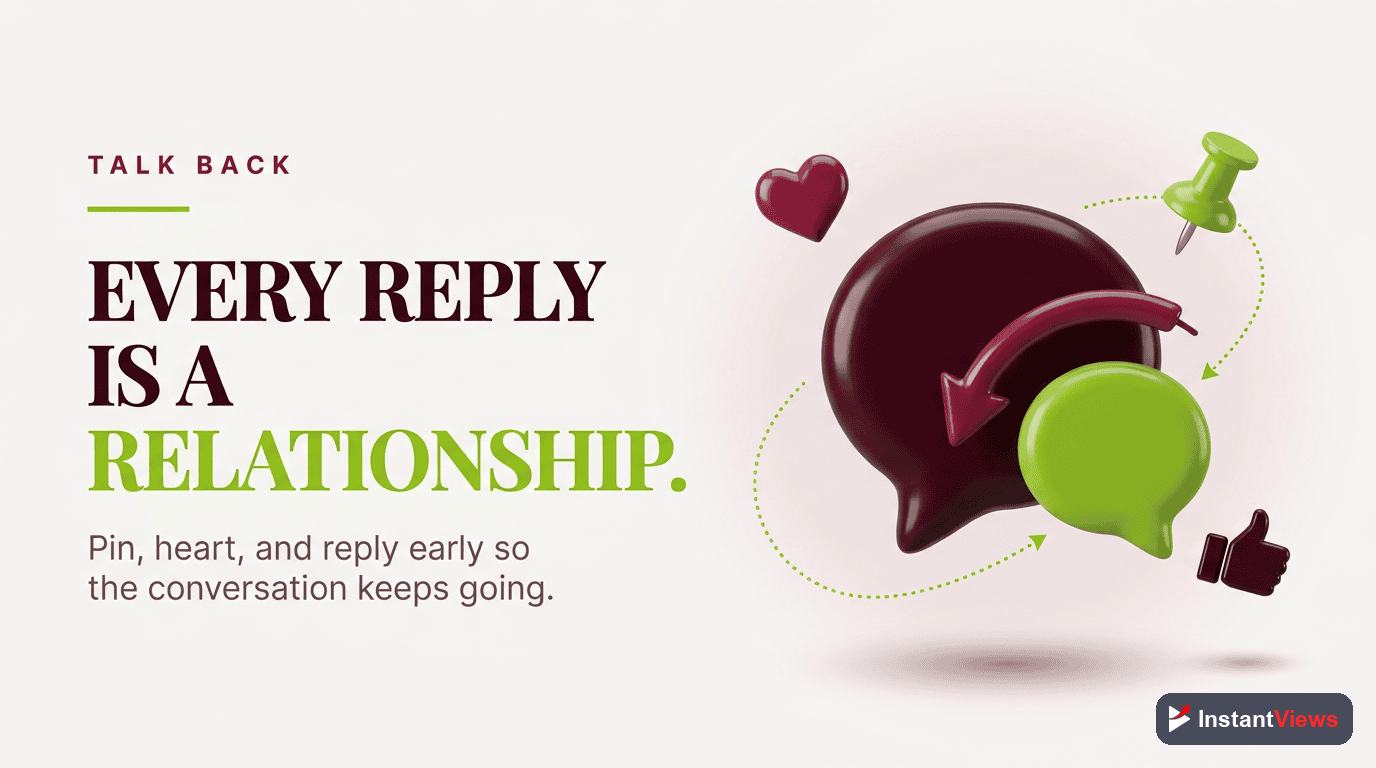
- Reply to every comment within 24 hours to boost engagement and signal quality to YouTube's algorithm
- Community posts can drive 2-3x more engagement than regular video posts when used strategically
- Live streaming creates deeper connections and can convert casual viewers into loyal community members
- Use InstantViews Video Analyzer to identify engagement peaks and optimize your community-building strategy
Building a YouTube community isn't just about getting views - it's about creating a group of loyal, engaged people who actually care about your content and come back for more.
The difference between a channel with 10,000 subscribers and no community versus one with a thriving, engaged audience of 10,000 is massive. The latter gets better retention, higher CTR, more shares, and ultimately, faster growth.
This complete guide will show you exactly how to build a loyal YouTube community through strategic comment engagement, community posts, memberships, live streaming, and data-driven optimization using tools like the InstantViews Video Analyzer.
Why Community Building Matters
YouTube's algorithm doesn't just track views - it measures engagement, retention, and viewer satisfaction. A strong community directly improves all these metrics.
Here's what an engaged community does for your channel:
- Higher click-through rates - Your community watches your videos immediately after they're published
- Better retention - Loyal viewers watch longer and return for more content
- More comments and shares - Engagement signals tell YouTube your content is valuable
- Algorithmic boost - YouTube promotes videos that generate genuine community interaction
- Revenue opportunities - Memberships, Super Chats, and sponsorships become viable
"A channel with 1,000 engaged community members will outperform a channel with 100,000 passive subscribers every time. The algorithm rewards genuine engagement, not vanity metrics."

Comment Engagement Strategies
Comments are the foundation of YouTube community building. Every comment is an opportunity to strengthen your relationship with viewers.
The 24-Hour Rule
Reply to every single comment within the first 24 hours of publishing your video. This signals to YouTube that your content is generating active discussion, which boosts the video in recommendations.
Create a Pinned Conversation Starter
Immediately after publishing, pin a comment that asks a specific, engaging question related to your video. This gives viewers an easy entry point for discussion.
For a video about productivity: "What's the ONE productivity tip that changed your life? Drop it below - I read every comment!" This invites specific, thoughtful responses that spark discussion.
Ask Questions in Your Videos
Strategically place questions throughout your video - not just at the end. When viewers feel prompted to comment at a specific moment, they're more likely to do it.
Reply Strategically
Your replies matter. Here's how to maximize their impact:
- Be authentic - Don't just say "Thanks!" Add value or ask a follow-up question
- Heart strategically - Heart comments you want to highlight, not every comment
- Pin rotation - Change your pinned comment 24-48 hours after publishing to feature great audience responses
- Address criticism - Thoughtfully responding to negative comments shows maturity and builds trust
Create "Comment Challenges"
Challenge your audience to comment specific things, creating a fun, participatory experience that builds community bonds.
"Comment 'OPTIMIZED' if you made it to the end of this video and learned something new. Let's see how many of you are real ones!" This creates social proof and encourages others to participate.
Community Posts Best Practices
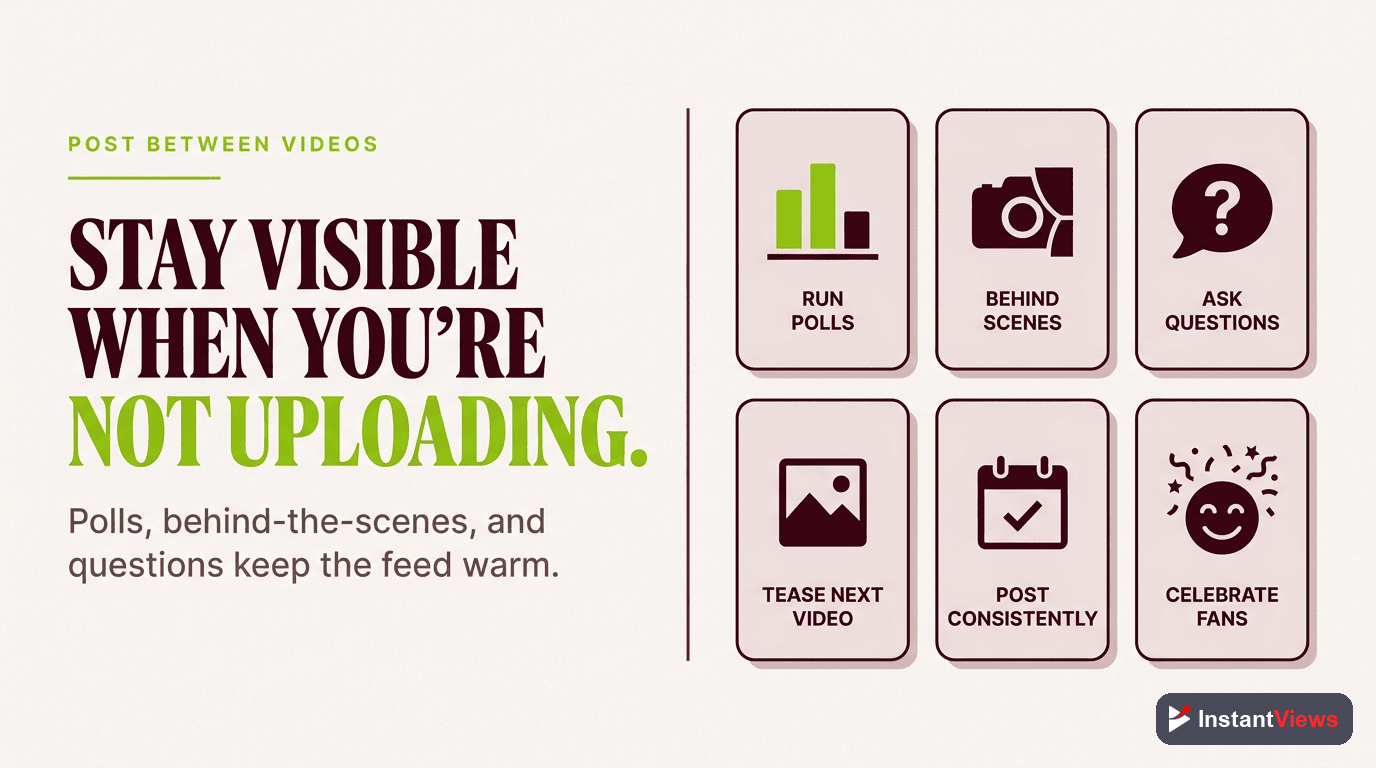
Community posts (available at 500+ subscribers) are one of the most underutilized YouTube features. They let you engage your audience between video uploads, keeping your channel active in their feed.
Types of Community Posts That Work
| Post Type | Best For | Example |
|---|---|---|
| Polls | Gauging interest, getting feedback | "What video should I make next: A) SEO Guide B) Editing Tutorial C) Equipment Review?" |
| Behind-the-Scenes | Building personal connection | Photo of your messy desk: "The reality of creating content - organized chaos!" |
| Teaser Content | Building anticipation | Screenshot from upcoming video: "Dropping something BIG on Friday..." |
| Questions | Sparking discussion | "Unpopular opinion: [Hot take about your niche]. Change my mind in the comments." |
| Updates | Transparency, building trust | "Sorry for the delay on this week's video - here's why and what's coming..." |
| Value Content | Providing quick wins | Image with text: "3 Quick YouTube SEO Tips You Can Implement Today" |
Community Post Frequency
Post 2-3 times per week to stay top-of-mind without overwhelming your audience. Schedule them strategically:
- Monday/Tuesday - Week starter, behind-the-scenes content
- Wednesday/Thursday - Polls, questions, teasers for upcoming videos
- Weekend - Value posts, community highlights
Don't overpost. Too many community posts (4+ per week) can feel spammy and cause subscribers to mute your channel. Quality over quantity always wins.
Memberships and Perks
YouTube Memberships (available at 1,000+ subscribers) let your most engaged community members support you financially while getting exclusive perks.
When to Launch Memberships
Don't launch memberships the moment you hit 1,000 subscribers. Wait until you have:
- Consistent engagement (100+ comments per video)
- A clear content schedule (weekly or bi-weekly uploads)
- People actively asking how they can support you
- At least 5,000 subscribers for viable conversion rates
Membership Tier Structure
Supporter Tier - $1.99/month
Low barrier to entry, high conversion. Offer basic perks that show appreciation without requiring extra work.
• Custom badge and emoji in comments
• Name in video credits/end screen
• Members-only community posts (weekly check-ins)
Insider Tier - $4.99/month
Your core support tier. Most members will choose this level if the value is clear.
• All Tier 1 perks
• Early access to videos (24 hours before public)
• Behind-the-scenes content
• Monthly members-only live stream Q&A
VIP Tier - $9.99/month
Premium tier for super fans. Offer direct access and personalized value.
• All Tier 1 & 2 perks
• Priority comment responses
• Influence video topics (monthly poll for members)
• Monthly 1-on-1 virtual meetup opportunity (raffle)

Live Streaming for Community
Live streams are the fastest way to build deep community connections. Real-time interaction creates bonds that pre-recorded videos can't match.
Live Stream Best Practices
Consistency is king. Schedule your live streams at the same time every week so your community knows when to tune in.
| Stream Type | Best Length | Ideal For |
|---|---|---|
| Q&A Sessions | 30-45 minutes | Building personal connection, addressing community questions |
| Watch Parties | 45-60 minutes | Watching your old videos together, reacting to content |
| Behind-the-Scenes | 20-30 minutes | Showing your creative process, equipment, workspace |
| Collaboration Streams | 60-90 minutes | Streaming with other creators, interviews, discussions |
| Members-Only | 30-45 minutes | Exclusive value for paying members, deeper discussions |
Live Stream Engagement Tactics
- Acknowledge by name - Say commenters' usernames out loud, making them feel seen
- Moderate actively - Assign moderators to keep chat positive and on-topic
- Super Chat highlights - Thank Super Chat supporters and answer their questions first
- Create inside jokes - Recurring bits and catchphrases make your community feel exclusive
- Save the VOD - Leave the stream up as a regular video for those who missed it
Track Your Community Engagement
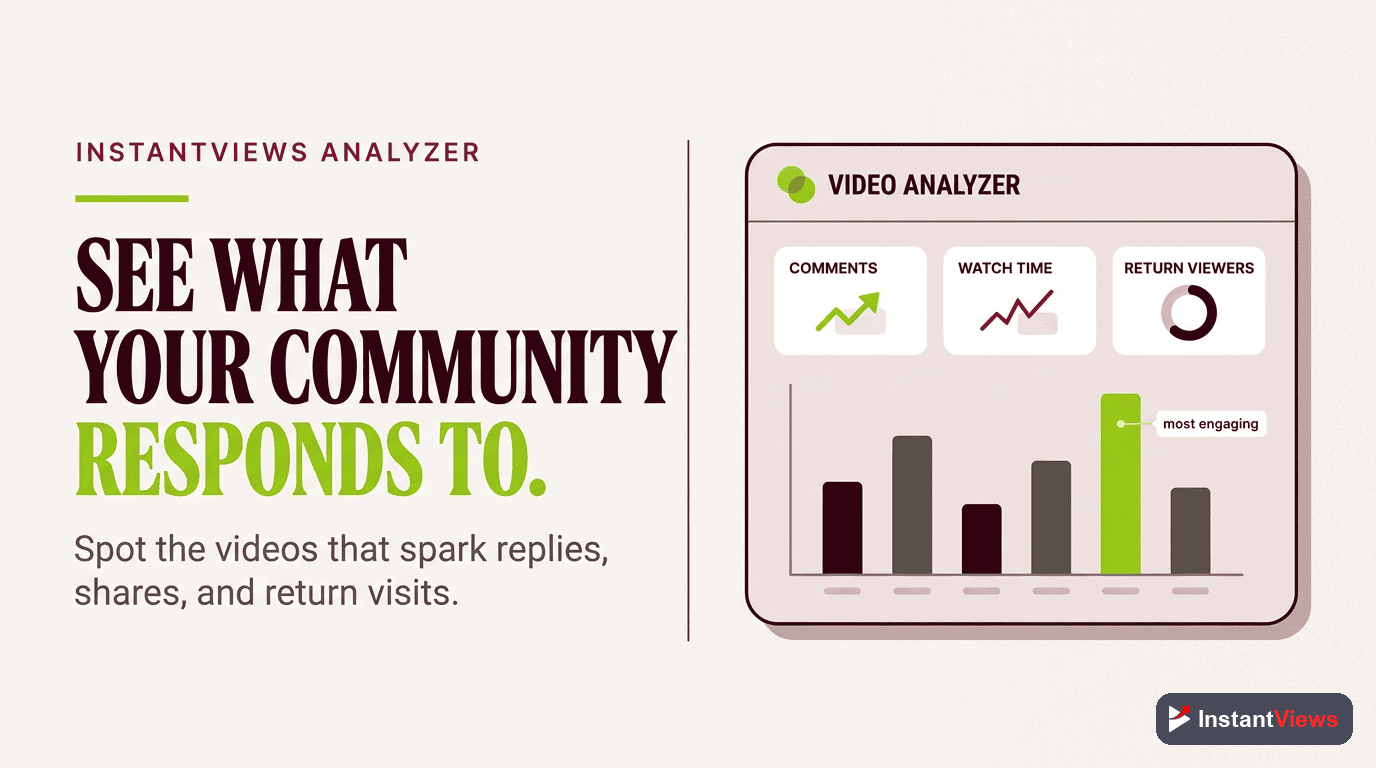
Identify exactly when and how your audience engages with the InstantViews Video Analyzer. Optimize your content for maximum community interaction.
Analyze Your Videos →
How InstantViews Video Analyzer Helps
The InstantViews Video Analyzer gives you second-by-second insights into audience engagement, helping you understand exactly when and why your community interacts with your content.
Key Features for Community Building
Engagement Peak Detection
The analyzer identifies the exact moments in your videos where viewers comment, like, and share most. Use this data to place your calls-to-action strategically.
Retention Pattern Analysis
See which content types keep your community watching longest. Double down on topics that generate the highest retention and engagement.
Comment Sentiment Tracking
Understand the emotional response your content generates. Identify which videos spark positive discussion versus controversy or confusion.
Optimal Chapter Placement
The analyzer suggests where to place chapters based on content shifts and engagement patterns, making your videos more navigable and community-friendly. Learn more about Key Moments SEO.
Using Data to Improve Community Engagement
Here's how to turn Video Analyzer insights into actionable community-building strategies:
- Identify your "golden content" - Videos with high engagement peaks are winners. Create more content in that style
- Optimize video pacing - If viewers drop off before your CTA, adjust your pacing to maintain interest. See our video pacing guide
- Perfect your hooks - Analyze which video intros keep viewers watching. Check out our guide on YouTube hooks that work
- Test and iterate - Try different engagement strategies and measure what actually works with your specific audience
Tracking Community Metrics
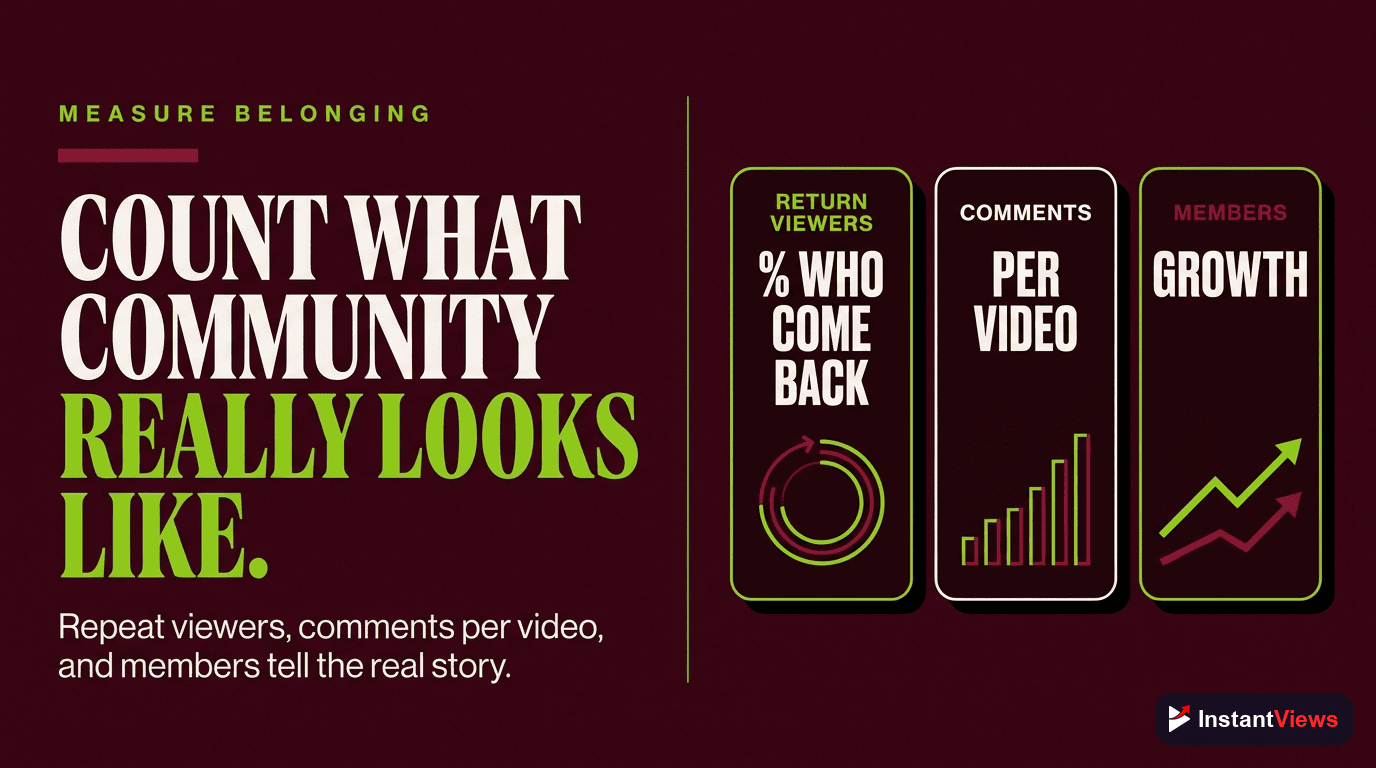
You can't improve what you don't measure. Here are the key metrics that indicate strong community building:
| Metric | What It Means | Target Benchmark |
|---|---|---|
| Comments per 1K views | How actively your audience discusses your content | 10+ comments per 1,000 views |
| Reply rate | Percentage of comments you respond to | 80%+ within 48 hours |
| Community post engagement | Likes/comments on community posts vs subscribers | 3-5% of subscriber count |
| Live stream concurrents | Average live viewers during streams | 1-3% of subscriber count |
| Membership conversion | Subscribers who become paying members | 1-3% (good community) |
| Returning viewer % | How many viewers watch multiple videos | 40%+ returning viewers |
YouTube Studio Insights
Use YouTube Studio to track community health:
- Audience tab - Check "returning viewers" percentage to see if you're building loyalty
- Engagement tab - Monitor comment trends over time
- Community tab - Track which types of community posts generate the most interaction
- Live streaming tab - Analyze peak concurrent viewers and Super Chat revenue
Common Mistakes to Avoid
These community-building mistakes can sabotage your growth:
1. Ignoring Negative Comments
Deleting or ignoring criticism makes your community feel censored. Instead, address criticism thoughtfully. If it's constructive, acknowledge it. If it's trolling, a brief, classy response shuts it down better than deletion.
2. Being Inconsistent
Replying to comments for two weeks, then disappearing for a month destroys trust. Your audience needs to know you're consistently present.
3. Only Engaging When Promoting
If you only interact with your community when you need something (views, feedback, purchases), they'll notice. Engage genuinely, not transactionally.
4. Launching Memberships Too Early
Asking for money before you've built genuine value and connection feels exploitative. Build the community first, monetize second.
5. Copying Other Creators' Community Tactics
What works for MrBeast or MKBHD might not work for your niche. Your community-building strategy should reflect your unique personality and audience.
Never buy fake engagement (comments, likes, shares). YouTube's algorithm detects this, and it destroys your credibility with your real audience. Authentic growth takes time, but it's the only growth that matters.
6. Not Setting Community Guidelines
Establish clear rules about what's acceptable in your community. Pin them in your channel description and enforce them consistently. A toxic community will drive away the good people you want.
"Your community is a reflection of the standards you set and enforce. If you tolerate negativity and spam, that's what you'll get. If you cultivate positivity and value, your community will thrive."
Frequently Asked Questions
Building a genuine YouTube community typically takes 6-12 months of consistent engagement. However, you can start seeing early signs of community formation (regular commenters, returning viewers) within 2-3 months if you actively engage with every comment, create community posts weekly, and respond authentically to your audience.
The most effective strategy is to ask specific, open-ended questions at the end of your videos and pin a conversation-starter comment immediately after publishing. Reply to every comment within the first 24 hours, and use the InstantViews Video Analyzer to identify engagement peaks in your videos where viewers are most likely to comment.
Absolutely! Community posts are available once you reach 500 subscribers and are one of the best ways to grow engagement. Small channels often see higher engagement rates on community posts because their audience is more tight-knit. Post 2-3 times per week with polls, behind-the-scenes content, and questions to keep your audience engaged between video uploads.
Memberships become viable once you have 1,000+ highly engaged subscribers. Before launching, survey your audience to gauge interest. Start with 2-3 membership tiers ($1.99, $4.99, $9.99) and offer genuine value like exclusive live streams, early video access, or members-only community posts. Channels with 5,000+ subscribers typically see 1-3% conversion to paid members.
Consistency matters more than frequency. Start with one live stream per week at the same day and time so your audience knows when to tune in. Live streams of 30-60 minutes work best for community building, allowing time for real-time conversations. Use the InstantViews Video Analyzer to track which topics generate the most engagement during your streams.
The Video Analyzer tracks engagement metrics at the second level, showing you exactly when viewers comment, share, and interact most. Use this data to identify the content types and video moments that spark discussion, optimize your calls-to-action placement, and understand which topics resonate most with your community for better content planning.