- One long-form video can generate 3-8 high-performing Shorts when clips are strategically selected
- Emotional peaks, "aha moments," and self-contained value clips perform best in short-form
- Shorts drive 40-60% more traffic back to long-form content when CTAs are properly included
- Use retention analytics to identify which moments viewers rewatched or engaged with most
- Strategic clip extraction maximizes content ROI without creating new material
Every long-form video you create contains hidden viral Shorts waiting to be extracted. Most creators miss them completely, leaving thousands of potential views on the table.
The smartest YouTube creators know that one 15-minute video can fuel weeks of Shorts content. But there's a science to identifying which clips will perform - and which will flop.
This guide reveals the exact types of clips that convert viewers, plus proven extraction strategies to turn your long videos into a steady stream of viral Shorts.
Why Clip Extraction Matters in 2026
YouTube Shorts gets 70 billion daily views. That's not a market you can ignore. But creating original Shorts for every piece of content is time-intensive and often unnecessary.
Strategic clip extraction gives you:
- 10x content output from the same effort
- Discovery funnel - Shorts viewers become long-form subscribers
- Algorithm boost - Multiple uploads signal channel activity
- A/B testing data - Learn which topics resonate before making full videos
Clip Type #1: The "Aha Moment"
The "Aha Moment"
These are the moments when you reveal something that makes viewers think "Why didn't I know this before?" Perfect for educational and tutorial content.
"The reason your videos aren't getting views has nothing to do with the algorithm. It's this one thumbnail mistake - and I'm about to show you exactly what it is."
How to identify them: Look for moments in your retention graph where viewers rewound or paused. These indicate high-value revelations worth extracting.
Optimization tips: Start the clip 3-5 seconds before the reveal to build anticipation. End immediately after the payoff - don't let it drag.

Clip Type #2: Emotional Peaks
Emotional Peaks
Moments that trigger strong emotions - surprise, shock, joy, or frustration. These clips stop the scroll because they're impossible to ignore.
*Opens bank account* "I can't believe this. After one month of using this strategy, we went from $300 to $12,000. I'm literally shaking right now."
How to identify them: Watch your video with sound off. Where do you see the biggest facial expressions or physical reactions? Those are your emotional peaks.
Optimization tips: Keep these raw and authentic. Over-editing kills the emotional impact. Add captions but minimal effects.

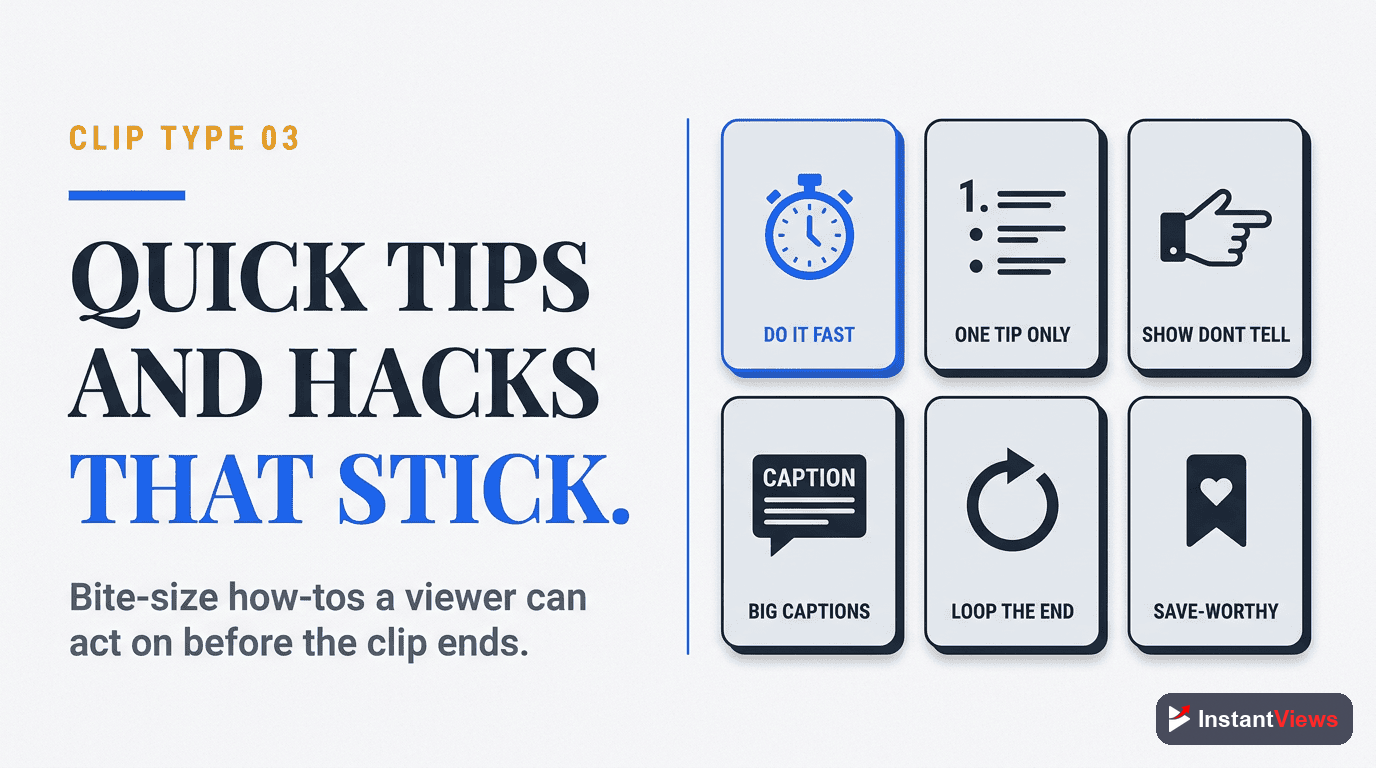
Clip Type #3: Quick Tips & Hacks
Quick Tips & Hacks
Actionable advice viewers can implement immediately. These perform exceptionally well because they promise instant value.
"Here's a 30-second hack that doubled my YouTube engagement. Go to your analytics, find your top 3 performing videos, and look at the exact time viewers drop off. That's where you put your CTA."
How to identify them: Scan your transcript for phrases like "Here's how," "Quick tip," "Pro trick," or "Secret strategy." These signal self-contained actionable moments.
Optimization tips: Add numbered text overlays (1, 2, 3) for multi-step tips. Makes content feel more structured and valuable.
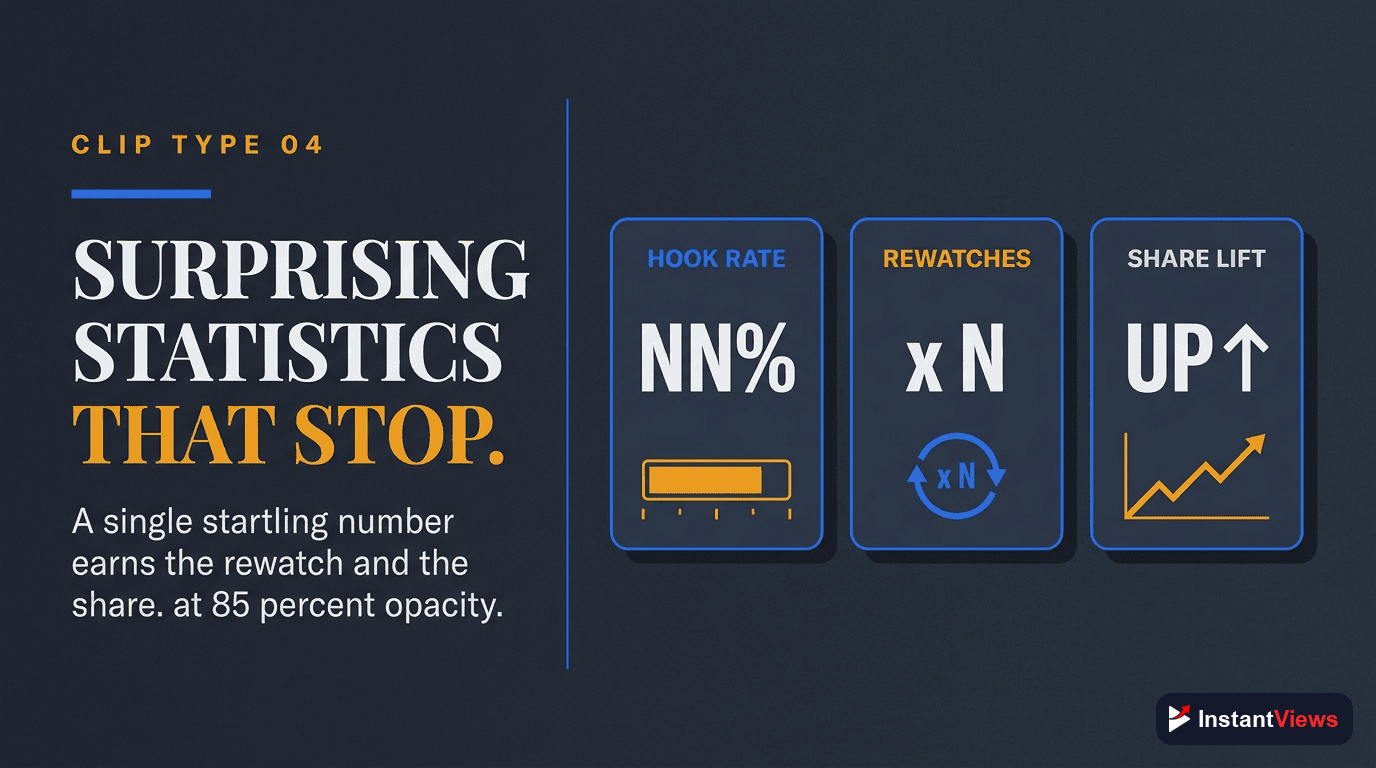
Clip Type #4: Surprising Statistics
Surprising Statistics
Data points that challenge assumptions or reveal shocking truths. Numbers grab attention and build credibility.
"93% of YouTubers make this thumbnail mistake. I analyzed 10,000 videos and found that channels avoiding this one thing get 4x more clicks. Here's what they do differently..."
How to identify them: Search your video transcript for numbers, percentages, or comparative data. Look for stats that surprised you during research.
Optimization tips: Display the statistic as bold text overlay in the first 3 seconds. Let viewers see and hear it simultaneously.
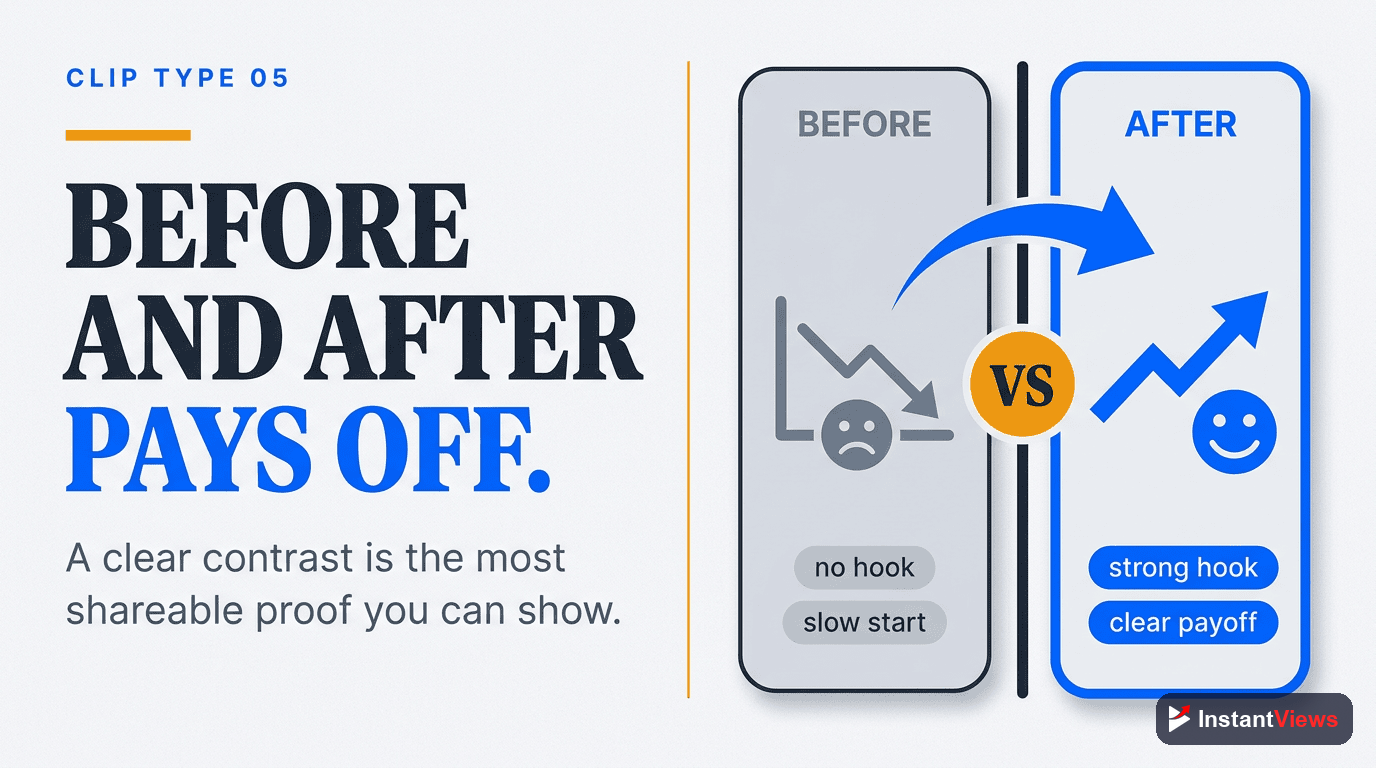
Clip Type #5: Before/After Transformations
Before/After Transformations
Visual proof of results. These clips work because they show tangible outcomes, making abstract concepts concrete.
"This is my channel 3 months ago: 47 subscribers, 12 views per video. This is my channel today: 15,000 subscribers, 50K views average. Here's the one thing I changed..."
How to identify them: Find sections where you show comparisons, progress updates, or results. Screen recordings and analytics reveals work exceptionally well.
Optimization tips: Use split-screen or side-by-side comparison. Make the transformation visually obvious within the first frame.
Clip Type #6: Controversial Takes
Controversial Takes
Opinions that challenge industry norms or popular beliefs. Controversy drives engagement through comments and shares.
"Everyone's wrong about YouTube Shorts. You're told to post daily - that's terrible advice. I post 3x per week and get better results. Here's why quality beats quantity every time..."
How to identify them: Look for moments where you disagree with common advice or take an unconventional stance. Contrarian opinions naturally spark discussion.
Optimization tips: State your controversial position in the first 5 seconds. Follow immediately with your supporting argument to maintain credibility.
Avoid extracting clips that require context from earlier in the video. Shorts viewers won't understand references to "what I mentioned earlier" - every clip must be self-contained.
Find Your Best Clips Automatically
Upload your video and get AI-powered suggestions for which clips have the highest viral potential for Shorts.
Analyze Your Video →
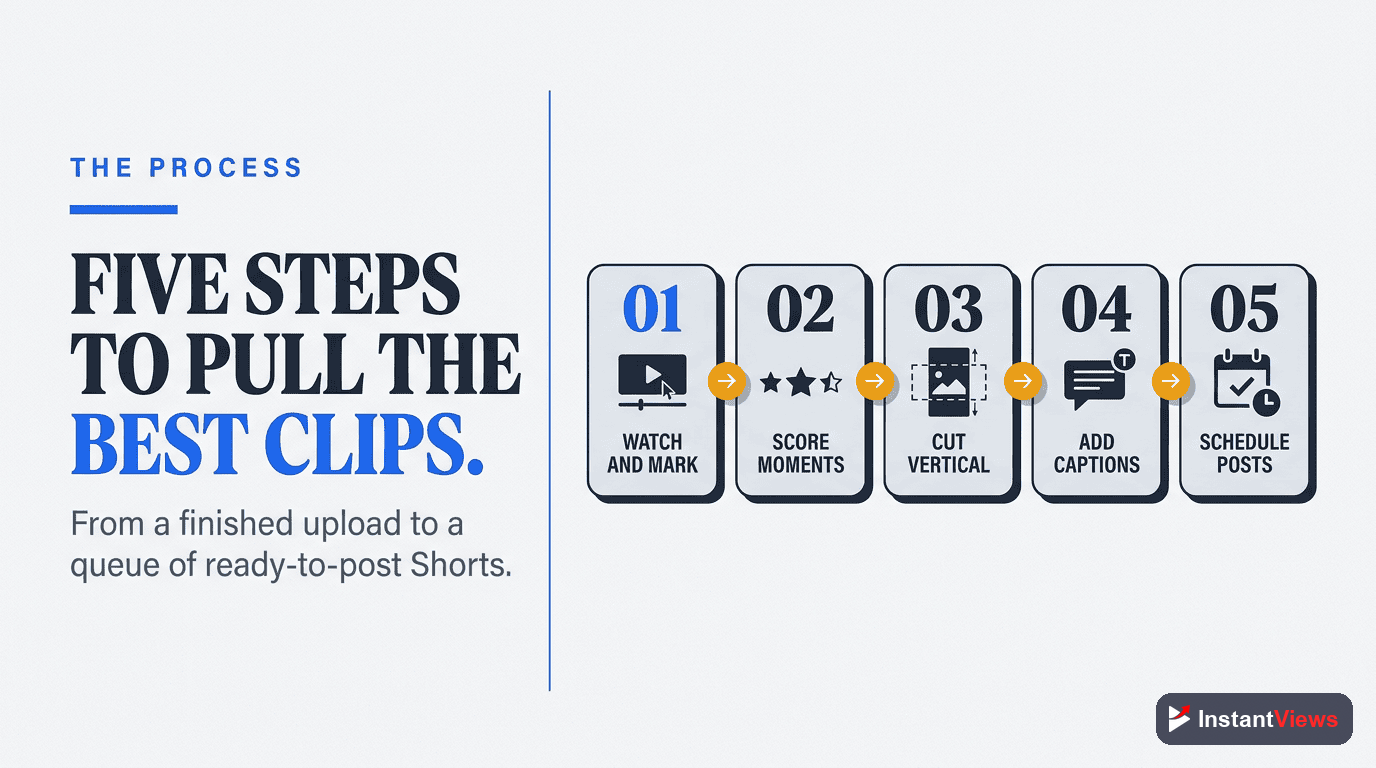
Strategic Clip Extraction Process
Follow this proven workflow to maximize your Shorts output:
Step 1: Analyze Retention Data
Open YouTube Studio and review your video's retention graph. Look for:
- Retention spikes - Moments where viewers rewatched
- Slow drop-off sections - Parts that held attention
- Comment timestamps - Moments viewers bookmarked
Step 2: Identify Self-Contained Moments
Not every high-retention moment works as a Short. Ask:
- Can this clip deliver value without prior context?
- Does it have a clear beginning and end?
- Would a new viewer understand it immediately?
Step 3: Extract and Optimize
Once you've identified clips:
- Export 5 seconds before and after the key moment for editing flexibility
- Reframe for 9:16 vertical format - face in center third
- Add captions for sound-off viewing (70% watch without audio)
- Include a strong opening hook in the first 3 seconds
Step 4: Add Strategic CTAs
Every Short should drive viewers to your long-form content:
- On-screen text: "Full tutorial in bio"
- Verbal CTA: "I cover this in detail in my latest video"
- Pinned comment with link to full video
- End card directing to channel
Optimizing Clips for Maximum Performance
| Element | Best Practice | Why It Matters |
|---|---|---|
| Length | 15-30 seconds | Higher replay rate, better algorithm performance |
| Captions | Always include | 70% of viewers watch without sound |
| Hook | First 3 seconds | Prevents immediate scroll-away |
| Format | 9:16 vertical | Native Shorts format, full-screen mobile |
| CTA | Clear and specific | Drives traffic to long-form content |
| Title | Front-load value | Appears in search and suggested feeds |
Timing Your Shorts Release
Strategic timing maximizes the symbiotic relationship between Shorts and long-form content:
- Day 0 - Publish long-form video
- Days 3-7 - Release first Short to drive traffic to still-fresh video
- Days 10-14 - Release second Short as algorithm push slows
- Days 21-30 - Release remaining Shorts to re-activate older content
"I extract 5-7 Shorts from every long video. It's not extra work - it's smart repurposing. One video now fuels a month of content." - Ali Abdaal
Common Extraction Mistakes to Avoid
- Extracting too many clips - Quality over quantity. 3 great Shorts beat 10 mediocre ones
- Ignoring vertical format - Horizontal clips with black bars perform 60% worse
- No CTA - 80% of traffic potential lost without directing viewers to full content
- Context-dependent clips - "Like I said earlier" or references to previous points confuse new viewers
- Over-editing - Shorts feel authentic. Heavy effects and transitions hurt performance
Frequently Asked Questions
YouTube Shorts can be up to 60 seconds, but the sweet spot is 15-30 seconds. Shorter clips (under 20 seconds) often perform better because they're easier to watch multiple times, which boosts the algorithm.
A typical 10-minute video can yield 3-8 quality Shorts, depending on content density. Focus on quality over quantity - one viral Short is worth more than five mediocre ones.
Use tools like InstantViews Video Analyzer to identify high-potential moments, then manually refine them. Automation saves time on discovery, but manual editing ensures quality and context.
Wait 3-7 days after publishing the long-form video. This lets your main video get initial traction without competing with your own Shorts. Then release Shorts to drive traffic back to the full video.
When done right, Shorts significantly boost long-form performance. They act as trailers that drive subscribers and views to your main content. Always include a CTA directing viewers to the full video.
Look for moments with high retention spikes in your analytics, comments asking for timestamps, and self-contained value that works without context. Emotional peaks and "aha moments" perform best.