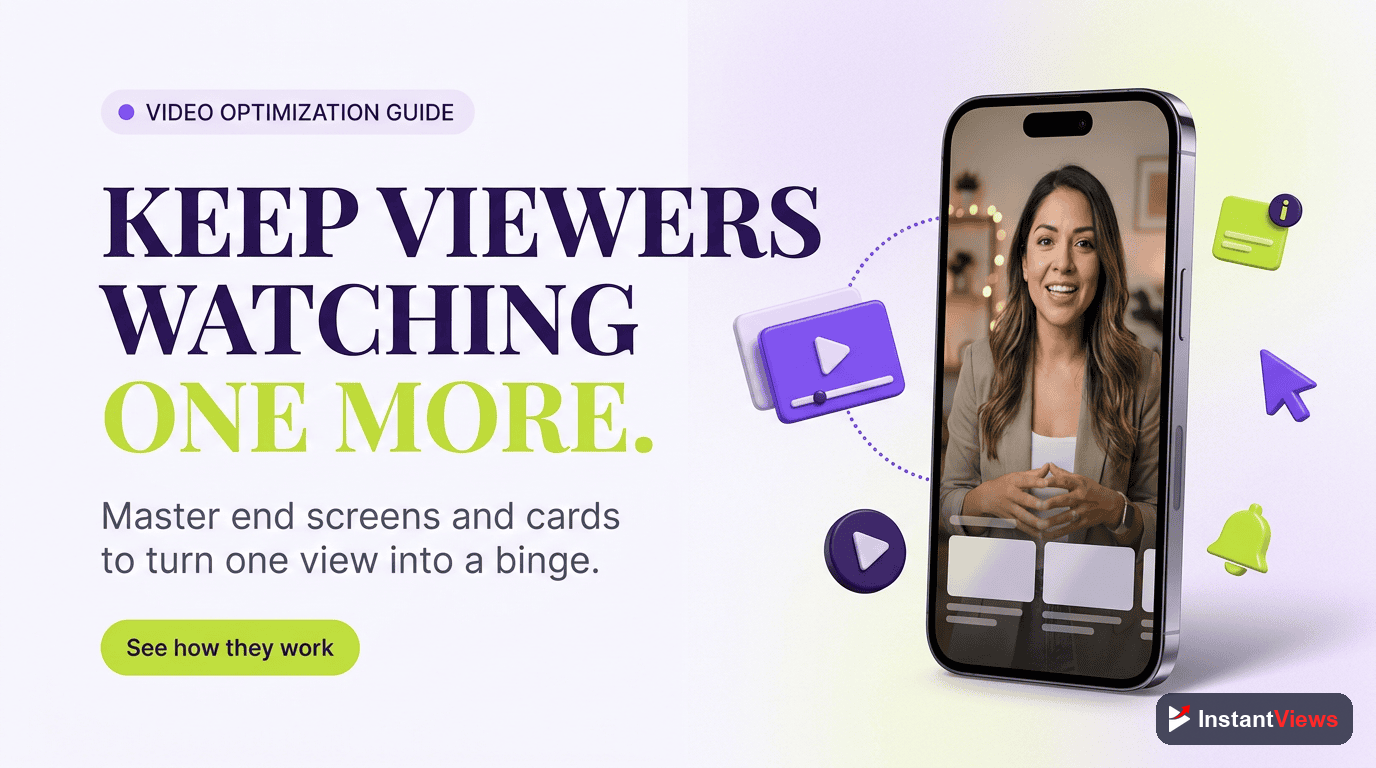
- End screens appear in the last 5-20 seconds and can increase channel watch time by 30-50%
- Cards work best for mid-video redirects with 1-3 cards maximum per video
- The best end screen layout includes 2-3 elements: auto-suggested video, promoted content, and subscribe button
- Strategic card placement at natural content mentions can boost CTR by 2-4x
- Use the InstantViews Video Analyzer to optimize your end screen and card strategy
Every YouTube video ends. The question is: what happens when yours does?
Most creators make one of two mistakes - they either ignore end screens entirely, or they clutter them with too many options. Both leave views on the table.
The data is clear: videos with optimized end screens get 30-50% more watch time per viewer. That's not from better content - it's just from guiding viewers to what to watch next.
This guide shows you exactly how to use end screens and cards to maximize every single view.
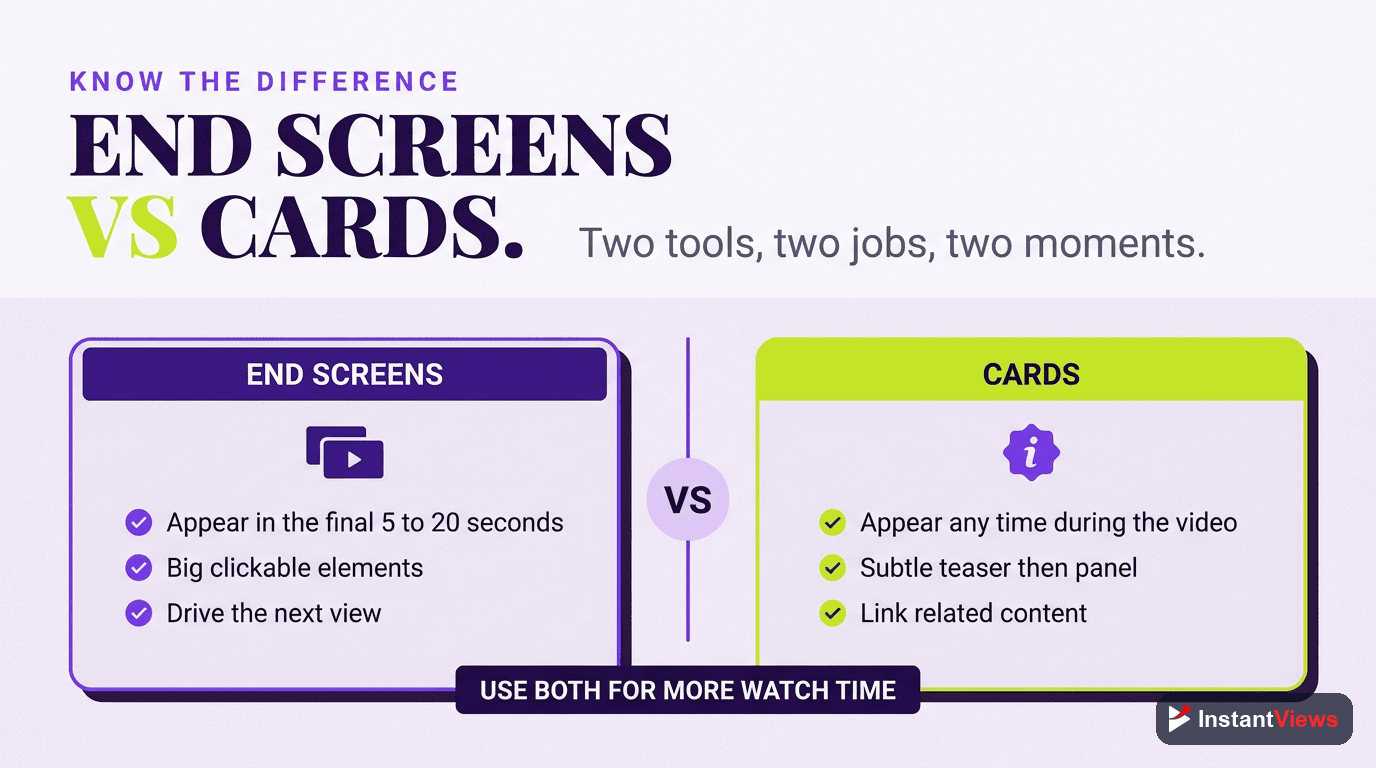
End Screens vs Cards: Key Differences
Before diving into strategy, you need to understand when to use each tool.
| Feature | End Screens | Cards |
|---|---|---|
| Placement | Last 5-20 seconds only | Anywhere in video |
| Visibility | Full screen, highly visible | Small teaser in corner |
| Click Rate | 5-15% average CTR | 1-3% average CTR |
| Elements | Up to 4 per video | Up to 5 per video |
| Best For | Next video, subscribe, playlist | Related content, polls, links |
| Minimum Length | Video must be 25+ seconds | Any video length |
The Rule: End screens are your primary conversion tool. Cards are supplementary.
End Screens: Complete Guide
What Can You Promote?
YouTube allows four types of end screen elements:
- Video or Playlist - Promote specific content or let YouTube auto-select
- Subscribe Button - Channel icon with subscribe call-to-action
- Channel Promotion - Promote another YouTube channel (rare use case)
- External Link - Website or merchandise (requires YouTube Partner Program)
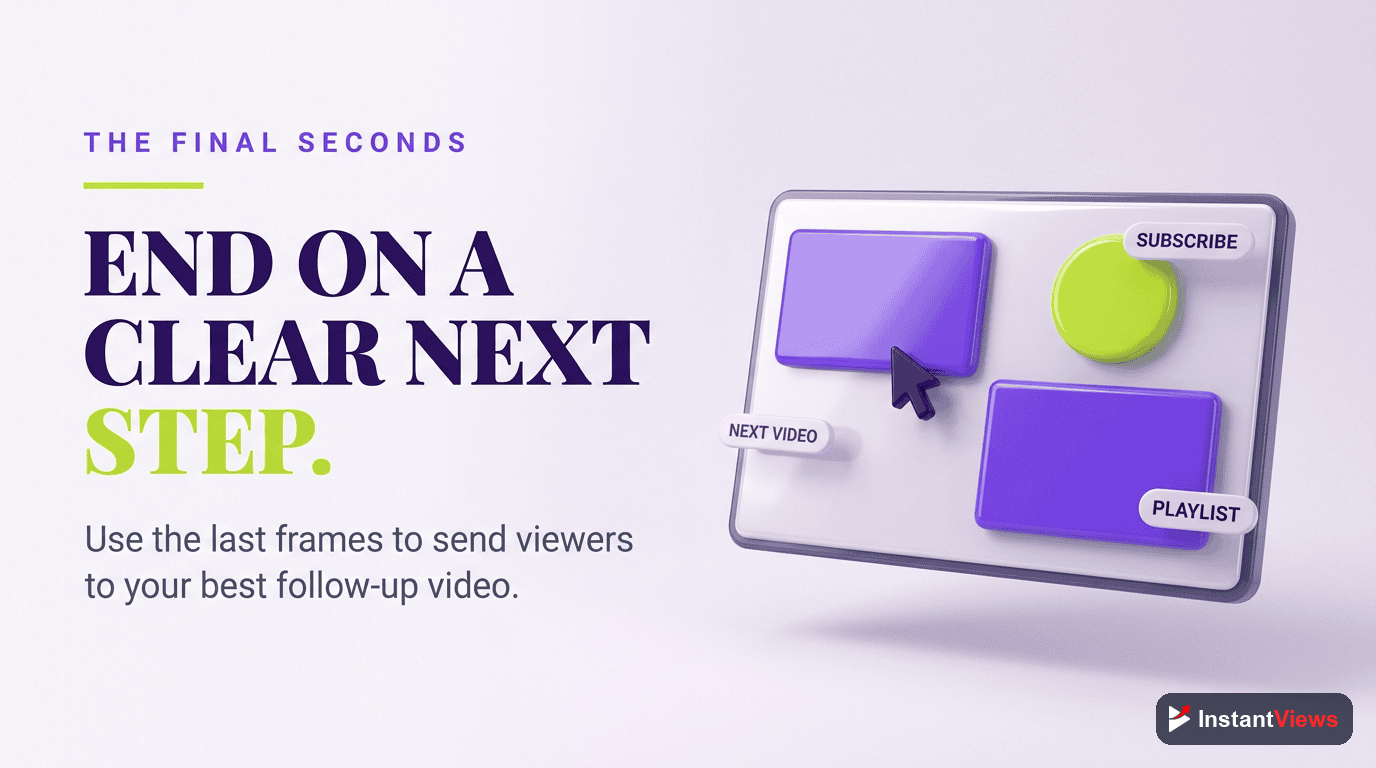
The Best End Screen Layout
Recommended 3-Element Setup
This layout has the highest conversion rates across most channels:
- Element 1: "Best for viewer" auto-selected video (left side)
- Element 2: Specific video or playlist you want to promote (center/right)
- Element 3: Subscribe button with channel icon (bottom center)
Why this works: The auto-selected video gives YouTube's algorithm a chance to show viewers content they're most likely to watch. Your promoted content ensures strategic content gets views. The subscribe button captures interested viewers.
What to Promote
Strategic content promotion makes a massive difference. Here's the priority order:
- Series/Playlist Next Episode - Highest watch-through rate (15-25% CTR)
- Related High-Performing Video - Content that's proven to retain viewers
- Evergreen Content - Your best tutorial or cornerstone video
- Latest Upload - Only if highly relevant to current video
Don't always promote your latest video. Promote the video most likely to interest viewers of the current video. Relevance beats recency.
Cards: When and How to Use
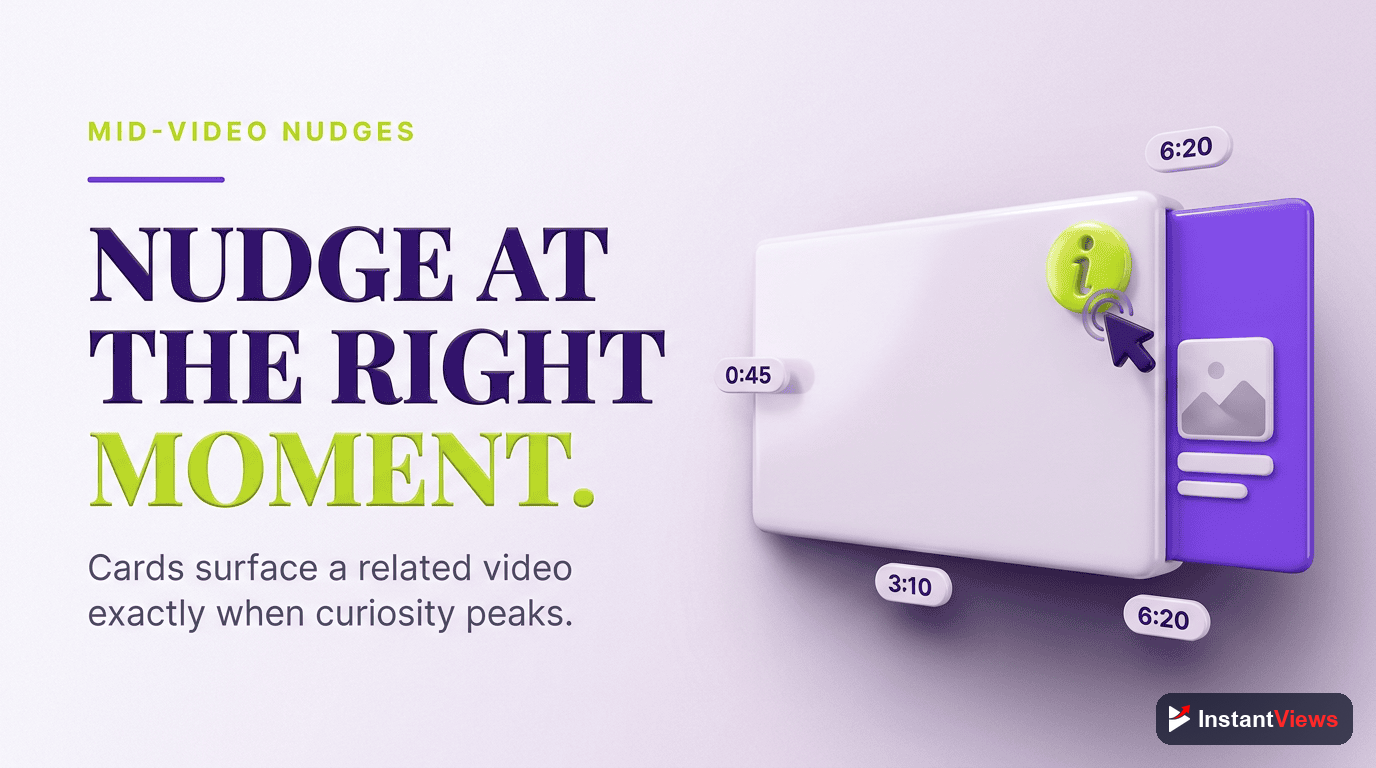
Cards are less effective than end screens, but they serve specific purposes:
Best Use Cases for Cards
Natural Content Mentions
When you mention related content, add a card at that exact moment.
"I covered this in detail in my SEO guide..." - Add card to SEO guide video at this timestamp
Retention Recovery
If analytics show viewers drop off at a specific point, place a card just before to redirect engaged viewers.
Interactive Polls
Poll cards boost engagement and give you data on what your audience wants next.
Card Placement Rules
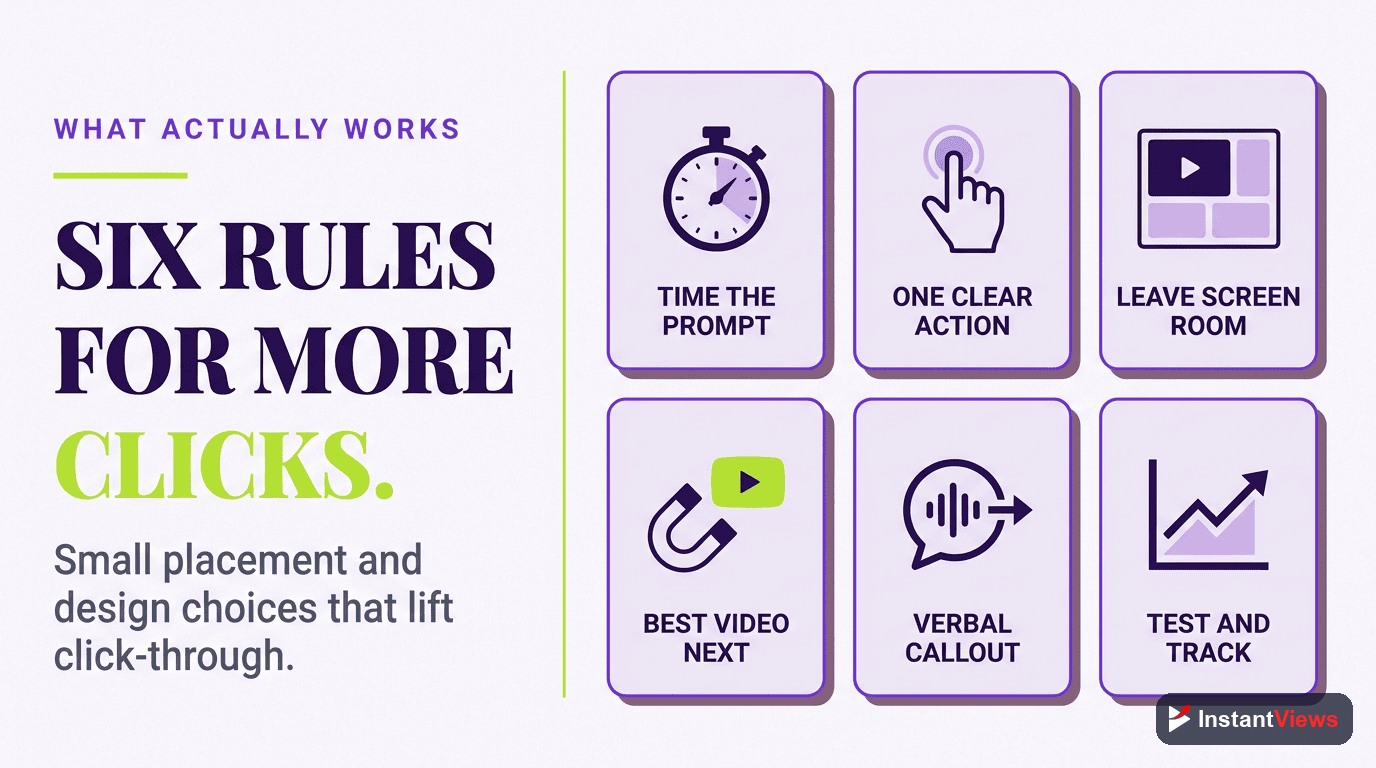
- Limit to 1-3 cards - More than 3 becomes spammy
- Place at natural pauses - Between topics or after key points
- Verbal callout - "Check the card in the corner" increases CTR by 3-5x
- Not in first 30 seconds - Let viewers settle into the content first
Best Practices That Work
Design Your Video for End Screens
Most creators add end screens as an afterthought. The best creators plan for them:
- Visual Space - Keep the bottom third of your video clear during the last 20 seconds
- Verbal CTA - Say "Check out one of these videos next" while pointing
- Natural Conclusion - Wrap up your content before end screens appear
- Background Music - Continue audio through end screens to keep viewers engaged
End Screen Templates
YouTube allows you to save end screen layouts as templates. Create these three:
- Standard Template - Auto-select + promoted video + subscribe
- Series Template - Next episode + playlist + subscribe
- Conversion Template - External link + best video + subscribe (for monetized channels)
Perfect Timing Strategy
End Screen Duration
Data from millions of videos shows optimal end screen duration:
| Video Length | End Screen Duration | Why |
|---|---|---|
| Under 5 minutes | 15-20 seconds | Viewers expect quick content |
| 5-15 minutes | 20 seconds | Optimal for most content |
| 15+ minutes | 20 seconds | Don't extend beyond 20s |
| Livestreams/Long-form | 10-15 seconds | Viewers already invested time |
Card Timing
Strategic card placement based on analytics:
- First card: After hook, around 1-2 minute mark
- Second card: Mid-point of video, where engagement may dip
- Third card: 70-80% through video, before end screens
Optimize Your Video Strategy
Get instant analysis of your video's retention, hook effectiveness, and engagement opportunities with our Video Analyzer.
Analyze Your Video →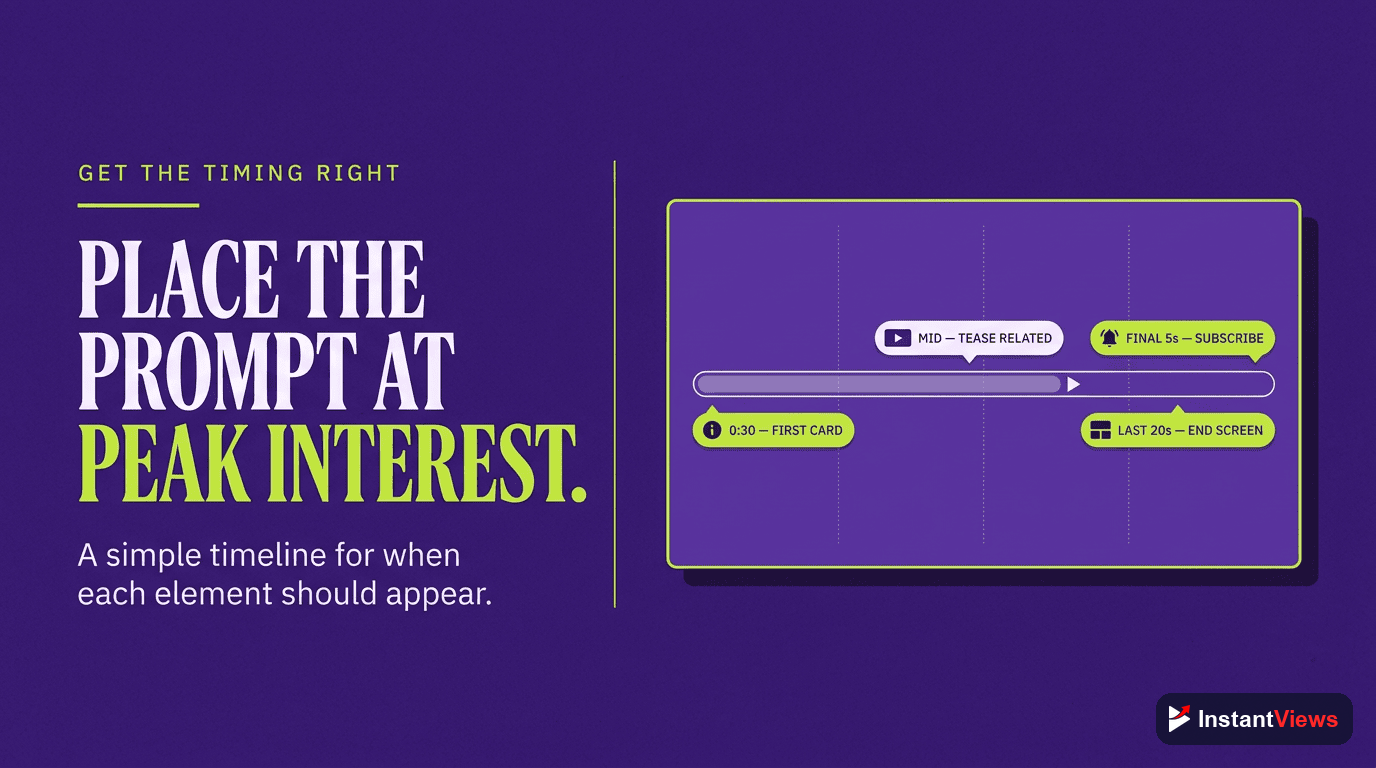
Testing and Optimization
Key Metrics to Track
Monitor these metrics in YouTube Analytics to optimize your strategy:
- End Screen Click Rate - Aim for 8-15%
- End Screen Element CTR - Which elements get clicked most
- Card Click Rate - Aim for 1-3%
- Card Teaser Click Rate - Small icon clicks before expansion
- Watch Time from End Screens - Total minutes generated
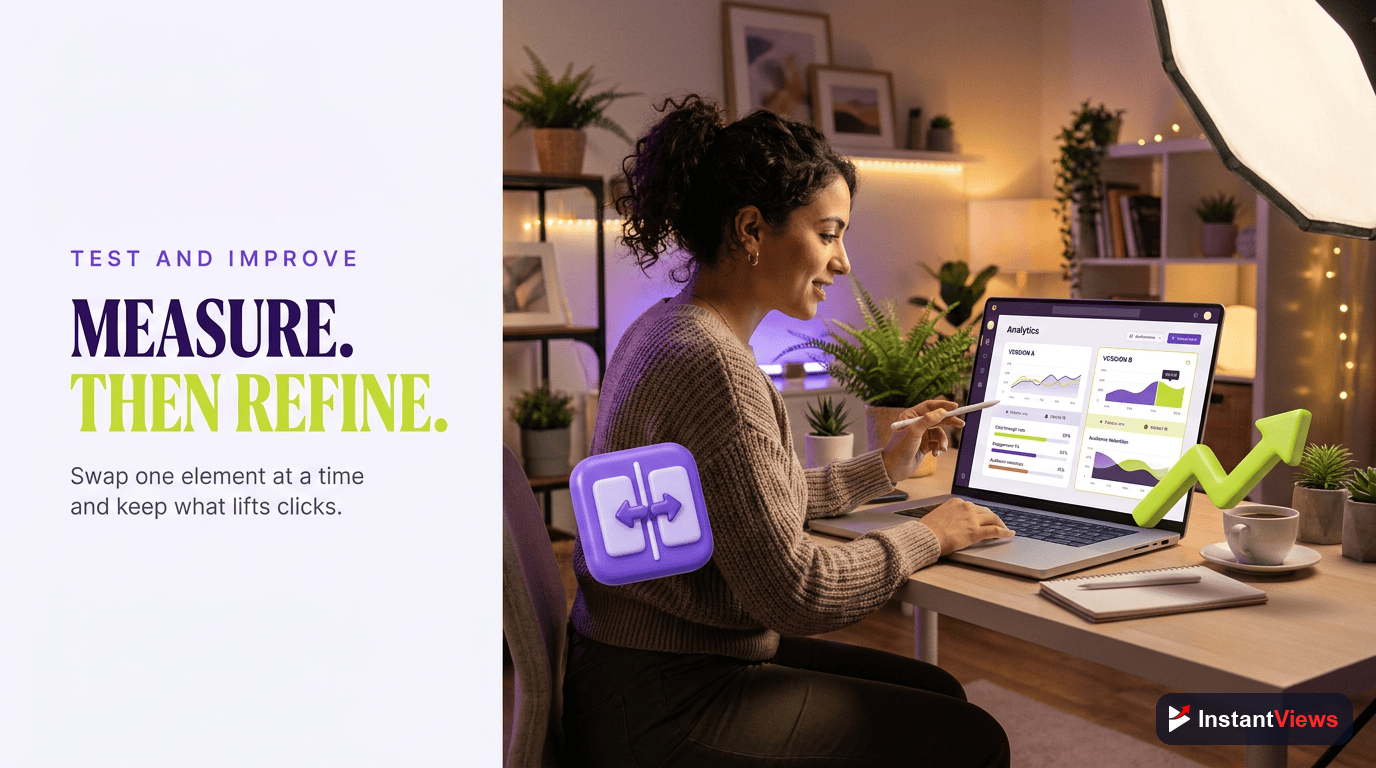
A/B Testing Strategy
Test one variable at a time across similar videos:
- Week 1: Test 2 vs 3 vs 4 end screen elements
- Week 2: Test auto-select vs manually chosen videos
- Week 3: Test different promoted content types
- Week 4: Test card quantity (1 vs 2 vs 3)
What Great End Screens Look Like
Study channels in your niche with 100k+ subscribers. Common patterns:
- Clean design - Not cluttered, easy to see options
- Verbal CTA - Creator says what to do next
- Visual pointing - Creator gestures toward elements
- Relevant thumbnails - Promoted content clearly related
- Ongoing audio - Music or creator talking maintains engagement
"End screens are where casual viewers become loyal subscribers. It's not about forcing clicks - it's about making the next step obvious and valuable." - YouTube Creator Best Practices
Quick Wins: Implement Today
- Add end screens to all videos - Even old content benefits
- Create three templates - Save time on future uploads
- Use auto-select for one element - Let YouTube's algorithm help
- Limit cards to 1-2 per video - Quality over quantity
- Analyze top performers - Replicate what works in your niche
Frequently Asked Questions
End screens appear in the last 5-20 seconds of your video and can promote videos, playlists, channels, or external websites. Cards appear throughout your video as small, clickable teasers. End screens are more visible and get higher click-through rates, while cards are better for time-sensitive promotions or mid-video redirects.
Add end screens to every video. They should appear in the last 5-20 seconds (20 seconds is recommended). Make sure your video content naturally concludes before the end screen appears, so viewers have time to focus on your calls-to-action.
Use 1-3 cards maximum. Too many cards can be distracting and reduce click-through rates. Place them strategically at moments when you mention related content or when engagement naturally dips. The best practice is to use cards sparingly and only when they add genuine value.
No, if used correctly. End screens appear when your video is essentially over, so they don't interrupt viewing. In fact, they can increase overall watch time by directing viewers to more of your content. The key is ensuring your video's natural ending aligns with when end screens appear.
No. YouTube requires videos to be at least 25 seconds long to use end screens. For very short videos, focus on cards instead, or extend your video length to accommodate end screens, as they typically convert better than cards.
The most effective layout includes 2-3 elements: one "best for viewer" video (auto-selected by YouTube), one specific video or playlist you want to promote, and a subscribe button. This gives viewers options while maintaining a clean, uncluttered design that doesn't overwhelm.