- Strategic CTAs can increase engagement rates by 15-30% when placed at the right moment
- The most effective CTAs deliver value first, then ask for action with a clear reason why
- Timing matters: place CTAs after delivering key insights, not at the start of your video
- Visual CTAs (on-screen graphics, animations) perform 40% better than verbal-only requests
- Different CTA types work for different goals: subscribers, likes, comments, website visits, or next video
A call to action (CTA) is the bridge between passive viewing and active engagement. Yet most YouTubers get it wrong - they ask too early, too often, or with no compelling reason.
Data shows that well-placed CTAs can increase engagement by 30%, while poorly executed ones can actually harm your retention. The difference comes down to understanding psychology, timing, and value exchange.
This guide reveals the exact CTA strategies used by top creators to drive subscribers, comments, likes, and conversions without annoying their audience.
Why CTAs Matter for Growth
YouTube viewers are passive by default. Without a clear call to action, most will watch your video and move on - no subscription, no engagement, no return visit.
The data is clear:
- Videos with verbal CTAs get 23% more subscribers than those without
- Adding visual CTAs increases the effect to 34% more subscriptions
- Comment CTAs can triple engagement in the comments section
- End screen CTAs lead to 60% higher watch time from suggested videos
But here's the catch: timing and execution matter more than frequency. A single well-placed CTA outperforms five generic ones.
Value First, Ask Second
The cardinal rule of effective CTAs: deliver substantial value before asking for anything.
Think of it as a value exchange. Viewers give you their time, attention, and engagement. In return, you must provide knowledge, entertainment, or solutions to their problems.
Never ask viewers to "like and subscribe" in the first 30 seconds. You haven't earned it yet. Viewers who haven't received value will ignore your request - or worse, click away.
The right approach: Deliver your best insight, tip, or entertainment first. Once viewers think "this is valuable," they're psychologically primed to reciprocate when you ask for engagement.

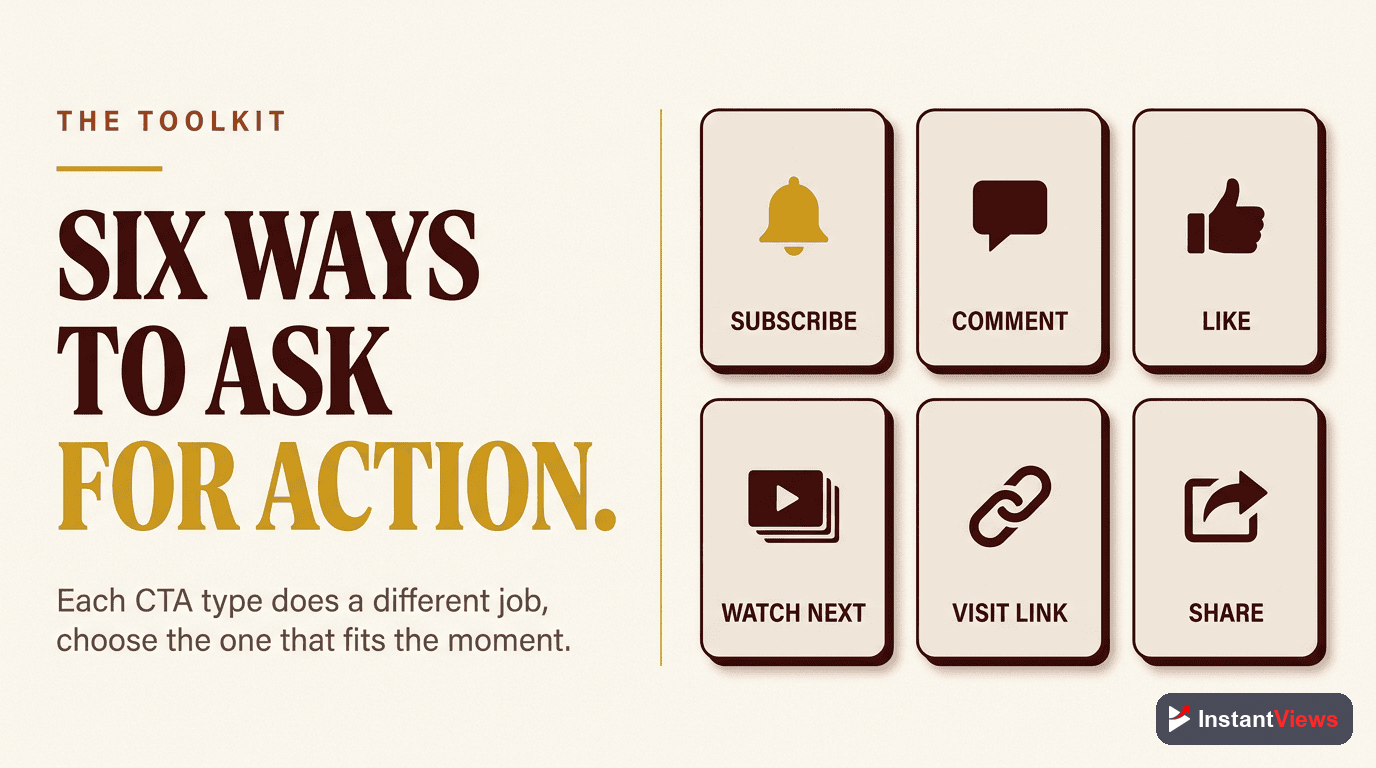
6 Types of Effective CTAs
Subscribe CTA
Asks viewers to subscribe to your channel. Most effective when you explain what they'll get from subscribing.
"If you want weekly strategies like this delivered straight to your feed, hit that subscribe button. We post every Tuesday with tactics you can use immediately."
Engagement CTA
Asks viewers to like, comment, or share. Works best when you give a specific prompt or question.
"Drop a comment below with your biggest struggle with YouTube thumbnails. I'll personally reply to every one and might feature your question in next week's video."
Next Video CTA
Directs viewers to watch another specific video. Creates session continuity and increases watch time.
"Now that you know how to hook viewers, the next step is optimizing your titles. I break down the exact formula in this video right here - click to watch next."
External Link CTA
Sends viewers to your website, course, or landing page. Requires the strongest value proposition.
"I created a free checklist with all 47 optimization points we covered. Grab it at the link in the description - it takes 30 seconds and you'll have it forever."
Community CTA
Invites viewers to join your Discord, Facebook group, or community. Builds long-term relationships.
"Join 5,000 creators in our free Discord where we share wins, get feedback, and troubleshoot together. Link in the description - I'm in there daily."
Bell Notification CTA
Asks subscribers to enable notifications. Ensures they see your future uploads.
"YouTube only shows my videos to about 10% of subscribers. To make sure you don't miss next week's video on [topic], hit the bell icon for notifications."
When to Place Your CTAs
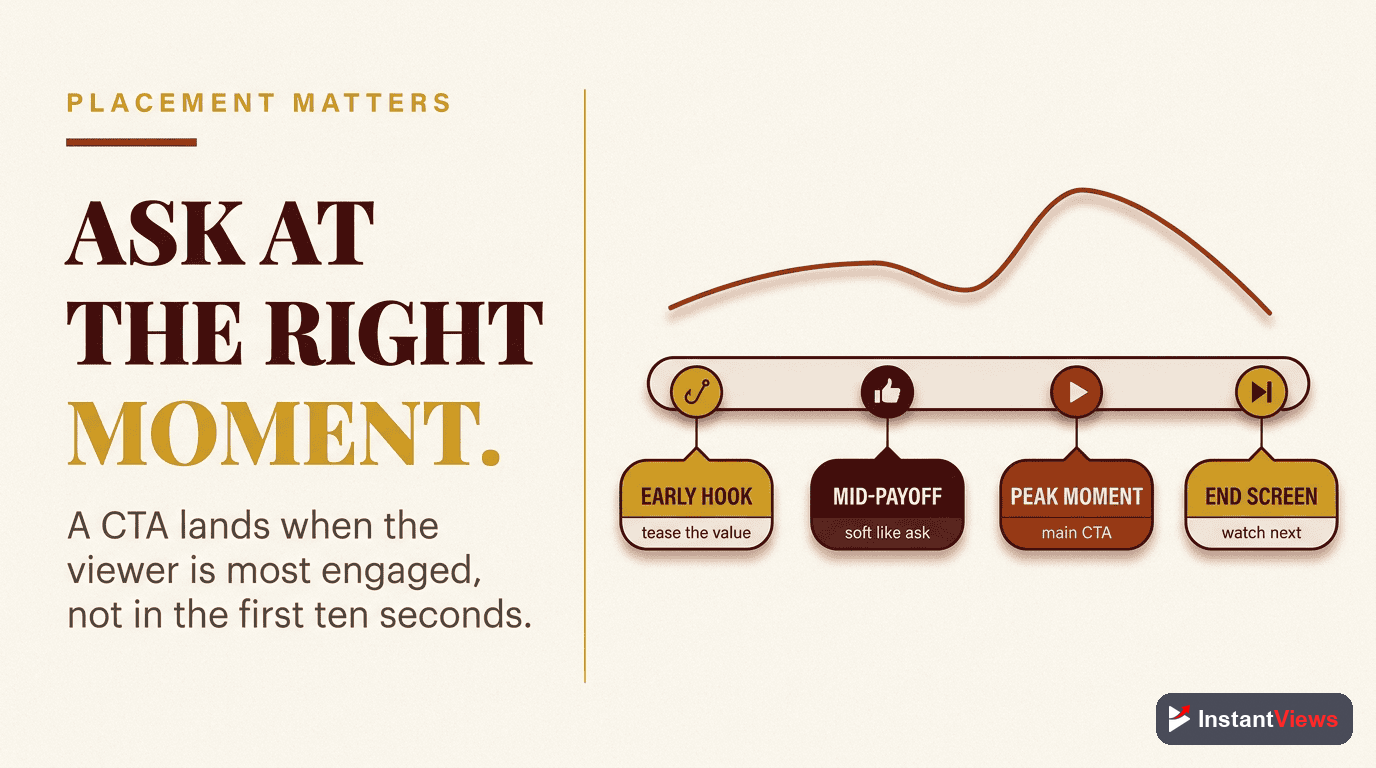
CTA placement is as important as the CTA itself. Here's the optimal timing strategy:
| Video Section | CTA Type | Best Practice |
|---|---|---|
| First 30 Seconds | None (or soft mention) | Focus 100% on hook and value promise |
| 30 seconds - 2 minutes | Subscribe CTA (optional) | Only if you've delivered significant value |
| Mid-video | Engagement or Comment CTA | Place at natural transition points |
| 70-80% through | External Link or Next Video | After main content, before outro |
| Final 15 seconds | Subscribe + Next Video | Strong closing with end screens |
Visual vs Verbal CTAs
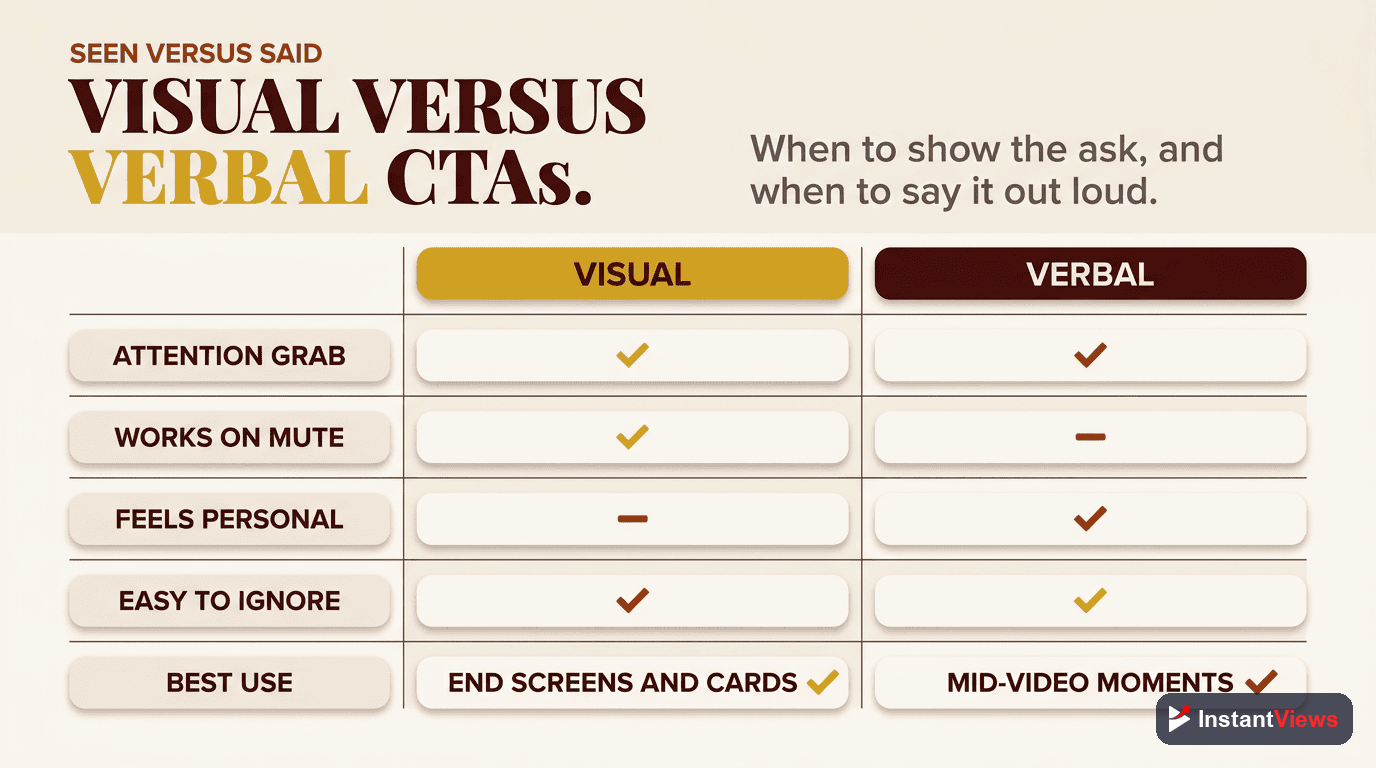
Combining visual and verbal CTAs creates the strongest impact. Here's why:
- Verbal only: 23% increase in desired action
- Visual only: 28% increase in desired action
- Both combined: 54% increase in desired action
Effective visual CTA techniques:
- Animated graphics: Arrows, circles, or buttons that draw attention to subscribe/like buttons
- On-screen text: Reinforces your verbal CTA with text overlay
- Pointing gestures: Physically point to where the button appears on screen
- Picture-in-picture: Show yourself clicking the button as you explain it
- End screens: Use YouTube's built-in end screen elements for next videos and subscriptions
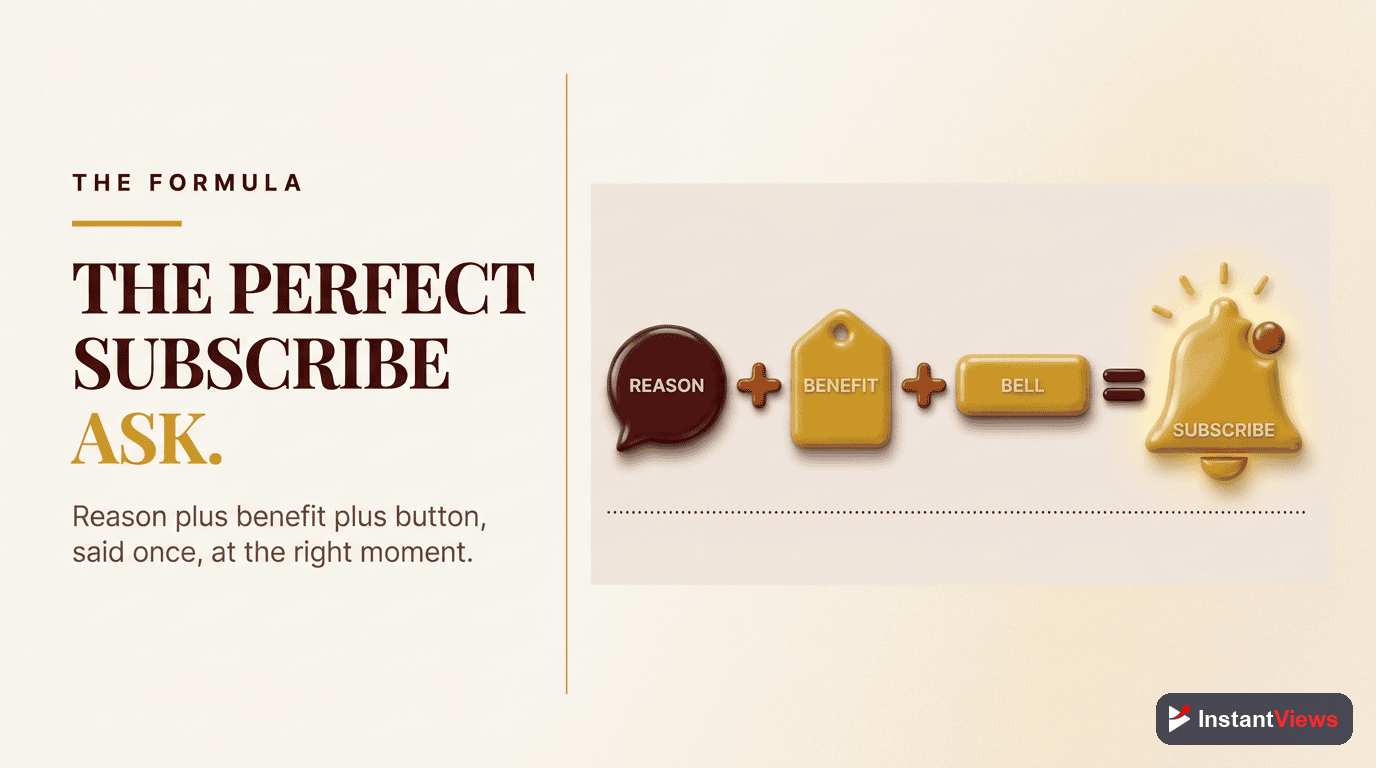
The Perfect Subscribe CTA Formula
Most creators ask for subscriptions incorrectly. They say "don't forget to like and subscribe" with no compelling reason.
The high-converting subscribe CTA formula:
- Value reminder: Reference the value you just provided
- Future promise: Explain what subscribers will get
- Frequency: Tell them when you post
- Specific action: Tell them exactly what to click
- Social proof (optional): Mention subscriber count or results
"If this strategy helped you understand YouTube thumbnails better, I post a new video every Tuesday breaking down exactly what's working right now. Over 250,000 creators have subscribed for these weekly insights - hit that subscribe button to join them."
Driving Comments and Likes
Comments and likes signal engagement to YouTube's algorithm, boosting your video's reach. But generic "leave a comment" requests don't work.
High-engagement comment CTAs:
- Ask a specific question: "Which of these 5 strategies will you test first?"
- Create debate: "Do you think thumbnails or titles matter more? Defend your answer."
- Request feedback: "What topic should I cover next? Most upvoted comment wins."
- Personal response promise: "I reply to every comment in the first hour - drop your question below."
- Two-option choice: "Team A or Team B? Comment your pick and why."
For likes: Tie the like button to a specific outcome. Example: "If this video gets 500 likes, I'll create the advanced version next week."

External Link CTAs That Convert
Getting viewers to leave YouTube is challenging. The platform doesn't want them to go, and viewers are comfortable staying.
High-converting external link strategy:
- Provide massive value in the video first
- Frame the external resource as a complement: "I can't fit all 47 optimization points in this video, so I created a free checklist..."
- Make it easy: "Link is in the description - takes 30 seconds to download"
- Explain the benefit clearly: "You'll have a step-by-step checklist you can use forever"
- No barriers: Don't require email signup for small resources unless necessary
Too many external link CTAs can hurt your YouTube performance. The algorithm prefers viewers who stay on the platform. Limit external CTAs to 1-2 per video maximum, and only for high-value resources.
Optimize Your CTAs with Video Analyzer
Get instant feedback on your CTA placement, timing, and effectiveness before you publish.
Analyze Your Video →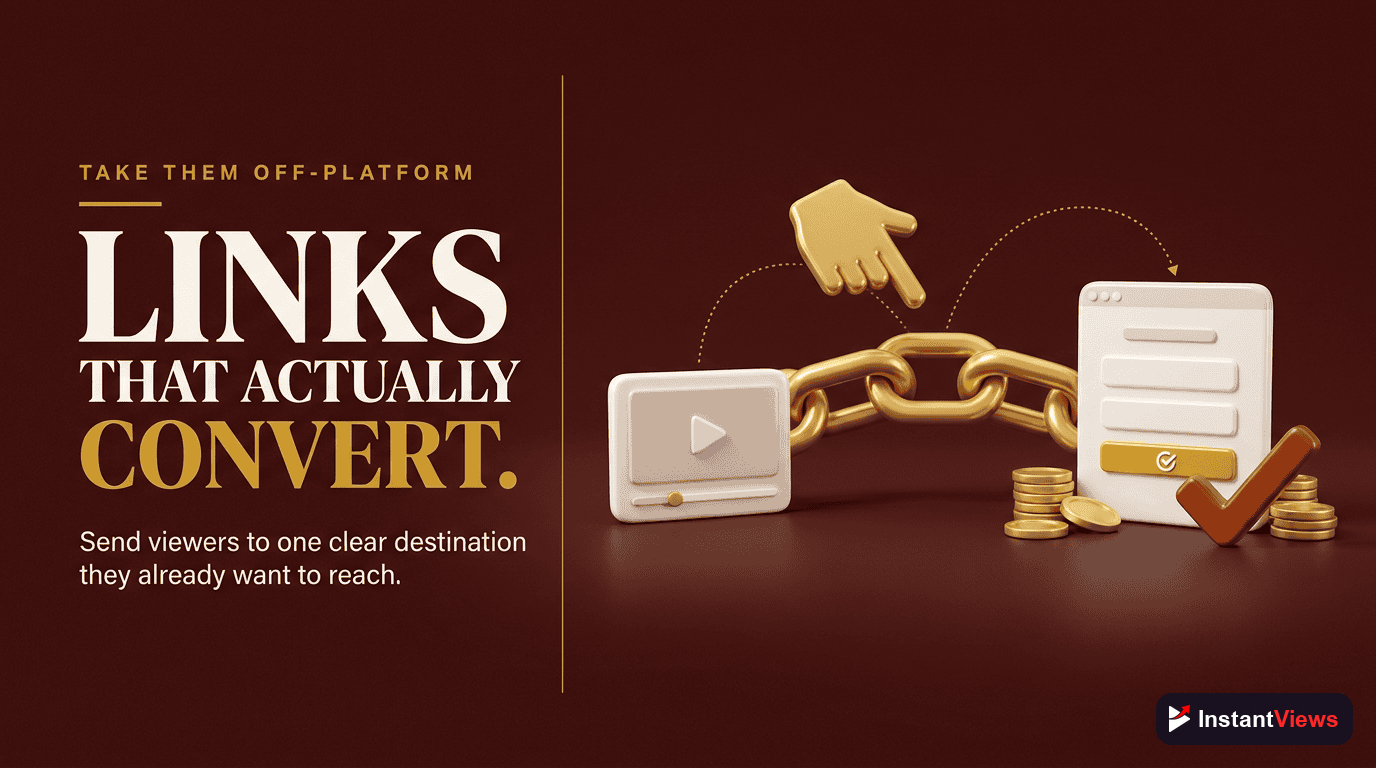
Testing and Optimization
The best creators continuously test their CTAs to improve results. Here's how:
What to track in YouTube Analytics:
- Subscriber conversion rate: Watch Analytics > Audience > Subscribers gained
- Retention at CTA points: Check if viewers drop off when you give CTAs
- Click-through rate on end screens: Measures next video CTA effectiveness
- Comment rate: Comments divided by views shows engagement CTA success
- External link clicks: Check link clicks in description
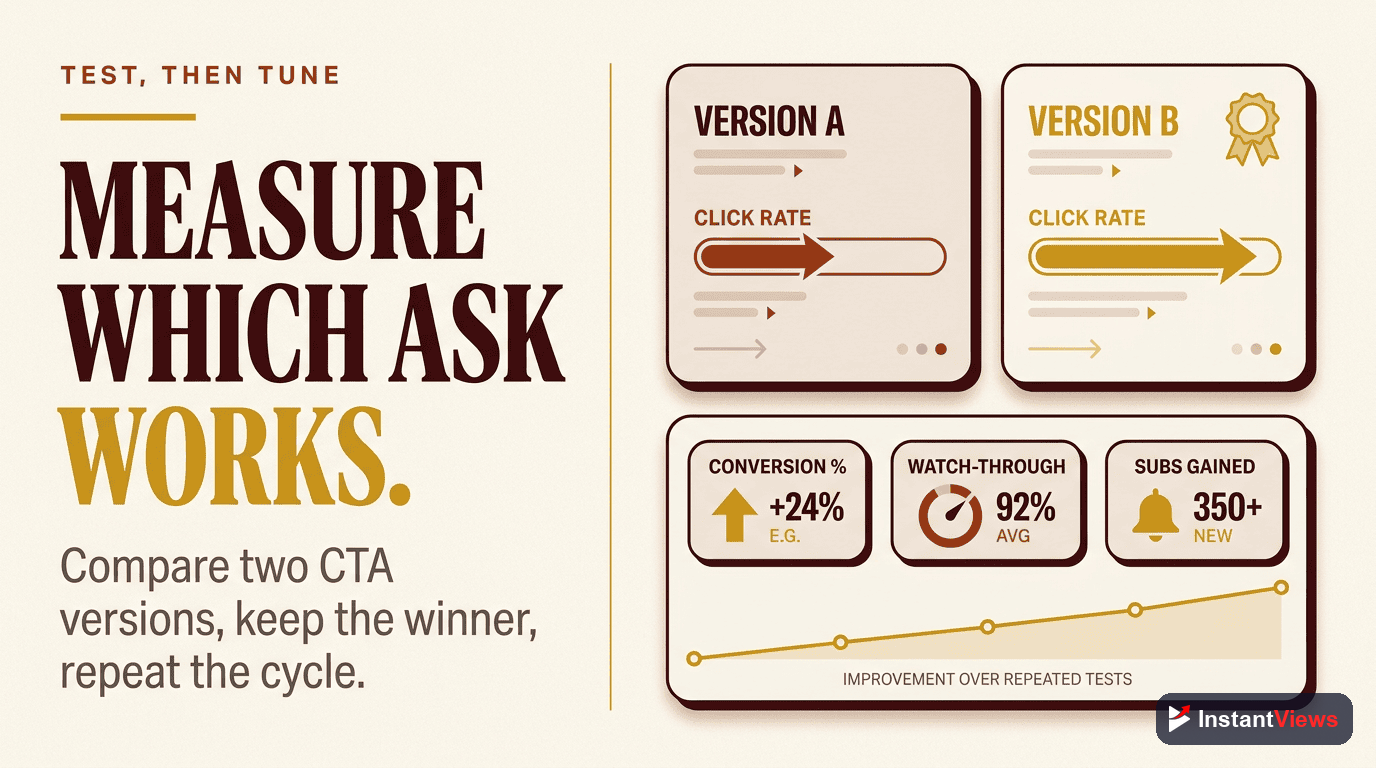
A/B testing CTAs:
- Test different CTA placements (early vs late)
- Compare verbose vs concise CTAs
- Test visual vs verbal only CTAs
- Experiment with different value propositions
- Try various comment prompts to see what drives discussion
Common CTA Mistakes to Avoid
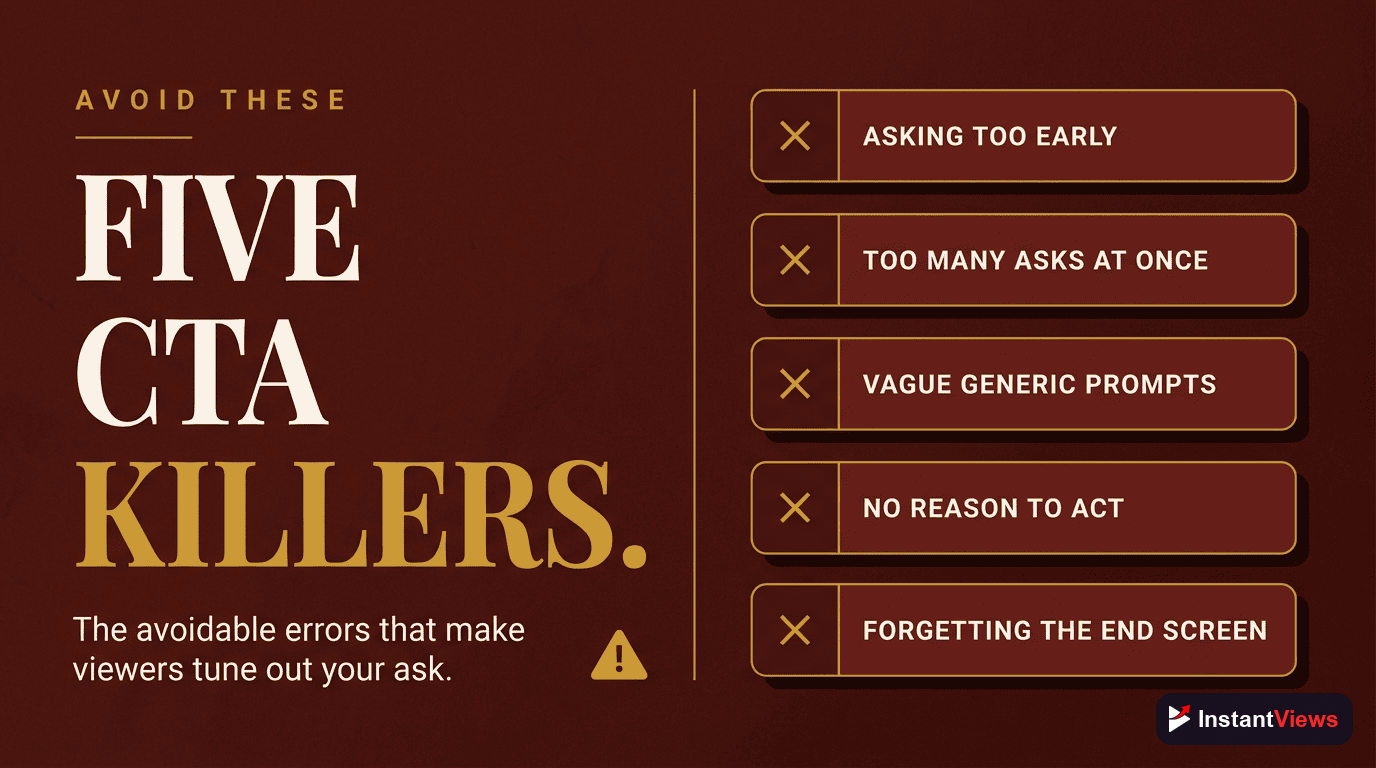
- Asking too early: CTAs before value delivery feel pushy and self-serving
- Too many CTAs: More than 5 CTAs in a single video dilutes effectiveness
- Generic requests: "Like and subscribe" without context gets ignored
- No visual reinforcement: Verbal-only CTAs miss 30% potential conversion
- Interrupting flow: CTAs mid-sentence or at tension peaks kill retention
- Forgetting the "why": Always explain why viewers should take action
- Same CTA every video: Variety keeps CTAs fresh and effective
- Apologetic tone: "Sorry to ask, but..." undermines confidence in your value
"The best CTA doesn't feel like a CTA. It feels like the natural next step after receiving value." - Ali Abdaal
CTA Strategy Checklist
Use this checklist for every video:
- Deliver substantial value in the first 2-3 minutes before any CTA
- Place subscribe CTA after your first major insight or win
- Include specific reason to subscribe (what they'll get)
- Add mid-roll engagement CTA with specific comment prompt
- Use visual elements to reinforce verbal CTAs
- Place next video or external CTA at 70-80% through video
- Strong closing CTA in final 15 seconds with end screens
- Track performance in Analytics and adjust strategy
Frequently Asked Questions
Place CTAs strategically: mention subscribing in the first 30 seconds after delivering value, add mid-roll CTAs at natural transition points, and include a strong CTA in the final 15 seconds. The best placement depends on your video length and content type.
For videos under 10 minutes, use 2-3 CTAs maximum. For longer videos (10-20 minutes), you can use 3-5 CTAs. Too many CTAs dilute their effectiveness and can annoy viewers. Focus on quality over quantity.
The most effective subscriber CTA combines three elements: a specific reason to subscribe (what they'll get), social proof (subscriber count or results), and a visual prompt (pointing to the subscribe button). Example: "Join 100,000 creators getting weekly tips - hit that subscribe button."
Yes, but do it strategically. Don't just say "like and subscribe" - give viewers a reason. Explain what subscribing means for them, and ask for a like only after delivering significant value. Make it feel natural, not forced.
Data shows CTAs increase engagement by 15-30% when done right. They only annoy viewers when they're too frequent, too early (before delivering value), or generic. A well-timed, value-focused CTA enhances the viewer experience by guiding next steps.
Make CTAs specific (what to do and why), timely (after delivering value), visual (use on-screen graphics), and authentic (match your style). Test different approaches using YouTube Analytics to see which CTAs drive the most engagement.