- YouTube transcripts directly influence search rankings for both YouTube and Google
- Custom transcripts outperform auto-generated captions by 40-60% in SEO effectiveness
- Proper transcript optimization can expand your audience reach by 15-20%
- Strategic keyword placement in transcripts improves discoverability without seeming spammy
- Transcripts help videos rank in Google's video carousels and rich snippets
Most creators upload videos and ignore the transcript entirely. This is a massive missed opportunity. YouTube's algorithm reads every word of your transcript to understand what your video is about and who should see it.
While everyone obsesses over thumbnails and titles, transcripts are the secret weapon that determines whether your video ranks for valuable search terms or gets buried in obscurity.
This guide reveals how to optimize YouTube transcripts for maximum SEO impact - the strategies most creators completely overlook.
- Why Transcripts Matter for SEO
- How YouTube Uses Transcripts
- Auto-Generated vs Custom Transcripts
- Strategy #1: Pre-Script Your Videos
- Strategy #2: Strategic Keyword Placement
- Strategy #3: Fix Critical Errors
- Strategy #4: Add Semantic Context
- Strategy #5: Optimize for Featured Snippets
- Strategy #6: Monitor and Iterate
- FAQ
Why Transcripts Matter for SEO
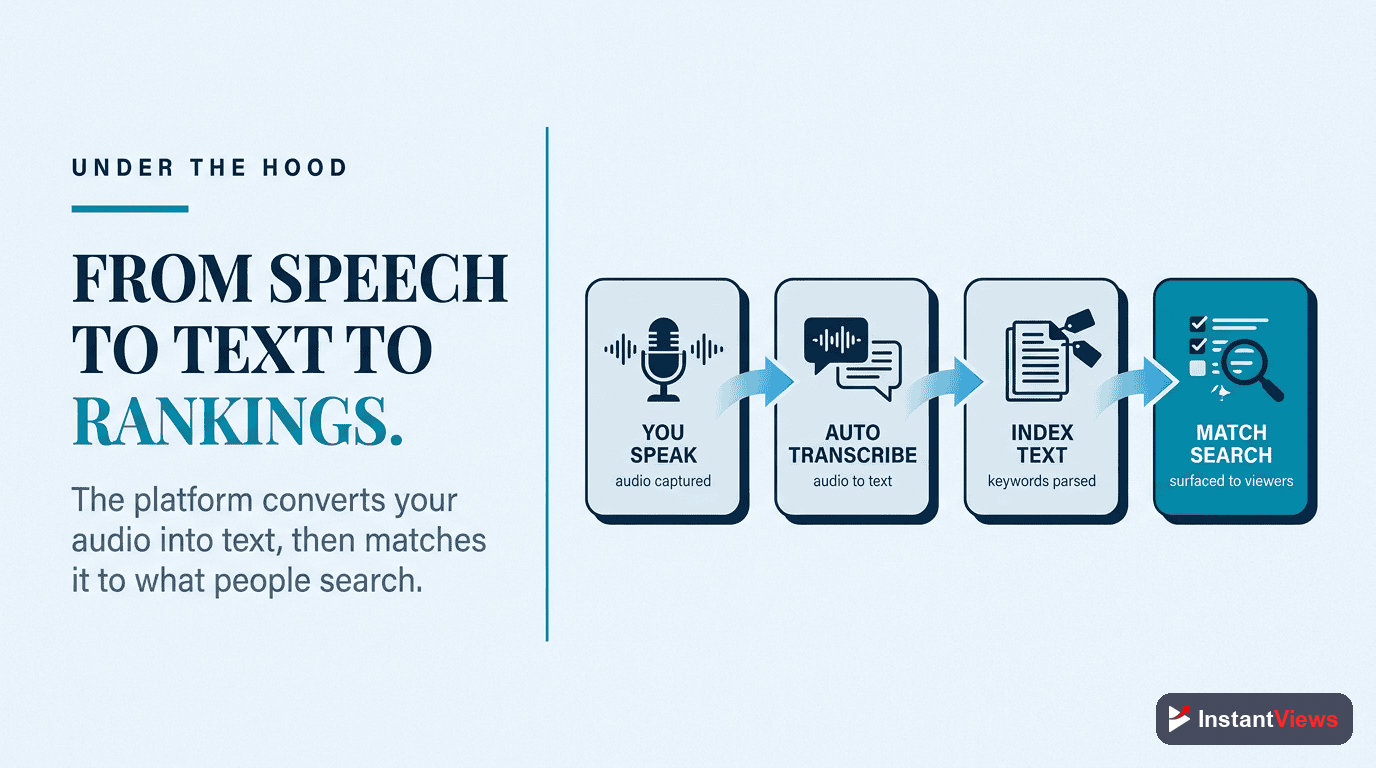
YouTube can't "watch" your video like a human can. Instead, it relies heavily on text signals to understand your content:
- Title - 70 characters of context
- Description - 5,000 characters, but only 150 show above the fold
- Tags - Limited impact since 2018
- Transcript - Every spoken word, timestamped and indexed
Your transcript gives YouTube thousands of words of context about your video. It's the richest text signal you have.
YouTube's algorithm has direct access to your transcript and uses it for ranking. Google also indexes transcripts separately, meaning videos can rank in Google search even if the title/description doesn't perfectly match the query.

How YouTube Uses Transcripts
YouTube's algorithm uses transcripts in several critical ways:
1. Search Ranking
When users search on YouTube, the algorithm matches queries against your transcript. If someone searches "how to fix microphone static," YouTube scans transcripts for those exact words and semantic variations.
2. Suggested Videos
YouTube recommends videos based on topical similarity. Transcripts help the algorithm identify what topics you cover and match your content to relevant viewers.
3. Accessibility Compliance
Channels with proper captions rank slightly higher because they serve a broader audience. This is a documented ranking factor.
4. Google Search Integration
Google extracts transcript snippets for video rich results. Optimized transcripts increase the chances of appearing in Google's video carousels.
"After optimizing our transcripts, we saw a 47% increase in search traffic within 30 days. YouTube was finally understanding what our videos were actually about." - Tech Education Channel, 340K subs
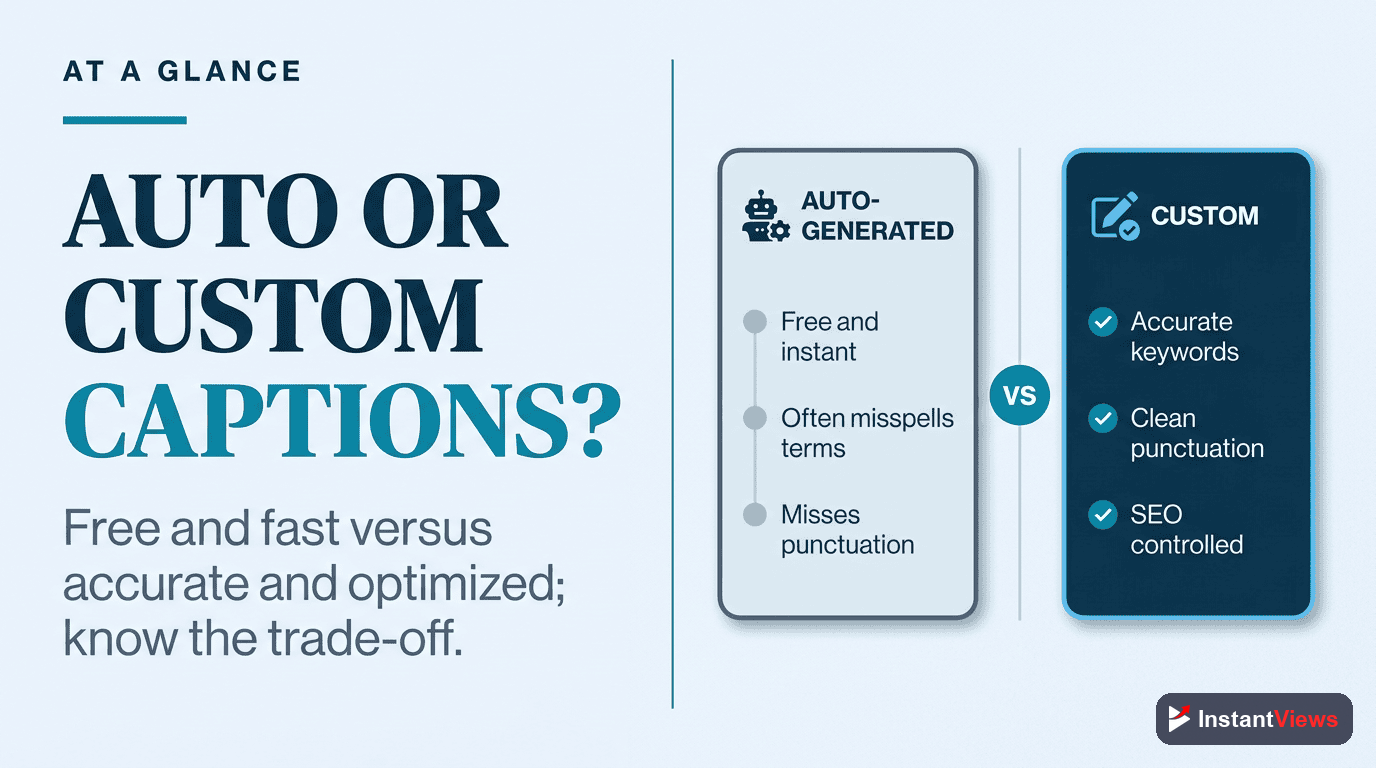
Auto-Generated vs Custom Transcripts
YouTube's auto-generated captions seem convenient, but they have serious limitations:
| Factor | Auto-Generated | Custom Transcript |
|---|---|---|
| Accuracy | 70-80% (worse with accents) | 95-100% |
| Keyword Control | No control | Full control |
| Punctuation | Often missing or wrong | Perfect formatting |
| Technical Terms | Frequently wrong | Always correct |
| SEO Impact | Moderate | High |
| Time Investment | None | 15-30 minutes per video |
The verdict: Custom transcripts take more time but deliver significantly better SEO results. The 20-30 minutes you invest can mean thousands of extra views.
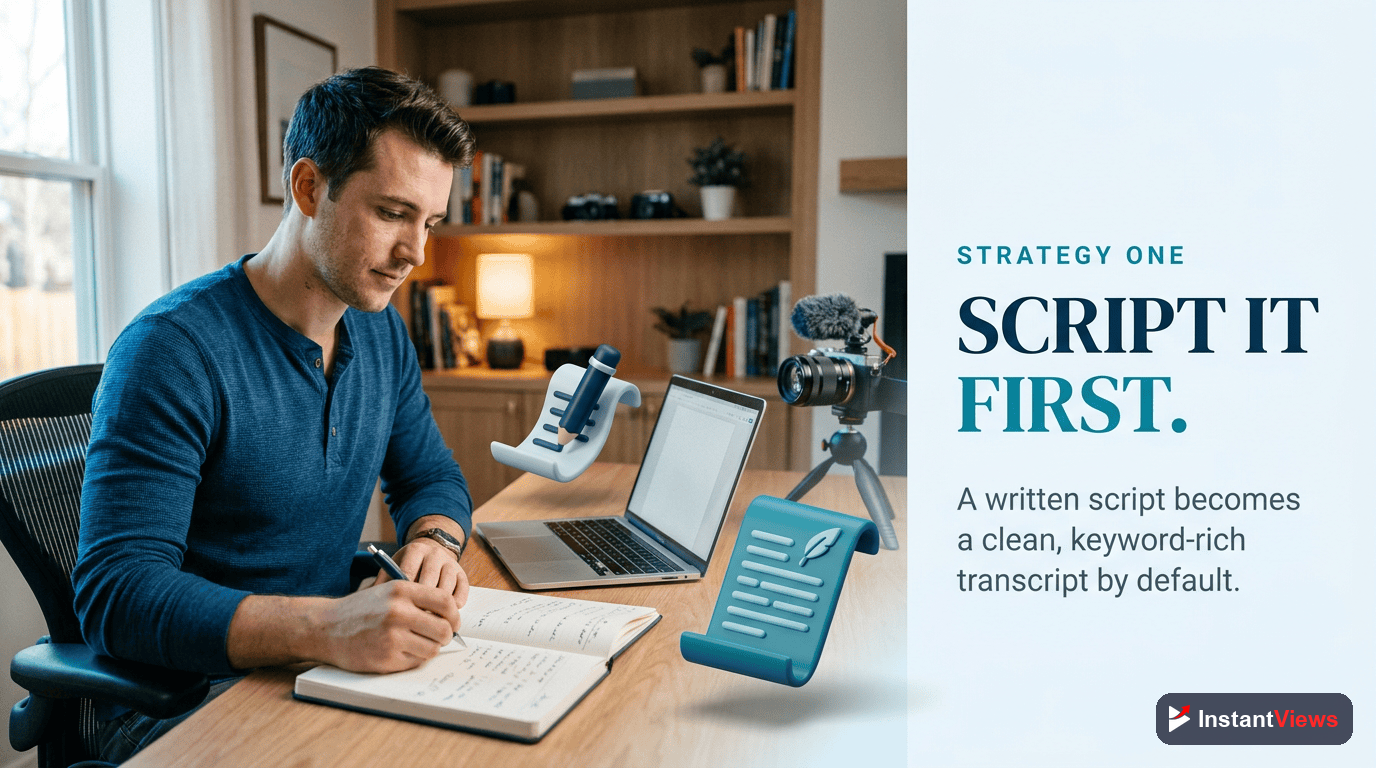
Strategy #1: Pre-Script Your Videos
Pre-Script Your Videos
The best transcript optimization happens before you record. Writing a script ensures you naturally incorporate target keywords while maintaining a conversational tone.
Instead of: "Today I'll show you some camera stuff"
Script: "Today I'll show you how to set up your DSLR camera for YouTube videos"
Why it works: Pre-scripting gives you control over keyword density and ensures you hit important search terms naturally.
How to implement:
- Research your target keyword using YouTube search suggest
- Write a loose script with that keyword used 3-5 times
- Include semantic variations (synonyms and related terms)
- Record naturally - don't sound robotic
- Upload your script as the transcript
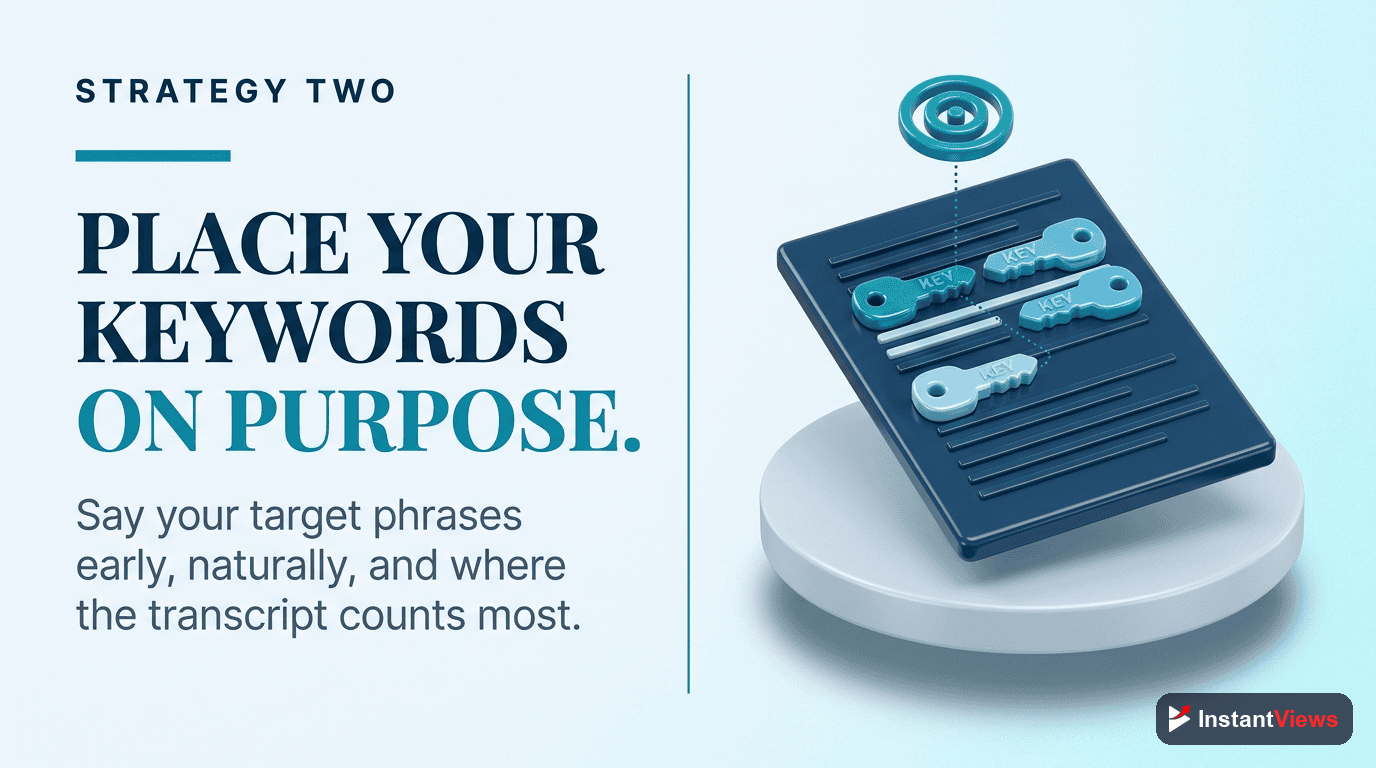
Strategy #2: Strategic Keyword Placement
Strategic Keyword Placement
Where you place keywords in your transcript matters. The first 30 seconds carry more weight because they signal what your video is about to both viewers and the algorithm.
First 30 seconds: "In this tutorial, I'm going to show you how to edit videos in DaVinci Resolve. DaVinci Resolve video editing is powerful but can be overwhelming for beginners, so I'll break down the essential tools you need."
Optimal keyword placement:
- First 30 seconds - Include primary keyword at least once
- Throughout video - Mention naturally 3-5 times total
- In key moments - When explaining main concepts
- In conclusions - Reinforce the topic at the end
Avoid keyword stuffing - YouTube's algorithm is smart enough to detect unnatural keyword repetition and may penalize your video.
Strategy #3: Fix Critical Errors
Fix Critical Errors
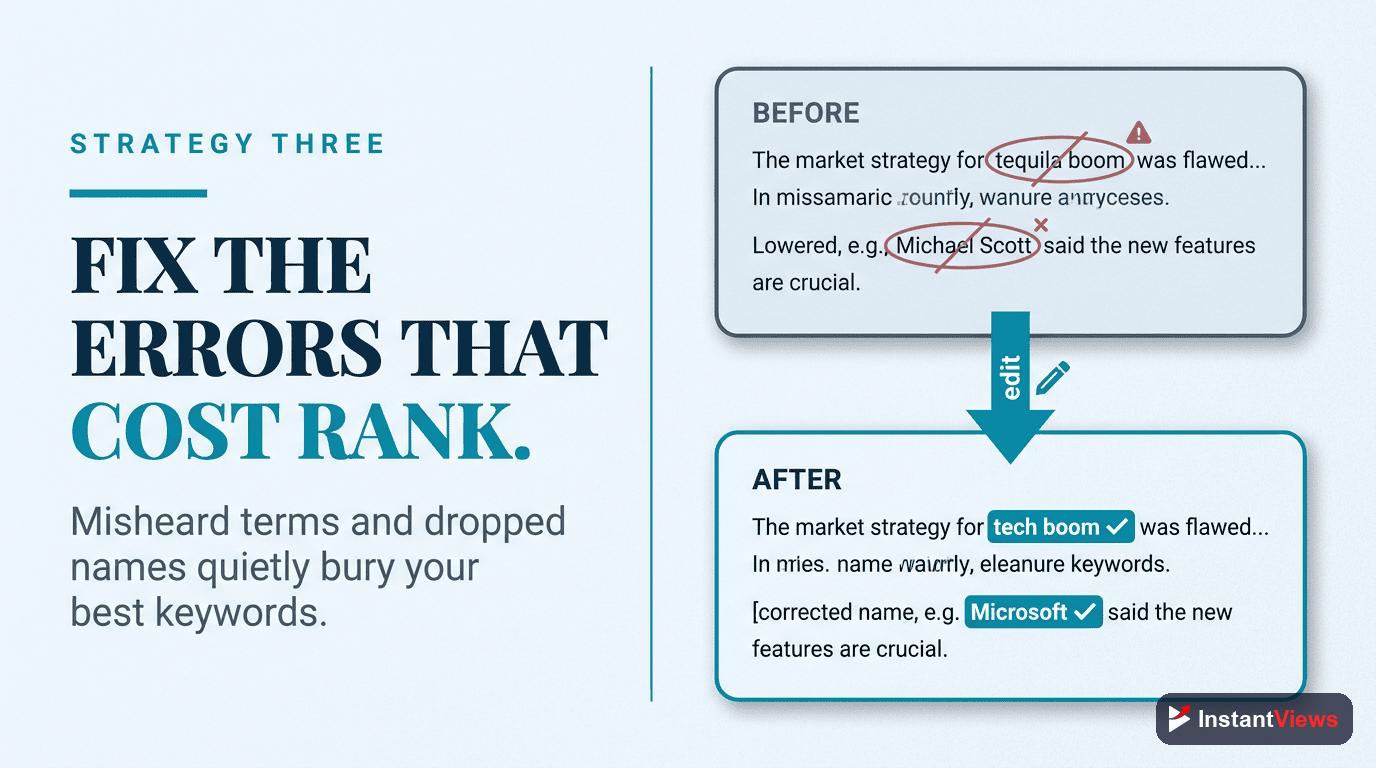
Auto-generated captions frequently misinterpret technical terms, brand names, and industry jargon. These errors can prevent your video from ranking for important keywords.
Auto-caption: "Click the three horizontal lines"
You said: "Click the hamburger menu"
Search impact: Video won't rank for "hamburger menu"
Priority fixes:
- Brand names and products - "Adobe Premiere" not "adobe premier"
- Technical terminology - "API integration" not "A P I integration"
- Acronyms - Spell them correctly (SEO, CTR, ROI)
- Numbers and statistics - "40%" not "forty percent"
- URLs and handles - "@username" not "at username"
Strategy #4: Add Semantic Context
Add Semantic Context
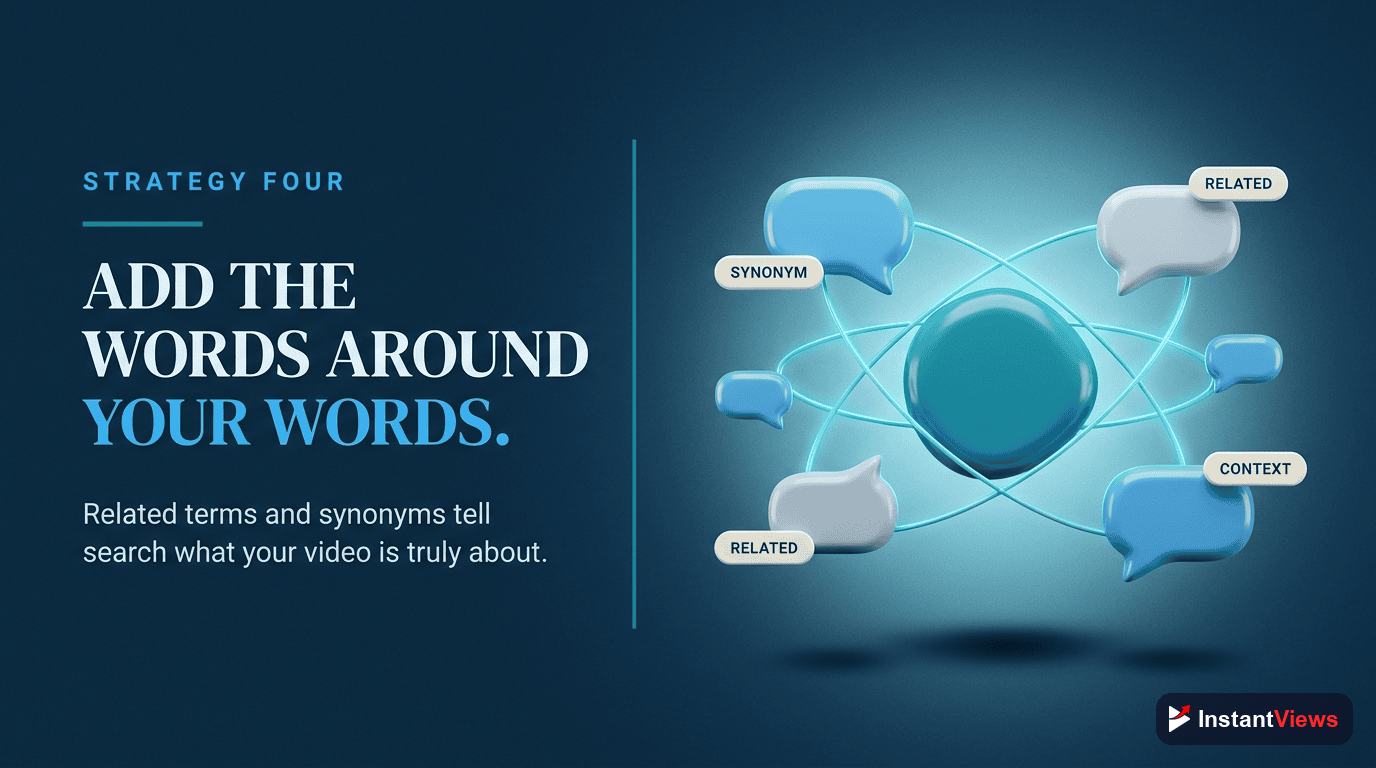
YouTube's algorithm understands semantic relationships between words. Using related terms and synonyms helps the algorithm understand your topic more deeply.
Primary keyword: "grow YouTube channel"
Semantic variations: increase subscribers, build audience, gain viewers, YouTube growth, channel expansion
How to add semantic context:
- Use synonyms naturally throughout your script
- Include related concepts (e.g., "thumbnails" and "click-through rate" for a growth video)
- Answer common follow-up questions in your content
- Reference tools, platforms, and resources related to your topic
Strategy #5: Optimize for Featured Snippets
Optimize for Featured Snippets
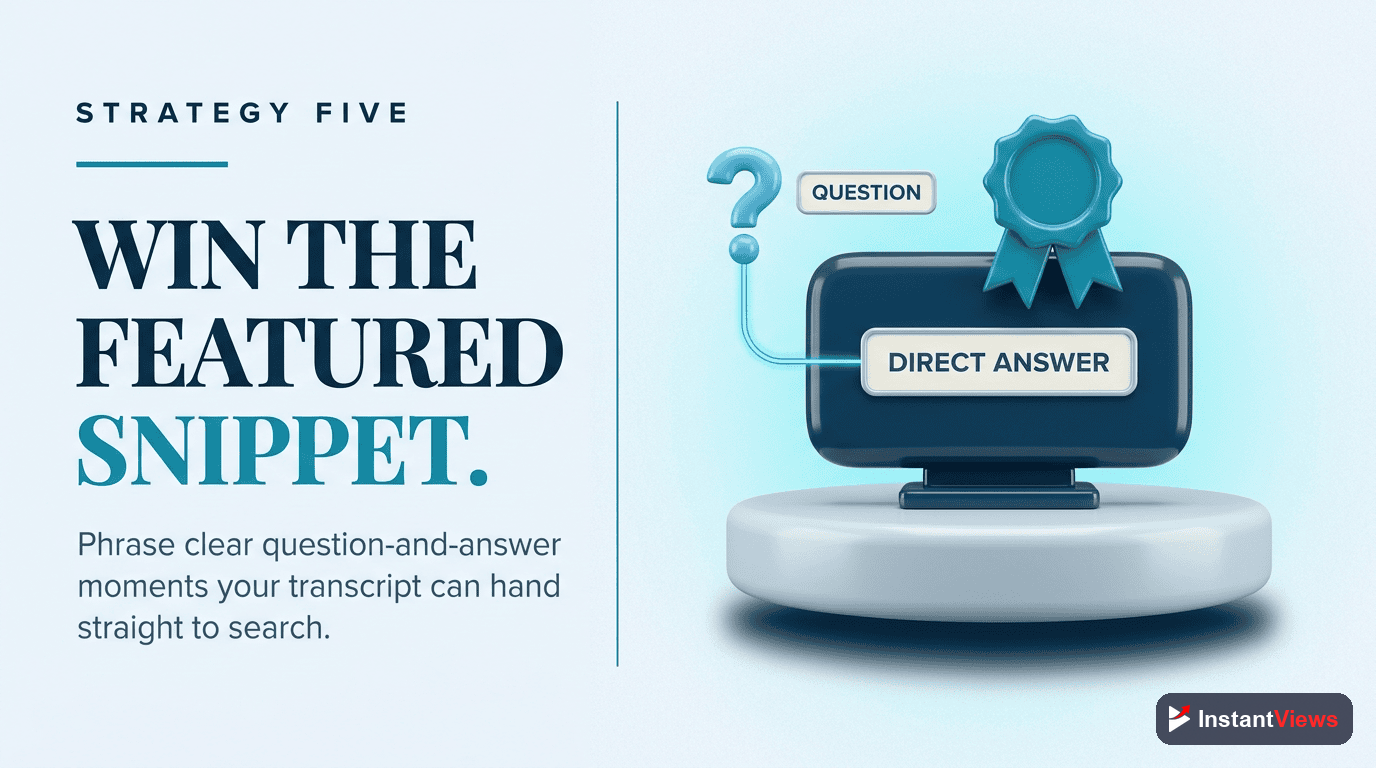
Google pulls video snippets for "how-to" queries directly from transcripts. Structure your content to answer questions concisely for maximum snippet potential.
"How do you change a tire? First, park on a flat surface and engage the parking brake. Second, loosen the lug nuts before jacking up the car. Third, raise the vehicle with a jack..."
Featured snippet tactics:
- Answer questions directly in the first sentence
- Use numbered steps for how-to content
- Define terms clearly when first mentioned
- Keep answers concise (40-60 words for definitions)
Strategy #6: Monitor and Iterate
Monitor and Iterate
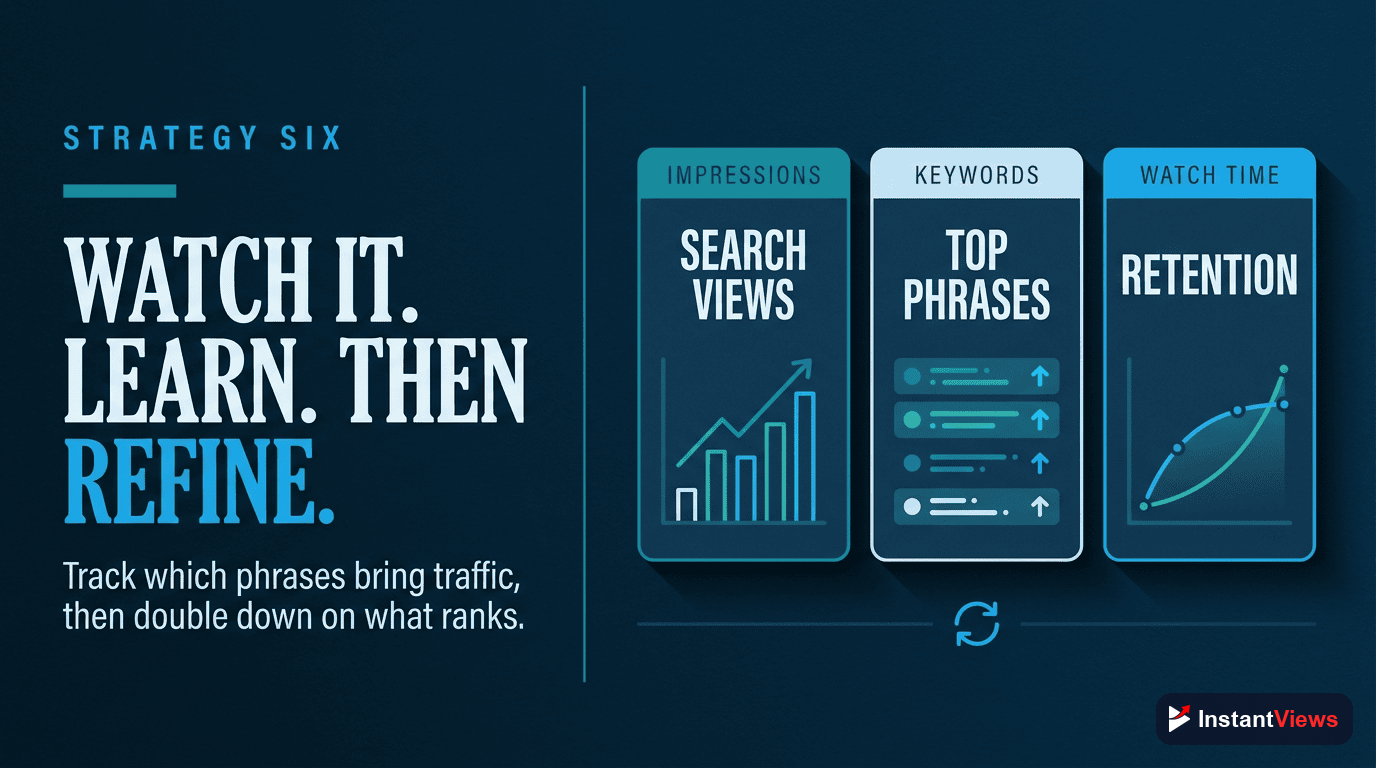
Track which keywords are driving traffic to your videos. YouTube Analytics shows exactly what search terms bring viewers - use this data to refine your transcript strategy.
What to monitor:
- YouTube Analytics → Traffic Source → YouTube Search - See exactly what people searched to find you
- Unexpected keywords - If you're ranking for something valuable you didn't optimize for, double down
- Keyword gaps - If you're NOT ranking for your target keyword, you may need to use it more in the transcript
- Watch time by traffic source - Search traffic that doesn't watch long signals a mismatch between keyword and content
Analyze Your Video SEO
Get instant SEO recommendations including transcript optimization with our Video Analyzer tool.
Analyze Your Video →Common Transcript Optimization Mistakes
Avoid these pitfalls that hurt more than they help:
- Keyword stuffing - Repeating keywords unnaturally triggers spam filters
- Ignoring punctuation - Proper punctuation helps readability and comprehension
- Not syncing timestamps - Misaligned captions frustrate viewers and signal low quality
- Using transcript as description - These serve different purposes; optimize each separately
- Never updating old transcripts - Revisit high-performing videos and optimize their transcripts
How to Upload Custom Transcripts
Here's the step-by-step process:
- Go to YouTube Studio → Content
- Click on the video you want to edit
- Click "Subtitles" in the left sidebar
- Click "Add Language" and select your language
- Click "Add" next to Subtitles
- Choose "Upload file" and select your transcript file (SRT or TXT format)
- Review timing and make adjustments
- Click "Publish"
Frequently Asked Questions
Yes, significantly. YouTube uses transcripts to understand video content and match it to search queries. Videos with accurate, keyword-optimized transcripts rank better in both YouTube and Google search results. Studies show properly optimized transcripts can increase discoverability by 40-60%.
Always upload custom transcripts. YouTube's auto-generated captions have 20-30% error rates and miss important SEO opportunities. Custom transcripts let you control keyword placement, fix errors, and optimize for search while maintaining natural speech patterns.
Transcripts make videos accessible to deaf and hard-of-hearing viewers, non-native speakers, and people in sound-sensitive environments. This expands your audience by 15-20% while sending positive engagement signals to YouTube's algorithm, which boosts rankings.
No. Keyword stuffing in transcripts violates YouTube policies and creates a poor viewer experience. Instead, naturally incorporate target keywords 3-5 times throughout your video script. Focus on semantic relevance over keyword density.
Absolutely. Google indexes YouTube transcripts and uses them to feature videos in search results, especially for "how-to" queries. Optimized transcripts can get your video featured in Google's video carousels and rich snippets, driving significant external traffic.
YouTube typically processes transcript updates within 24-48 hours. You may see ranking improvements within 3-7 days as the algorithm re-evaluates your video's relevance. For competitive keywords, it can take 2-4 weeks to see significant movement.