- 96% of YouTube views come from outside the US - multi-language content unlocks massive growth potential
- Channels with multi-language support see 30-50% more views without hurting existing performance
- Start with subtitles (low cost), then add dubbing for top-performing videos (higher ROI)
- Localize metadata for each language - don't just translate, adapt to cultural search patterns
- Use the InstantViews Video Analyzer to test localized content performance before full rollout
English represents only 25% of internet users worldwide, yet most YouTube creators focus exclusively on English-speaking audiences. This is the single biggest missed opportunity in content creation today.
MrBeast generates more than half his views from non-English markets. His multi-language strategy is a major reason he became the #1 most-subscribed individual creator. When he added dubbed audio in 2022, his international views increased by 47% in just 3 months.
This guide shows you how to implement a multi-language YouTube strategy, from subtitles and dubbing to metadata localization and audience targeting.
Why Multi-Language Content Matters
YouTube is a global platform, but most creators treat it like an English-only platform. The data tells a different story:
- 2 billion YouTube users access the platform in languages other than English
- 80+ languages are available on YouTube, reaching 95% of internet users
- Channels with multi-language audio see 15% higher average view duration
- Non-English content often has lower competition for keywords and topics

Subtitles vs. Dubbing: Which to Choose
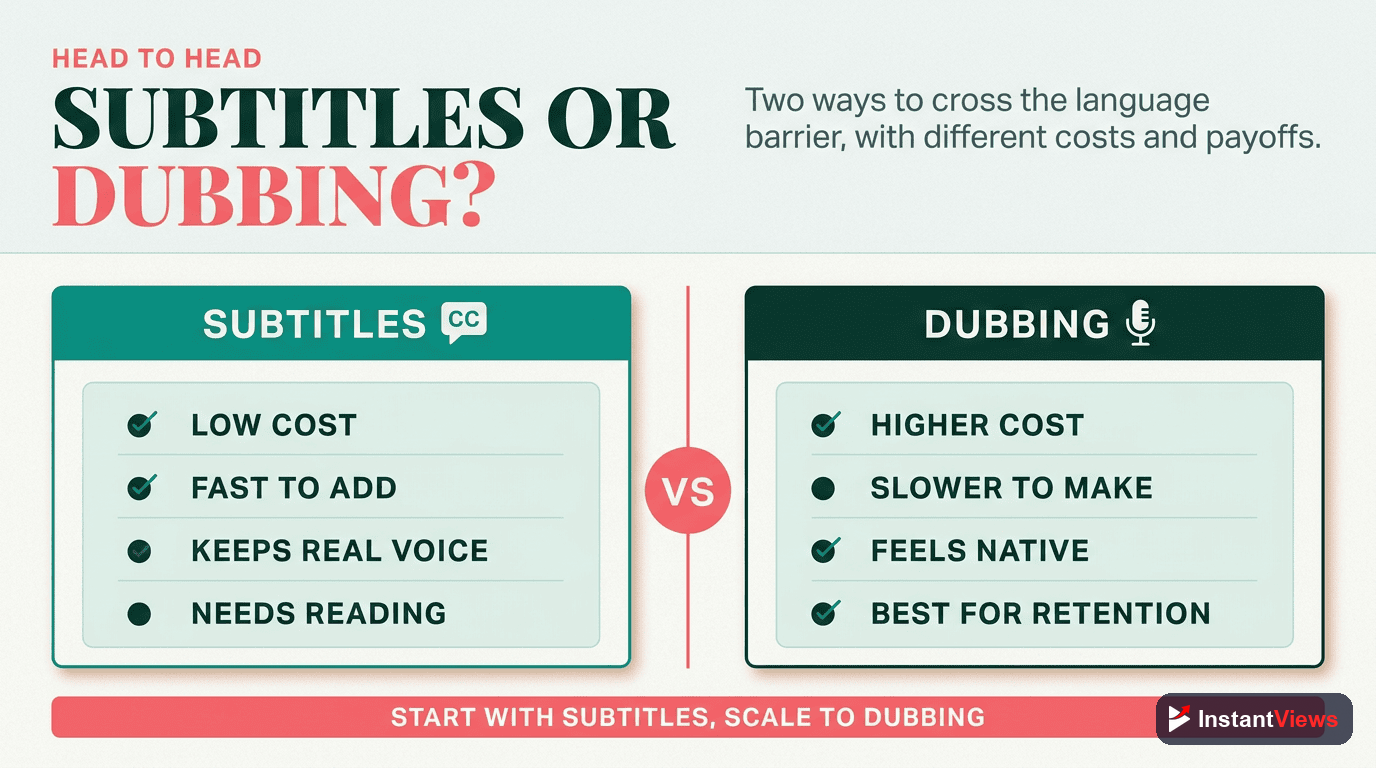
The debate between subtitles and dubbing isn't either/or - it's about timing and budget. Here's the strategic breakdown:
Subtitles: Your Starting Point
Subtitle Strategy
Add professionally translated subtitles in multiple languages. This is cost-effective, fast to implement, and preserves your original voice and delivery style.
Best for: All channels starting multi-language expansion, educational content, technical tutorials, content where your voice/personality is key
Pros: Low cost, quick turnaround, maintains original delivery, can add many languages simultaneously
Cons: Requires viewers to read, may reduce watch time for some demographics, less immersive
Dubbing: Maximum Immersion
Dubbing Strategy
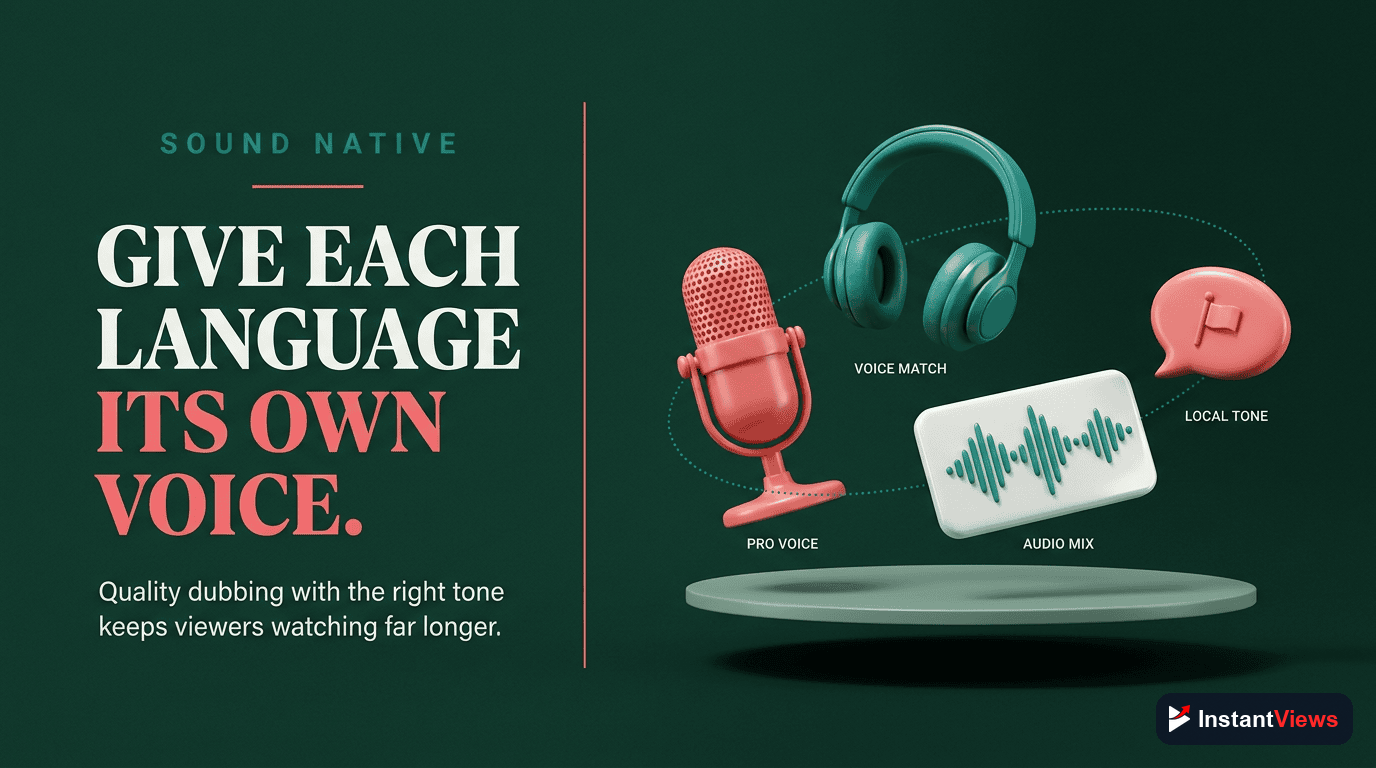
Replace your audio track with professional voice actors speaking the target language. This creates a native viewing experience and significantly increases watch time in international markets.
Best for: High-performing videos, entertainment content, channels with budget, content targeting specific high-value markets
Pros: Native viewing experience, higher engagement rates, significantly better watch time, removes reading barrier
Cons: Expensive, time-intensive, loses your original voice, quality varies by voice actor
Start with subtitles for all videos. After 2-3 months, identify your top 10% performers and invest in dubbing for those. This maximizes ROI while testing market response.
Choosing Your Target Languages
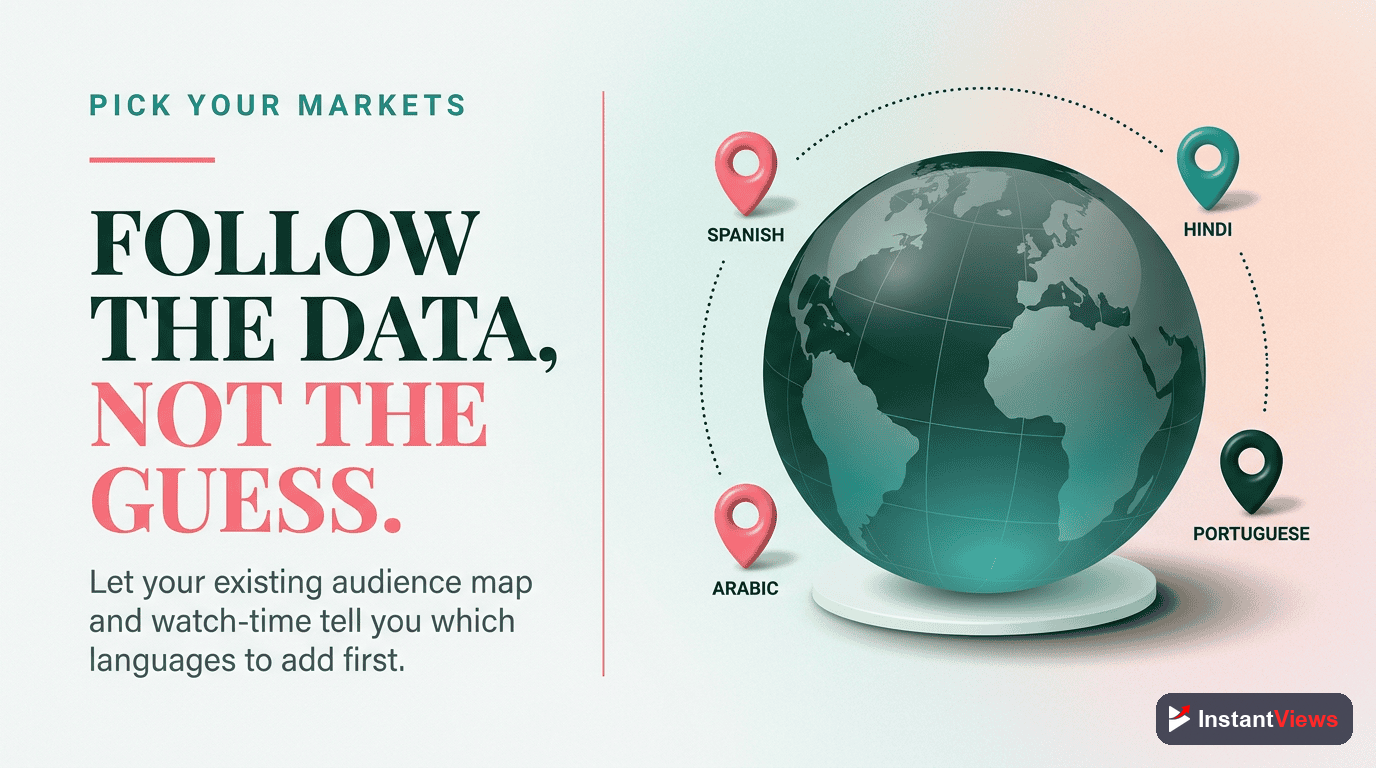
Don't translate into every language - focus on markets with the highest potential return. Here are the top languages ranked by opportunity:
| Language | YouTube Users | Competition Level | Priority |
|---|---|---|---|
| Spanish | 500M+ users | Medium | Highest |
| Hindi | 450M+ users | Low | Highest |
| Portuguese | 250M+ users | Low-Medium | High |
| Japanese | 120M+ users | Medium | High |
| German | 100M+ users | Medium-High | Medium |
| French | 90M+ users | Medium | Medium |
| Korean | 70M+ users | High | Medium |
The 3-Language Starter Strategy: Begin with Spanish, Hindi, and Portuguese. These three languages give you access to 1.2 billion users with relatively low competition compared to English.
Subtitle Implementation Strategy
Adding subtitles is straightforward, but doing it right requires attention to quality and formatting:
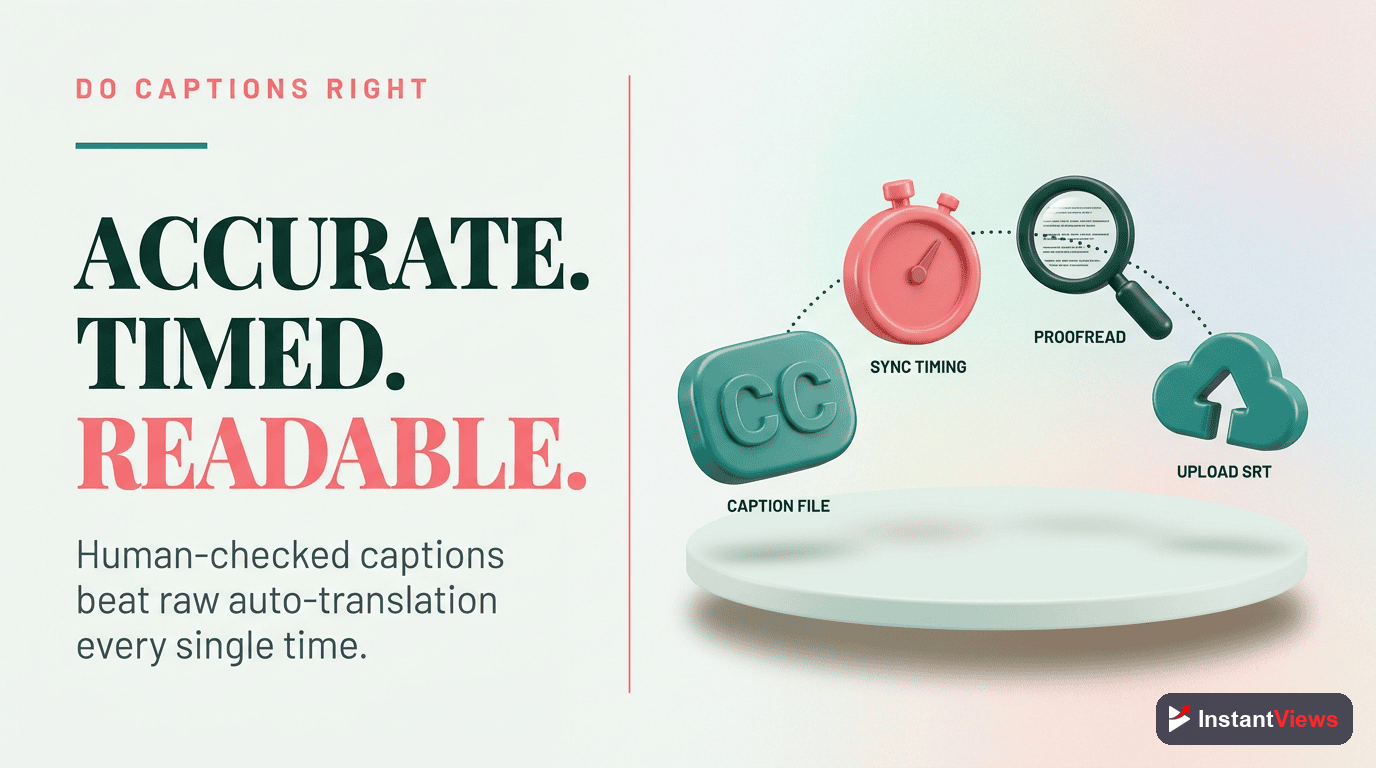
Step 1: Generate Accurate Transcripts
Options ranked by quality:
- Professional transcription services ($1-3 per minute) - Highest accuracy
- YouTube auto-captions + human review - Good for budget-conscious creators
- AI tools like Descript or Rev.ai - Fast and affordable, 95%+ accuracy
Step 2: Professional Translation
Never use Google Translate alone. Your options:
- Human translators (Upwork, Fiverr, Rev) - Best for nuance and cultural adaptation
- AI + human review - Use ChatGPT/DeepL for first pass, hire native speaker to refine
- Translation agencies - Expensive but highest quality and consistency
Step 3: Upload to YouTube
In YouTube Studio:
- Go to Subtitles → Add Language
- Upload your .srt or .vtt subtitle file
- Review timing and formatting in the editor
- Publish
Dubbing Strategy for Maximum Impact
Dubbing is expensive, so you need to be strategic about when and how you use it.
When to Invest in Dubbing
Only dub videos that meet these criteria:
- Proven performance: Video has 2x+ your channel average views
- Long-tail potential: Evergreen content that will continue getting views
- Visual focus: Content where viewers can watch without reading (tutorials, entertainment)
- High production value: Well-produced videos worth the additional investment
Dubbing Options
| Method | Cost/Min | Quality | Best For |
|---|---|---|---|
| AI Voice (ElevenLabs, Descript) | $5-15 | Good | Testing, high volume |
| Freelance Voice Actors | $30-80 | Very Good | Most creators |
| Professional Studios | $100-150 | Excellent | Premium channels |
| YouTube's Aloud Tool | Free | Fair-Good | Experimentation |
MrBeast's approach: He uses professional voice actors who match his energy and speaking style in each language. The investment is substantial but pays off through dramatically higher watch time in international markets.
Metadata Localization Best Practices
This is where most creators fail. They translate their English title word-for-word instead of optimizing for what people actually search in that language.
Title Localization Strategy
Wrong approach: Direct translation
English: "How to Make $10,000 on YouTube"
Spanish (direct): "Cómo ganar $10,000 en YouTube"
Right approach: Cultural + SEO optimization
English: "How to Make $10,000 on YouTube"
Spanish (optimized): "Gana 10 Mil Dólares con YouTube en 2026"
The difference: The optimized version uses phrasing that Spanish speakers actually search for and includes the year for relevancy.
Description Localization
Don't translate your full English description. Instead:
- Write a native-language description that includes locally-relevant keywords
- Research search terms in that language using YouTube autocomplete
- Include region-specific CTAs and links if relevant
Tags Localization
Add language-specific tags based on actual search behavior in that market. Use YouTube autocomplete in that language to discover what people search.
Test Your Multi-Language Strategy
Use our Video Analyzer to score your localized content and get specific optimization suggestions for each target market.
Analyze Your Video →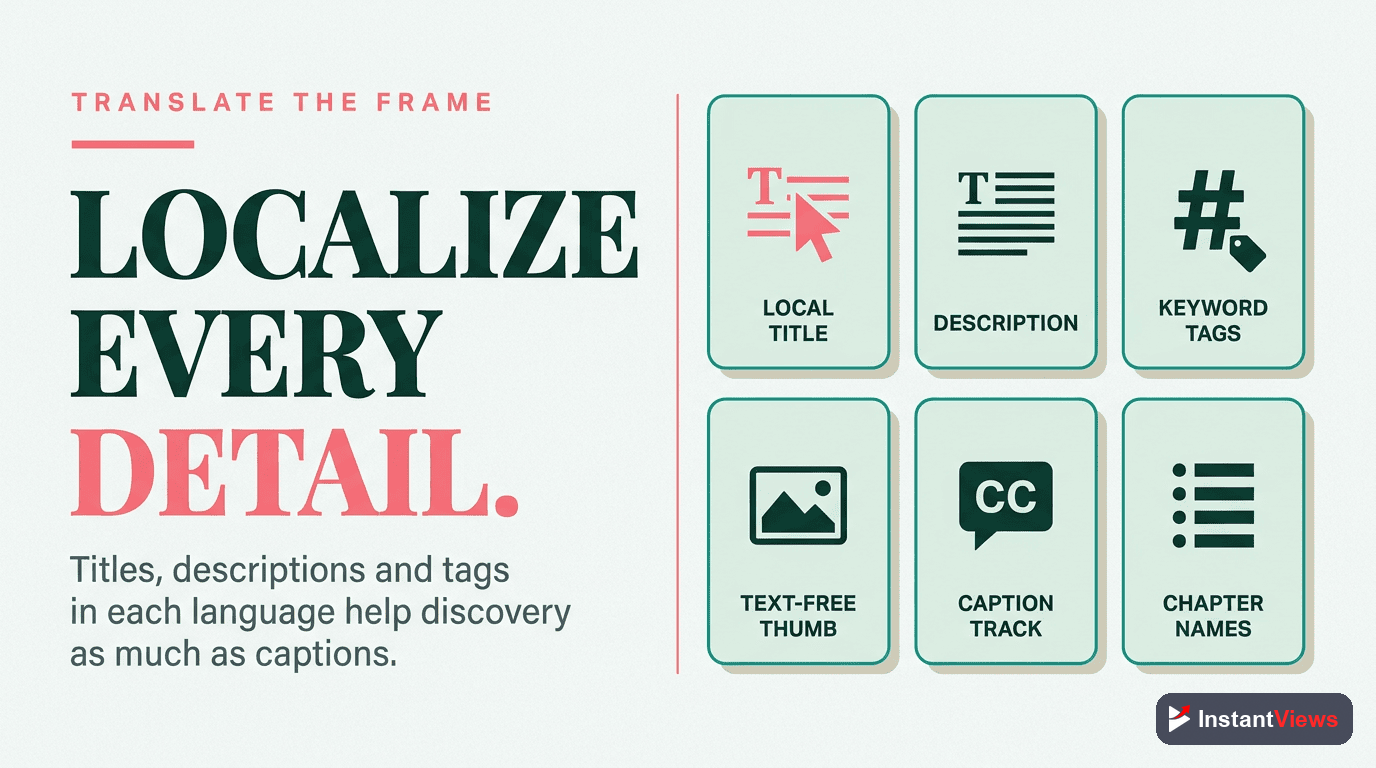
Creating an Efficient Translation Workflow
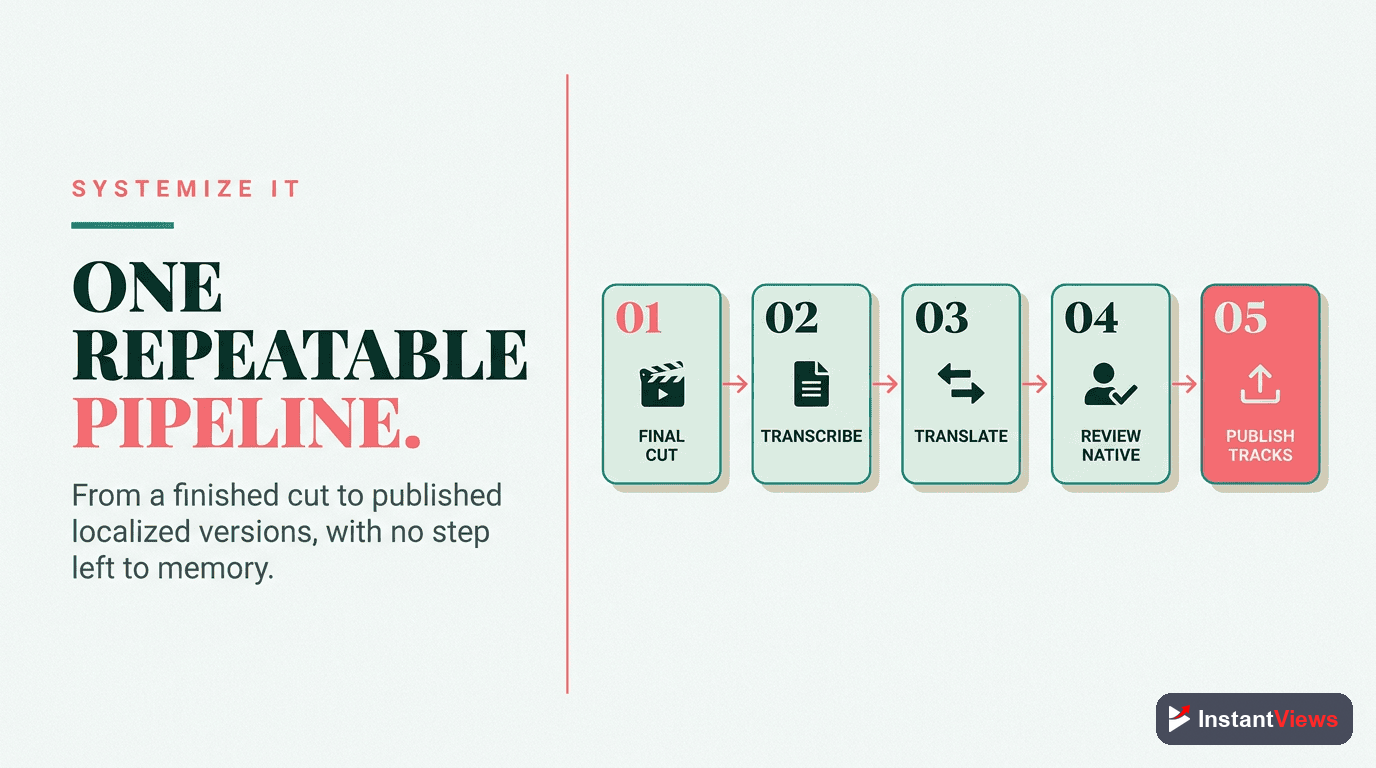
Multi-language content requires systems. Here's the workflow used by successful international channels:
Phase 1: New Video Upload
- Publish English video with auto-generated captions
- Download auto-generated captions
- Edit for accuracy (AI tools or human)
- Send to translator for target languages
Phase 2: Subtitle Addition (Within 24-48 Hours)
- Receive translated subtitle files
- Upload to YouTube Studio
- Add localized titles and descriptions
- Announce to international audience on Community tab
Phase 3: Dubbing (For Top Performers After 30 Days)
- Identify videos with 2x average views
- Commission professional dubbing in 2-3 top languages
- Upload dubbed audio tracks via YouTube Studio
- Re-promote video to international audiences
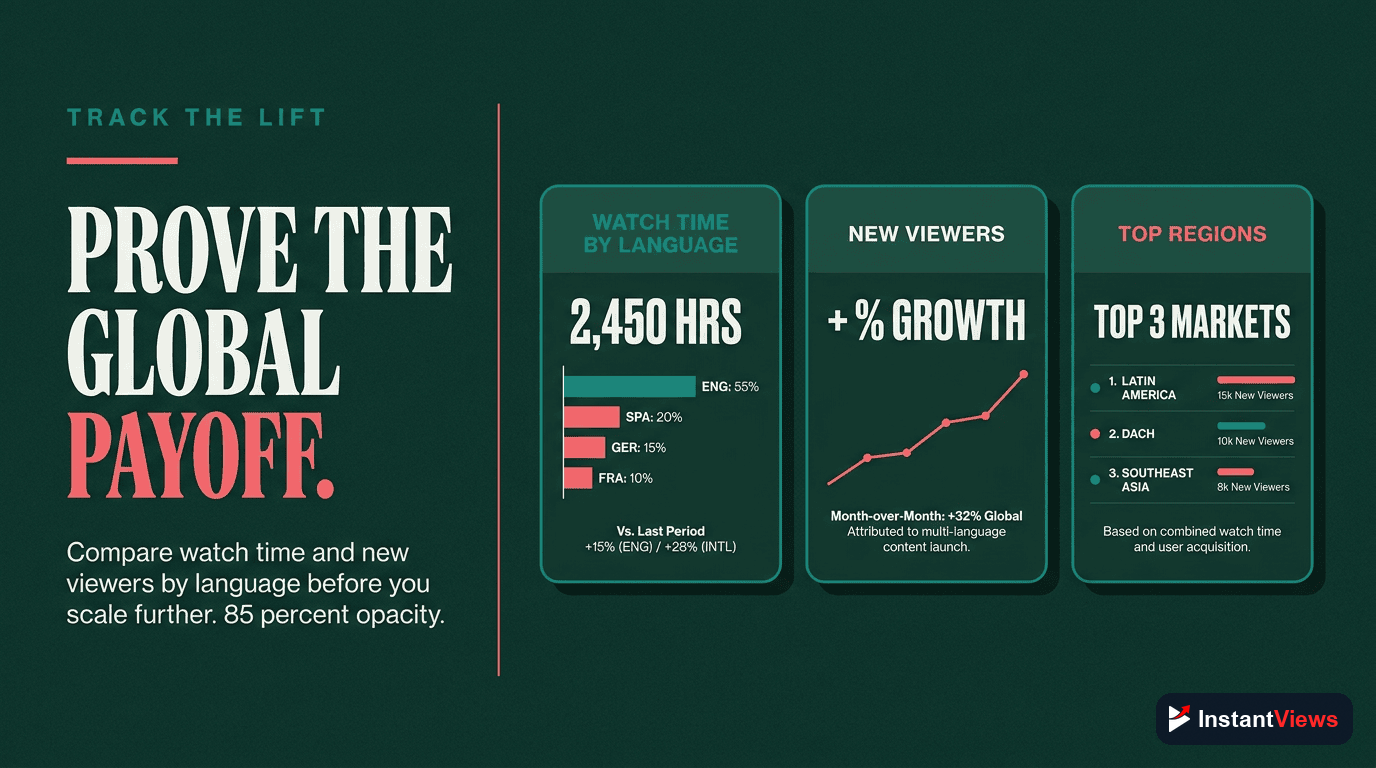
Measuring Multi-Language Success
Track these metrics in YouTube Analytics to measure your multi-language strategy performance:
Key Metrics to Monitor
- Views by country: Are your target markets growing?
- Watch time by language: Which translations perform best?
- Audience retention by region: Do dubbed videos retain better than subtitled?
- Subscriber growth by country: Are you building international audiences?
- Revenue by language: Which markets generate the best RPM?
Success Benchmarks
| Timeframe | Expected Result | Action if Below |
|---|---|---|
| Month 1-2 | 10-15% increase in international views | Check subtitle quality and metadata localization |
| Month 3-4 | 25-35% increase in total views | Expand to more languages or improve translations |
| Month 6+ | 40-60% increase in views, building native audiences | Consider dubbed audio for top performers |
Common Multi-Language Mistakes to Avoid
- Machine translation only: Always have human review - bad translations damage credibility
- Ignoring cultural context: Some jokes, references, or examples don't translate culturally
- Inconsistent implementation: Do all videos or none - partial coverage confuses subscribers
- Poor subtitle timing: Subtitles that appear too early or late hurt the experience
- Not promoting to new audiences: Announce multi-language support to grow international subscribers
"Adding multi-language support was the single best decision for our channel. We went from 200K to 800K subscribers in 8 months, with 60% of new subscribers from non-English markets." - Tech education creator
Frequently Asked Questions
It depends on your goals and budget. Subtitles are cost-effective and preserve your original voice, making them ideal for starting out. Dubbing creates a more immersive experience and can increase watch time by 15-40% but requires higher investment. Many successful channels use both: subtitles for all videos and dubbing for top performers.
Start with Spanish, Hindi, and Portuguese - these languages represent massive, underserved audiences. Then consider German, French, Japanese, and Korean based on your niche. Check your YouTube Analytics under "Geography" to see where your existing international viewers are located.
No. YouTube's algorithm treats each language track separately. Adding translations can only help by expanding your reach to new audiences. Many creators see 30-50% more views after implementing multi-language strategies without any negative impact on their primary language performance.
Professional subtitle translation costs $3-7 per minute of video. Dubbing costs $50-150 per minute depending on quality and language. AI tools can reduce costs by 80-90% but may require human review for accuracy. For a 10-minute video, expect $30-70 for subtitles or $500-1,500 for dubbing.
Generally no. YouTube's multi-language features allow you to add dubbed audio tracks and localized metadata to your existing videos. This is more efficient than managing multiple channels and helps you build a single, stronger brand. Only consider separate channels if targeting completely different content strategies per region.
Use YouTube Studio to add translated titles and descriptions for each target language. Don't just machine-translate - adapt your titles to what people actually search for in that language. Use the InstantViews Video Analyzer to test how well your localized metadata performs in different regions.