
- CTR is the #1 metric YouTube uses to determine if your video deserves more impressions
- Title and thumbnail must work together to create curiosity without being misleading
- A/B testing thumbnails within the first 48 hours can increase CTR by 2-5%
- Videos with 10%+ CTR get 3-5x more impressions than those with 4% CTR
- Use the InstantViews Video Analyzer to predict CTR before uploading
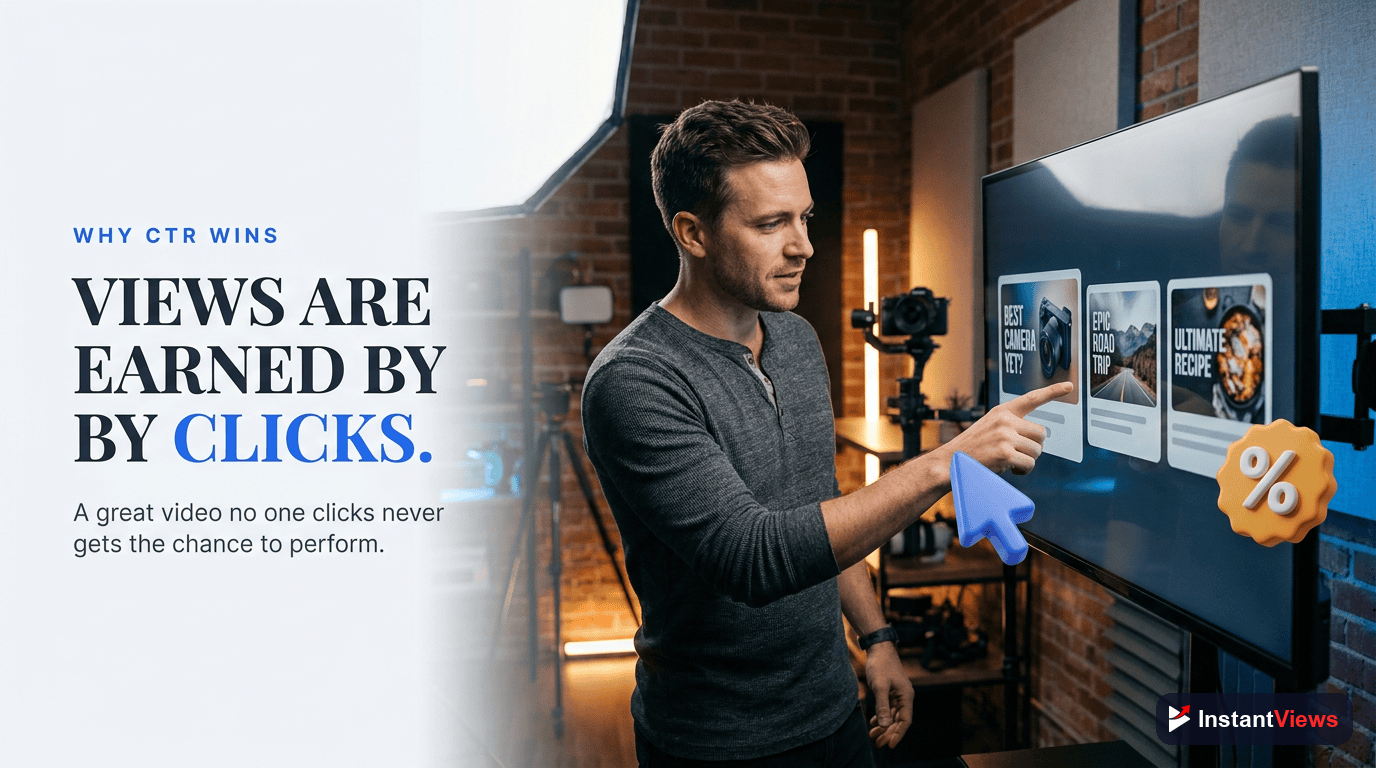
Your video's click-through rate (CTR) determines whether YouTube shows it to 100 people or 100,000 people. It's the first filter in the algorithm - if viewers don't click, they never get the chance to watch.
The average YouTube CTR is around 4-5%. Top creators consistently achieve 10-15% by treating their title-thumbnail combination as a science, not an afterthought.
This comprehensive checklist walks you through every element of CTR optimization, from thumbnail design principles to A/B testing strategies that top creators use to dominate their niches.
Why CTR Matters More Than Views
YouTube's algorithm works in stages. First, it shows your video to a small audience (usually subscribers and topic-interested viewers). If those viewers click and watch, YouTube expands the audience. If they scroll past, the video dies.
Here's the data:
- Videos with 10% CTR get promoted 3-5x more than those with 4% CTR
- A 2% CTR improvement can mean 50% more views
- CTR drops 50% after the first 48 hours, making early optimization critical
- Thumbnail changes on existing videos can revive dead content
"I spent two years making better content. My views didn't change. Then I spent two weeks optimizing thumbnails and titles. My channel exploded." - Ali Abdaal
Thumbnail Design Checklist
Visual Clarity
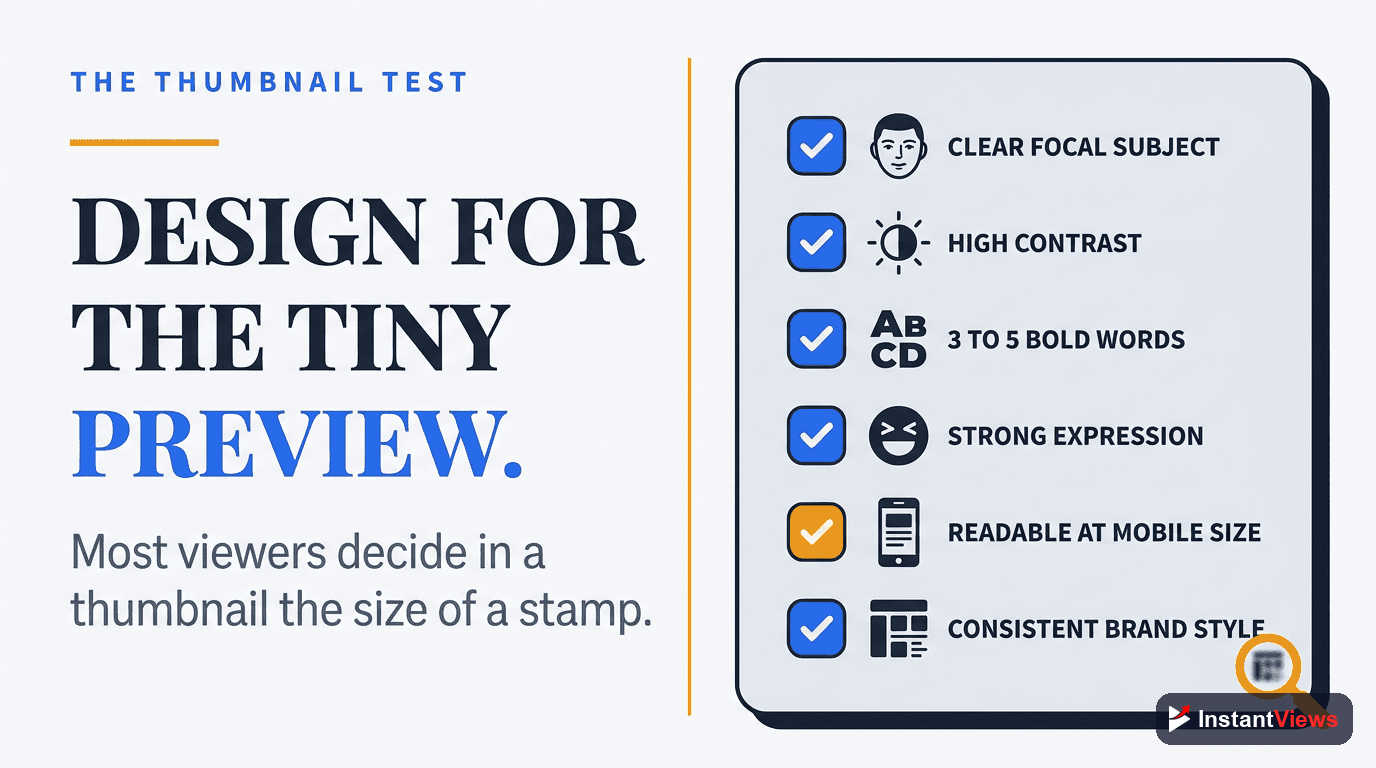
Your thumbnail must be instantly readable at mobile size (320x180px). Most viewers browse on phones where thumbnails are tiny.
- Single clear focal point (face, object, or text - never all three competing)
- High contrast between subject and background (70% difference minimum)
- Maximum 3-5 words of text, 40pt font or larger
- Test at mobile size before finalizing
- Avoid clutter - empty space guides the eye
Emotional Triggers
Faces with clear emotions outperform abstract designs by 300%. Emotion creates curiosity and connection.
- Use close-up face shots (60-80% of frame) with exaggerated expressions
- Make direct eye contact with camera for connection
- Show surprise, excitement, concern, or shock - avoid neutral expressions
- Point or gesture toward text/object to guide viewer attention
- Use contrasting colors that evoke emotion (red = urgency, blue = trust, yellow = optimism)
Visual Differentiation
Your thumbnail must stand out in a feed of 20+ videos. Being different beats being "better" designed.
- Research top 10 videos for your keyword - do the opposite visually
- Use uncommon color schemes for your niche
- Avoid YouTube's default red/white/black scheme (everyone uses it)
- Test unconventional layouts (vertical text, off-center subjects)
- Include unique elements your competitors don't use
Don't copy MrBeast's thumbnail style unless you're in the challenge/entertainment niche. What works for him won't work for educational or tutorial content. Match style to content type.
Title Optimization Checklist
Curiosity Gap Formula
Great titles create an information gap - they hint at value without revealing everything. The gap between what viewers know and want to know drives clicks.
- Start with a number, question, or shocking statement
- Include "how to" or "why" for educational content
- Add specificity: "7 mistakes" beats "common mistakes"
- Use power words: secret, proven, ultimate, complete, simple
- Keep front-loaded - first 40 characters matter most (mobile truncation)
| Weak Title | Strong Title | Why It Works |
|---|---|---|
| Tips for YouTube Growth | 7 YouTube Secrets That Got Me 100K Subs | Specific number + social proof + curiosity |
| How to Edit Videos | I Spent $10K Learning Editing - Here's What Matters | Personal story + value preview |
| Thumbnail Design Tutorial | Why Your Thumbnails Get Ignored (Fix in 5 Minutes) | Problem awareness + quick solution promise |
| Camera Settings Guide | Wrong Camera Settings Ruined My Channel - Don't Make This Mistake | Negative framing + prevention angle |
Keyword Integration
Balance curiosity with searchability. Titles need keywords for YouTube search and suggested videos, but can't be boring lists of keywords.
- Include primary keyword in first 5 words
- Use natural language - avoid keyword stuffing
- Add year (2026) for evergreen topics to signal freshness
- Include niche-specific terminology viewers search for
- Check YouTube autocomplete for phrasing people actually use

Title-Thumbnail Combinations That Convert
The most powerful CTR optimization comes from treating title and thumbnail as a single unit. They should complement each other, not duplicate information.
Question-Answer Split
Thumbnail asks a question visually, title provides context or hints at the answer.
- Thumbnail: Confused expression + "?" text
- Title: "Why Your Videos Get No Views (Even With Good Content)"
- Creates curiosity loop - viewers want the answer
- Works best for educational/tutorial content
Before-After Tease
Thumbnail shows transformation, title explains how to achieve it.
- Thumbnail: Split screen showing before/after result
- Title: "How I Grew From 0 to 100K Subs in 6 Months"
- Visual proof + methodology promise = strong curiosity
- Perfect for transformation/results content
Mystery Element
Thumbnail hints at something, title elaborates on why it matters.
- Thumbnail: Object/person with shocked expression (no context)
- Title: "This $20 Tool Changed Everything About My Videos"
- Incomplete information creates curiosity gap
- Works for product reviews, recommendations, discoveries
Get Your CTR Score Before Uploading
Predict your video's click-through rate with AI-powered analysis. Get specific suggestions to maximize CTR.
Analyze Your Video →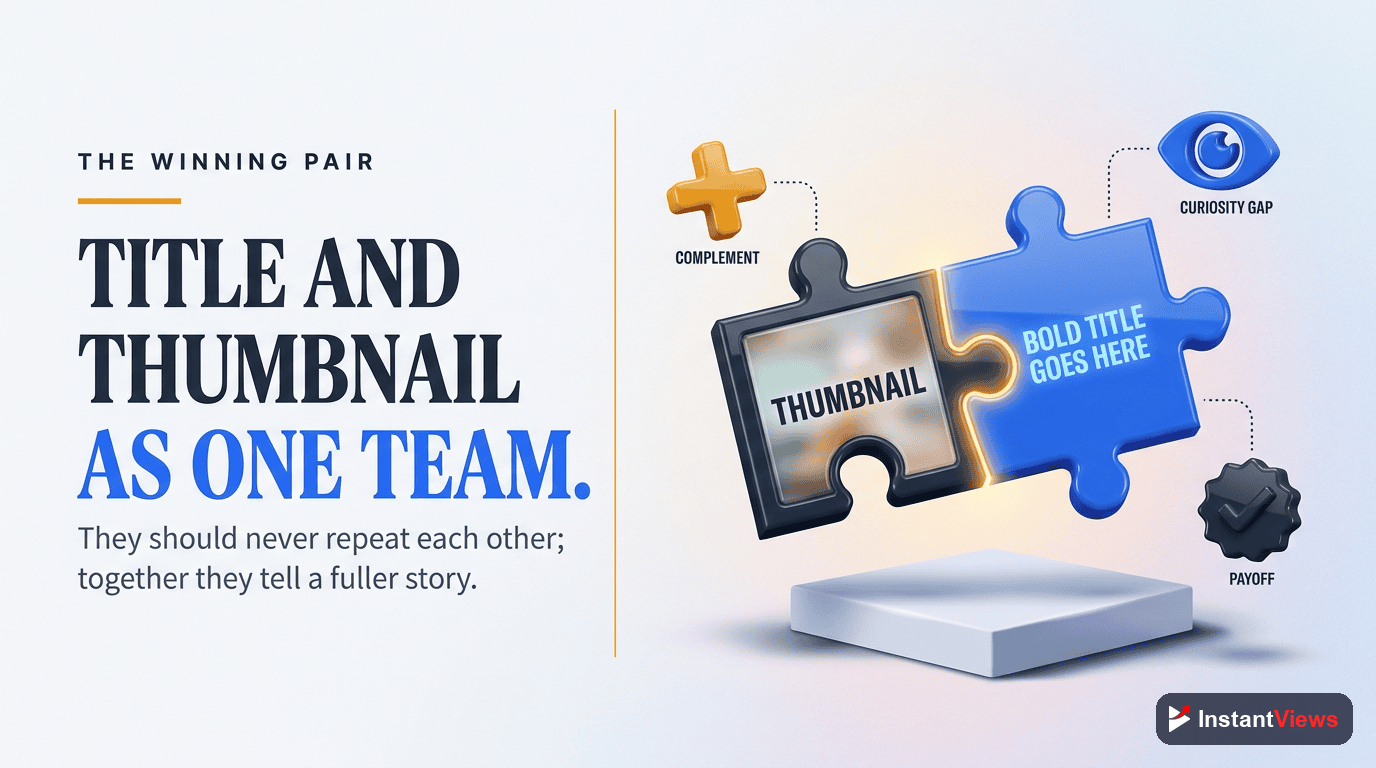
A/B Testing Strategy for Maximum CTR
The difference between 5% and 10% CTR is often one thumbnail change. But you can't know what works without testing.
First 48 Hours Protocol
The first 48 hours determine long-term performance. This is your window for rapid testing.
- Upload video with thumbnail version A
- Monitor CTR in YouTube Studio (goal: 6%+ in first 500 impressions)
- If CTR is below 4% after 1,000 impressions, swap to thumbnail B
- Give version B at least 1,000 impressions before deciding
- Keep the winner, archive the loser for future reference
What to Test
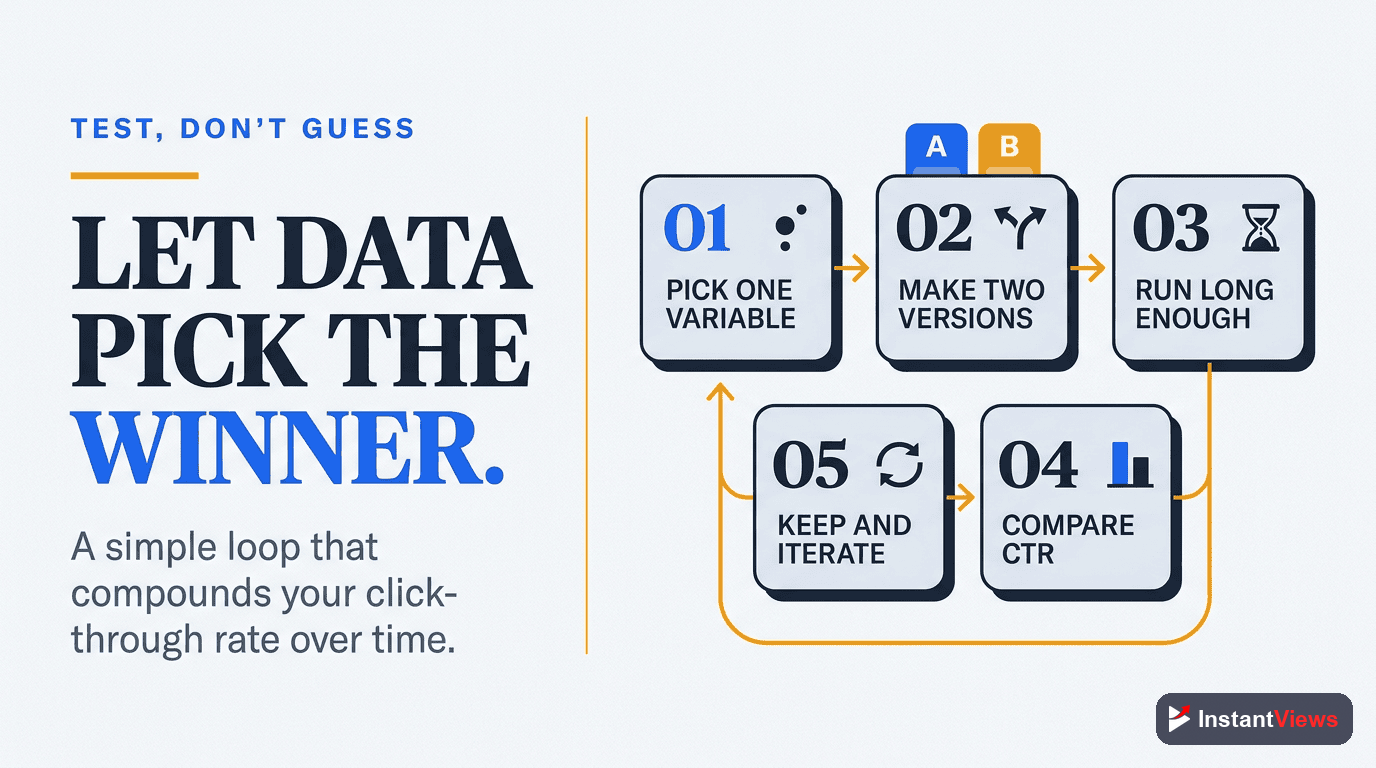
Test one variable at a time to learn what actually drives clicks.
- Face vs. no face (usually face wins by 200-300%)
- Text placement and amount (left vs. right, 3 words vs. 5)
- Color schemes (high contrast vs. brand colors)
- Expression intensity (neutral vs. exaggerated emotion)
- Background complexity (clean vs. contextual)
Reviving Old Videos
Videos older than 30 days with low CTR are perfect for testing. New thumbnails can resurrect dead content.
- Filter YouTube Studio for videos with 2-4% CTR and 10,000+ impressions
- Create 2-3 new thumbnail variations based on successful recent videos
- Change thumbnail and monitor for 7 days
- If CTR improves by 1%+, YouTube will re-promote the video
- Document what worked for future reference
Analytics & Tracking Checklist
Key Metrics to Monitor
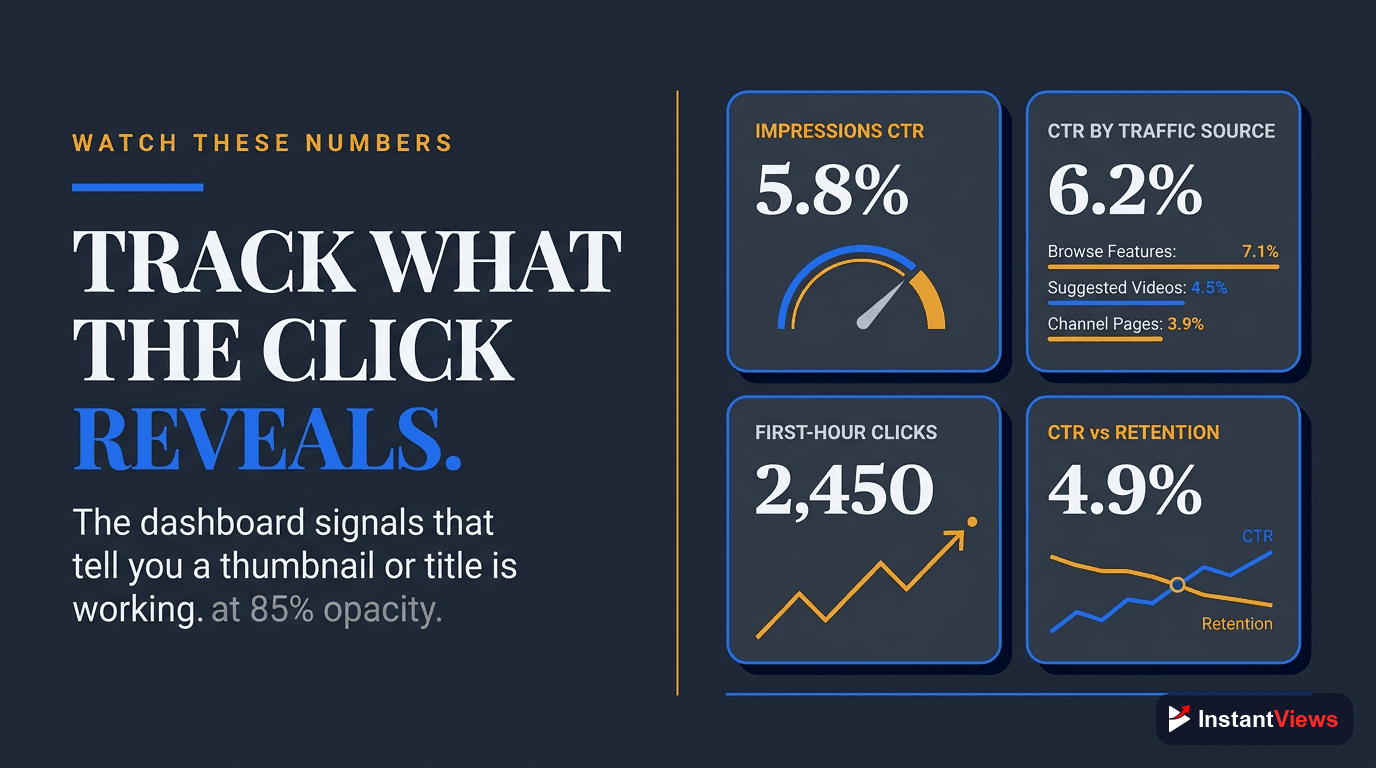
Track these metrics in YouTube Studio to understand CTR performance.
- Impressions CTR (target: 8-12% for new videos, 4-6% long-term)
- Impressions (if CTR is good but impressions drop, content quality issue)
- Traffic sources (homepage vs. suggested vs. search - each has different CTR benchmarks)
- CTR by audience type (subscribers vs. non-subscribers)
- Average view duration (high CTR + low AVD = clickbait problem)
| Traffic Source | Expected CTR Range | What It Means |
|---|---|---|
| Browse Features (Homepage) | 3-6% | Casual browsing, lower intent |
| Suggested Videos | 4-8% | Topic interest, medium intent |
| YouTube Search | 8-15% | Active searching, high intent |
| Notifications | 15-30% | Loyal subscribers, very high intent |
| External (Social Media) | 10-25% | Pre-qualified traffic, high intent |
Common CTR Mistakes to Avoid
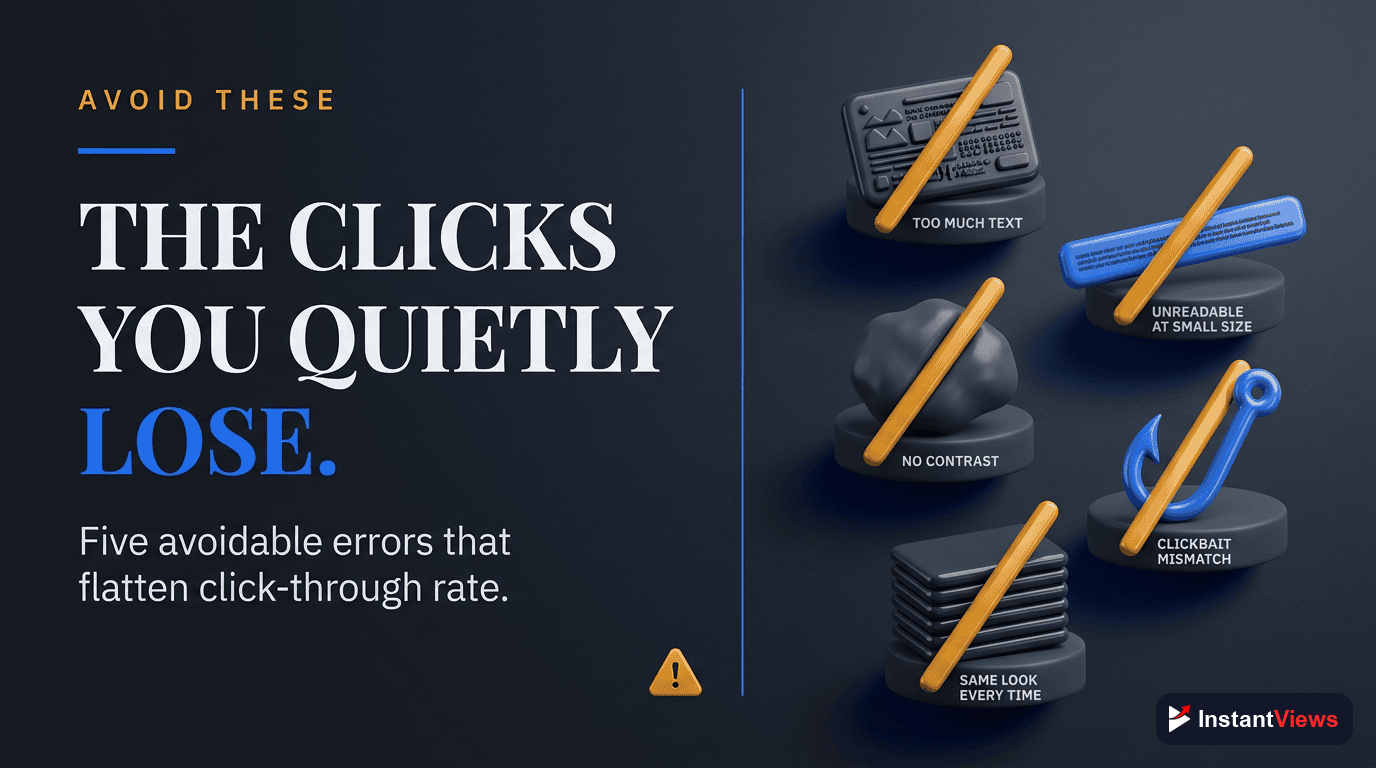
- Clickbait that doesn't deliver - High CTR + low retention = algorithm punishment. Title/thumbnail must match content.
- Too much text on thumbnails - More than 5 words becomes unreadable on mobile. Simplify ruthlessly.
- Using the same thumbnail style as everyone else - Standing out beats fitting in. Be visually different.
- Ignoring mobile view - 70% of views are on mobile. Always test thumbnails at 320x180px.
- Not testing variations - Your first thumbnail is rarely the best. Test 2-3 options minimum.
- Changing thumbnails too often - Give each version at least 1,000 impressions to collect meaningful data.
- Optimizing for CTR alone - CTR + retention work together. High CTR with 20% AVD is worse than medium CTR with 60% AVD.
"I optimized for CTR and got 100,000 views. Then I optimized for CTR + retention and got 1 million views. Both matter." - Paddy Galloway
Your CTR Optimization Action Plan
- Audit existing videos - Identify your 5 lowest-CTR videos with 10,000+ impressions
- Create 3 thumbnail variations for each using the checklists above
- Test new thumbnails and monitor CTR changes for 7 days
- Document what works - Build a swipe file of winning thumbnails and titles
- Apply learnings forward - Use insights from old videos to optimize new uploads
- Use the InstantViews Video Analyzer to predict CTR before uploading and save hours of testing
Frequently Asked Questions
A good CTR varies by niche and audience size. Generally, 4-6% is average, 6-10% is good, and above 10% is excellent. New channels often see lower CTR (2-4%) while established channels with loyal audiences can achieve 12-15% or higher.
Test thumbnails within the first 24-48 hours after upload when the video is getting the most impressions. If CTR is below 4% after 1,000 impressions, consider changing the thumbnail. For ongoing optimization, test variations on underperforming videos every 2-4 weeks.
Title and thumbnail should complement each other, not repeat the same information. The thumbnail grabs attention visually, while the title provides context and curiosity. Together they should create a compelling narrative that makes viewers want to click.
The biggest CTR killers are: cluttered thumbnails with too much text, generic titles without curiosity gaps, thumbnails that look like every other video in the niche, misleading packaging that breaks viewer trust, and poor face visibility in thumbnails featuring people.
Yes, positively if the new thumbnail improves CTR. YouTube continues to promote videos with strong engagement metrics. A better thumbnail can give an old video new life. However, avoid constant changes - give each thumbnail at least 1,000 impressions to gather meaningful data.
Use YouTube Studio Analytics to monitor impressions, impressions CTR, and views over time. Track CTR changes after thumbnail updates in a spreadsheet. The InstantViews Video Analyzer provides instant CTR predictions before you even upload, helping you optimize packaging upfront.