- Pre-upload optimization gives you 2-3x better chance of early traction compared to optimizing after publishing
- Your video title, description, and thumbnail are evaluated by YouTube's algorithm within minutes of upload
- Keyword research before filming saves hours of post-production optimization
- Use the InstantViews Video Analyzer to score your metadata before publishing
- Videos optimized pre-upload see 40-60% higher impressions in the first 48 hours
Most creators upload first, optimize later. That's backwards. YouTube's algorithm starts evaluating your video the moment it goes live. By the time you "fix" your title, description, or tags, you've already lost critical early momentum.
Videos that perform well in the first 24-48 hours get exponentially more impressions. Pre-upload optimization isn't optional - it's the difference between a video that gets recommended and one that dies in obscurity.
This is the complete pre-upload SEO checklist used by top creators to maximize every video's potential before hitting publish.
Why Pre-Upload SEO Matters
YouTube's recommendation algorithm makes critical decisions about your video within the first hour of publishing. Here's what happens:
- 0-15 minutes: YouTube analyzes your title, description, tags, and thumbnail
- 15-60 minutes: Initial impressions are served to your subscribers and related audiences
- 1-24 hours: Algorithm measures CTR and watch time to determine broader distribution
- 24-48 hours: High-performing videos enter recommendation loops; poor performers get buried
Data from 10,000+ analyzed videos shows that videos with optimized metadata before upload get 2.3x more impressions in the first 48 hours compared to videos optimized after publishing.
Changing your title or thumbnail after the first 24 hours can reset your video's momentum. The algorithm may re-evaluate it as new content, often with worse results. Get it right before you publish.

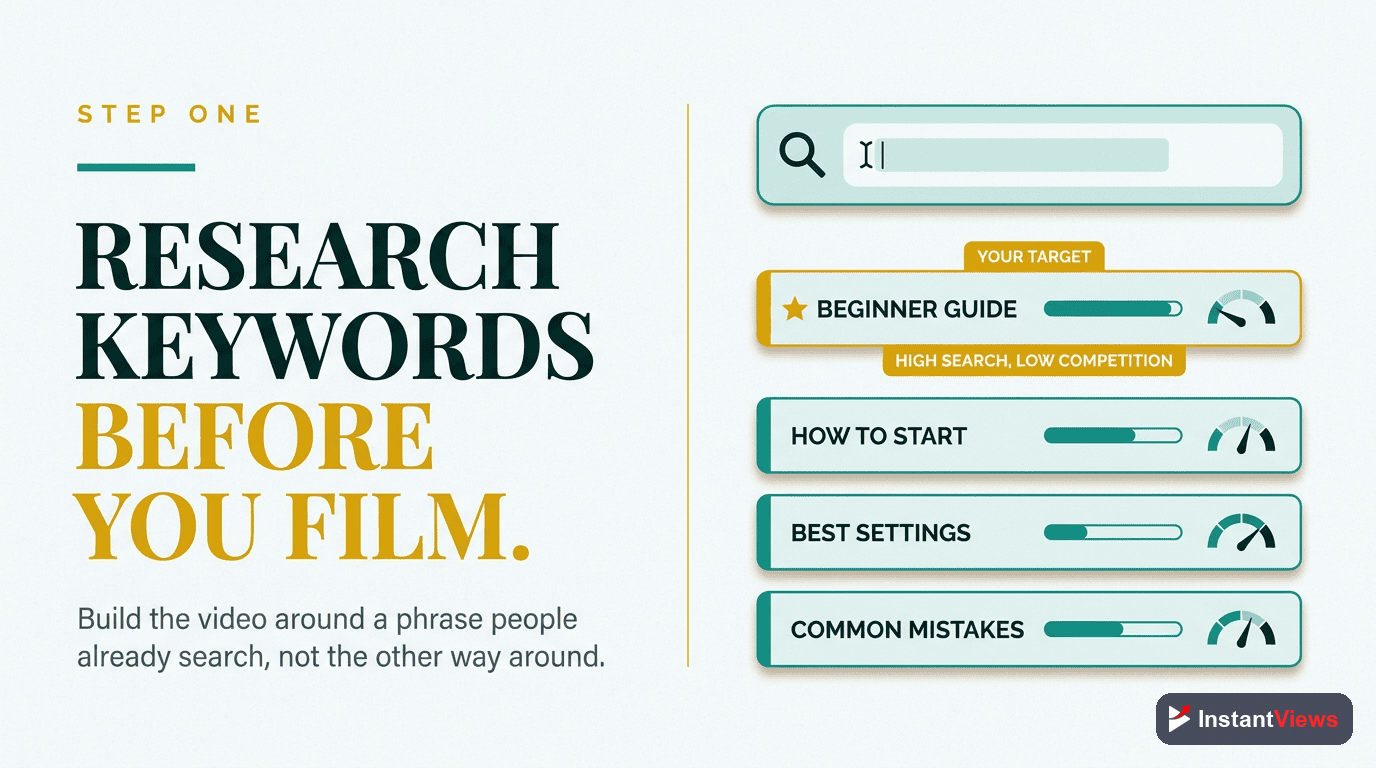
Step 1: Keyword Research (Before You Film)
Keyword Research
Find high-value keywords with search demand but manageable competition. This determines your video topic, title, and metadata strategy.
- Use YouTube Search Autocomplete: Type your topic and see what YouTube suggests - these are real searches people are making
- Check Related Searches: Scroll to the bottom of search results for additional keyword ideas
- Analyze Top 10 Results: Study titles, thumbnails, and video length of top-ranking videos
- Identify Gaps: Find angles or subtopics that top videos don't cover well
- Check Search Volume: Use Google Trends to verify your keyword has sustained interest
Tools to use: YouTube's autocomplete, Google Trends, VidIQ, TubeBuddy, or Ahrefs YouTube Keyword Tool.
What you're looking for: Keywords with 10K-100K monthly searches and fewer than 1M competing videos. For new channels, aim for keywords with under 500K competing videos.
Step 2: Optimize Video File Before Upload
Optimize Video File
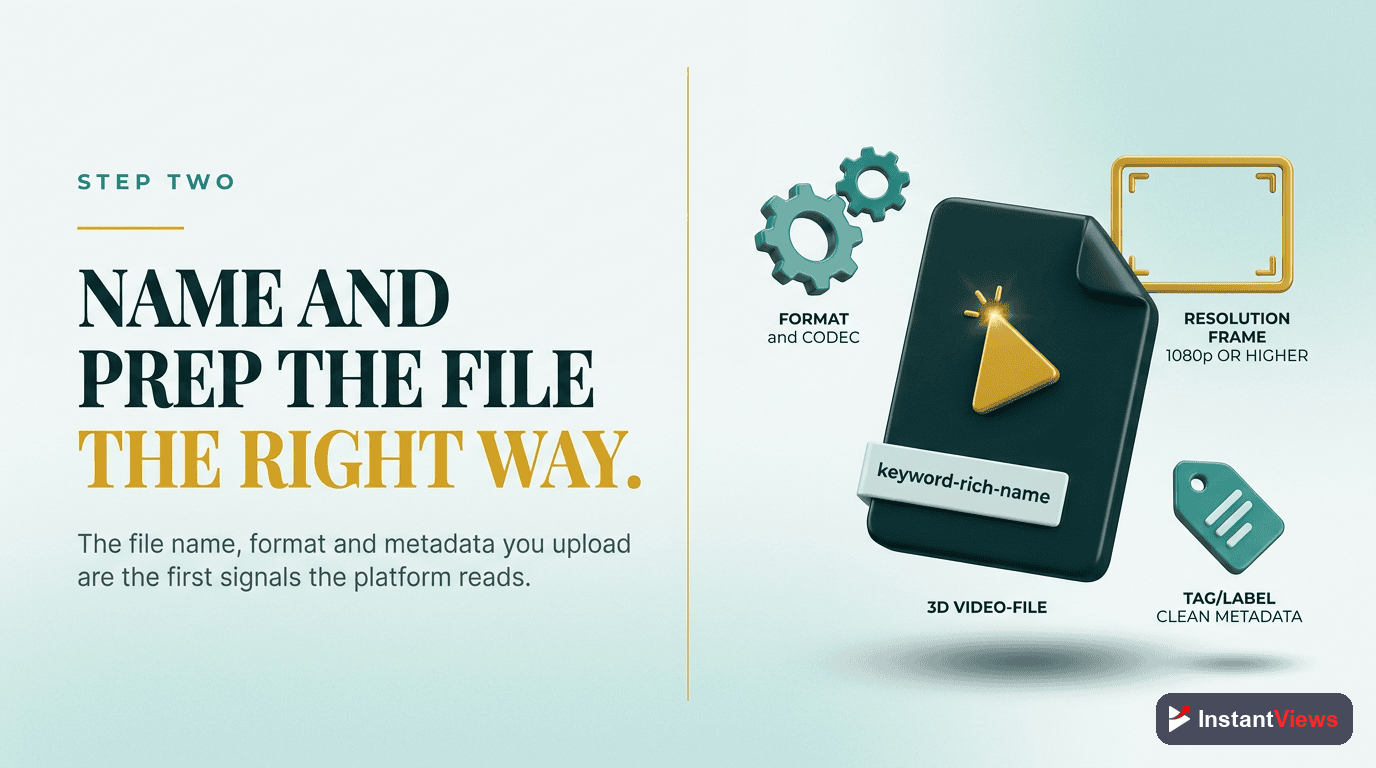
Your video file name and metadata provide early signals to YouTube about your content topic.
- Rename File: Use your target keyword separated by hyphens (e.g., "youtube-seo-checklist-2025.mp4")
- Remove Special Characters: Only use letters, numbers, and hyphens
- Keep it Descriptive: Use 3-5 words that accurately describe your content
- Include Year: If your content is time-sensitive, add the year to signal freshness
While YouTube has never officially confirmed file names affect rankings, many SEO experts have observed correlation between optimized file names and better initial impressions.
Step 3: Craft the Perfect Title
Write an SEO-Optimized Title
Your title is the single most important ranking factor and click driver. It must balance SEO keywords with click-worthiness.
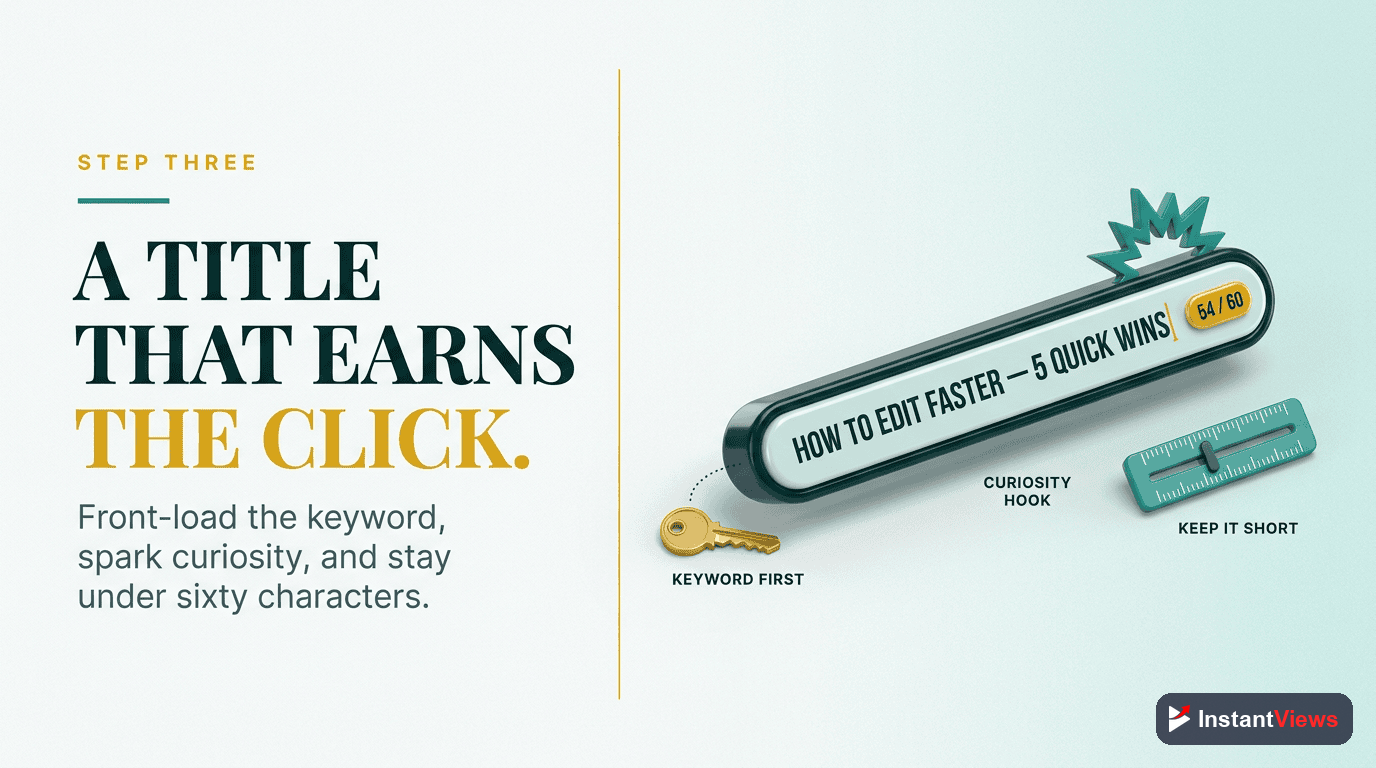
- Front-Load Keywords: Put your main keyword in the first 40 characters
- Stay Under 60 Characters: Longer titles get truncated in search and suggestions
- Include Power Words: Use words like "Ultimate," "Complete," "Proven," "Step-by-Step"
- Add Numbers: Lists and numbered guides perform 36% better than generic titles
- Include Current Year: Signals freshness and relevance (e.g., "2026")
- Create Curiosity: Hint at the value without giving everything away
Title Formula: [Number/Power Word] + [Target Keyword] + [Benefit/Year]
Examples:
- "7 YouTube SEO Strategies That Actually Work (2026)"
- "Complete YouTube Algorithm Guide for Beginners"
- "How I Got 1M Views in 30 Days - Step by Step"
| Good Title | Bad Title | Why |
|---|---|---|
| "YouTube SEO Checklist (2026)" | "My SEO Tips" | Bad title has no keyword, no specificity, no year |
| "10 Thumbnail Hacks for 2x Clicks" | "Thumbnail Tutorial" | Good title promises specific outcome with number |
| "Grow YouTube Fast (Beginners Guide)" | "How to Grow on YouTube" | Good title specifies audience and promises speed |
Step 4: Write an SEO-Optimized Description
Write a Detailed Description
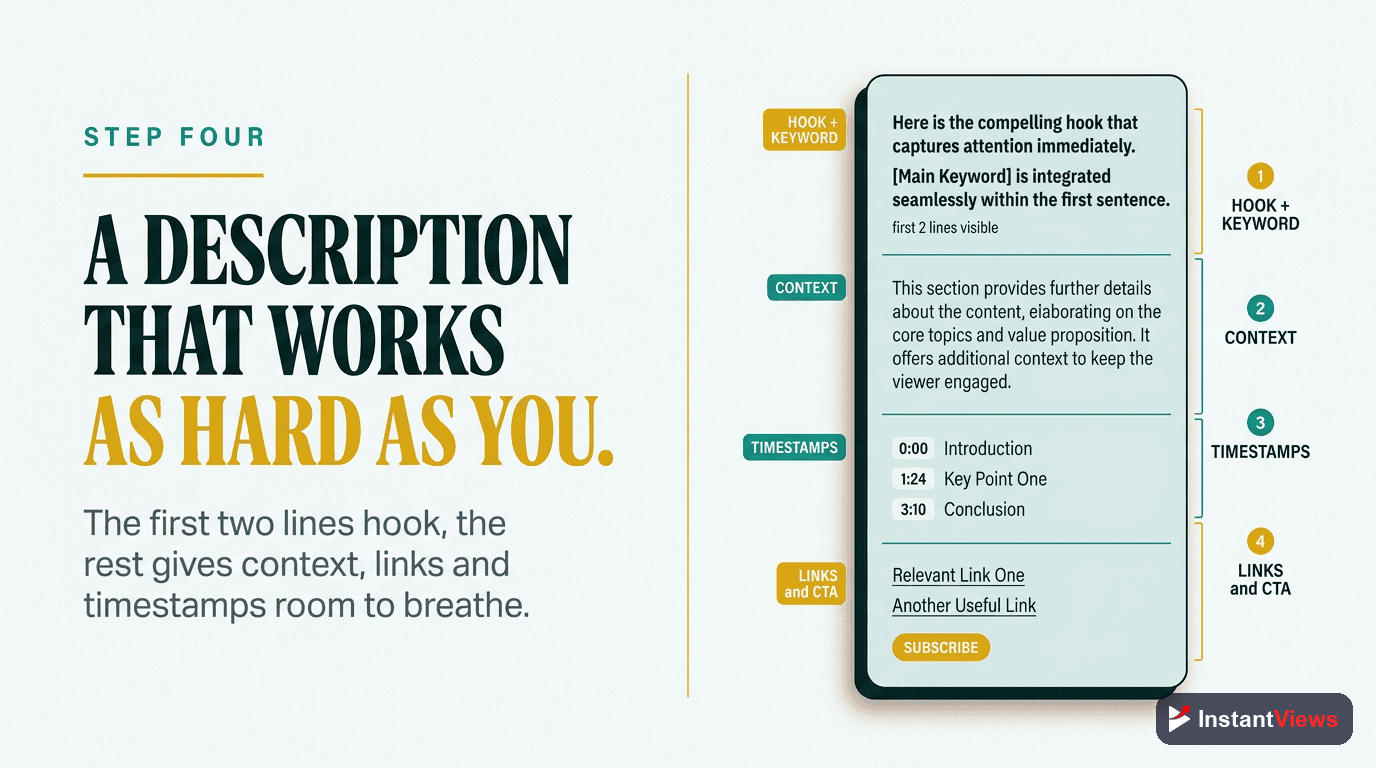
Your description serves two masters: YouTube's algorithm (first 150 characters) and viewers (everything after).
- First 150 Characters (Critical): Include target keyword and compelling hook - this appears in search results
- Detailed Summary (200-300 words): Naturally mention related keywords 2-3 times
- Add Timestamps: Break down your video's chapters with timestamps
- Include Links: Website, social media, related videos, mentioned resources
- Call-to-Action: Tell viewers what to do next (subscribe, watch another video)
- Hashtags (3-5): Use 3-5 relevant hashtags at the bottom
Description Template:
[Target keyword + hook in first 150 chars]
[2-3 paragraph detailed summary with related keywords naturally included]
Timestamps:
0:00 - Introduction
1:23 - Main Topic
5:45 - Conclusion
Resources mentioned:
[Links to tools, resources, related videos]
[Call to action]
#hashtag1 #hashtag2 #hashtag3
Step 5: Create a High-CTR Thumbnail
Design Custom Thumbnail
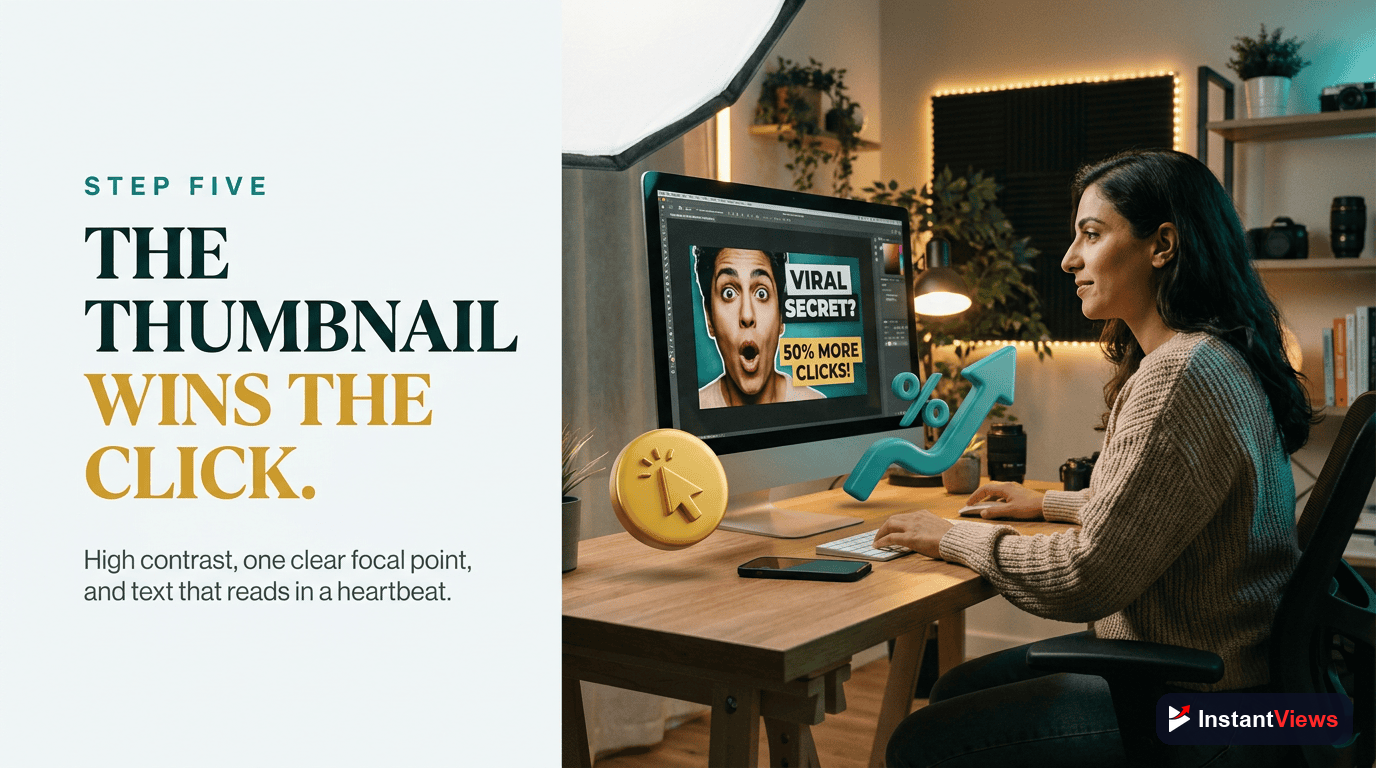
Your thumbnail determines CTR more than anything else. Videos with custom thumbnails get 30% more clicks than auto-generated ones.
- Size: 1280 x 720 pixels (16:9 aspect ratio), under 2MB
- Format: JPG, PNG, or GIF (no animated GIFs)
- Text: 3-5 words maximum in large, bold font (readable on mobile)
- Contrast: Use high-contrast colors that stand out in feeds
- Faces: Include expressive human faces when possible (68% higher CTR)
- Brand Colors: Use consistent color scheme across your channel
- Test on Mobile: 70% of YouTube views are mobile - thumbnail must work small
Thumbnail Best Practices:
- Use close-up faces with exaggerated expressions (surprise, excitement, curiosity)
- Include arrows, circles, or visual pointers to highlight key elements
- Match thumbnail energy to your content (high energy for entertainment, clean/professional for tutorials)
- Create templates in Canva or Photoshop for faster production
Step 6: Select Relevant Tags
Add Strategic Tags
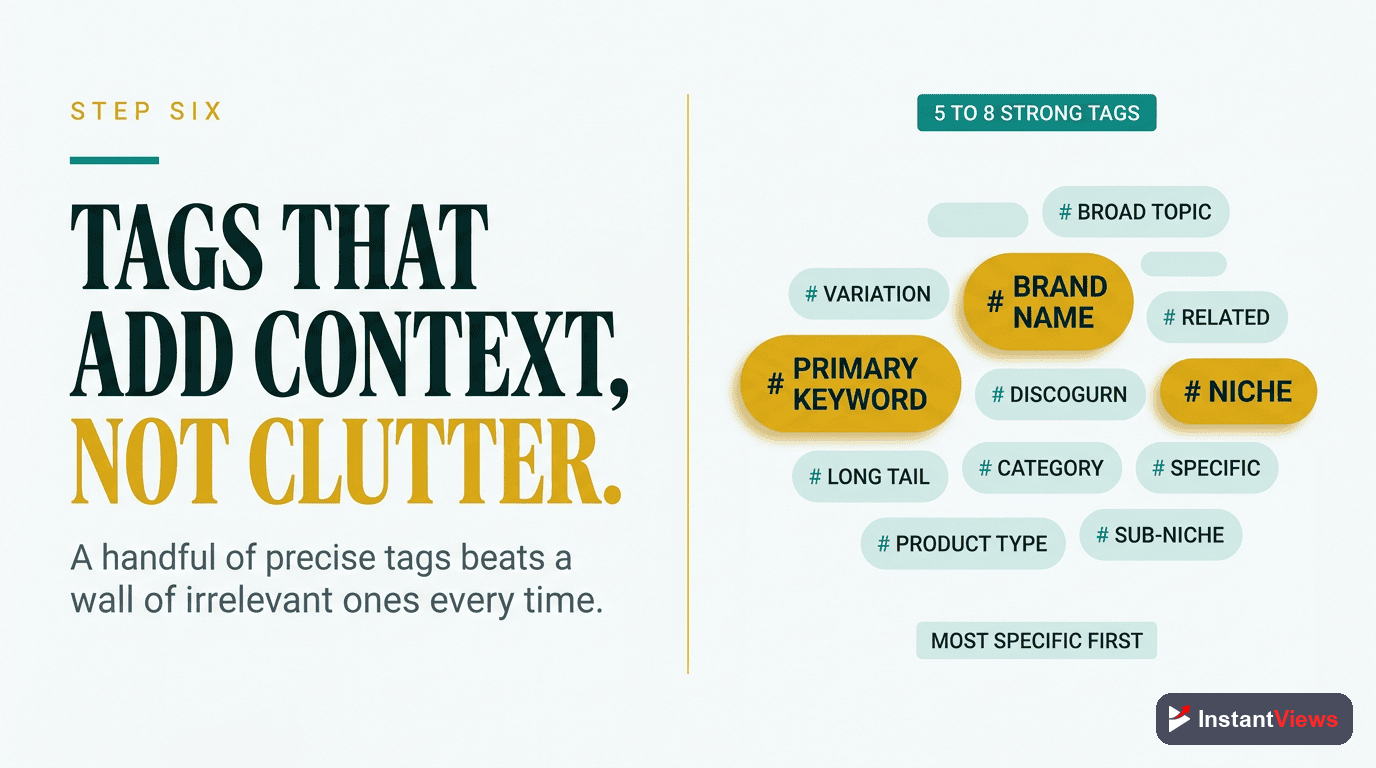
Tags help YouTube understand your video's context and connect it with related content. Quality over quantity.
- First Tag = Target Keyword: Your exact target keyword should be tag #1
- Variations (3-4 tags): Include keyword variations and misspellings
- Related Topics (2-3 tags): Broader topics your video covers
- Branded Tags (1-2 tags): Your channel name and branded terms
- Total Tags: Aim for 5-8 highly relevant tags (not 30 barely-related ones)
Tag Example for "YouTube SEO Checklist" video:
- youtube seo checklist
- youtube seo
- video seo optimization
- youtube optimization
- how to rank youtube videos
- youtube algorithm 2026
- [your channel name]
Step 7: Add Chapters & Timestamps
Create Video Chapters
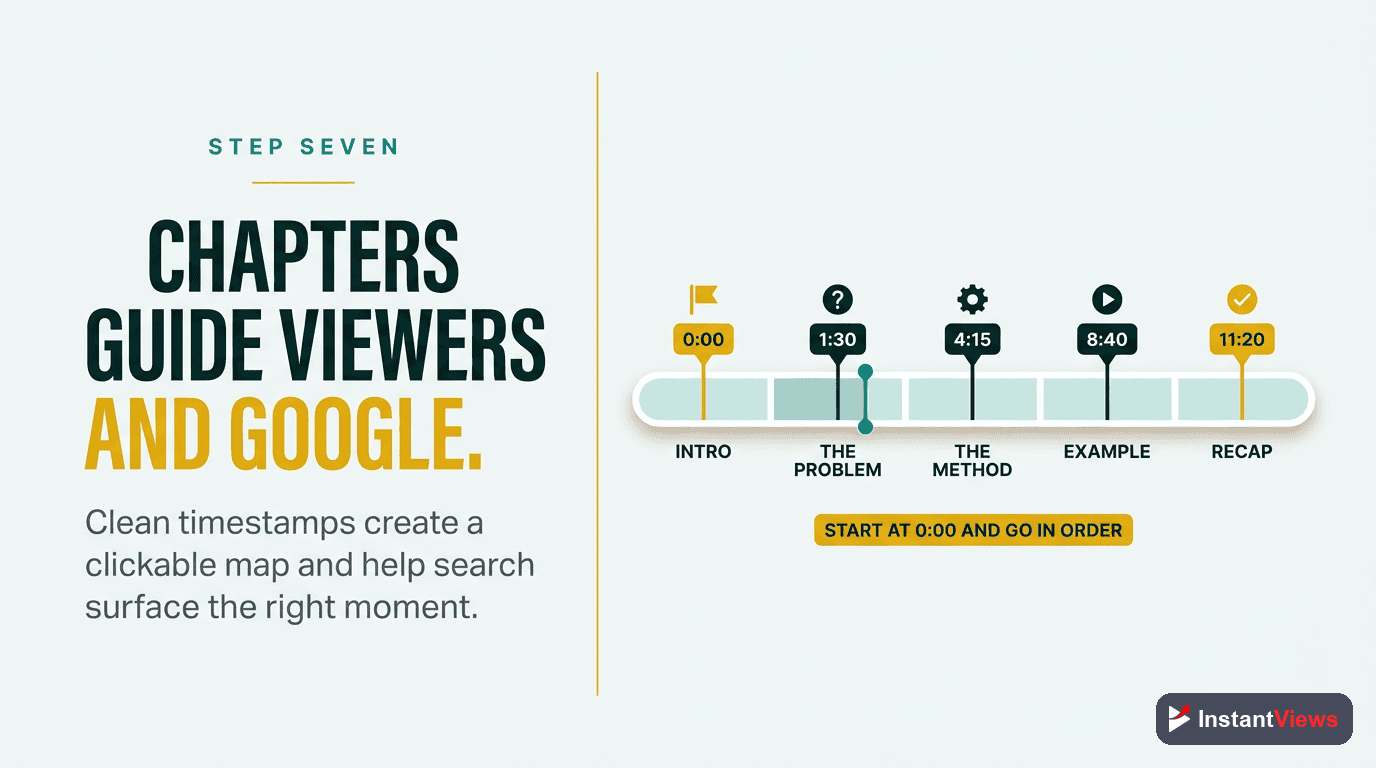
Chapters improve watch time by letting viewers jump to sections they care about. They also create additional search entry points.
- Minimum Requirements: At least 3 chapters, each 10+ seconds long
- Start with 0:00: First timestamp must be 0:00 (Introduction)
- Descriptive Titles: Use keyword-rich chapter titles (they appear in search)
- Add to Description: List timestamps in your description
- Strategic Breaks: Place chapters at natural content breaks
Example Chapter Format:
- 0:00 - Introduction to YouTube SEO
- 1:23 - Keyword Research Strategy
- 4:15 - Optimizing Your Title
- 7:30 - Writing SEO Descriptions
- 10:45 - Thumbnail Best Practices
Step 8: Configure Advanced Settings
Optimize Advanced Settings
YouTube's advanced settings control how your video is categorized, monetized, and distributed.
- Category: Select the most accurate category (affects related videos)
- Comments: Enable comments (engagement signals help ranking)
- Visibility: Start as Public (Unlisted/Private videos don't build momentum)
- Age Restriction: Avoid if possible (limits reach significantly)
- Video Language: Set correctly for proper subtitle generation
- Captions: Upload SRT file for accessibility and SEO
- End Screens: Prepare 2-3 end screen elements (best video, playlist, subscribe)
- Cards: Add 2-3 cards linking to related content
Monetization Settings (if eligible): Enable ads on all videos, even if they won't make much. Monetized videos often get more impressions from YouTube.
Analyze Your Video Before Upload
Get an instant SEO score for your title, description, tags, and thumbnail with our Video Analyzer tool.
Analyze Your Video →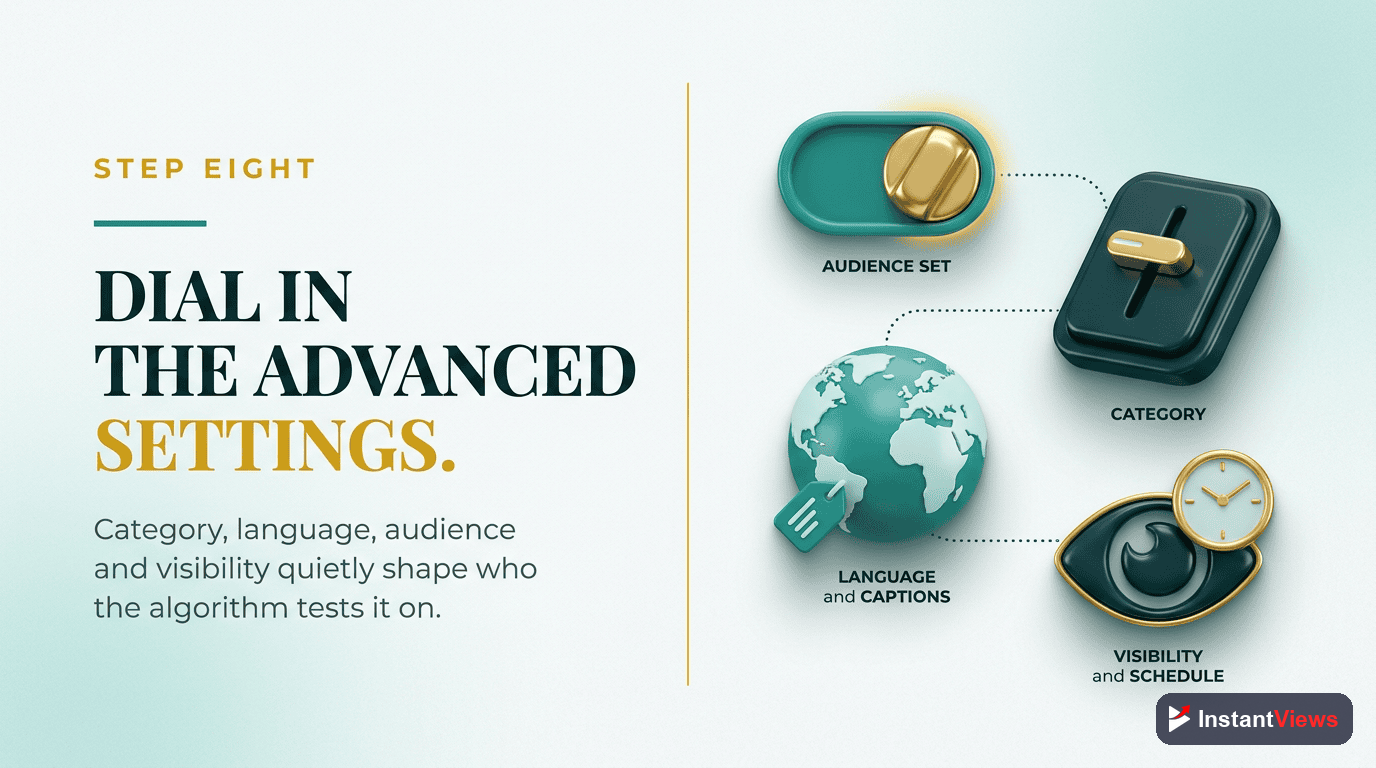
Final Pre-Upload Checklist
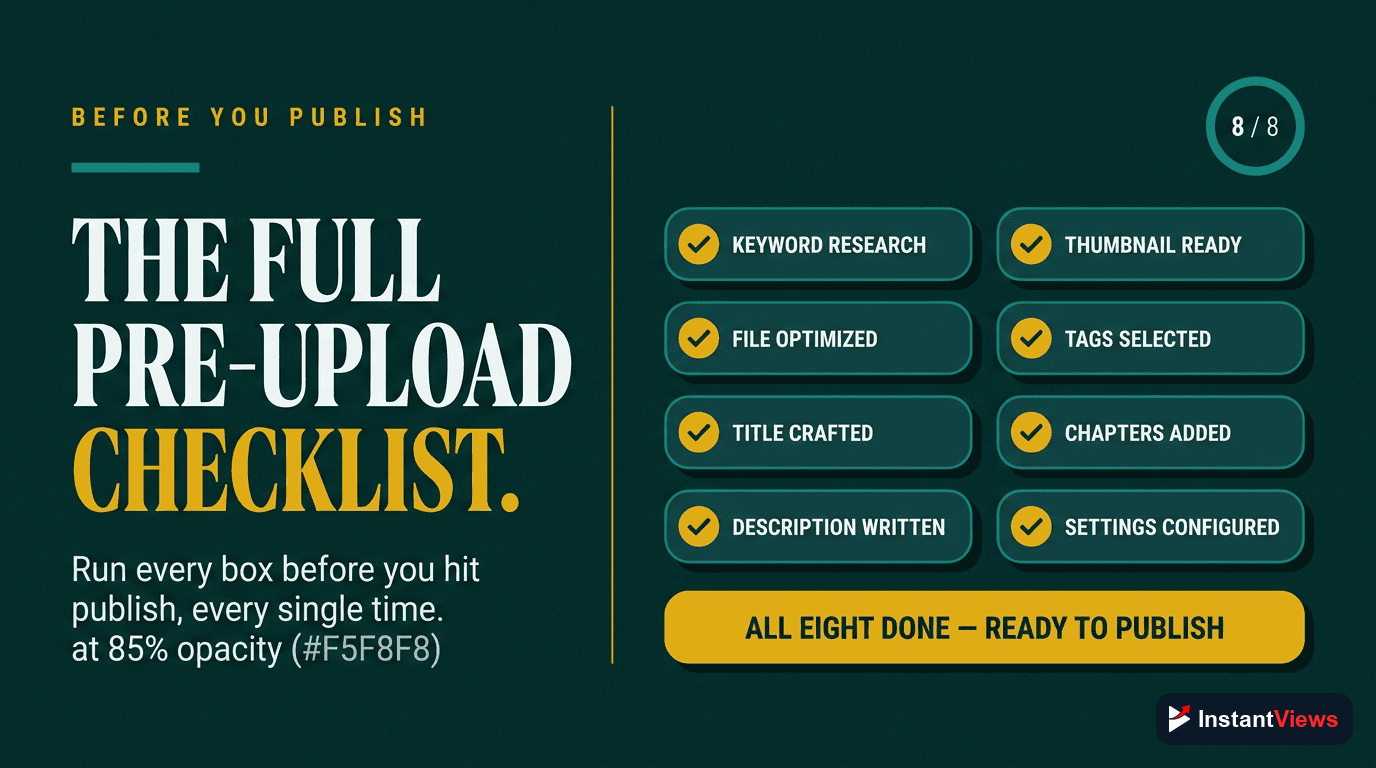
Before you hit publish, verify every item on this checklist:
| Category | Checklist Item | Optimal Value |
|---|---|---|
| File | Video file renamed with keywords | target-keyword-year.mp4 |
| Title | Keyword in first 40 characters | 50-60 total characters |
| Description | Keyword + hook in first 150 chars | 200-300+ words total |
| Thumbnail | Custom thumbnail uploaded | 1280x720, under 2MB |
| Tags | Target keyword as first tag | 5-8 relevant tags |
| Chapters | Timestamps added to description | Minimum 3 chapters |
| Category | Accurate category selected | Match content type |
| End Screens | 2-3 end screen elements added | Last 5-20 seconds |
| Cards | 2-3 cards to related content | Strategic placement |
| Captions | SRT file uploaded (if available) | Accurate transcription |
Post-Upload: First 48 Hours
After publishing, your work isn't done. The first 48 hours determine your video's long-term success:
- Hour 1: Share on all social media, email list, community tab, Discord/Slack
- Hour 2-6: Respond to every comment (boosts engagement signals)
- Hour 6-24: Monitor analytics - CTR should be 4%+, AVD should be 40%+
- Hour 24-48: If performing well, consider small paid promotion to accelerate momentum
Common Pre-Upload Mistakes
- Uploading with auto-generated title: Never use "IMG_1234.mp4" - always rename before upload
- Vague titles: "My thoughts on X" tells viewers and YouTube nothing
- No thumbnail: Auto-generated thumbnails get 30% fewer clicks
- Empty description: Wasted SEO opportunity and looks unprofessional
- Publishing as unlisted first: Kills momentum - go public immediately when ready
- Too many unrelated tags: Confuses the algorithm about your topic
- No call-to-action: Tell viewers what to do next (subscribe, watch another video)
"The first upload is permanent in the algorithm's eyes. You only get one chance at that initial momentum burst. Make it count." - Sean Cannell, YouTube Strategist
Frequently Asked Questions
Always optimize before uploading. YouTube's algorithm starts evaluating your video the moment it goes live. Having optimized metadata from the start gives you the best chance at early traction, which signals quality to the algorithm.
Keep titles between 50-60 characters to avoid truncation in search results and suggested videos. The first 40 characters are most important as they're always visible. Front-load your main keyword and value proposition.
Yes, but less than they used to. Tags help YouTube understand context, especially for commonly misspelled words or synonyms. Focus on 5-8 highly relevant tags rather than stuffing 30 barely-related ones. Your title and description matter more.
Front-load the first 150 characters with your main keyword and a compelling hook - this appears in search results. Then provide a detailed summary (200-300 words) with related keywords naturally included. Add timestamps, links, and a call-to-action.
Rename your video file before uploading to include your target keyword, separated by hyphens. For example: "youtube-seo-checklist-2025.mp4". This gives YouTube an early signal about your video's topic.
Yes, you can edit title, description, tags, and thumbnail anytime. However, major changes may reset your video's performance temporarily. Make significant changes only if your video is underperforming. Minor tweaks are fine.