- A/B testing can increase your YouTube CTR by 30-200% through data-driven optimization
- YouTube now offers native A/B testing for thumbnails - no third-party tools required
- Test one element at a time (thumbnail OR title, never both) for accurate results
- You need at least 1,000-2,000 impressions per variant for statistical significance
- Top creators like MrBeast test 5-10 thumbnail options before choosing the final version
The difference between a video that gets 1,000 views and one that gets 100,000 often comes down to a single decision: which thumbnail and title you choose.
But here's the problem - most creators guess. They create one thumbnail, write one title, and hope it works. Meanwhile, top YouTubers test 5-10 different options before committing to one.
This guide shows you the complete A/B testing framework used by channels with millions of subscribers, plus the exact tools and methods to implement it yourself.
Why A/B Testing Matters on YouTube
Your thumbnail and title determine whether someone clicks on your video. YouTube calls this your Click-Through Rate (CTR), and it's one of the most important signals to the algorithm.
Here's why testing is critical:
- Small CTR improvements = massive view increases - A 2% CTR improvement can mean 50% more views
- Intuition is unreliable - The thumbnail YOU like often underperforms compared to what viewers actually click
- Audience preferences change - What worked last month may not work today
- Competition is testing - Top creators test everything, putting you at a disadvantage if you don't
YouTube's Native A/B Testing Tool
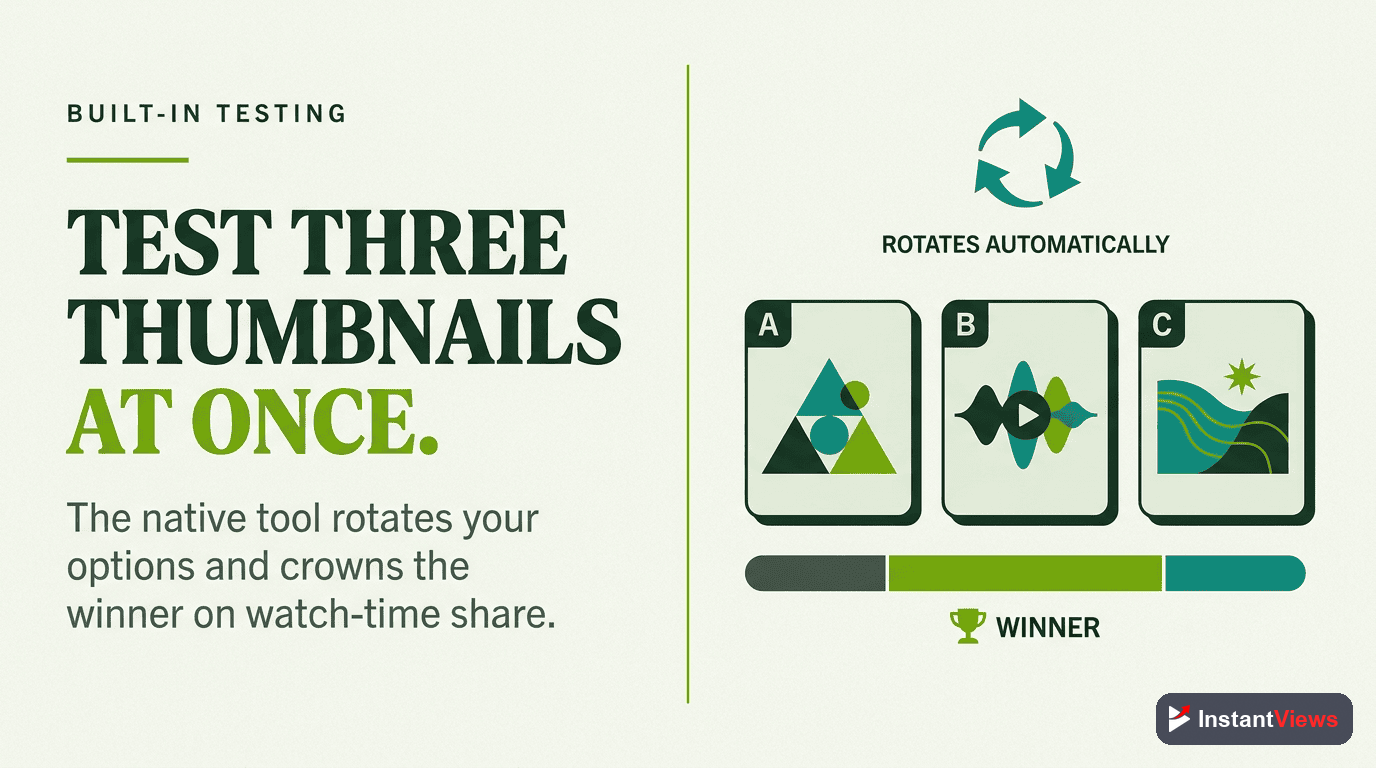
In 2024, YouTube rolled out native thumbnail A/B testing for all channels in the YouTube Partner Program. This is the easiest and most accurate way to test.
How to Use YouTube's Native Testing
- Upload your video with your first thumbnail option
- Go to YouTube Studio > Content > Select your video
- Click "Thumbnail Test" in the left sidebar
- Upload 2-3 additional thumbnails to test against the original
- YouTube splits traffic evenly between variants
- After 7-14 days, YouTube shows you the winning thumbnail based on CTR
Native A/B testing is only available to channels in the YouTube Partner Program (1,000 subscribers + 4,000 watch hours). If you don't qualify yet, use the manual method below.
Advantages of Native Testing
- Perfectly split traffic for accurate results
- Built directly into YouTube Studio
- Free - no additional tools required
- Automatically declares a winner based on statistical significance
Third-Party Testing Tools
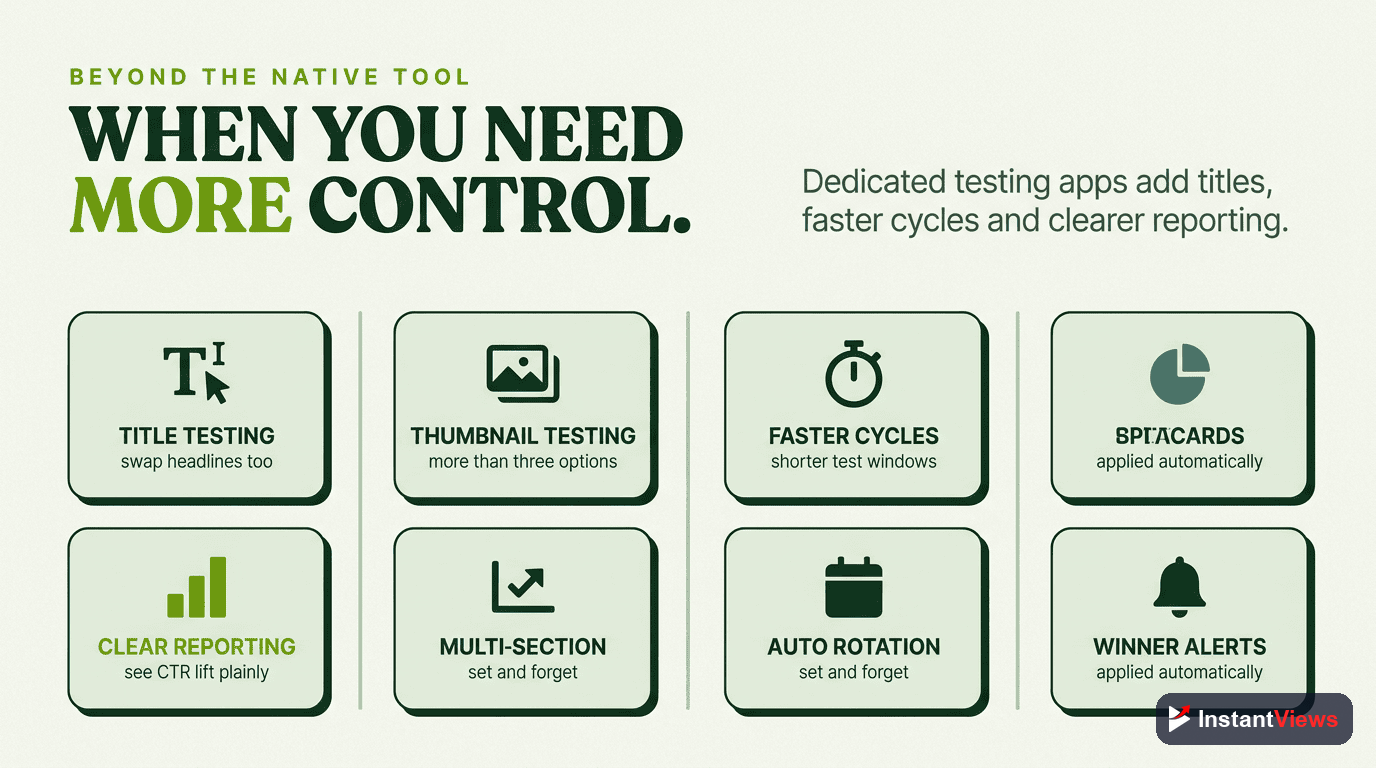
Several tools offer more advanced testing capabilities beyond YouTube's native feature:
| Tool | Features | Price | Best For |
|---|---|---|---|
| TubeBuddy | Thumbnail A/B testing, title suggestions, analytics | $9-49/mo | Small to medium channels |
| VidIQ | Title testing, keyword research, competitor analysis | $7.50-39/mo | SEO-focused creators |
| Thumbnail Test | Dedicated thumbnail testing with hourly swaps | $29-99/mo | Serious optimizers |
| InstantViews Analyzer | Pre-upload thumbnail scoring and predictions | Free | Testing before uploading |
Manual Testing Method
If you don't have access to native testing or third-party tools, you can test manually. Here's the process:
Step-by-Step Manual A/B Testing
This method works for any channel size but requires more manual tracking.
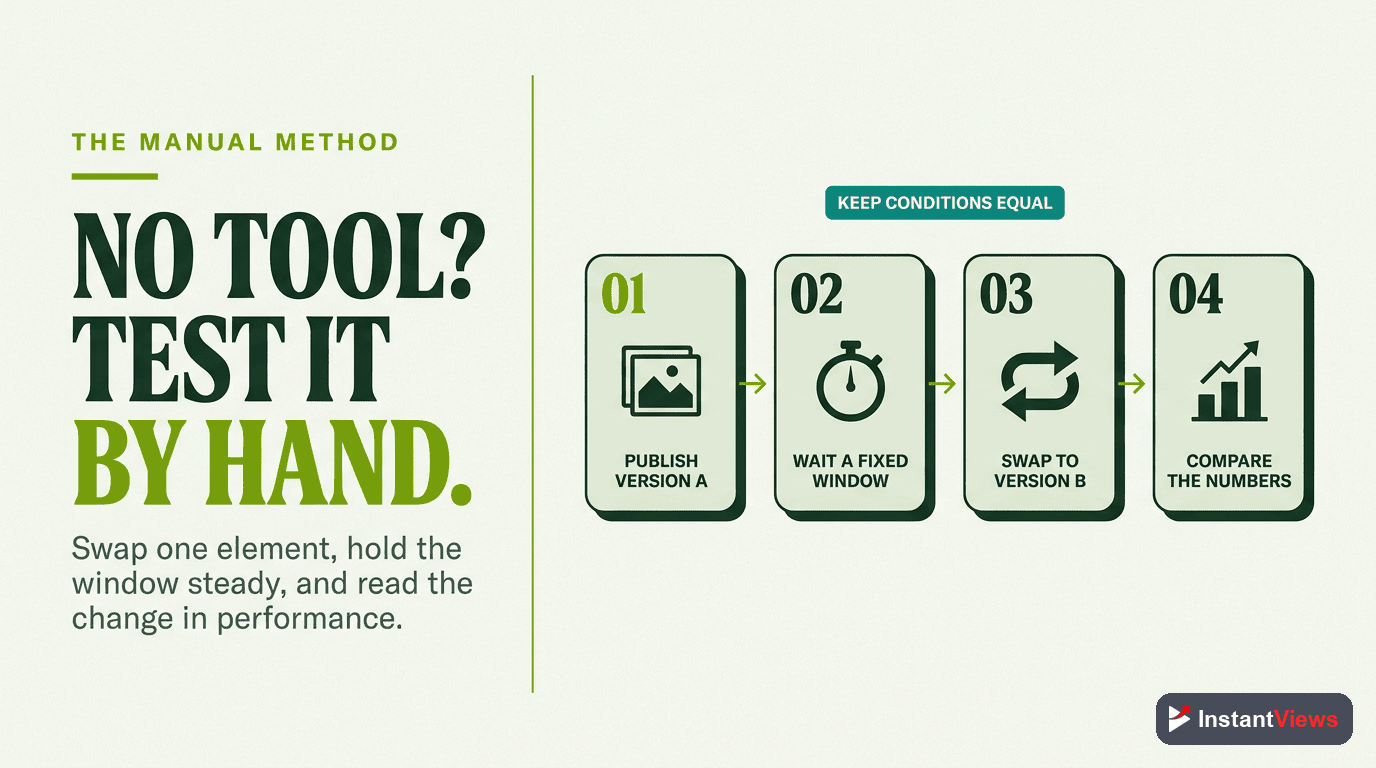
- Upload with Thumbnail A - Start with your first option
- Track for 7 days - Record impressions, views, CTR in a spreadsheet
- Swap to Thumbnail B - Change the thumbnail in YouTube Studio
- Track for 7 days - Record the same metrics
- Compare results - The thumbnail with higher CTR wins
Test during similar timeframes (e.g., both Mondays-Sundays) to avoid weekly pattern differences. Holiday periods and special events can skew results.
How to Test Thumbnails
Thumbnails have the biggest impact on CTR. Here's how to test them effectively:
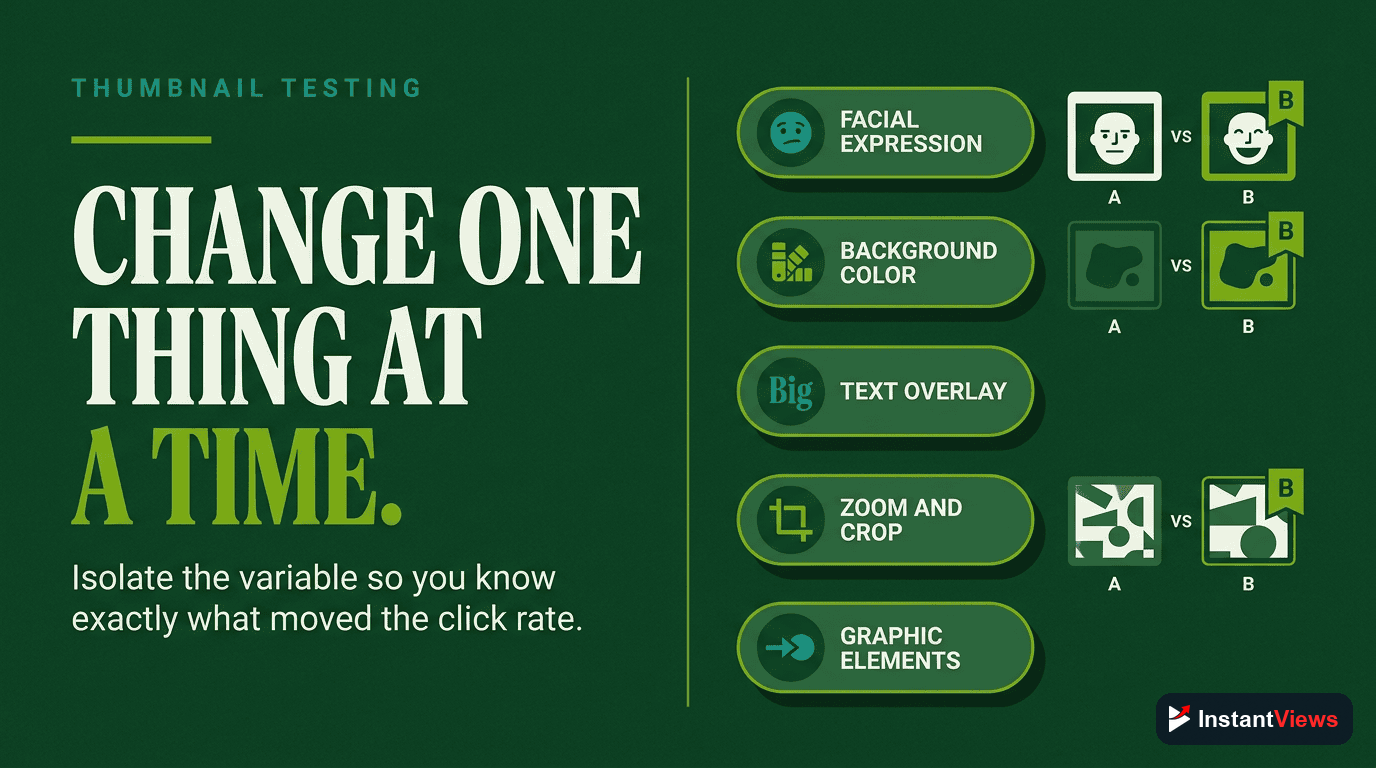
What to Test in Thumbnails
- Face vs. No Face - Does showing a person increase clicks?
- Text vs. No Text - Do words help or hurt?
- Color schemes - Bright vs. dark, red vs. blue, etc.
- Composition - Close-up vs. wide shot, left vs. right positioning
- Emotional expression - Surprise, excitement, curiosity
- Visual complexity - Simple vs. detailed backgrounds
Creating Test Variants
For each video, create 2-3 distinctly different thumbnails:
- Variant A: Your "safe" option - what you'd normally use
- Variant B: An experimental concept - test a different approach
- Variant C: (Optional) A third wildcard option
"I spend more time on thumbnails than editing the actual video. If no one clicks, it doesn't matter how good the content is." - Paddy Galloway, YouTube consultant
How to Test Titles
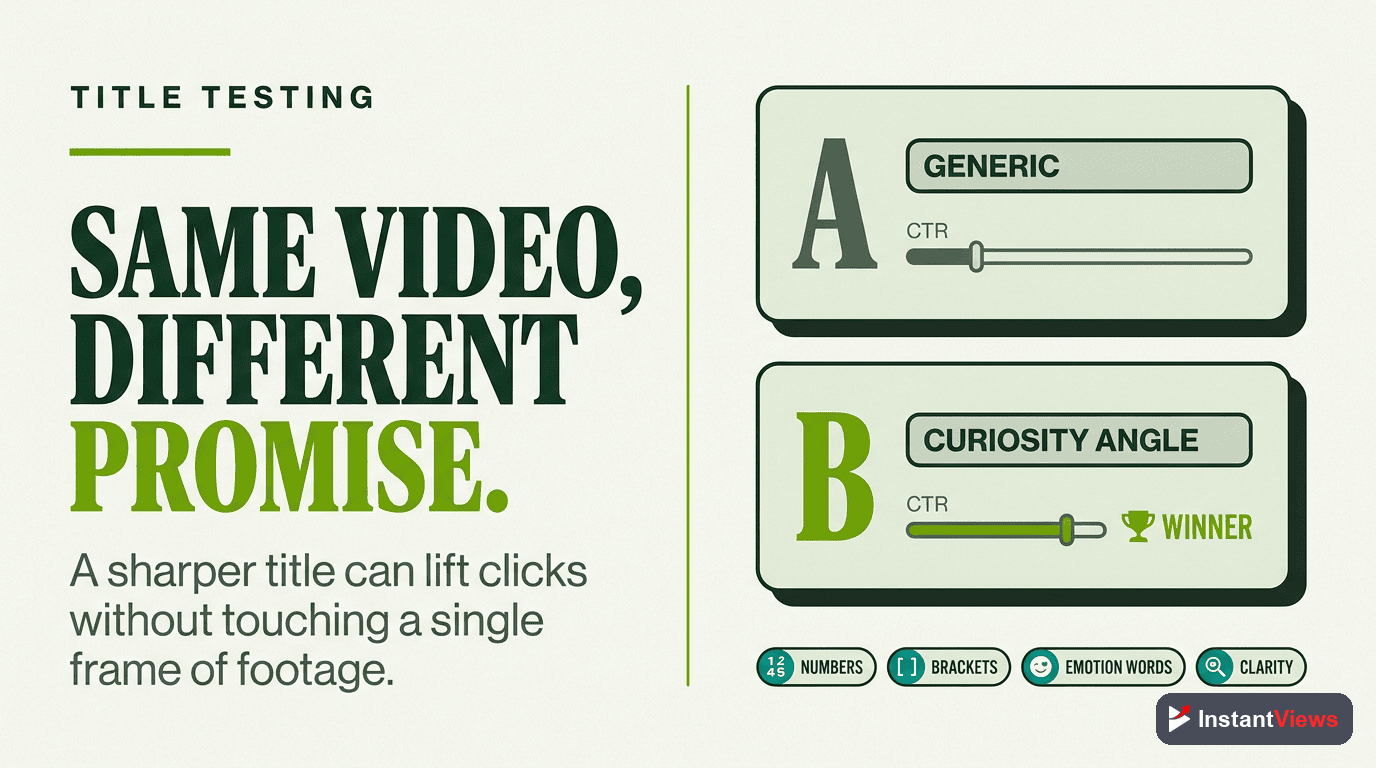
Titles work together with thumbnails to drive clicks. The key is testing one element at a time.
What to Test in Titles
- Length - Short (30-40 chars) vs. long (60-70 chars)
- Question vs. statement - "How to Get 1M Subs?" vs. "I Got 1M Subs Doing This"
- Numbers - "5 Tips" vs. "Multiple Tips" vs. no number
- Curiosity vs. clarity - Mysterious vs. direct
- Emotional triggers - Fear, excitement, urgency, exclusivity
- Keywords placement - Beginning vs. end vs. middle
NEVER test thumbnails and titles at the same time. If both change, you won't know which element caused the CTR difference. Test one, find the winner, THEN test the other.
Complete Testing Framework
Here's the step-by-step system used by professional YouTube consultants:
Pre-Upload Preparation
- Create 3-5 thumbnail concepts
- Write 5-7 title variations
- Use InstantViews Video Analyzer to score each combination
- Narrow down to your top 2-3 options
Initial Upload & Testing
- Upload video with your #1 predicted thumbnail
- Use your #1 predicted title
- Monitor performance for first 24-48 hours
- Check CTR in YouTube Analytics
A/B Test Execution
- If using YouTube native testing: Upload all variants and let YouTube run the test
- If using manual method: Run Variant A for 7 days, then swap to Variant B
- Track impressions, views, CTR, and watch time for each variant
Analysis & Implementation
- Compare CTR between variants (primary metric)
- Check if winner also improved watch time (secondary metric)
- Implement winning variant permanently
- Document insights for future videos
Test Your Thumbnails Before Uploading
Get instant CTR predictions and optimization suggestions with our Video Analyzer tool.
Analyze Your Thumbnail →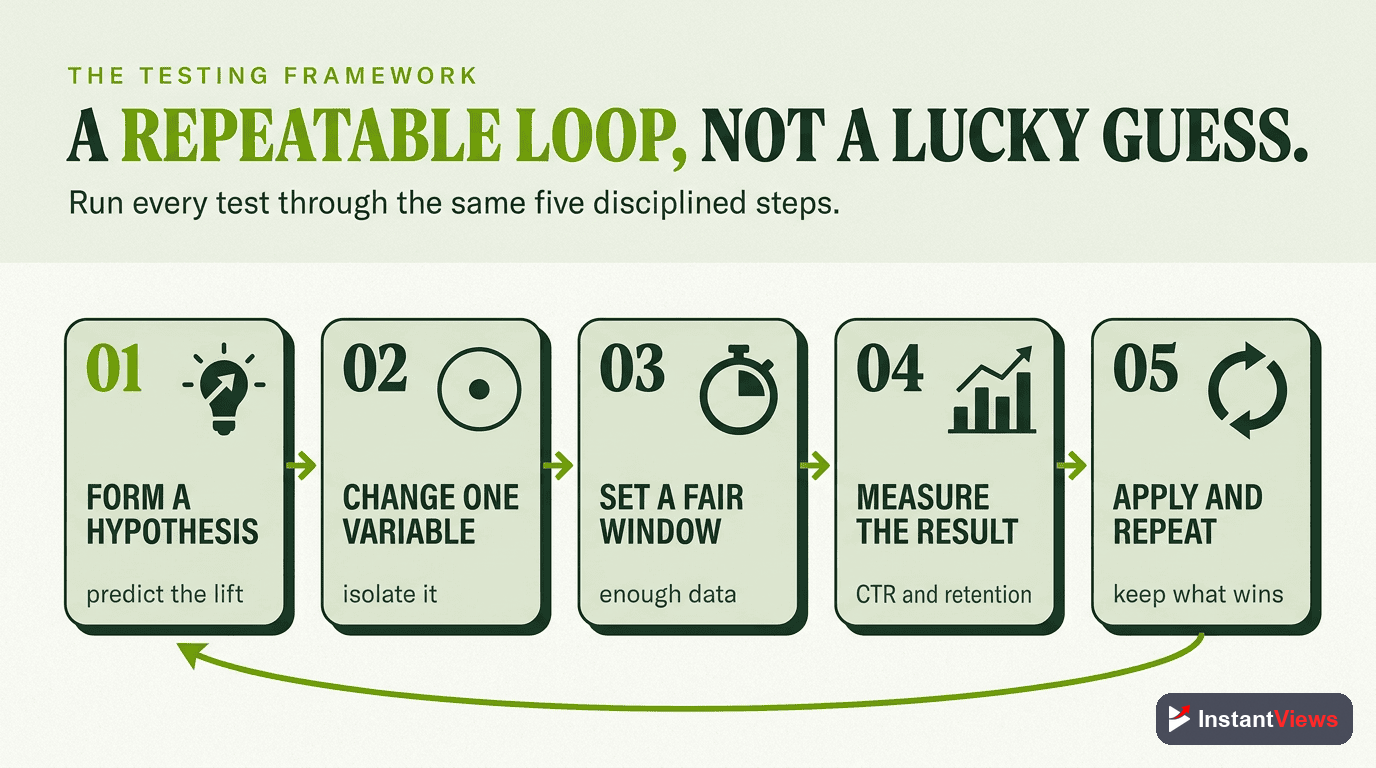
Analyzing Test Results
Knowing how to read your test data is crucial. Here's what to look for:
Primary Metrics
| Metric | What It Means | Target |
|---|---|---|
| CTR | Percentage of impressions that became clicks | 4-10% (varies by niche) |
| Impressions | How many times thumbnail was shown | 1,000+ per variant |
| Views | Total clicks on the video | Higher is better |
| Avg. View Duration | How long people watch | 40-60%+ |
Statistical Significance
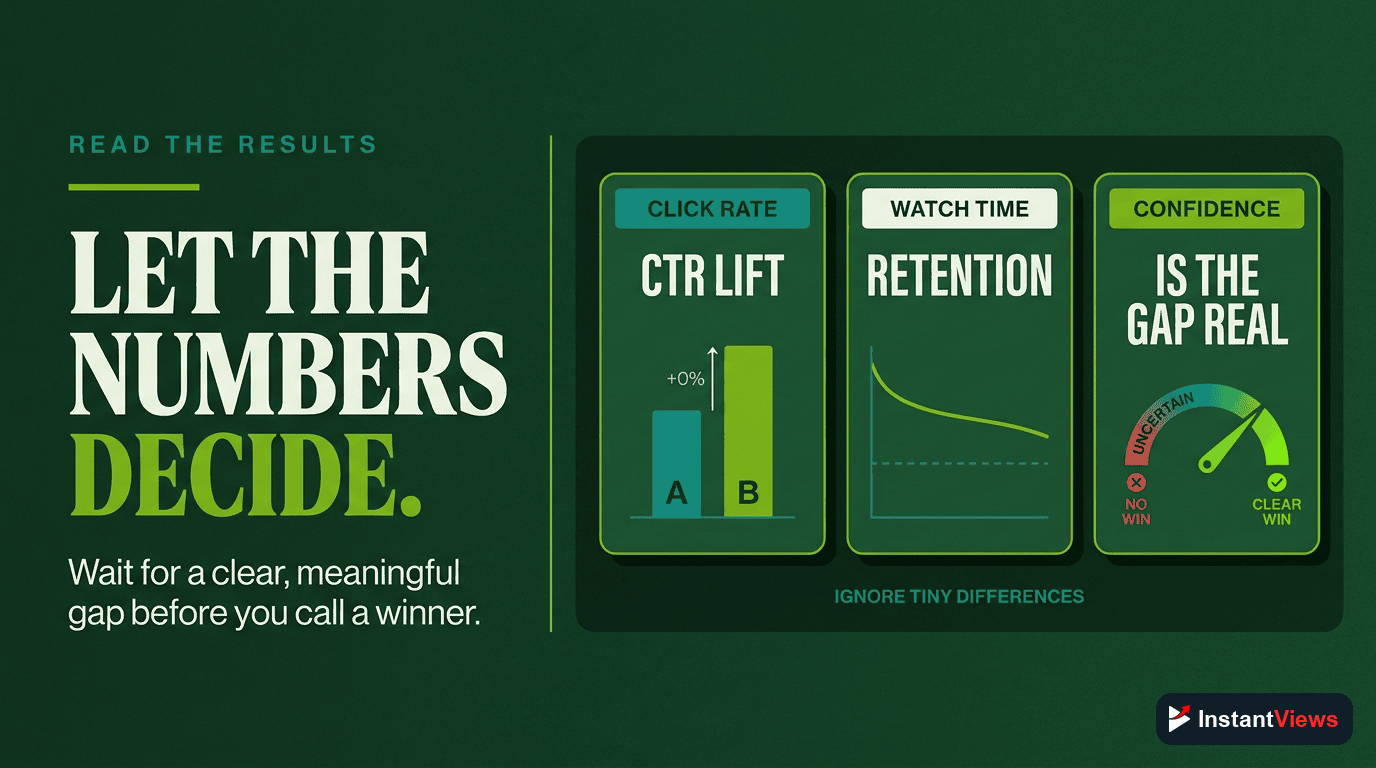
A test result is only meaningful if it's statistically significant. This means the difference didn't happen by random chance.
Rules for significance:
- Need at least 1,000 impressions per variant
- Winner should have at least 20% higher CTR than loser
- Test should run for at least 7 days
- Avoid testing during anomalies (viral spikes, major news events)
Common Testing Mistakes to Avoid
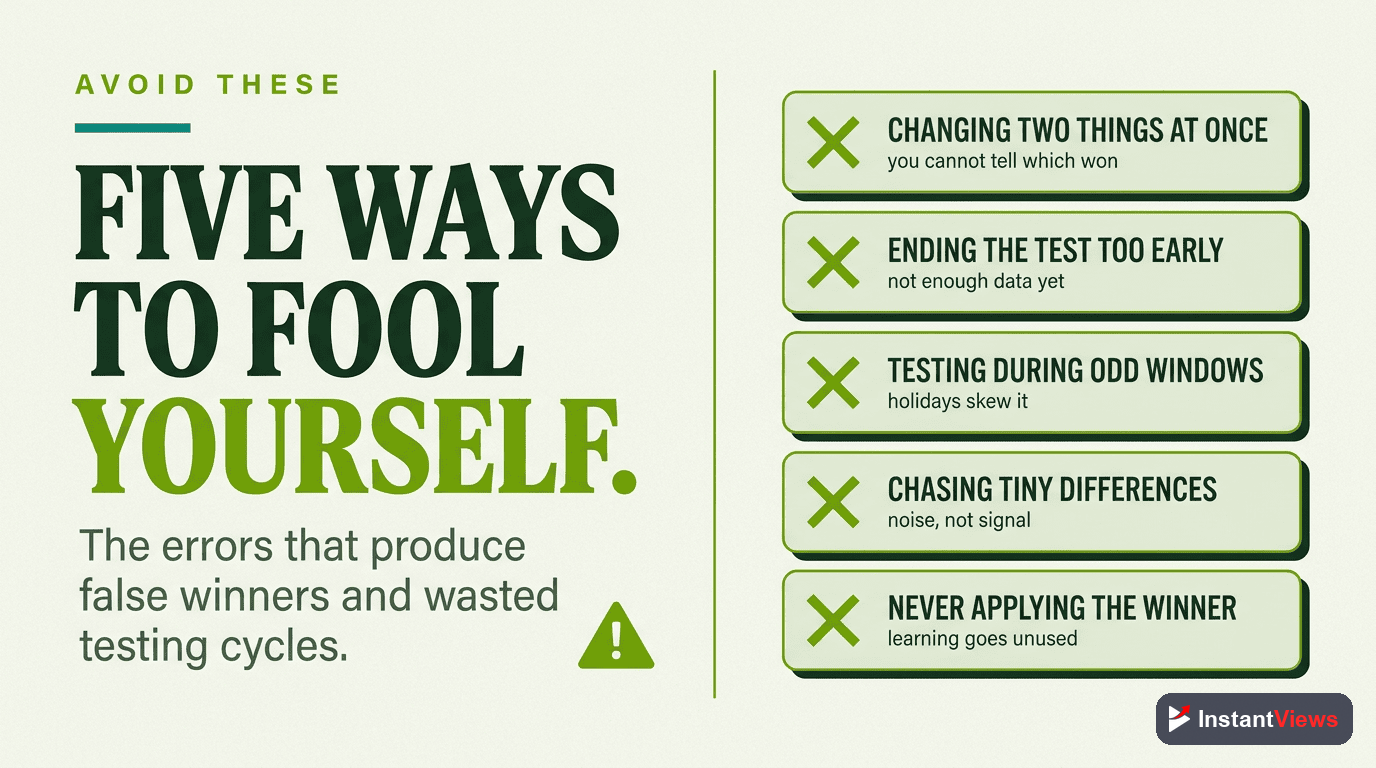
1. Testing Too Many Variables at Once
Changing thumbnail, title, AND description makes it impossible to know what worked. Test one element at a time.
2. Ending Tests Too Early
Checking results after 24 hours is premature. YouTube needs time to show your video to different audiences. Wait at least 7 days.
3. Ignoring Secondary Metrics
A thumbnail might get clicks but deliver poor watch time if it's misleading. Always check average view duration.
4. Not Documenting Results
Keep a testing log so you can spot patterns over time. What works for your audience? What doesn't?
5. Testing on Small Channels Only
Some creators think "I'll test once I'm bigger." Wrong. Testing helps you GET bigger. Start now, even with small traffic.
Never use misleading thumbnails or titles just to boost CTR. YouTube's algorithm also measures watch time and satisfaction. Clickbait gets clicks but kills retention, which destroys your reach.
Advanced Testing Strategies
Time-Based Testing
Test how thumbnails perform at different times:
- Mornings vs. evenings
- Weekdays vs. weekends
- Different seasons (summer vs. winter)
Audience Segment Testing
If you have audience data, test variants on:
- Subscribers vs. non-subscribers
- Different age groups
- Different geographic regions
Series Testing
For video series, test thumbnail consistency:
- Same template vs. unique designs
- Numbered episodes vs. descriptive titles
- Character/host vs. topic-focused
Tools & Resources for Testing
Beyond YouTube's native tools, here are resources that help:
- Thumbnail Preview Tools: ThumbnailTest.com, Thumblytics
- Analytics Platforms: TubeBuddy, VidIQ, Social Blade
- Design Tools: Canva (templates), Photoshop, Figma
- InstantViews Video Analyzer: Pre-upload scoring and predictions
Final Recommendations
- Make testing a habit - Test every video, not just "important" ones
- Start with thumbnails - They have the biggest impact on CTR
- Use YouTube's native tool - If you're in YPP, it's the most accurate
- Document everything - Build a library of what works for YOUR audience
- Never stop learning - Audience preferences evolve; keep testing
"The difference between good and great on YouTube is testing. Most creators upload and pray. Professionals upload and measure." - Derral Eves, YouTube Expert
Frequently Asked Questions
Run tests for at least 7-14 days to account for different viewer behavior throughout the week. You need at least 1,000-2,000 impressions per variant to get statistically significant results. Shorter tests can be misleading due to random fluctuations.
Yes, but it requires manual work. Upload with one thumbnail, track performance for a set period (7-14 days), then change the thumbnail and compare results. However, this method is less accurate because external factors can affect performance between test periods.
For most channels, a CTR of 4-10% is good. New channels typically see 2-4%, while established channels with optimized thumbnails can reach 10-15%. MrBeast averages 15-20% CTR through extensive testing.
Test thumbnails first. Thumbnails have a much larger impact on CTR than titles. Once you have a winning thumbnail, then optimize the title. Testing both simultaneously makes it impossible to know which element drove the change.
Test 2-3 variants maximum. Testing too many options splits your traffic too thin and takes longer to get significant results. Start with two very different concepts, find the winner, then refine with additional tests.
Not if done strategically. YouTube allows thumbnail changes, and a better thumbnail can actually improve performance. However, avoid changing thumbnails on well-performing videos unless you have strong data suggesting an improvement.