- Think in tool categories, not brands: each category fixes one specific part of the growth workflow
- The seven functions that matter are research, title and thumbnail optimization, SEO and tags, analytics, scheduling, editing, and AI assist
- Title and thumbnail tools usually move views the fastest, because click-through rate is the first gate every video must pass
- Free tools — including YouTube Studio and InstantViews' free suite — are enough to start; paid tools mainly buy depth and time
- Run a lean stack: one reliable tool per function you actually use beats a cluttered dashboard you ignore
YouTube reaches more than 2.7 billion monthly active users and serves over a billion hours of video every day, which means the opportunity is enormous — and so is the competition. The creators who grow steadily are rarely the ones working hardest. They are the ones who have removed friction from every stage of their workflow, so that finding a topic, writing a title, optimizing for search, and reading the results all happen quickly and with confidence.
That is exactly what the right tools do. But the tool landscape is noisy. Every week another app promises to ten-times your views, and it is easy to end up paying for five overlapping dashboards while your actual bottleneck goes untouched. The fix is to stop thinking in brand names and start thinking in functions.
This guide is a catalog organized by what each tool category actually does for your channel. For every function you will learn the job it performs, the situations where it matters most, and the specific features to look for when you choose a tool. We will keep the advice qualitative on purpose — brands, prices, and feature sets change constantly, but the underlying functions a growing channel needs have stayed remarkably stable.
If you are looking for a hand-picked must-have stack and a daily workflow instead, that is a different article. This one is the wide-angle map: the full menu of categories, so you can decide which ones your channel needs right now.
Why You Should Think in Categories, Not Brands
The single most common mistake creators make with tools is shopping by name. They hear a popular app mentioned in a video, sign up, use it twice, and forget about it — while the part of their workflow that was actually slowing them down never gets addressed. A bloated stack of half-used subscriptions is not a growth strategy; it is overhead.
Thinking in functions flips that around. Instead of asking "which tool is best," you ask "which part of my workflow is costing me the most time or views?" That question has a clear answer, and once you know the function you need, choosing a tool inside that category becomes simple. You are comparing apples to apples instead of drowning in marketing pages.
There are seven functions that cover almost everything a growing channel needs. Each one maps to a stage in the journey from idea to published, optimized, measured video:
- Research — decide what to make
- Title & thumbnail optimization — win the click
- SEO & tags — help the platform understand and surface your video
- Analytics — learn what worked and why
- Scheduling — publish consistently without friction
- Editing — raise production quality
- AI assist — remove repetitive busywork
The rest of this guide walks through each function in order, so you can spot exactly which categories your channel is missing.

Keyword & Topic Research Tools
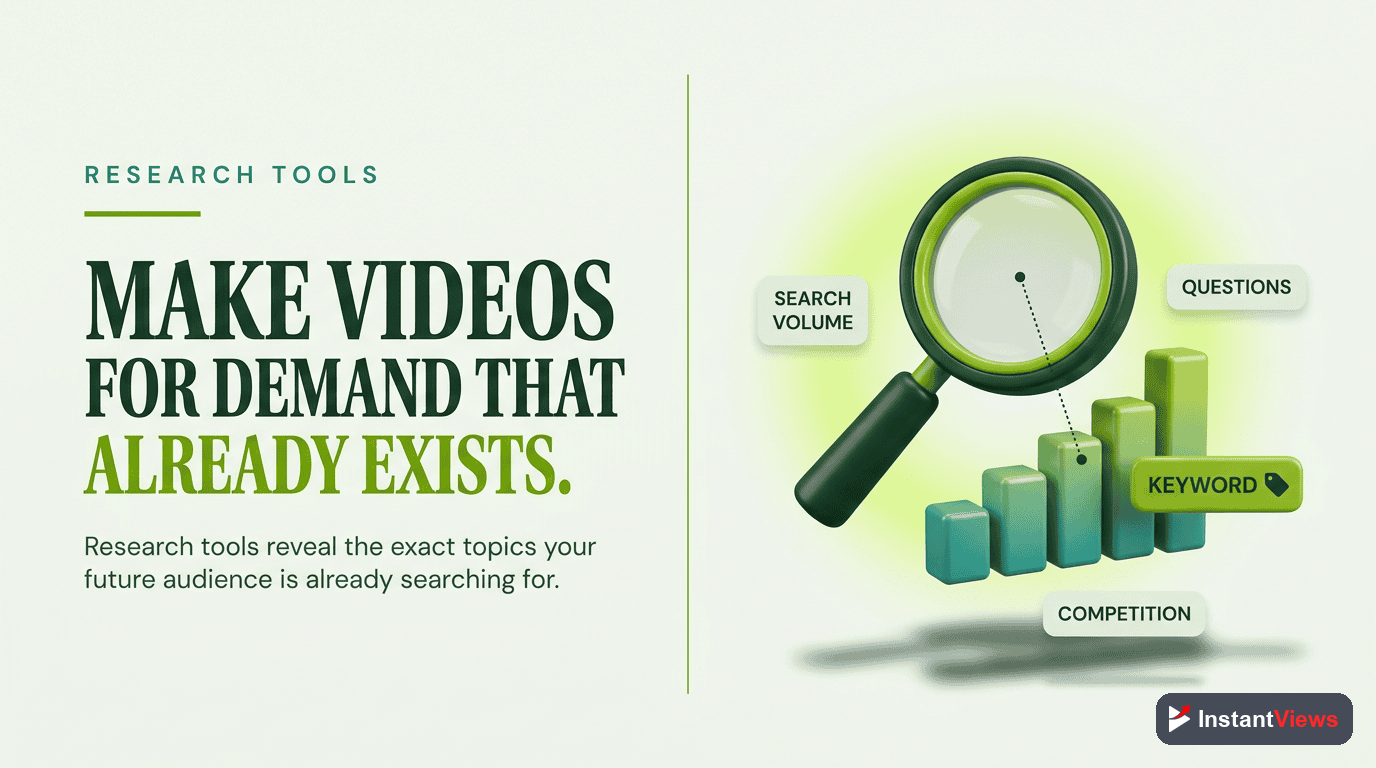
What this category does: research tools tell you what your audience is actually searching for and watching, so you make videos people want before you ever hit record. This is the highest-leverage stage in the entire workflow — a brilliantly produced video on a topic nobody wants will always lose to an average video on a topic in genuine demand.
Good research answers three questions: is there real demand for this topic, how much competition will I face, and what angle or sub-topic is underserved? A tool that surfaces low-competition topics with steady demand is worth far more than one that simply lists the biggest, most contested keywords everyone is already chasing.
What to Look For
- Search volume estimates so you can gauge real demand, not guesses.
- A competition or difficulty score that flags whether a new channel can realistically rank.
- Related and long-tail suggestions that reveal specific angles competitors have missed.
- Trend data over time so you can tell a rising topic from a fading one.
- Search-autocomplete and "people also watch" mining for real language your audience uses.
Title & Thumbnail Optimization Tools
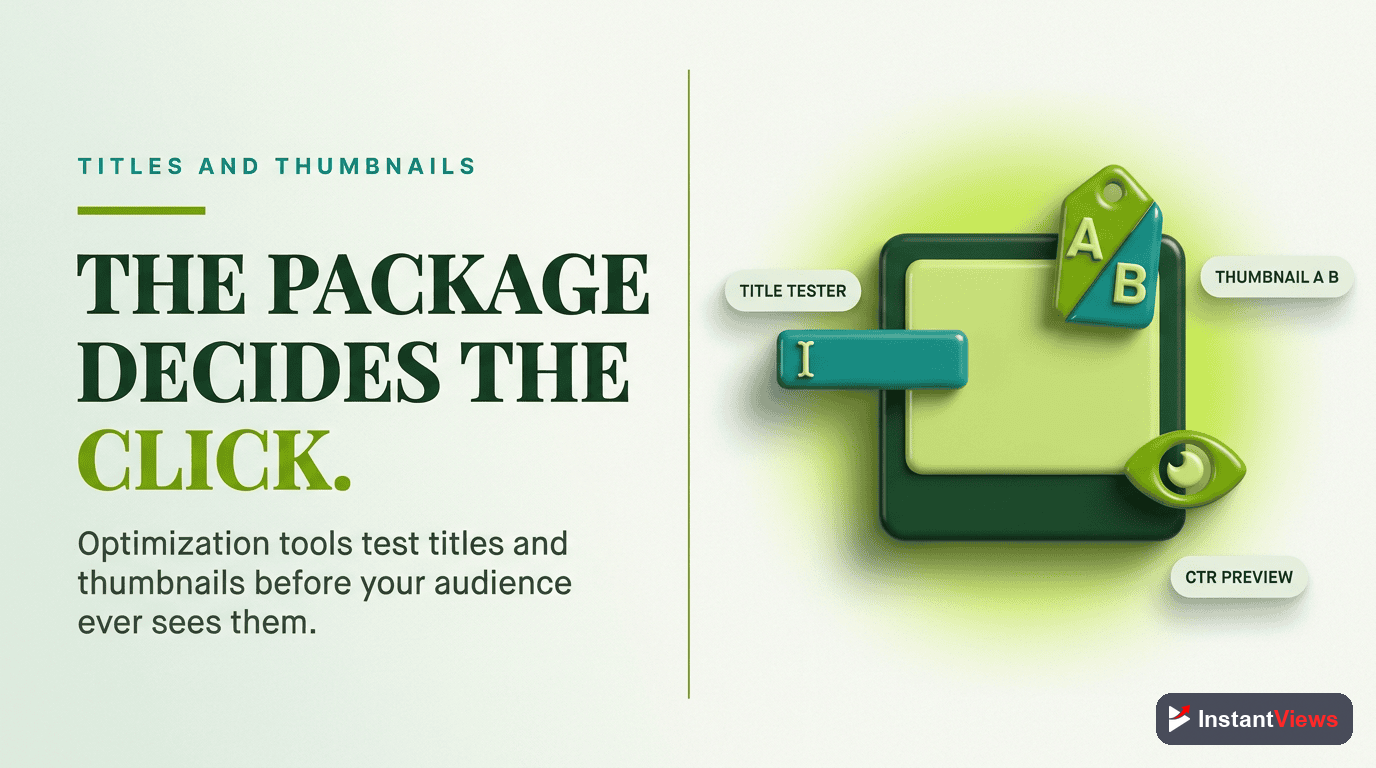
What this category does: these tools help you win the click. Your title and thumbnail are the only things most viewers see before deciding whether to watch, which makes click-through rate the first gate every video must pass. A video the algorithm never surfaces because nobody clicks it is, for growth purposes, invisible — no matter how good the content is.
This is the category that tends to move views the fastest, because improvements compound across your whole library. A better title formula or a clearer thumbnail style does not just help one video; it raises the floor on everything you publish afterward.
What to Look For
- Side-by-side comparison of title and thumbnail options so you can judge them honestly.
- Preview in context — seeing how a thumbnail looks at small size, in feed, and next to competitors.
- A/B or experiment support that lets you test variations and let real viewer behavior decide.
- Length and clarity checks that flag titles likely to get cut off on mobile.
- A 1280x720 thumbnail standard with guidance on contrast, faces, and readable text.
The goal is not clickbait. A title and thumbnail that overpromise earn the click but kill retention, and weak retention tells the 2026 algorithm to stop recommending the video. The best optimization tools help you write something that is both compelling and honest — an accurate promise the video then keeps.
Optimizing the click is only half the equation. YouTube's 2026 system rewards viewer satisfaction and retention more than raw watch time, so a title that wins the click but disappoints viewers will actually suppress your reach. Always pair title and thumbnail tools with a real focus on delivering what you promised.
SEO & Tag Tools
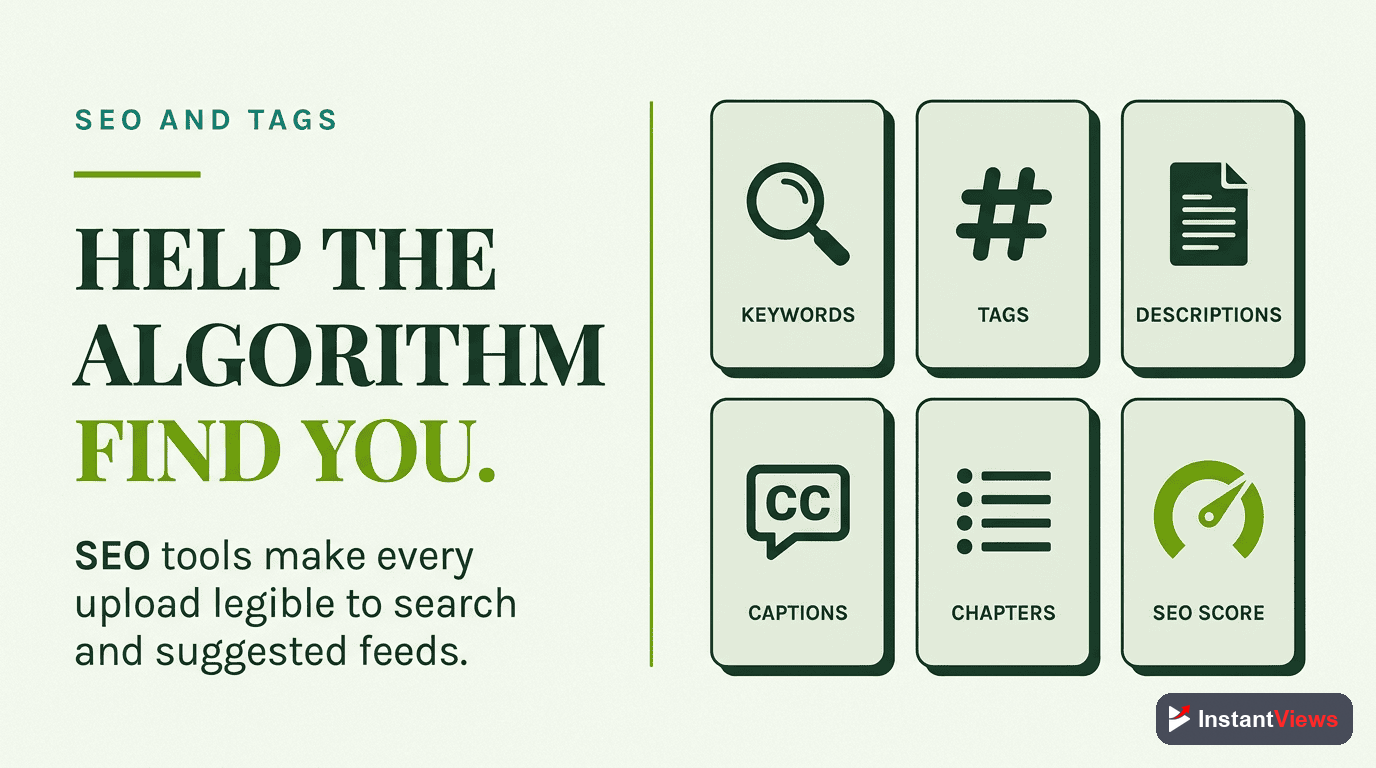
What this category does: SEO tools help the platform understand what your video is about, so it can match you to the right searches, suggested feeds, and recommendations. While the click is won by your title and thumbnail, SEO is what gets your video in front of the right person in the first place, especially for search-driven and evergreen content.
In practice this category covers your title keywords, description, tags, chapters, captions, and the on-platform signals that describe your content. Tags carry less weight than they once did, but a coherent set of metadata still helps the system place new uploads with confidence before they have enough watch data to speak for themselves.
What to Look For
- Keyword-driven description and tag suggestions based on your target topic.
- An optimization score or checklist that flags missing metadata before you publish.
- Competitor metadata insight so you can see how ranking videos describe themselves.
- Caption and chapter support, since transcripts and timestamps add searchable text and improve accessibility.
- A pre-upload checklist so optimization happens by habit, not as an afterthought.
A reliable SEO tool turns optimization from something you try to remember into a repeatable routine. The compounding benefit is that every video starts its life properly understood by the platform rather than guessed at.
Analytics & Tracking Tools
What this category does: analytics tools close the loop. They tell you what actually worked, what fell flat, and where viewers dropped off — turning every upload into data you can learn from instead of a guess you repeat. Without measurement, you are improving blind.
Your foundation here is YouTube Studio, which draws directly from the platform and is the source of truth for your own channel. Third-party analytics tools add value on top by tracking history over time, comparing you to competitors, and surfacing patterns faster than you would spot them manually. The distinction matters: trust Studio for your own numbers, and treat third-party estimates as a magnifying glass for finding insights worth confirming.
The Metrics That Matter Most
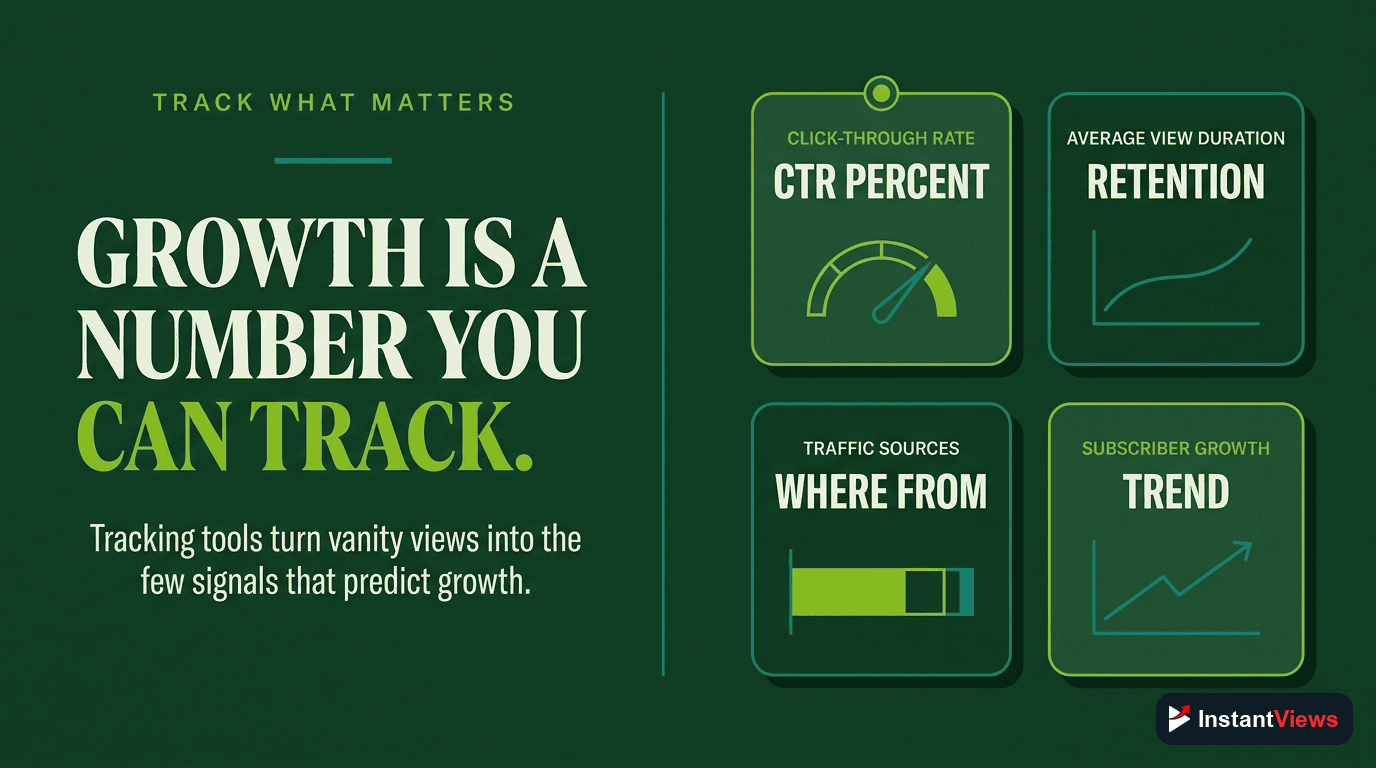
- Click-through rate (CTR): the clearest signal of whether your titles and thumbnails are working.
- Average view duration and percentage viewed: the strongest read on whether your content delivers on its promise.
- Retention curves: the exact moments viewers leave, which tell you what to fix in your hooks and pacing.
- Traffic sources: whether you are growing through search, suggested, browse, or Shorts — each calls for a different strategy.
- Returning vs. new viewers: a measure of whether you are building a loyal audience or just renting attention.
Scheduling & Publishing Tools
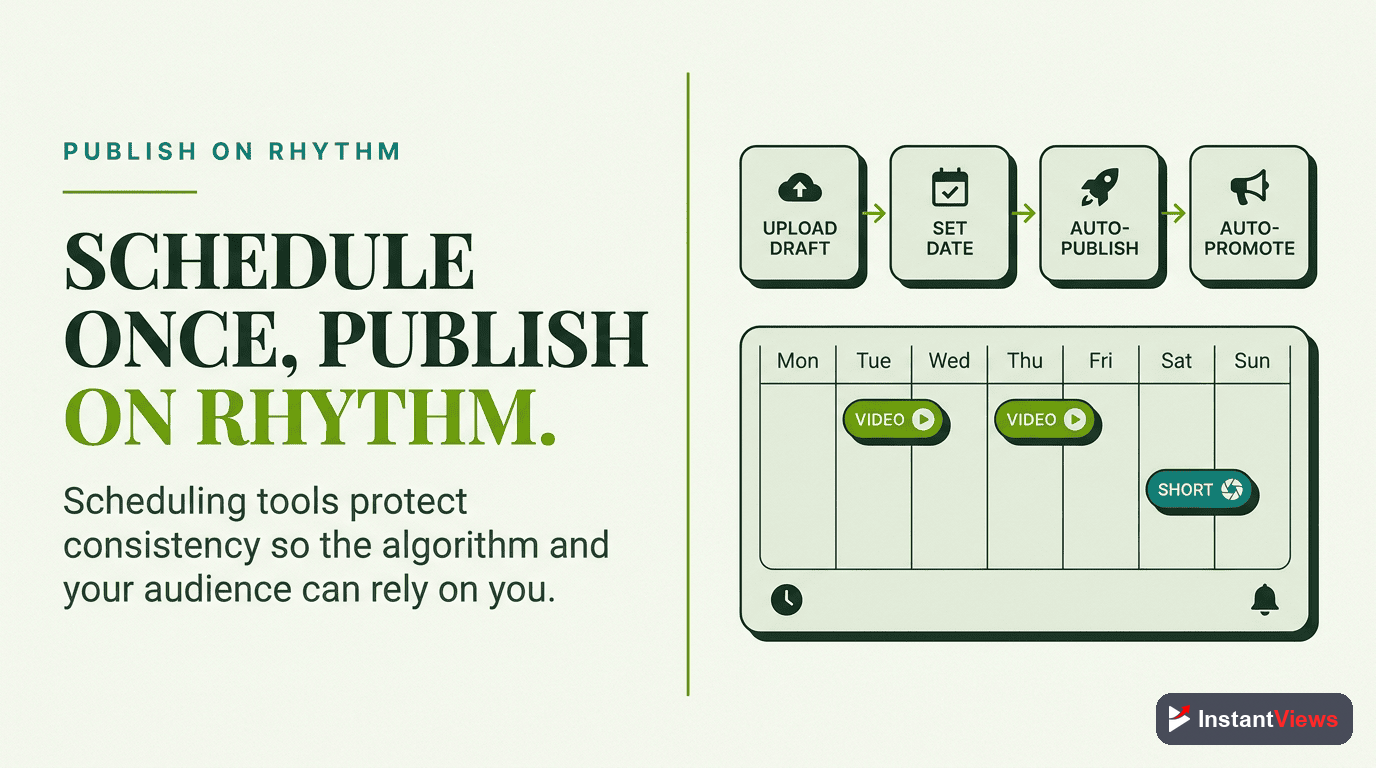
What this category does: scheduling tools protect the one factor that quietly drives long-term growth more than almost anything else — consistency. They do not change how the algorithm ranks a video, but they make a reliable cadence sustainable by letting you batch, queue, and publish without manual effort on every upload day.
Consistency is hard to maintain on willpower alone. Life interrupts, motivation dips, and a single missed week can stretch into a quiet month. A scheduling workflow turns publishing into a system that keeps running even when you are busy, which is precisely when most channels go silent and lose momentum.
What to Look For
- Advance scheduling so you can prepare uploads days or weeks ahead.
- Bulk and batch handling for metadata, end screens, and thumbnails across multiple videos.
- A content calendar view that shows your pipeline at a glance and exposes gaps early.
- Cross-platform queuing if you repurpose clips and Shorts to other networks.
- Reminders and status tracking so nothing planned slips through the cracks.
Editing & Production Tools
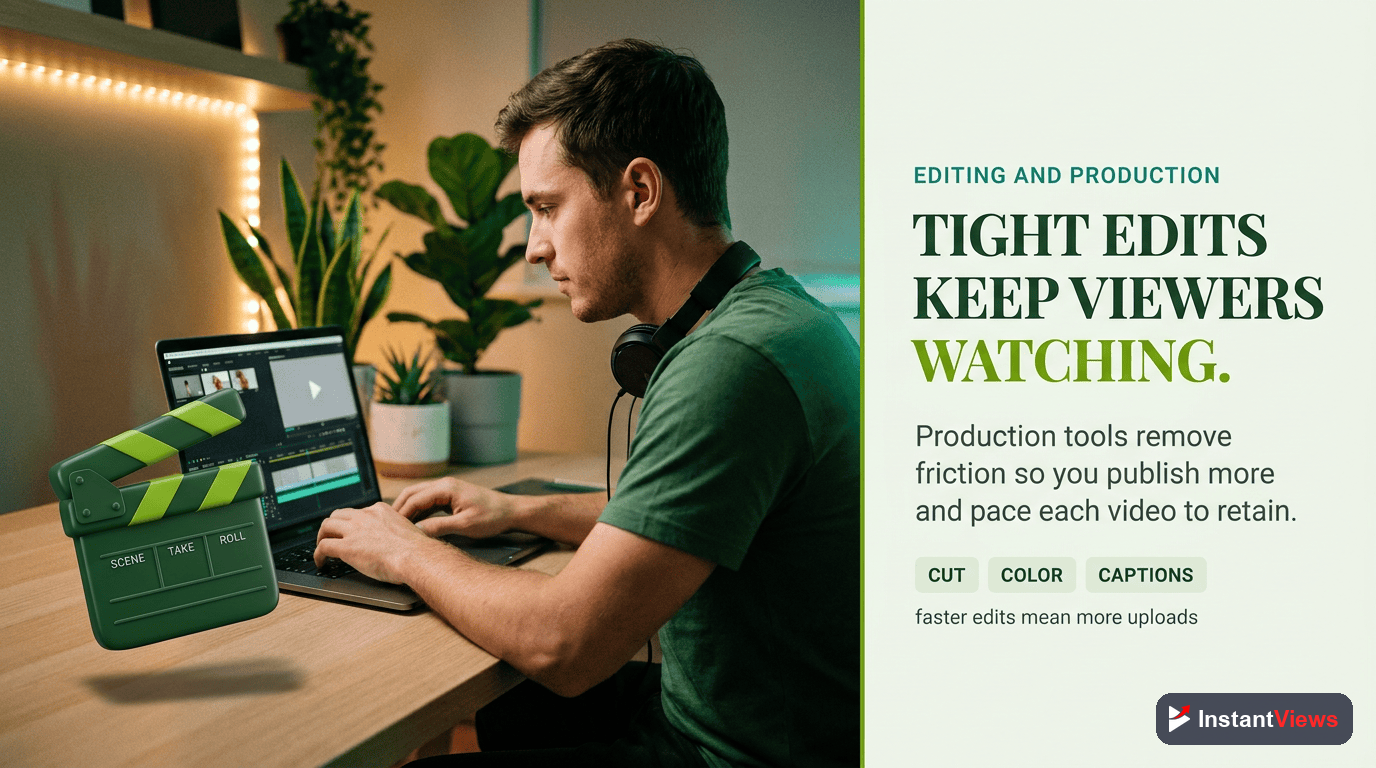
What this category does: editing tools raise the quality and pace of your videos, which directly affects retention — and retention is what the platform rewards. Editing is also where most creators spend the bulk of their time, so the right tools here buy back hours every single week.
The category spans a wide range, from full desktop editors to fast mobile apps for Shorts, plus the supporting cast of caption generators, screen recorders, royalty-free music libraries, and stock-footage sources. You do not need the most powerful editor on the market; you need one that matches your format and lets you cut quickly without fighting the software.
What to Look For
- A workflow that fits your format — long-form, Shorts, or both — rather than maximum raw power.
- Automatic captions and subtitles, which boost both accessibility and retention.
- Cleanly licensed music and footage to avoid copyright claims that can demonetize a video.
- Templates and presets for intros, lower-thirds, and end screens to keep a consistent brand look.
- Fast export and reasonable hardware demands so editing does not become your bottleneck.
Remember that production polish supports good content but never replaces it. A well-edited video on a weak idea still fails; the editing tool earns its place by making your strong ideas land more cleanly and by giving you the time to make more of them.
AI Assist Tools
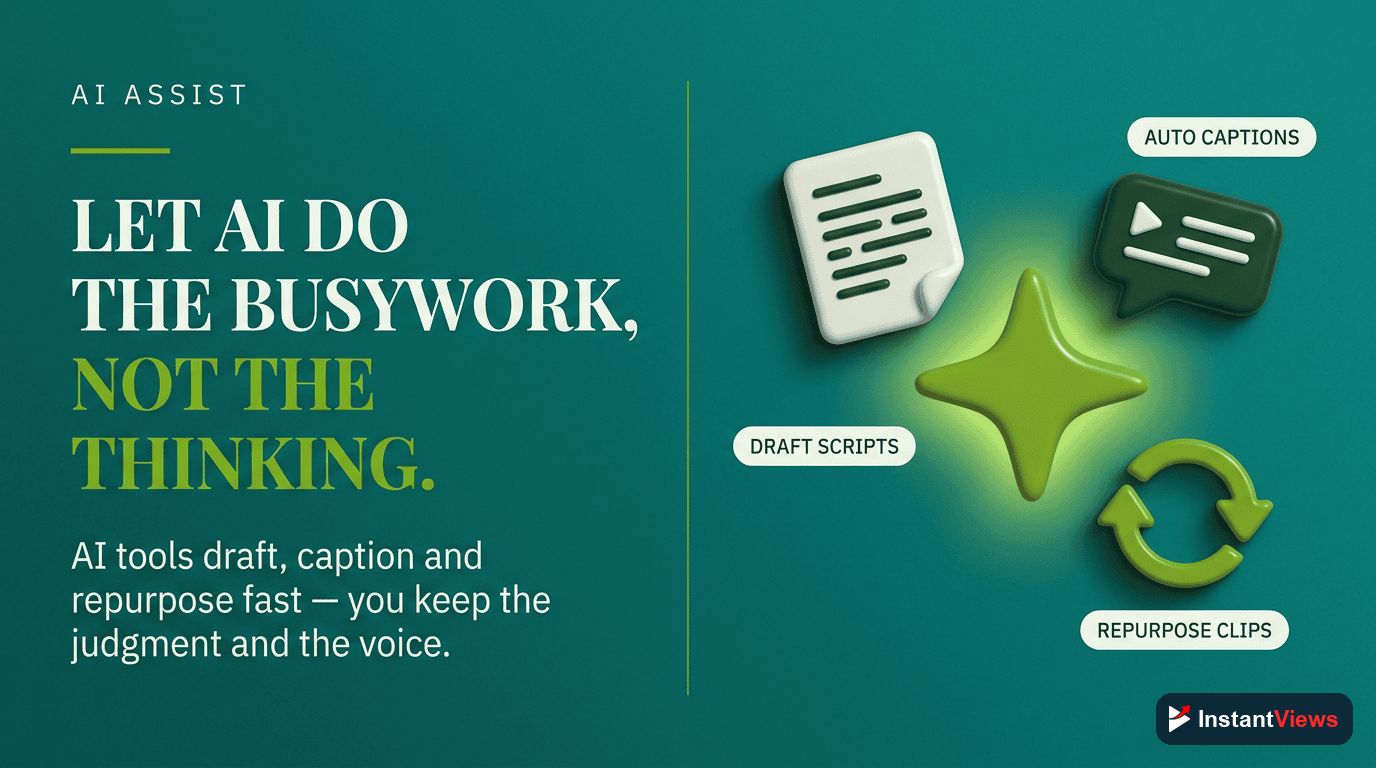
What this category does: AI assist tools accelerate the repetitive parts of creation — brainstorming angles, drafting descriptions, generating tag lists, suggesting chapters, writing first-draft scripts, and speeding up edits with auto-cuts and auto-captions. Used well, they remove busywork so you can spend your time on the judgment and creativity that machines cannot replicate.
This is also the category that demands the most care in 2026. YouTube is actively reducing the spread of low-value, mass-produced content, so the line that matters is the difference between AI assisting your work and AI replacing the value you add. Use it to draft, suggest, and accelerate — then apply your own expertise, voice, and quality control on top.
What to Look For
- Idea and angle generation that breaks creative blocks without dictating your content.
- Draft assistance for descriptions, titles, and outlines that you then refine in your own voice.
- Editing acceleration such as auto-captions, filler-word removal, and rough-cut generation.
- Clear, sensible data handling so you understand what you are feeding into the tool.
- Human-in-the-loop design that treats AI as an assistant, not an autopilot.
"Tools do not grow channels — consistent, valuable videos do. The right tool simply removes the friction between a good idea and a published, optimized video, so you can make more of them with less guesswork."
The Category Cheat Sheet
Here is the entire catalog in one place. Use it to spot which function is missing from your workflow and what to look for when you fill the gap.
| Tool Category | What It Does | What to Look For |
|---|---|---|
| Keyword & Topic Research | Tells you what to make by surfacing real demand and competition | Volume estimates, difficulty score, long-tail ideas, trend data |
| Title & Thumbnail Optimization | Wins the click and raises click-through rate across your library | Comparison, in-feed preview, A/B testing, length and clarity checks |
| SEO & Tags | Helps the platform understand and surface your video to the right people | Metadata suggestions, optimization score, captions, chapters |
| Analytics & Tracking | Shows what worked, what flopped, and where viewers dropped off | CTR, retention curves, traffic sources, returning viewers |
| Scheduling & Publishing | Protects the consistency that long-term growth depends on | Advance scheduling, batch handling, calendar view, reminders |
| Editing & Production | Raises quality and pace, which drives retention | Format fit, auto-captions, licensed assets, fast export |
| AI Assist | Removes repetitive busywork from ideation through editing | Idea generation, draft help, edit acceleration, human-in-the-loop |
Notice that several of these functions — research, title and tag optimization, and basic analysis — are available for free. InstantViews offers a free suite of YouTube tools covering exactly these stages, which makes it a sensible place to start before you ever pay for anything.
Start With Free Tools
Explore our free suite of YouTube tools to research topics, optimize titles and tags, and analyze what is working — covering several of these categories at no cost.
Explore Free YouTube Tools →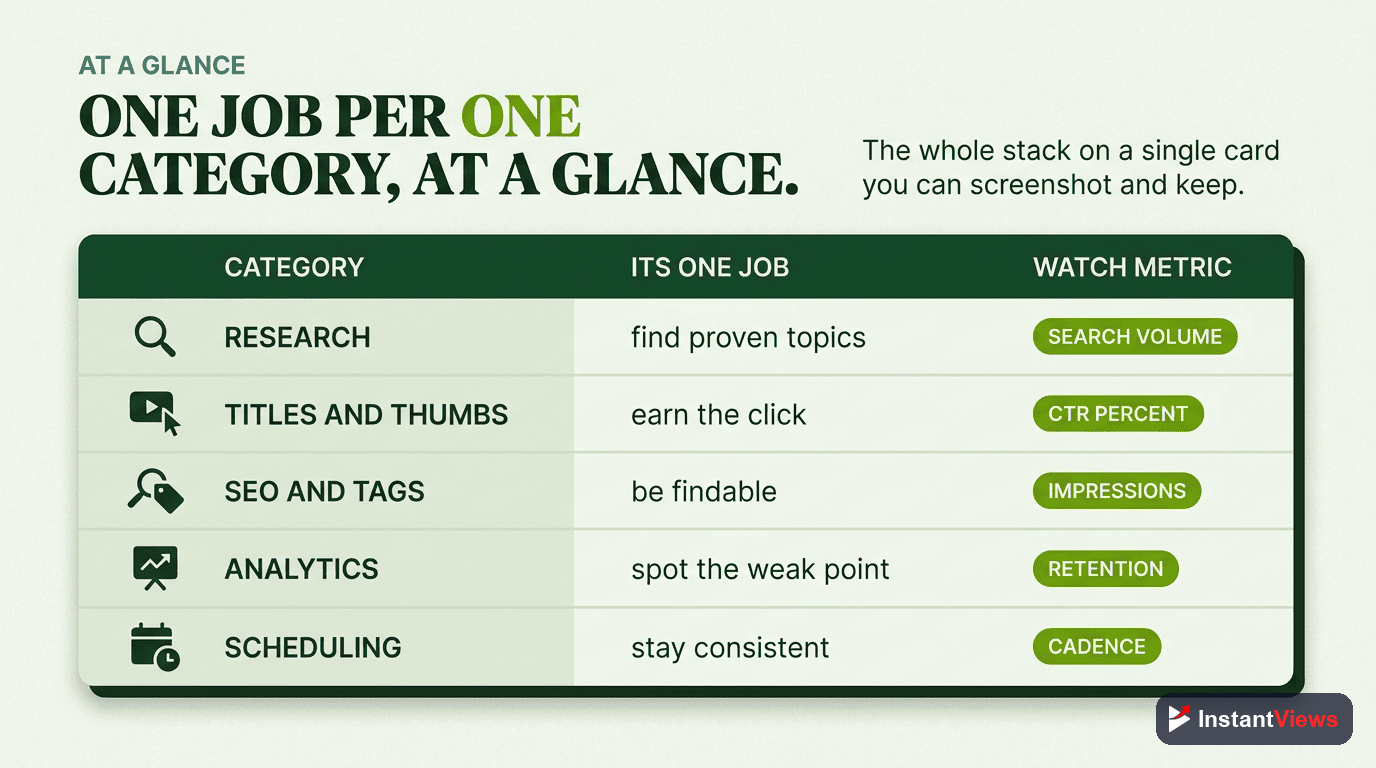
How to Build Your Stack
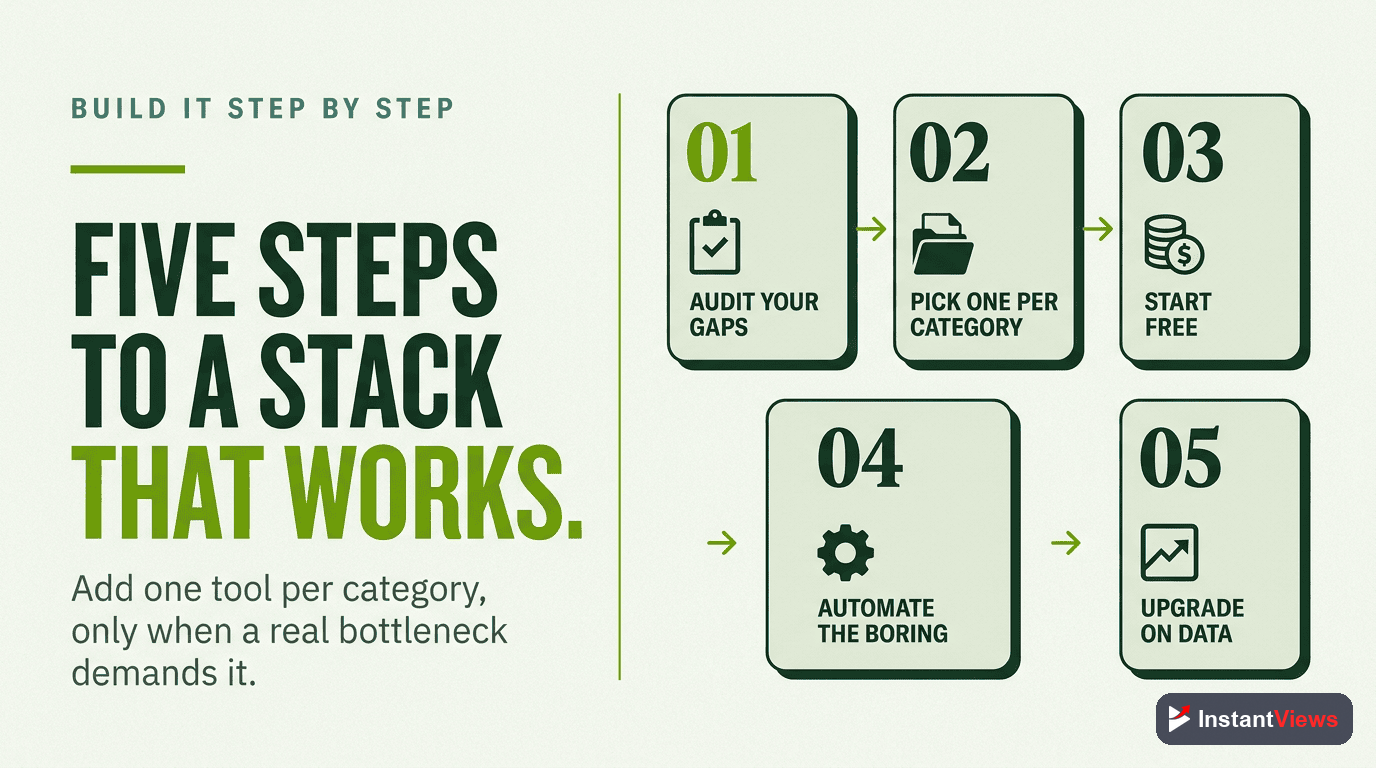
Knowing the categories is one thing; assembling a stack that helps rather than overwhelms is another. The aim is a lean set of tools — one reliable choice per function you actually use — built in the order that delivers value fastest. Follow this sequence.
Identify Your Biggest Bottleneck
Look honestly at your workflow and find the one stage that costs you the most time or views. If you struggle to pick topics, start with research. If your videos get impressions but few clicks, start with titles and thumbnails. Solve the real constraint first.
Start With Free Research and Analytics
Topic selection and measurement drive the earliest gains, and both are available for free. Pair a free keyword research tool with YouTube Studio analytics so you are choosing the right topics and learning from every upload before you spend a cent.
Add Title and Thumbnail Optimization
Once you are making the right videos, focus on getting them clicked. A tool that lets you compare, preview, or test titles and thumbnails usually produces the fastest visible jump in views, because it lifts the click-through rate of everything you publish.
Layer in Scheduling, Editing, and AI Assist
With research and optimization handled, add the support functions: scheduling to protect consistency, editing to raise quality and retention, and AI assist to clear repetitive busywork. Add these one at a time, only when a real need appears.
Review and Trim Every Quarter
Tool stacks bloat quietly. Every few months, drop anything you have not opened recently and keep one dependable tool per function you genuinely use. A small stack you know well beats a large one you half-remember.
This order works because it follows the natural flow of value: decide what to make, win the click, then protect quality and consistency. Build it in that sequence and every tool you add is solving a problem you have already felt — never one a marketing page invented for you.
Frequently Asked Questions
Most channels are served by seven broad categories: keyword and topic research, title and thumbnail optimization, SEO and tagging, analytics, scheduling and publishing, editing, and AI assistance. You do not need a tool from every category on day one. Start with research and analytics, then add the rest as specific bottlenecks appear in your workflow.
Free tools are more than enough to start. YouTube Studio itself covers analytics and basic optimization, and free utilities handle keyword ideas, tag generation, and title checks. InstantViews offers a free suite covering research and optimization. Paid tools mainly buy depth, automation, and time savings once you are publishing consistently and have a clear bottleneck worth paying to remove.
Look for search volume estimates, a competition or difficulty score, related and long-tail suggestions, and ideally trend data over time. The most useful tools surface low-competition topics with genuine demand rather than only showing the biggest, most contested keywords. Accuracy matters more than the size of the database.
Title and thumbnail optimization usually moves the needle most, because click-through rate is the first gate every video must pass before the algorithm distributes it widely. A tool that lets you compare, preview, or test titles and thumbnails before and after publishing tends to deliver the fastest visible gains.
AI tools are useful for ideation, drafting descriptions, generating tag lists, and speeding up editing. The risk is leaning on them to mass-produce low-effort content, which YouTube is actively reducing the spread of. Use AI to assist your judgment and accelerate tasks, not to replace original value, and your channel stays on the right side of the platform.
Fewer than you think. A bloated stack creates overhead and conflicting data. Pick one reliable tool per category you actually use, learn it well, and only add another when a real limitation forces the decision. Consistency of use beats breadth of tools every time.
Indirectly, yes. Scheduling tools do not change how the algorithm ranks a video, but they protect the consistency that growth depends on. By letting you batch, queue, and publish on a reliable cadence, they remove the friction that causes upload gaps, and steady output is one of the strongest predictors of long-term channel growth.
Treat YouTube Studio as the source of truth for your own channel data, because it draws directly from the platform. Third-party analytics tools add value by layering on competitor comparisons, historical tracking, and faster surfacing of patterns, but they estimate where they lack direct access. Use them to find insights, then confirm the numbers that matter in Studio.
Conclusion
Growing on YouTube in 2026 is less about owning the most software and more about understanding what each category of tool actually does for you. Research tools point you at topics worth making, optimization tools win the click, SEO tools help the algorithm understand you, analytics tools tell you what worked, scheduling tools protect your consistency, editing tools raise quality, and AI assist tools remove busywork — each one strengthening a different link in the same chain.
The smartest approach is to build a lean stack around your real bottleneck rather than chasing every tool that promises growth. Start free, prove that a category genuinely moves your numbers, and only then invest in depth and automation. One reliable tool per function you truly use will always beat a cluttered dashboard of apps you forgot you signed up for.
Pick the category that is slowing you down most this week and act on it. Tools do not create great channels — consistent, valuable videos do — but the right tool, used well, lets you make more of them, faster, with far less guesswork.