- Most channels that stall fail from inconsistency, not bad ideas — a content calendar fixes that directly
- Most successful creators publish one to three high-quality videos a week; posting twice a week can grow subscribers about three times faster than once a week when quality stays constant
- Doubling output by halving quality produces no growth boost — the 2026 algorithm rewards viewer satisfaction and retention
- Pick a frequency you can hold for six months; downgrading after launching high sends a negative signal
- Keep a buffer of about four finished videos, plan roughly twelve weeks ahead, and batch your filming and editing
Almost every creator who quits YouTube says the same thing on the way out: "I ran out of ideas." But that is rarely the real story. Dig a little deeper and you find the actual cause — they ran out of rhythm. A few good weeks, then a missed upload, then two, then a month of silence, and finally a channel that quietly fades. The most consistent finding in creator growth is blunt and a little uncomfortable: most channels that stall fail from inconsistency, not from bad ideas.
That is good news, because consistency is a system, not a talent. You do not need to be more disciplined, more motivated, or more creative than everyone else. You need a plan that decides what you publish and when — once — so that every other week you are simply executing instead of agonizing. That plan is a content calendar.
On a platform with more than 2.7 billion monthly active users and over a billion hours watched every day, attention is abundant but fragile. A 2026 algorithm tuned for viewer satisfaction and retention rewards channels that show up reliably with content worth watching. A content calendar is how you become one of those channels on purpose rather than by luck.
This guide walks through why consistency wins, exactly how often you should post, how to build a calendar you will actually use, how batching turns a fragile schedule into a durable one, what belongs on the calendar, and the mistakes that quietly sink even talented creators.
- Why Consistency Wins on YouTube
- How Often Should You Actually Post?
- Upload Frequency: Which Cadence Suits You
- Building Your Content Calendar
- Build Your Calendar: Step by Step
- Batching: The Consistency Multiplier
- What to Put on the Calendar
- The Buffer: Your Insurance Against Bad Weeks
- Content Calendar Mistakes to Avoid
- FAQ
Why Consistency Wins on YouTube
Consistency does three things at once, and each of them compounds. First, it trains your audience. When viewers know a new video lands every Tuesday, they begin to anticipate it, return for it, and build your channel into their week. That predictable return traffic is exactly the kind of repeat engagement the platform reads as a healthy, satisfying channel.
Second, consistency feeds the algorithm signals it can trust. The 2026 system optimizes for viewer satisfaction and retention — and retention matters more than raw watch time. A steady stream of videos gives the algorithm repeated chances to learn who your content is for and to surface it to the right people. Sporadic uploads reset that learning over and over.
Third, and most importantly, consistency compounds your own skill. Every video you publish teaches you something about titles, hooks, pacing, and topics. Publish fifty videos in a year and you are a dramatically better creator than the person who published eight. The calendar is what turns "I'll make a video when inspired" into "I make videos on a schedule," and that shift is where almost all real growth comes from.
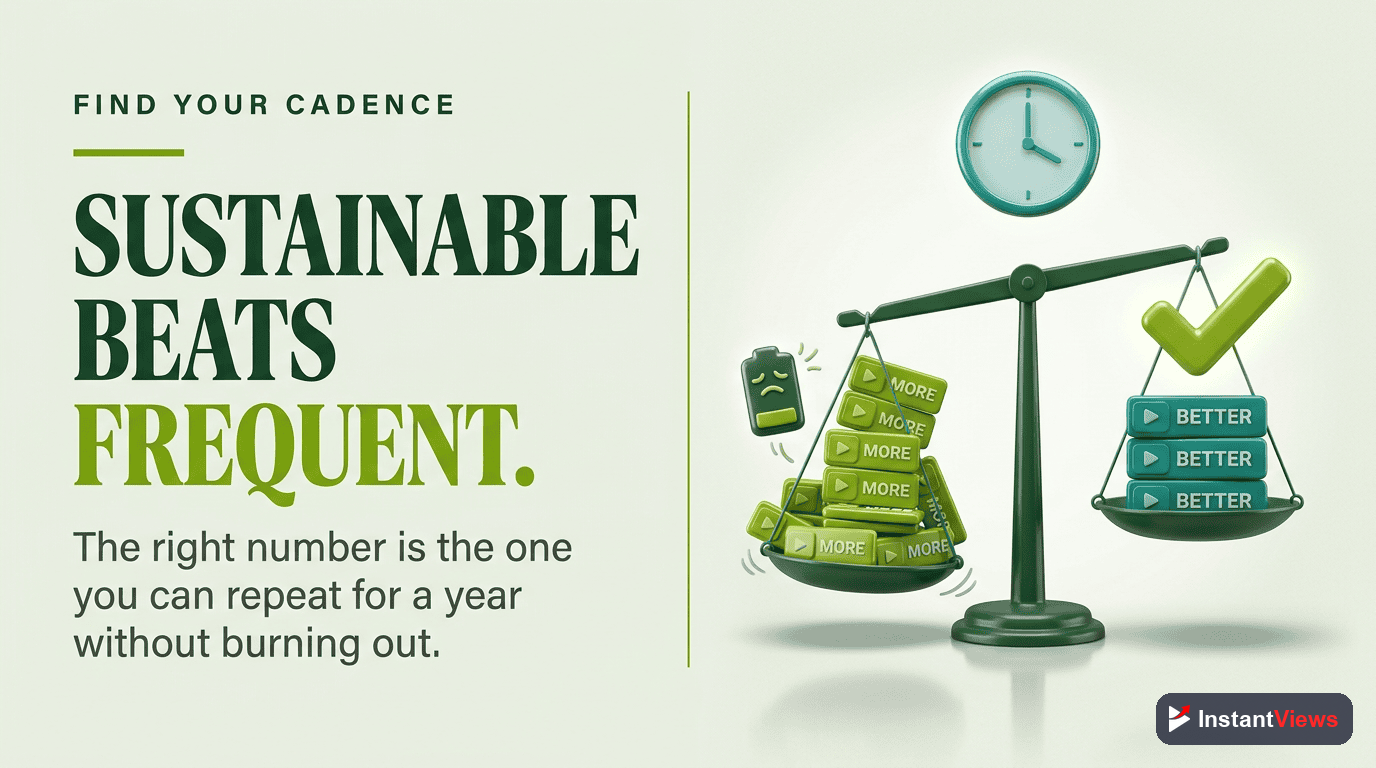
Here is the part most creators get backwards: the goal of a calendar is not to make you post more. It is to make you post without fail. A reliable one video a week beats an erratic three, because the erratic schedule never builds the trust or the momentum that compounding requires.

How Often Should You Actually Post?
The honest answer is: as often as you can sustain at full quality — and not one video more. Most successful creators publish one to three high-quality videos per week. That is the band you should aim for, then choose your exact number based on your niche, your format, and the hours you can genuinely commit.
Frequency does matter when quality is held constant. Posting twice a week tends to grow subscribers roughly three times faster than posting once a week — a meaningful gap. But that figure comes with a critical condition attached, and ignoring it is how creators burn out.
The Quality Condition
That three-times-faster effect only holds when quality stays constant. The data is unforgiving here: doubling your output by halving your quality produces no growth boost at all. Two mediocre videos do not beat one great one. The 2026 algorithm rewards viewer satisfaction and retention, and YouTube is actively reducing the spread of low-value, mass-produced content. Volume without quality is not a growth strategy — it is just more work for the same result.
Pick a Frequency You Can Hold for Six Months
Before you publish a single video on your new schedule, ask one question: can I hold this pace for six months? Choose the cadence that survives that question, even on a bad week. The reason is simple — downgrading your frequency after launching high sends a negative signal to both your audience and the algorithm. A channel that goes from three uploads a week to one looks like it is fading. A channel that goes from one to two looks like it is rising. Start lower than feels exciting, then earn the right to speed up.
Upload Frequency: Which Cadence Suits You
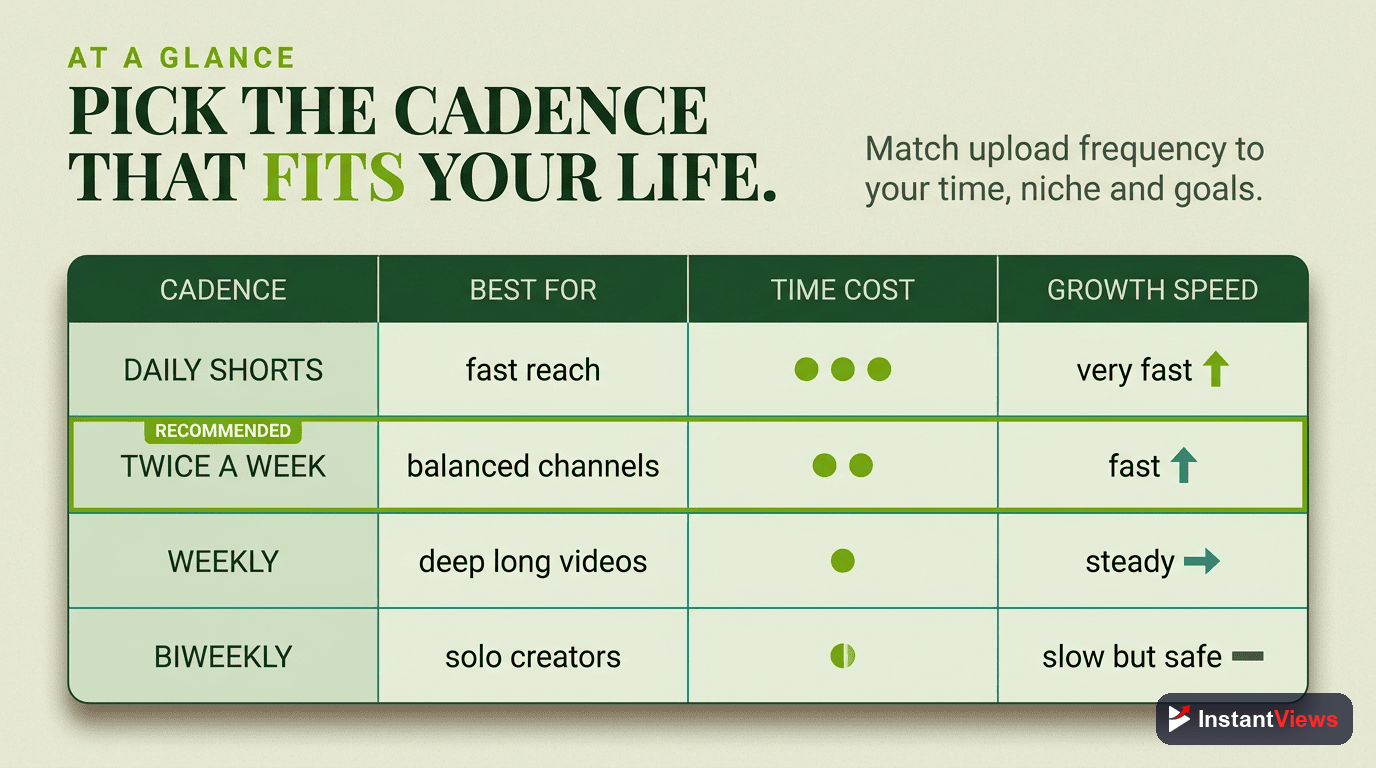
There is no universal "correct" number, but there are clear trade-offs. Use this table to find the cadence that matches your capacity and your format, remembering that the quality bar must hold at every level.
| Upload Frequency | Typical Result | Who It Suits |
|---|---|---|
| Once a week | Steady, sustainable growth; the most realistic starting point for almost everyone | Solo creators, beginners, anyone with a day job or high-production videos |
| Twice a week | Subscribers can grow around 3x faster than once a week — if quality holds | Creators with a workflow dialed in and a real buffer of finished videos |
| Three times a week | Strong momentum, but only viable with a team, batching, or lighter formats | Small teams, simpler formats, niches that reward volume like commentary |
| Daily or near-daily | High reach potential but high burnout risk; quality almost always slips | Full-time creators with systems, editors, and a deep idea backlog |
| Irregular / when inspired | The pattern most stalled channels share — momentum never builds | No one trying to grow; this is the trap a calendar exists to escape |
Notice the last row. "Whenever I feel like it" is not a frequency — it is the absence of one, and it is the most common reason channels never gain traction. The single biggest upgrade most creators can make is simply moving from the bottom row to the top one.
Building Your Content Calendar
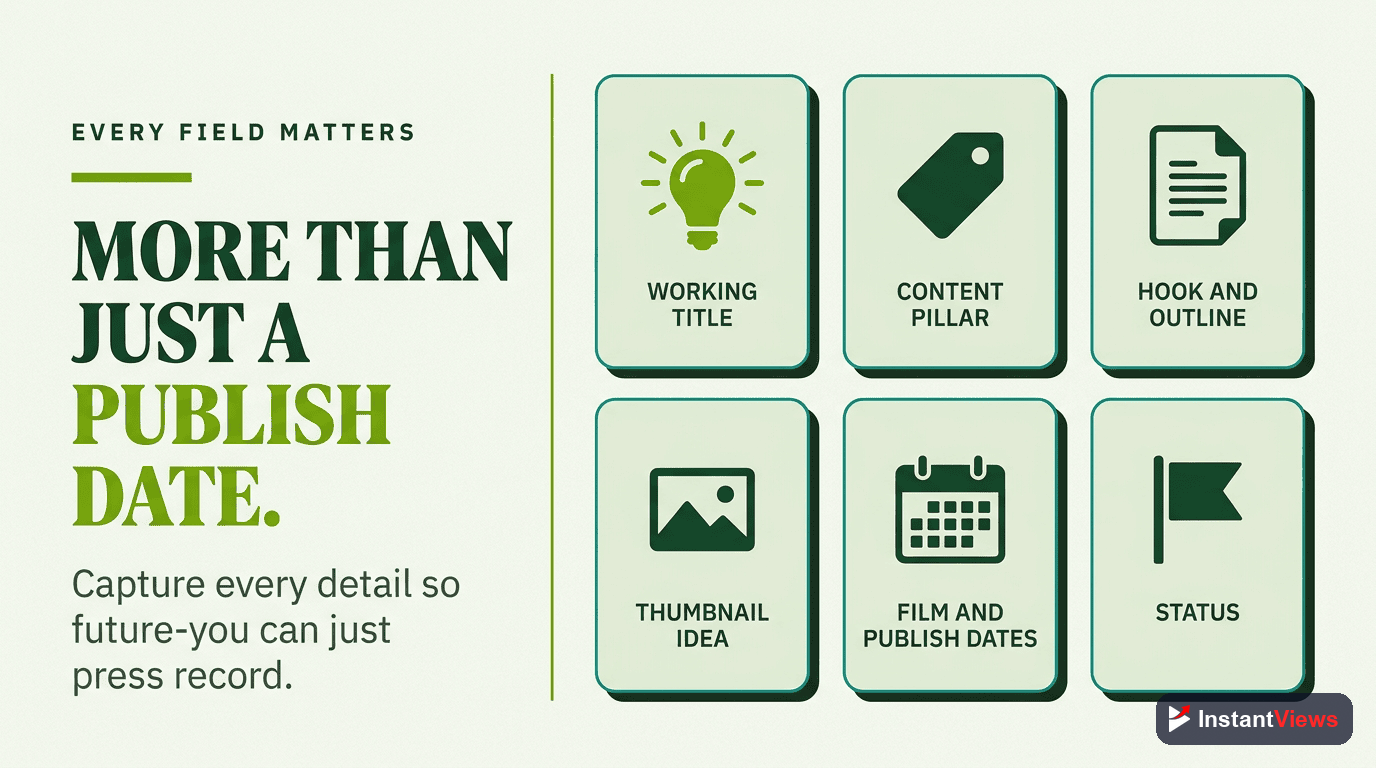
A content calendar can be a spreadsheet, a project board, a wall of sticky notes, or a dedicated app. The tool matters far less than the structure. At minimum, every entry needs four things: a publish date, a working title or idea, a production stage, and a theme or series it belongs to.
The Production Stages
Tracking where each video sits is what turns a list of ideas into a working pipeline. A simple set of stages works for almost everyone:
- Idea — a topic and a rough angle, nothing more
- Scripted — outlined or fully written, ready to film
- Filmed — raw footage captured, waiting to be edited
- Edited — cut, with thumbnail and title drafted
- Scheduled — uploaded and queued to publish automatically
When you can glance at your calendar and see five videos in different stages, you have a pipeline. When everything is stuck at "idea," you have a wish list — and wish lists do not publish themselves.
Plan Roughly Twelve Weeks Ahead
Twelve weeks is the sweet spot. It is far enough out that you can see seasonal moments, plan a series, and group related topics together, but close enough that your plan does not go stale. Lock the next two to three weeks with finished or nearly finished videos. Leave the weeks beyond that as flexible ideas you will sharpen as they approach. This way you always have a clear horizon without committing so hard that you cannot react to a trend or a great new idea.
A calendar you do not look at is just a document. The calendar only works if you review it on a fixed day each week — refilling the idea backlog, advancing each video to its next stage, and confirming the next upload is locked. Build that fifteen-minute review into your week, or the whole system slowly drifts back into "whenever I feel like it."

Build Your Calendar: Step by Step
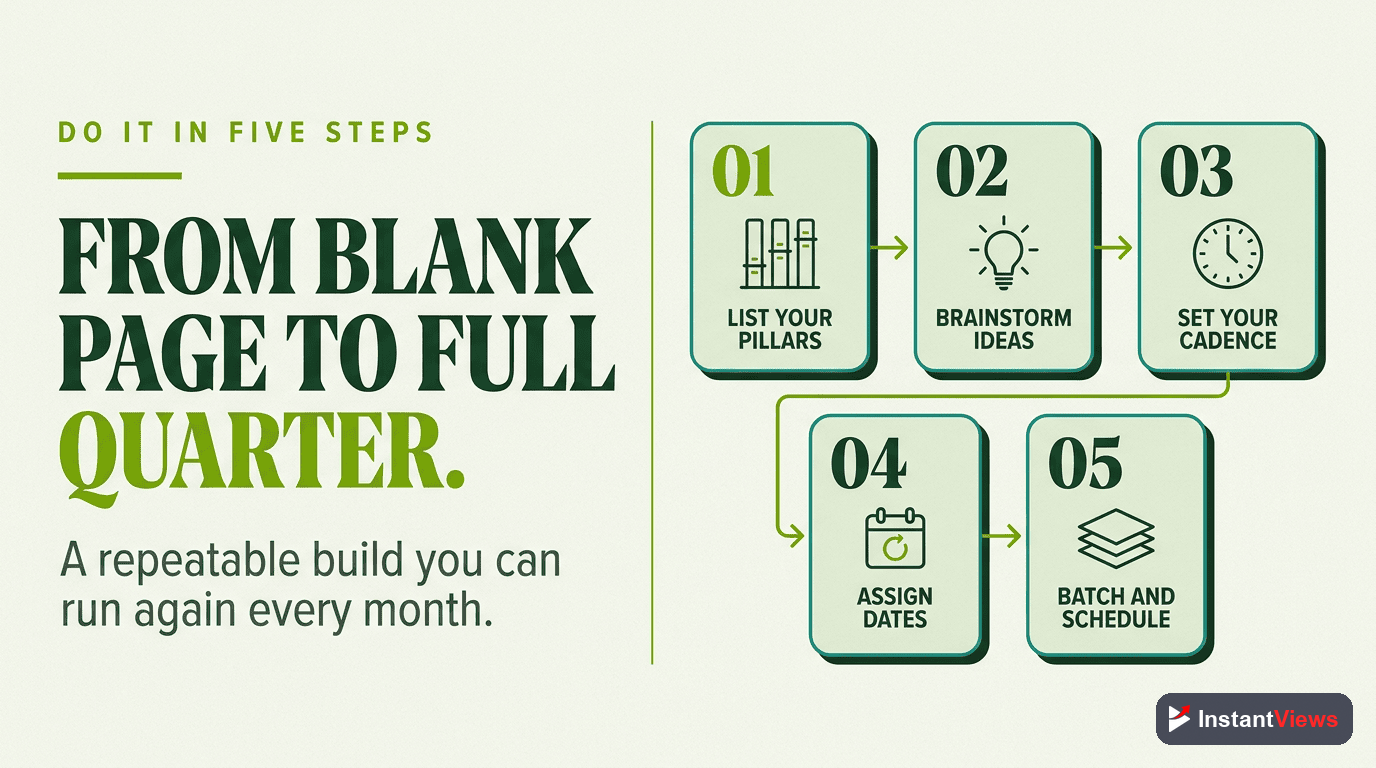
Here is a clear sequence to take your calendar from blank to running this week.
Choose a Frequency You Can Hold for Six Months
Pick the cadence you can sustain on a bad week, not just a good one. For most people that is one video a week to start. Resist the urge to launch high — you can always speed up, but slowing down sends the wrong signal.
Brainstorm a Backlog of Ideas
List far more ideas than you need — aim for thirty or more. Group them into a few pillar themes and recurring series so future-you never faces a blank slot. A deep backlog is what kills the "I ran out of ideas" excuse for good.
Map Twelve Weeks of Slots
Create one row per planned video for the next twelve weeks, each with a publish date, a working title, and a production stage. Mix evergreen topics with a few timely ones, and space your series out so the channel stays varied.
Batch Film and Edit to Build a Buffer
Film several videos in one focused session and edit in blocks. Keep going until you have about four finished videos sitting ready to publish — your insurance against any single bad week.
Schedule, Publish, and Review Weekly
Queue uploads in advance so publishing is automatic. Then hold a short weekly review to refill the backlog, replenish the buffer, and refine upcoming topics. The calendar compounds only if you tend to it.
Batching: The Consistency Multiplier
If the calendar is the plan, batching is the engine that makes the plan survive real life. Batching means doing the same task for several videos in one sitting — filming three or four videos in one afternoon, recording a month of voiceovers in one block, or editing a week of content back to back.
Why Batching Works
Batching wins for three reasons. It removes the constant cost of setup and teardown — lighting, camera, mindset — that eats so much time when you make videos one at a time. It puts you in a focused creative flow, which tends to raise quality rather than lower it. And it builds a buffer of finished videos, which removes deadline pressure entirely. When next week's video is already done, you are never creating under stress, and stress is where quality dies.
A Simple Batching Rhythm
- Plan day: finalize scripts and shot lists for the next batch of videos
- Film day: shoot the whole batch in one session while your setup is ready
- Edit block: cut the videos in sequence, reusing the same settings and rhythm
- Schedule: queue the finished videos across your calendar slots
Even a light version of this — filming just two videos at a time instead of one — doubles your protection against a chaotic week. Batching is the difference between a schedule that depends on your mood and one that runs whether you feel like it or not.
Plan Smarter, Grow Faster
Use our free suite of YouTube tools to research topics, validate titles, and analyze what is already working — so every slot on your calendar earns its place.
Explore Free YouTube Tools →
What to Put on the Calendar
A great calendar is not just a list of random video ideas with dates attached. The best ones balance several types of content so the channel feels intentional and the workload stays manageable. Think in terms of a content mix.
Balance Your Content Types
- Pillar videos: your most ambitious, evergreen pieces that define what your channel is about. These deserve the most planning and the most calendar lead time.
- Series content: recurring formats viewers learn to expect, which make planning easier because the structure is already decided.
- Timely or trending topics: a few flexible slots reserved for whatever is relevant that week. Leave these loosely planned so you can react.
- Lighter, faster videos: simpler formats that fill the gaps between big productions without draining you, helping you hold frequency without burning out.
Anchor Around Themes and Seasons
Mapping twelve weeks ahead lets you see what is coming — a holiday, a product launch, a recurring event in your niche — and plan content to meet those moments instead of scrambling at the last minute. Grouping videos into themed weeks or monthly arcs also makes each upload reinforce the others, so your channel tells a coherent story rather than a string of unrelated clips.
Crucially, every slot should also carry the supporting details that stop a video from stalling: a working thumbnail concept, the main keyword or search intent, and the one clear thing you want viewers to do next. When those decisions live on the calendar, production day is about execution, not invention.
The Buffer: Your Insurance Against Bad Weeks
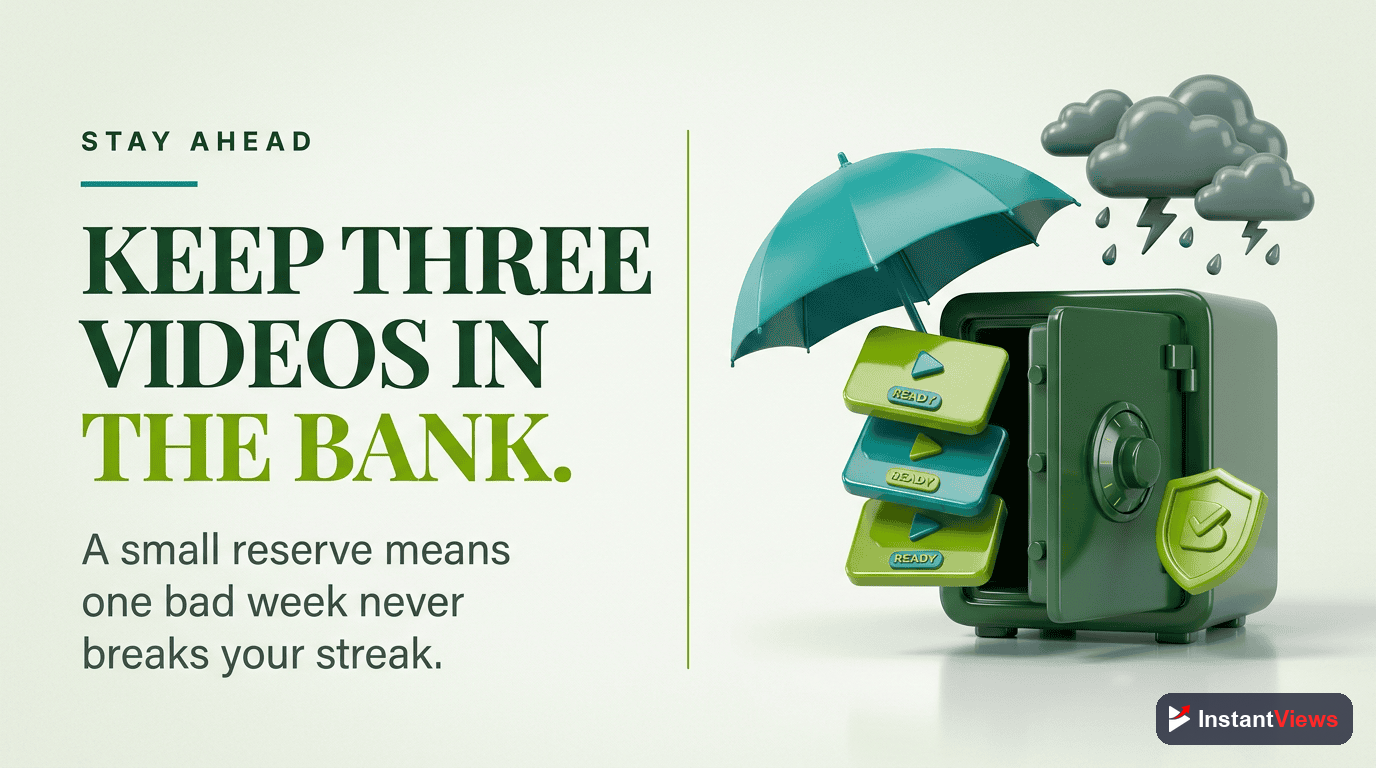
If you remember one tactic from this entire guide, make it this: keep a buffer of about four finished videos ready to publish at all times. The buffer is the single most effective defense against the inconsistency that stalls most channels.
Life happens. You get sick, work gets busy, a video flops and shakes your confidence, or you simply have a creative slump. Without a buffer, any one of those events forces you to skip an upload or rush something half-baked out the door — and a skipped upload is exactly the inconsistency that breaks your momentum. With a four-video buffer, none of those events touches your publishing schedule. You keep showing up while you recover behind the scenes.
How to Build the Buffer
The buffer is built through batching and a little patience at the start. Before you launch a new schedule, get ahead: film and edit four videos before you publish the first one. Then every batching session, finish slightly more than you publish, so the buffer refills faster than it drains. Treat dipping below four finished videos as an early-warning light, not an emergency — a quiet signal to schedule your next batch.
A buffer changes your entire relationship with the channel. Instead of living one bad day away from a missed upload, you operate from calm and from surplus. That calm is visible in the work, and it is the foundation every consistent creator quietly relies on.
Content Calendar Mistakes to Avoid
Even creators who build a calendar often undermine it in predictable ways. Watch for these.
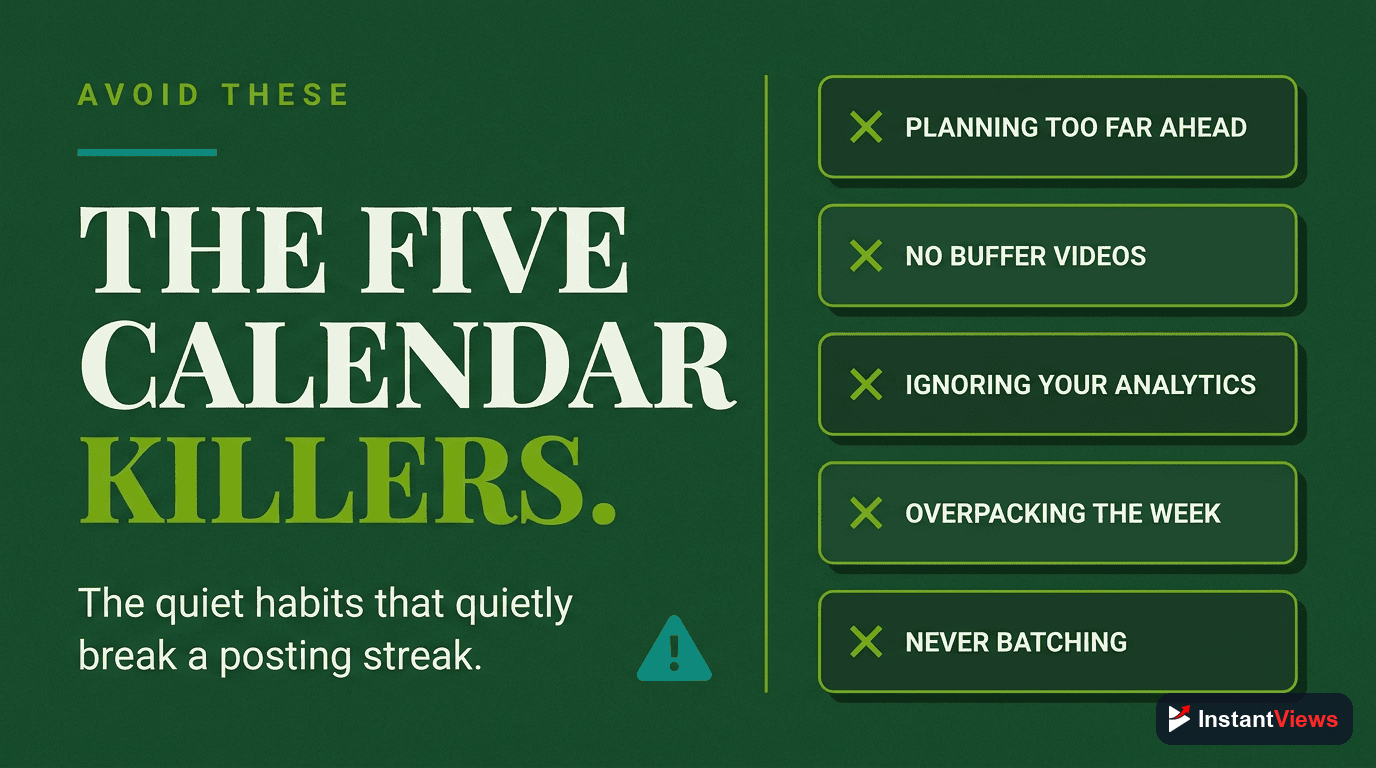
- Launching too aggressively: starting at three uploads a week, then dropping to one, sends a negative signal. Begin at a pace you can hold for six months.
- Trading quality for quantity: doubling output by halving quality produces no growth boost. The algorithm rewards satisfaction and retention, not volume.
- Planning with no buffer: a calendar without finished videos behind it collapses the first time life interferes. Protect every plan with a buffer.
- Planning too far or too vaguely: a year of empty slots is intimidating and useless. Roughly twelve weeks, with the near term locked, is the workable horizon.
- Never reviewing the calendar: a plan you do not revisit drifts. A short weekly review keeps the pipeline full and the buffer healthy.
- Filling every slot with big productions: if every video is your most ambitious yet, you will burn out. Mix in lighter formats to hold frequency sustainably.
- Confusing motion with progress: a beautiful calendar is not the goal. Published videos are. Keep the system simple enough that it serves the publishing, not the other way around.
Every one of these mistakes traces back to the same root: treating consistency as a burst of effort rather than a system. The calendar, the buffer, and batching exist precisely to turn consistency from a heroic act into a quiet, repeatable habit.
"Channels do not fail because the ideas dried up. They fail because the schedule did. Plan once, build a buffer, and show up — consistency is the strategy that quietly beats talent."
Frequently Asked Questions
A YouTube content calendar is a simple plan that maps out which videos you will publish and when, usually several weeks or months ahead. It lists each video idea, its working title, the stage it is in — idea, scripted, filmed, edited, or scheduled — and its publish date, so you always know what is coming next instead of scrambling for a topic every week.
Most successful creators publish one to three high-quality videos per week. The right number is the one you can sustain for at least six months without sacrificing quality. Posting twice a week tends to grow subscribers roughly three times faster than posting once a week — but only when quality stays constant. Doubling your output by halving your quality produces no growth boost at all.
Better videos, almost always. The 2026 algorithm optimizes for viewer satisfaction and retention, so a smaller number of strong videos outperforms a flood of weak ones. Increase frequency only after you can hold your quality bar at the higher pace. If more uploads means worse uploads, you gain nothing.
Plan roughly twelve weeks ahead. That horizon is long enough to see themes, series, and seasonal moments coming, but short enough that your plan stays flexible. Keep the next two to three weeks fully locked with finished or near-finished videos, and leave later weeks as rougher ideas you can refine.
Batching means doing the same task for several videos in one session — filming three or four videos in one afternoon, or editing a week of content in one block. It removes constant setup and context-switching, raises quality because you are in a focused flow, and builds a buffer of finished videos so a single bad week never breaks your schedule.
Aim for about four finished videos ready to publish at any time. A four-video buffer means an illness, a busy week, or a creative slump never forces you to skip an upload or rush something out the door. It is the single most effective insurance policy against the inconsistency that stalls most channels.
Avoid lowering it. Pick a frequency you can hold for six months before you start, because downgrading after launching at a high pace sends a negative signal to both your audience and the algorithm. It is far better to start at one strong video a week and increase later than to start at three and quietly drop to one.
They fail from inconsistency, not from bad ideas. The majority of channels that plateau or quit do so because they could not keep publishing on a steady schedule — they ran out of ideas at the wrong moment, burned out, or let gaps grow until the audience drifted away. A content calendar exists precisely to solve that problem.
Conclusion
The creators who grow on YouTube are rarely the most talented or the most original. They are the ones who show up — week after week, through good ideas and bad ones, through busy seasons and slumps. A content calendar is simply the system that makes showing up inevitable instead of optional.
Start small and start honest. Choose a frequency you can hold for six months, brainstorm a deep backlog, map twelve weeks of slots, and batch your filming until you have a buffer of about four finished videos. Hold your quality bar steady, because doubling output by halving quality buys you nothing. Then review the calendar once a week and let the system carry you.
Do that, and the question that ends most channels — "what do I post this week?" — simply disappears. You already decided. All that is left is to publish, learn, and watch consistency do what talent alone never could: compound.