- Treat every social platform as a feeder road that points back to YouTube — tease your content, never replace the watch
- Each network has its own strengths: Reels and TikTok for reach, Pinterest for evergreen search, X and LinkedIn for niche and B2B audiences
- Match the clip to the platform: vertical and captioned for short-form video, a threaded story for X, a professional angle for LinkedIn
- Consistency on one or two platforms beats sporadic posting across six — pick where your audience already is
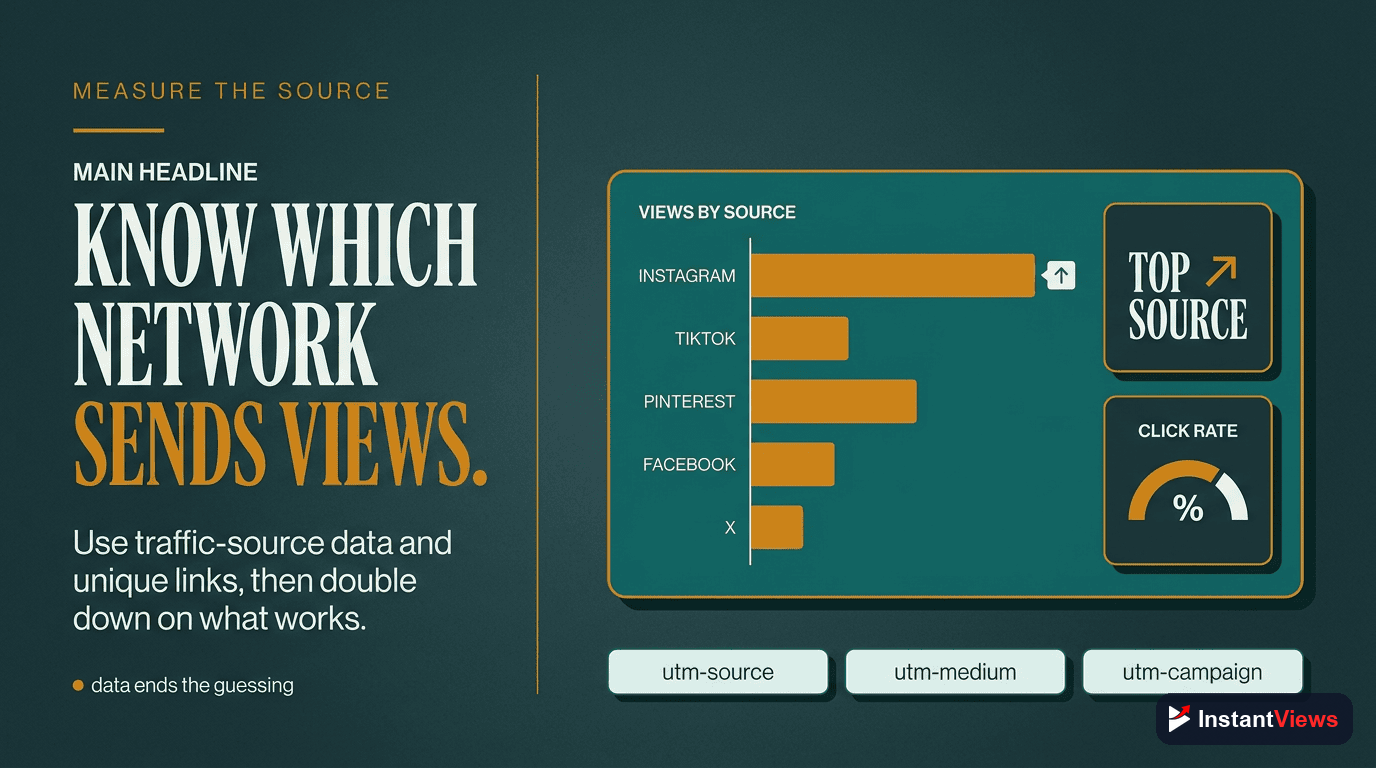
- Check the External traffic source in YouTube Analytics to see which networks actually send views, then double down on the winners
YouTube reaches more than 2.7 billion monthly active users and serves over a billion hours of video every day, yet most creators wait passively for the algorithm to find their next video. That is a slow, uncertain way to grow. The faster path is to use the audiences you already have somewhere else — on Instagram, TikTok, X, Facebook, Pinterest, LinkedIn, and your community channels — and send them deliberately to your channel.
This is not the same as simply “posting everywhere.” Each social platform behaves differently, rewards different content, and offers a different way to point people toward YouTube. A clip that explodes on TikTok will flop as a LinkedIn post, and a pin that quietly earns clicks on Pinterest for a year would vanish in an hour on X. To leverage social media properly, you need a platform-by-platform playbook, not a copy-paste habit.
This guide breaks down exactly how to use each major network to drive YouTube views: the best content for each, how to place your link, the posting rhythm that compounds, and the mistakes that quietly waste your effort. It is the tactical companion to broader cross-platform strategy — here we go deep on the specific moves that work network by network in 2026.
The thread running through all of it is one principle: your job on social media is to tease, not to give away. Get that right, and every platform becomes a pipeline.
- The Core Principle: Tease, Do Not Replace
- Platform Cheat Sheet: What Each Network Does
- Instagram: Reels, Stories, and the Bio Link
- TikTok: Clips and the Comment Section
- X (Twitter): Threads and Native Clips
- Facebook: Groups and Your Page
- Pinterest: Idea Pins for Evergreen Search
- LinkedIn and Discord: B2B and Community
- Consistency: The Multiplier Most People Skip
- Tracking Which Networks Send Views
- Common Mistakes to Avoid
- FAQ
The Core Principle: Tease, Do Not Replace
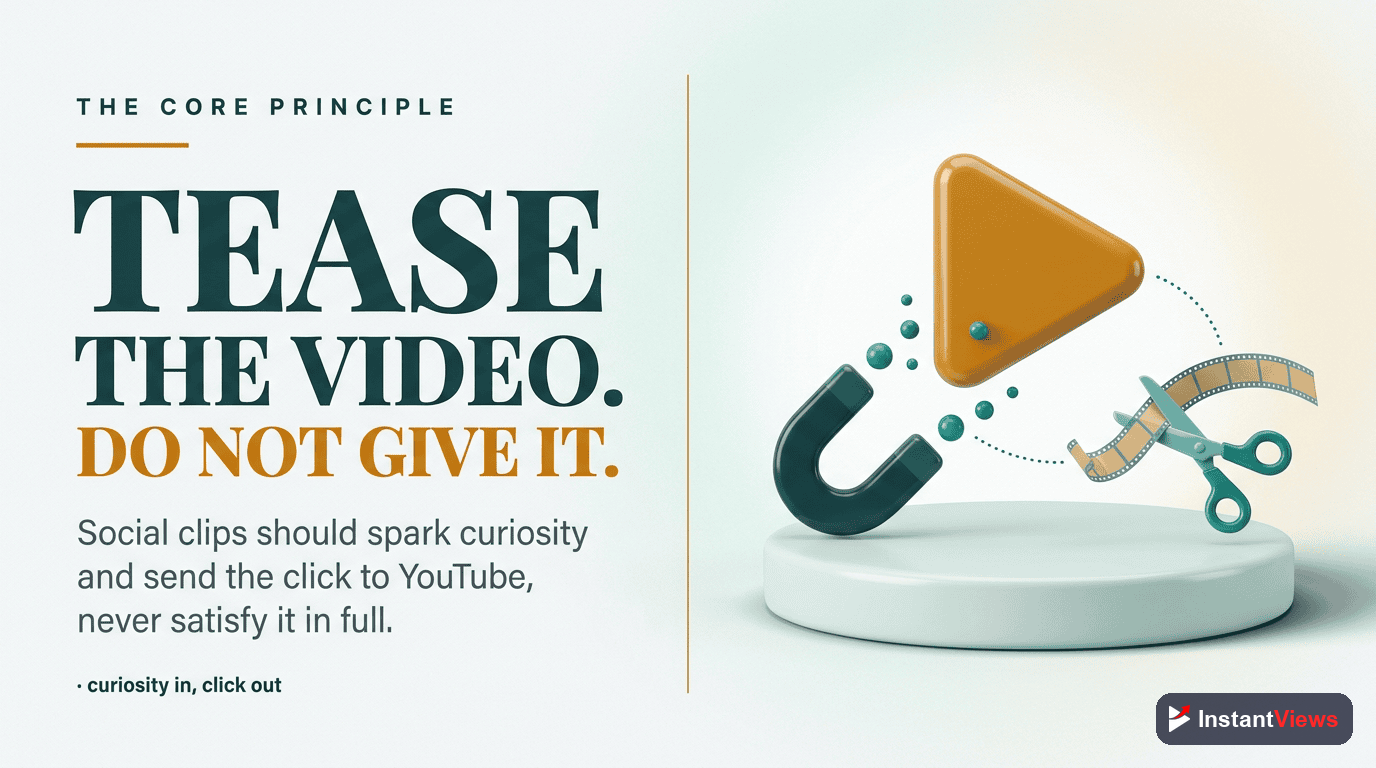
Before any platform-specific tactic, internalize the one rule that governs all of them. Social media should make people curious enough to click, not satisfied enough to scroll on. The moment you post your full payoff in-feed — the whole tutorial, the complete reveal, the entire story — you remove every reason to visit YouTube. The viewer gets what they came for and keeps scrolling, and you have spent your best material building someone else’s platform.
A teaser does the opposite. It shows the hook, the most surprising moment, or the promise of the payoff, then cuts to a clear next step: “full breakdown on YouTube, link in bio.” The clip is complete enough to enjoy but incomplete enough to leave a gap. That gap is what drives the click.
This matters for the algorithm too. YouTube does not penalize external traffic — viewers who arrive from social media and actually watch send a positive signal. But the signal only works if you bring genuinely interested people. A viewer who clicks out of confusion and bounces in three seconds can hurt your average view duration more than no click at all. Tease honestly, attract the right people, and the watch time takes care of itself.
Platform Cheat Sheet: What Each Network Does
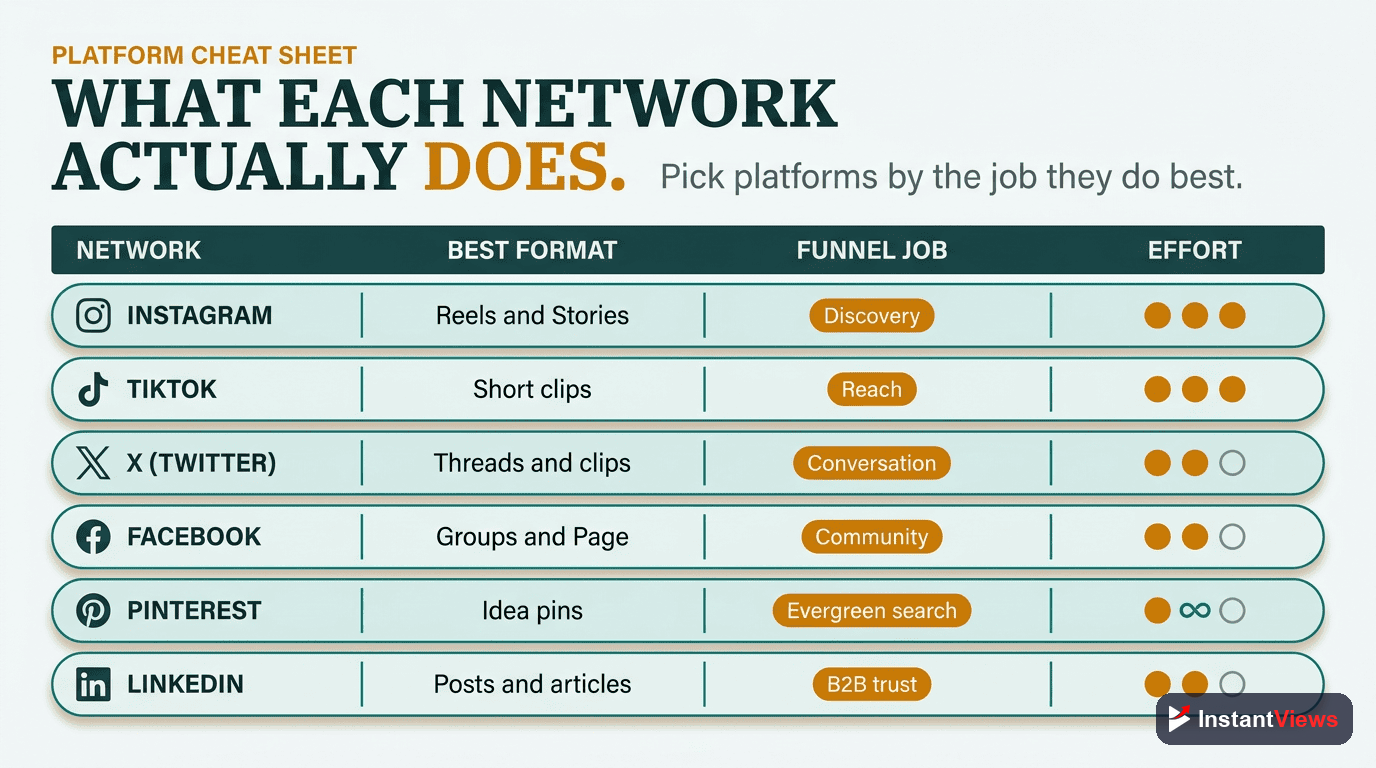
Every platform plays a distinct role. Some are built for raw reach to strangers, some for evergreen search, some for engaged niche communities. Before diving into the per-network sections, this table maps each one to its best content and the specific way it drives YouTube views.
| Platform | Best Content | How It Drives YouTube Views |
|---|---|---|
| Vertical Reels, Stories, carousels | Teaser Reels for reach; Stories with a link sticker; a clean bio link to your channel | |
| TikTok | Fast-paced native clips, trends | Hook-driven clips that point to the bio link; replies in the comments that name the full video |
| X (Twitter) | Threads, short native video | Story-driven threads ending in the link; native clips that earn replies and reshares |
| Page posts, group discussions | Link posts on your Page; helpful answers in relevant groups that reference the video | |
| Idea pins, static pins, video pins | Keyword-optimized pins with a destination URL that earn evergreen search clicks for months | |
| Professional posts, native clips | B2B insight posts and clips with the link in the first comment; reaches decision-makers | |
| Discord / Community | Announcements, behind-the-scenes | Direct pings to your most loyal fans the moment a video goes live for early watch time |
Notice the split: Instagram, TikTok, and X chase new reach, Pinterest captures evergreen intent, Facebook and LinkedIn tap communities and professionals, and Discord activates the fans you already own. You do not need all seven. You need the two or three that match where your audience actually lives.
Instagram: Reels, Stories, and the Bio Link
Instagram is a reach engine and a relationship-builder in one app. Its three surfaces — Reels, Stories, and the profile — each play a different role in moving someone from a stranger scrolling their feed to a viewer on your channel.
Reels: Your Discovery Surface
Reels are how new people find you. Cut a vertical, captioned clip from your video that leads with the strongest hook in the first second. Keep it tightly paced — Instagram rewards clips that hold attention — and end on a line that points to the full video. The clip should feel native to Instagram, not an obviously letterboxed YouTube upload.
Stories: Your Warm-Audience Nudge
Stories reach the people who already follow you. Use them the day a video drops: a quick clip, a poll, or a behind-the-scenes frame, paired with a link sticker that sends taps straight to YouTube. Because Stories reach your existing fans, they are perfect for driving the early watch time that helps a new video gain momentum.
The Bio Link: Your Permanent Path
Since Instagram captions are not clickable, your bio link is the bridge. Point it at your channel, your latest video, or a simple landing page listing your recent uploads. Update it when a major video drops, and tell viewers in your Reel and Stories exactly where to tap.
- Lead with the hook in the first second of every Reel
- Caption everything — most viewers watch on mute
- Use Stories on launch day with a link sticker for early views
- Keep the bio link current and reference it in plain words

TikTok: Clips and the Comment Section
TikTok is the fastest way to reach people who have never heard of you. Its recommendation engine pushes content to strangers based on watch behavior, not follower count, so even a brand-new account can land in front of a large audience if the clip earns attention.
The format is unforgiving: TikTok and Reels favor fast pacing, so the first second has to stop the scroll. Open with a bold claim, a surprising visual, or a question that demands an answer. Tailor the clip to TikTok’s rhythm rather than reposting the exact Reel — the same raw footage, recut for each platform’s pace, travels far better than one identical export everywhere.
Use the Comment Section as a Second Link
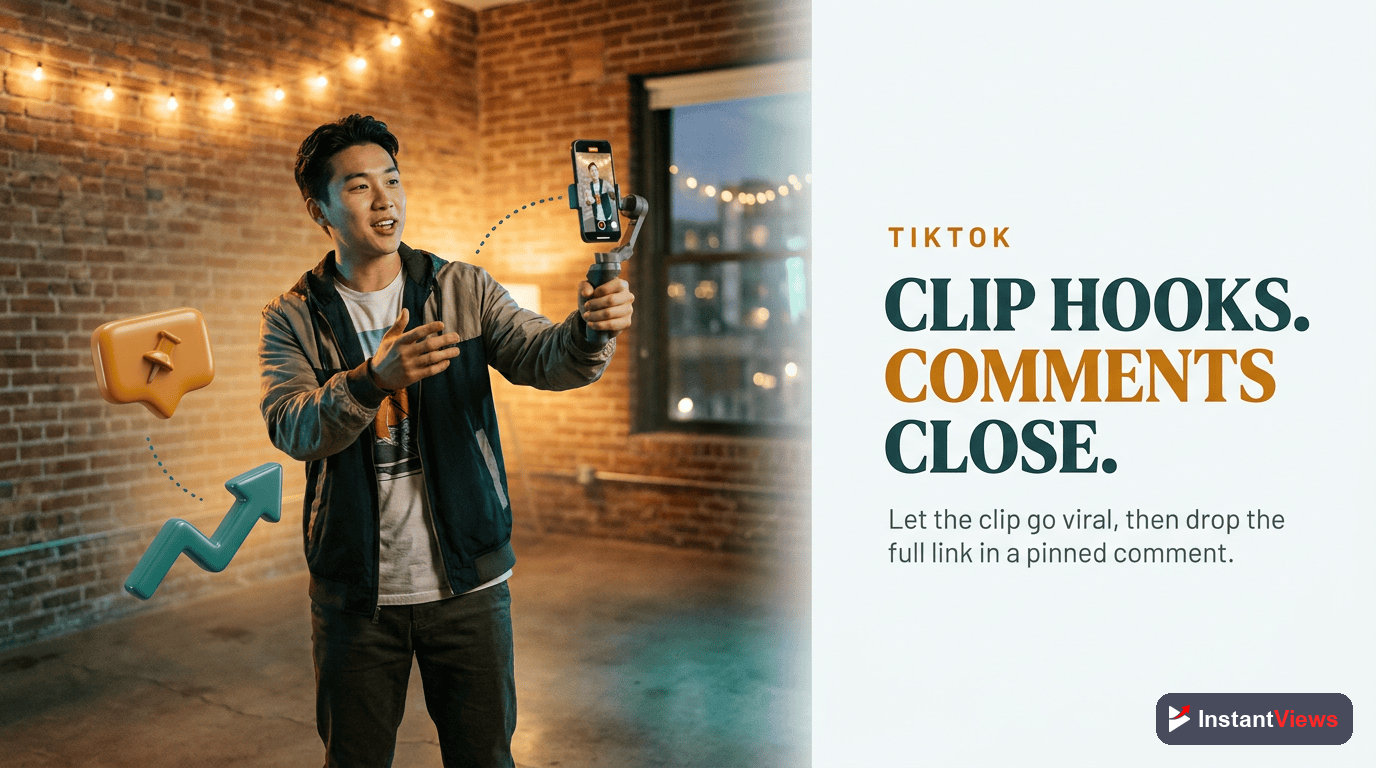
TikTok places little weight on caption links, but the comment section is gold. Pin a comment that names your full video and tells people to find it via your bio. When viewers ask follow-up questions — and on a good clip they will — reply by pointing them to the complete breakdown on YouTube. Each reply is both a conversion and an engagement signal that pushes the clip to more people.
- Stop the scroll in the first second with a hook or bold claim
- Recut for TikTok’s pace rather than reposting an identical clip
- Pin a comment that points to the full video and your bio link
- Reply to questions by naming the YouTube video as the complete answer
X (Twitter): Threads and Native Clips
X rewards two things: a good story told in text and a short clip that earns replies. Both can funnel to YouTube if you resist the urge to just paste a link and hope.
Build a Thread That Earns the Click
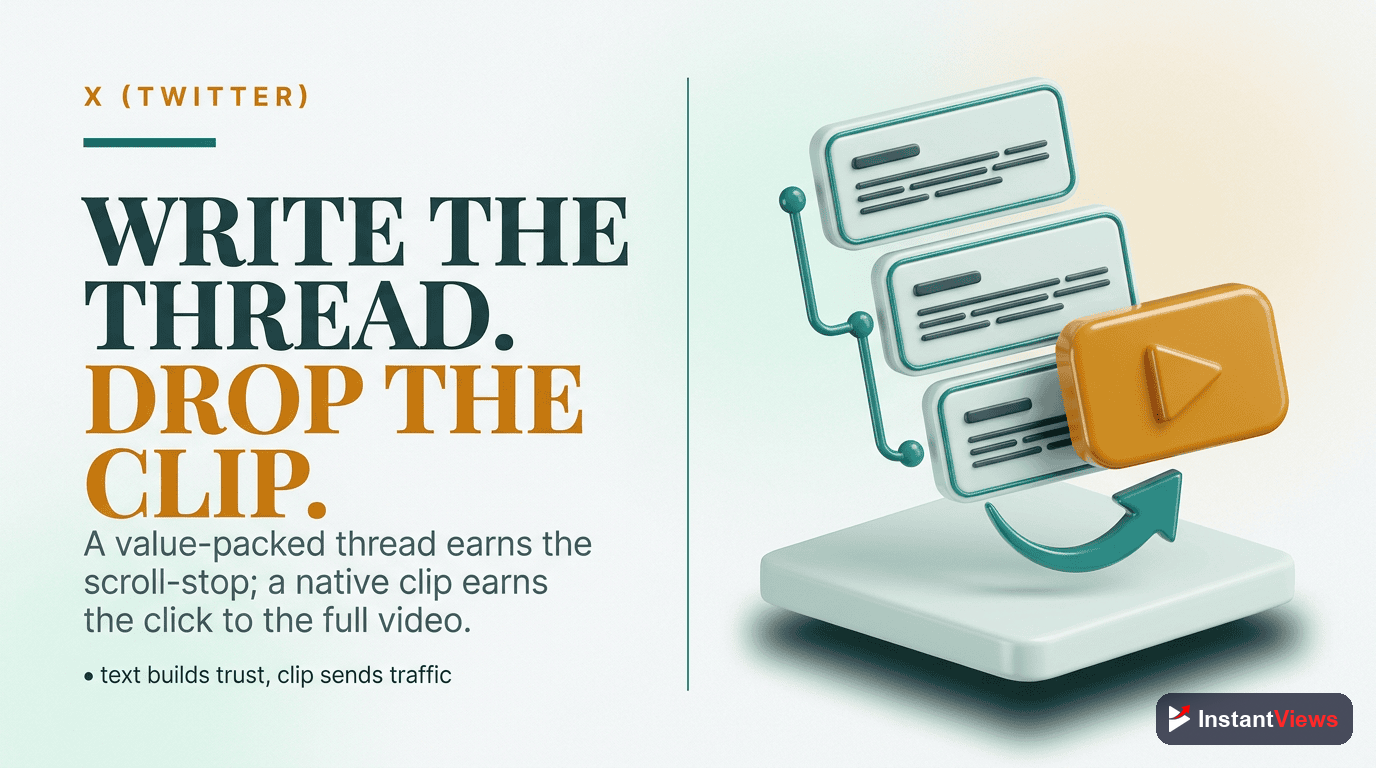
A thread lets you tell the most interesting part of your video in a few posts, then point to the full thing for the rest. Open with the most compelling takeaway, deliver three or four genuinely useful points, and close the thread with: “I broke this down step by step in a video — here it is.” The reader has already received value, so the click feels earned rather than baited.
Post Native Clips, Then Link in a Reply
Short native video performs well on X, and links sometimes get less reach than plain posts. A reliable pattern is to post the clip on its own, let it gather views and replies, then drop the YouTube link in the first reply where it does not suppress the original post’s reach. Engage with the replies — conversation keeps the post circulating.
- Lead the thread with your single best insight
- Deliver real value before asking for the click
- Post clips standalone and add the link in a reply
- Reply to everyone early to keep the post alive
Facebook: Groups and Your Page
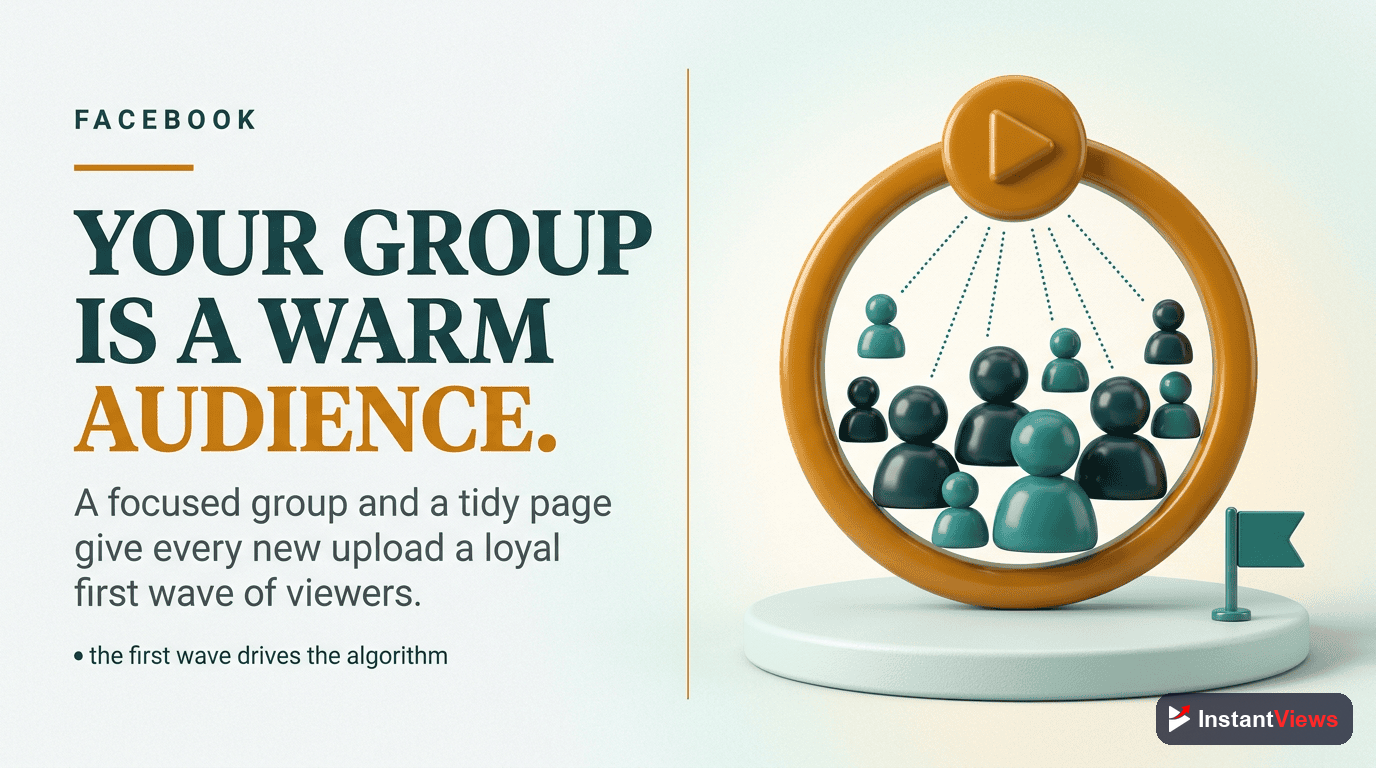
Facebook is easy to dismiss, but its Groups are some of the most engaged niche communities anywhere, and its enormous user base still skews toward audiences other platforms miss. The trick is to treat Facebook as a place for conversation, not broadcast.
Groups: Be Helpful First
Find groups built around your topic and become a genuine contributor before you ever drop a link. Answer questions thoroughly in text, and when your video is truly the best answer, share it as a helpful resource — ideally with a sentence summarizing what it covers so the link does not look like a drive-by promo. Respect each group’s self-promotion rules; the fastest way to lose access is to spam.
Your Page: A Reliable Home Base
Post each new video to your Page as a link post with a short, curiosity-driven caption. Page reach is modest organically, but it gives loyal followers a place to find your latest content and a surface you fully control. Pair it with the occasional native clip to lift reach, then point to the full video.
Never drop your link into a group on day one. Communities can spot — and ban — pure self-promotion instantly. Earn standing by being useful first, follow the posted rules, and keep promotional posts a small fraction of your overall contribution. A reputation for being helpful is what makes the occasional link welcome.
Pinterest: Idea Pins for Evergreen Search
Pinterest is the quiet workhorse most creators overlook. It behaves like a visual search engine, not a fast-moving feed: it ranks pins by keywords, relevance, and long-term performance rather than real-time virality. The payoff is durability — a single well-optimized pin can keep earning impressions and clicks for six to twelve months or longer, long after a Reel or tweet has disappeared.
That makes Pinterest ideal for evergreen video topics: how-tos, tutorials, recipes, guides, and any video that answers a lasting question. If your content has a long shelf life, Pinterest can become one of your steadiest sources of external views with very little ongoing effort per pin.
Idea Pins and Static Pins
Idea pins let you walk through frames from your video and remain an SEO strength because Pinterest reads every frame. Static pins — a strong vertical image with a clear text overlay — often drive the most outbound clicks, while video pins boost engagement. Use a mix, and attach your YouTube link as the destination URL on each pin so a tap lands directly on the video.
Optimize for Search
Because Pinterest is search-driven, treat each pin like a tiny SEO project: use clear, descriptive titles and descriptions built around the long-tail keywords people actually type. Organize pins into themed boards that match your topics. The better your keywords, the longer your pins keep surfacing in search.
- Target evergreen topics — how-tos, tutorials, and guides
- Write keyword-rich titles and descriptions for every pin
- Set the destination URL to your YouTube video
- Mix idea, static, and video pins across themed boards
Promote Smarter, Not Harder
Use our free suite of YouTube tools to research the topics your audience is searching for, sharpen your titles and thumbnails, and see what is working — so every clip you post points to a video built to keep viewers watching.
Explore Free YouTube Tools →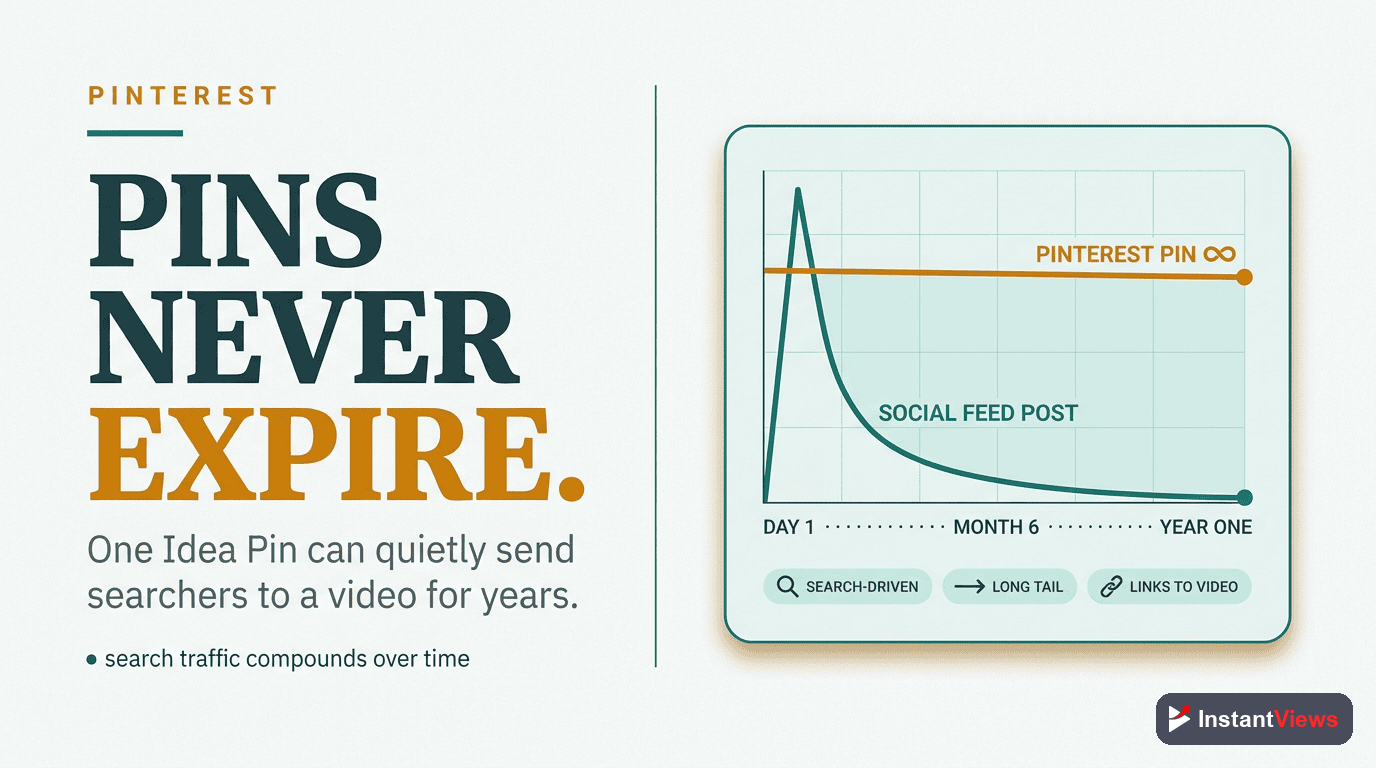
LinkedIn and Discord: B2B and Community
The last two surfaces serve very different audiences but share a theme: high-intent, high-value viewers.
LinkedIn: The B2B Channel
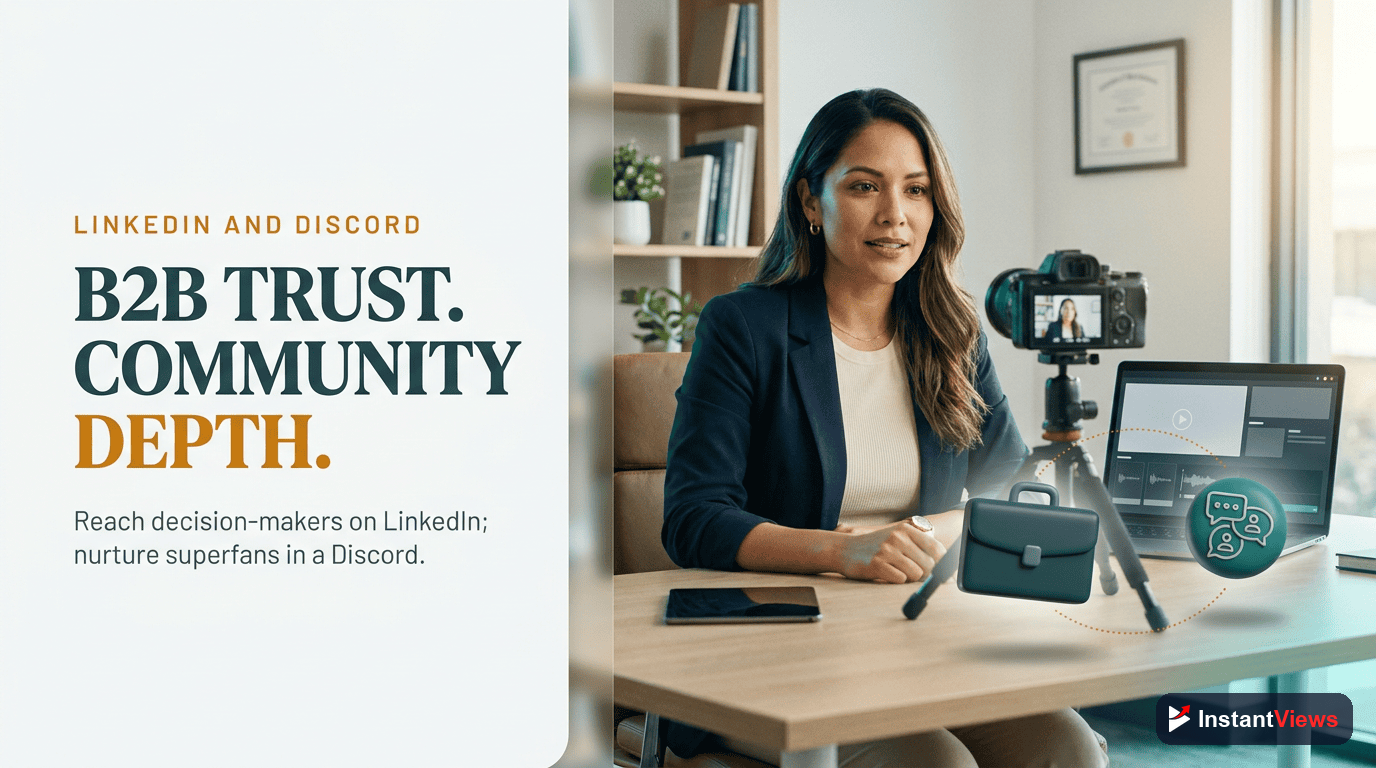
If your videos touch business, careers, software, marketing, or any professional topic, LinkedIn puts you in front of decision-makers other platforms cannot reach. B2B is one of the fastest-growing segments of online video, and professionals increasingly watch explainer clips, walkthroughs, and insight content. Post a native clip or a short written takeaway framed around a professional problem, and — because LinkedIn can suppress posts with outbound links — put the YouTube link in the first comment and mention it in the post. Keep the tone informative rather than salesy; LinkedIn audiences reward substance.
Discord and Owned Communities: Your Loyal Core
Your Discord server, Telegram channel, or community tab is where your most dedicated fans live. These are the people who deliver the early watch time that helps a fresh upload gain momentum. The moment a video goes live, ping the community with a short note on what it covers and why it is worth their time. Do not overdo it — a thoughtful heads-up converts; constant @everyone pings burn goodwill fast.
- LinkedIn: frame clips around a professional problem and link in the first comment
- LinkedIn: lead with insight, not a sales pitch
- Discord: announce new videos for early watch time
- Discord: keep pings meaningful so they stay welcome
Consistency: The Multiplier Most People Skip
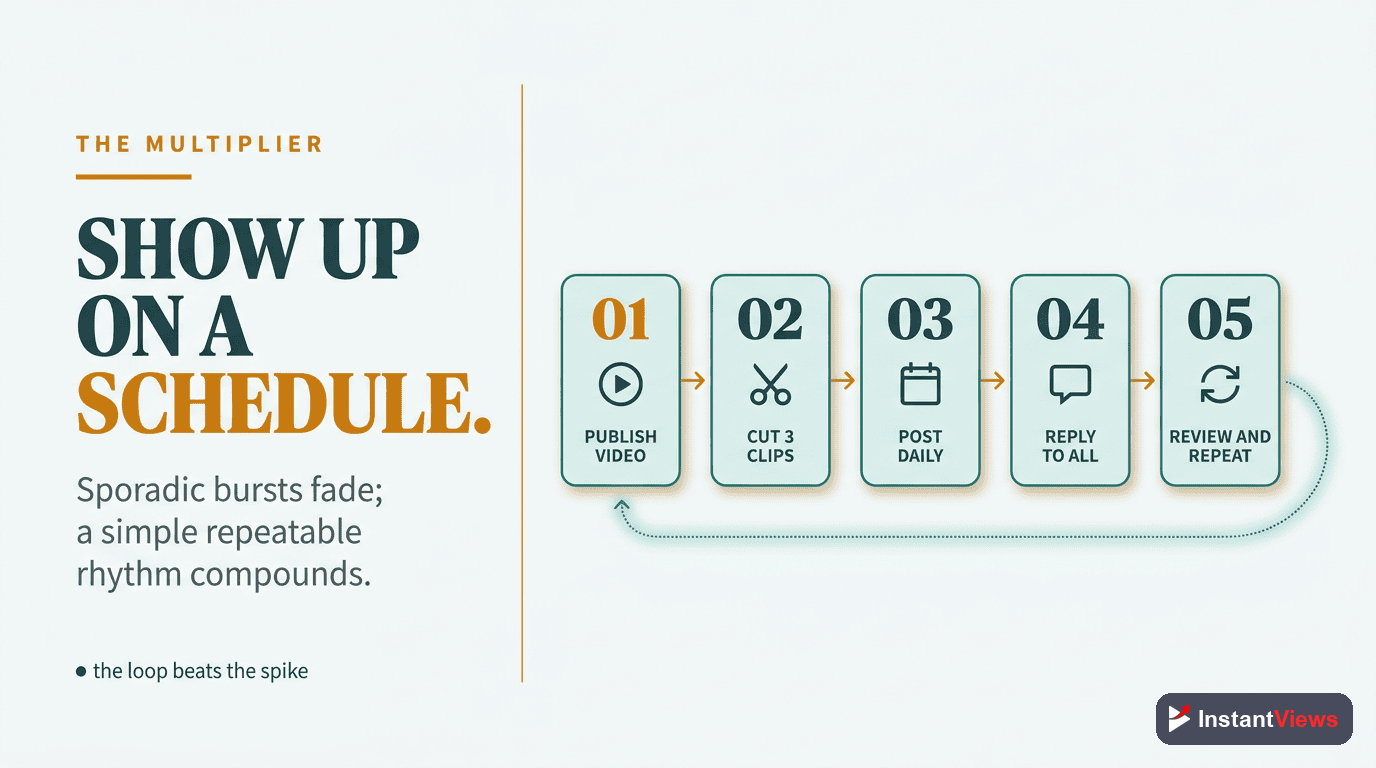
Tactics for each platform mean little without the one habit that ties them together: showing up on a steady schedule. Social promotion compounds. A single clip rarely moves the needle, but a clip posted reliably every few days, for months, builds an audience that learns to expect — and click through to — your content.
This is also why you should not try to be everywhere. Posting daily on six platforms is unsustainable for most creators, and inconsistent posting trains the algorithms to ignore you. It is far better to dominate one or two networks where your audience already spends time, build a repeatable rhythm, and only then add a third.
Here is a simple weekly system to stay consistent without burning out:
Plan Clips While You Produce
When you make a video, mark the two or three moments worth clipping — a strong hook, a surprising result, a quotable line. Capturing them as you go means almost no extra editing later.
Pick Your Primary Platform
Choose the one network where your audience already lives and where you can post without fail. Make it your anchor and build the habit there first.
Batch and Schedule
Set aside one block each week to cut your clips and queue them. Batching turns promotion into a routine instead of a daily scramble that you skip when you are busy.
Engage After You Post
Reply to comments and questions in the first hour. Early engagement signals the platform to show your post to more people — and it is where you naturally point viewers to YouTube.
Review and Add a Platform
After a month of consistent posting, check your results. Once your primary platform runs on autopilot, add a second one and repeat the system.
Tracking Which Networks Send Views
You cannot improve what you do not measure, and social promotion is full of guesswork until you look at the data. The good news is YouTube tells you exactly where your external views come from.
Open YouTube Analytics and find the Traffic Sources report. The External category breaks down how much watch time arrives from outside YouTube and which sites and apps send it. If TikTok and Pinterest show up strongly while a platform you have poured hours into barely registers, you have your answer about where to focus.
Pair that with each platform’s own analytics — tap-through rate on Instagram, click counts on Pinterest, link clicks on X — to see not just which network sends views but which specific clips drive them. Look for patterns: a hook style, a topic, or a format that consistently travels. Then make more of what works and quietly retire what does not.
- External traffic source in YouTube Analytics shows which platforms send watch time
- Per-platform analytics reveal which individual clips convert
- Watch for patterns in hooks, topics, and formats that repeatedly perform
- Reallocate effort toward winners and away from dead ends
Common Mistakes to Avoid
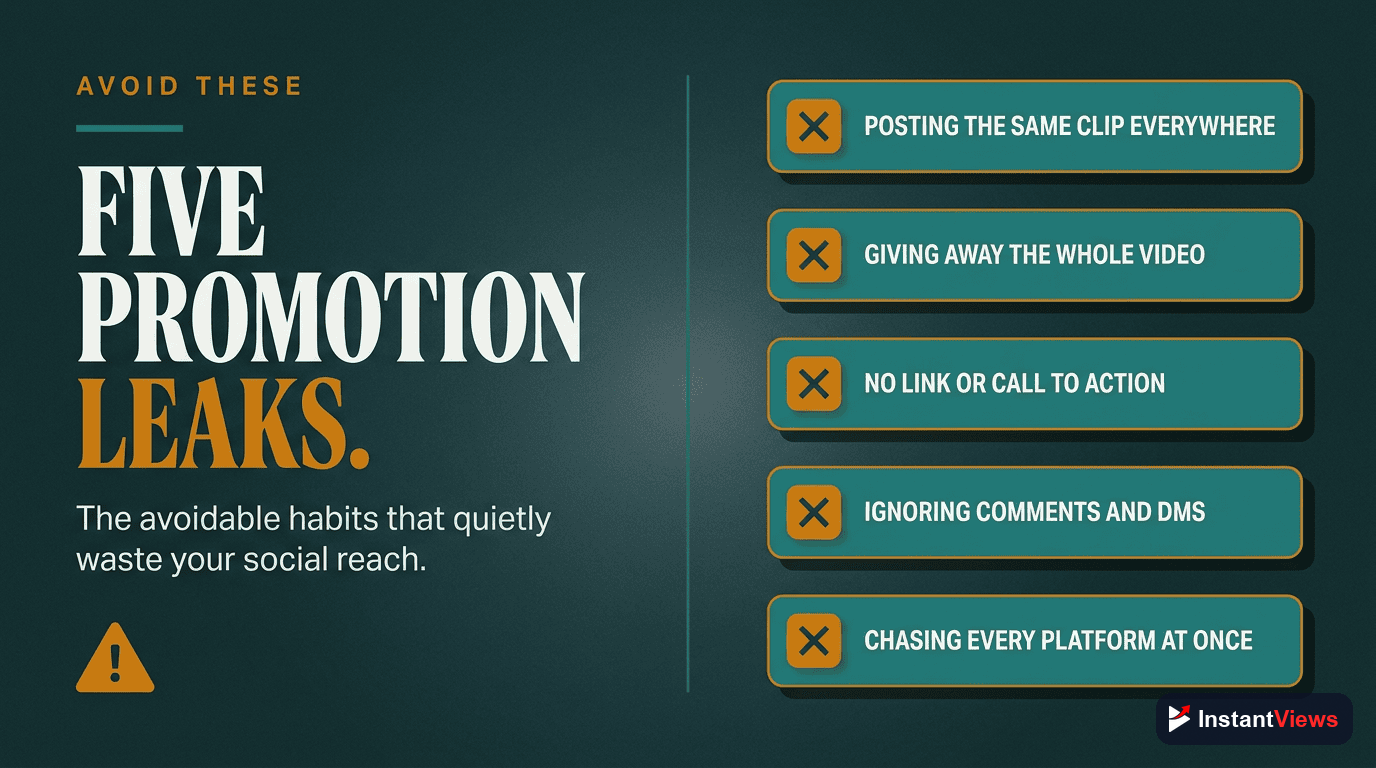
Most wasted social effort comes down to a handful of repeatable errors. Avoid these and you will get more from every post:
- Posting the full video off-platform: Giving away the whole payoff removes any reason to click through to YouTube.
- Spreading across too many platforms: Trying to be everywhere at once leads to inconsistency and burnout. Master one, then expand.
- Reposting identical clips: The same export everywhere ignores each platform’s native format and pace, and a flood of low-effort reposts can actually hurt your reach.
- Spamming links in communities: Dropping links without contributing value gets you ignored or banned. Be helpful first.
- No clear next step: If a post does not tell viewers where to go, most will simply scroll on.
- Ignoring the data: Without checking which networks send views, you keep pouring effort into platforms that may not work.
Each of these is easy to fix once you see it. The creators who win on social media are not the ones posting the most — they are the ones posting the right thing, on the right platform, with a clear path back to their channel.
"Your other platforms are not the destination — they are the on-ramps. Every clip, thread, and pin should do one job: make someone curious enough to click through to the full video on YouTube."
Frequently Asked Questions
It depends on your niche, but short-form video platforms like Instagram Reels and TikTok usually deliver the largest reach for new audiences, while Pinterest excels at evergreen search traffic that keeps sending views for months. Rather than guess, post natively on two or three platforms, then check the External traffic source in YouTube Analytics to see which network actually sends watch time, and double down on that one.
Post a clip, not the full video. The goal of social media is to tease your content and create curiosity, not replace the YouTube watch. A short, punchy clip that ends on an open loop or a cliffhanger gives followers a reason to click through. Posting the entire video off-platform removes every reason to visit your channel and trains your audience to stay where they are.
Yes. YouTube does not penalize external promotion. When viewers arrive from social media and actually watch, that watch time and engagement are positive signals. The key is sending genuinely interested viewers rather than random clicks, because a viewer who bounces in three seconds can hurt your average view duration more than no click at all.
Start with one or two where your audience already spends time and where you can post consistently. Trying to be everywhere usually spreads you so thin that nothing performs. Master one platform, build a repeatable posting rhythm, then add a second. Consistency on a single network beats sporadic posting across six.
Each network handles links differently. Instagram and TikTok rely on a bio link or link sticker rather than captions. X lets you link directly in a post or reply. Facebook works best with a link in a Page post or pinned group comment. Pinterest attaches a destination URL to every pin. LinkedIn allows in-post links but often rewards putting the link in the first comment. Always tell viewers in plain words where to find the full video.
For evergreen, searchable topics, yes. Pinterest behaves like a visual search engine rather than a fast-moving feed, so a single well-optimized pin can keep generating clicks for six to twelve months or longer. If your videos answer lasting questions such as how-tos, recipes, tutorials, or guides, Pinterest can quietly become one of your steadiest sources of external views.
Add value before you ask for the click. Most platforms and communities tolerate self-promotion when it is a small fraction of genuinely useful contribution. Avoid pasting the same link everywhere, follow each group or subreddit's rules, and frame the link as a helpful next step rather than an advertisement. YouTube and social platforms are also reducing the reach of low-value mass-produced content, so make every post something a real person would want to engage with.
Reach-driven platforms like Reels and TikTok can send a spike within hours of posting a clip, while search-driven platforms like Pinterest build slowly over weeks and months. Treat it as a compounding habit rather than a one-time push: the channels that win post consistently for months, learn which clips travel, and refine their approach using their own analytics.
Conclusion
YouTube may be the largest video platform on the internet, but you do not have to wait for its algorithm to discover you. Every other network you touch — Instagram, TikTok, X, Facebook, Pinterest, LinkedIn, and your own community — is an on-ramp full of people who would happily watch your videos if only they knew the videos existed. Leveraging social media simply means building those on-ramps on purpose.
The playbook is consistent even though the tactics differ: tease instead of replacing, format each clip natively for its platform, place your link where each network allows it, and show up consistently rather than everywhere. Reels and TikTok bring reach, Pinterest delivers evergreen search clicks for months, X and LinkedIn reach niche and professional audiences, and your community delivers the early watch time that gives new uploads momentum.
Start with one platform this week. Cut a single teaser clip from your next video, point it clearly at YouTube, and post it consistently for a month. Then open your analytics, see which network actually sent views, and double down. That simple loop — tease, point, post, measure, repeat — is how a handful of social posts turn into a dependable stream of YouTube views.