- AI video summaries can generate SEO-optimized descriptions in seconds, saving hours of manual work
- The first 150 characters of your description are critical - include your primary keyword within the first 25 words
- Optimal description length is 200-500 words with natural keyword integration (2-3 primary, 3-5 related)
- InstantViews Video Analyzer creates AI summaries with timestamps, keywords, and CTAs automatically
- AI-generated descriptions don't hurt SEO when properly customized to match your brand voice
YouTube descriptions are one of the most powerful SEO tools creators have - yet most waste them with lazy, generic summaries. A well-crafted description can double your search visibility and dramatically increase click-through rates.
The problem? Writing compelling, SEO-optimized descriptions for every video is time-consuming. That's where AI video summary tools come in.
This guide shows you exactly how to use AI to generate perfect video descriptions that rank, convert, and save you hours of work.
How AI Generates Video Summaries
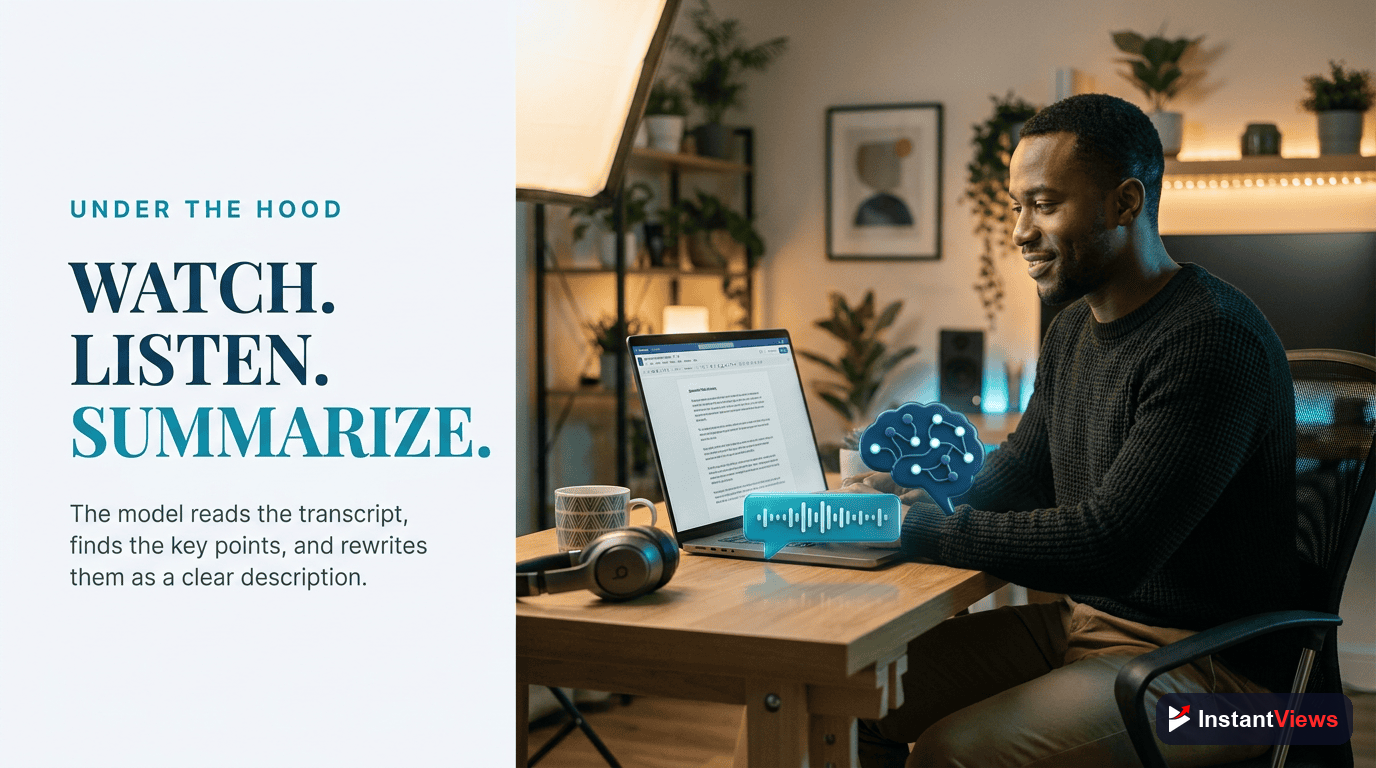
Modern AI video summary tools use multiple analysis techniques to understand your content:
Transcript Analysis
AI processes your video transcript using natural language processing (NLP) to identify main topics, key phrases, and important statements. It analyzes sentence structure, word frequency, and semantic relationships to extract the most valuable information.
Visual Recognition
Advanced AI analyzes video frames to identify objects, scenes, and visual elements. This helps create descriptions that mention specific demonstrations, products shown, or visual content that transcript alone might miss.
Audio Analysis
AI detects tone, emphasis, and emotional peaks in your audio to understand which points you're emphasizing. This ensures the summary highlights what you consider most important.
SEO Optimization
The AI cross-references your content with search data to identify relevant keywords, search intent, and trending phrases. It then structures the summary to maximize search visibility while maintaining natural readability.
Optimizing Descriptions for SEO
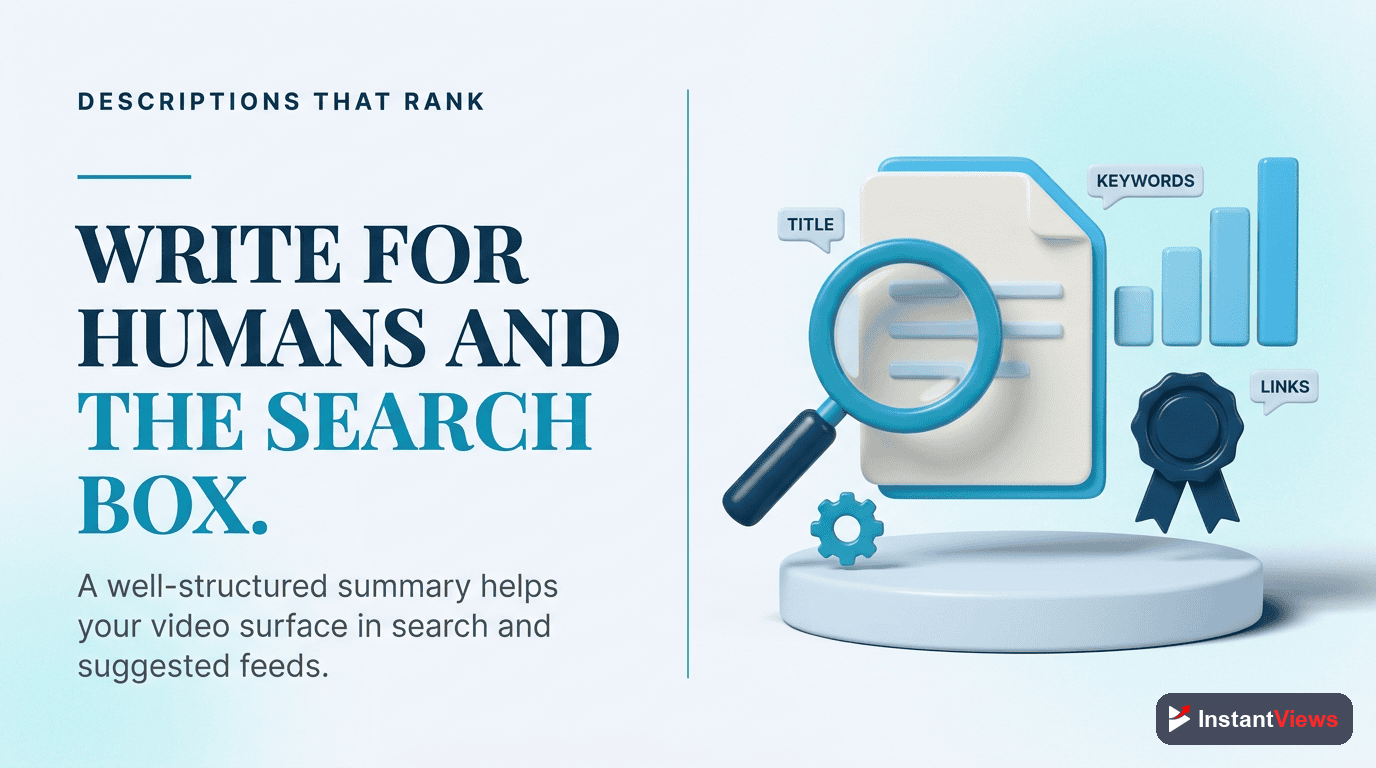
Your description needs to satisfy two audiences: YouTube's algorithm and human viewers. Here's how to optimize for both:
The First 150 Characters Rule
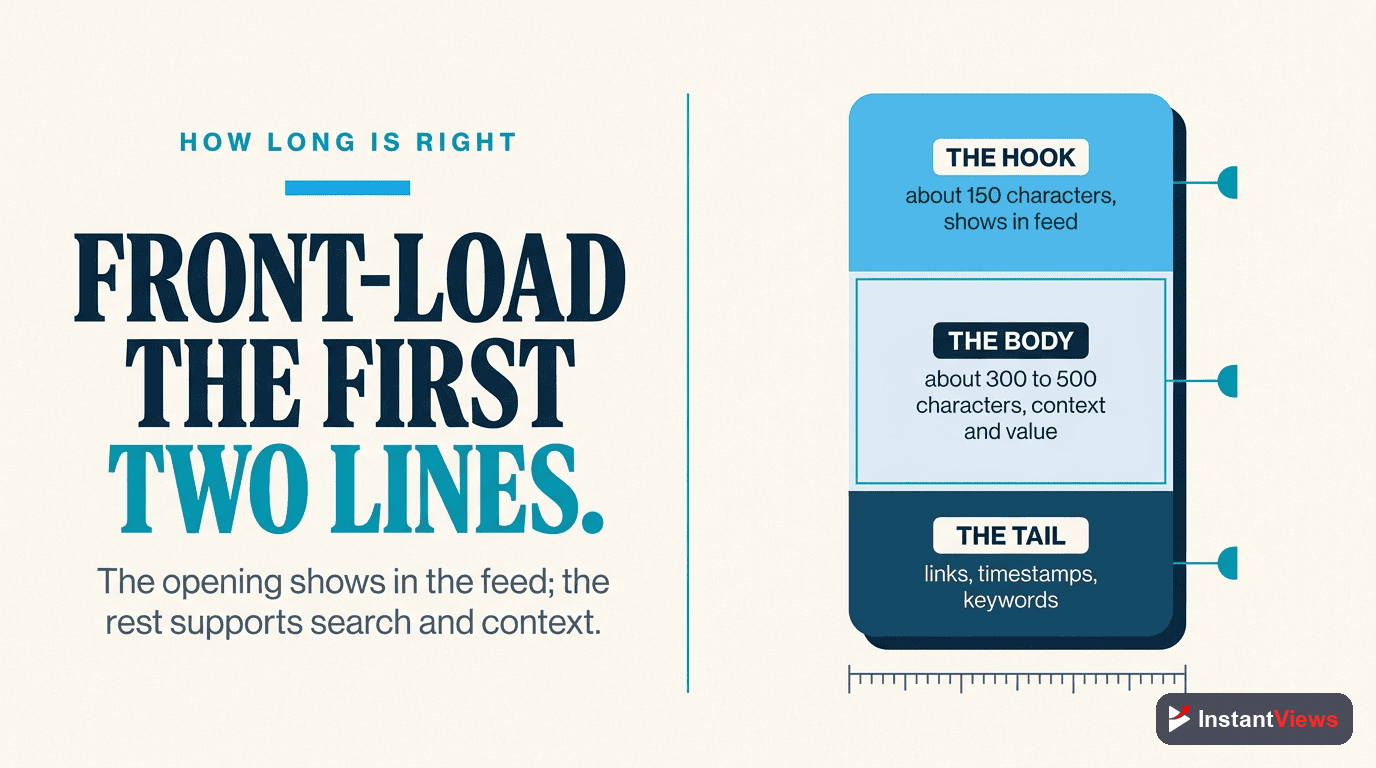
YouTube displays only the first 150 characters before the "Show more" button. This preview section is absolutely critical:
- Include your primary keyword in the first 25 words
- Front-load the most compelling information
- Write a complete thought - don't cut off mid-sentence
- Include a hook that makes viewers want to click "Show more"
In this video, I'm going to show you some tips and tricks about video marketing. We'll cover various strategies and techniques that might help your channel grow.
AI video summaries can generate SEO descriptions in 30 seconds - here's how to use them for 2x more YouTube views. This complete guide covers optimization strategies that work in 2026.
Full Description Structure
After the first 150 characters, structure your description like this:
- Detailed summary (100-150 words) - Expand on what viewers will learn
- Timestamps - List all chapters with clickable timestamps
- Resources and links - Your website, tools mentioned, related videos
- Call-to-action - Subscribe, comment, visit website
- Social proof - Stats, credentials, achievements (if relevant)
- Hashtags - 2-3 highly relevant hashtags
| Section | Character Count | Purpose |
|---|---|---|
| Preview (above fold) | 100-150 | Hook viewers, include main keyword |
| Detailed summary | 200-300 | Comprehensive overview with keywords |
| Timestamps | 50-150 | Navigation + SEO boost |
| Links & Resources | 100-200 | Drive traffic, provide value |
| CTA & Hashtags | 50-100 | Engagement + discoverability |
Summary Length Best Practices
The ideal description length varies by content type, but research shows clear patterns:
Optimal Length by Video Type
- Tutorial/How-to videos: 300-500 words with detailed timestamps
- Product reviews: 250-400 words with specs and links
- Vlogs: 150-300 words with location/context
- Educational content: 400-600 words with resources and citations
- Entertainment: 100-250 words, focus on hook and personality
Don't write descriptions over 800 words - they look spammy. Don't go under 100 words - you're missing SEO opportunities. The sweet spot for most videos is 250-400 words.
Why Length Matters
Longer descriptions (within reason) provide:
- More keyword opportunities without keyword stuffing
- Better context for YouTube's algorithm to understand your content
- More space for timestamps which improve SEO and user experience
- Room for valuable links that drive traffic to your other content
Including Keywords Naturally
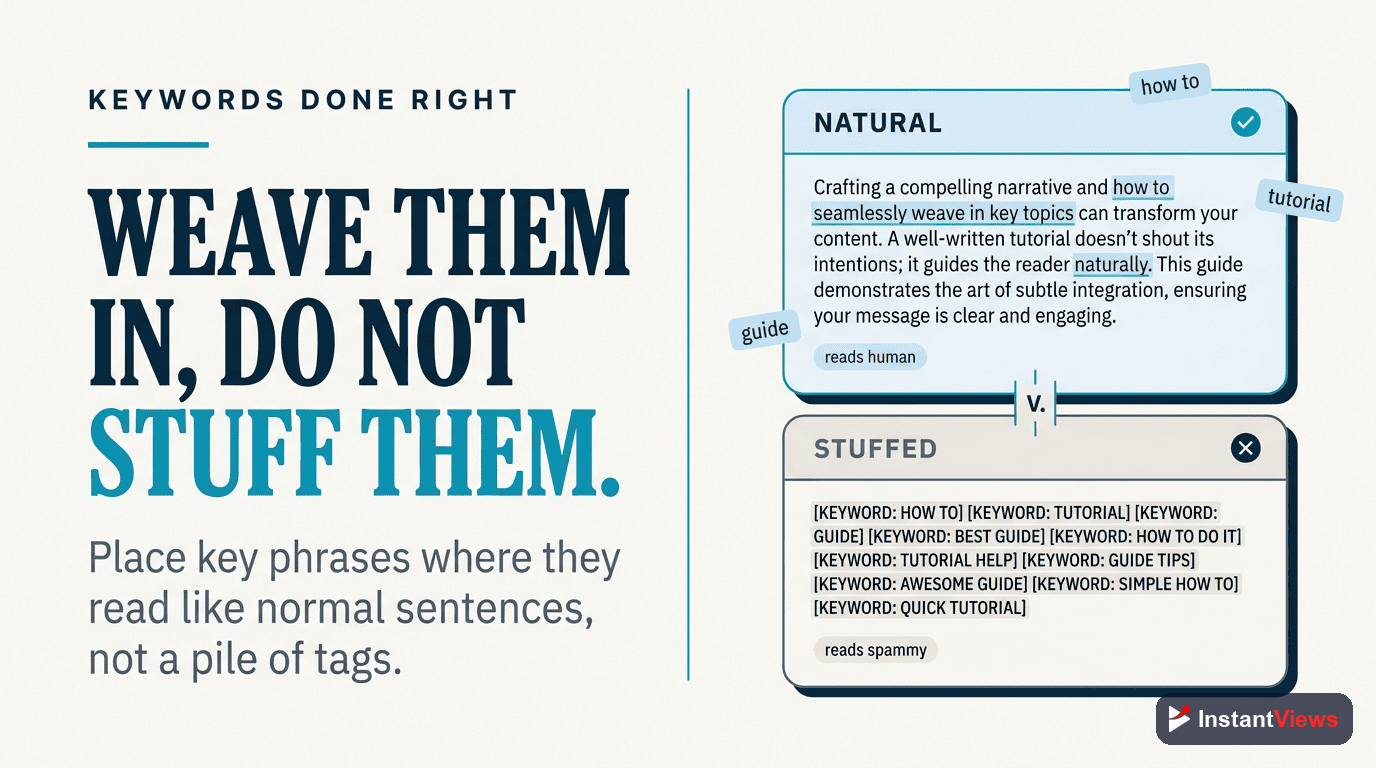
Keyword integration is where many creators fail. They either stuff keywords awkwardly or don't use them enough. Here's the right approach:
Primary Keyword Placement
Your main keyword should appear:
- Once in the first 25 words (critical for ranking)
- 1-2 more times in the full description (naturally integrated)
- Once in a timestamp title (if relevant to a chapter)
Related Keywords Strategy
Include 3-5 related keywords (LSI keywords) that support your main topic:
Natural Keyword Integration
If your primary keyword is "AI video summaries," your related keywords might be: "video description generator," "YouTube SEO optimization," "automated transcription," "content summarization."
"AI video summaries transform how creators optimize content. This video description generator uses automated transcription to analyze your videos and create YouTube SEO optimization strategies. Learn how content summarization saves time while improving rankings."
Keyword Density Guidelines
- Primary keyword: 1-1.5% density (2-3 mentions in 250 words)
- Related keywords: 0.5-1% each (1-2 mentions per keyword)
- Total keyword density: Keep under 5% to avoid spam penalties
Description Templates That Convert
Here are proven templates you can adapt for different video types:
Template 1: Tutorial/How-To Video
[Primary Keyword] guide - Learn [specific outcome] in [time frame]. This [video type] covers [key benefit 1], [key benefit 2], and [key benefit 3].

In this video, you'll discover:
• [Specific learning point 1]
• [Specific learning point 2]
• [Specific learning point 3]
• [Specific learning point 4]

Timestamps:
0:00 Introduction
1:15 [Chapter title with keyword]
4:30 [Chapter title with keyword]
8:45 [Chapter title with keyword]

Resources mentioned:
🔗 [Tool/resource name]: [link]
🔗 [Tool/resource name]: [link]

Try [your tool name] for free: [link]

Subscribe for more [topic] tutorials: [link]

#[PrimaryKeyword] #[RelatedKeyword] #[VideoType]
Template 2: Product Review
[Product name] review - Is it worth it in 2026? Complete breakdown of features, pricing, pros & cons, and real-world performance.

Quick verdict: [One-sentence summary of recommendation]

What we cover:
✓ [Feature/aspect 1]
✓ [Feature/aspect 2]
✓ [Feature/aspect 3]
✗ [Drawback 1]
✗ [Drawback 2]

Timestamps:
0:00 Quick overview
1:30 Unboxing & first impressions
3:45 [Key feature review]
7:20 Performance testing
10:15 Final verdict & alternatives

Get [product] here: [affiliate link]
Best alternative: [link]

#[ProductName] #[ProductCategory] #Review2025
Template 3: Educational Content
Everything you need to know about [topic] in 2026. This comprehensive guide explains [primary benefit] for [target audience].

You'll learn:
1. [Key concept 1] - [Brief explanation]
2. [Key concept 2] - [Brief explanation]
3. [Key concept 3] - [Brief explanation]
4. [Key concept 4] - [Brief explanation]

Perfect for [audience type] who want to [achieve goal].

Chapter timestamps:
0:00 Why [topic] matters
2:15 [Core concept 1]
5:40 [Core concept 2]
9:10 [Core concept 3]
12:30 Real-world applications

Additional resources:
📚 [Resource name]: [link]
📊 [Tool/calculator]: [link]

#[Topic] #[Educational] #[Year]
Generate Perfect Video Descriptions
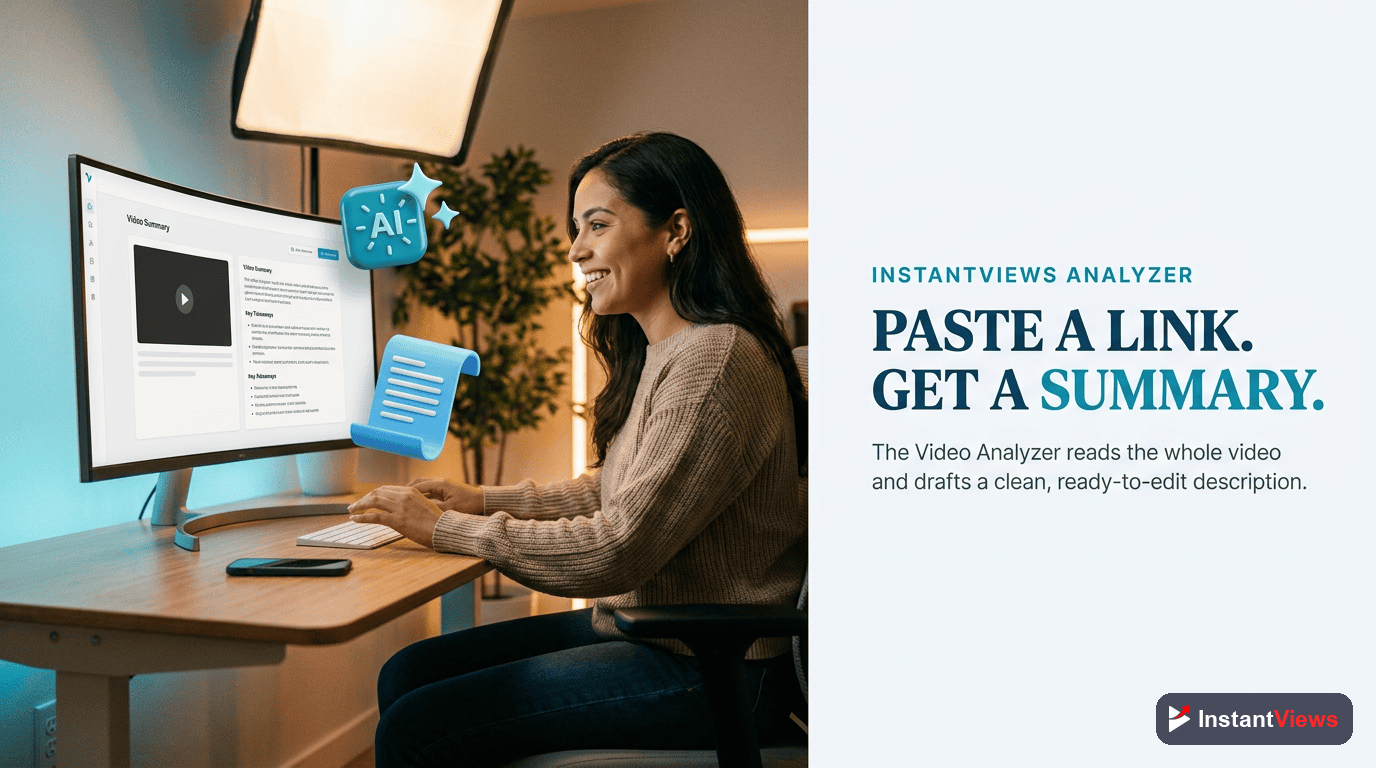
Let AI analyze your video and create SEO-optimized descriptions with keywords, timestamps, and CTAs in 30 seconds. Try the InstantViews Video Analyzer free.
Analyze Your Video →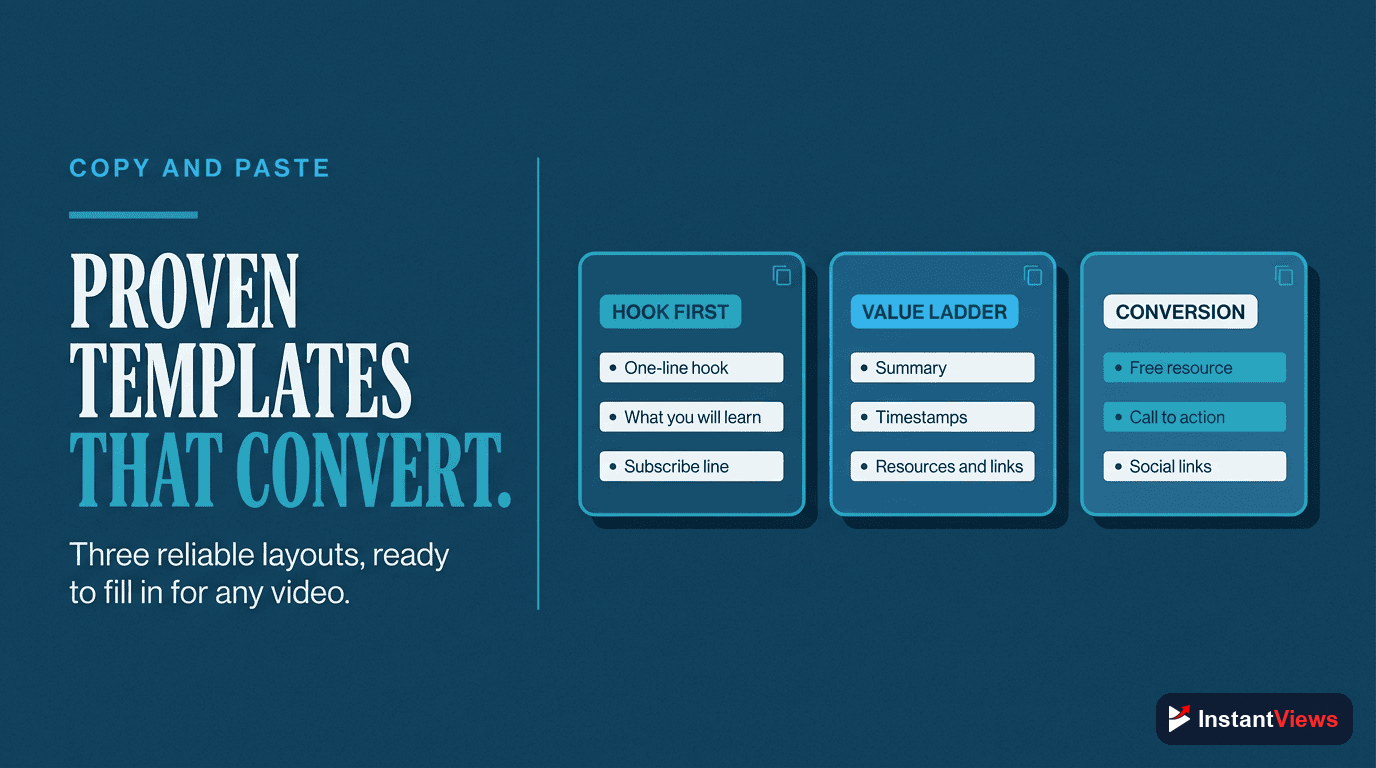
How InstantViews Video Analyzer Creates AI Summaries
The InstantViews Video Analyzer is specifically built for YouTube creators who want professional-quality descriptions without the manual work. Here's what makes it different:
Intelligent Content Analysis
Unlike basic summarization tools, InstantViews analyzes:
- Full video transcript - Identifies key topics and main points
- Speaking patterns - Detects which sections you emphasize
- Video pacing - Suggests optimal timestamp placement
- Competitor content - Finds keyword opportunities they're missing
- Search trends - Incorporates currently trending related terms
SEO-Optimized Output
Every generated description includes:
Keyword-Optimized Hook
The first 150 characters are crafted to include your primary keyword naturally while creating intrigue. The AI tests multiple variations and selects the highest-performing format.
Automatic Timestamps
InstantViews detects topic changes in your video and generates chapter titles with optimal keywords. Each timestamp is clickable and SEO-friendly, following YouTube Key Moments best practices.
Related Keyword Integration
The AI naturally weaves 3-5 related keywords throughout the description at optimal density. This expands your search visibility without keyword stuffing.
Call-to-Action Suggestions
Based on your video type and content, InstantViews recommends specific CTAs that drive engagement - whether that's subscribing, visiting your website, or watching related videos.
Customization Options
You can customize the AI output to match your brand:
- Tone settings - Professional, casual, educational, entertaining
- Length preferences - Short (150-250 words), medium (250-400), long (400-600)
- Keyword focus - Provide target keywords or let AI suggest them
- Template selection - Choose from proven formats for your content type
Internal Linking Strategy
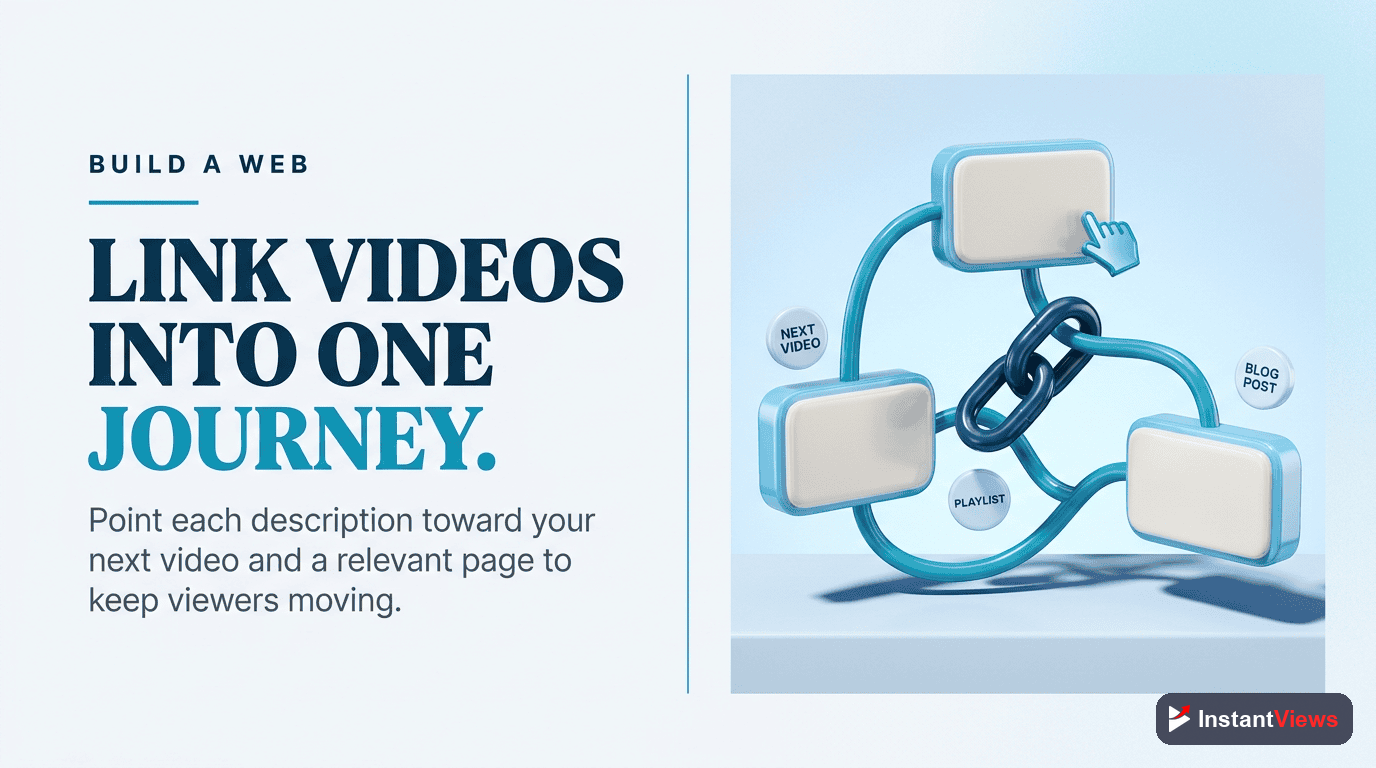
Smart descriptions include links to related content. This keeps viewers engaged with your channel and improves SEO. Here's how to do it effectively:
Types of Links to Include
- Related videos - Link 2-3 relevant videos from your channel
- Playlists - Direct viewers to curated content series
- Your website - Drive traffic to landing pages, blog posts, or tools
- Resources mentioned - Tools, products, or references discussed in the video
- Social media - Your other platforms (but limit to 1-2 to avoid dilution)
Strategic Link Placement
Place your most important links in the first 200 characters after timestamps. This is the second most visible section of your description (after the preview text).
[Opening hook with keyword - 150 chars]

[Detailed summary - 100-200 words]

Timestamps:
0:00 [Chapter]
2:15 [Chapter]

🎯 Try our Video Analyzer: [primary CTA link]
📺 Watch next: [most relevant related video]
📚 Complete guide: [related blog post/resource]

[Additional description content]

Follow for more:
Instagram: [link]
Website: [link]
Related Content on InstantViews
For more strategies to optimize your YouTube content:
- YouTube Description Optimization - Advanced description strategies
- YouTube Tags Strategy - Maximize your tag effectiveness
- YouTube Hashtags Guide - Use hashtags for discovery
- YouTube Chapters SEO Benefits - Why timestamps matter
- Improve YouTube Audience Retention - Keep viewers watching
"AI-generated descriptions are a game-changer for efficiency, but the key is customization. Use AI as your foundation, then add your unique voice and brand personality." - InstantViews Team
Frequently Asked Questions
AI video summary tools analyze your video content (transcript, visuals, audio) using natural language processing and machine learning. They identify key topics, extract main points, and generate concise descriptions that capture the video's essence. Advanced AI like InstantViews Video Analyzer also optimizes for SEO keywords and search intent.
The ideal YouTube description is 150-250 characters for the preview (appears above "Show more"), and 200-500 words total. The first 150 characters are critical for SEO and click-through rates. Include your main keyword within the first 25 words, and provide comprehensive information in the full description.
No, when done correctly. AI-generated descriptions from quality tools like InstantViews are optimized for SEO and pass as natural content. The key is using AI as a foundation and adding your unique voice. Google doesn't penalize AI content - it penalizes low-quality, unhelpful content regardless of how it was created.
Yes, but naturally. Include your primary keyword 2-3 times and related keywords 3-5 times throughout the description. Place the most important keywords in the first 150 characters. Avoid keyword stuffing - focus on writing helpful descriptions that naturally incorporate relevant terms users search for.
Update descriptions when information becomes outdated, you want to target new keywords, or you notice low performance. For evergreen content, review descriptions every 3-6 months. For trending topics, update as needed to stay current. Always add timestamps if you didn't include them initially.
Include: 1) A compelling summary with your main keyword (first 150 characters), 2) Detailed overview of video content, 3) Timestamps/chapters, 4) Relevant links (your website, social media, related videos), 5) Call-to-action, 6) Hashtags (2-3 relevant ones), 7) Credits and resources. Use the InstantViews Video Analyzer to generate optimized descriptions with all these elements.